Week 9 - Project 1 - Door Trim Lower with Engineering Features
AIM :
To create the class B surface and class C surface from class A and using close surface command to close the surface to make a solid body
COMMANDS USED :
* OFFSET
*EXTRAPOLATE
*TRIM
*BOUNDARY
*EXTRACT
*MULTI EXTRACT
*MULTI SECTION SURFACE
*EDGE FILLET
*JOIN
*SWEEP
DRAFT ANALYSIS :
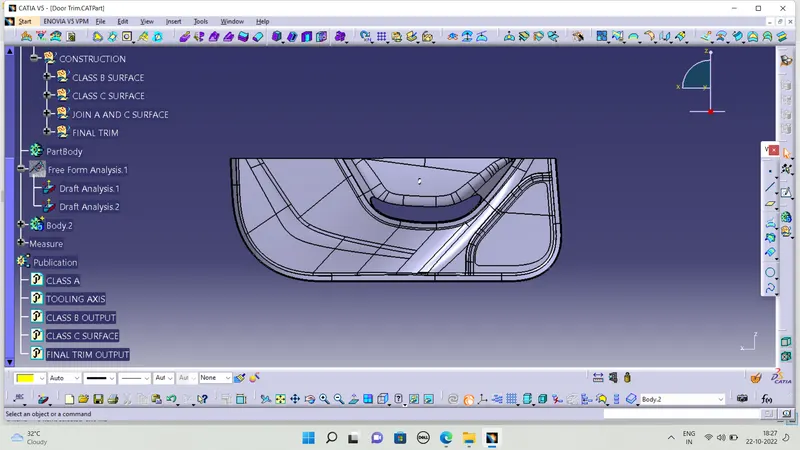
First we need to approve the class a surafce are created with a 3 degree to know to using draft analysis command
DRAFT ANALYSIS FOR CLASS A :
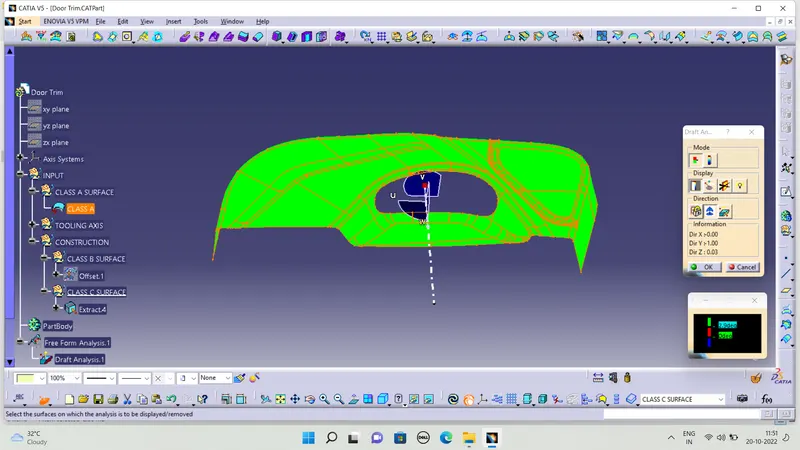
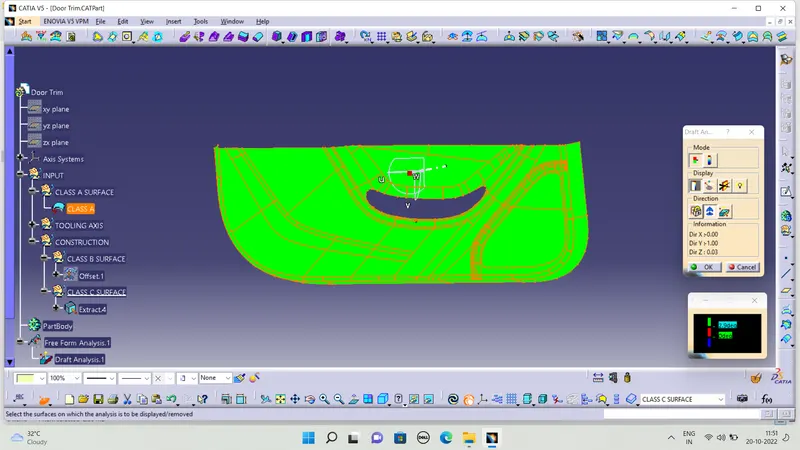
To clear the class A surface are created with perfect draft angle
CREATING CLASS B SURFACE :
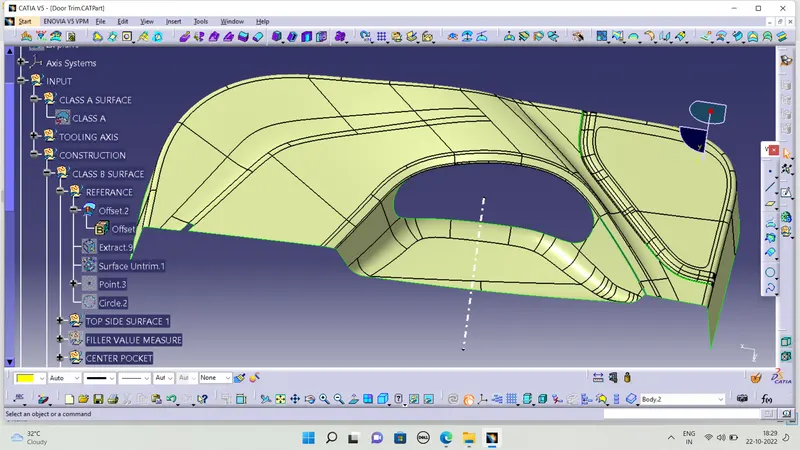
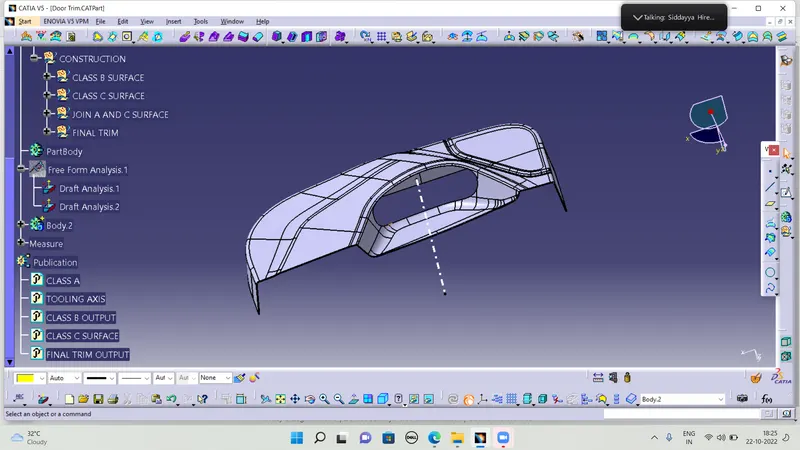
Fisrt we need to offset the class A surface 2.5mm for inside the class a surface then we create the offset we have a more patches in the class b surface so this method to creating the class b surface bit more difficult to complete the class b surface so i follwed the other method using multi extract the surface and using extrapolte the both surface and using trim command to trim the intersection surface and measure the edge fillet from class surface and then using edge fillet to solve the sharp edges
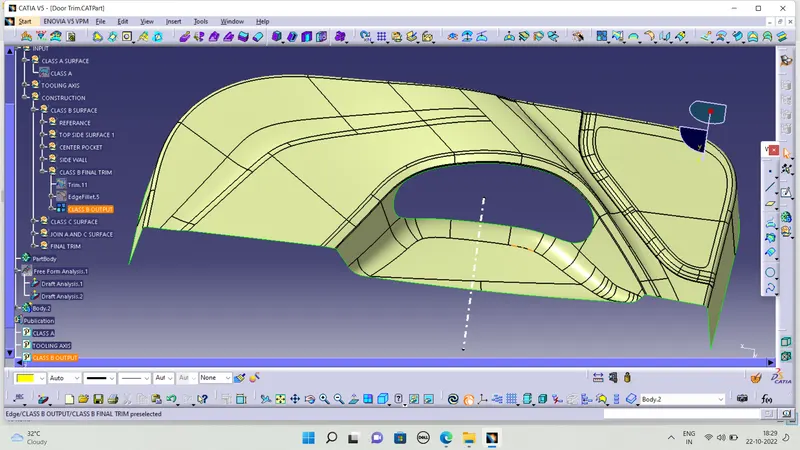
I splited the surface in 1,2,3,4 using four multi extract surface one is side wall and center pocket and top side surafce then i created the extyrapolate in indivudual surafec then using trim command and finally i joined the all suraface in one surface and this is my final class b surface
OFFSET SURFACE WITH PATCHES :
CLASS B SURFACE FINAL OUTPUT :
CREATING CLASS C SURFACE :
TO create the class c surface i suinf sweep command in 3 degree in with referance surface to create the class c surface i didnt give hole boundary in one sweep so i used to give seperate sweep to create the class c surface and two edges in the center pocket the sweep was didnt work properly so i using multi section surface in that particular edge only then i joined the sweep and multi section surface and i get a single sweep and give seprate sweep in center pocket hole then i joined both in class A surface and finally get class c surface
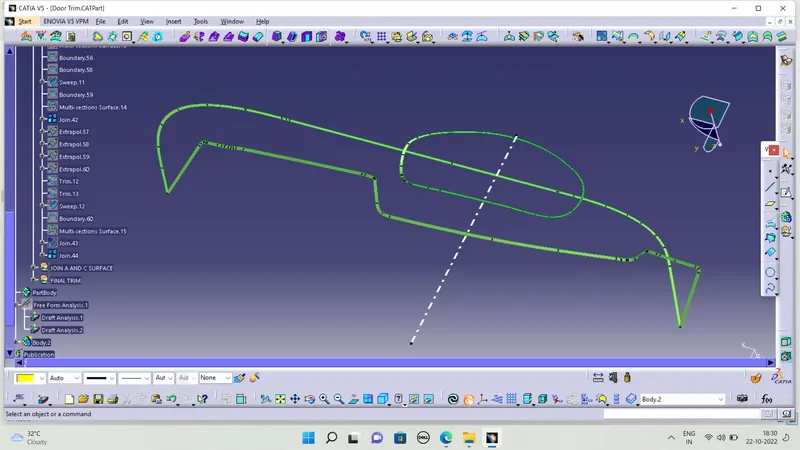
JOINED WITH CLASS A SURFACE :
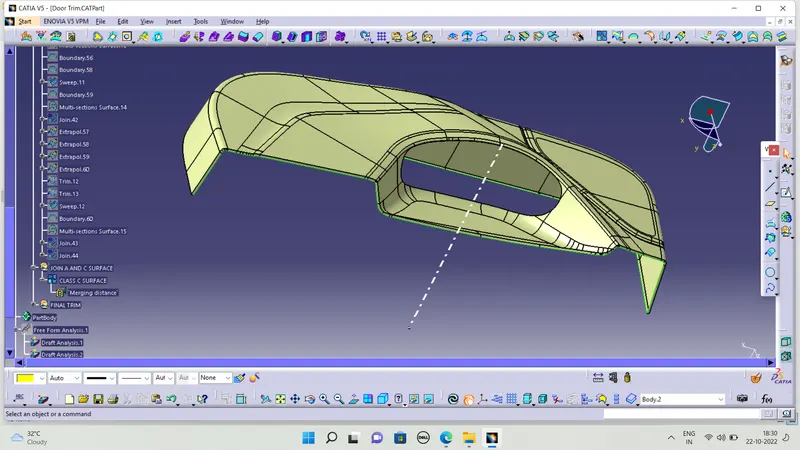
FINAL TRIM :
We need to trim the class c surface with class b surface and i extrapolate the the class b surface and finally trim with class c surface and i get the final close surafce
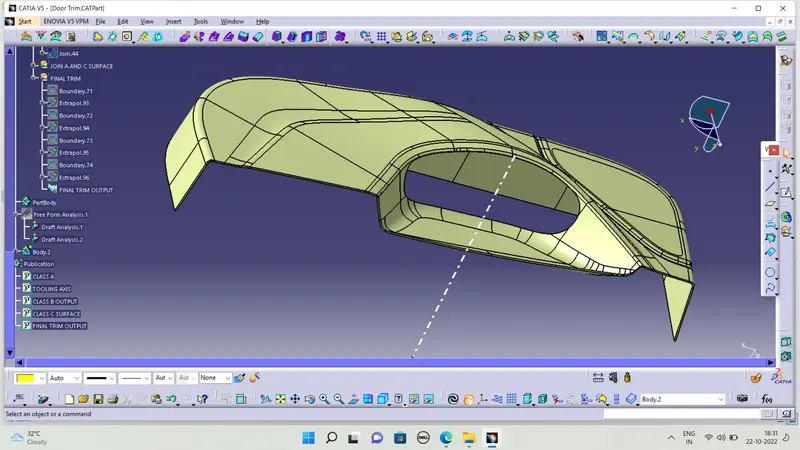
CLOSE SURFACE :
We need to create a close surface using close surface command first i create body part then go to part design using close surface command we got a close suraface body
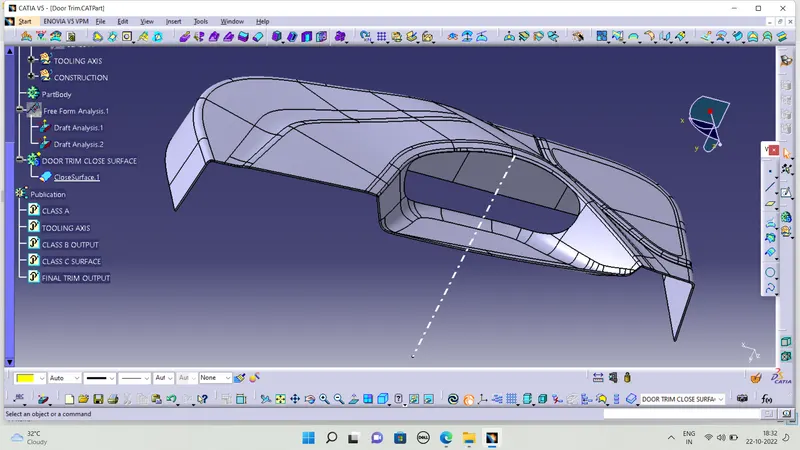
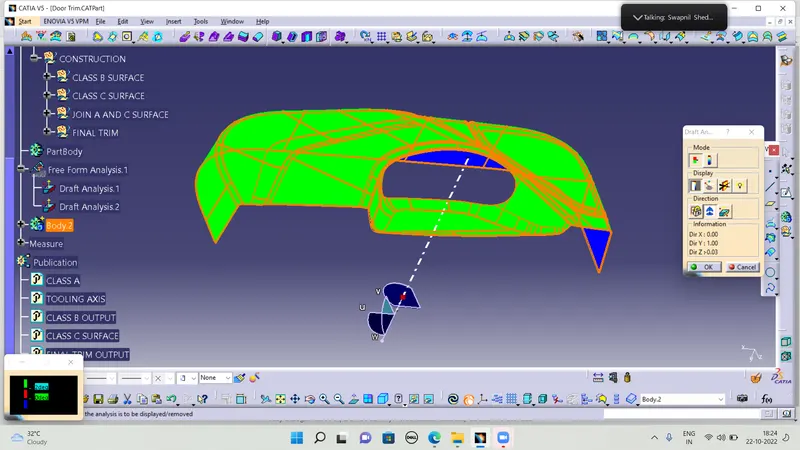
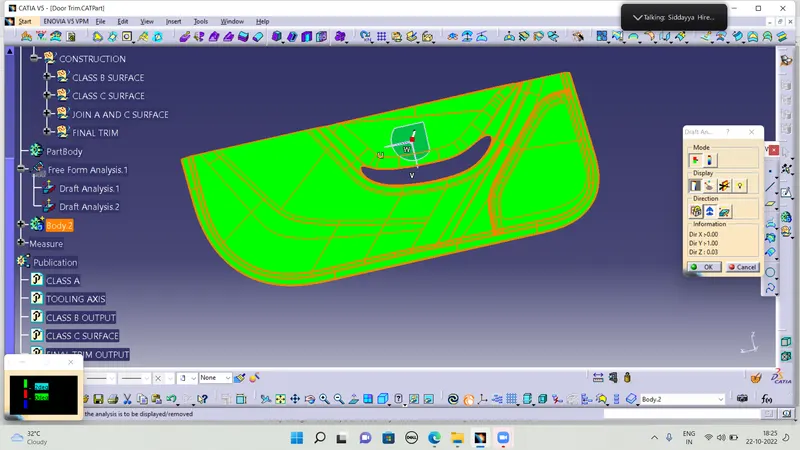
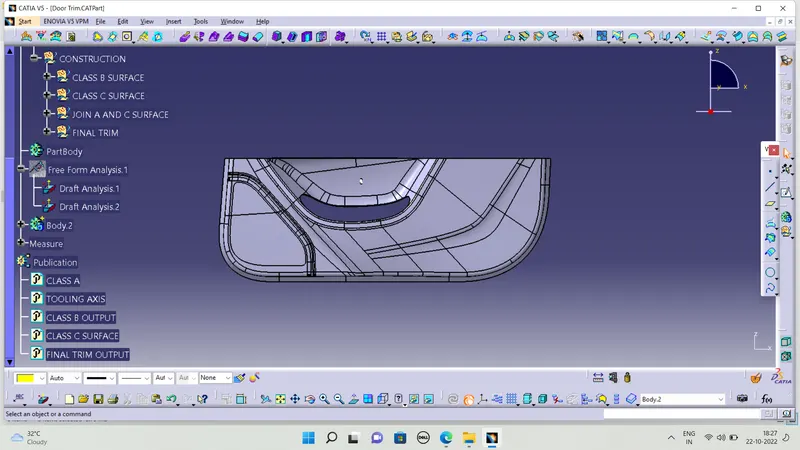
DRAFT ANALYSIS :
Finally chaeck the draft analysis we created with correct draft anagle or not and i get proper draft analysis
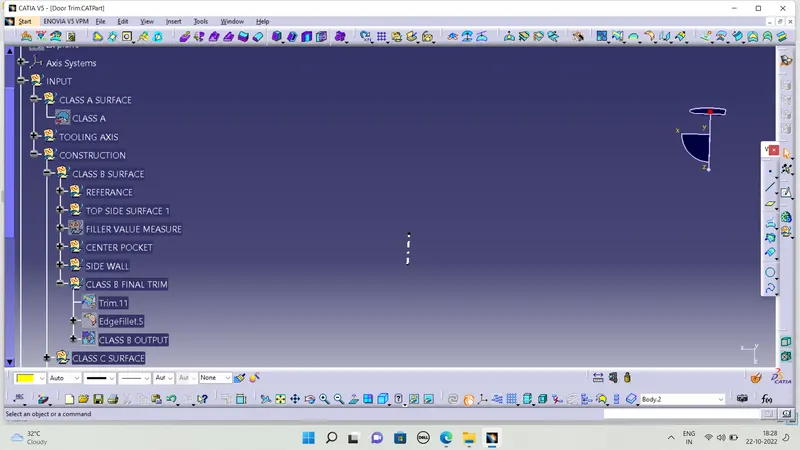
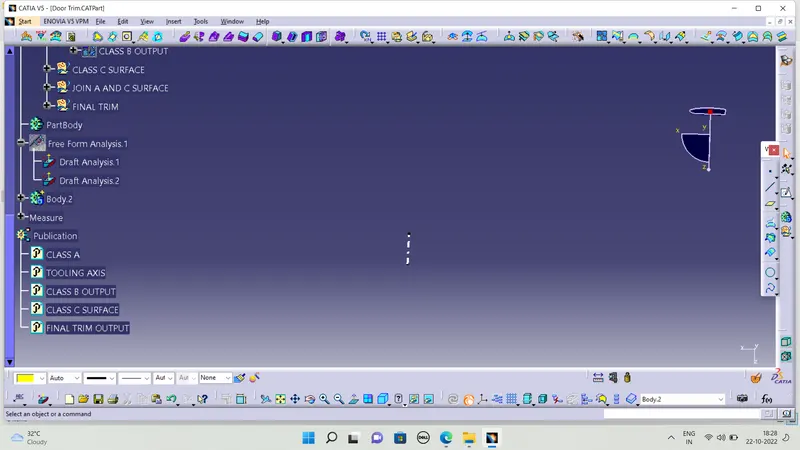
TREE STRUCTURE :
FINAL CLOSE BODY :
LOCATORS :
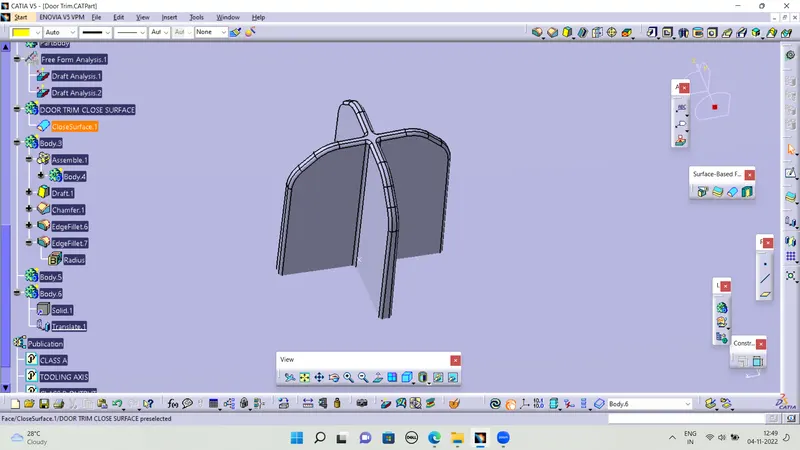
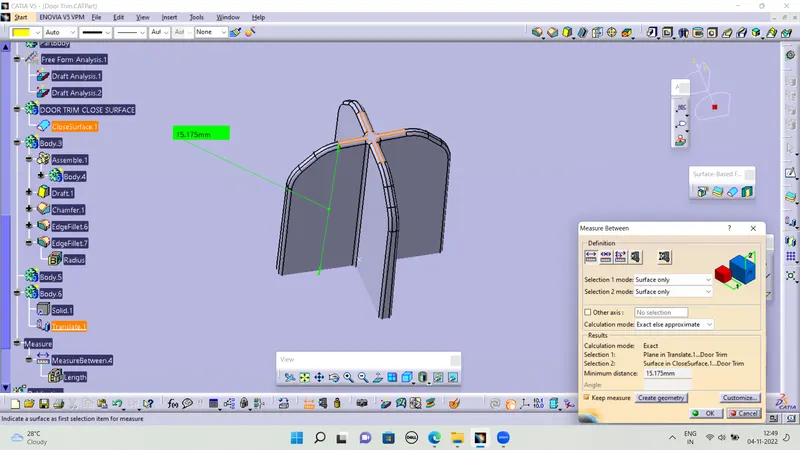
Locators are used to arrest the Degrees of freedom of a component, there are many ways of creating locators based on the model, here for this model , I have created four way n two locators at corner position.
* 2 Way locators
* 4 Way locators
4 WAY LOCATORS :
HEAT STAKES :
Heat stakes are use to rivet the plastic componnet to the environment that is the reference surface provided,It is riveted by melting the heat stakes such that the extra part of the heat stakes will be melted and acts as rivet.
A single heat stake will be created by padding the sketch along with tooling axis and other heat stakes will be created using copy and paste special option along the points created
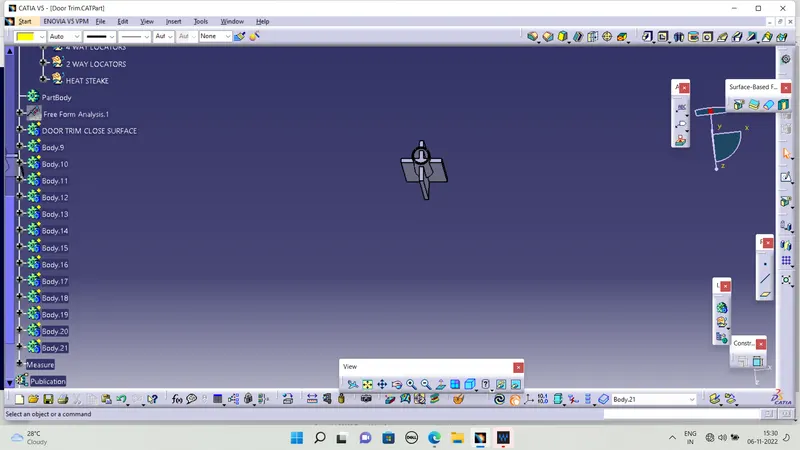
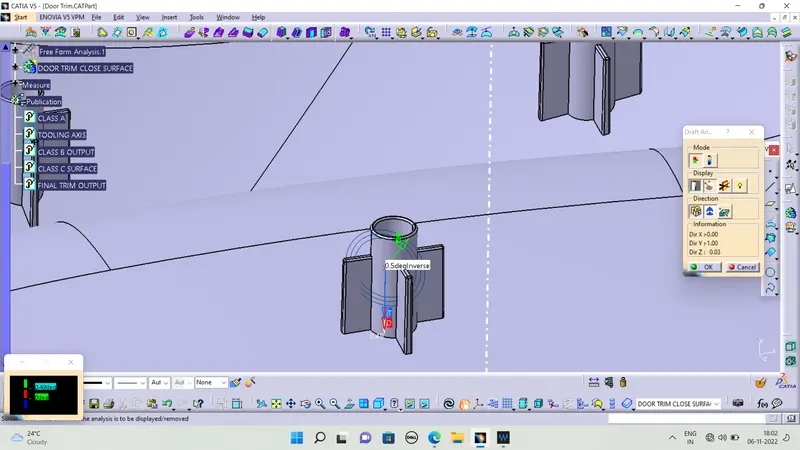
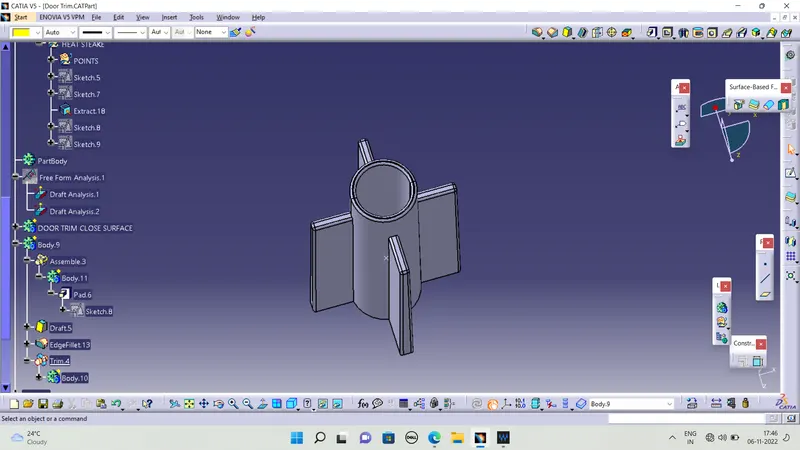
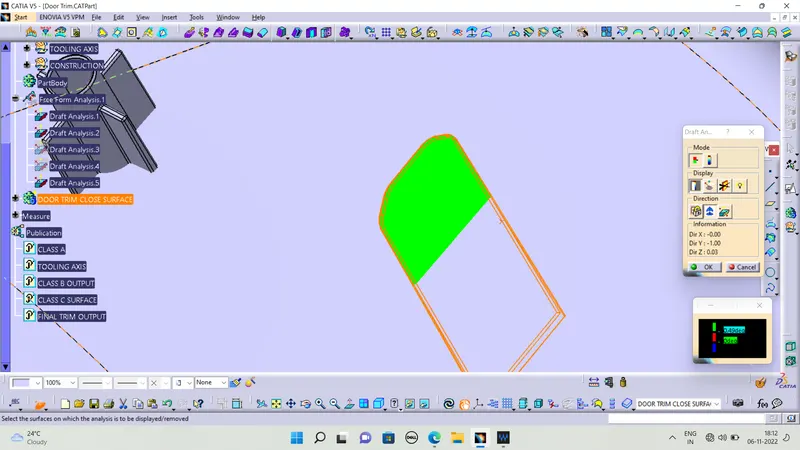
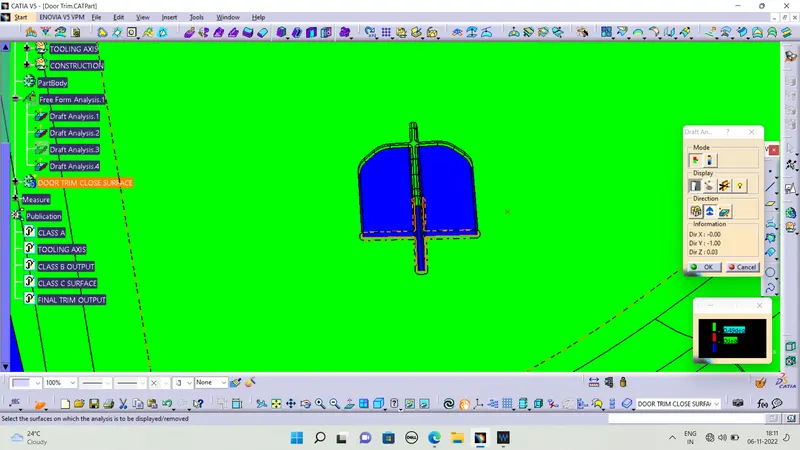
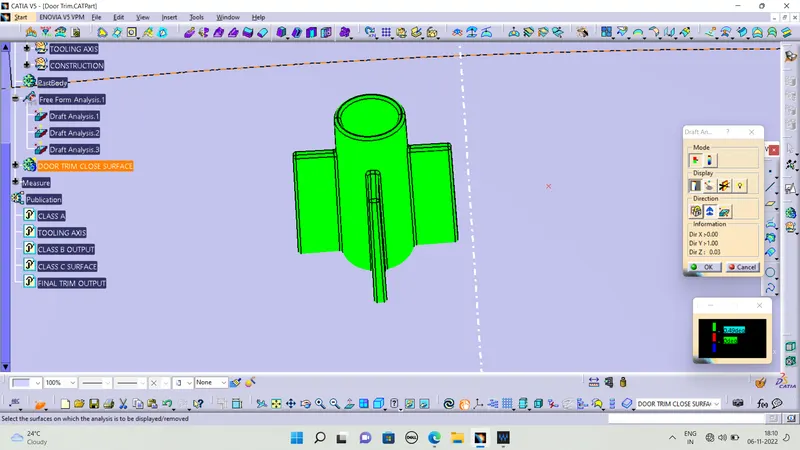
Draft analysis:- The Draft analyse technique is used to analyse whetherour part model created in CAD is manufacturable based on the drfat condition applied.Here the part should get easily removed from the mould.
It also let us know whether the mould is having a drfat angle and how much is the drfat angle from the tool direction.Here I have given 0.48degreeto clear the draft.
As we can see in the picture all solid is green in color that means it is satisfying the Draft.
DRAFT ANALYSIS FOR 4 WAY LOCATORS :
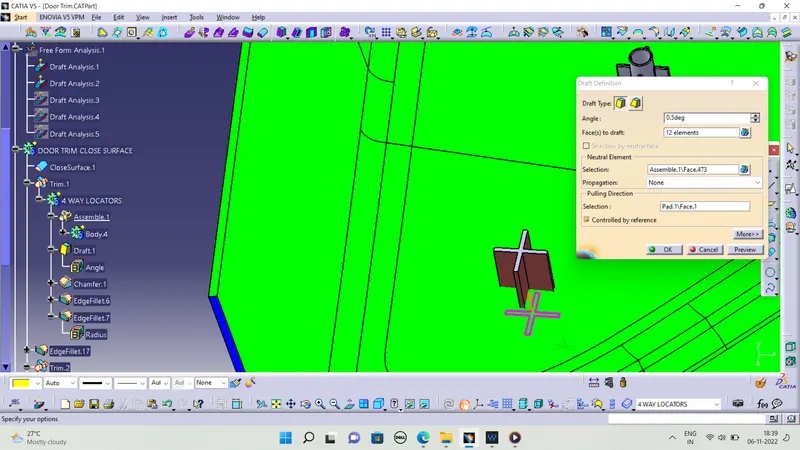
I give a draft angle in 0.5 degree in 4 way locator but it dosent clear the draft analysis i attached the images below
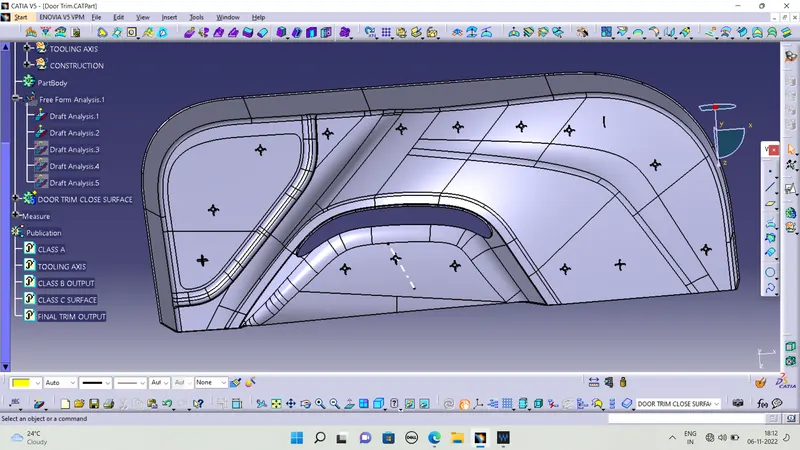
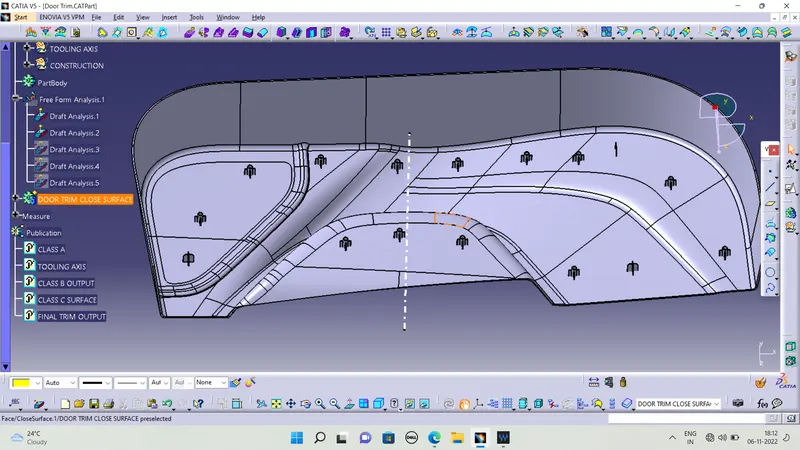
FINAL OUTPUT :
TREE STRUCTURE :
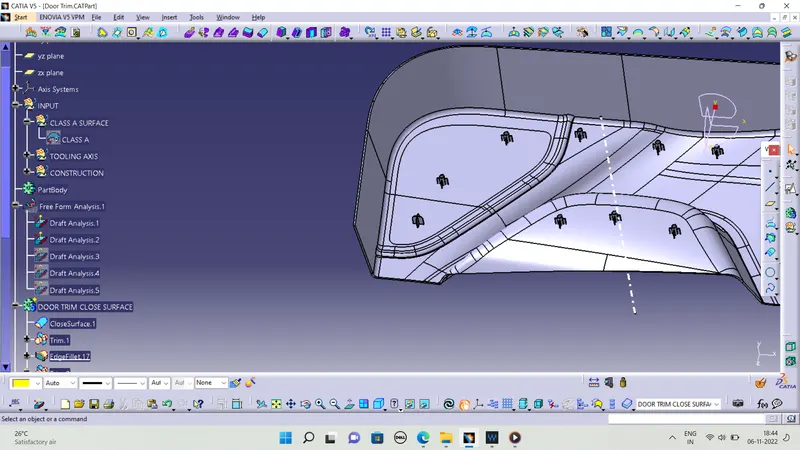
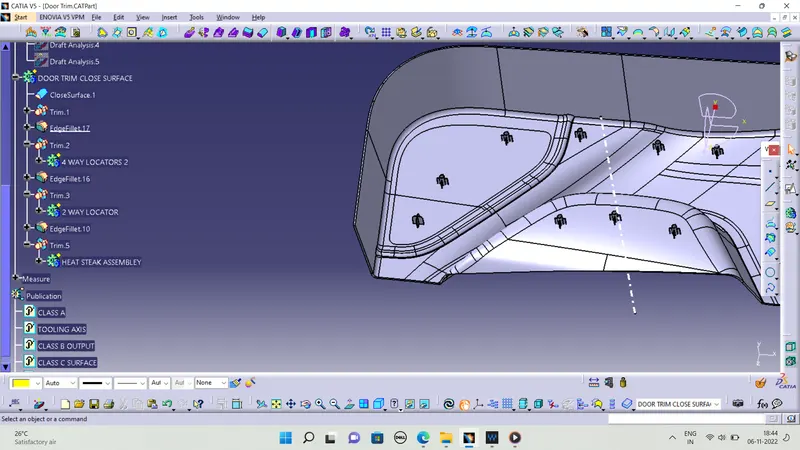
CONCLUSION :
I created the 4 way and 2 way locatros and i was created the heat steak with the supporting rips to consider and follow the design consideration.....