Week 9 - Project 1 - Door Applique Design with Engineering Features
Aim:Create the door applique plastic component,create tooling axis,Heat stakes & locators by using class A surface.
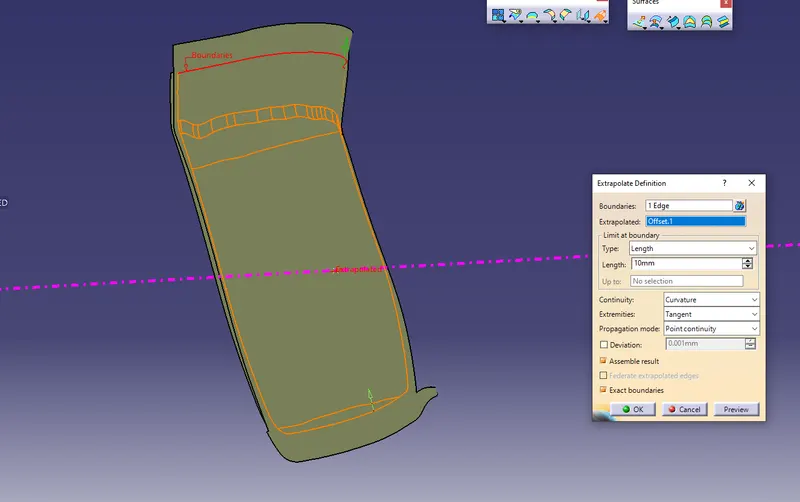
Create tooling axis
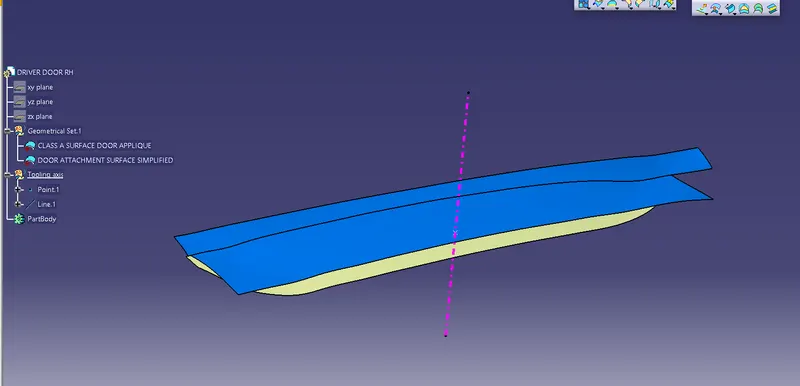
Make a close body by using Class A surface
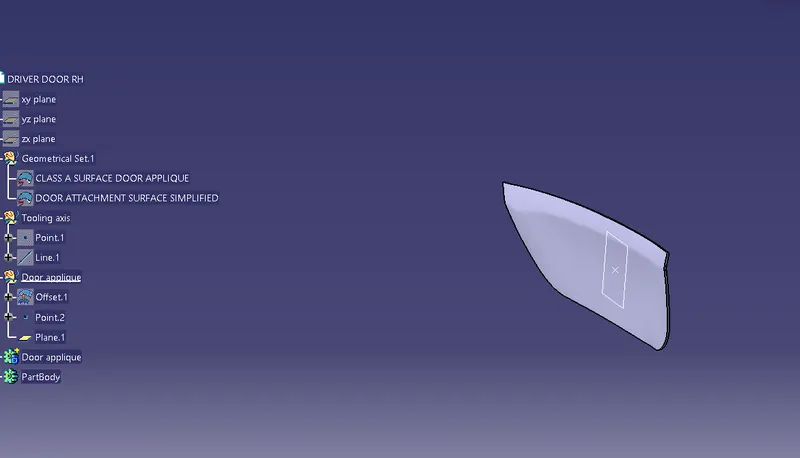
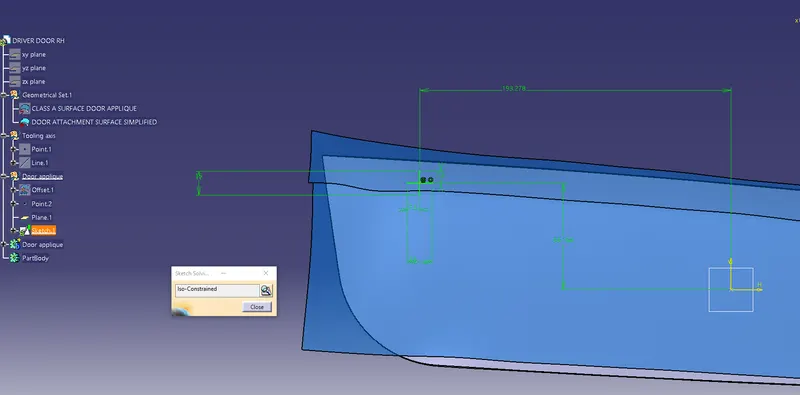
Create adrawing for 4 way locator
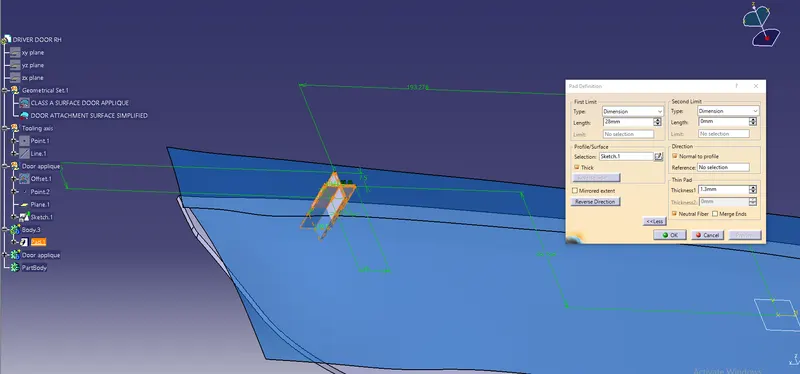
Then pad the $ way locator sketch.
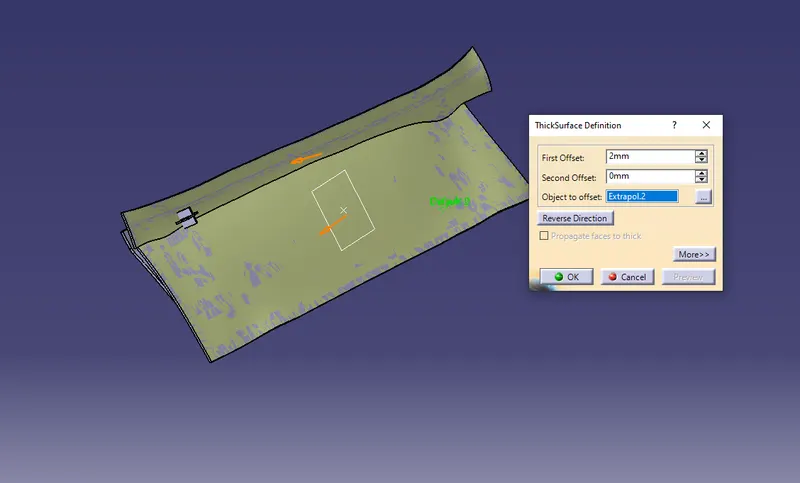
After that give the thicken command to class A surface
Give the draft to way locator & give the fillet & chamfer to it.
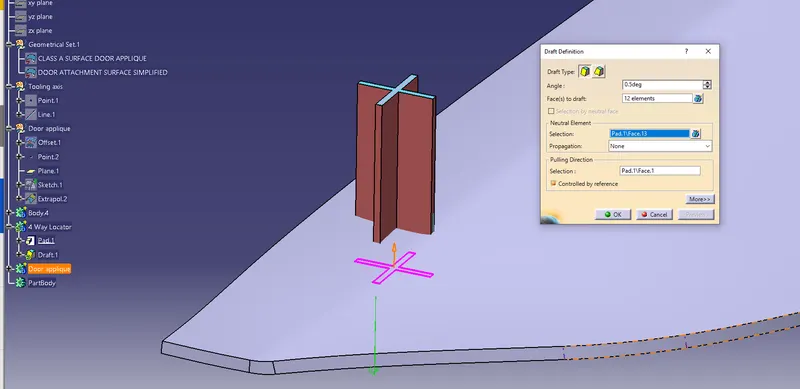
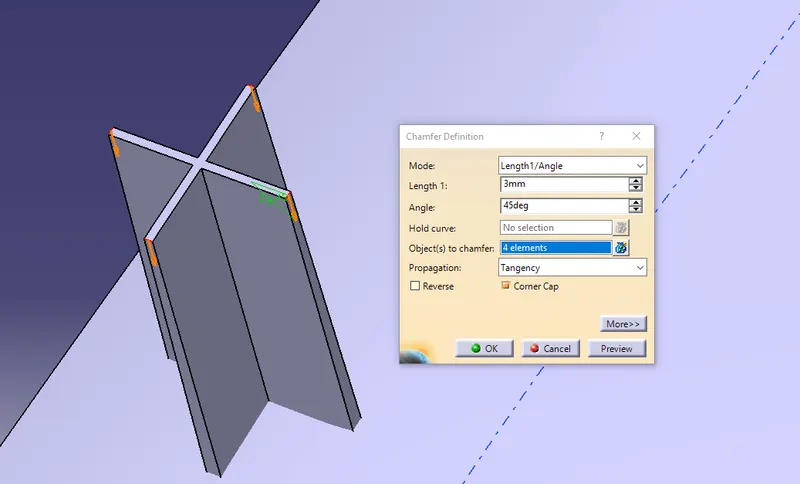
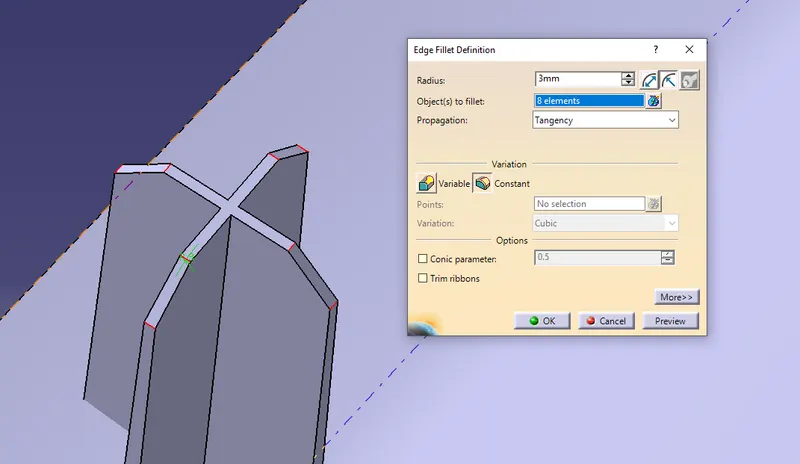
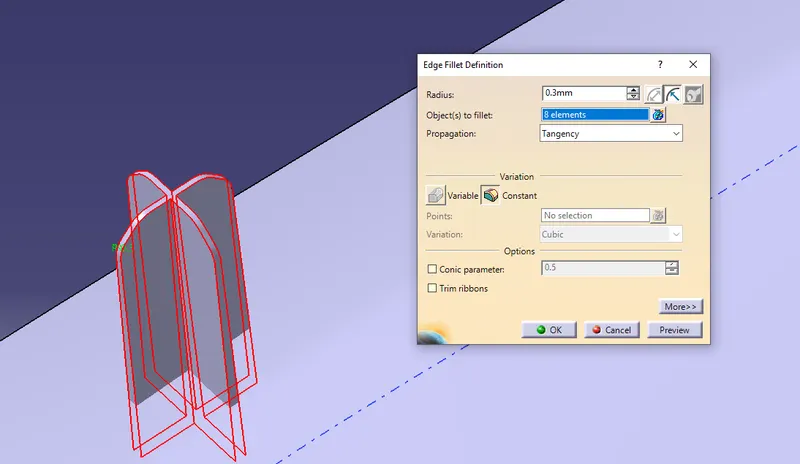
After that translate the same 4 way locator to another side also
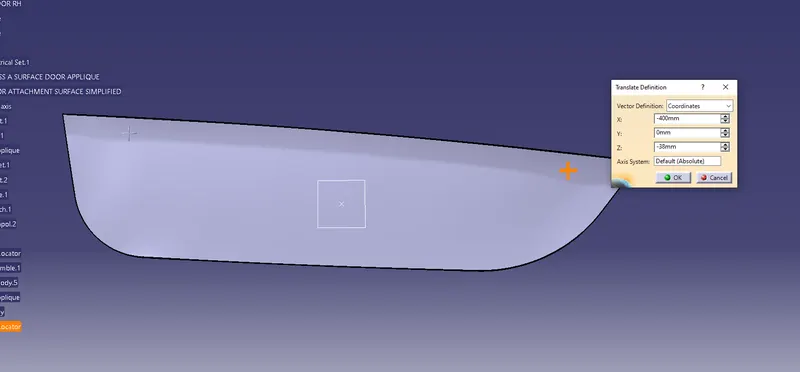
Now make a two way locator draw a sketch & pad it.
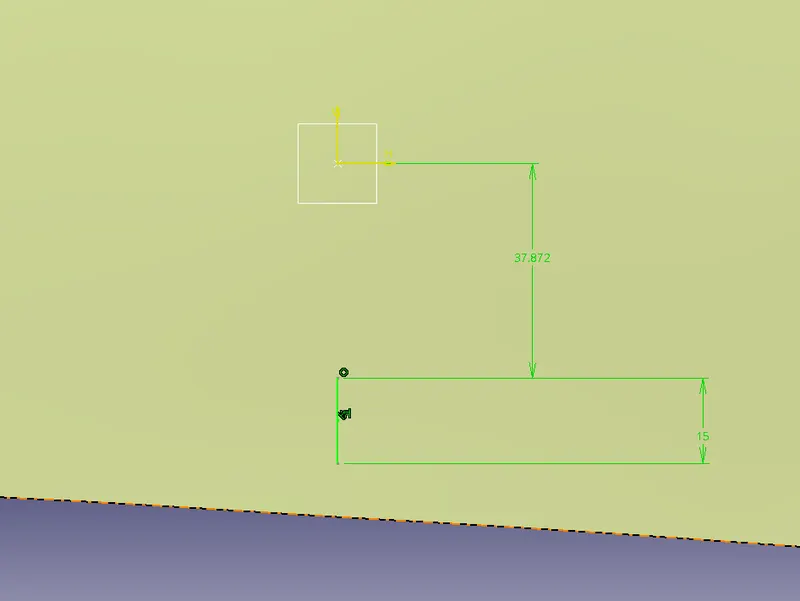
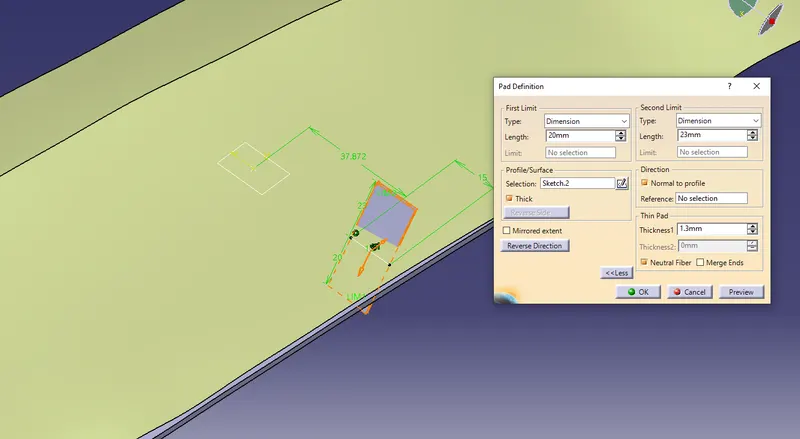
check the height of 4 way & 2 way locator
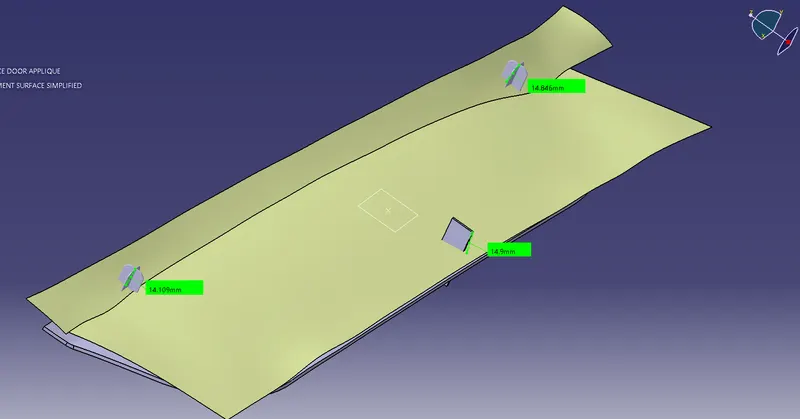
Give the draft,Chamfer & edge fillet to 2 way locator.
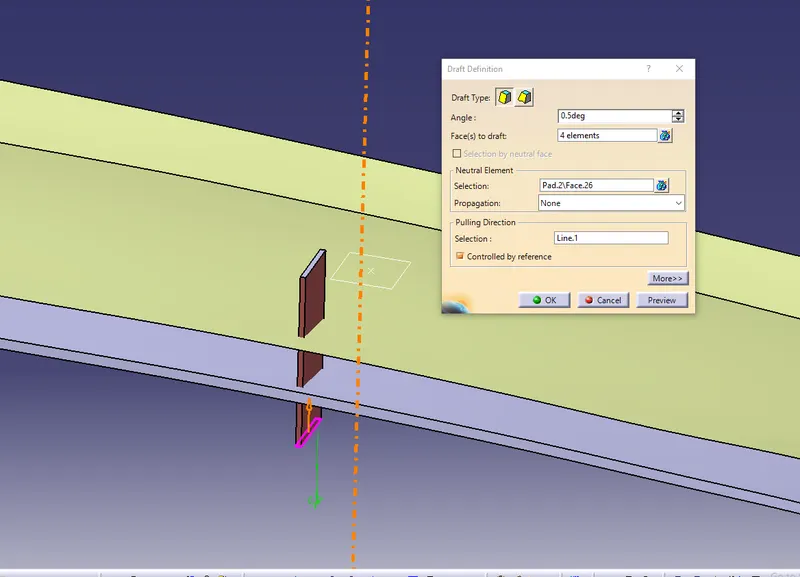
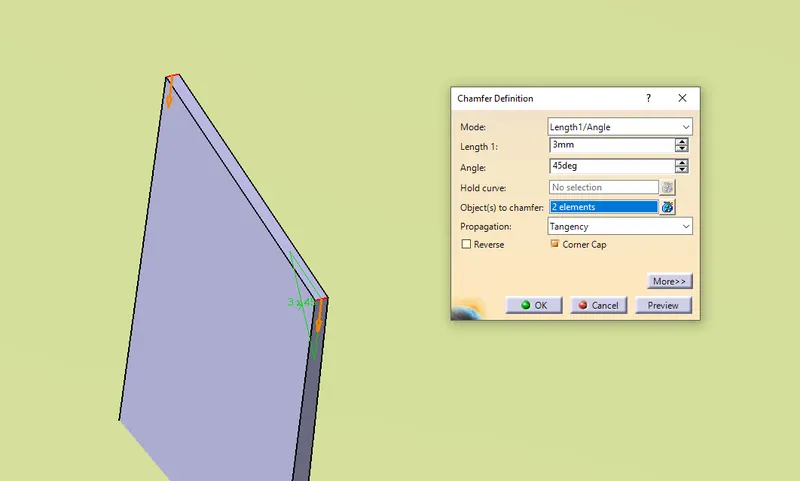
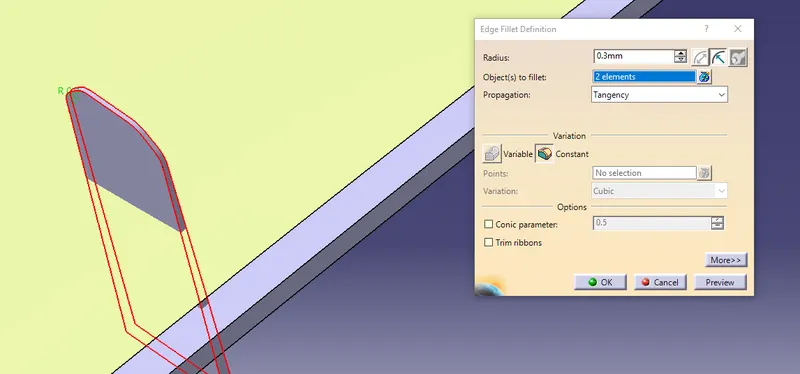
Trim the Locators with door applique.
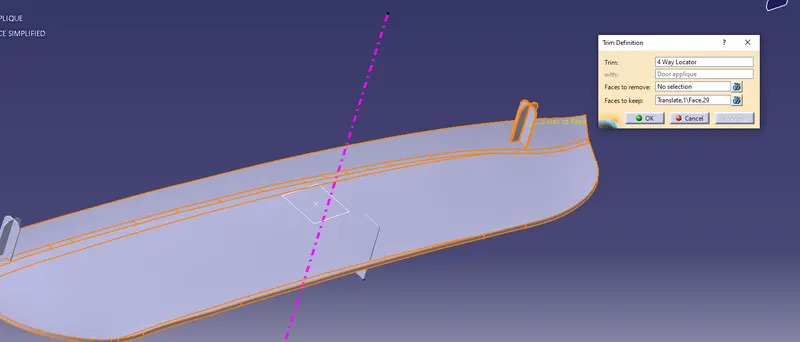
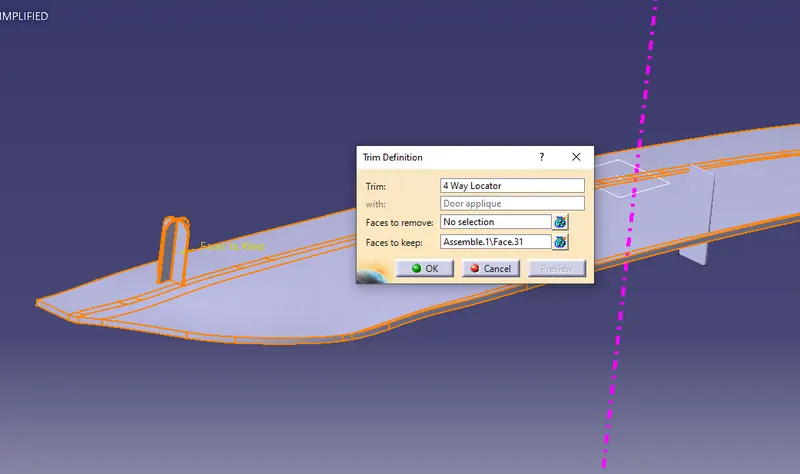
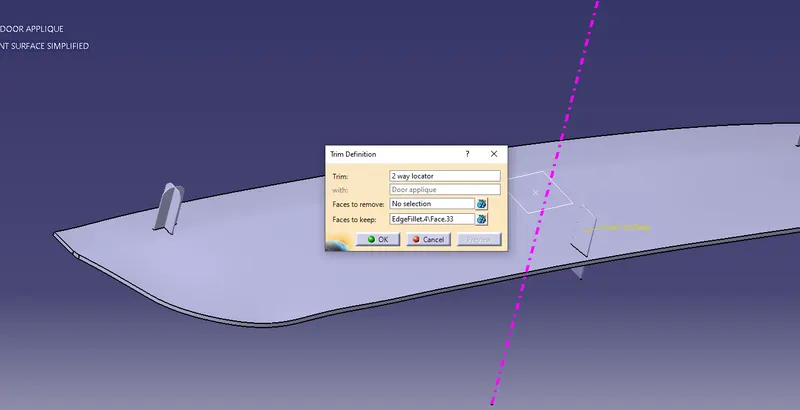
Our next step is to extract the Lower & upper edge & Transfer this corve 10 mm on the surface & make a equidistant point on it.
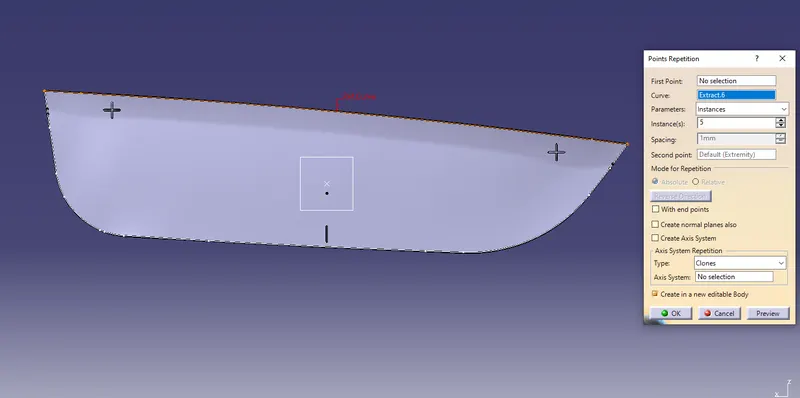
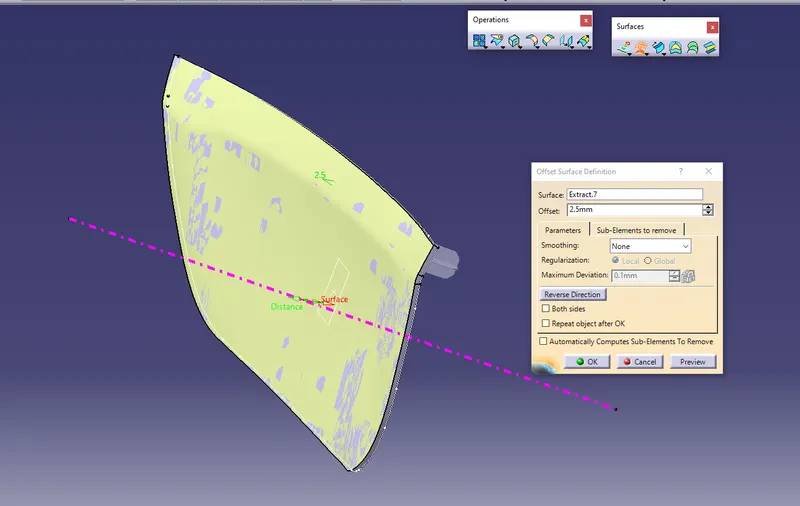
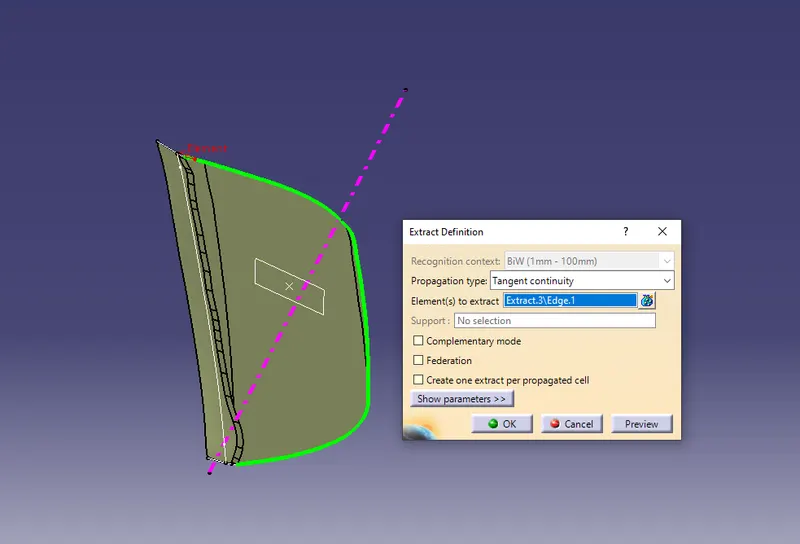
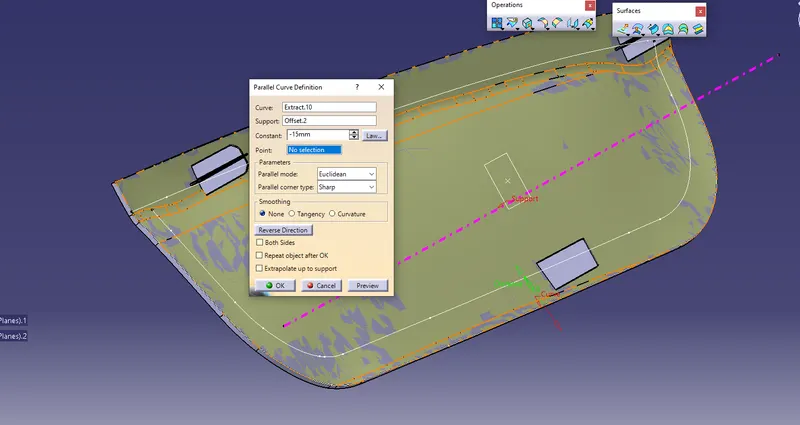
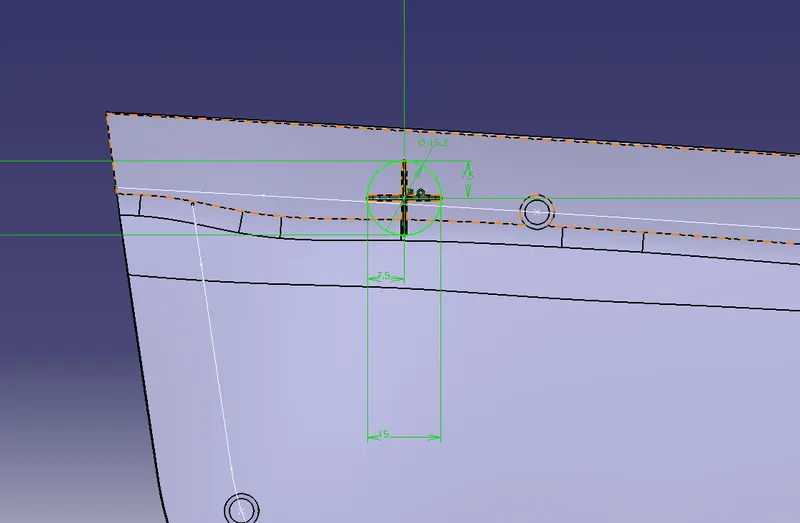
After that we can start work on Heat stack.For that draw a sketch
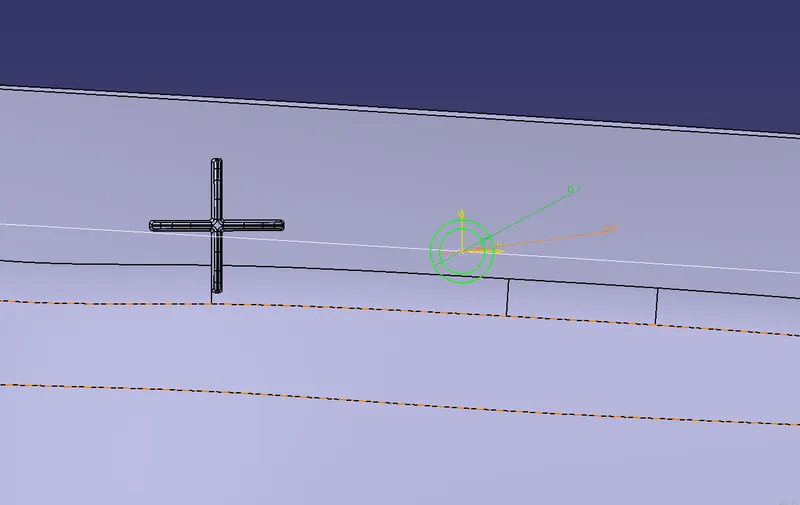
Then Pad it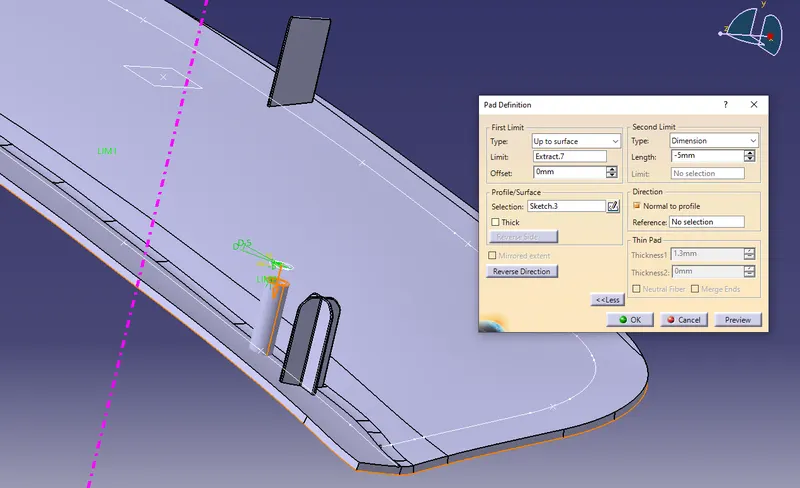
and translate the heat stack to all over Point.
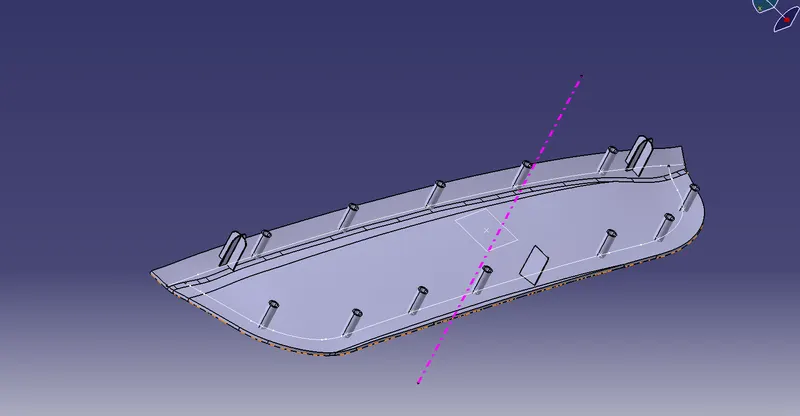
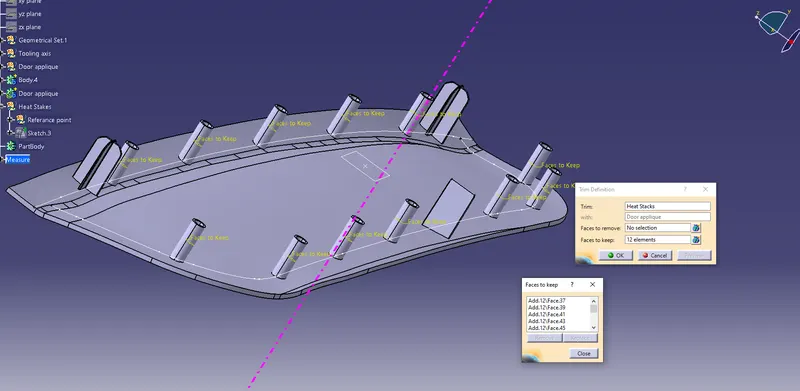
After that trim the Heat staks with Door applique
Now make a circle On a locator For craeting hole on our door panel.
Pad it & then remove it from Main body
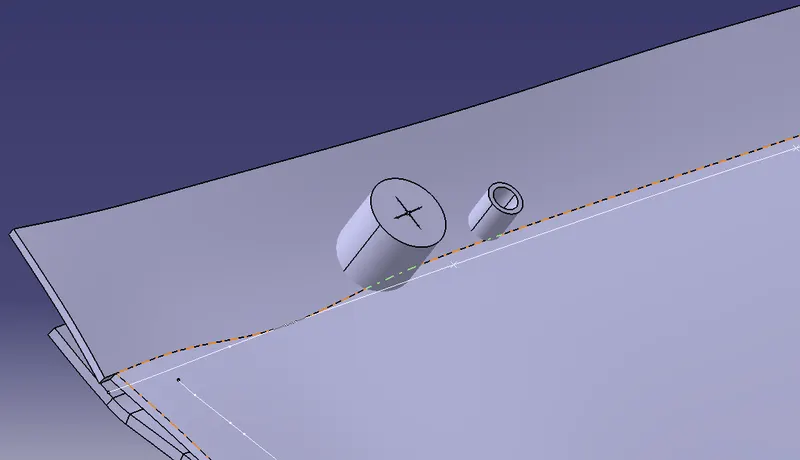
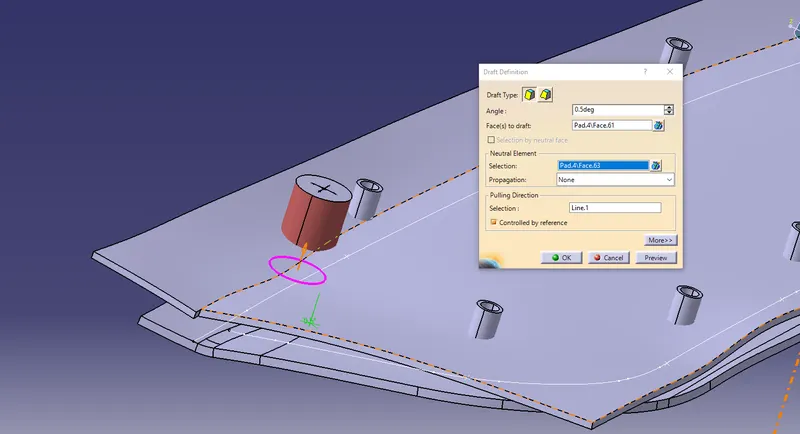
Give the fraft to it.
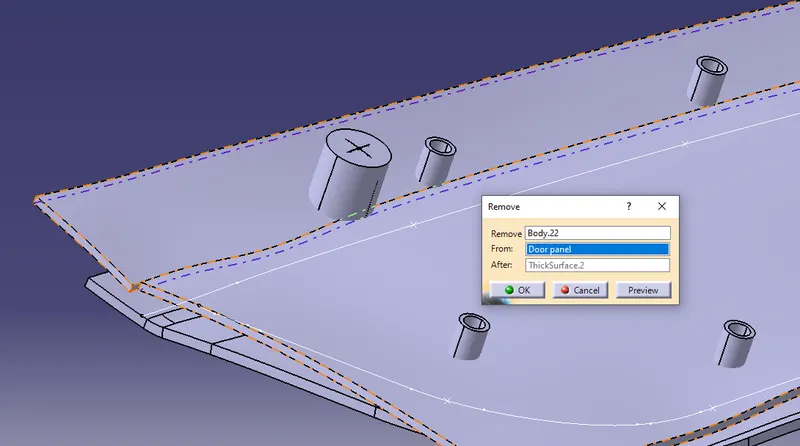
Remove this body with Door panel
Make that hole for other two locators also
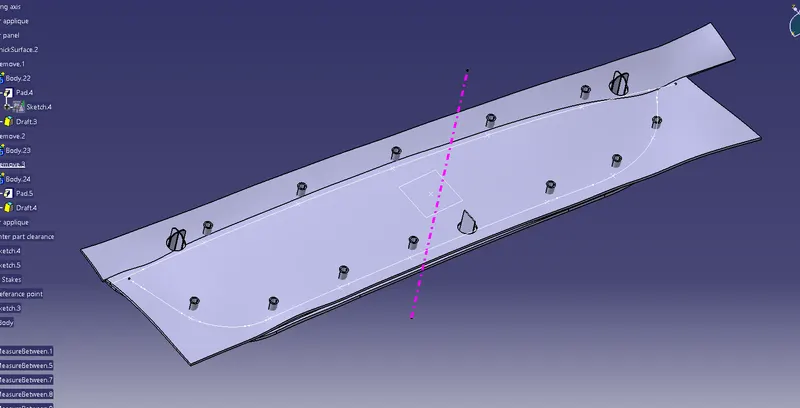
give the draft to all Heat stacks.
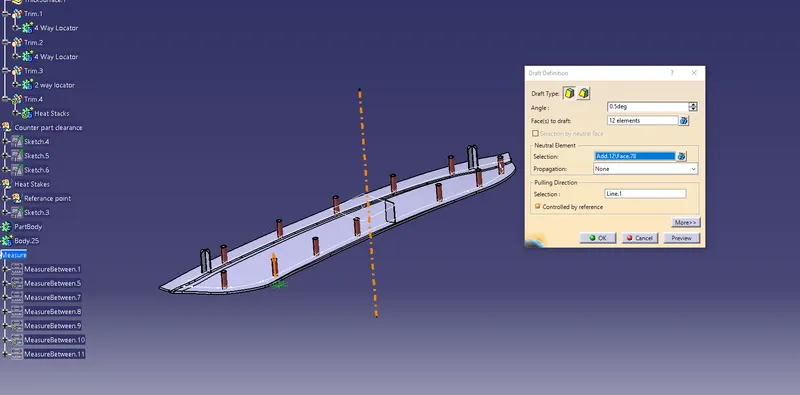
Make a clearance Of 0.5 mm For heat stacks create a circle pad it & then remove it.
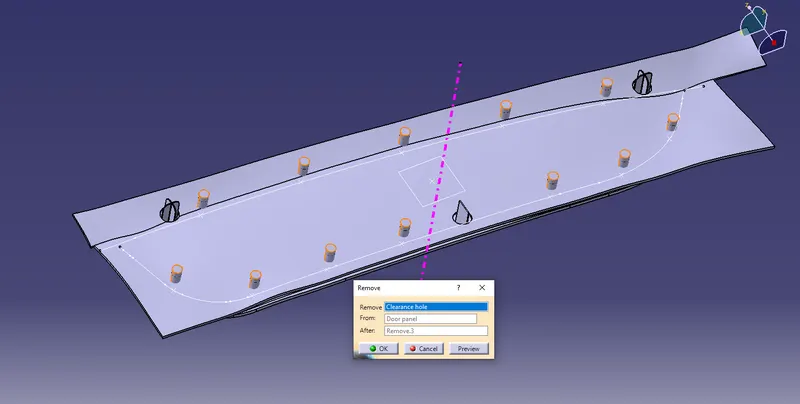
That is our final product
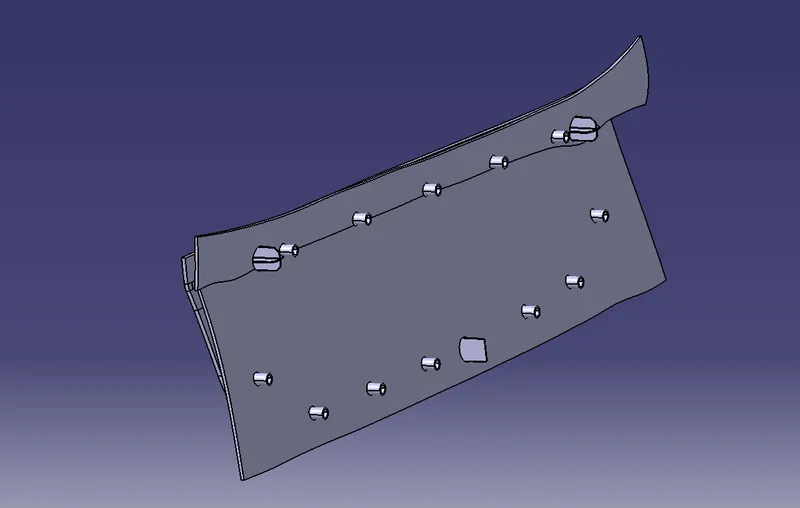
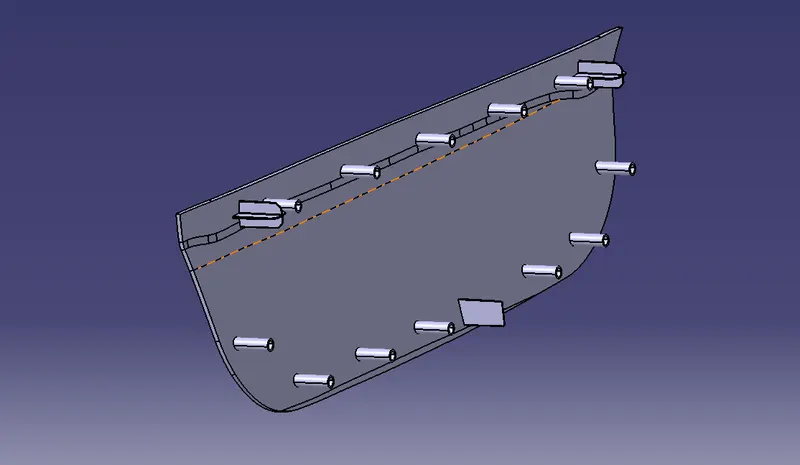
Draft analysis
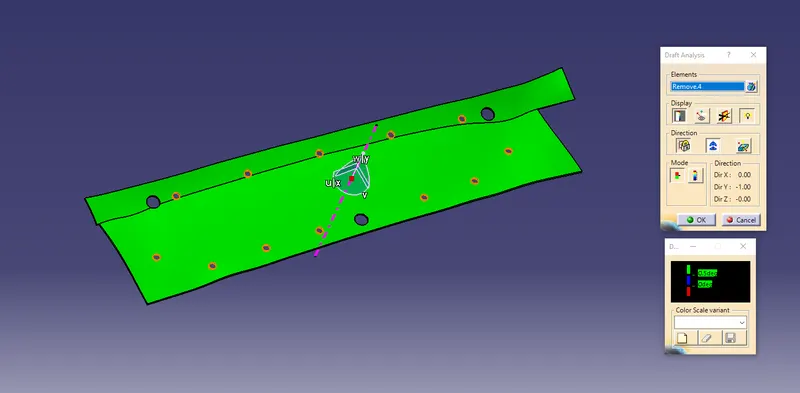
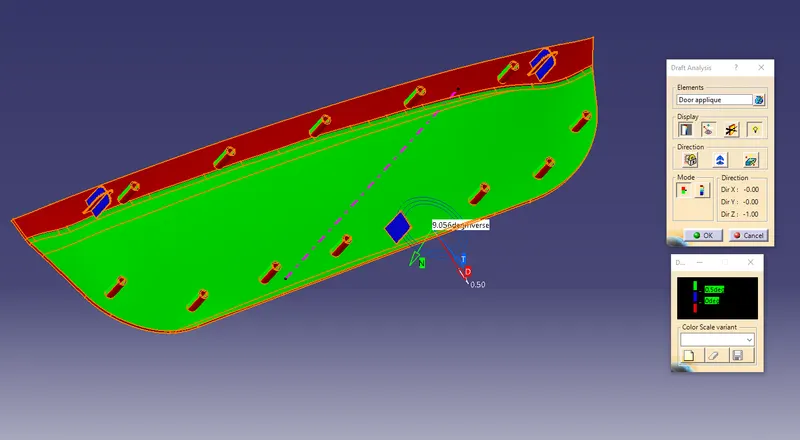
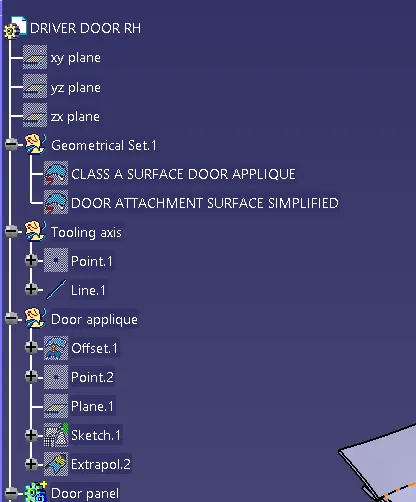
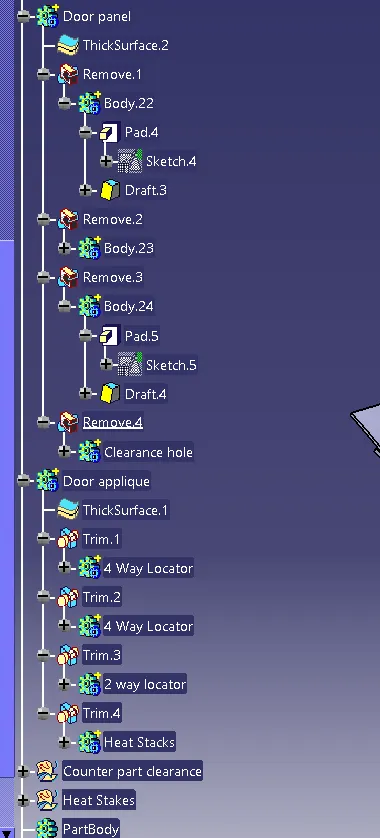
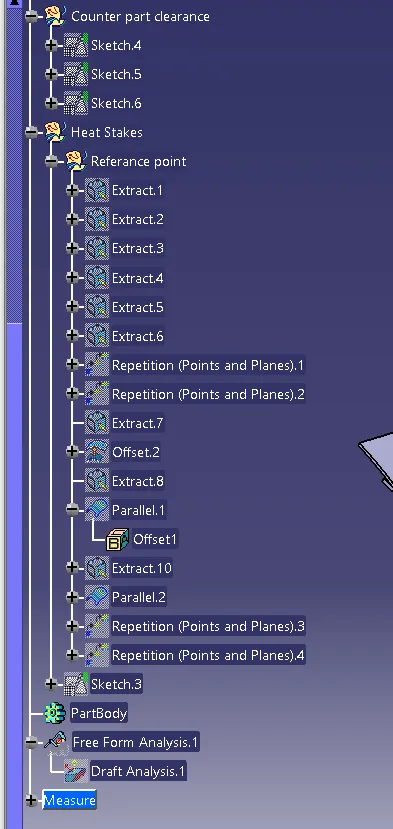
Tree structure