Week 9-Creation of 1D Connectors Challenge
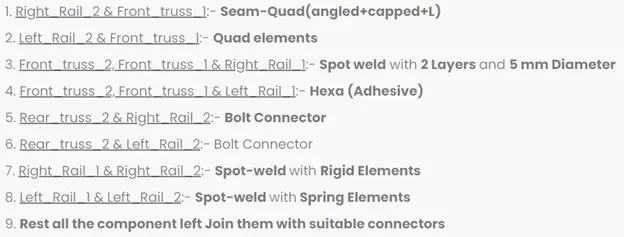
AIM: Create connector and Attach the various parts of the given model.
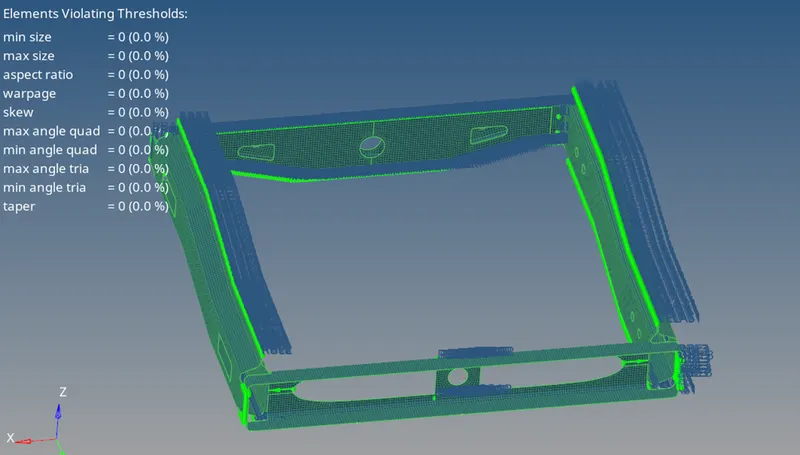
With this create a quality mesh with target element size 5Units.
PROCEDURE:
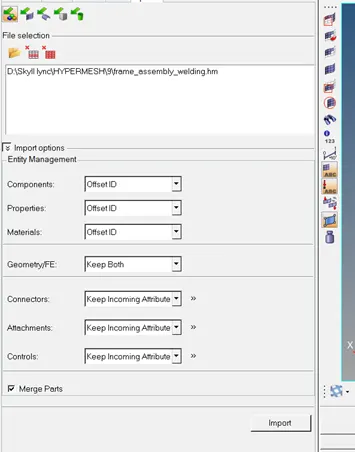
- Firstly we need to import .hm model
Import > import model > select file > import.
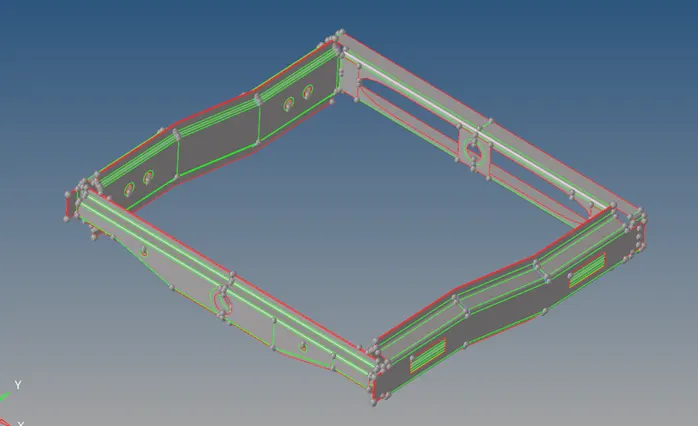
- Then check the geometry properly, like – construction line.
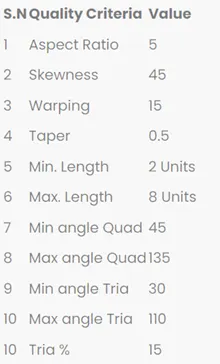
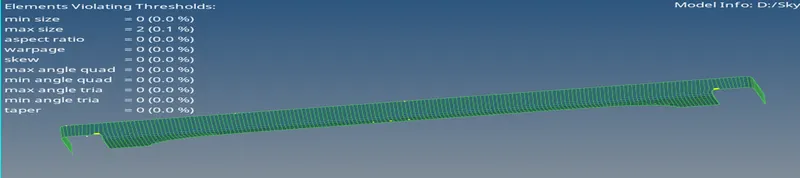
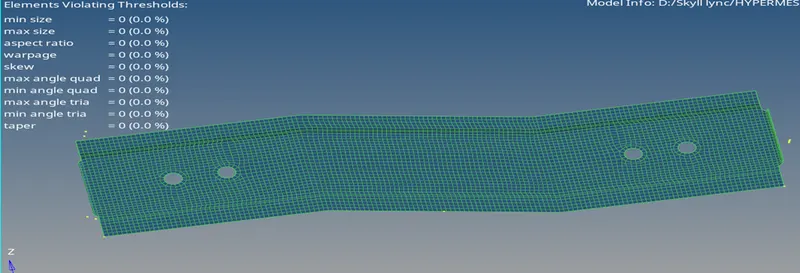
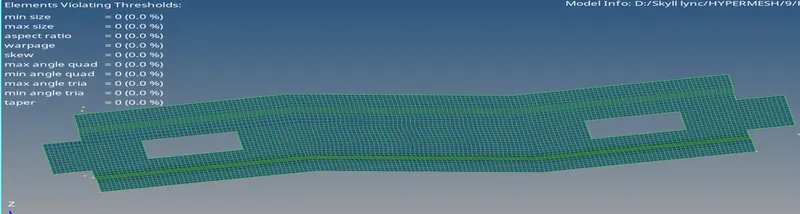
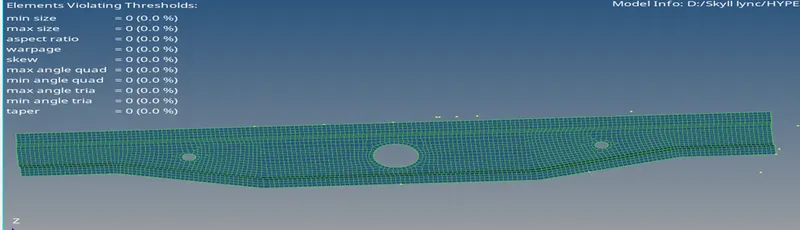
- Then we need to create a mesh, and check the quality criteria of the mesh.
2D > auto mesh > element size 5 > select surface > mesh.
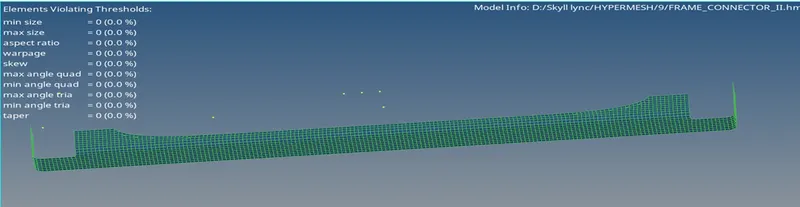
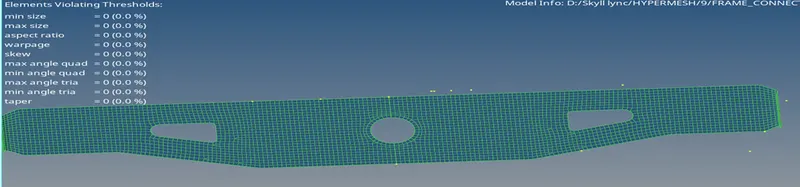
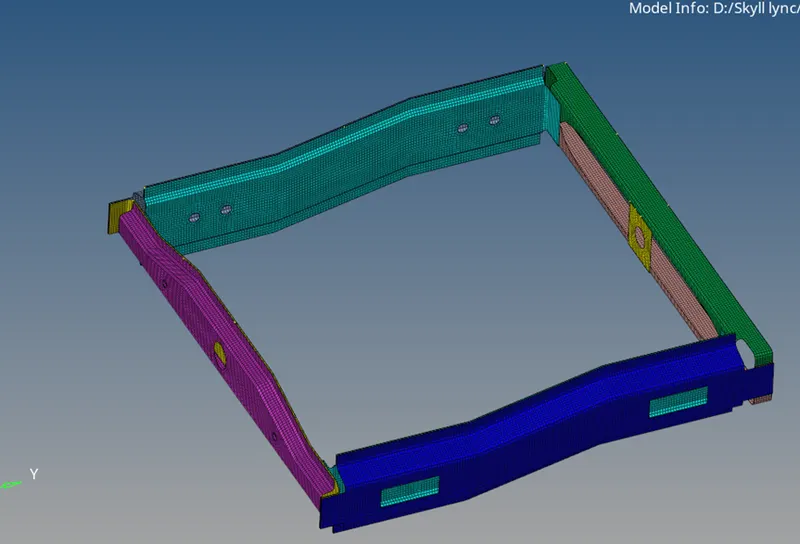
- Now we need to create a connector according to the question.
2D > connectors > seam > type (seam-quad angle+capped+L) > select node > select component > tolerance 5 > weld angle 45° > cap angle 45 > create.
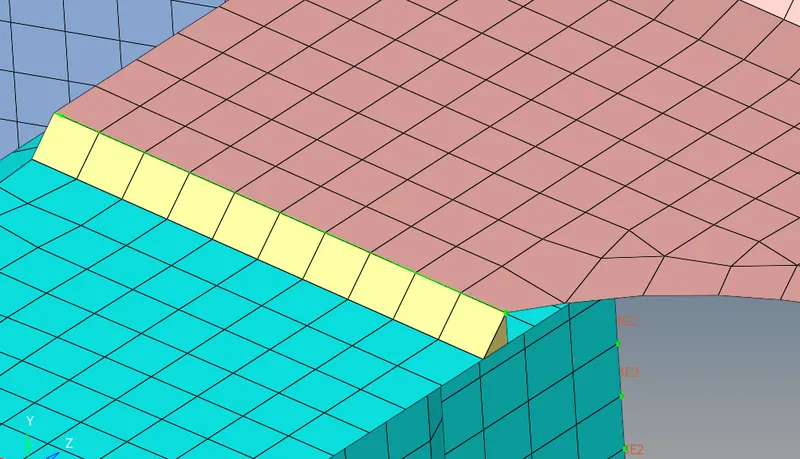
- Quad element connector.
2D > connectors > seam > type (quad) > select node > select component > tolerance 5 > create.
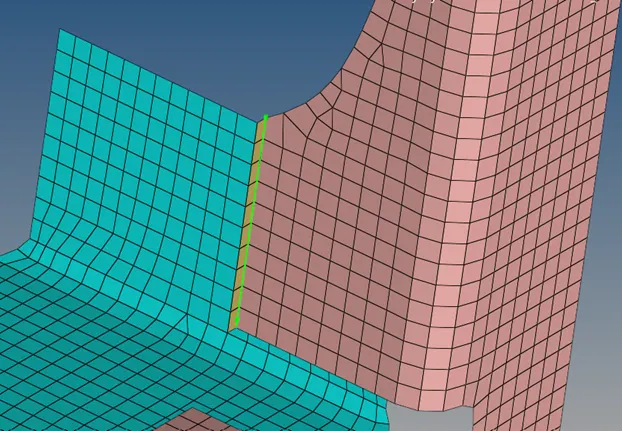
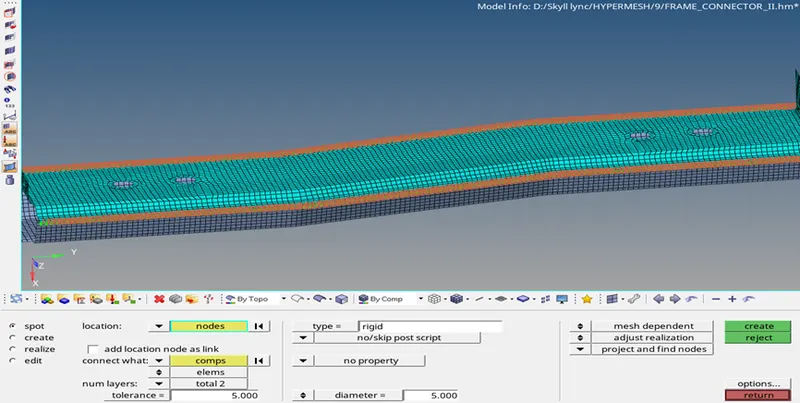
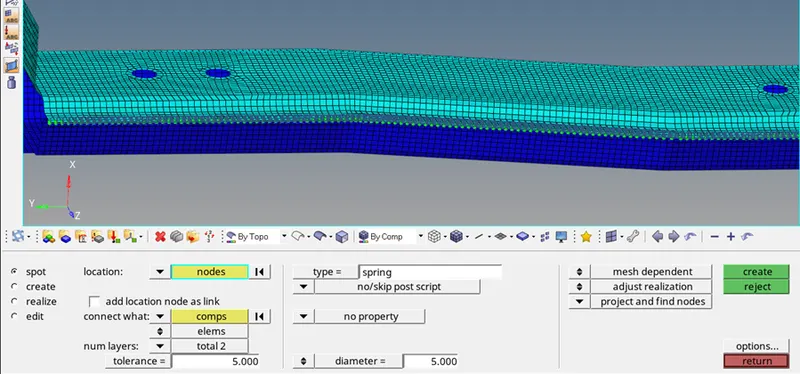
- Spot weld
2D > connector > spot > select node > select comp > tolerance 5> diameter 5 > create.
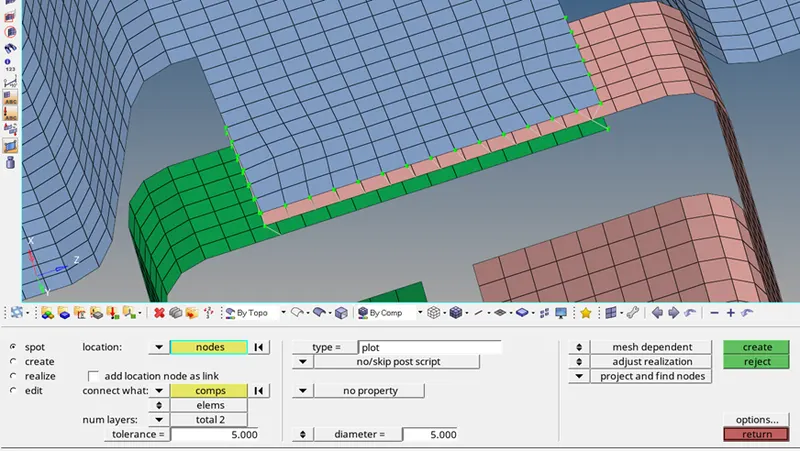
2D > connector > area > type (adhesives) > select node > select comp > tolerance 5 > create .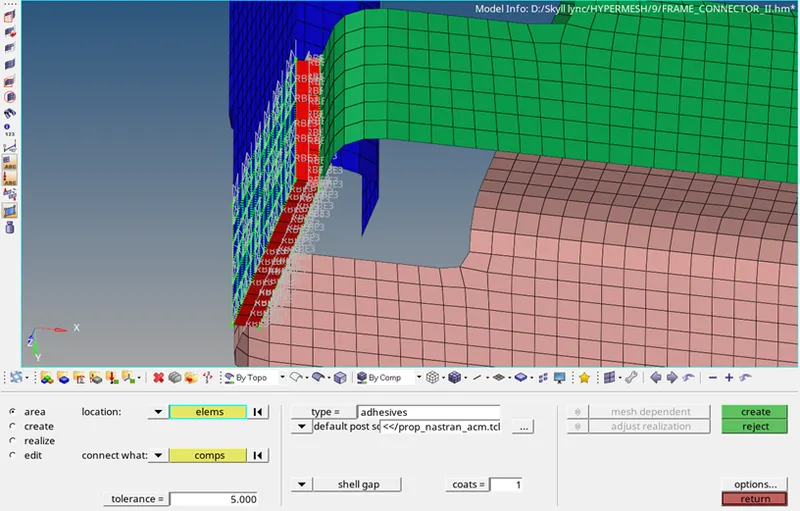
- Bolt connector
2D > connector > bolt > select node > select comp > create hole, if none > create
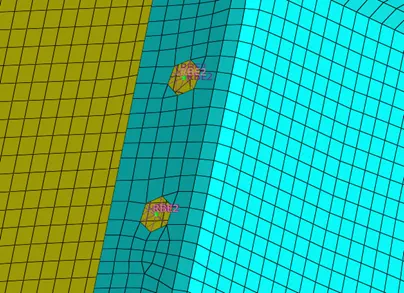
- Spot weld with rigid element and spot weld with spring element.