Week 9-Creation of 1D Connectors Challenge
Aim:
To establish with the given parameters and provide the connection to the component.
Procedure:
The given component is imported to the hypermesh, the component are without any connectors.
To perform the connect of the component individually with the given connectors.
To perform the connector go to 3D-> Connectors-> in the connectors the required connectors are available.
1. Seam-Quad(Right Rail 2 & Front truss 1):
The node is selected on the component where it is to be connected.
The Type,Tolerance and Spacing is changed according to the given parameter.
Now clicking the create button creates a connectors.
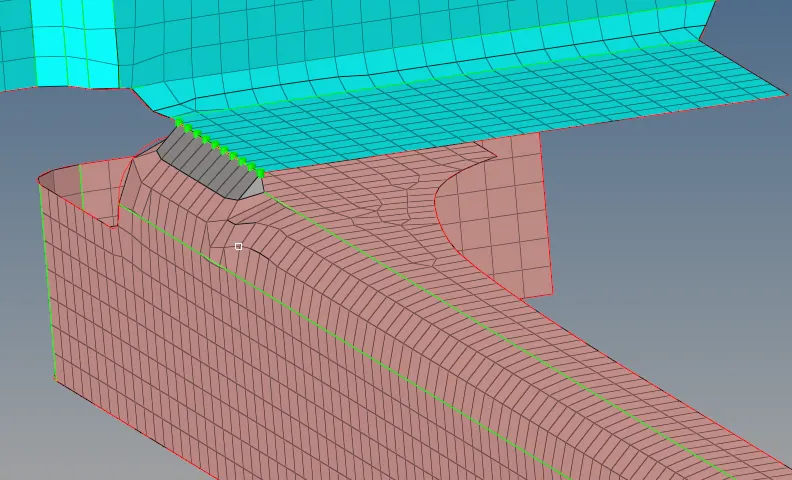

2. Quad element(Left Rail 2 & Front truss 1):
The node is selected on the component where it is to be connected.
The Type,Tolerance and Spacing is changed according to the given parameter.
Now clicking the create button creates a connectors.
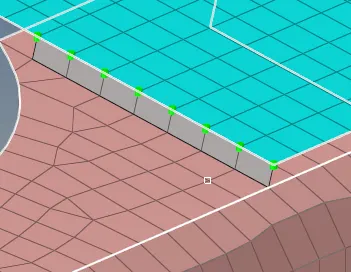

3. Spot weld (Front truss 2, Front truss 1 & Right Rail 1):
The node is selected on the component where it is to be connected.
The Type,Tolerance and Spacing is changed according to the given parameter.
Now clicking the create button creates a connectors.
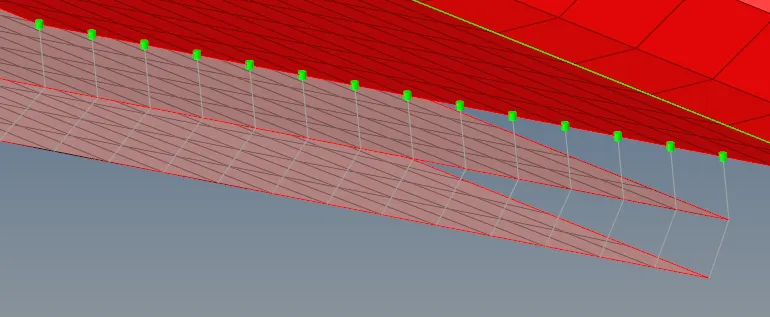

4. Hexa(Front truss 2, Front truss 1 & Left Rail 1):
The node is selected on the component where it is to be connected.
The Type,Tolerance and Spacing is changed according to the given parameter.
Now clicking the create button creates a connectors.
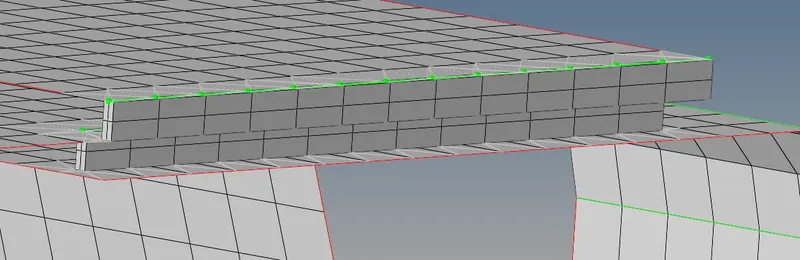

5. Bolt connector(Rear truss 2 & Right Rail 2)
The node is selected on the component where it is to be connected.
The Type,Tolerance and Spacing is changed according to the given parameter.
Now clicking the create button creates a connectors.
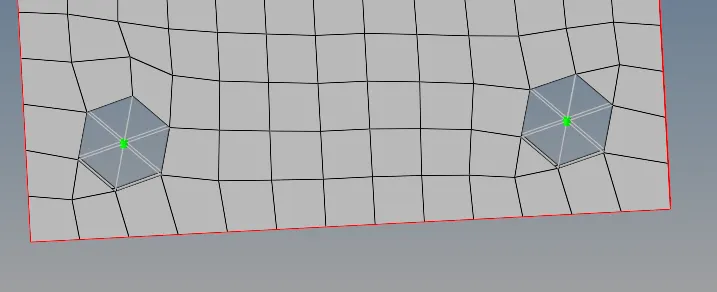

6. Bolt connector(Rear truss 2 & Left Rail 2)
The node is selected on the component where it is to be connected.
The Type,Tolerance and Spacing is changed according to the given parameter.
Now clicking the create button creates a connectors.
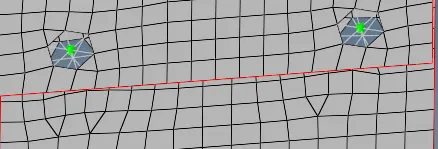
7. Spot weld with rigid element(Rear truss 2 & Left Rail 2)
The node is selected on the component where it is to be connected.
The Type,Tolerance and Spacing is changed according to the given parameter.
Now clicking the create button creates a connectors.
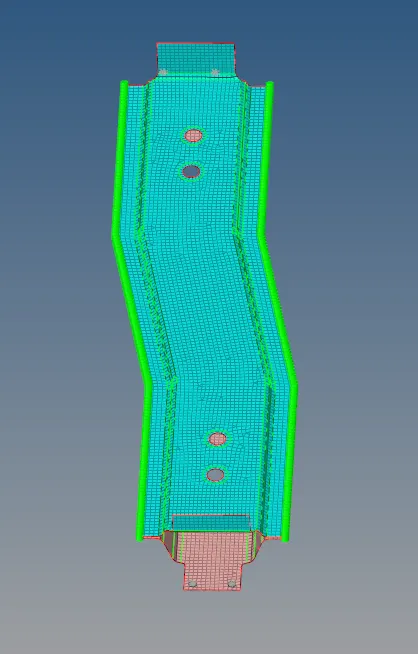

8. Spot weld with spring element(Left Rail 1 & Left Rail 2)
The node is selected on the component where it is to be connected.
The Type,Tolerance and Spacing is changed according to the given parameter.
Now clicking the create button creates a connectors.
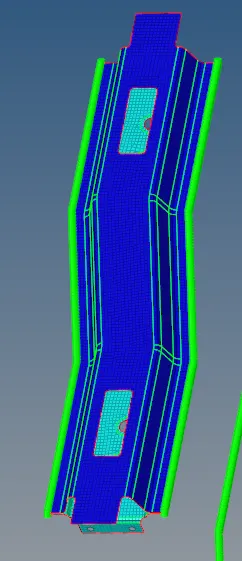

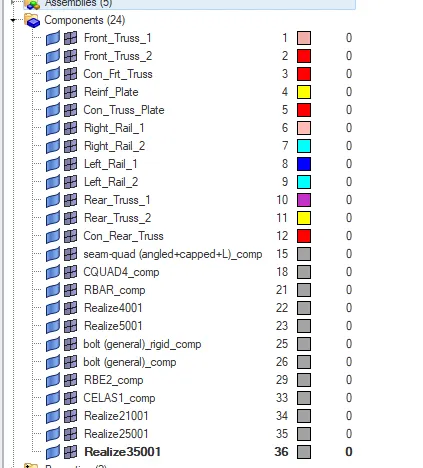
The finally realized component.
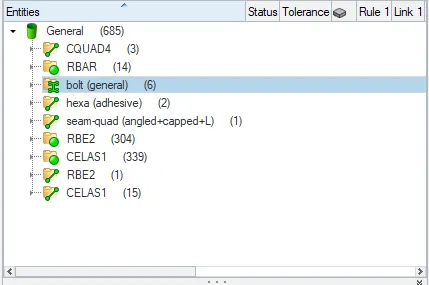
Conclusion:
The final component of each connectors.
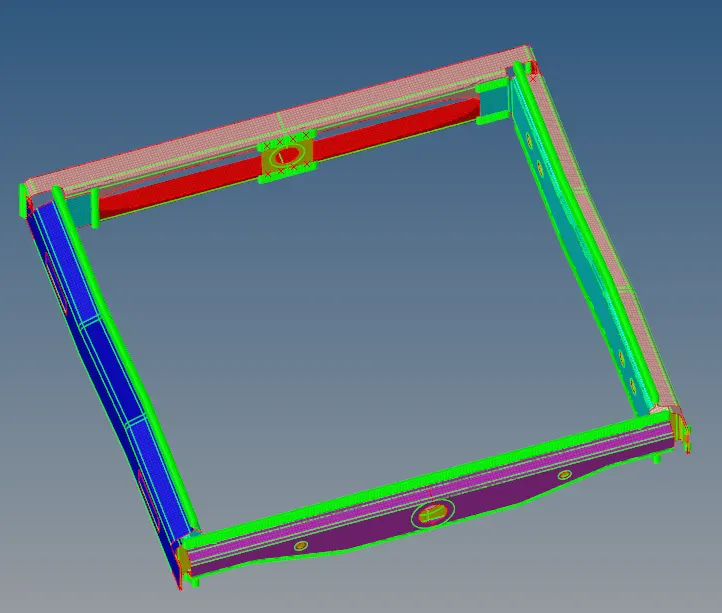
Result:
With all the connectors the component is connected. With the given parameter some of the component is connected and the other parts are too connected.