IMPLEMENTATION OF CONNECTORS(SEAM, SPOT, BOLT) USING HYPERMESH
AIM: To mesh the model implement 1D connections to the model such as seam, spot, and bolt, etc.
ABSTRACT: In this model first we need to mesh the model and make sure the mesh density is uniform throughout and then implement connection as per the challenge requirement.
METHODOLOGY:
- Import the geometry
- Mesh the model with a certain quality parameter as per requirement.
- Select the connection type and component to be connected.
- Check for the connection realization.
THEORY:
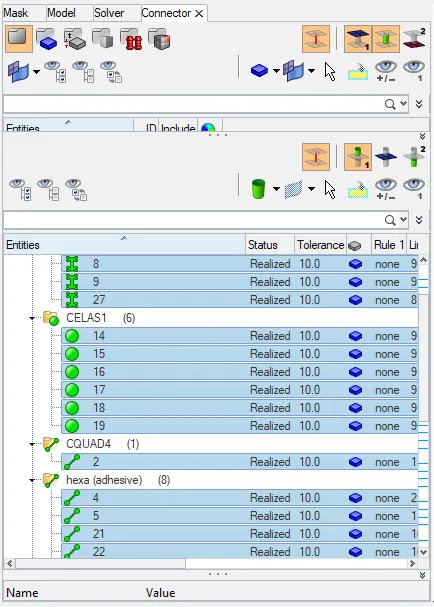
Connectors: They are the entities that define the geometric connection between the CAD components. The final successful connection is highlighted in green color named with terminology realized. for unrealized joint yellow color and failed red color
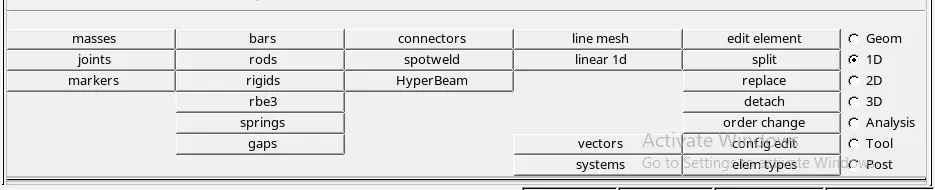
There are different types of connection under the 1D element section:
- Spot weld
- Seam Weld
- Bolt joints
- Adhesives
- masses

PROCEDURE:
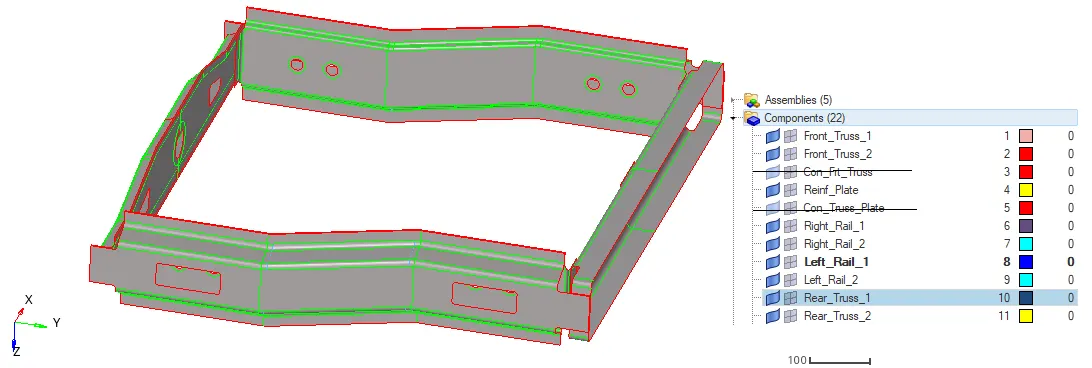
Import model: The model consists of a total 9 component
Meshing (2D)
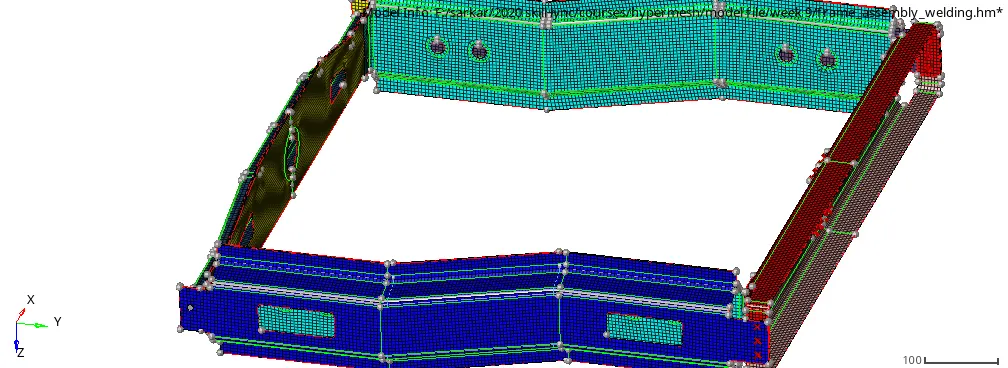
Meshing the model with a max length of 7 mm and min 2 mm and target 5 mm. we will make sure the mesh flow is good and uniform because it will effect during and after connection implementation
Creating connectors and Attach the various parts as given in the question.
1. Right_Rail_2 & Front_truss_1:- Seam-Quad(angled+capped+L)
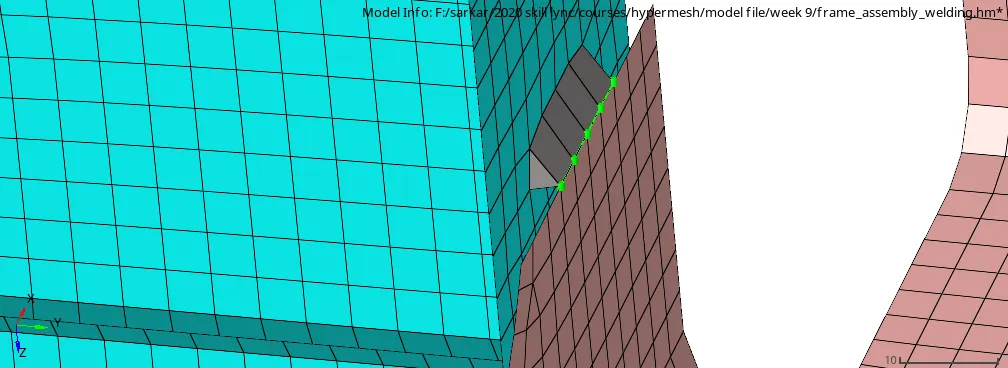
2. Left_Rail_2 & Front_truss_1:- Quad elements
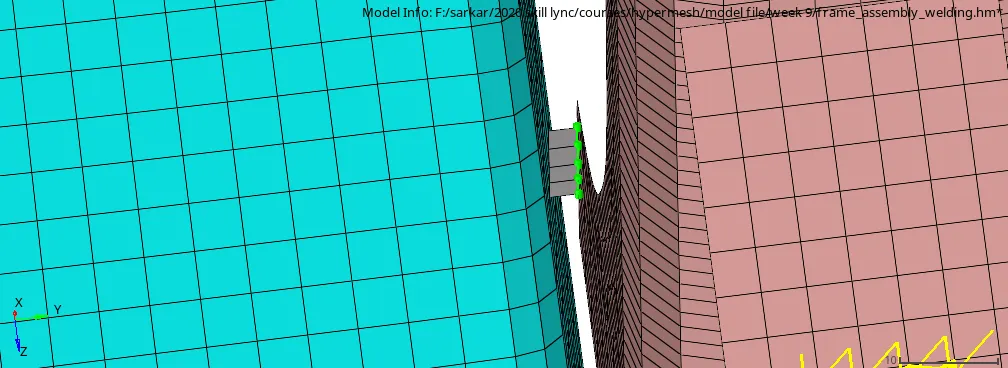
3. Front_truss_2, Front_truss_1 & Right_Rail_1:- Spot weld with 3 Layers and 5 mm Diameter
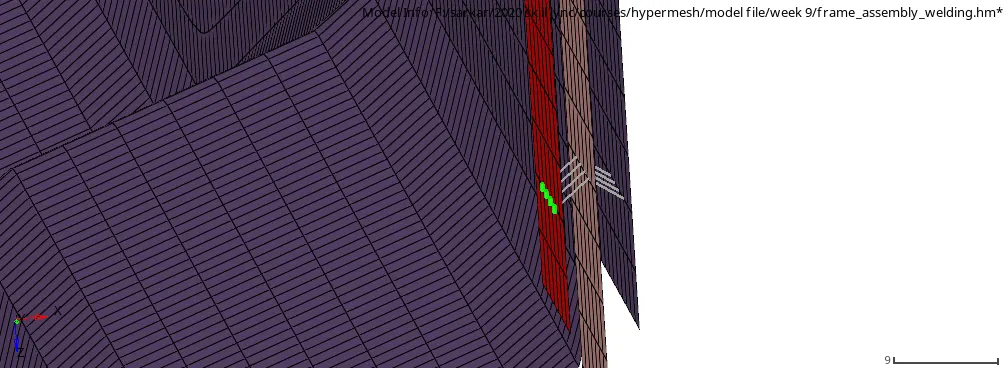
4. Front_truss_2, Front_truss_1 & Left_Rail_1:- Hexa (Adhesive)
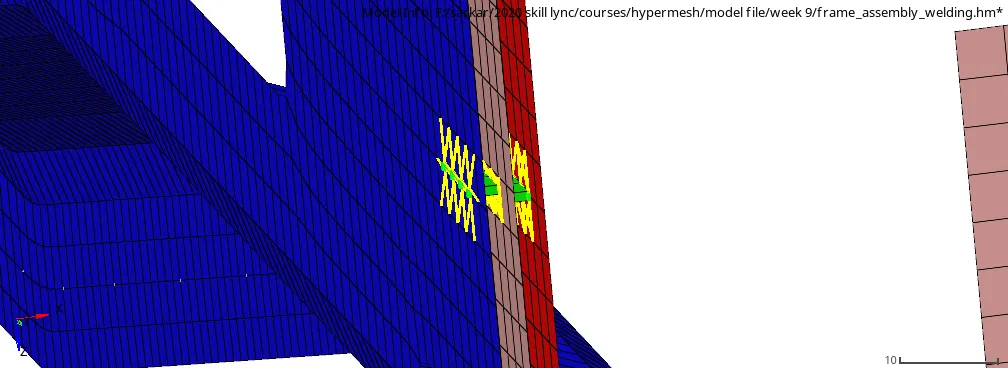
5. Rear_truss_2 & Right_Rail_2:- Bolt Connector
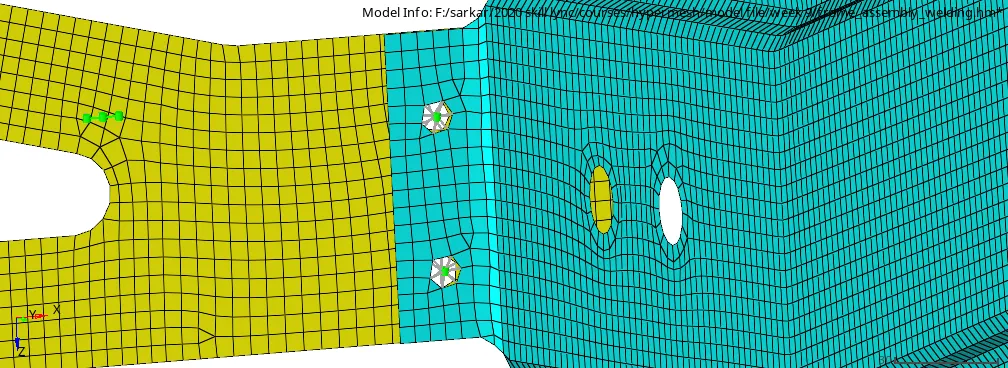
6. Rear_truss_2 & Left_Rail_2:- Bolt Connector
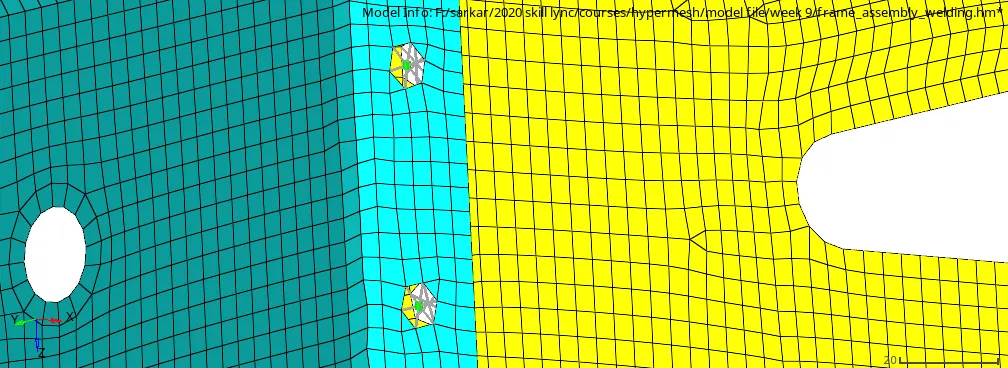
7. Right_Rail_1 & Right_Rail_2:- Spot-weld with Rigid Elements
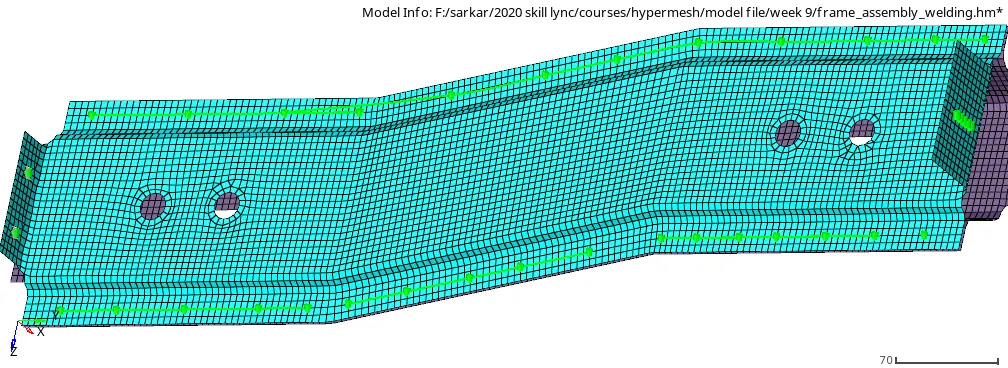
8. Left_Rail_1 & Left_Rail_2:- Spot-weld with Spring Elements
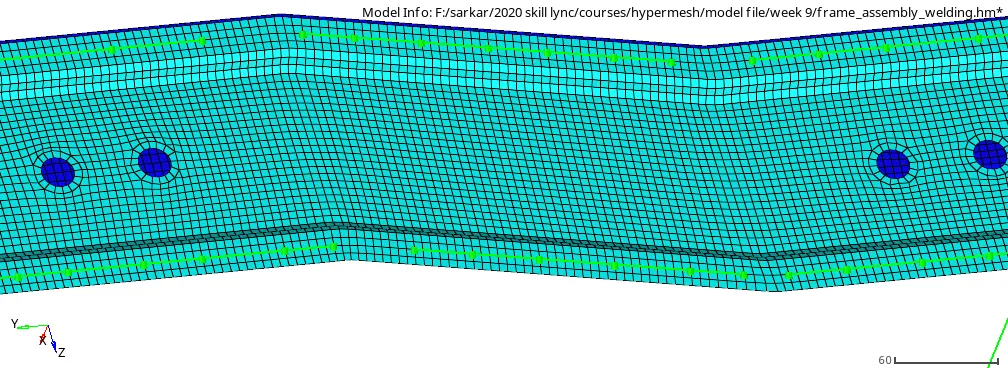
9. Rest all the component left Join them with suitable connectors
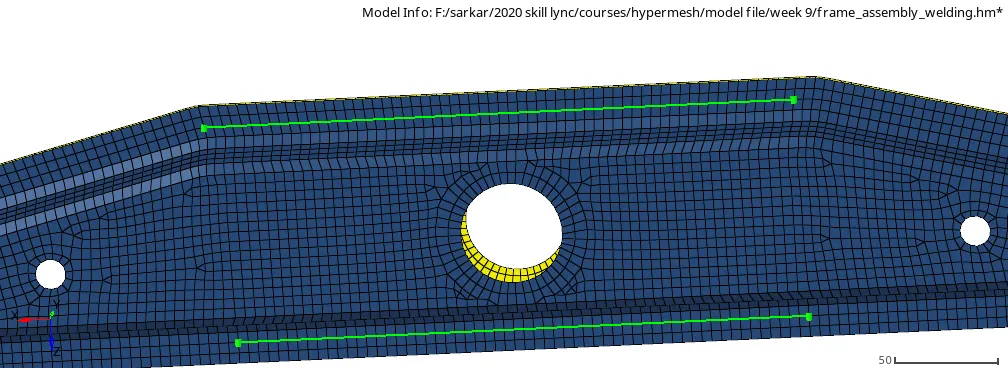
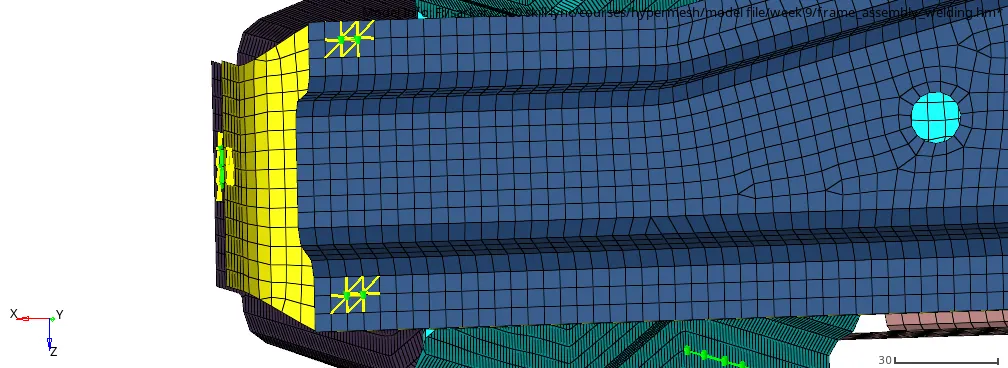
NOTE: After connection implementation, the parent component mesh gets distorted so we must re-mesh it to get the proper meshflow with minimum distortion.
Connector browser
Showing the green color for connection realization.
RESULTS:
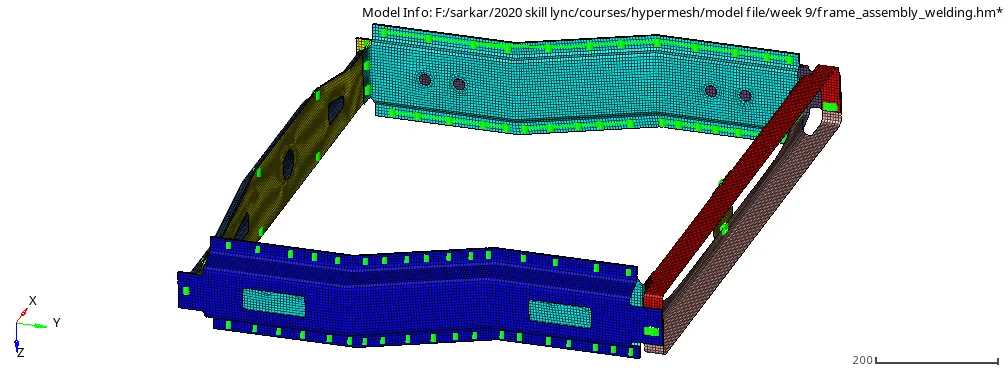
CONCLUSION: After completing this challenge with the implementation of connections we can conclude that the selection of connectors depends on the level of accuracy we need in our results. keeping in mind that no method can give 100% accuracy we must select the connector that is suitable for our particular case. As we can see in the model all connections applied are highlighted with green which means successfully realized. Thus if with this certain connection we getting the desired response then we are good to go or otherwise, we may switch to some other connection depending on the types of simulation we are running.
LEARNING OUTCOME:
- Seam connection implementation
- Spot connection implementation
- bolt connection implementation