Week 9 - Challenge 3 - Bumper
Week 9 - Challenge 3 - Bumper
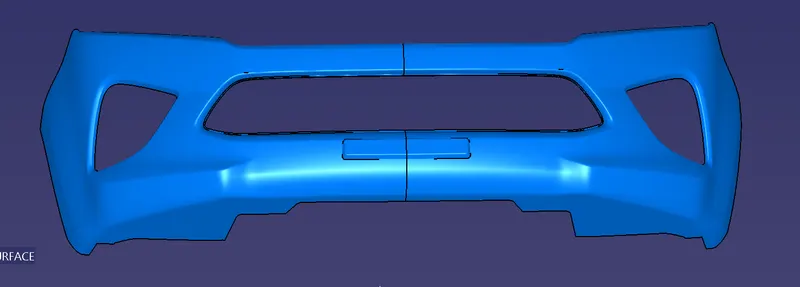
Aim: Creating the Bumper Plastic component through the given Class-A surface.
Inputs:
- Class A surface
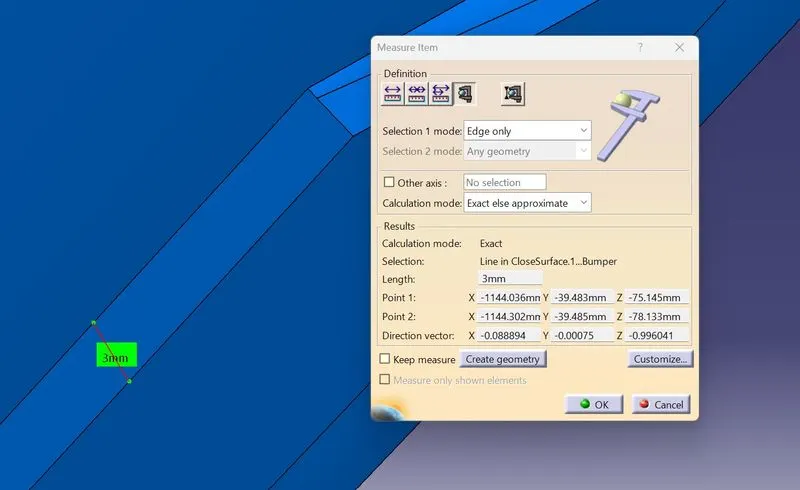
- Thickness of the component 3 mm
Process:
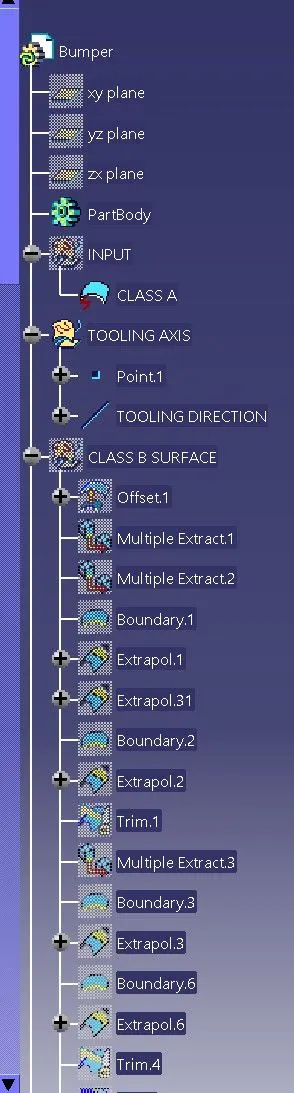
Step 1) Tooling Direction
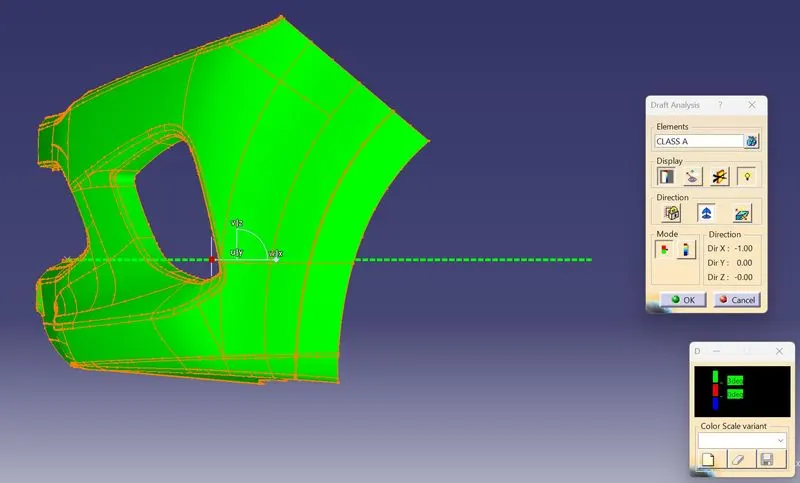
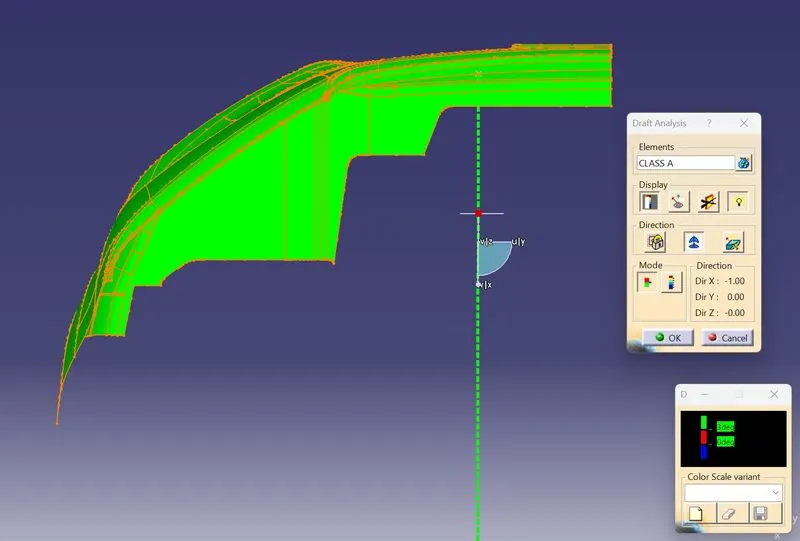
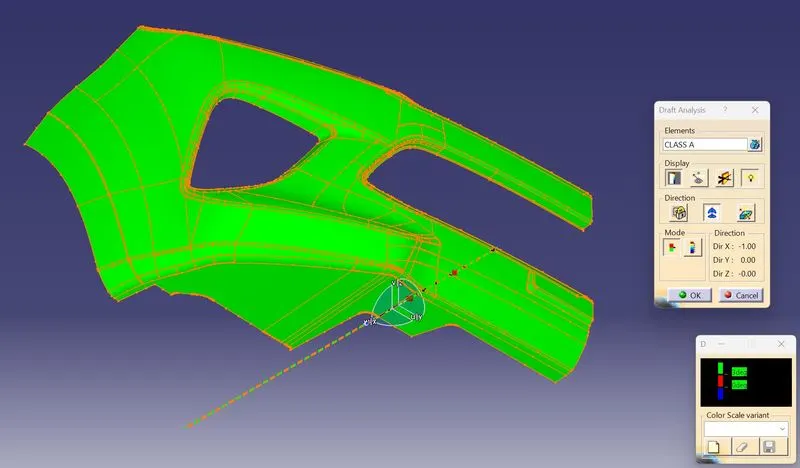
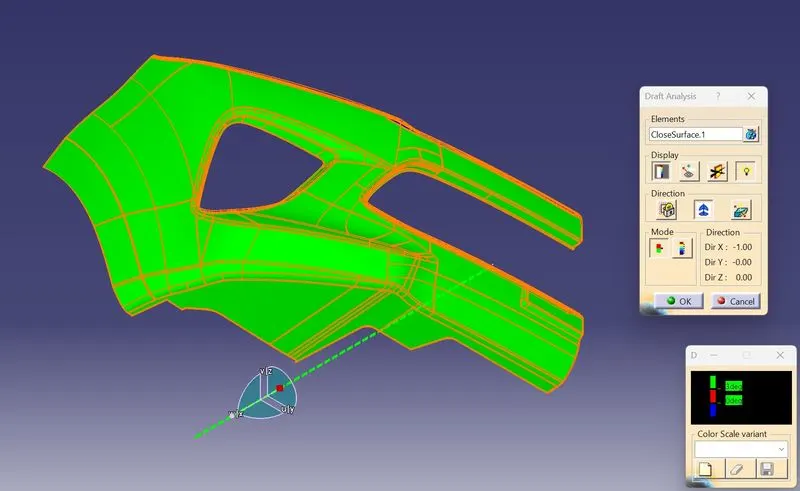
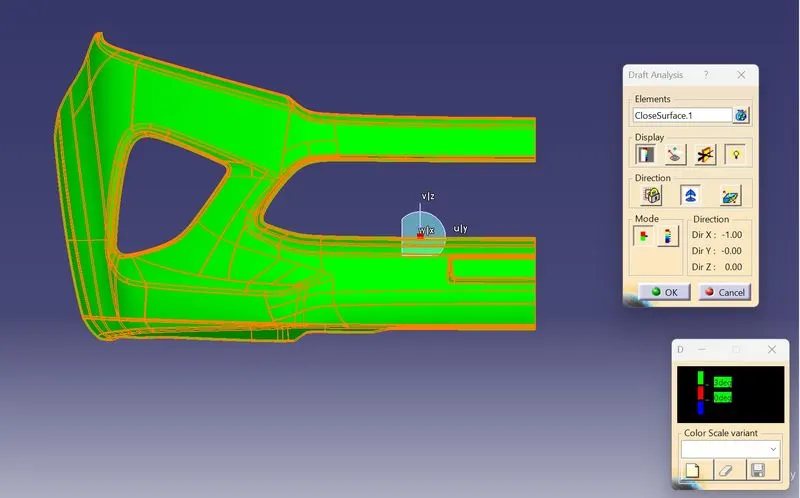
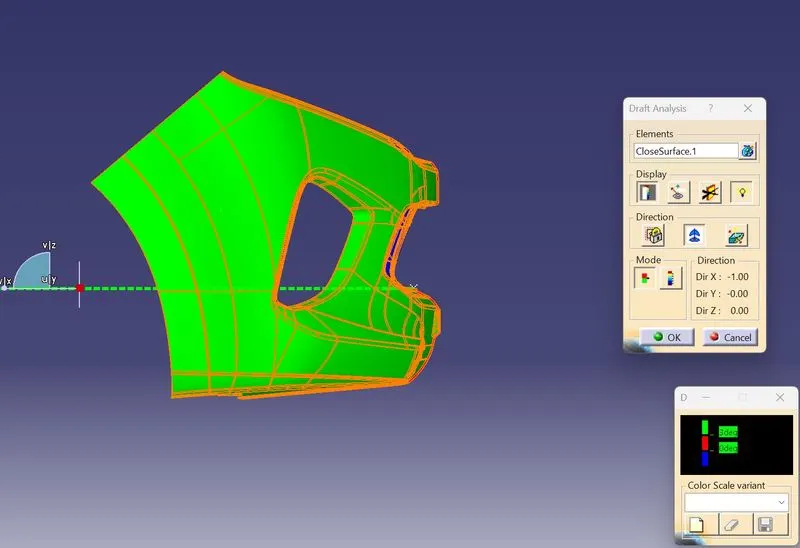
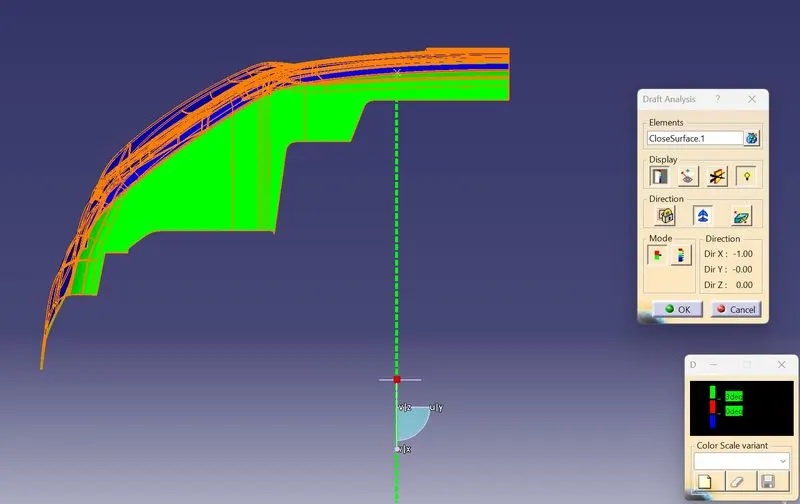
Draft Analysis for Input to check proper Tooling direction
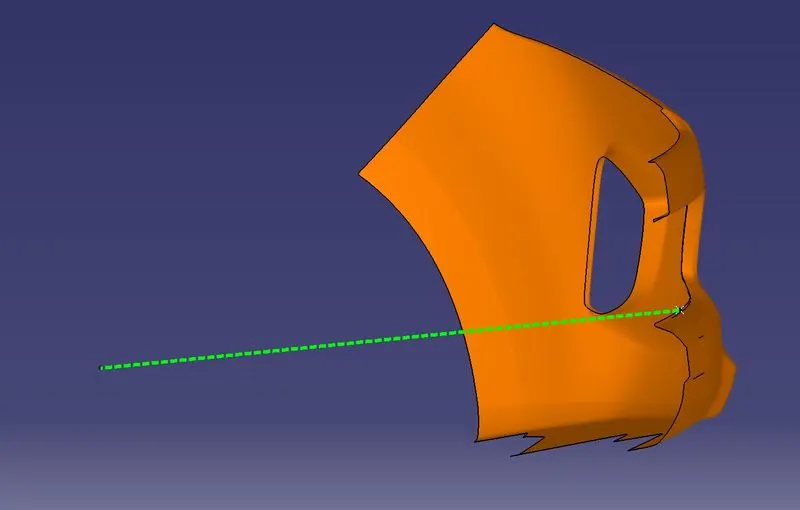
Checking the proper direction for Tooling axis. For this bumper part X direction is best suitable direction for tooling axis
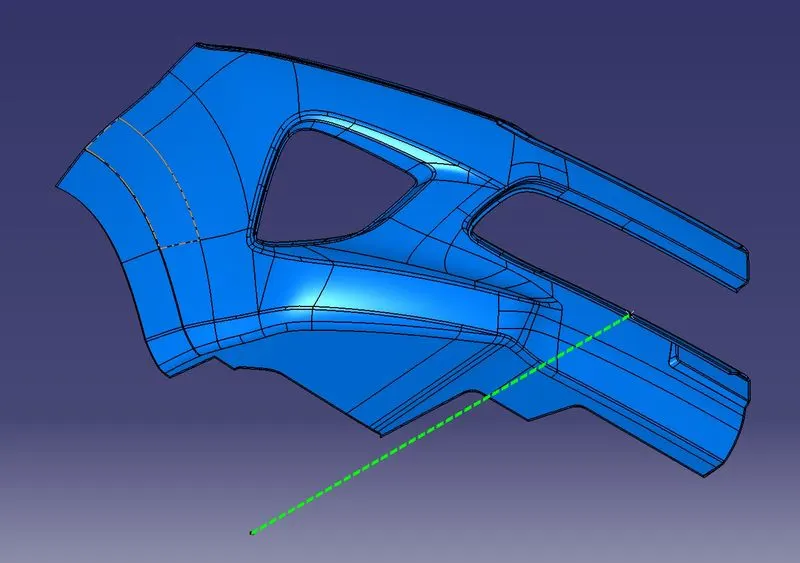
A point is created on the edge of bumper & line is created in X-direction from point
Step 2) Creating Class B Surface
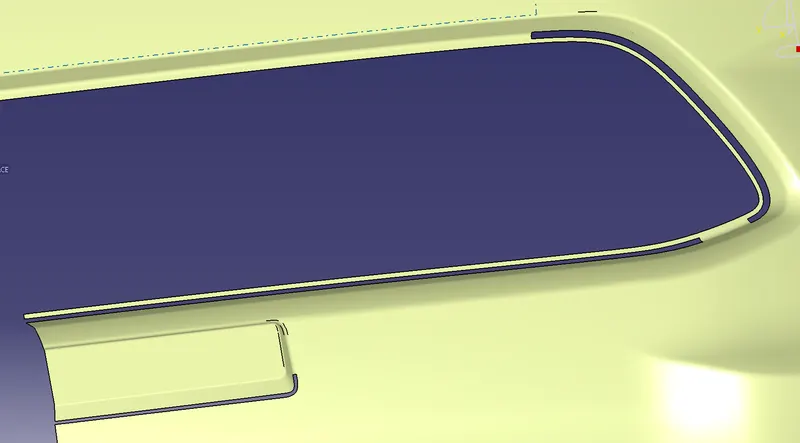
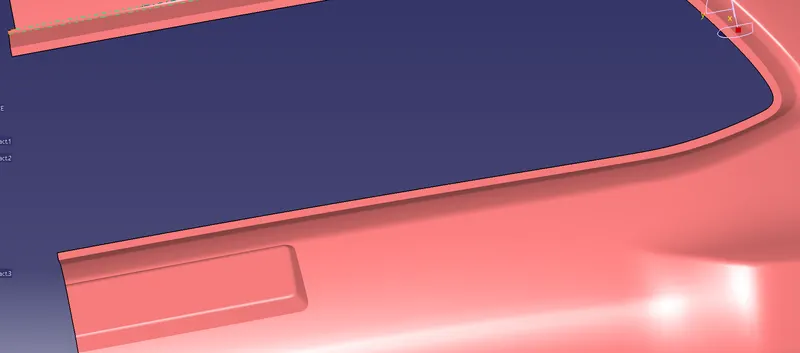
Offsetting the Class A surface to 3mm inside for part thickness given. After offset a few fillet patches & gaps generated in the surface.
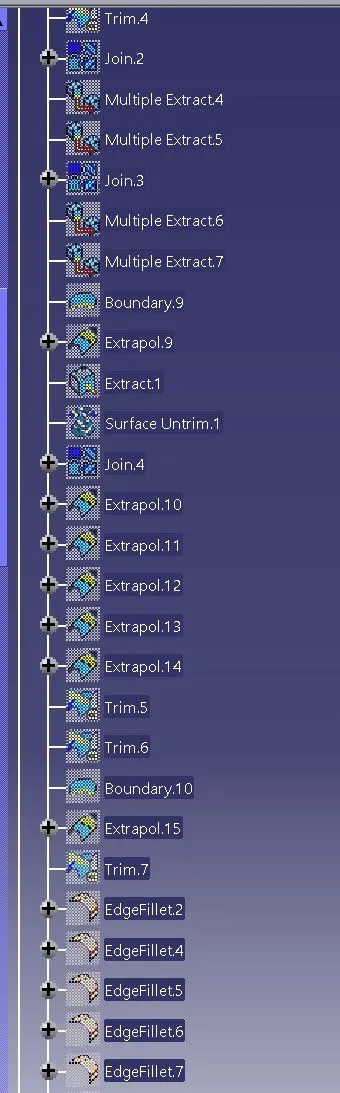
Removed those patches and gaps by using following commands to create Class B surface
- Extract
- Multiple extract
- Boundary
- Extrapolate
- Split and Trim
- Join
- Untrim
- Fillet
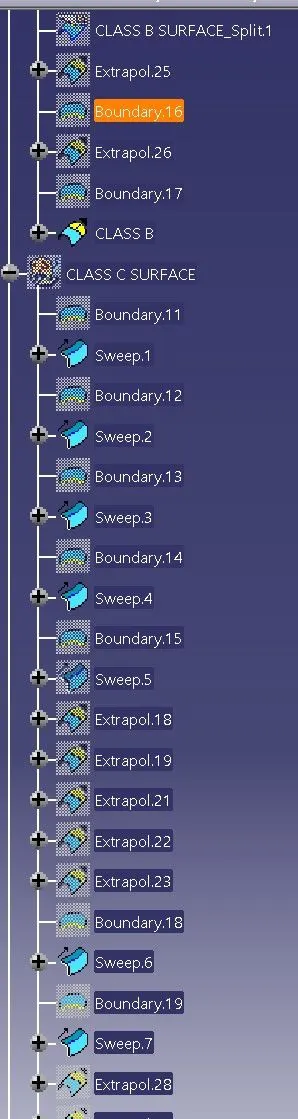
- Sweep
- Close surface (in part work bench)
Step 3) Creating Class C surface
The A and B surfaces are connected by another single surface which is called the C surface.
It is created by using a sweep with A surface acting as the reference surface and a curve created from the boundary of the same surface.
Sweep with draft direction is also used to create A-surfaces.
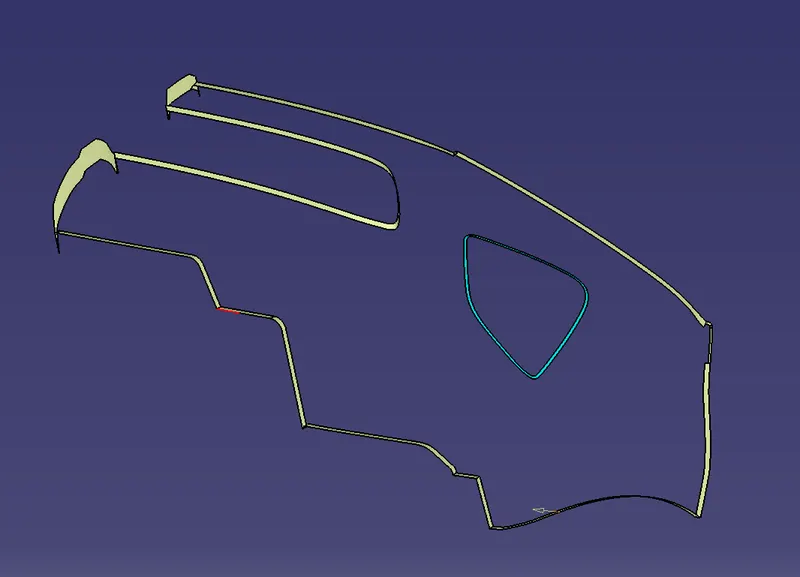
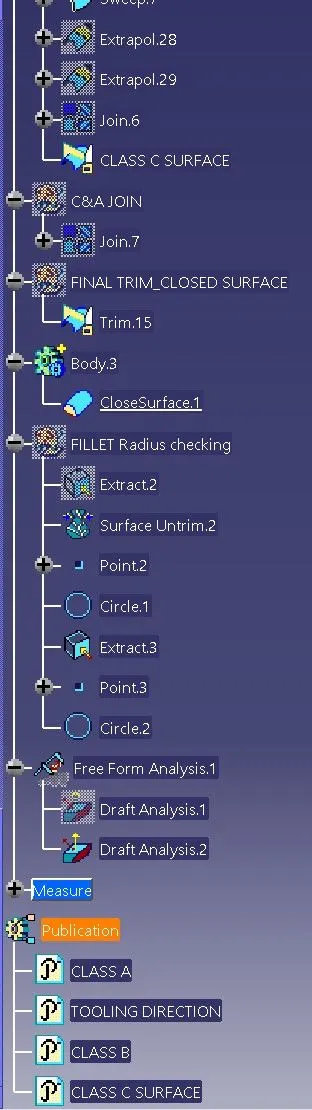
Step 4) Class A & Class C surfaces joined by using Join command
Step 5)
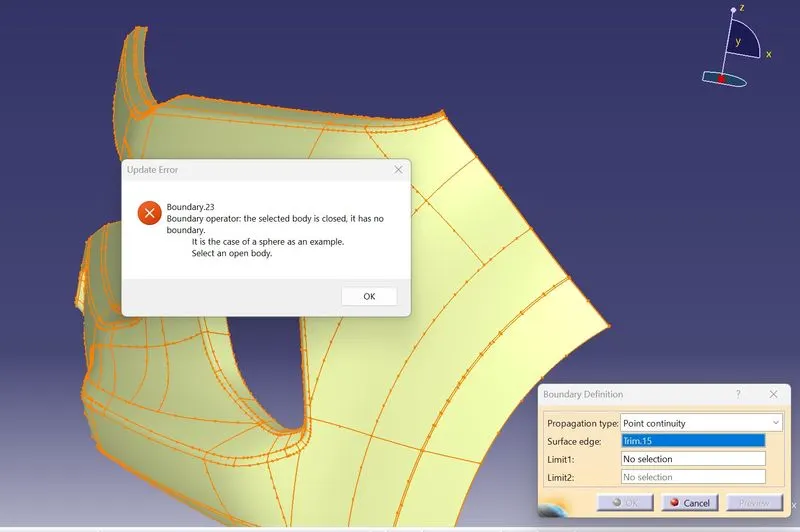
Used Trim command to create final closed surface of bumper body
Used Close surface command to create part body from surface body
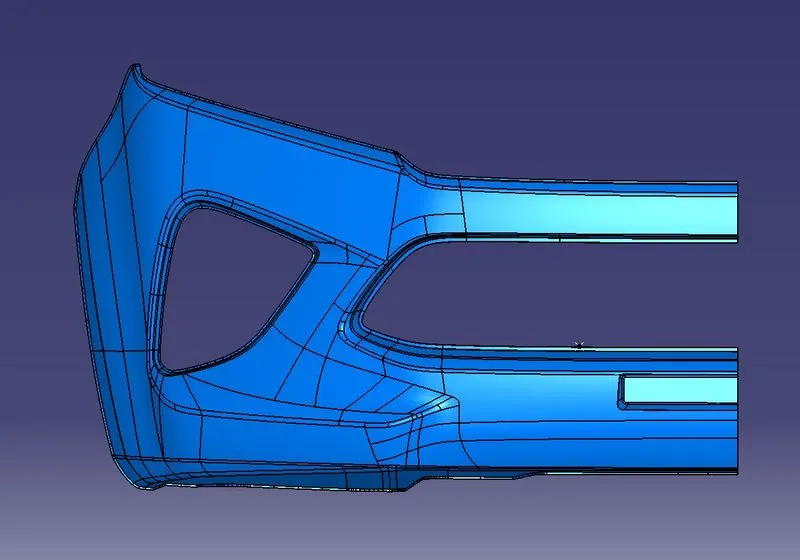
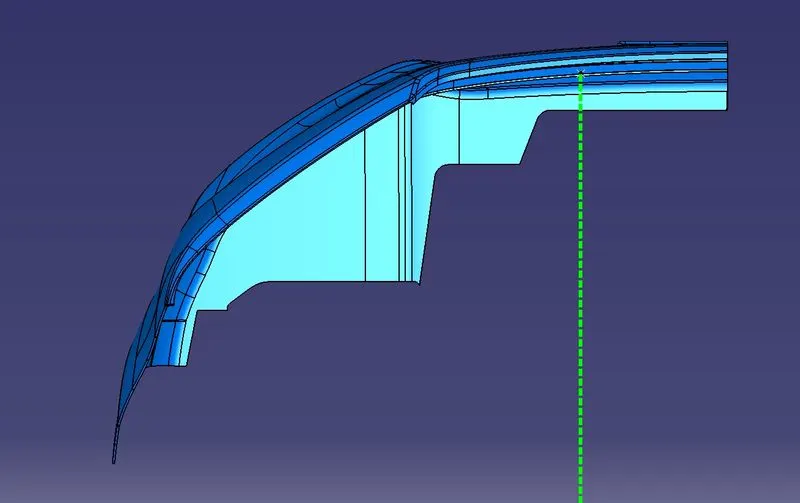
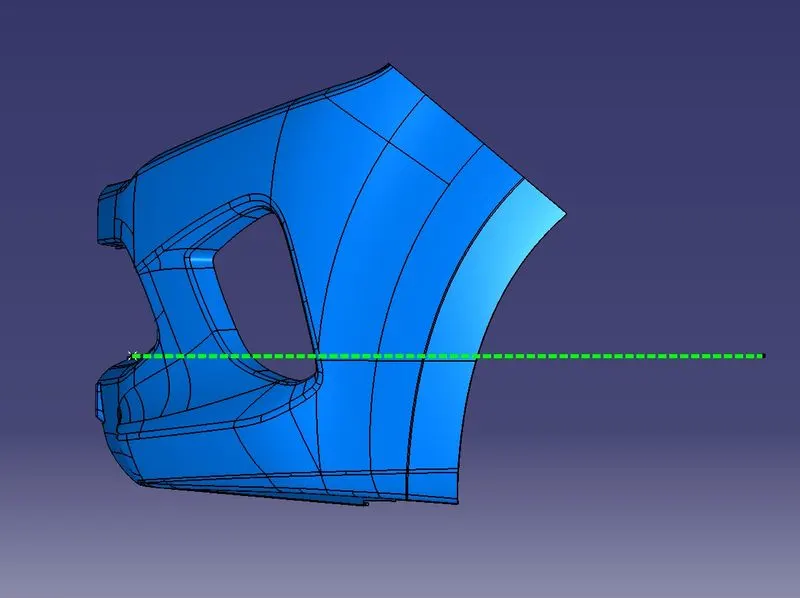
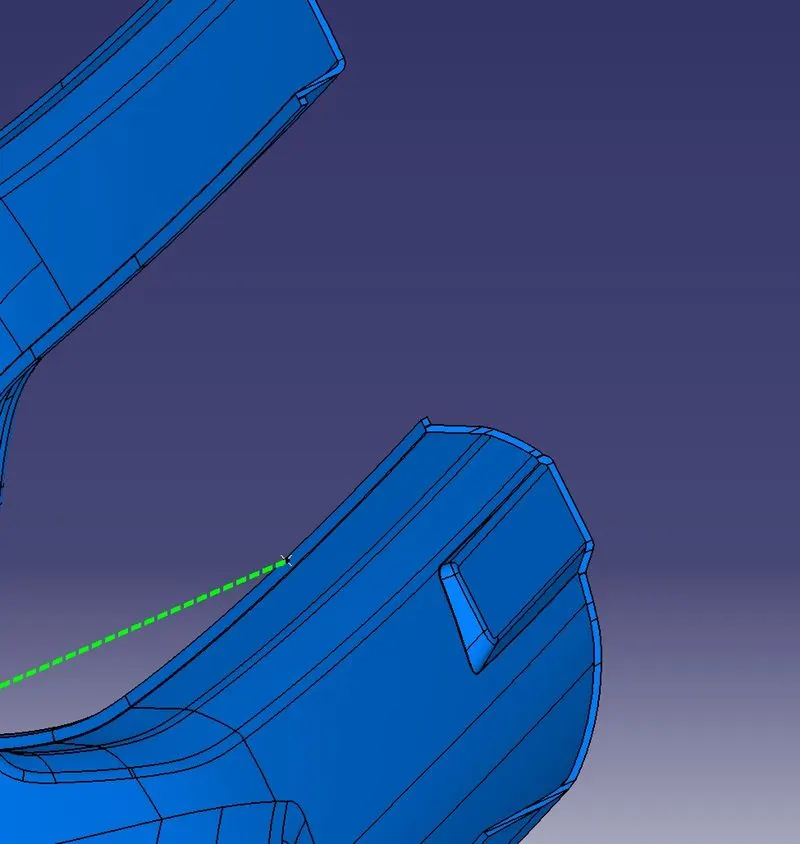
Final views of part in different orientations
Isometric view
Front view
Top view
Side view
Geometrical Tree Structure for proper understanding of process
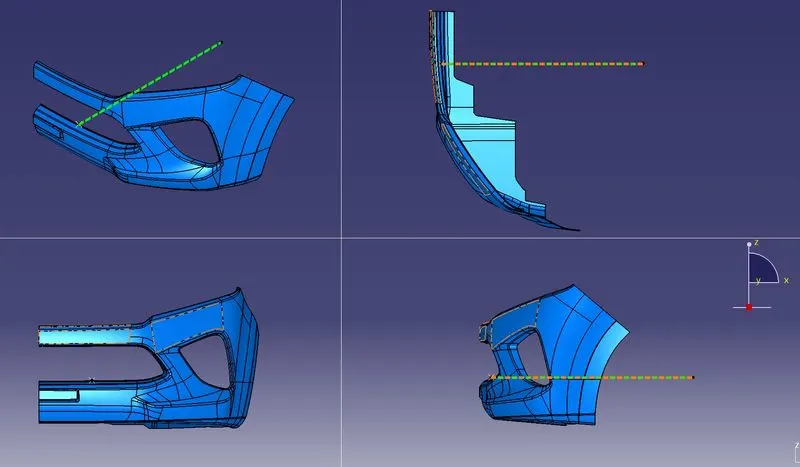
Part Draft Analysis
Isometric view
Front view
Side view
Top view
Final part
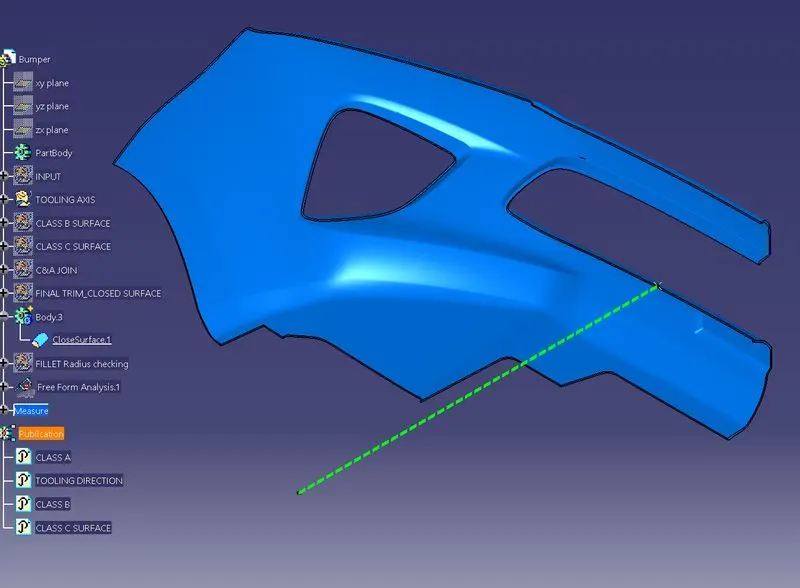
Mirrored view
Result:
Bumper body plastic component created using CLASS A SURFACE with given thickness