Week 9 - Challenge 2 - Switch Bezel Design
SWITCH BEZEL
CREATING TOOLING AXIS:
· Evaluated the visibility of the A-class surface along the X, Y, and Z directions to ensure manufacturability.
· Created a dummy tooling axis along the Z direction.
· Performed an intersection on the YZ plane with the A-class surface to generate an intersection line.
· Created a bisection line using the intersection line from the YZ plane.
· Performed an intersection on the XZ plane with the A-class surface to generate another intersection line.
· Introduced an imaginary line at a 6° angle to the XZ plane intersection line.
· Created a bisection line using the intersection line and the imaginary line from the XZ plane.
· Combined the bisection lines from the YZ and XZ planes to define the final tooling axis.
Draft analysis:
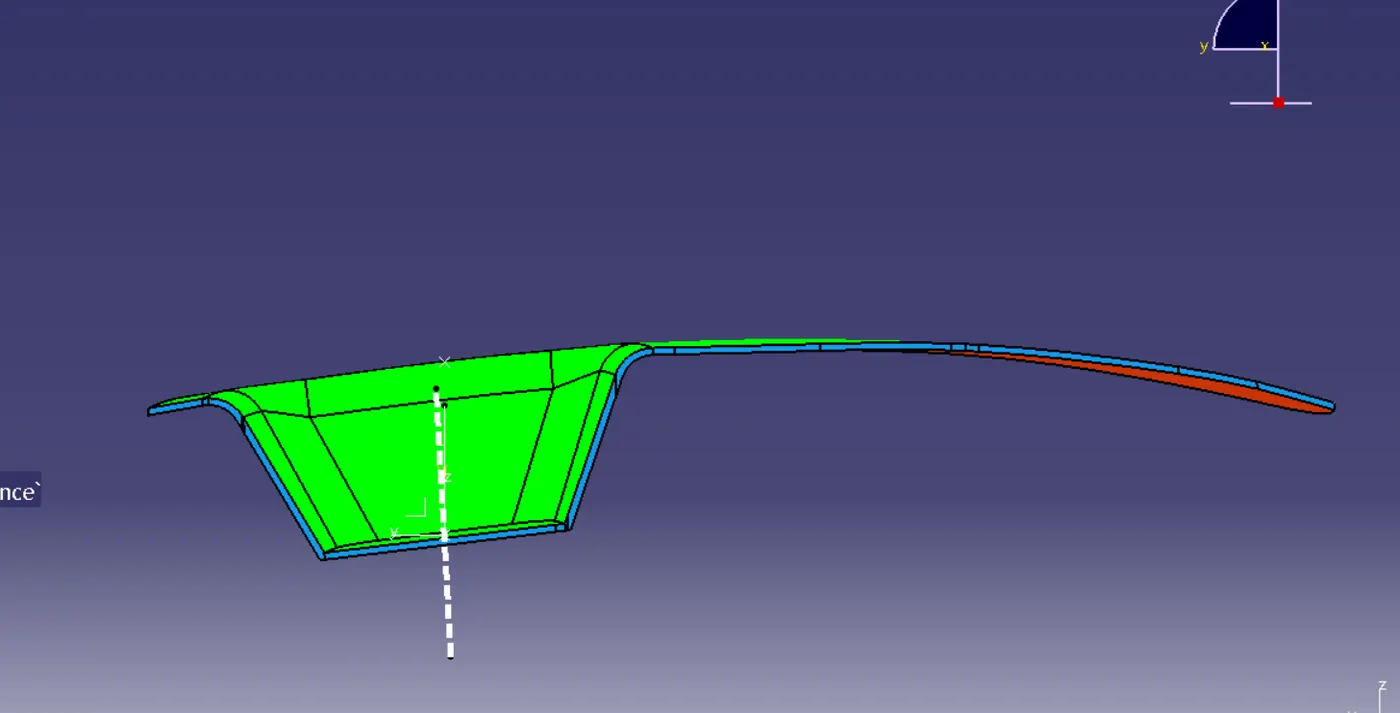
· Created the B-class surface using extrapolation and the untrim command.
· Generated the C-class surface using the sweep and multisection commands.
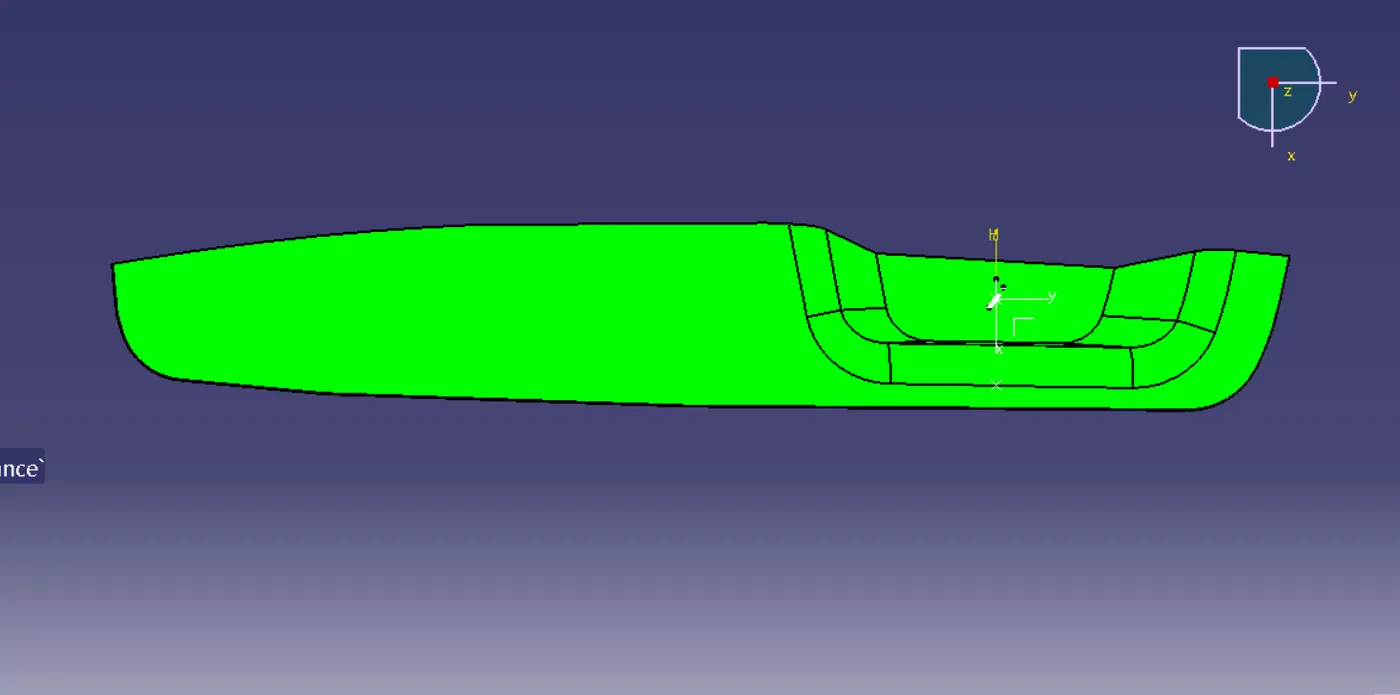
· Joined the C-class surface with the A-class surface.
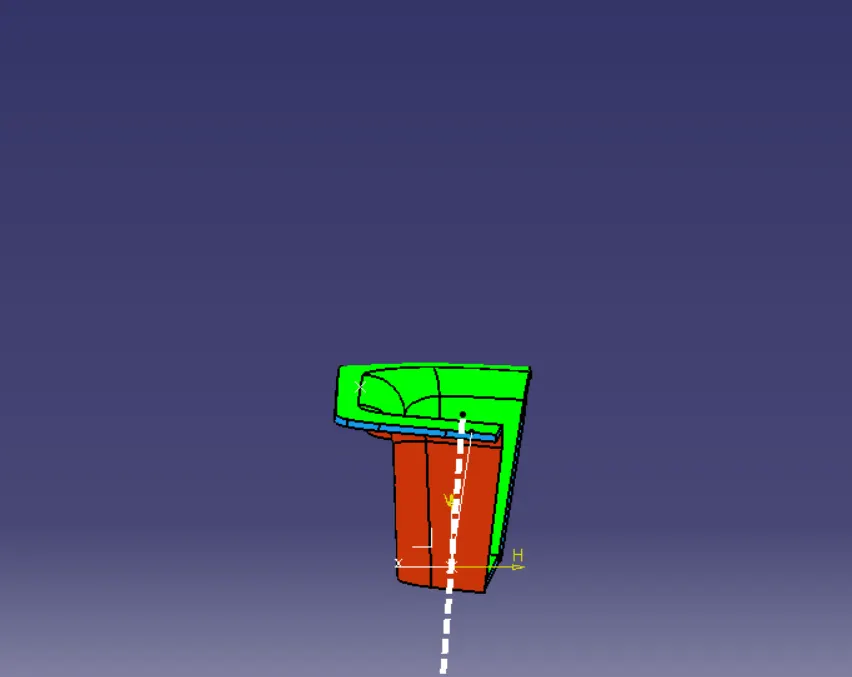
· Trimmed the B-class surface and joined it with the combined AC surface to form a closed section.
· Created a solid section from the closed surface.
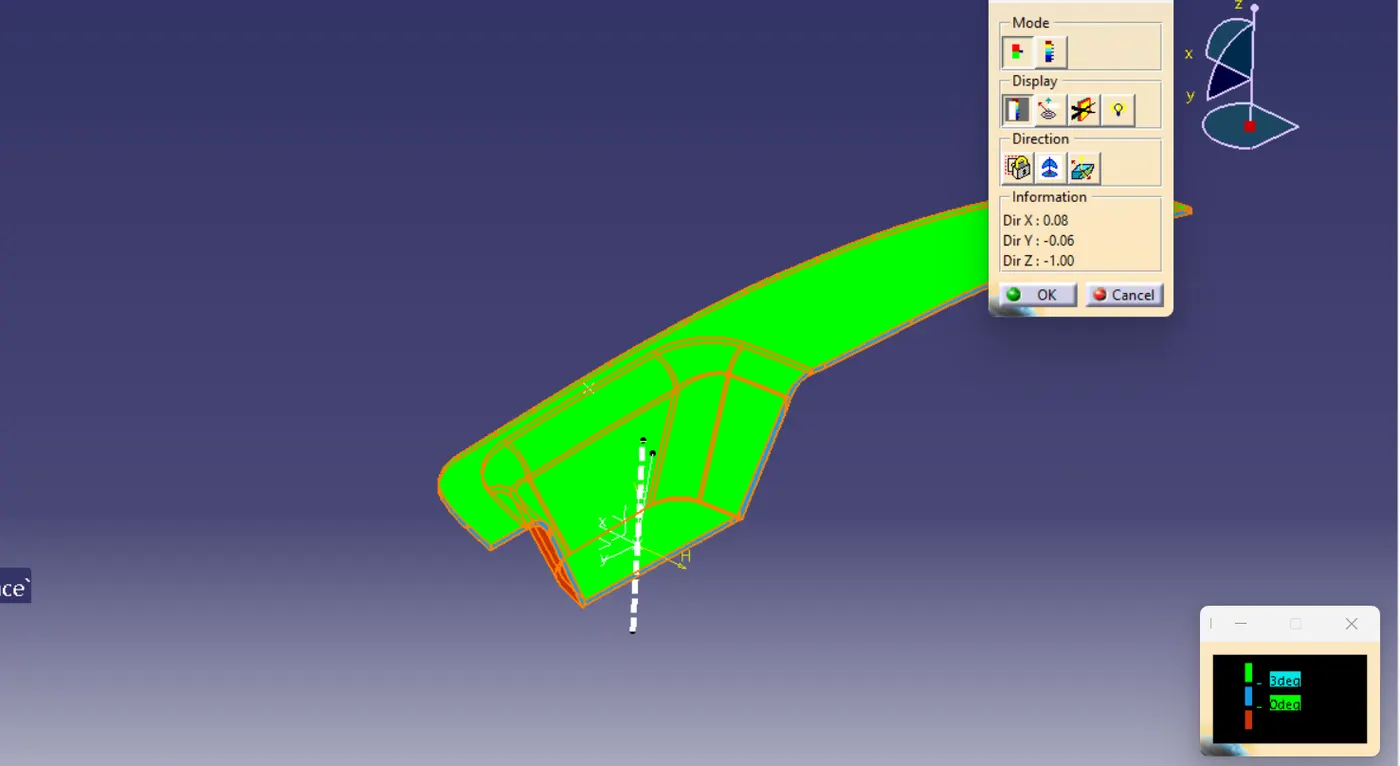
· Used the draft analysis command:
· Placed the compass on the tooling axis.
· Selected the surface and adjusted the draft angle to 3 degrees to ensure manufacturability.
closed surface views:
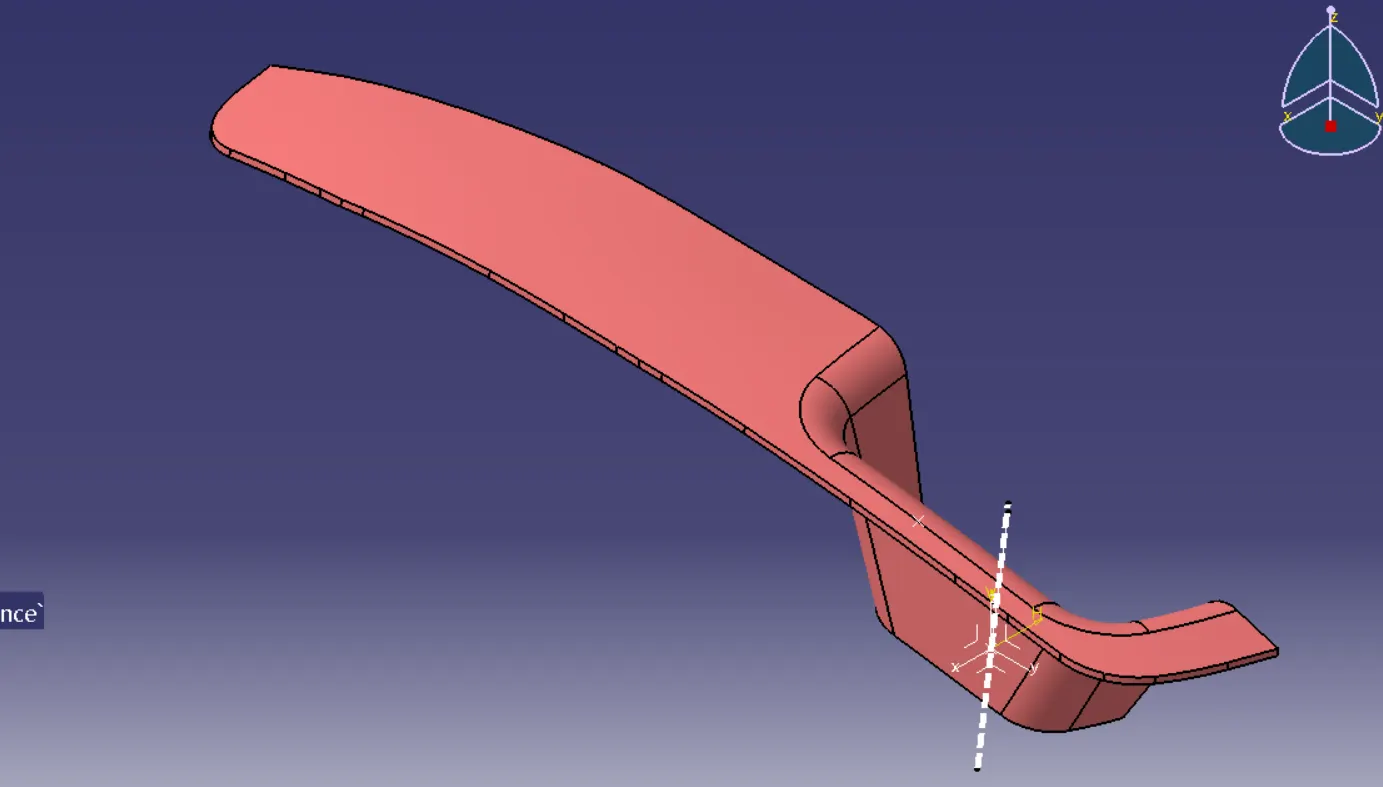
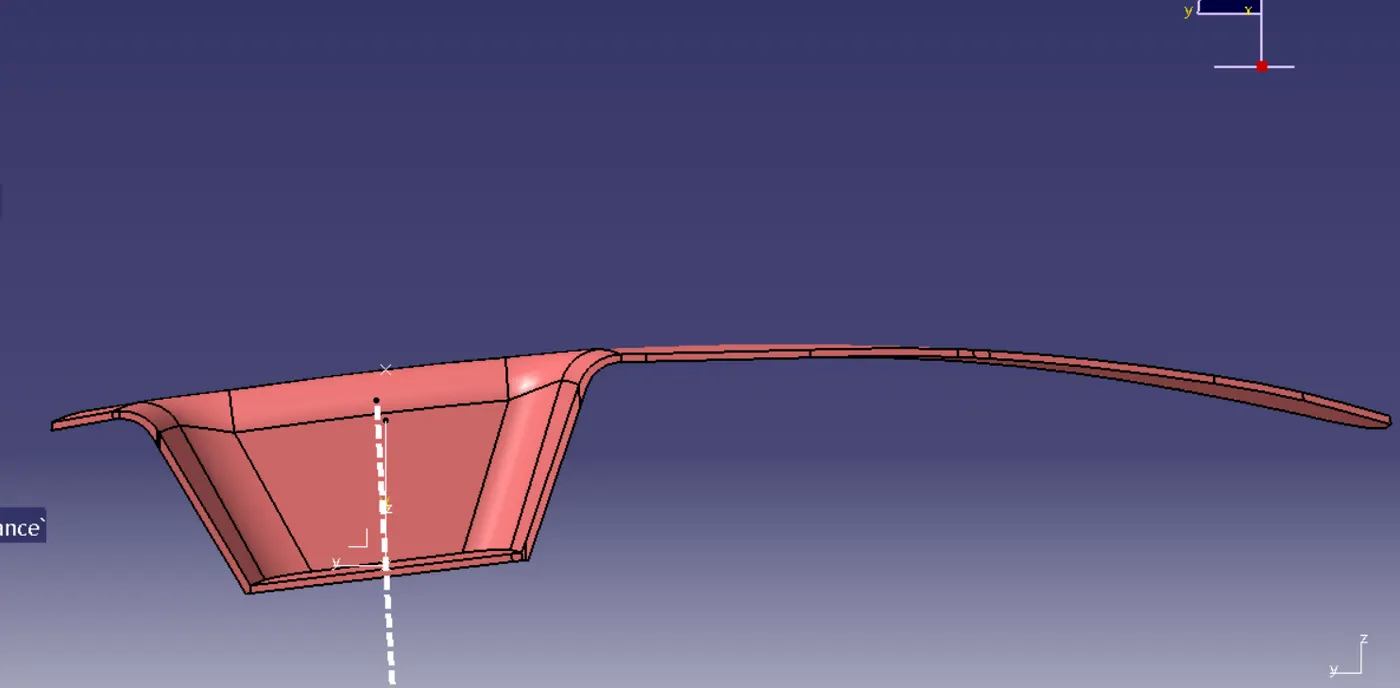

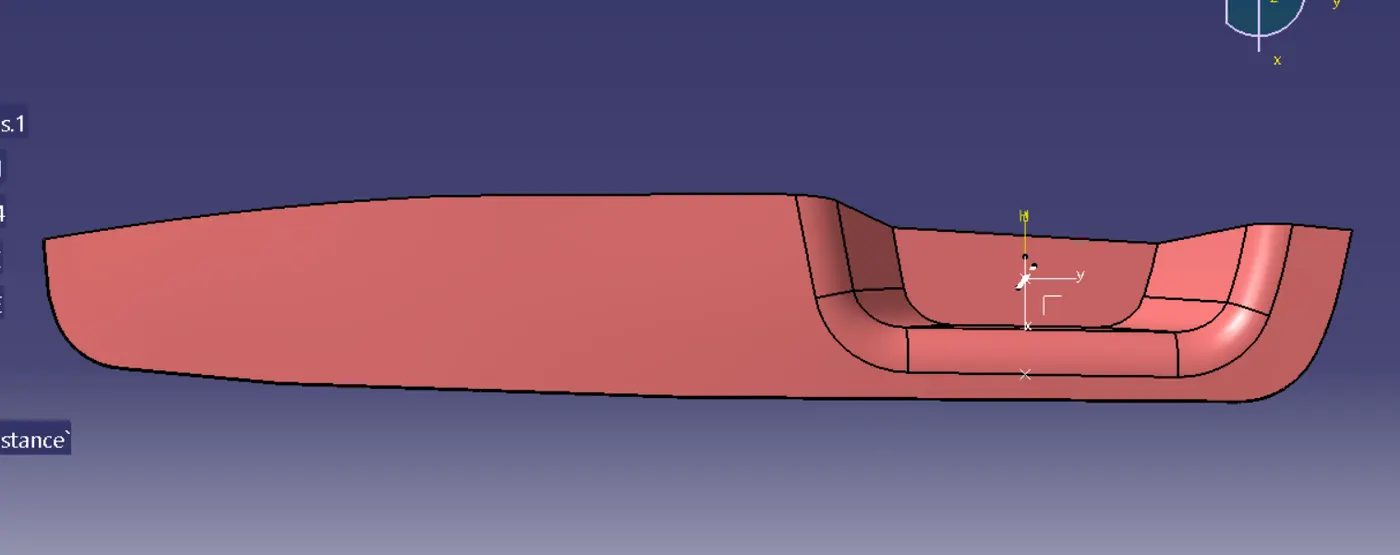
Draft analysis view
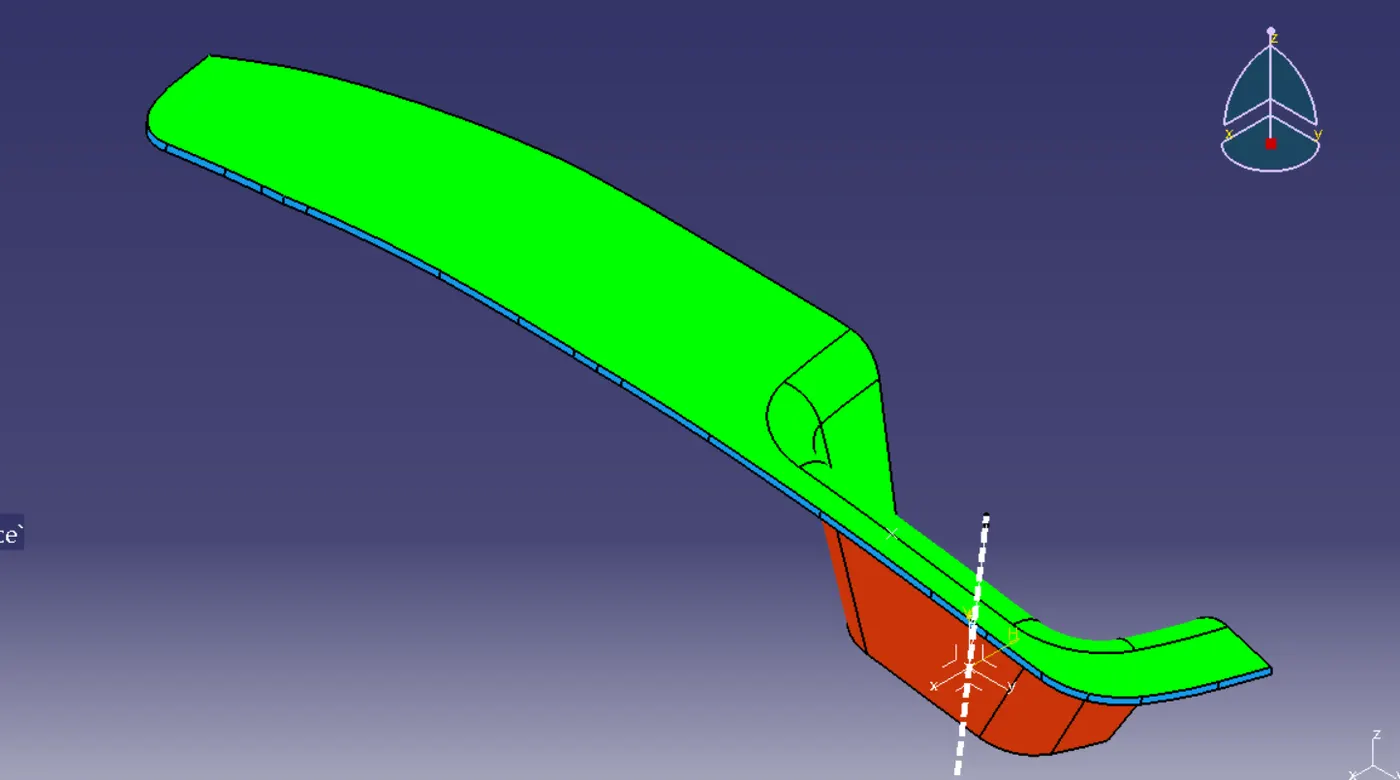
thus i have created the switch bezel design