Week 9 - Challenge 2 - Switch Bezel Design
DRAFTING ANALYSIS OF PLASTIC COMPONENTS
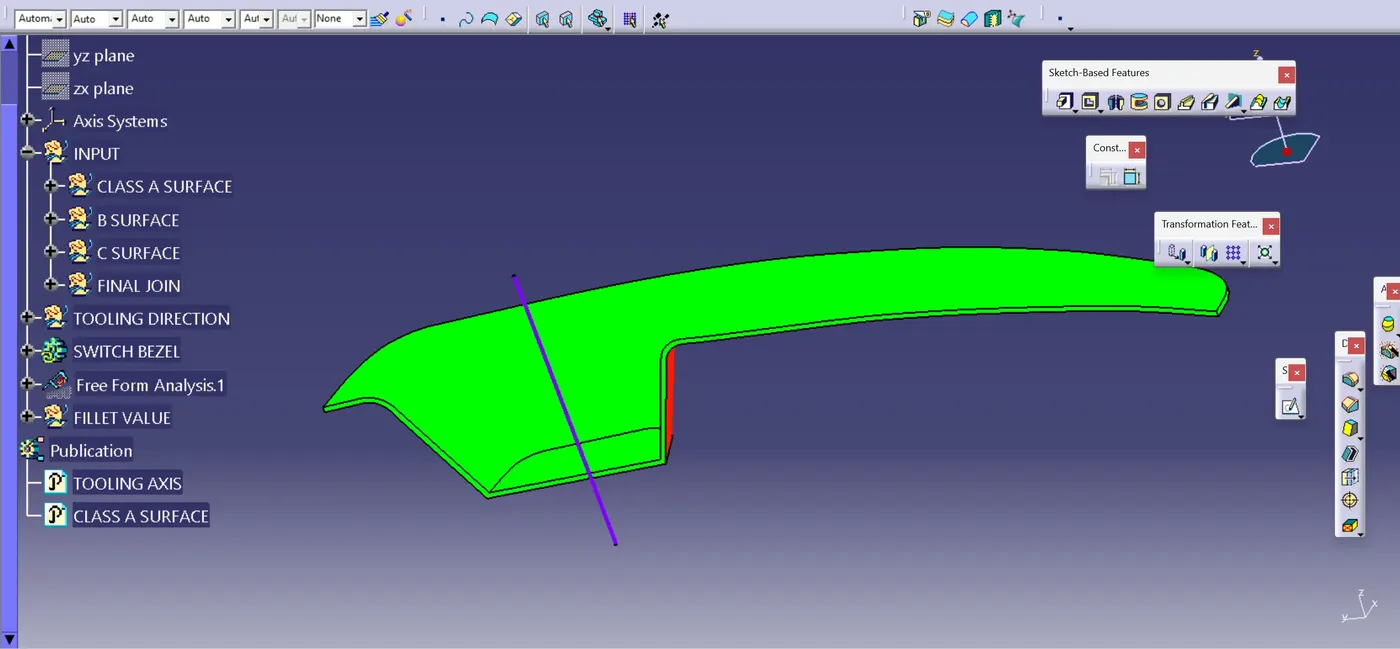
DRAFTING ANALYSIS OF CLASS A SURFACE
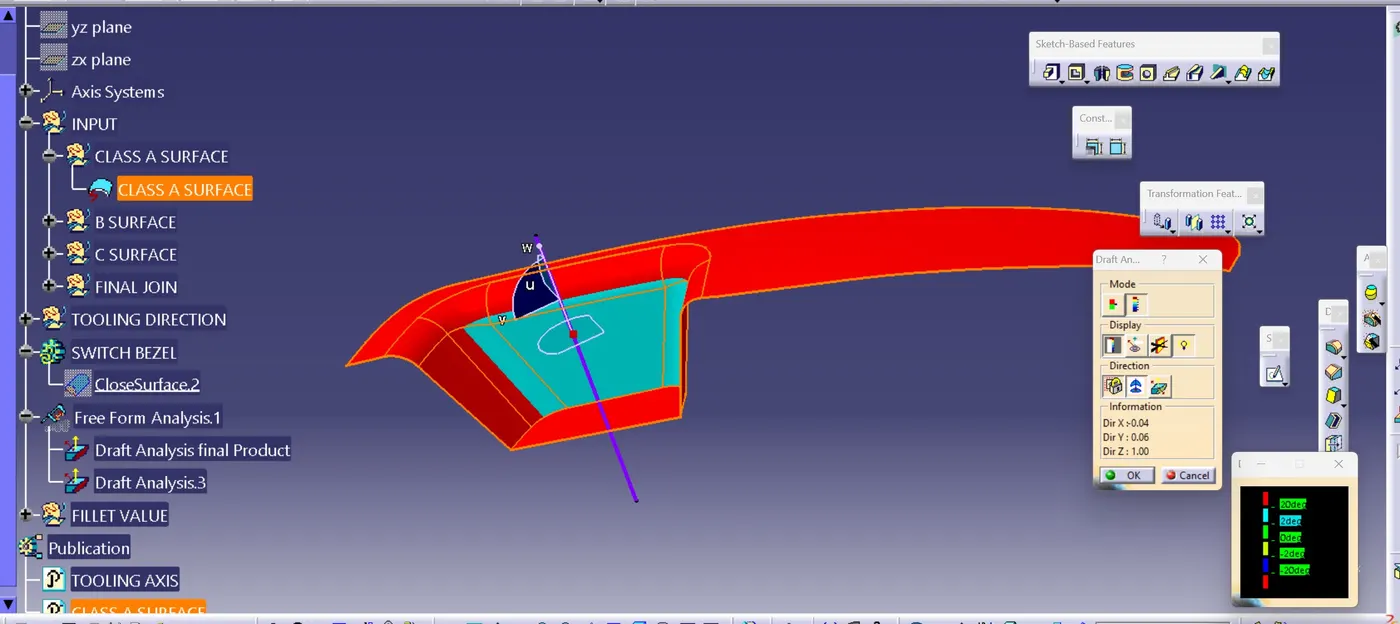
Tooling Axis Creation
1. Extract the base surface of Bezel
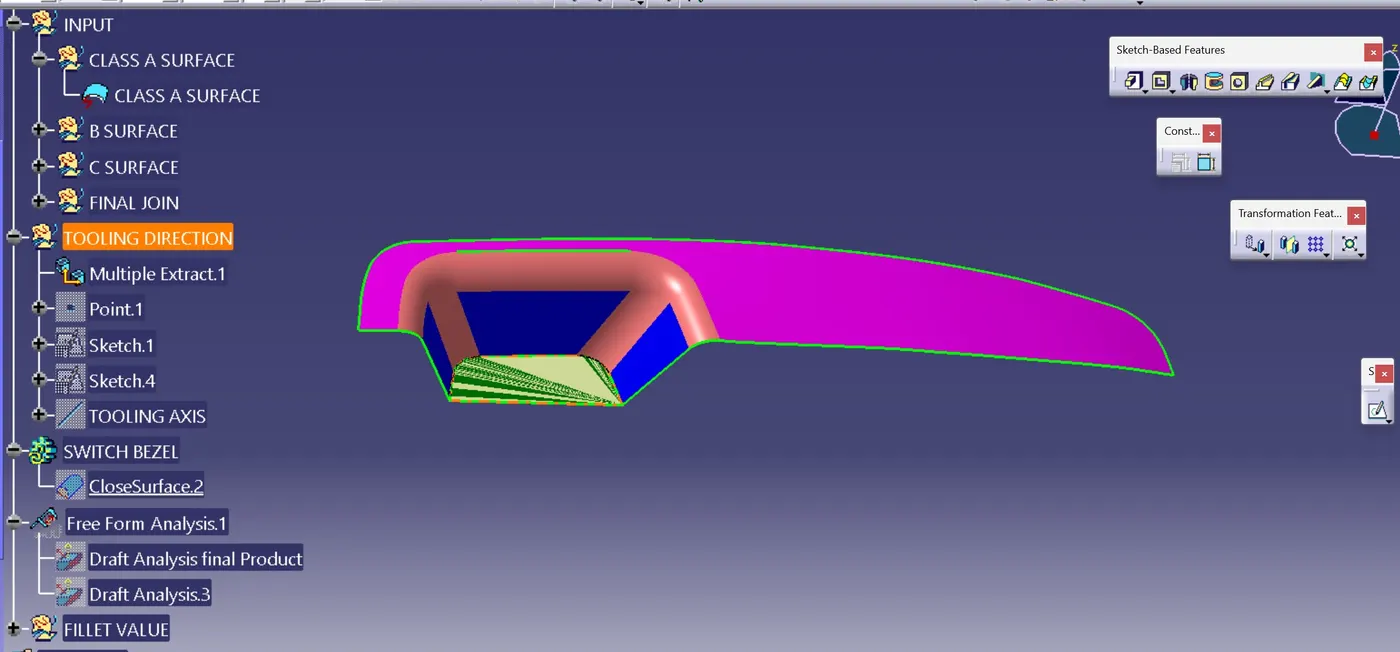
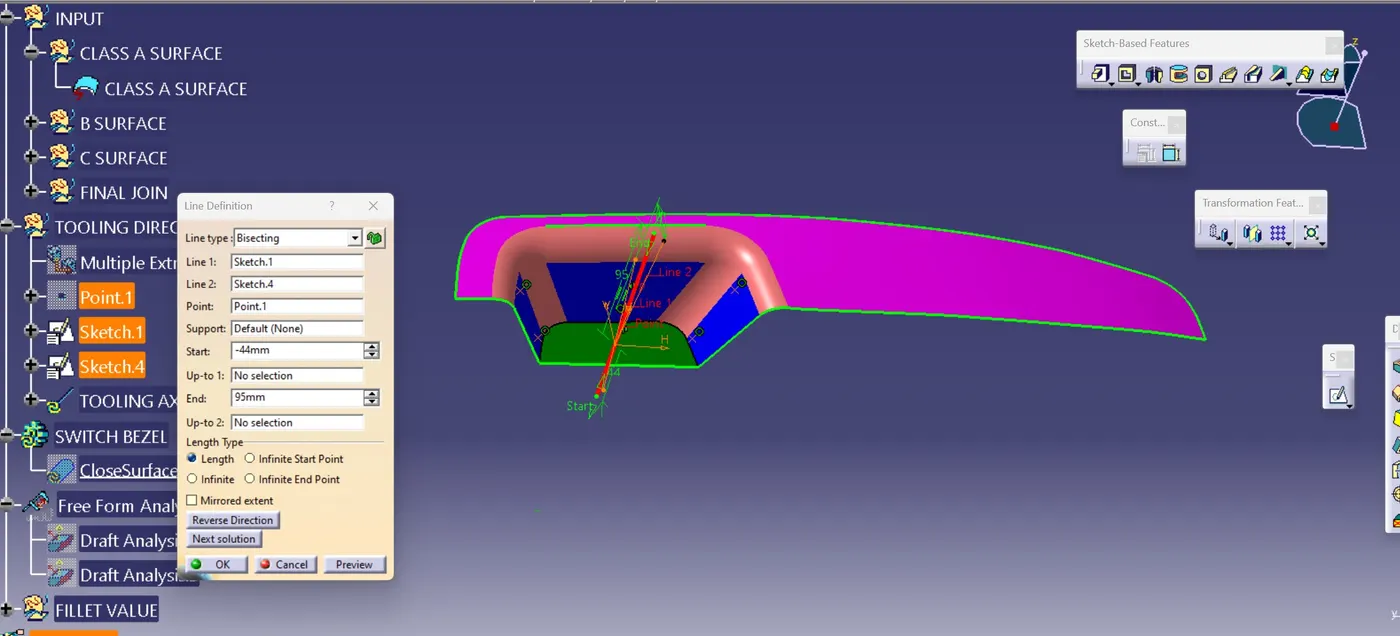
2. Create a intersection of Class A surface in a sketch and create line on the edges of intersection sketch and then choose bisecting line option and select the two line for bisecting lines.
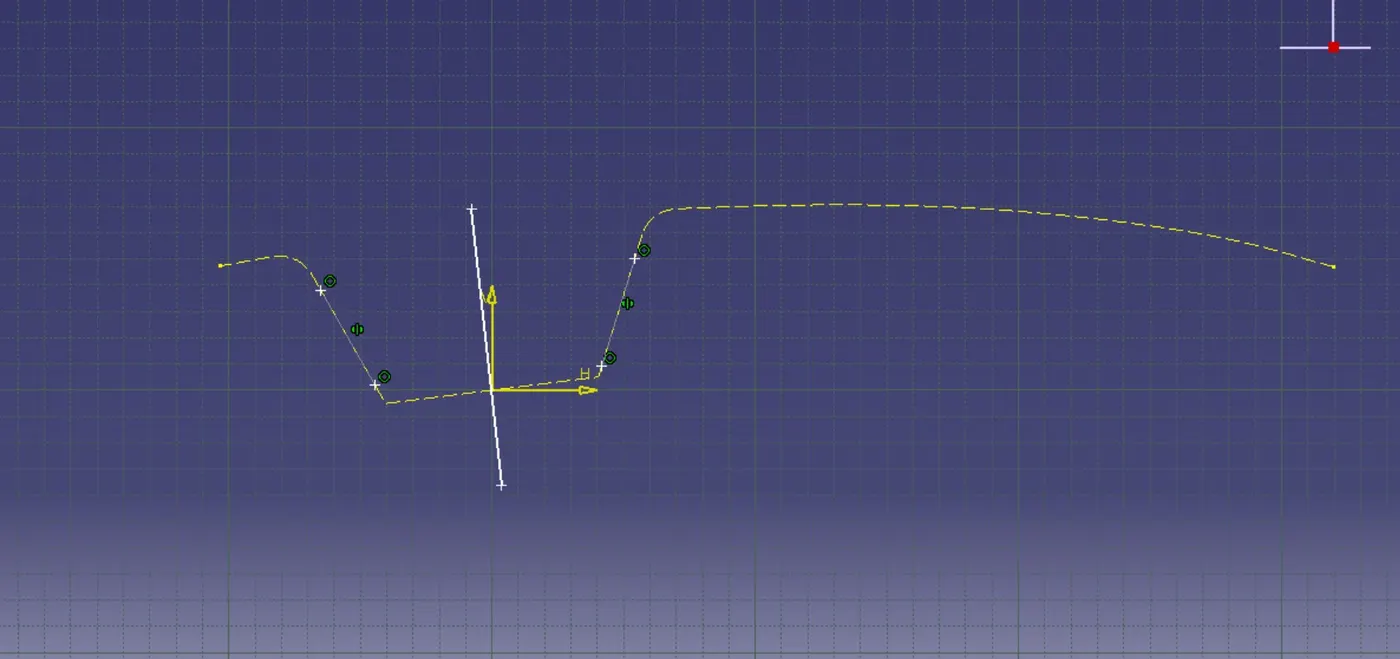
3. Create axis at the extracted surface and then sketch another line in the sketch.
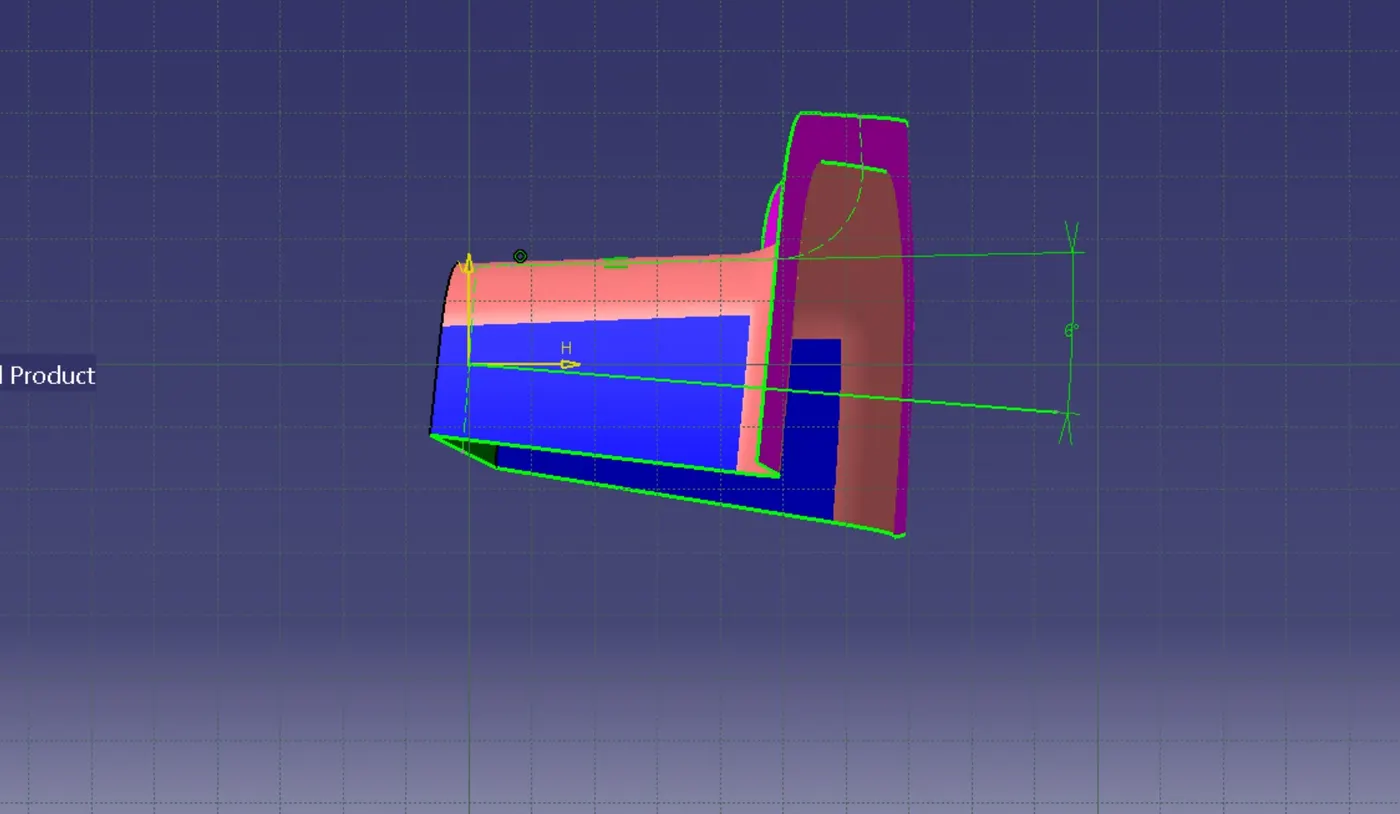
4. Select the line tool and choose bisecting option and slect the two sketch line'