Week 9 - Attachment Feature Creation (Ribs & Screw Boss) - Challenge 1
helo !!
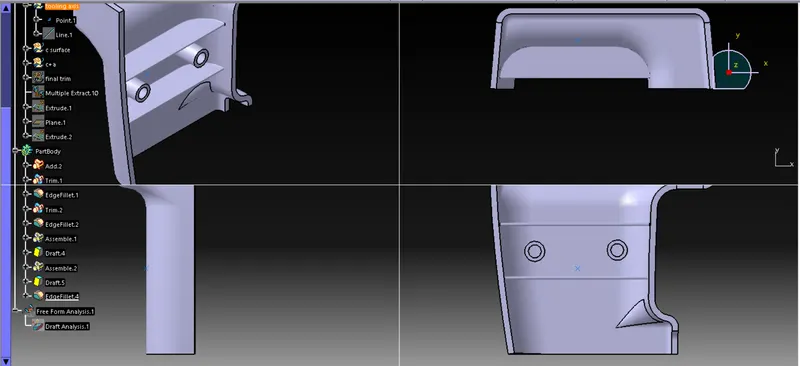
this is the report of the above door trim diagram with ribs and screw
i got the model of a surface i just go with draft analysis and created tooling axis
first i got my a surface then i offset my Asurface inside to 2.5mm
then i closed the patched with multisection option
now i got b surface
now i want C surface so with help of A surface by useing toolinbg axis with sweep command in
3&90 degree
then join c plus a=C+A
then cut b surface with C+A
now i got the closed surface make it as body
then i converted closed surface as closed body in part design
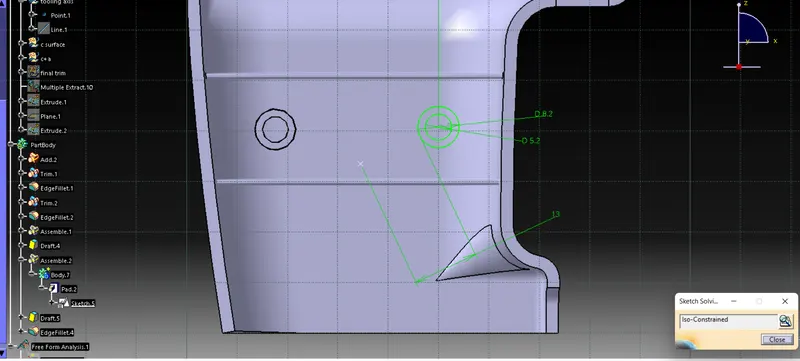
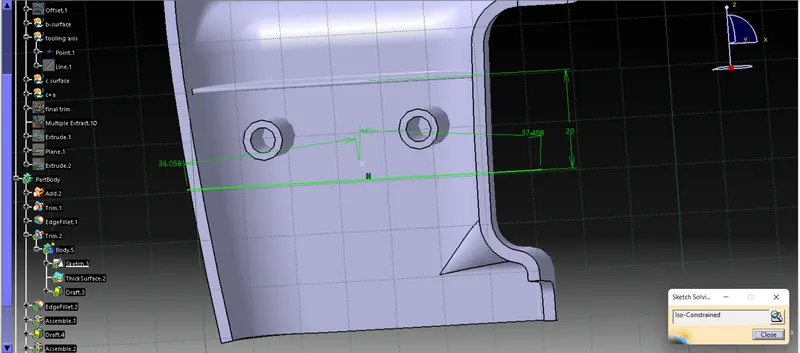
and slected the area draw a line and extrude and donw the boolean operation for 2 ribs and screw boss i just draw a circle and pad it and make it as attached with party body as assembly