Week 9 - Attachment Feature Creation - Challenge 2
Designing the screw boss and Doghouse
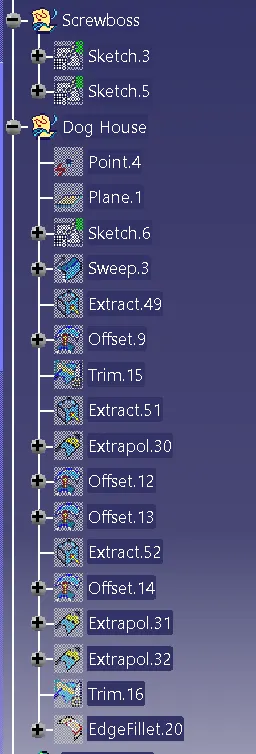
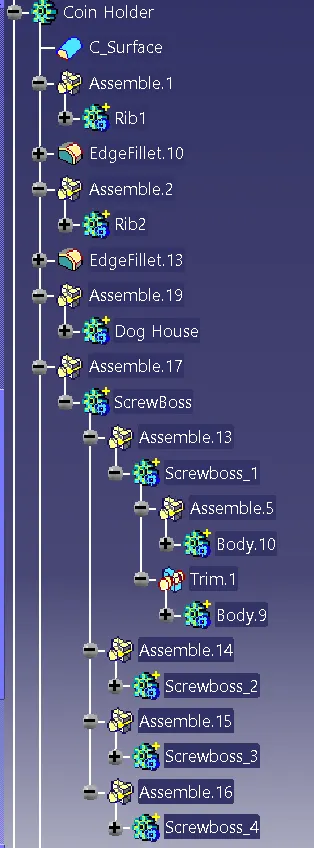
Screwboss
1 create the required profile of screw boss using position sketch
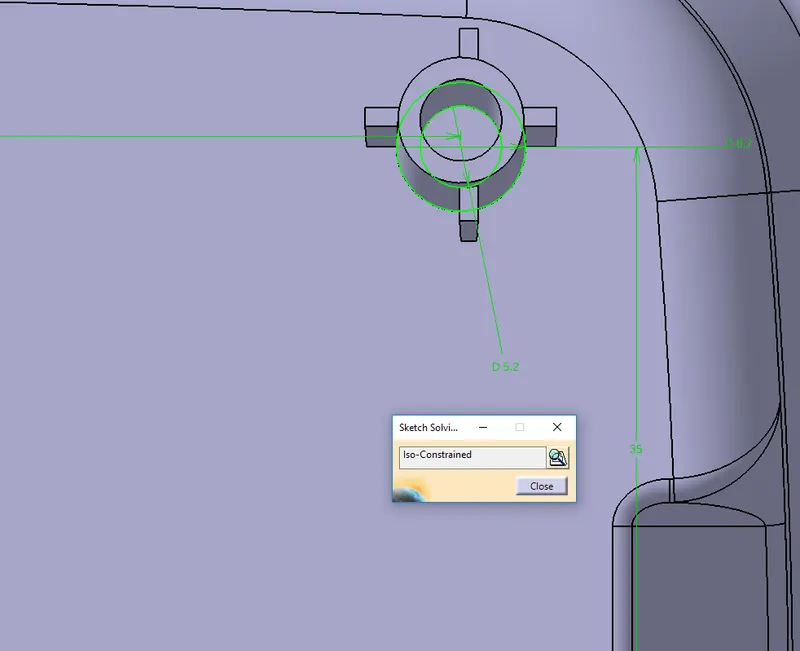
2 pad the sketch to the calculated hight
Height is 5times the thickness of the component
5*2.5=12.5
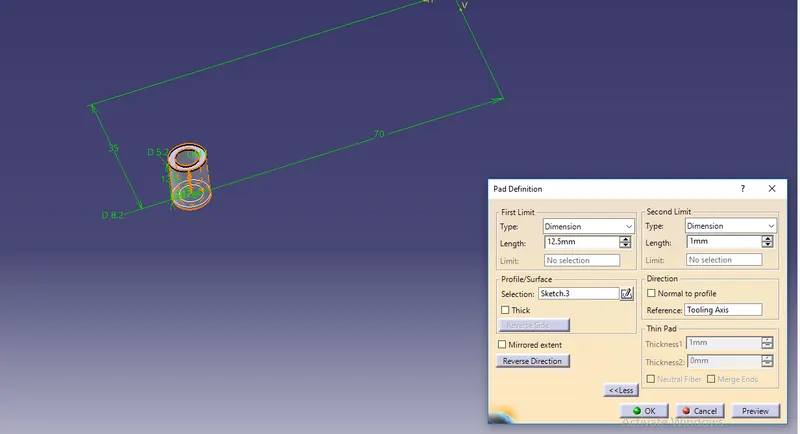
3 draft the element
min draft value 0.5 deg
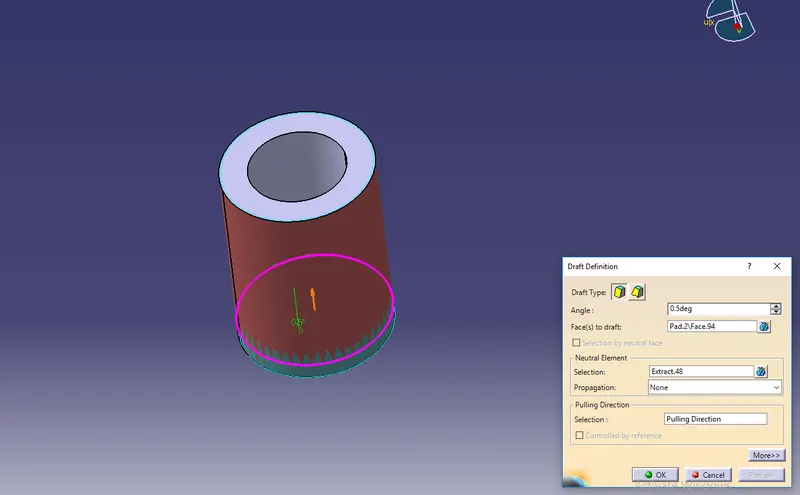
4 after getting the element we have to make a stiffener to get it strong
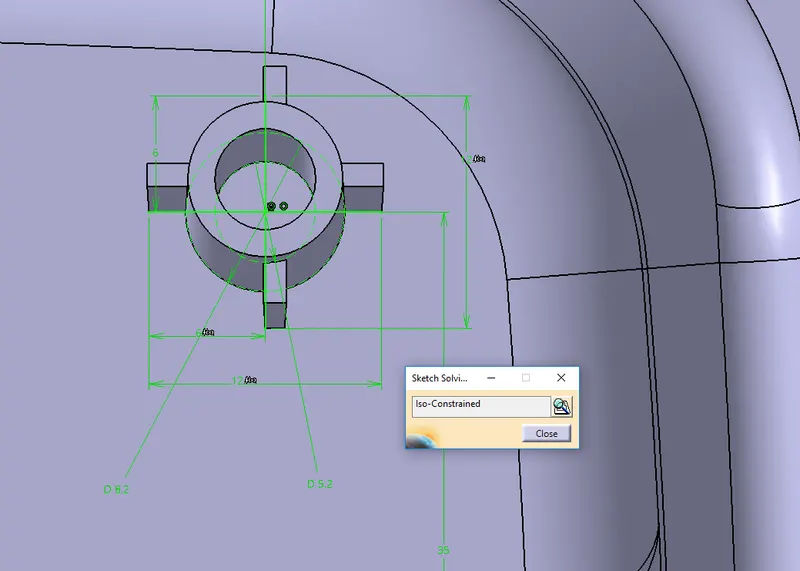
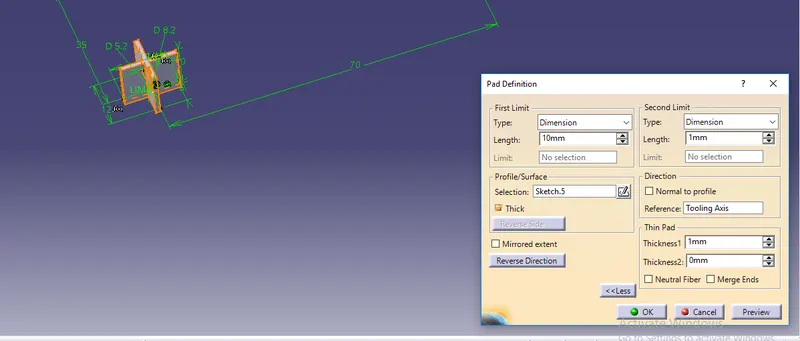
thicken the lines to 1mm and pad it 10mm
use uni trim with the circular element
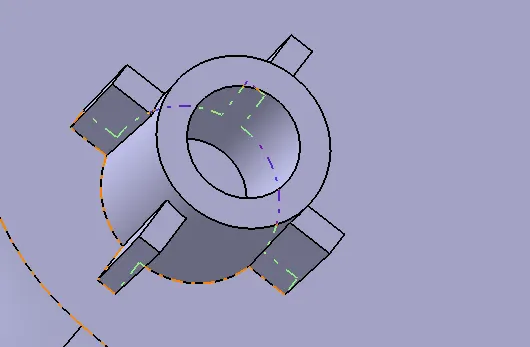
after getting screw boss we can place it in a different place by using the translation command
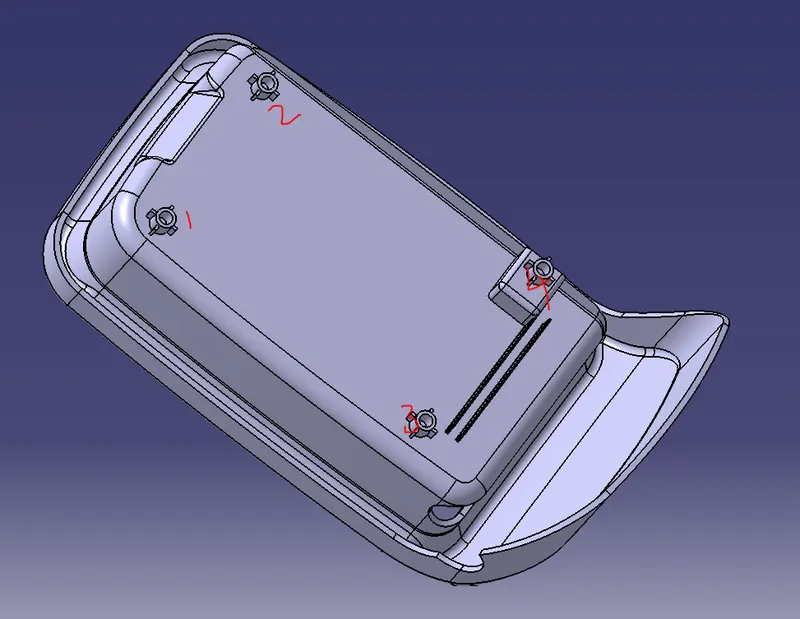
screw boss is down
now we have to create a dog house for one screw boss
create a box using position sketch with screw boss center.
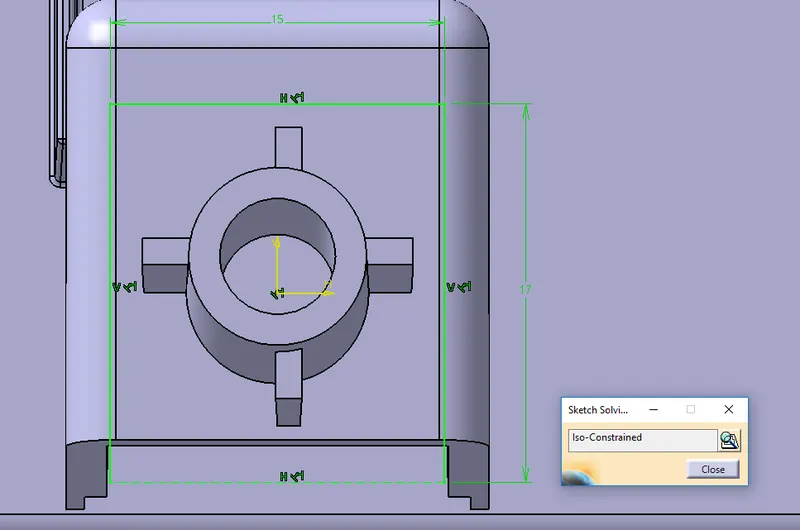
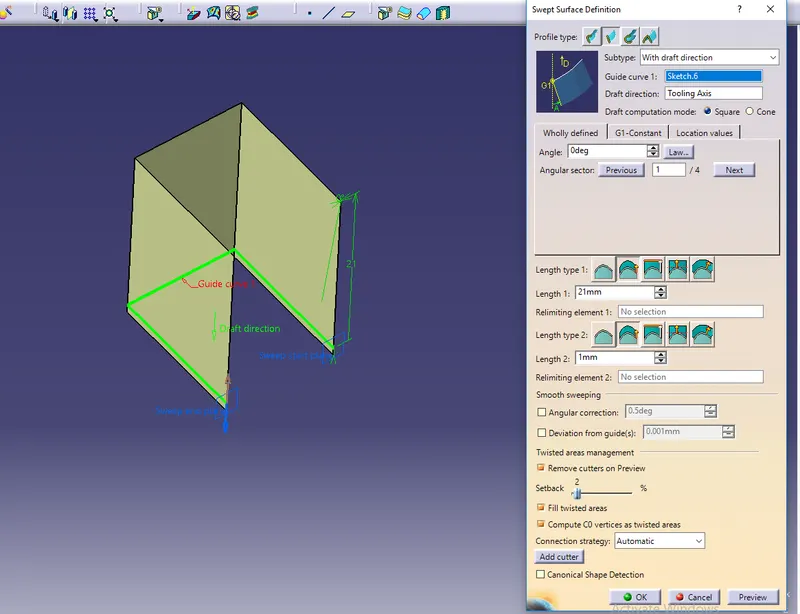
Swipe it to a height of 20mm with reference to the tooling axis
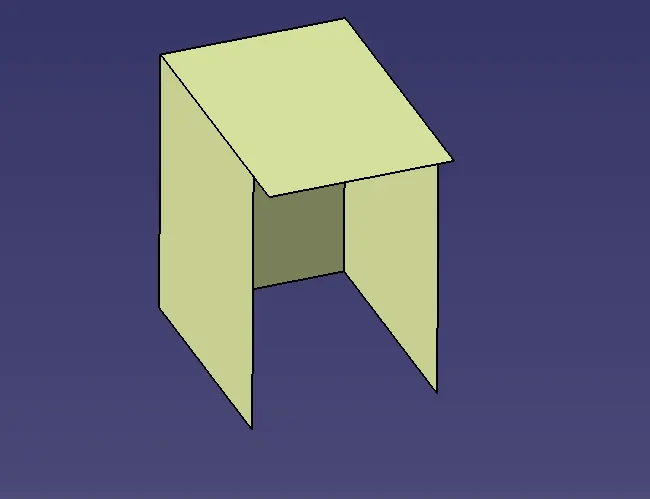
close the top end buy using the base offset and trim
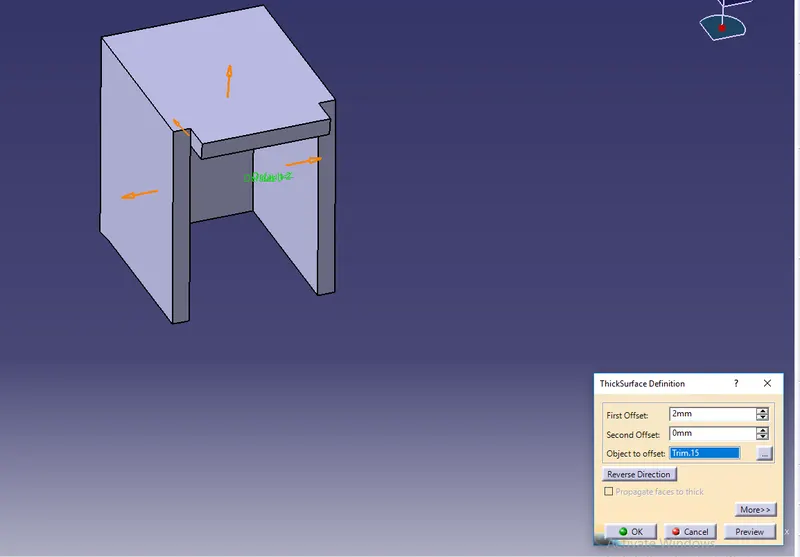
take an extract of the base and the element
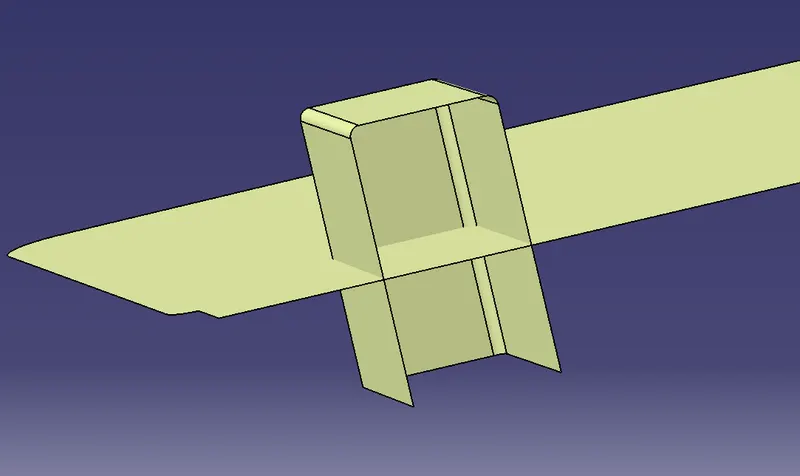
trimmed the elements as shown in the figure
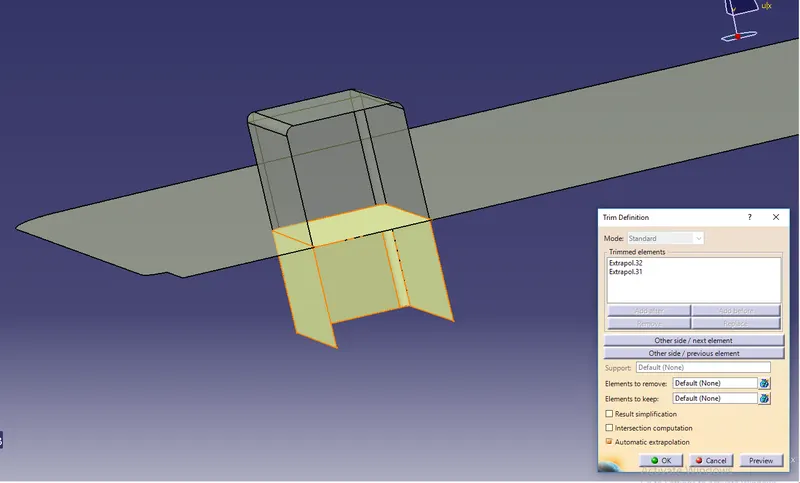
split the element with the body
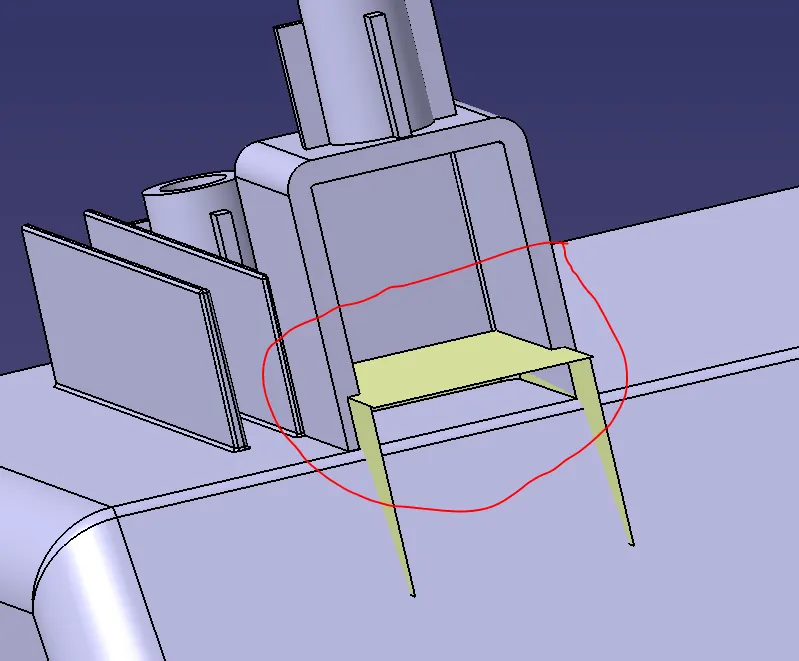
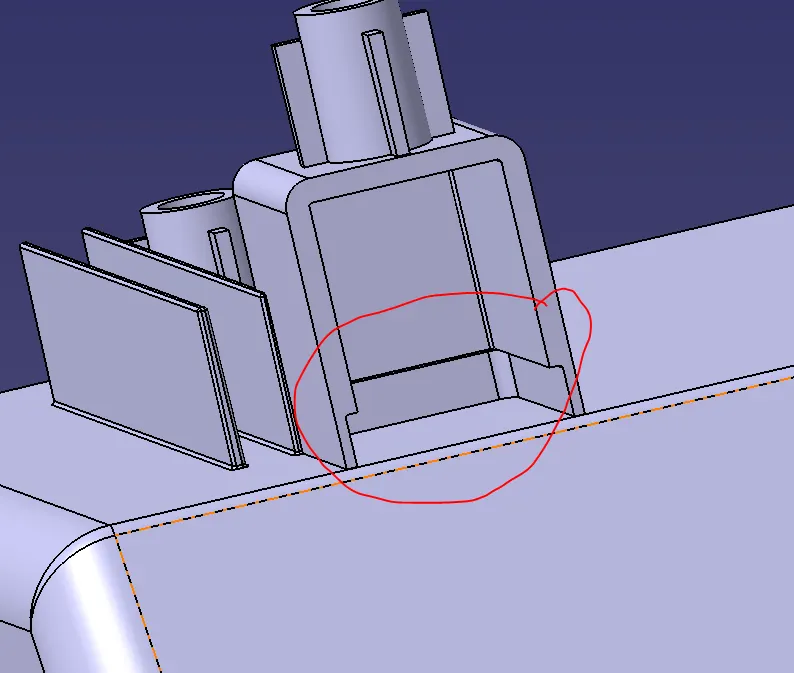
assemble with the coin holder body and reposition the screw boss
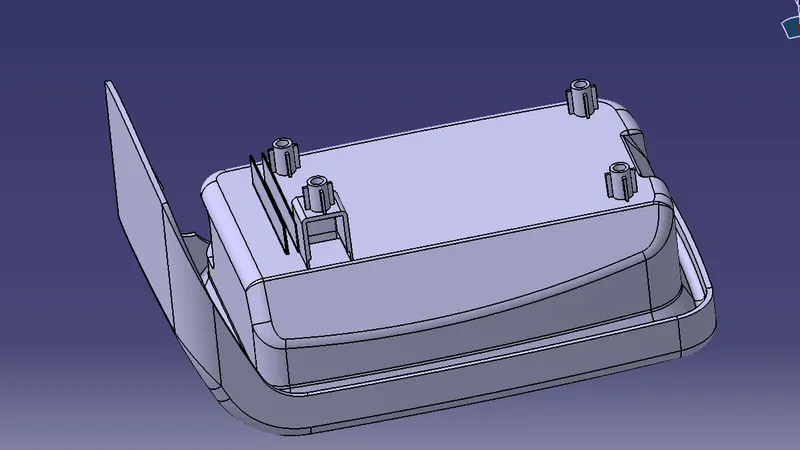
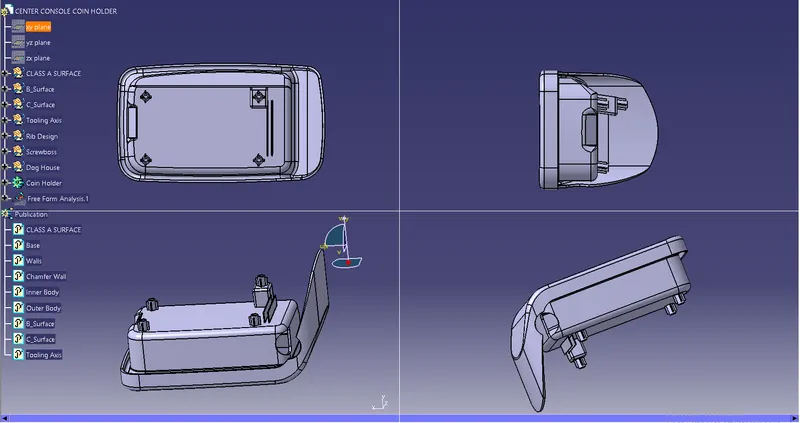
in this way, I have created the screw boss and doghouse for the coin holder.