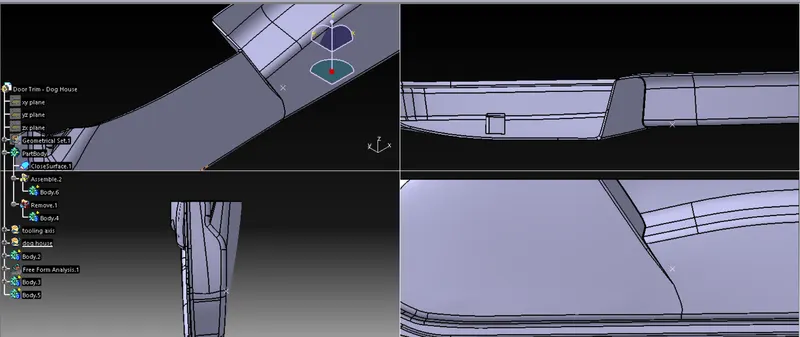
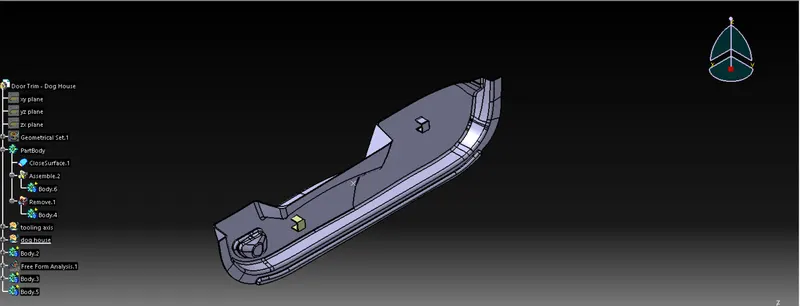
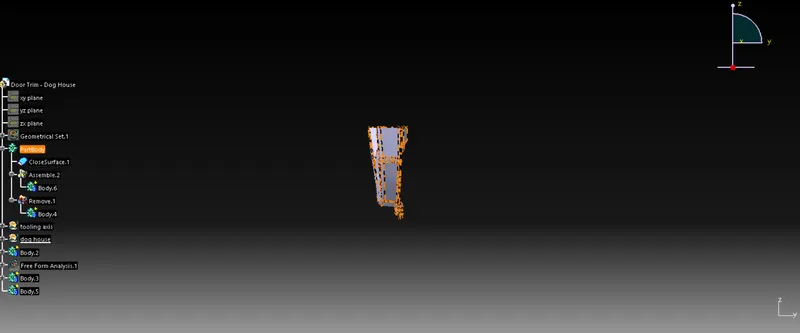
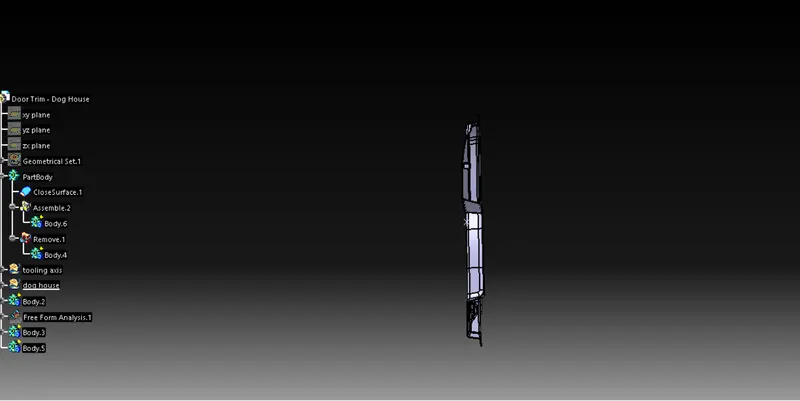
Week 9 - Attachment Feature Creation - Challenge 2
FIRST STEP
first we want to make the surface and offset into 2.5 to 3 mm TO GET B SURFACE
SECOND STEP
NEXT we WANT to patch the surface where all the surface all are removed
here i got to know around 3 major areas surface is not there so i want to remove al the area wher patch has to been because as like that the patch cannot be and its not highly recommed and also we sould not use fil command also here for filling because if we use fill command we cant able to modify the fillet range etc
to make the patch close first bo b surface and creat a geometery set
and extract around area and make them extrapulate or un trim and trim
in this we want to notice one thing while extractting we have to extract sharp edge becausee edge fillet has not be interested after extract and trimming that triimmed surface should be joint with b surface but here existing handie shape of the surface should be remove by join comment and SUB ELEMENTS TO AFTER THAT every element is meant to be join
after joint the suface
we can move the second surface it is small thing so i go with mltisurface option here
and lst surface is little bit tricky so
we have to multi extrude and extrapulate the left side surface with middle surface and trin with trimmed body we can extrapulate tha right side body and trim
finally join them and join 3 surface
fourth step
we want to create c surface with help of Asurface by
hideing all the surface expect Asurface and make a limmited boudnry as per the surface to avoid over lap
after make the boundary for al the edge of the surface select the sweep commant and slelect the boundary and give 90 dgree and select the out ward selwection give on
same repeat he process for al the side of b surface u wil geth sweep of 90degree with requird mm which was given on the
and join al the sweep
after that join the sweep join with a surface mm
fifth step
final trim has to be done with b surface and last a+c surface that is sweep created surface
next step we are going to insert a dog house which is used for house of the locators
for dog house we have some rules like
-
Doghouse wall thickness at the intersection of the part wall ( C ) should be 40% or less than the main wall stock ( T ).
-
The height of ( B ) should be between 3.0 – 6.0 mm
- by using that oly we are going to perfome the dog house and make the dog trasntition into another one
first we are go to take a surface where we are to make a dog house and after we are going to draw a four side common rectangle
and dimension the rectangle
.and after the dimesnion give we want to make the sweep with 1.5 degree and hight of 20 mm
we will get four side rectangle with open at the top
now to make closed surface we want to extract the surface of the bottem which the rectangle formed
anth then that extacted fursface should be offseted to 19mm above and trim tool has been take a roll to cut the unwanted area
now we got the profile of the dog house
to make this as solid now enter into part design thick the surface for 2mm and selct the closed surface
now we want to makw the core to make the core we want select the dog house body alone so
common request you to do the do the object in the seperate seperate body
it wil help us to make the body clear and also tree in the clear manner
now start to perform core
now using the extracted srface offset the surface into 4 mm
annd also extract the inner surface useing tangent continuty
now hide the closed surface of solid
and using the extracted surface of bottem and side make them trim and make into a smalla size of dogg house but lessheight
with open at bottem and give fillet value for 0.5mm
and now extrapulate the opensurface because we cant able to cut the closed body with closed surface
by using the open surface with help of closed body we and using split cpmmand we splited the body
and hide the unwanted and ended with fillet of 1.5mm