Week- 8 - Solid meshing
AIM: To perform preprocessing on components of rear view mirror model using ANSA Software.
OBJECTIVE:
- To perform geometry cleanup on different component of car rear view mirror model.
- Assigning mesh parameters and quality criteria parameter for 2D and 3D elements.
- To perform shell meshing on different components as per given quality criteria.
- To perform volumetric meshing after defined the closed volume in the model
- To perform tetrahedral meshing on different components as per quality criteria.
CAD MODEL:
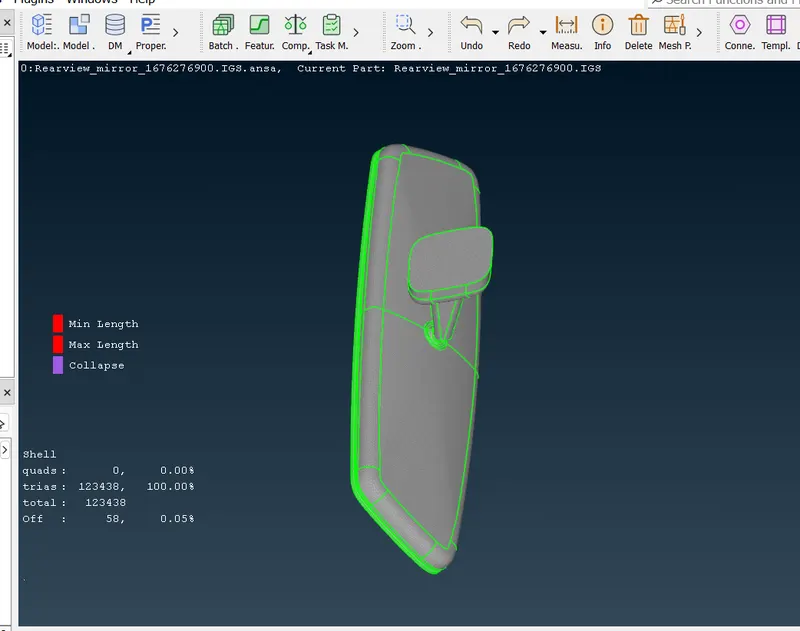
First, we have to Import the required file i.e. Rearview mirror in ANSA software by using GUI option. Once model is open, it will look in graphical window as shown in image below:
Rear view model consist of four different components i.e.
- Handle,
- Spherical bearing,
- Mirror and
- Mirror Frame
|
1. Handle |
2. Spherical bearing |
|
3. Mirror |
4. Mirror Frame |
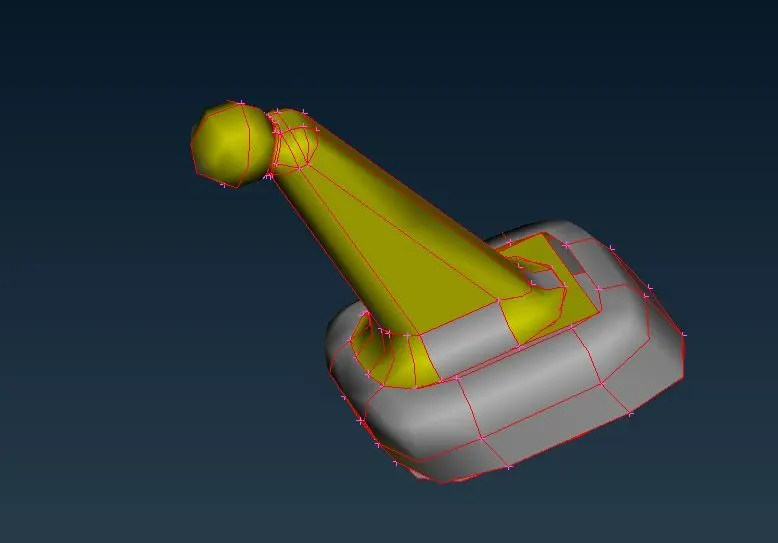
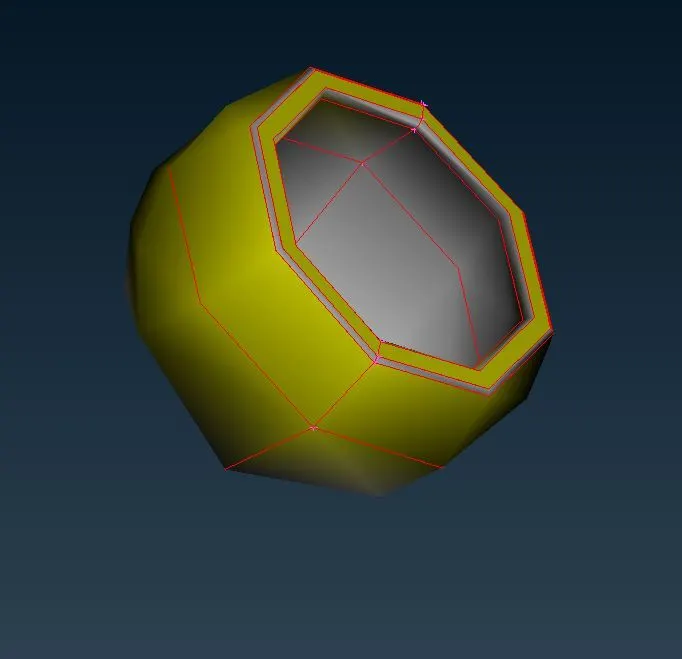
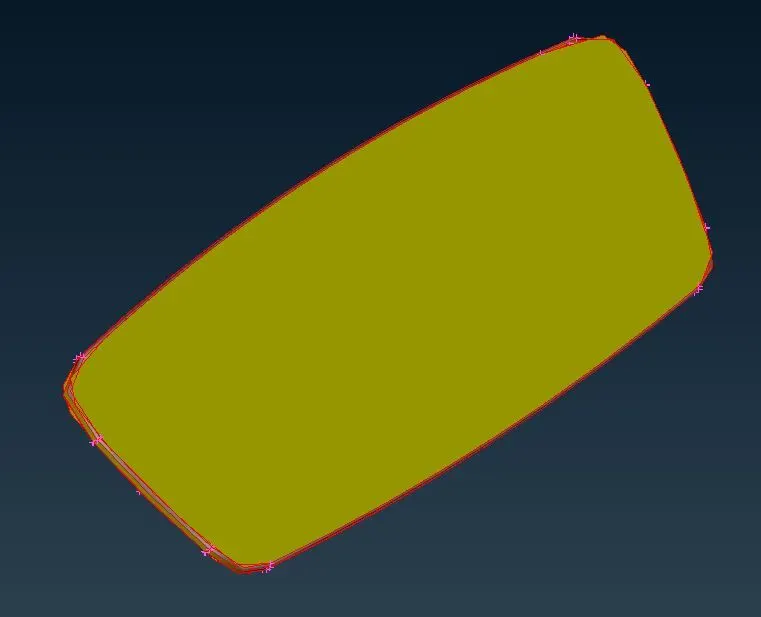
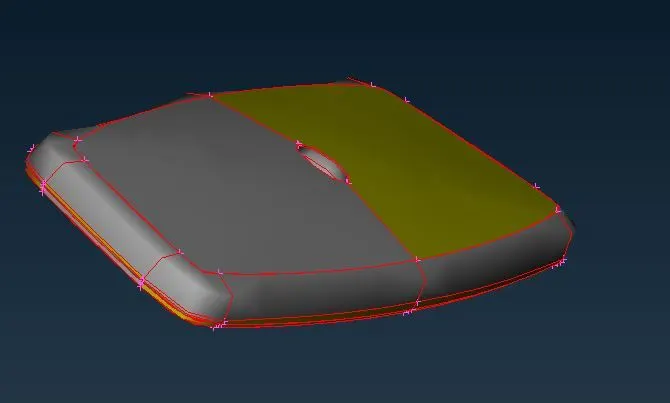
Figure 1: Components of Rear view mirror Model
PROCEDURE:
1. Geometry cleanup on different component of Rear view mirror model
(1) Topology Cleanup
After opening the given model, we have analyzed given CONS are not connected to each other (as shown in red color). So in order to connect these CONS, we need to perform topology operation using certain steps i.e. TOPO Faces Topo in a single box selection of components.
After done the topology cleanup, model will look like as shown in picture below.
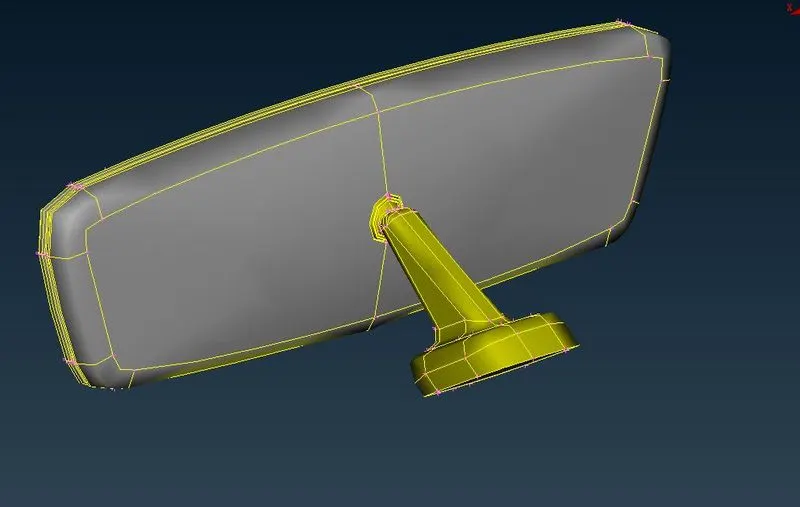
Figure 2: Topology cleanup
(2) Geometry Checkup
Before proceeding to meshing, we have to make sure that geometry is free from errors.
Ansa is having default template, where we have to filter our model for given errors. In this case, we have to select all except Sharp edges and unmeshed macros.
In order to check the geometry for errors, following steps have to follow for geometry checkup:
Left click on “Checks” in Tools option Select “Geometry” in options set “Visible” for Execute on (It helps to automatically selecting the visible component in graphical window Now click on Execute.
Error shown will depends on selected ANSA Checks option in template as shown in picture below.
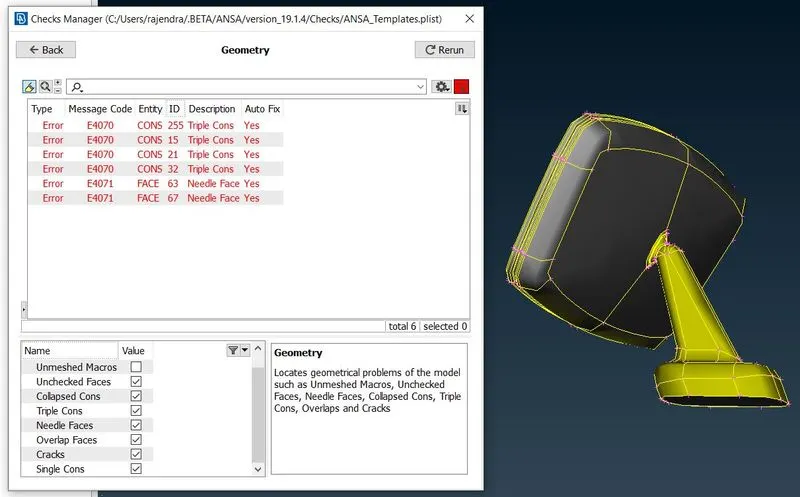
Figure 3: Geometry check
In order to check any particular error, right click on that error and select show only. It helps to identify particular error location in the component. In order to fix these error, we have two options. Either we can use manual or auto Fix. We will use auto fix because we noticed yes for Auto Fix in ANSA template, that means ANSA can fix these errors automatically.
we can move to next stage only if there are no geometrical error remains. So we will rerun the geometry checkup macro and check the model for results as shown in picture below:
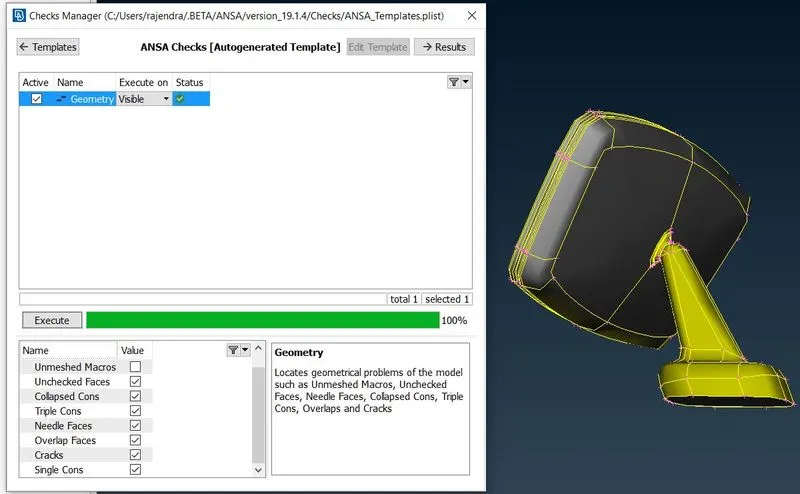
Figure 4: Geometry check
Now geometry is free from errors. So we can proceed to further steps.
2. Mesh Parameters and quality criteria
Before proceed to meshing, we have to assign different mesh parameters such as average Target length, minimum and maximum target length. And we have to keep element type is “Ortho Tria”. According to these parameters our mesh model will get discretize.
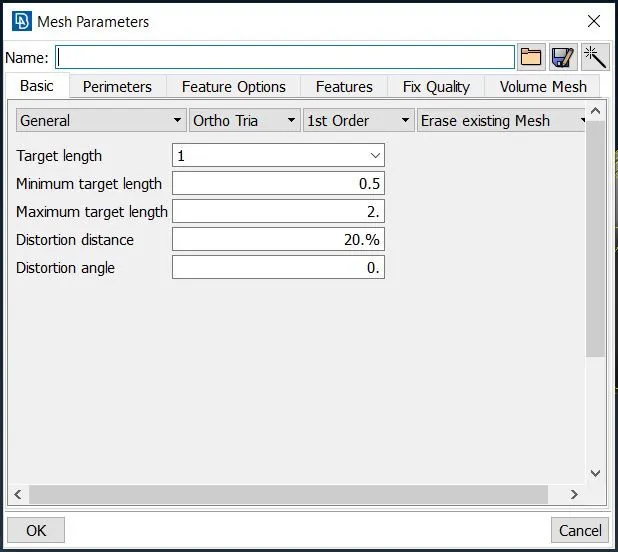
Figure 5: Mesh Parameters
After assigning mesh parameters we have to assign Quality criteria presentation parameters. Quality criteria helps to make understand whether our finite element model will fail or not. For 2D elements we will take care of minimum and maximum length only.
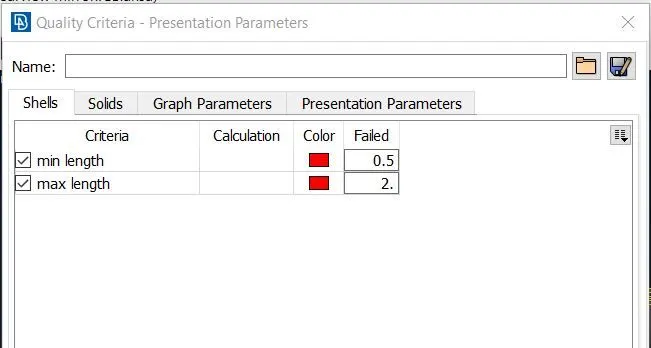
Figure 6: 2D element Quality criteria - Presentation Parameters
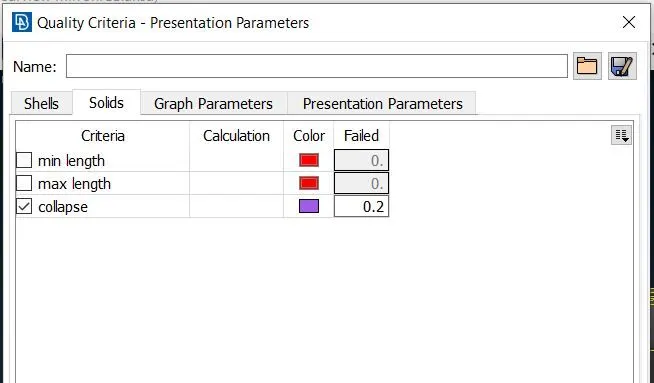
For 3D Tetra elements in case of volume meshing, we will take care of Tet Collapse quality criteria only.
5.2 SPHERICAL BEARING
In this case, we will use Tetra rapid algorithm to generate tetrahedral element. After volumetric meshing we have no Tet collapse issue as shown in picture
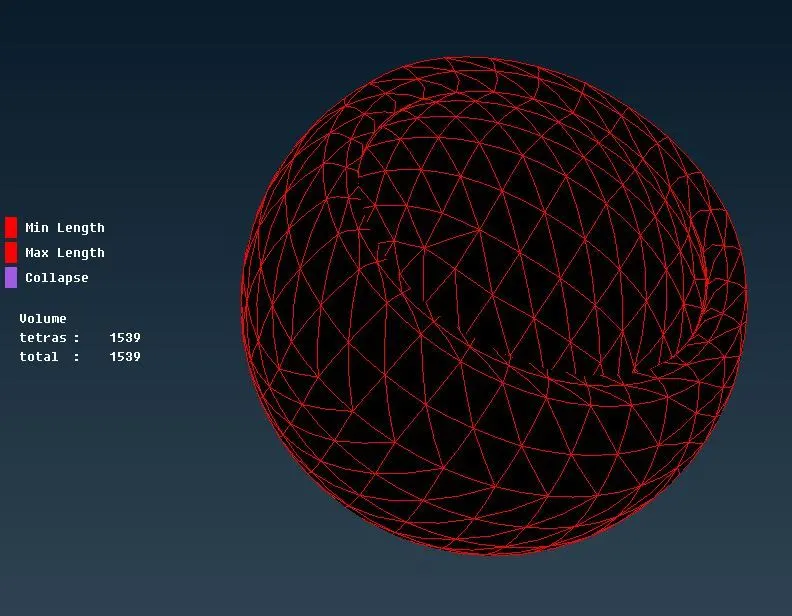
Figure 23: Solid mesh Spherical Bearing
And here is a section view for spherical bearing as shown
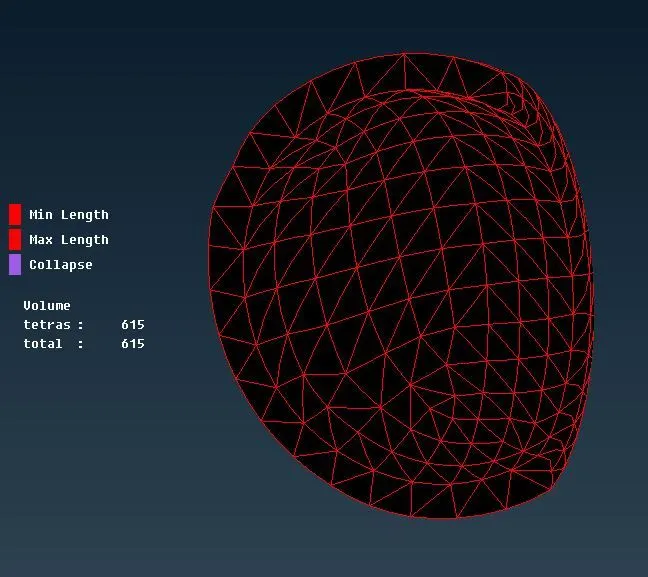
Figure 24: Solid mesh Spherical Bearing
5.3 MIRROR
Similarly, tetrahedral meshing is done using Tetra rapid algorithm on this component with no Tet collapse issues as shown in picture
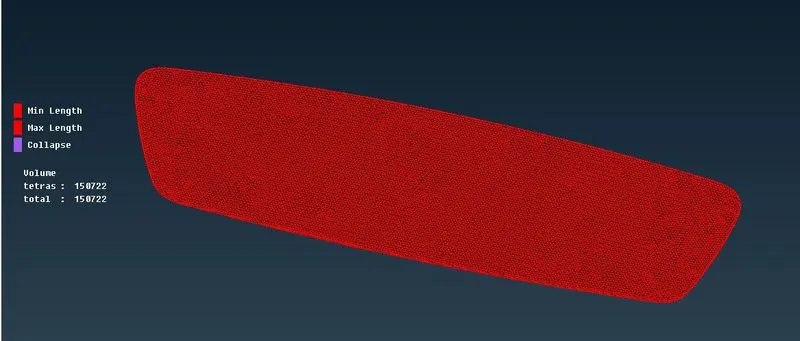
Figure 25: Solid mesh Mirror
And sectional view for this component as shown in picture
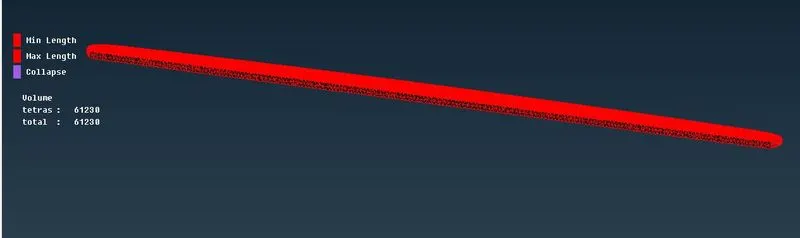
Figure 26: Solid mesh Mirror
5.4 Mirror Frame
Now we will use Tetra FEM algorithm to generate tetrahedral element on mirror frame model. After performing 3D meshing, we found meshing with zero or no Tet collapse issues as shown in attached picture.
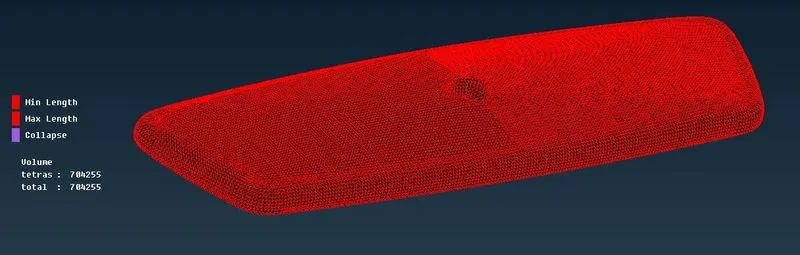
Figure 27: Solid mesh Mirror Frame
And sectional view for this component looks like as shown in picture
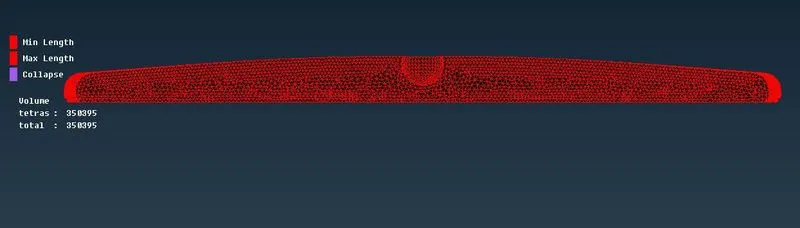
Figure 28: Solid mesh Mirror Frame
Learning Outcomes
- 3D meshing on solid object.
- Learnt how to fix quality issues in 3D meshing
- Aware with different types of algorithm in volume generation.
- Aware with the use of Ortho Tria elements on curved surfaces.
CONCLUSION
So, preprocessing is done successfully on given components of rearview mirror model such as geometry checkup, shell meshing using Trias and Ortho Trias, quality checking for 2D meshing, defining control volume, generating tetrahedral volume meshing using different algorithms with no compromise of quality issues.