Week- 8 - Solid meshing
AIM:- To obtain a 3D Tetra Mesh from the rear view mirror components and check for geometrical errors and mesh with the given Quality criteria.
|
S.No |
Quality Criteria |
Value |
|
1 |
Target/Average length |
1 |
|
2 |
Minimum Length |
0.5 |
|
3 |
Maximum Length |
2 |
Procedure:-
1. Import the CAD geometry in ANSA
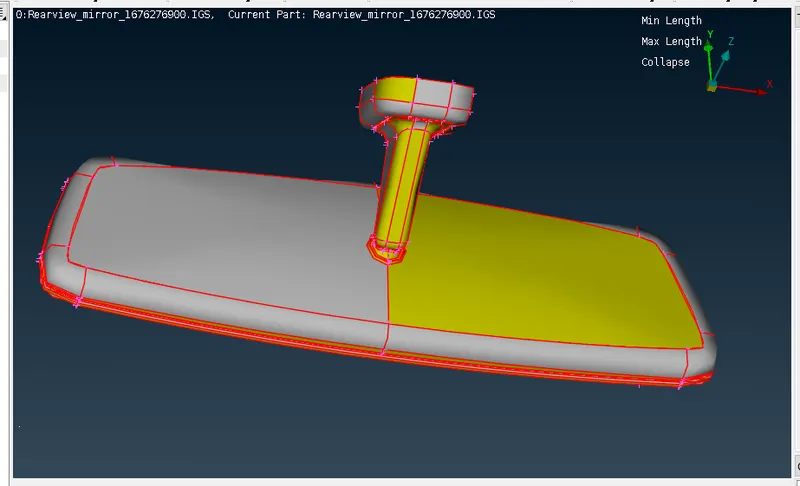
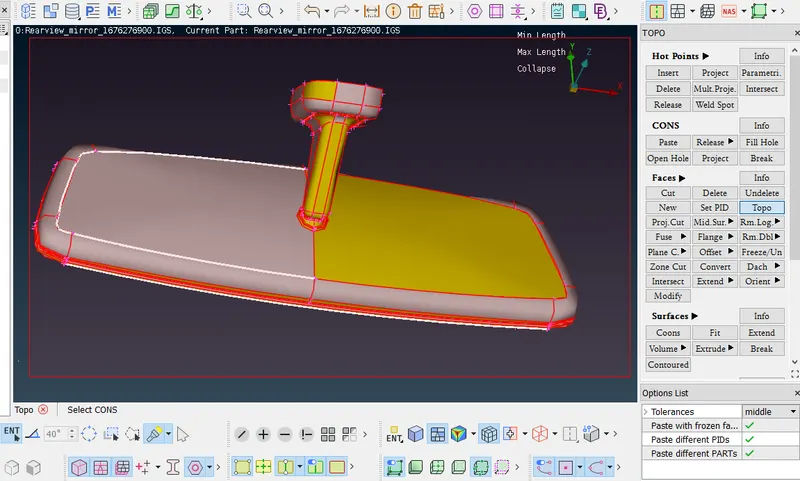
Perform topo to get refined geometry.
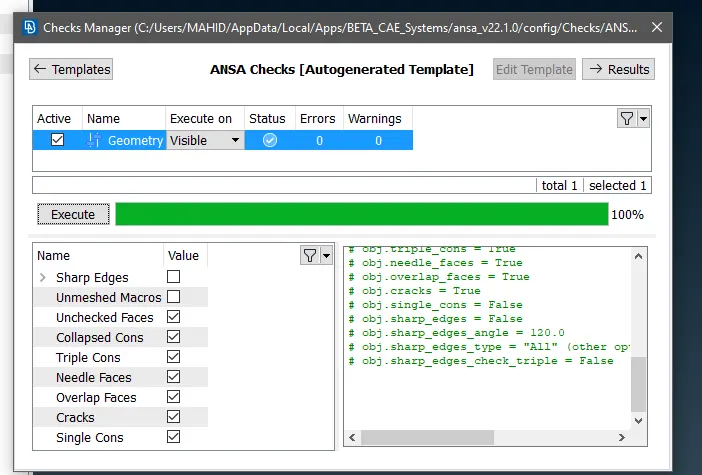
2. Perform Geometry Checkup
Tools>> Checks >> Geometry>> Execute.
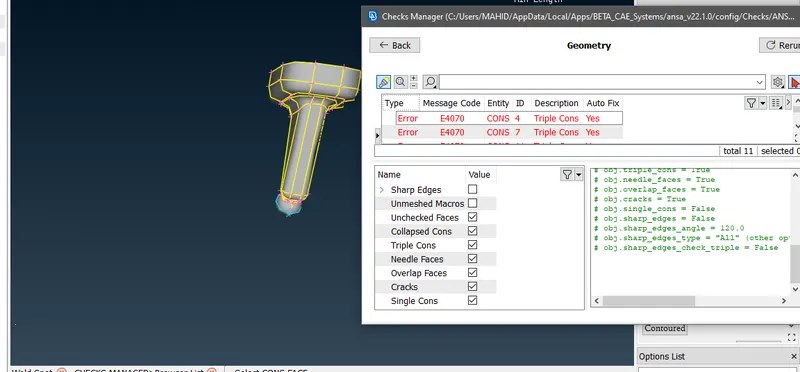
Various errors are shown such as needle faces, unchecked faces, triple cons, etc. Auto fix option was opted for resolving these errors.
3. Shell Meshing:
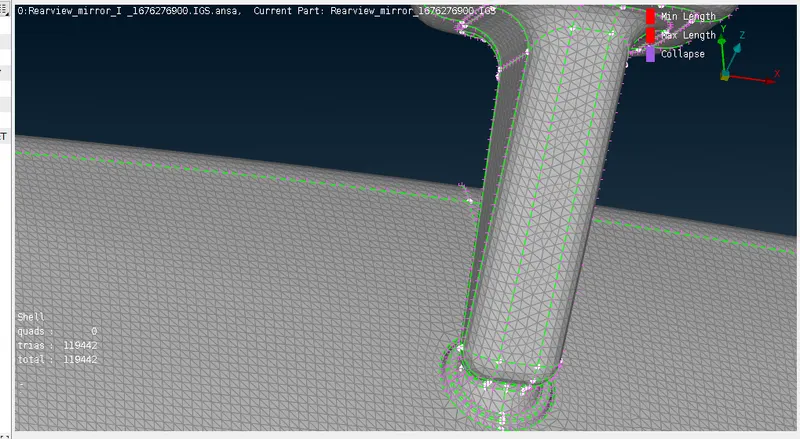
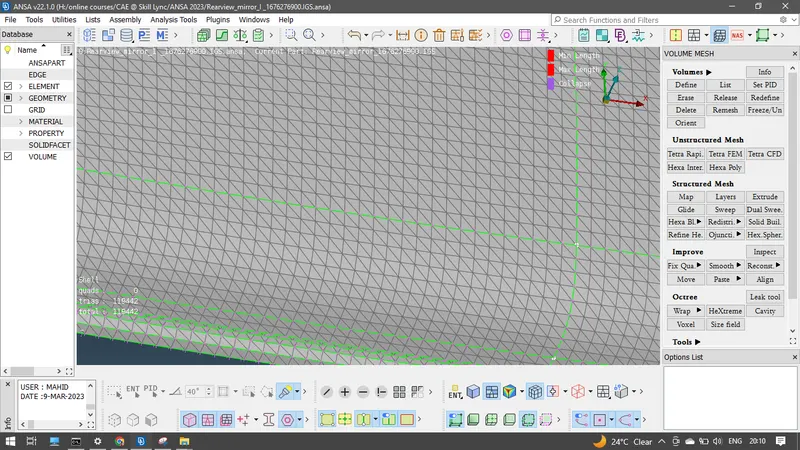
-Switch to mesh mode and give the shell element size length according to the targeted length = 1 mm.
-Give the required quality criteria. Average/target lengthis specified in the mesh parameters as well.
-Select spot mesh and the surface of the geometry model to be meshed using tria elements.
for better results use ortho tria for curved surfaces and normal tria for flat/ plane surfaces.
-After meshing the geometry we check for the failed elements or off elements and remove them with the help of reconstruct, split or swap.
-To fix the kinks and raised edges since these elements will come out of the geometry and it will not be shown as failed elements or off elements.
4. Volume Mesh
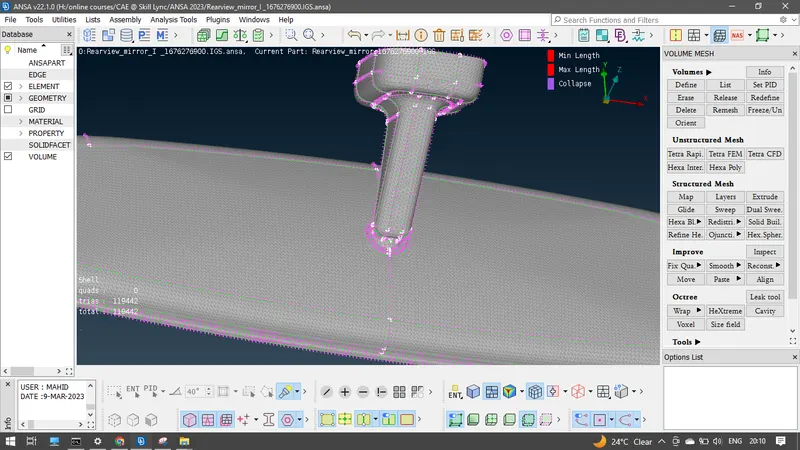
- Now, under volume mesh module the volume of the given component is defined using tool volumes--->define--->manual option.
- In order to volume mesh we need to define the geometry as closed volume. So, we will define under them difference property ids.
Result:
The given rear view mirror model was meshed with the tria elements and the volume mesh was created and was checked for tetcollapse errors