Week - 8 - Morphing
AIM: Perform Morphing operation with the help of ANSA.
OBJECTIVE:
- Why Morphing command is useful.
- How to use morphing with the help of ANSA software.
THEORY:
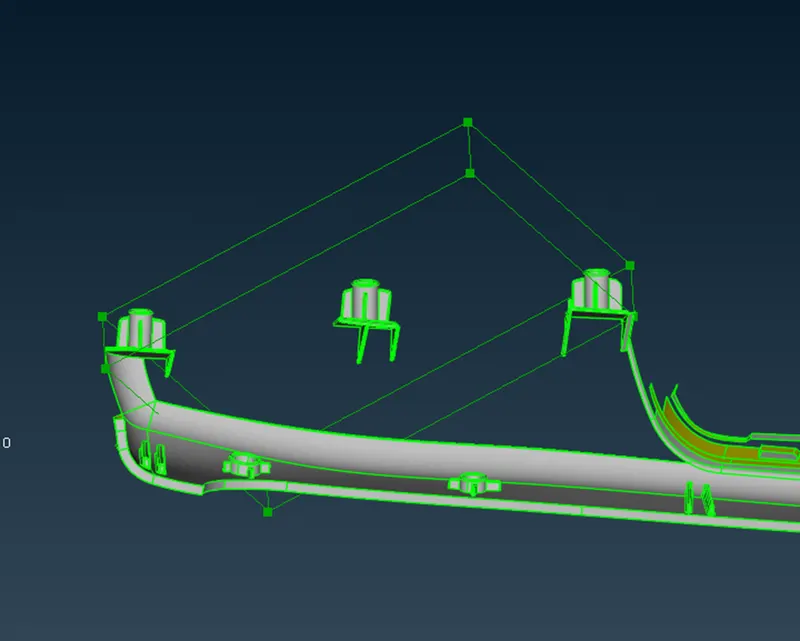
Morphing: it is a technique to change an existing geometry or existing FEM mesh by applying a specific distortion. While applying morphing we can check how geometry look without input any technical data. In other words we can say that it helps user to visualize how any component looks after some changes into a geometry.
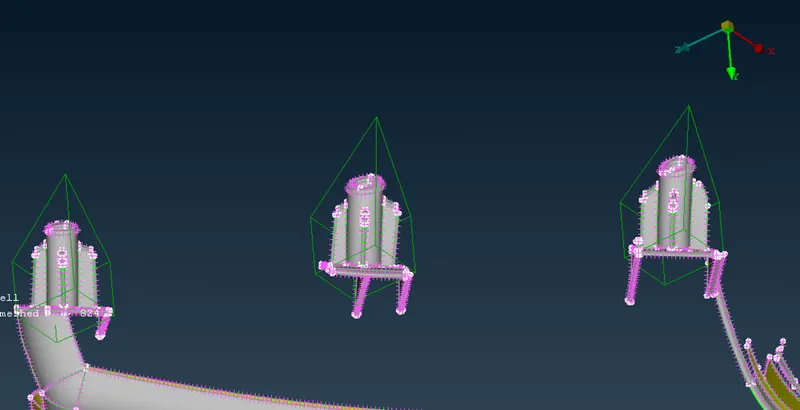
Morphing technique also help user to work on FE mesh. Which minimize time spent on design modification by working at the mesh level.
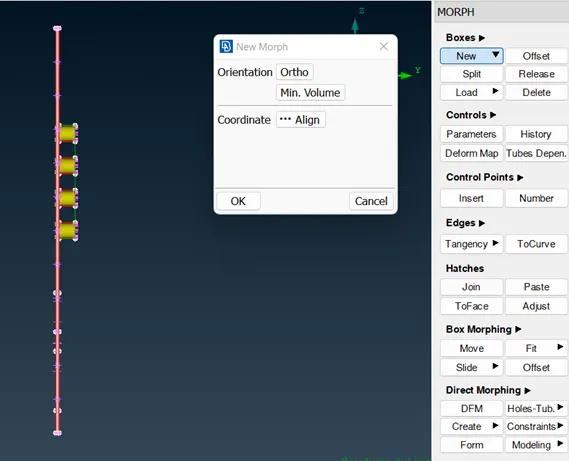
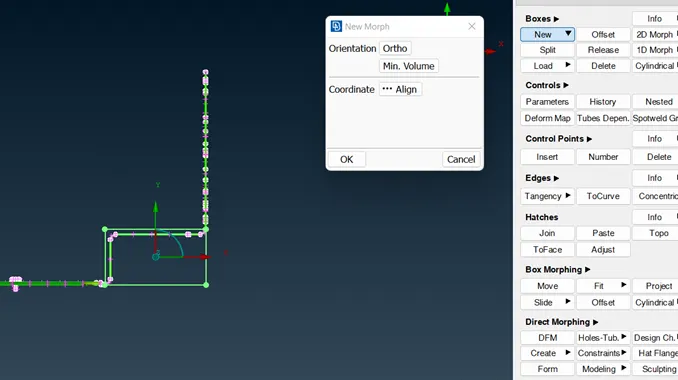
Method which use for given component is box morphing. Firstly we need to create a box where we need to change the geometry then select the node and modify the geometry according to the requirement.
PROCEDURE:
- Firstly we need to open .iges file of model (Component.iges)
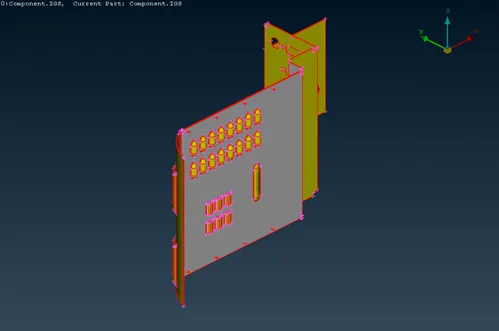
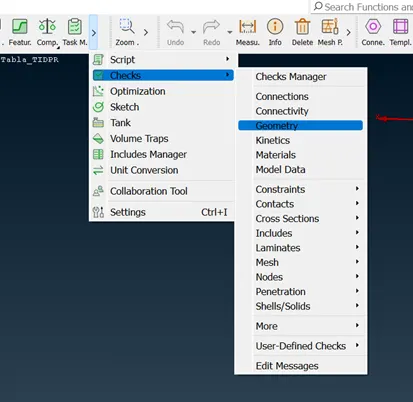
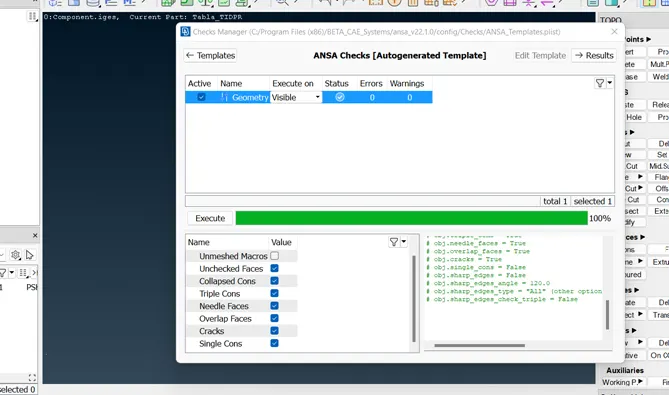
- Then we need to use TOPO command for improve construction line. And check for geometry.
Check > Geometry.
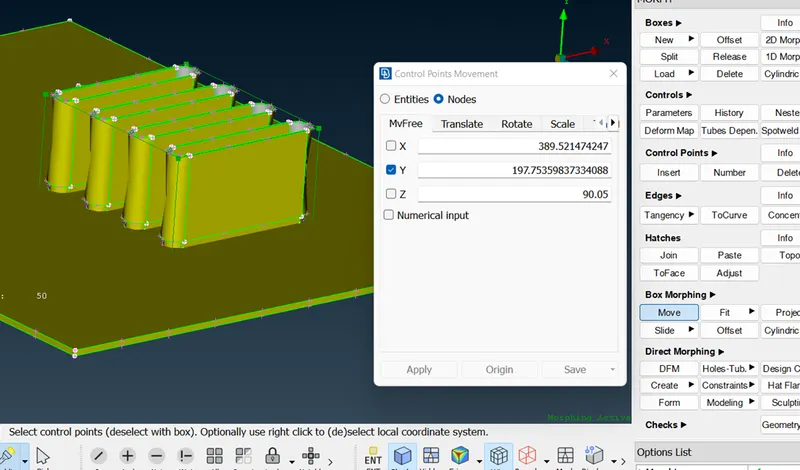
- Then we need to create a box, where we need to change the geometry.
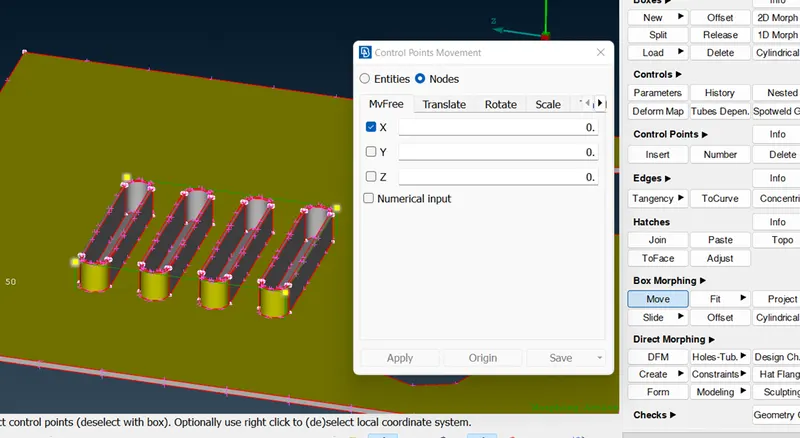
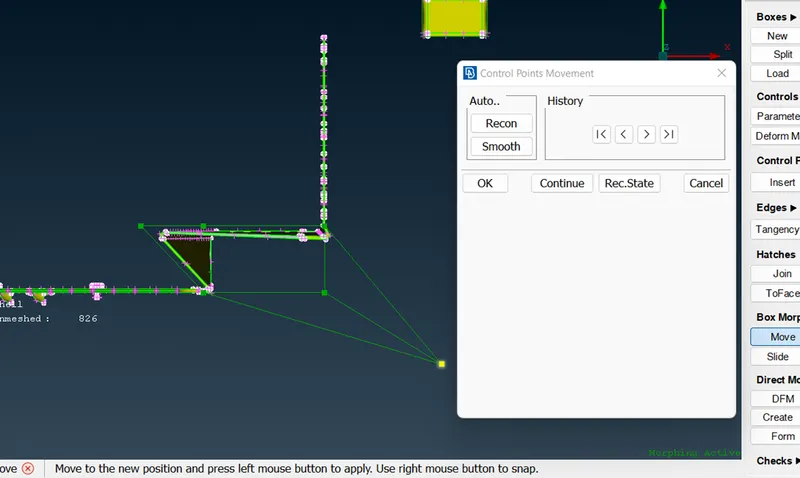
- After this we need to use move command, so that we can change the geometry.
Morph > Box Morph > Move > select box end point.
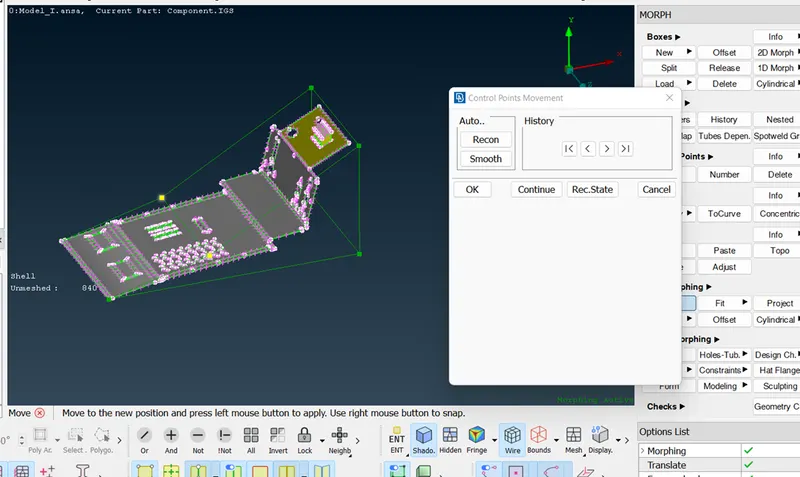
MODEL 2
- we need to open .ANSA file of model (Hand_rest.ANSA)
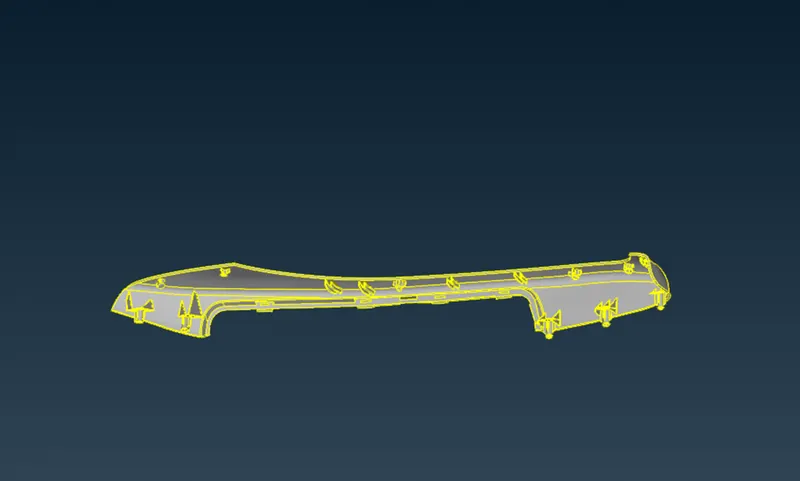
- Then we need to use TOPO command for improve construction line. And check for geometry.
Check > Geometry.
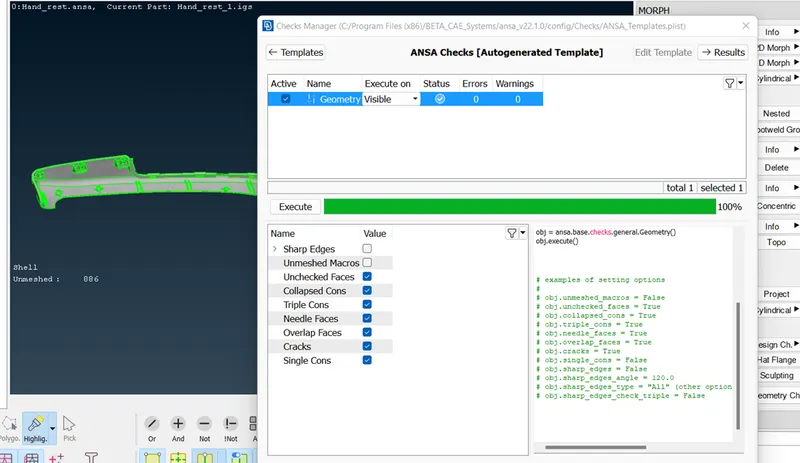
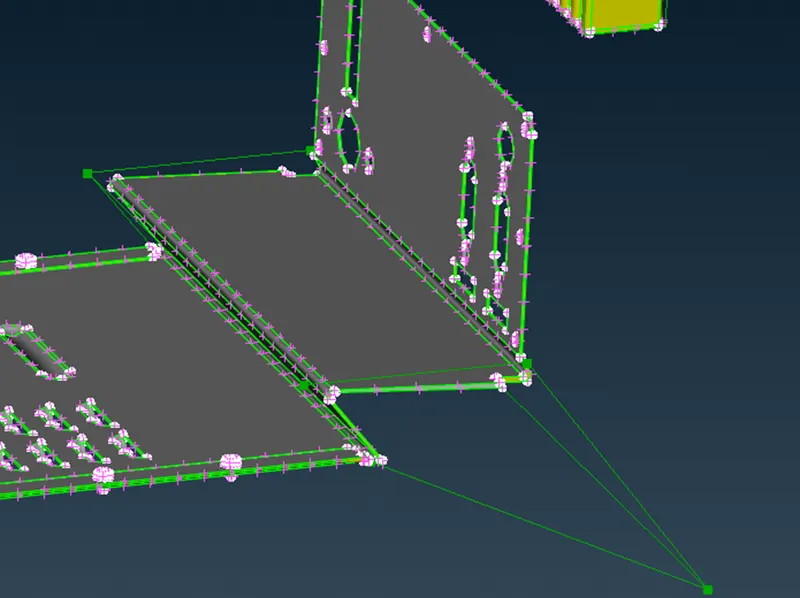
- After this we need to use move command, so that we can change the geometry.
Morph > Box Morph > Move > select box end point
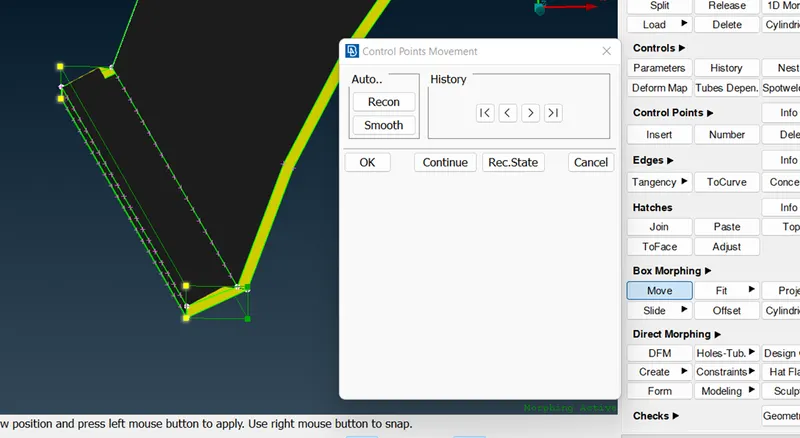
- After this we need to use move command, so that we can change the geometry.
Morph > Box Morph > Move > select box end point.