Week - 8 - Morphing
AIM: - PERFORM THE MORPHING OPERATIONS ON THE GIVEN MODELS AS MENTIONED.
Objectives:
Practice all morphing techniques that were performed in the video lectures.
Perform the morphing operation to increase the height of the dog houses and ribs of the second model.
The given challenge was completed with the help of the ANSA tool and the steps taken are as follows:
1. Model 1:
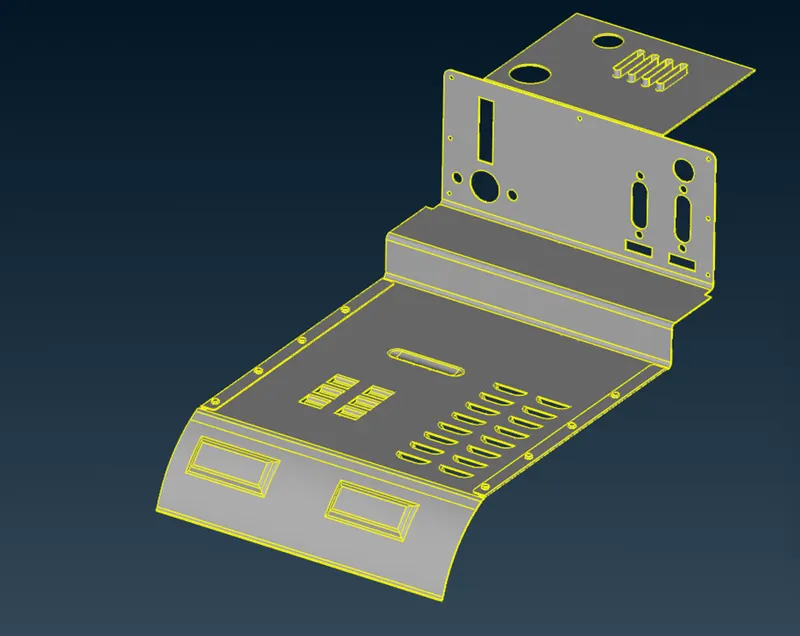
Import the model into the ANSA environment, the model will look like this.
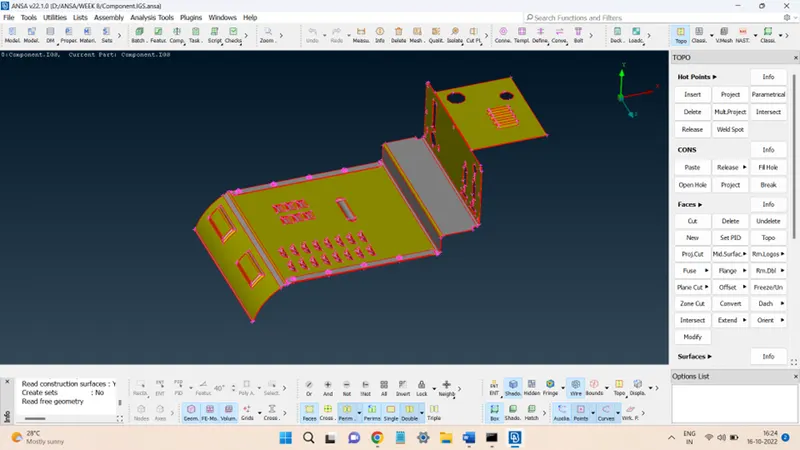
First, the geometry check was performed and present errors were fixed.
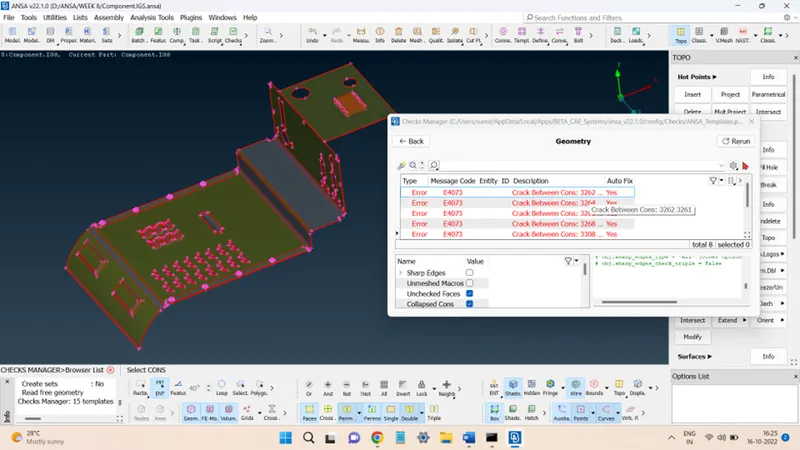
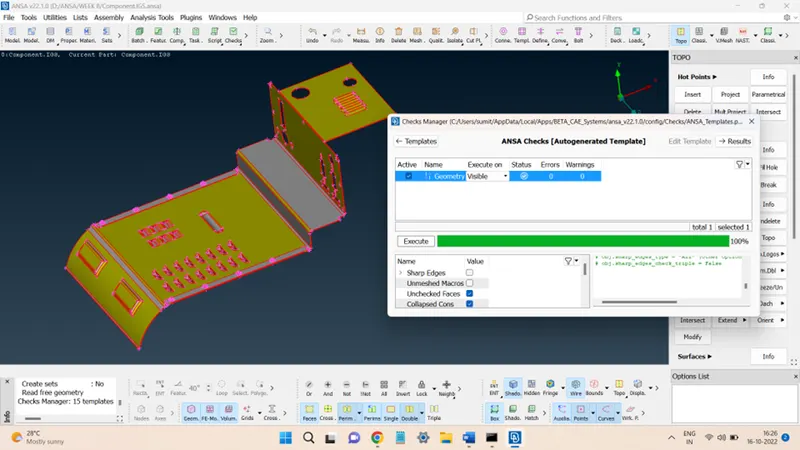
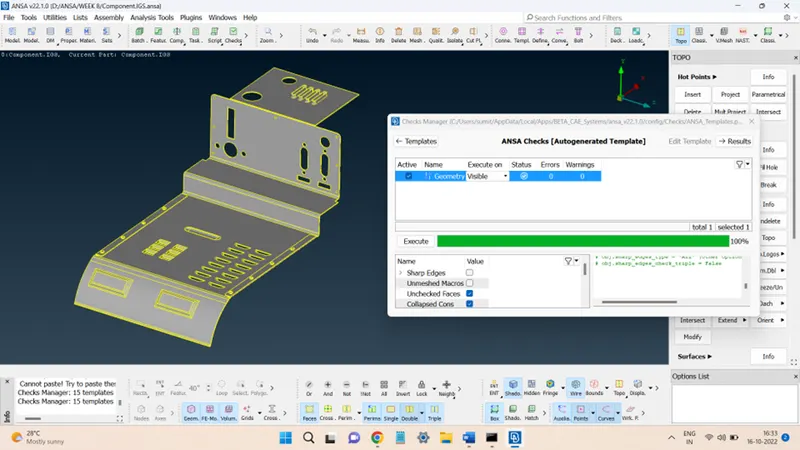
Now, the morphing operations can be performed on the given geometry.
First, as shown in the lecture, the length of the following features must be increased.
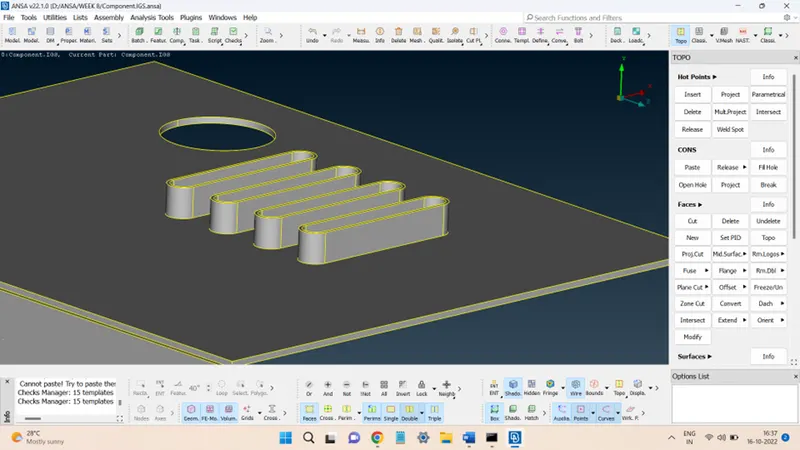
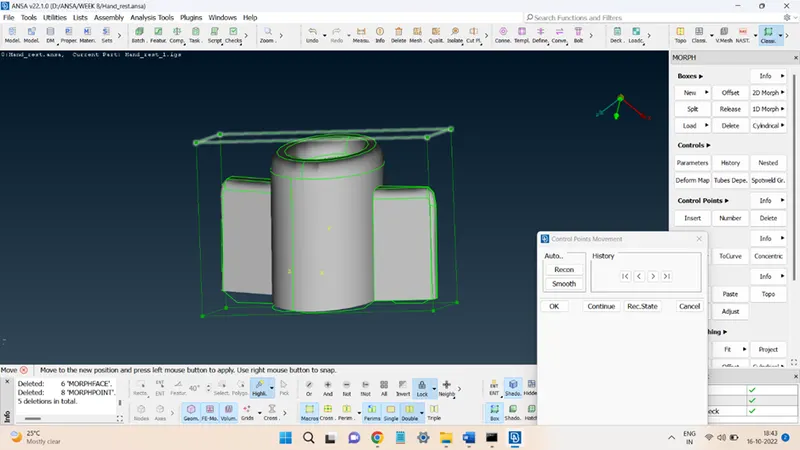
To do so, click on the MORPH deck to open the morphing panels. In the Boxes panel, click on New and then select the entities that are to be morphed.
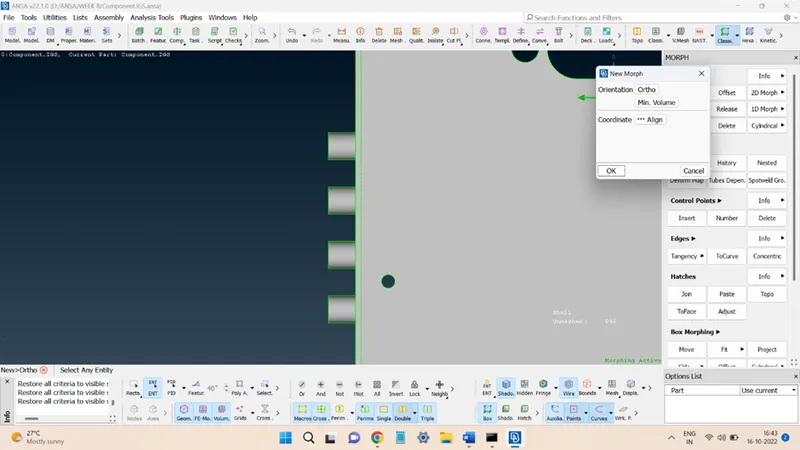
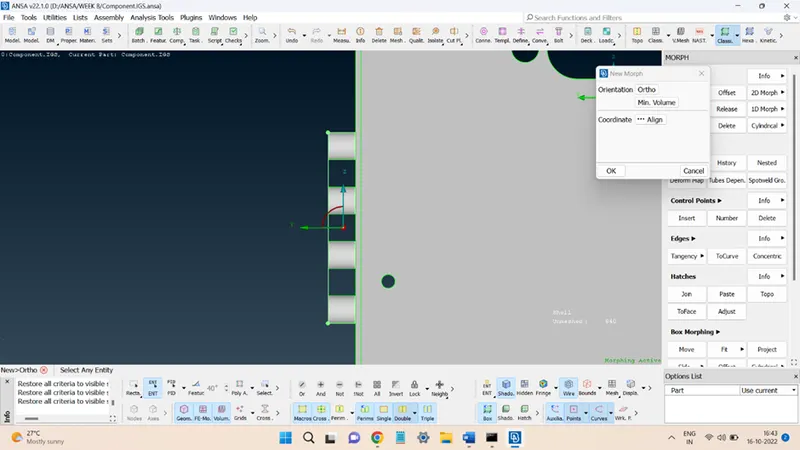
To increase the height, go to the Box Morphing panel and select the Move option. Select all the top face grid points and check in the box along which the movement must be done. Feed the distance through which the height must be increased.
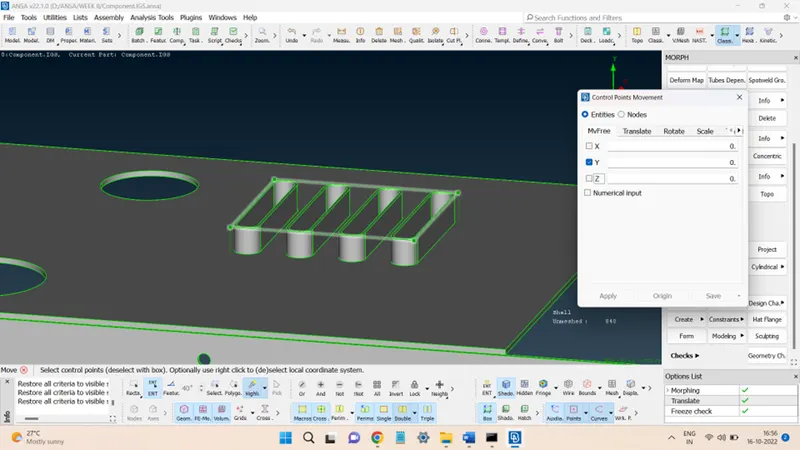
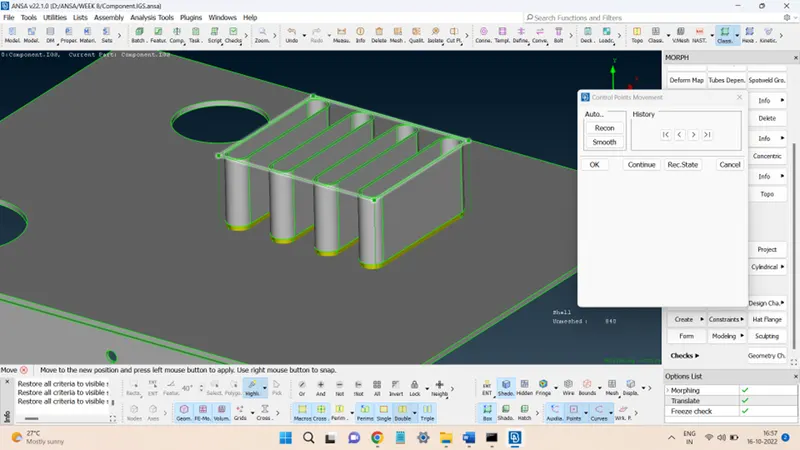
The next morphing operation was performed in the region shown below:
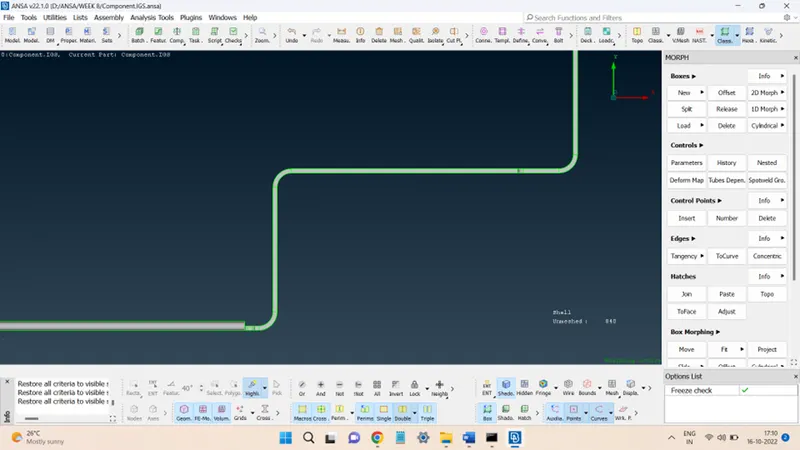
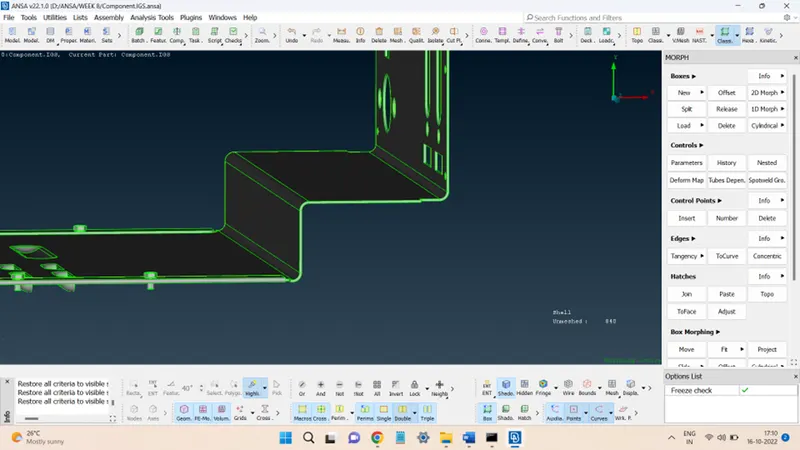
Again, the morphing boxes are required around the concerned entities.
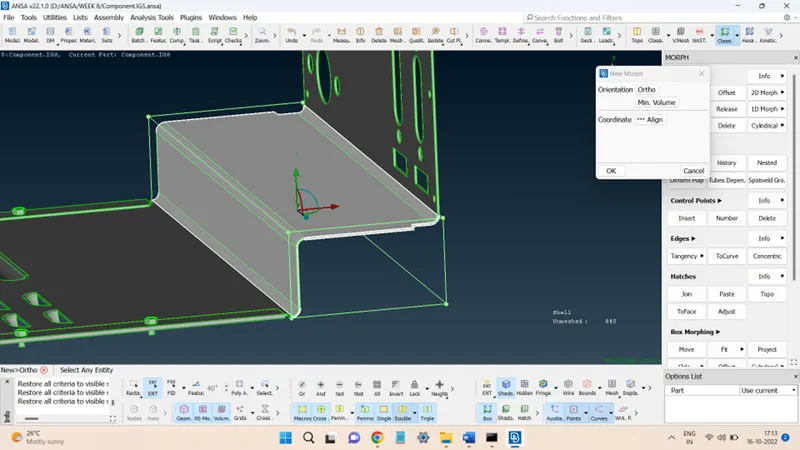
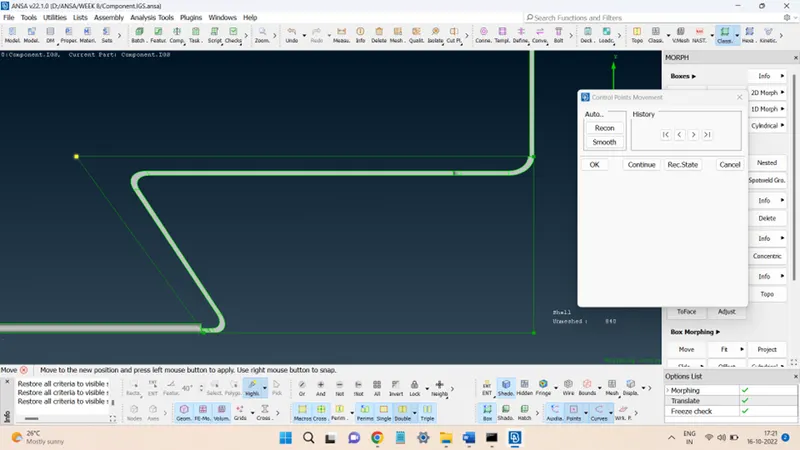
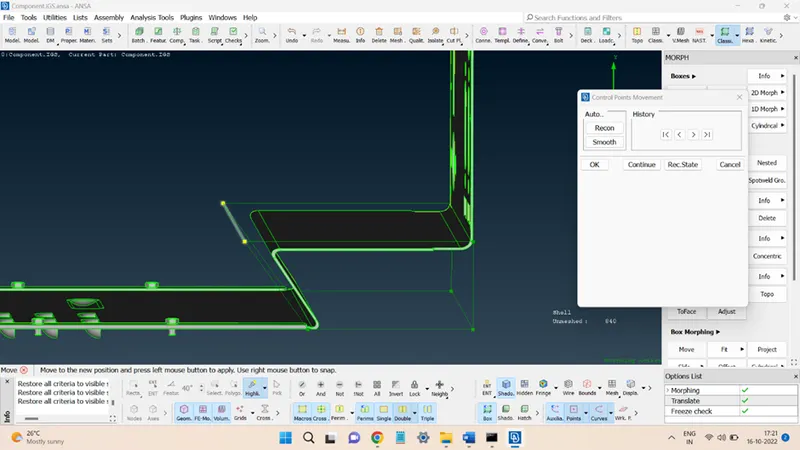
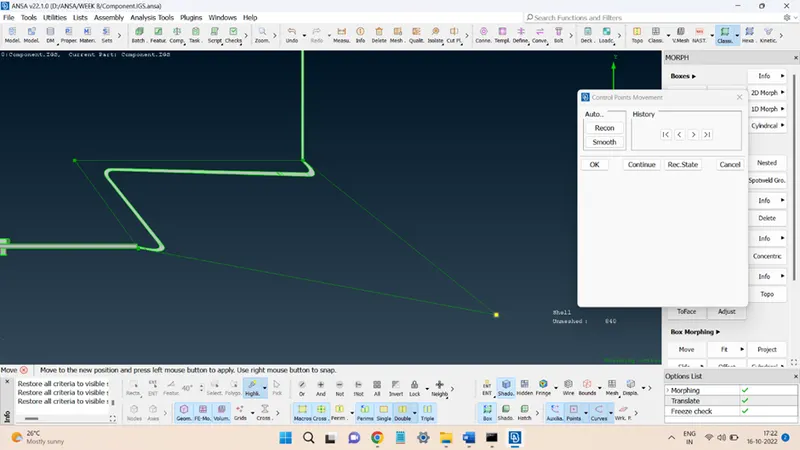
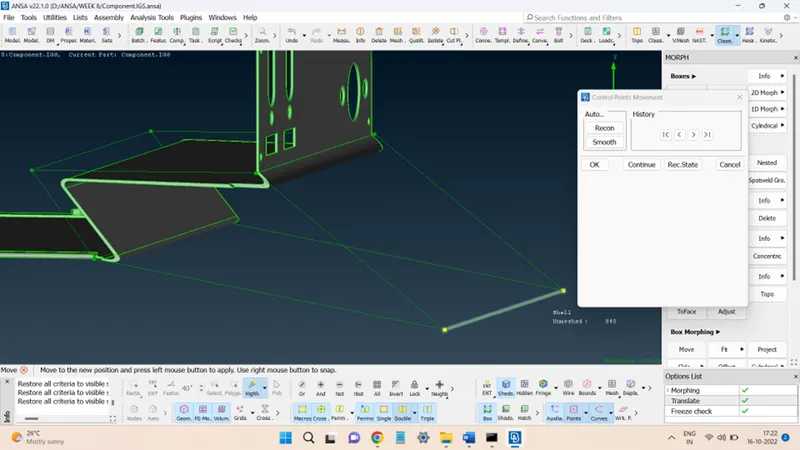
The morph box edges were then displaced in order to achieve the required morphed shape.
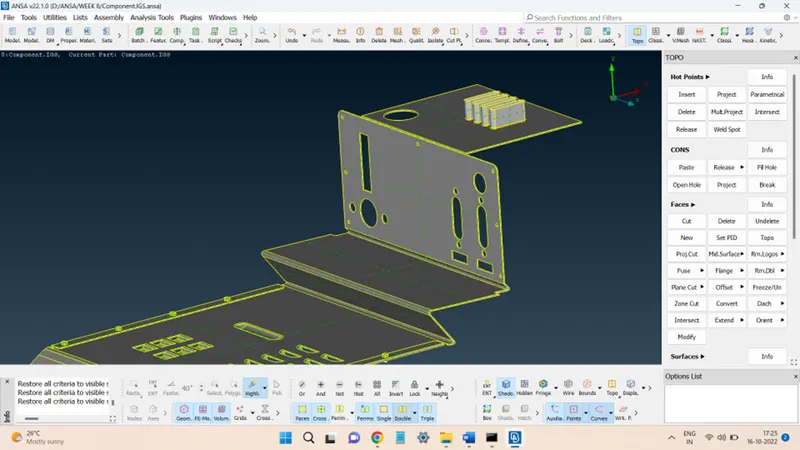
So the final CAD model after morphing can be compared with the initially supplied model in the figure below:
2. Model 2:
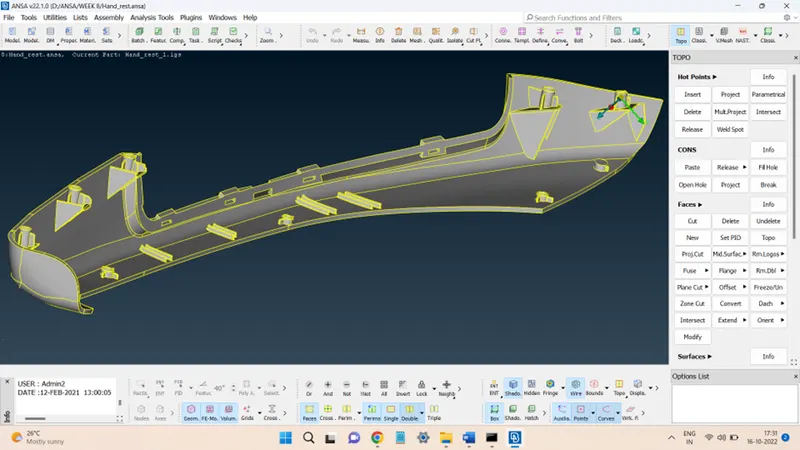
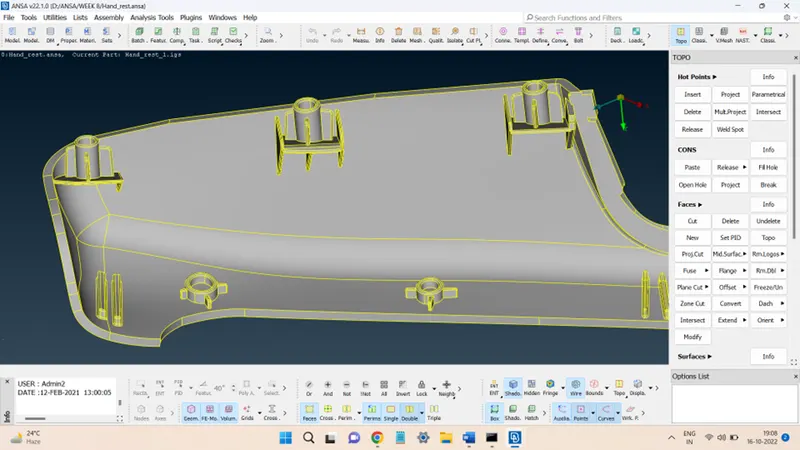
First, import the model into the ANSA workspace, the model will look like this:
Next, perform the geometry checks and clean-up operations.
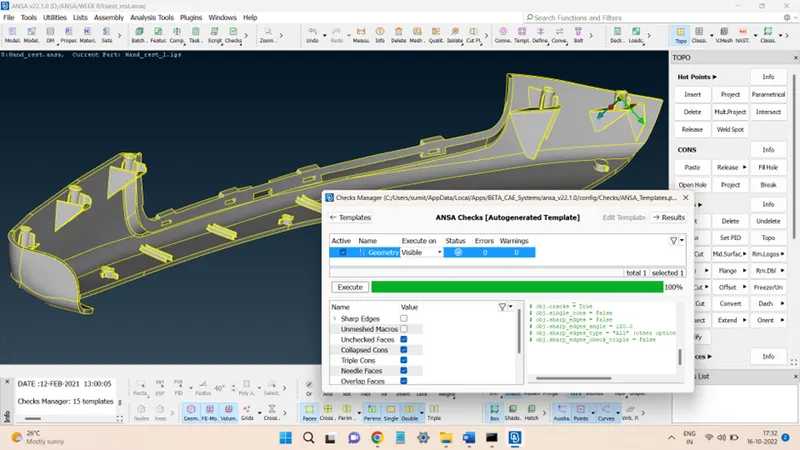
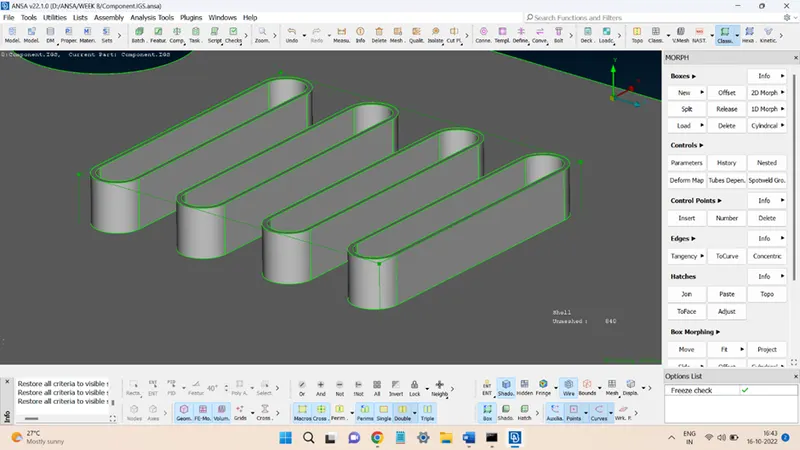
In this model, the height of all the ribs and dog houses is to be increased. To do so, for each entity, a separate morph box shall be constructed and the concerned box node points/ edges or faces shall be moved so that the height is increased.
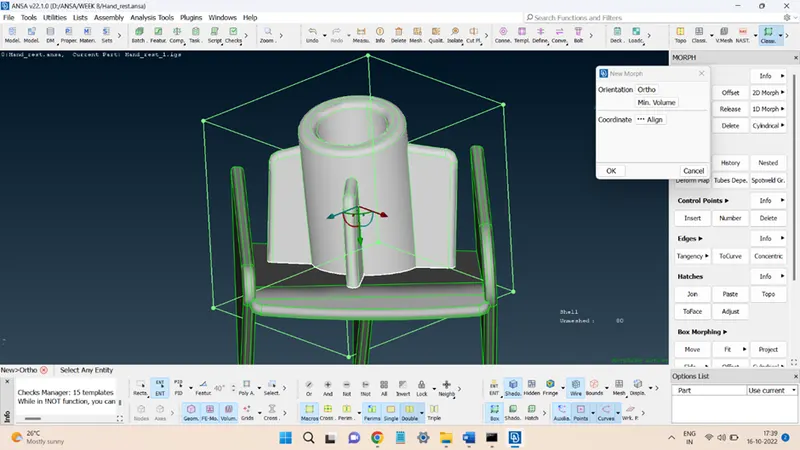
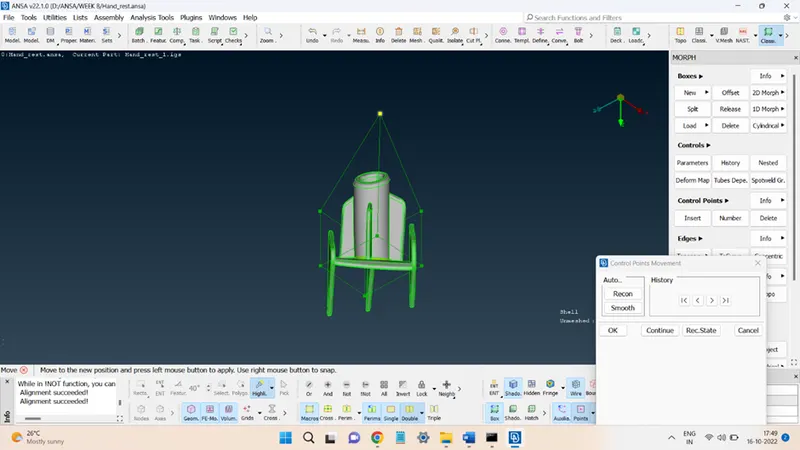
Similarly, for the other dog houses:
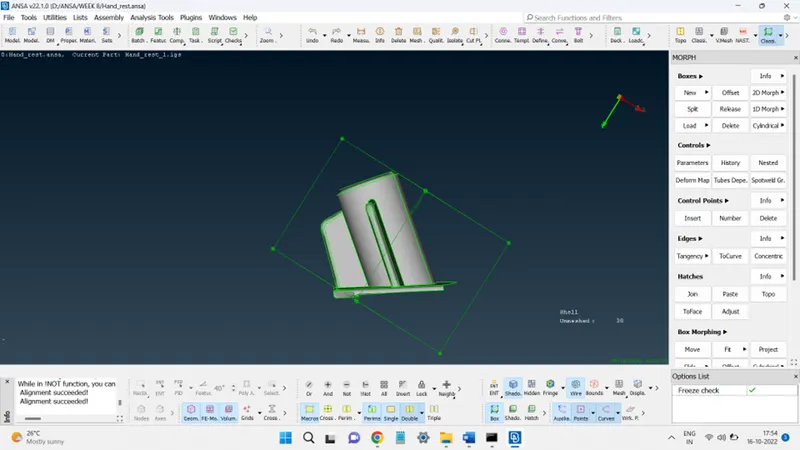
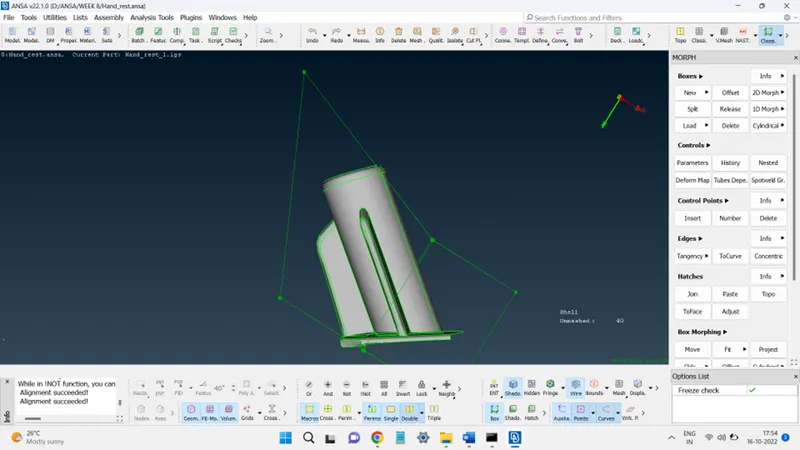
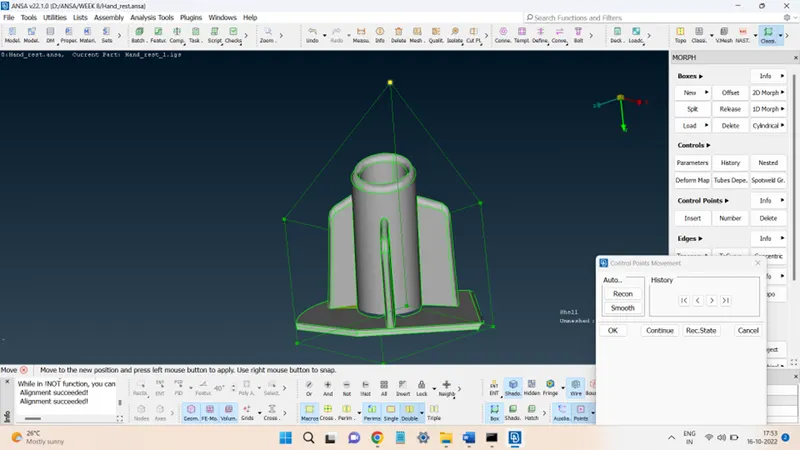
The morphing boxes can be aligned along the dimension that is to be increased for easy execution.
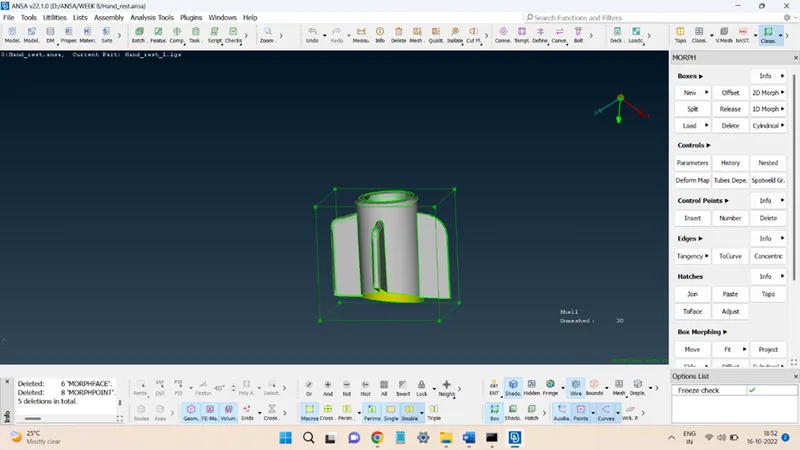
Now, click on the Move icon in the Box Morphing panel to change the box length.
Select the box edges as entities and move according to the local coordinate system, as shown in the figures.
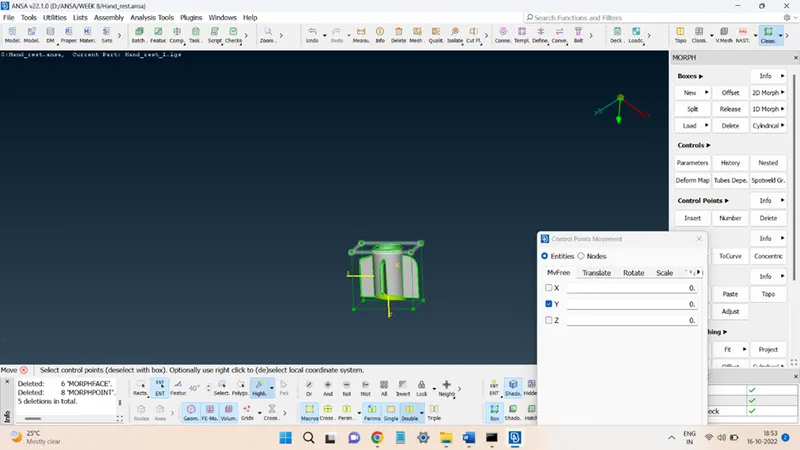
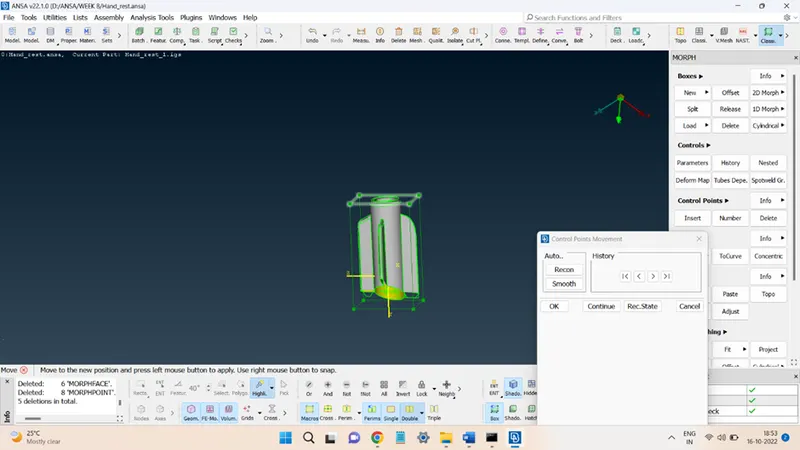
The distance moved is not fixed as it is for the purpose of explanation, there is no fixed displacement provided.
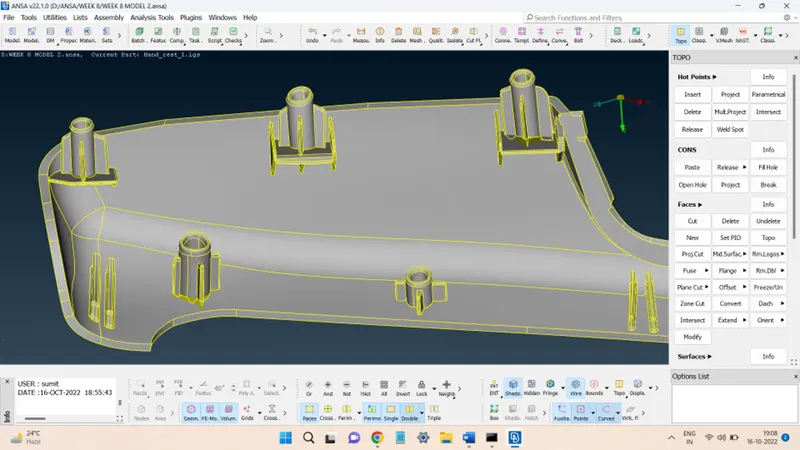
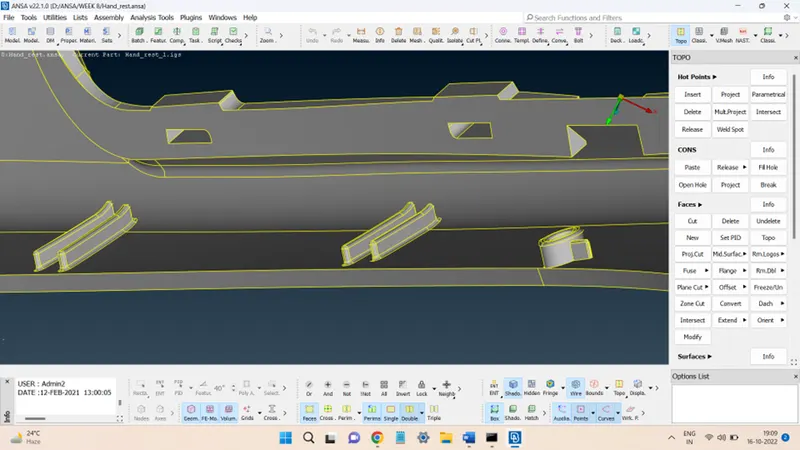
Likewise, all the rest of the features were morphed, a few are shown in the figures below:
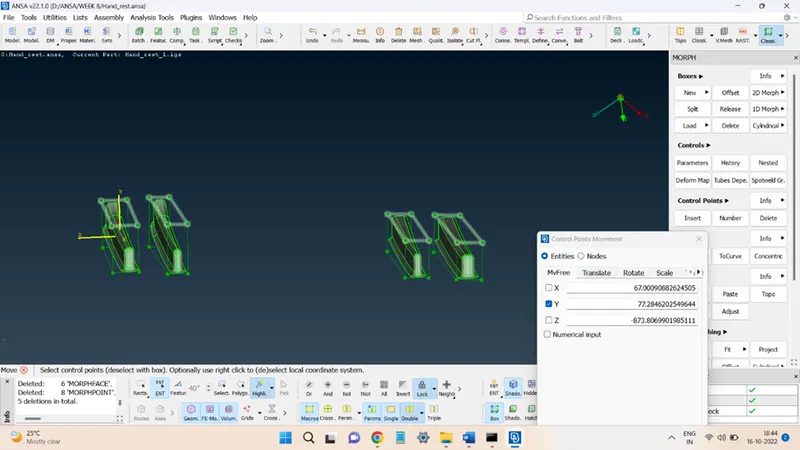
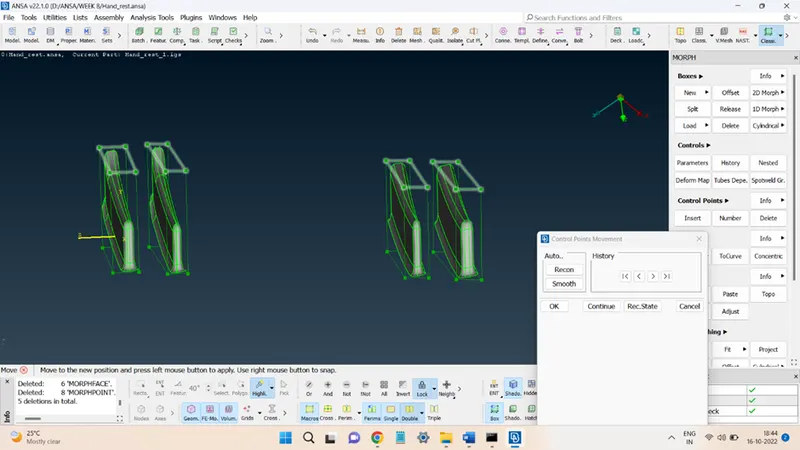
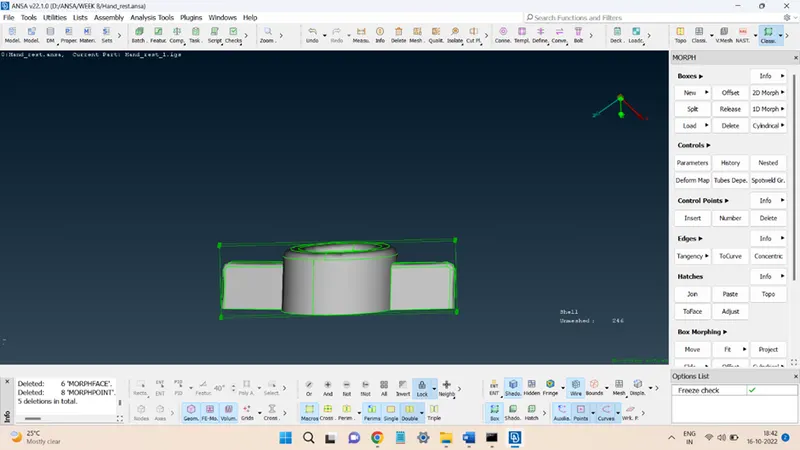
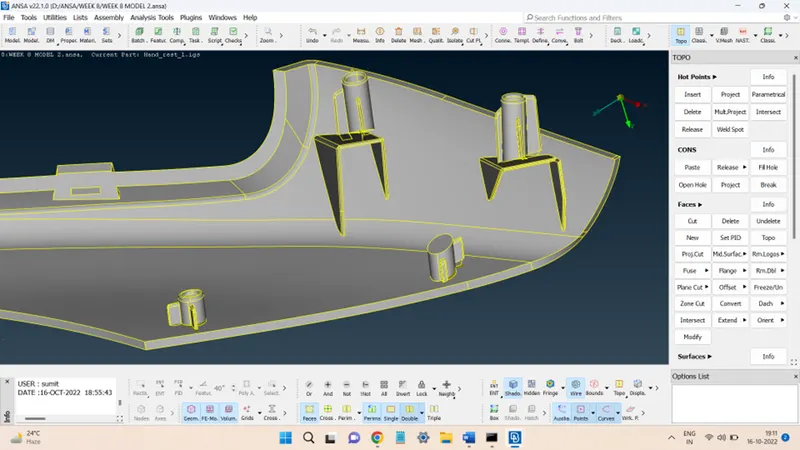
The model before and after the morphing operation is shown in the below figures.
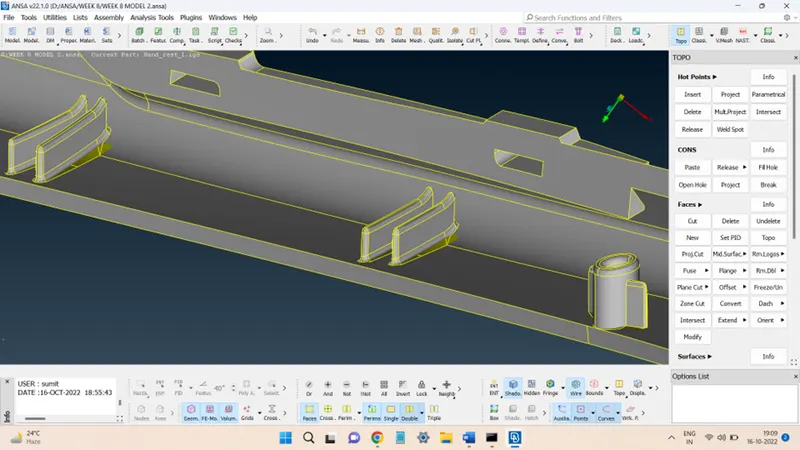
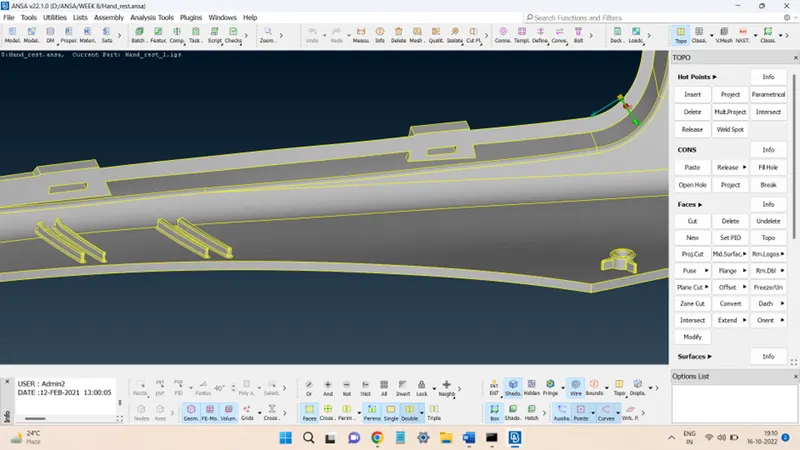
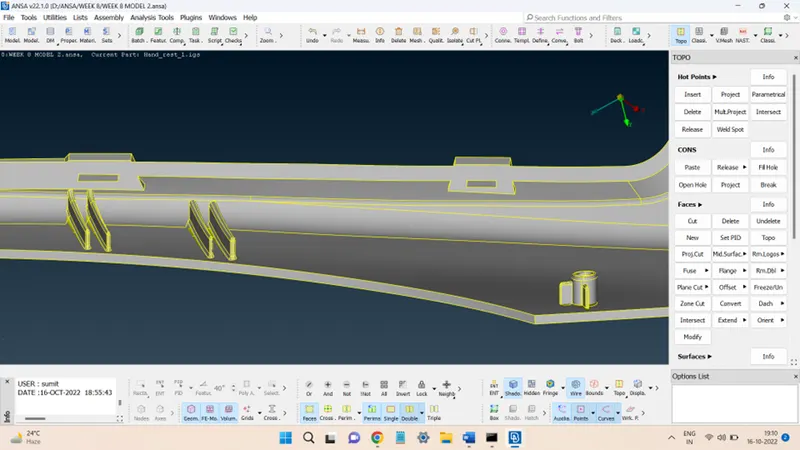
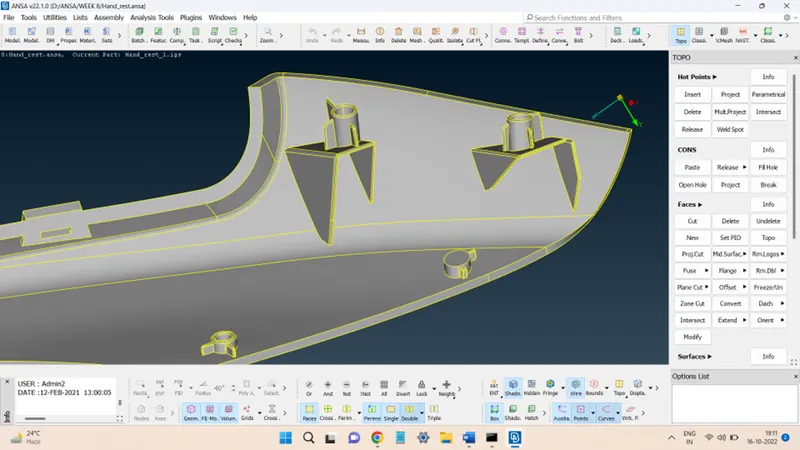
Conclusion:
The given models were morphed successfully. This challenge provided the opportunity to learn the basics of the Morphing tool provided in ANSA. This challenge gave insights into the process of morphing and the steps included in doing so.