Week - 8 - Morphing
Morphing Challenge 8
AIM:-
For the given Morphing models, we need to check the geometrical errors and assign change that has to recommend as per requirement.
Steps that are to be followed before Morphing: -
• Initially we need to check the geometry and whether it is appropriately the surfaces are stitched/attached or not.
• Check the geometry errors for the component as mentioned property card.
• Clear the geometry errors found while checking for an individual property.
• After checking the geometry check-up, we need to check the thickness for property individually for every part that has been given.
Model 1 is Morphing as follows:-
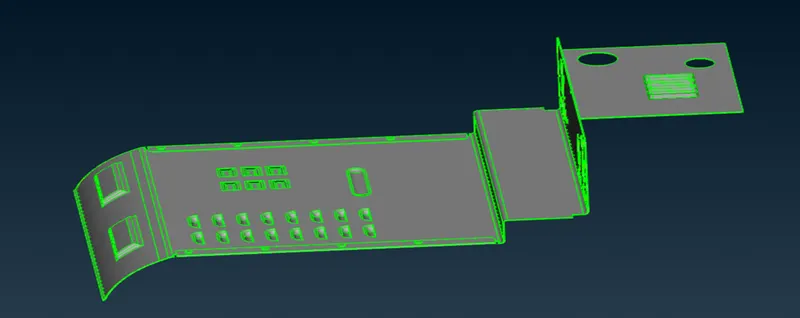
Total body:-
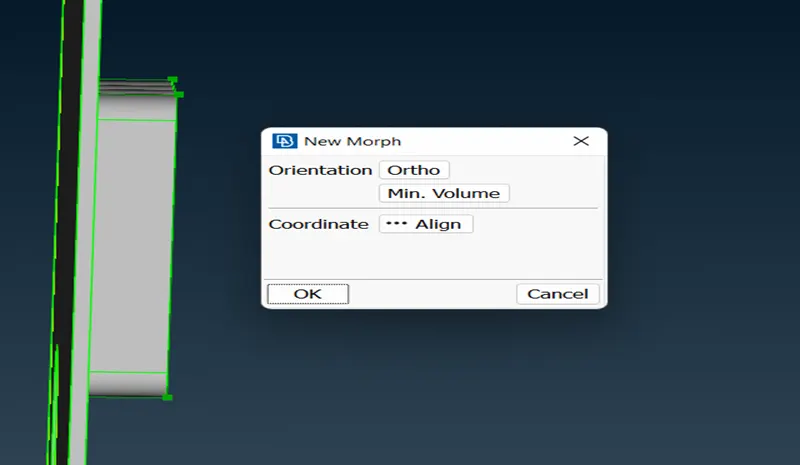
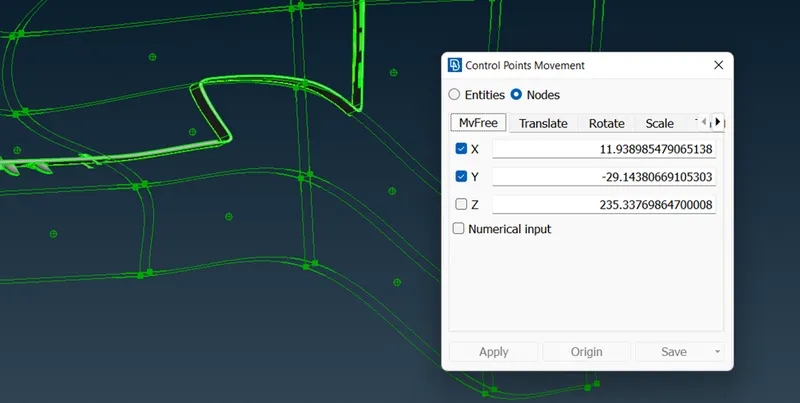
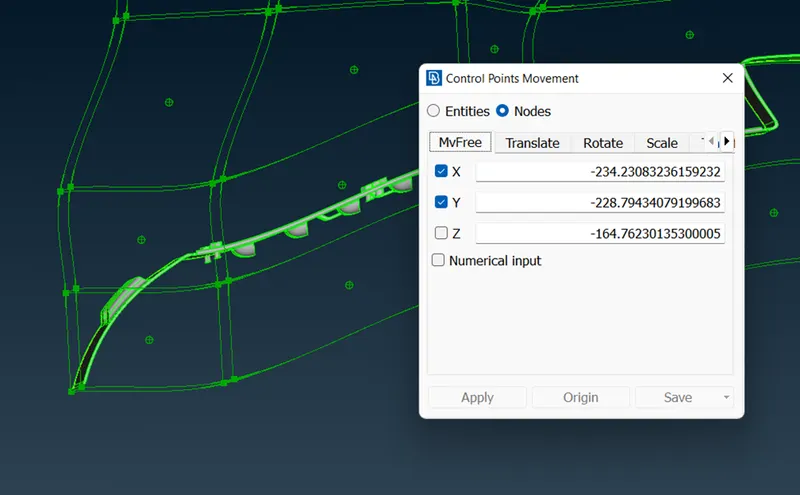
part 1 morphing-- Morphing>new>ortho>nodes>Select the region that has to be morphed.
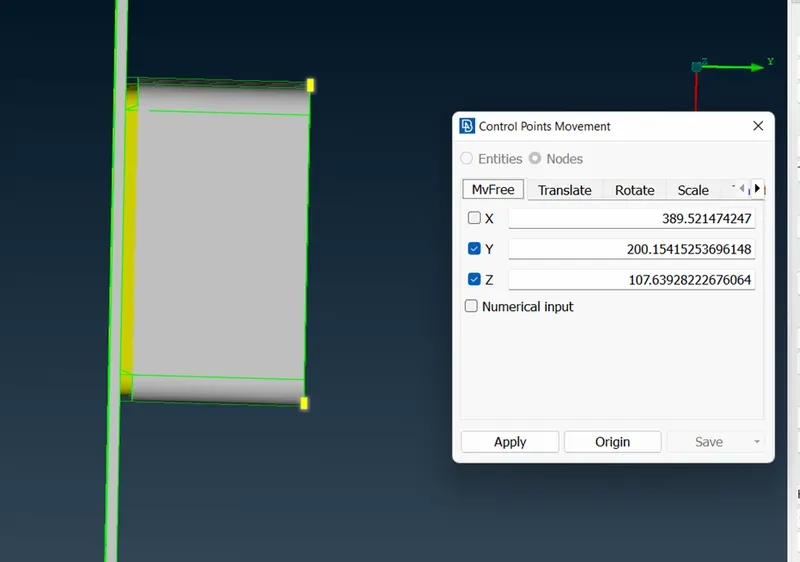
After morphing:- the below capture represents how much the feature that morphed as per the model.
The similar way all features morphed as below:-
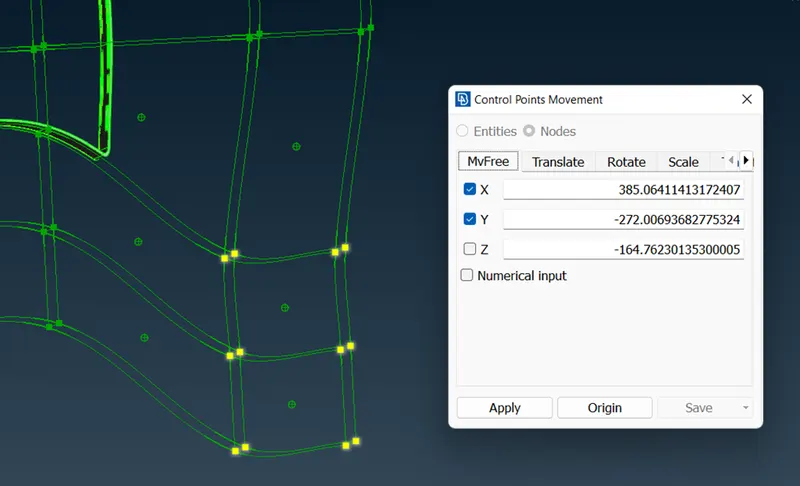
Model 2 is Morphing as follows:-
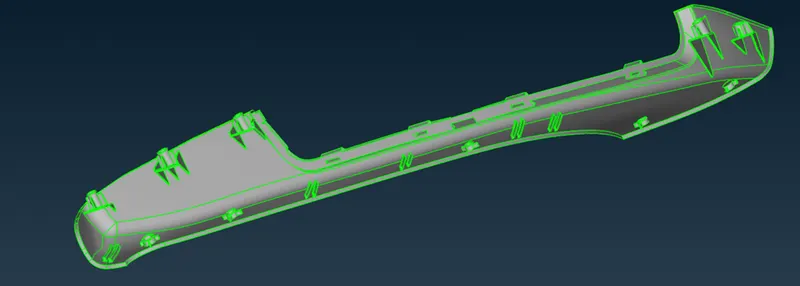
Total body Before morphing:-
Total body After morphing:-
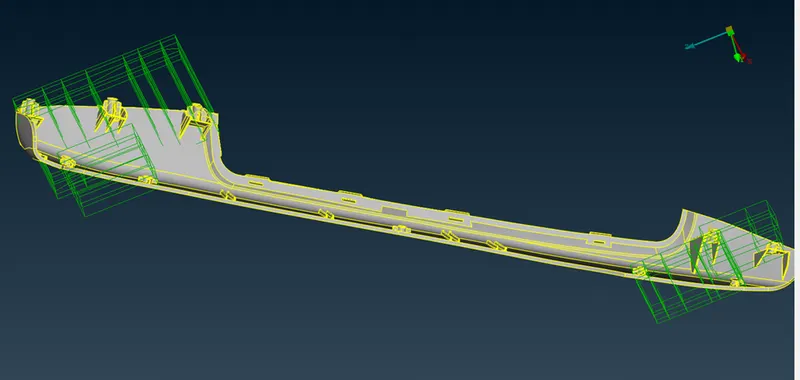
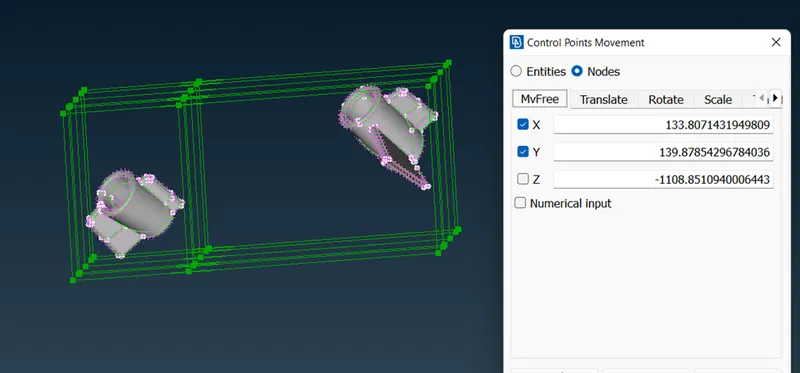
The below capture represents the lock that has been created for four features.
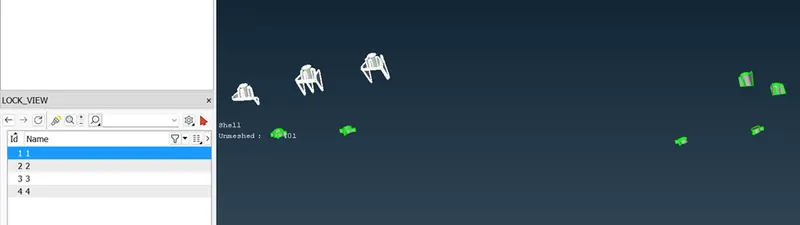
part 1 before morphing
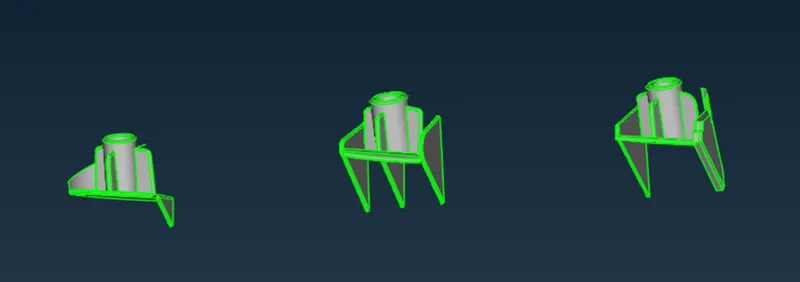
Part 1 After morphing
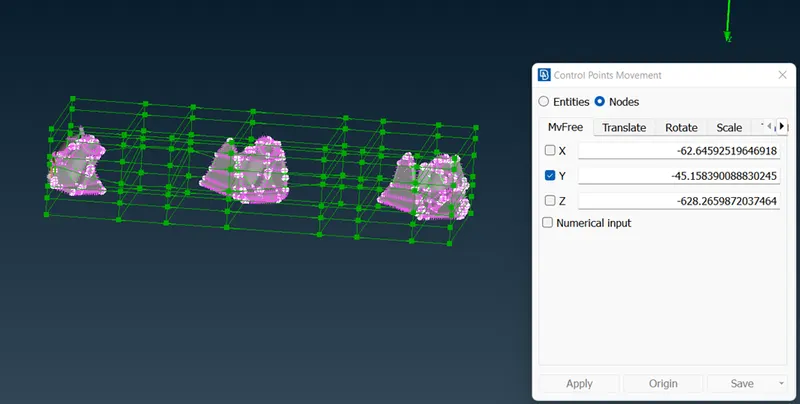
Part 2 before morphing
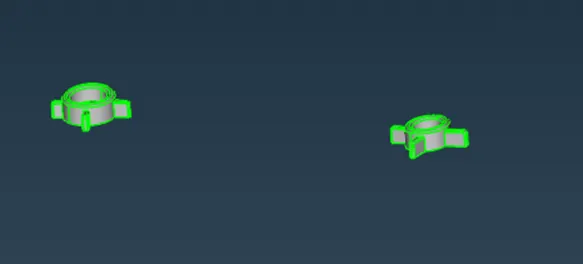
Part 2 after morphing:-
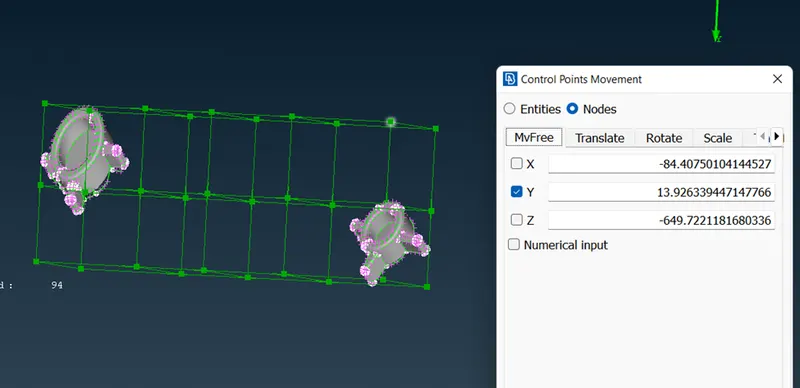
Part 3 before morphing:-
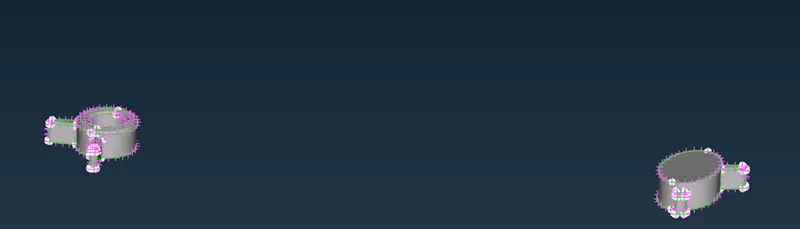
Part 3 after morphing:-
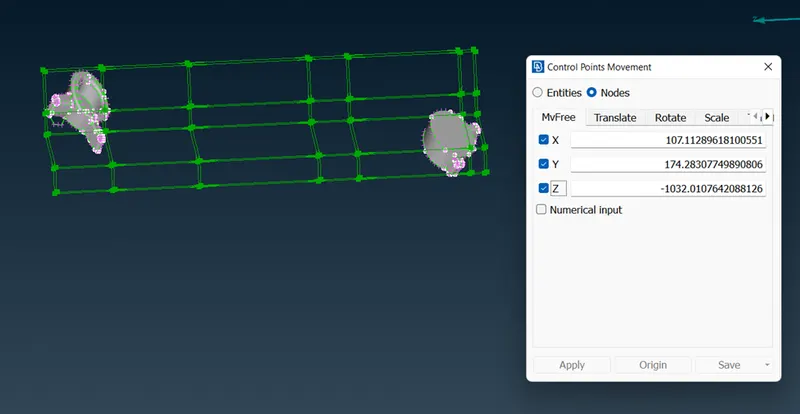
Part 4 before morphing:-
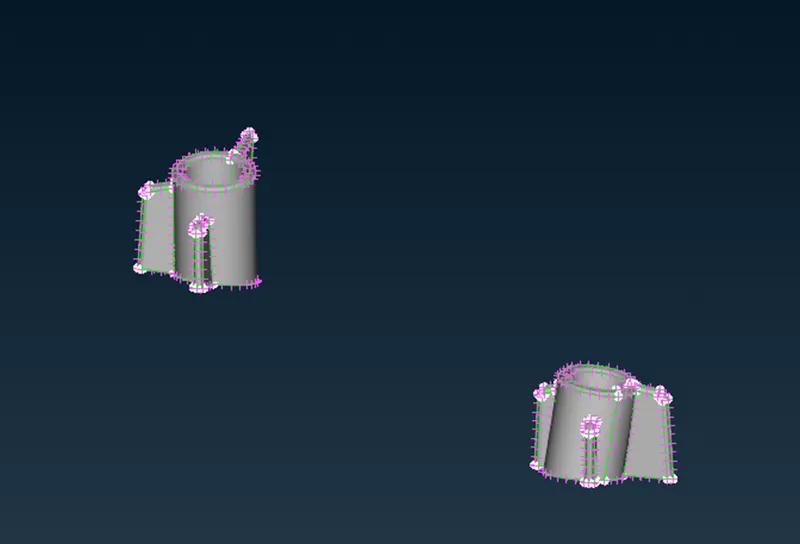
Part 4 after morphing:-
Conclusion:-
Hence the given two models have morphed as specified in the reference & assigned procedure specified.
--
Thanks & regards,
Praveen Kumar Reddy.