Week - 8 - Morphing
OBJECTIVE:
To perform morphing operation on the given models to achieve the required shape.
INTRODUCTION:
MORPHING:
Morphing is an adaptation of given shape to a new form. The geometry of a given concept model can be modified to required proportions to create new designs. CAE Morphing allows users to work on the FE mesh directly reducing the time taken to go back to the designer to update the geometry
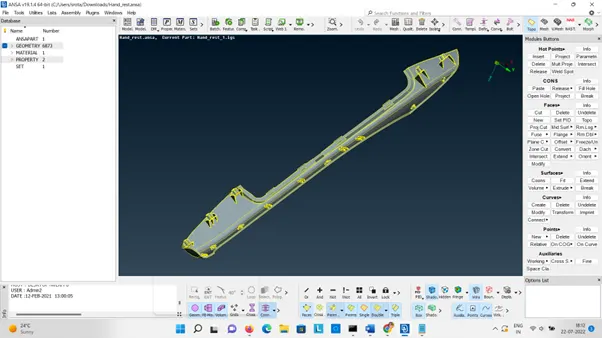
Insert the component in ANSA.
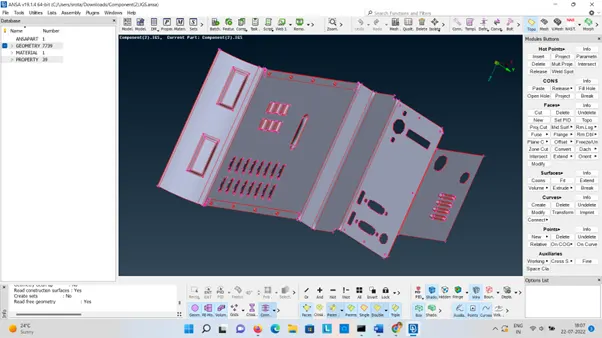
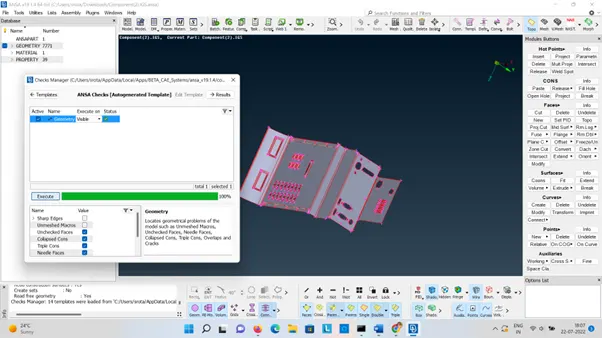
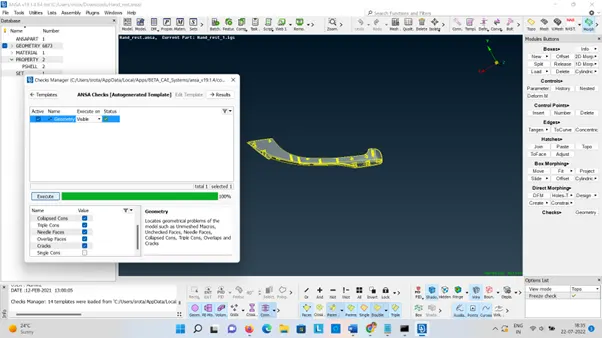
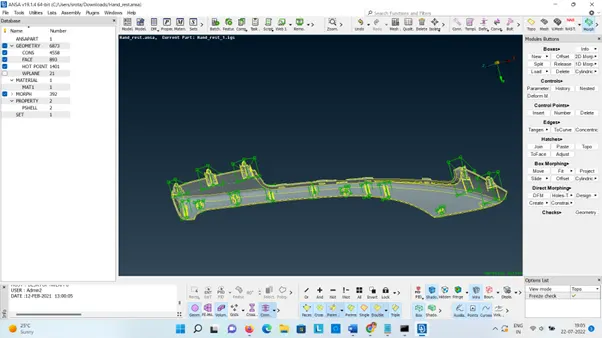
Check the Geometry:
Morphing
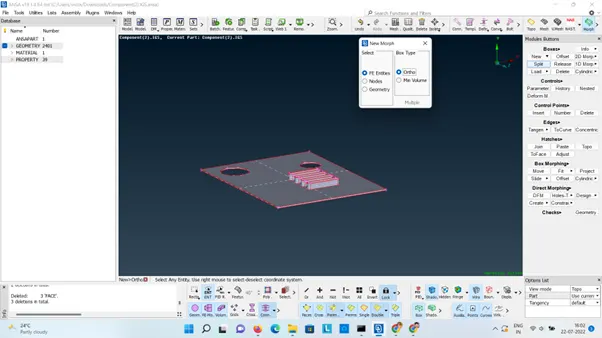
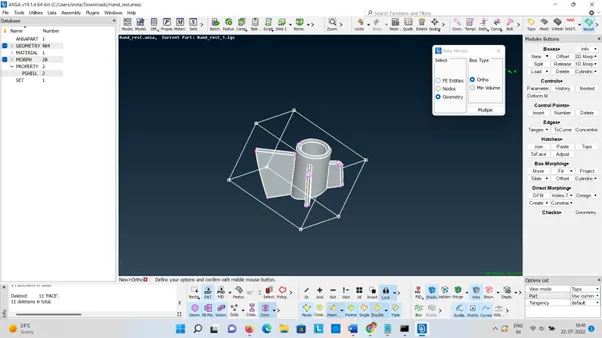
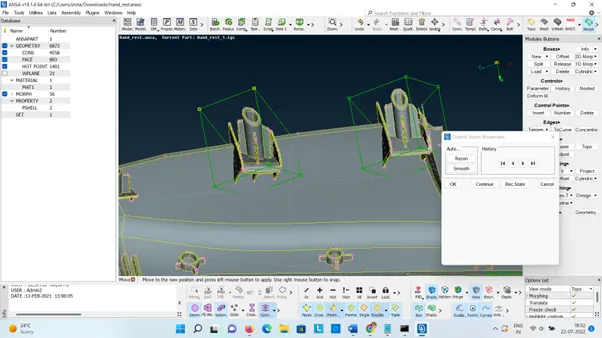
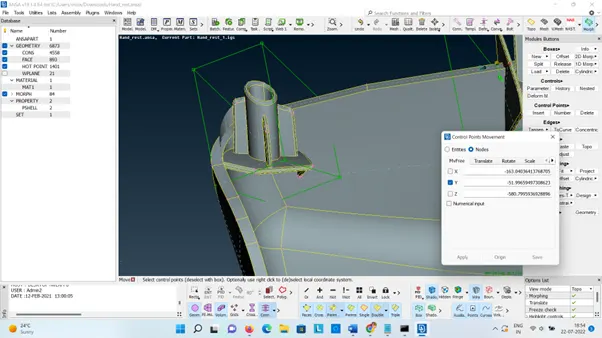
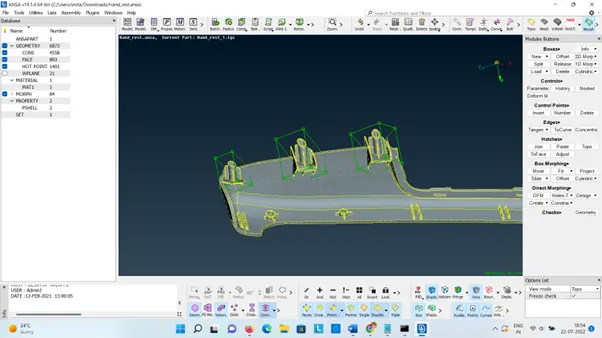
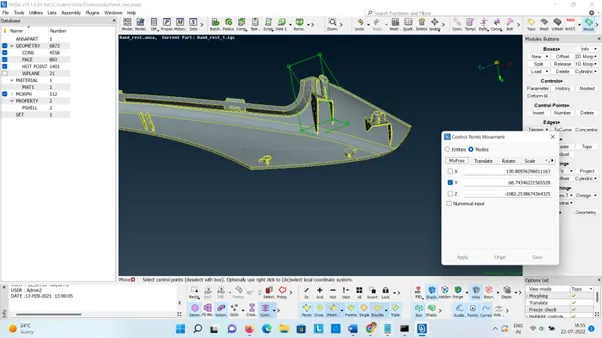
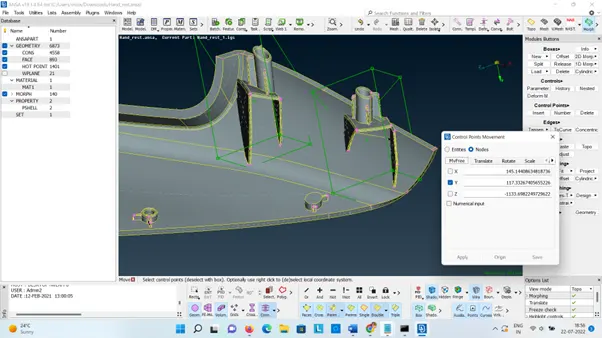
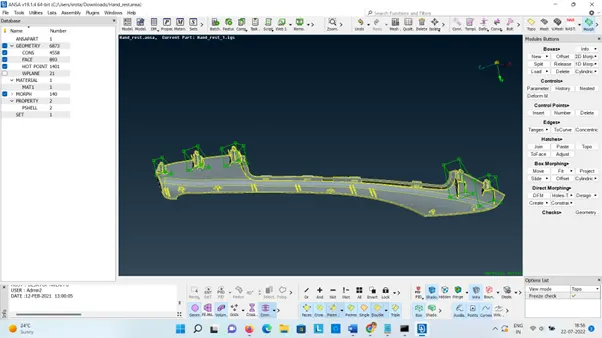
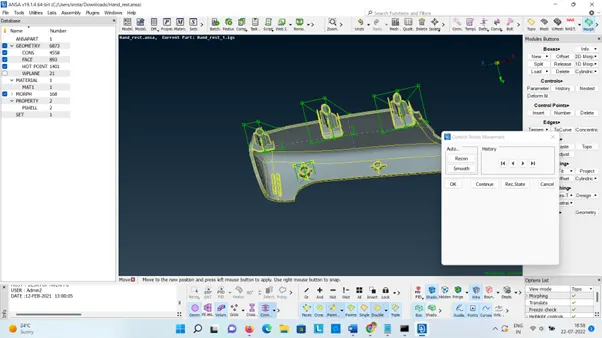
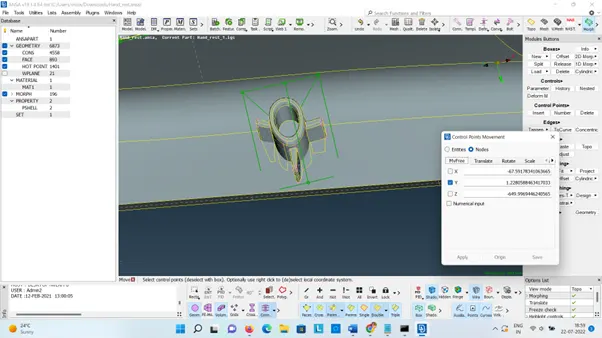
To perform the morphing operation switch to the MORPH Module. This is done by going to Boxes>New>Ortho. In the New Morph window, there is an option to select FE Entities, Nodes or Geometry. In this case, the geometry option is selected and the required geometry area is selected from the graphics window. Also, the Box Type is set to Ortho and the selections are confirmed using the Middle mouse button.
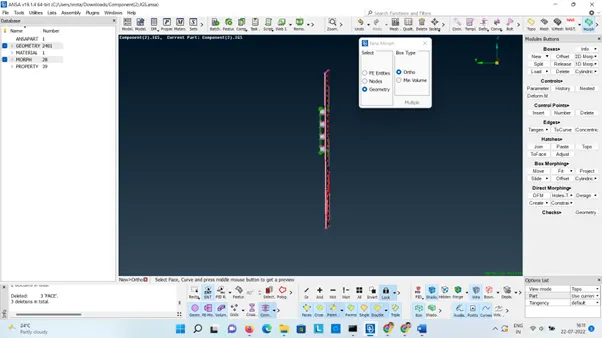
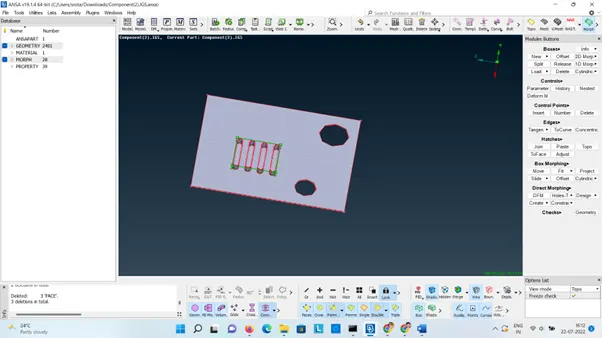
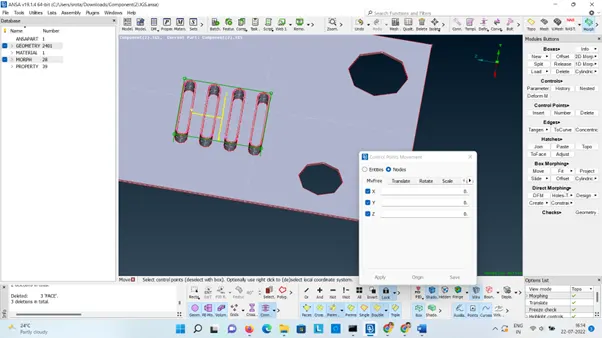
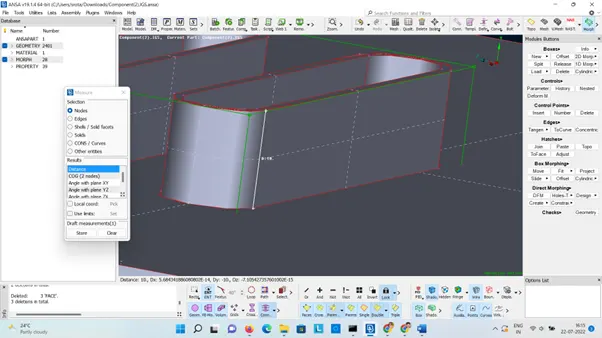
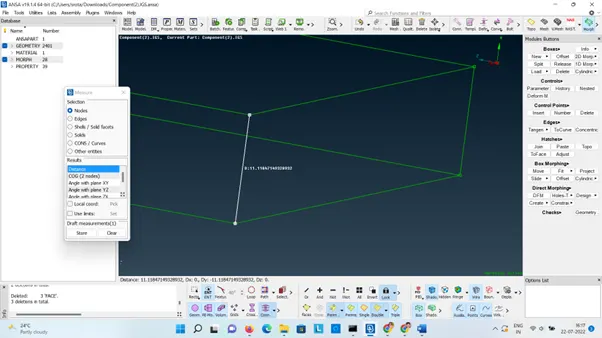
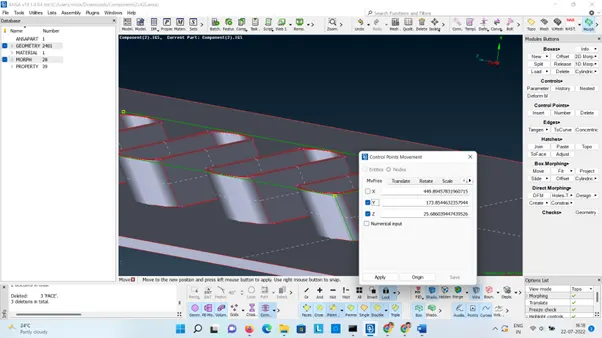
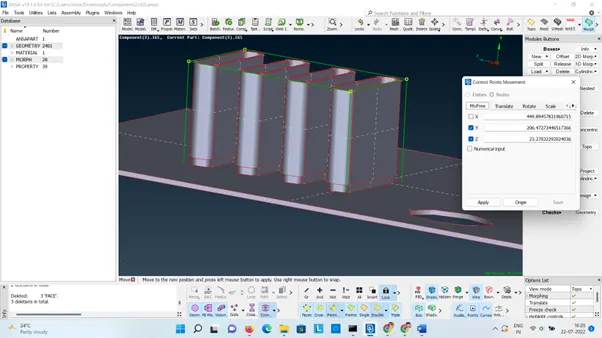
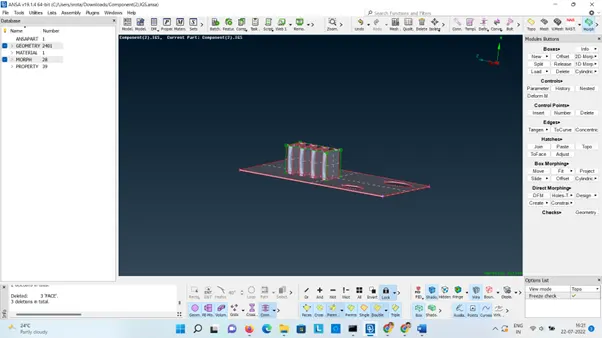
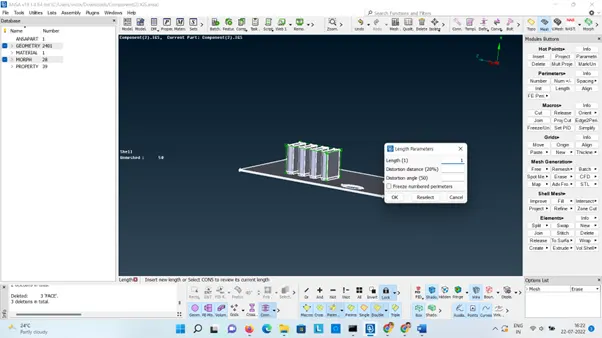
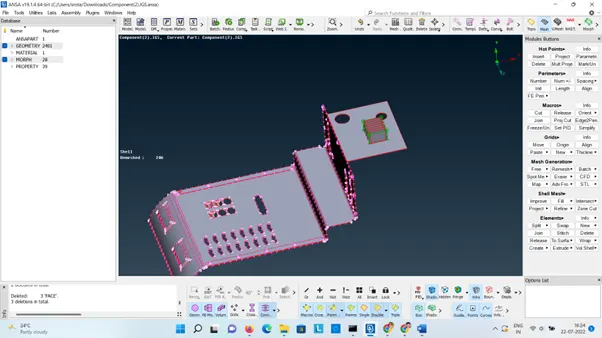
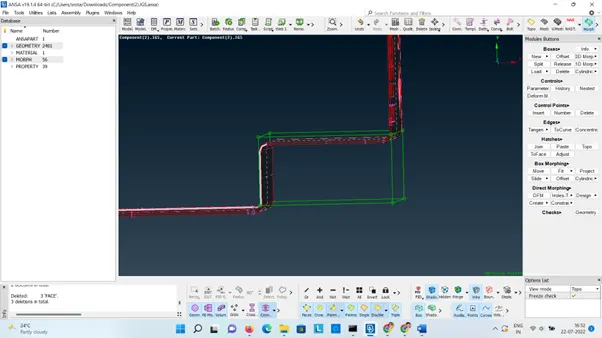
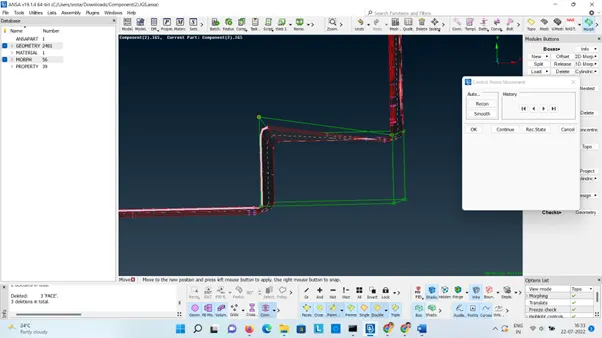
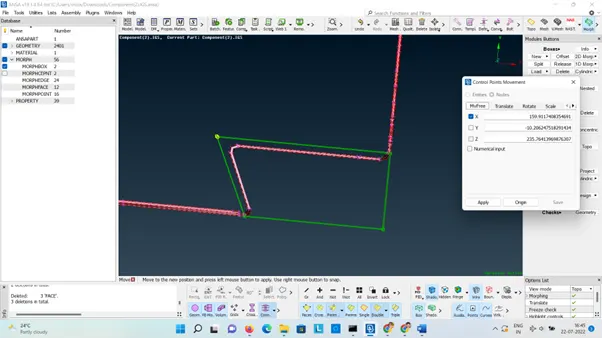
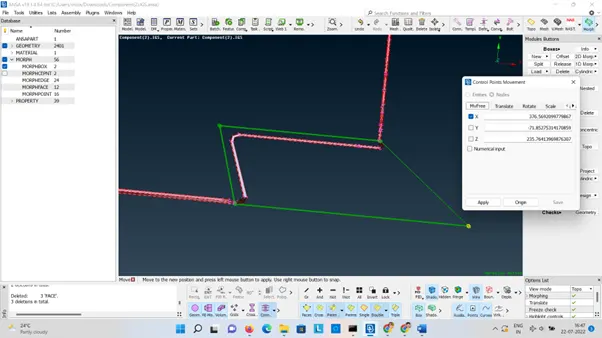
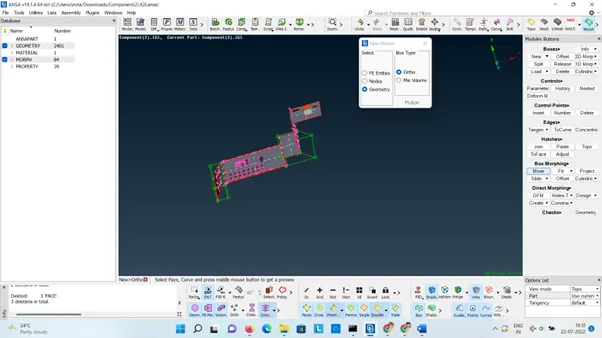
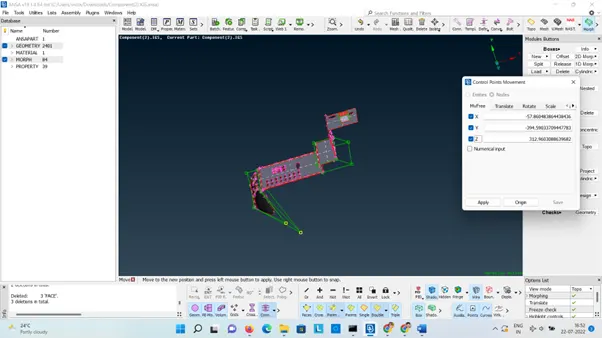
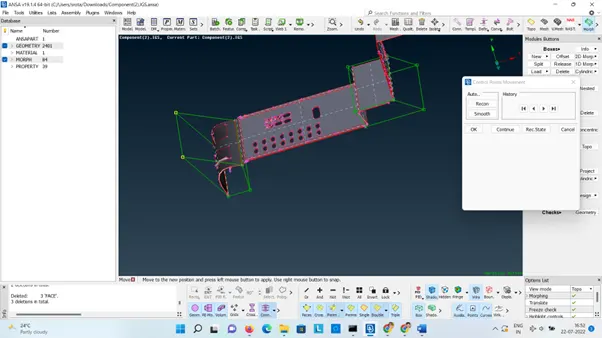
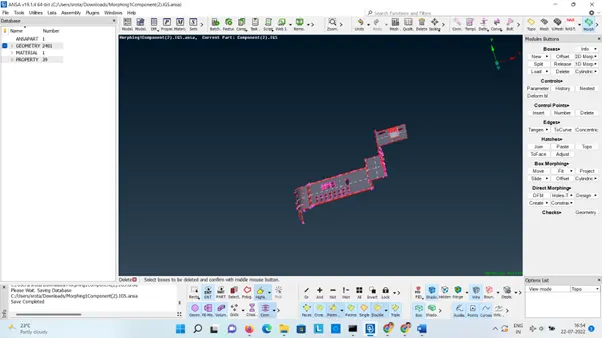
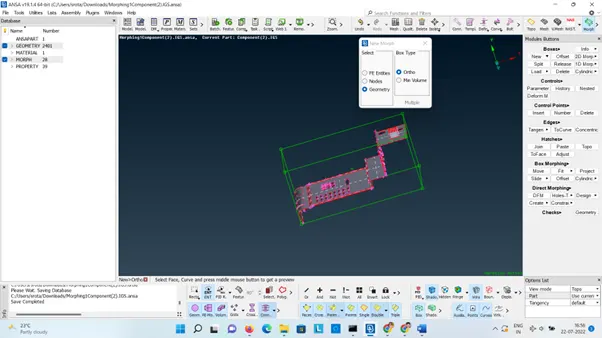
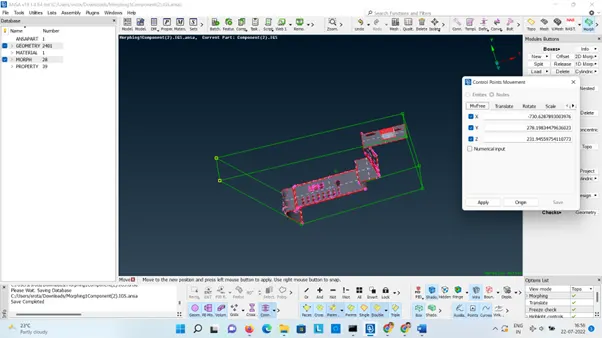
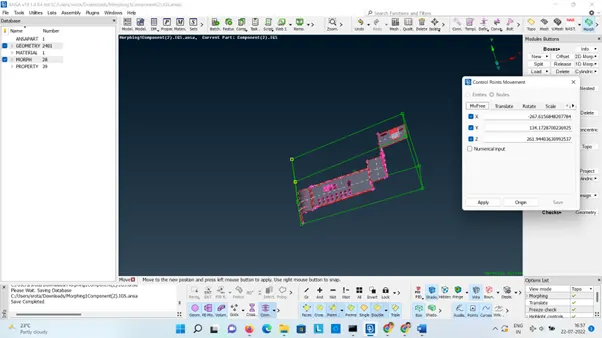
After making all the required changes in the geometry the Morph Boxes can be deleted.
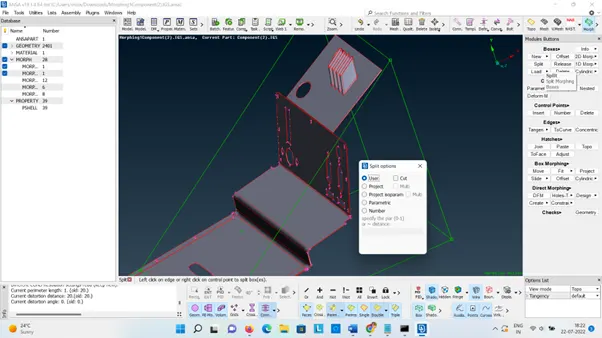
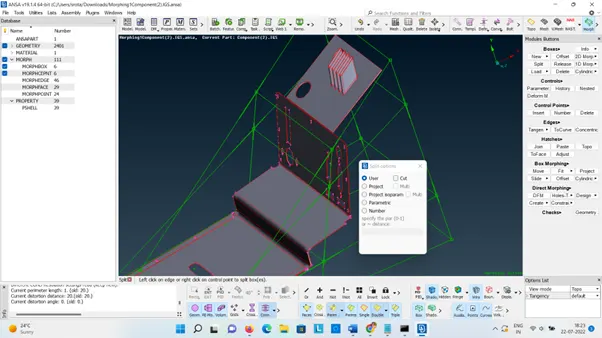
Boxes>Delete
Check the Morphing in left side panel of ANSA database.
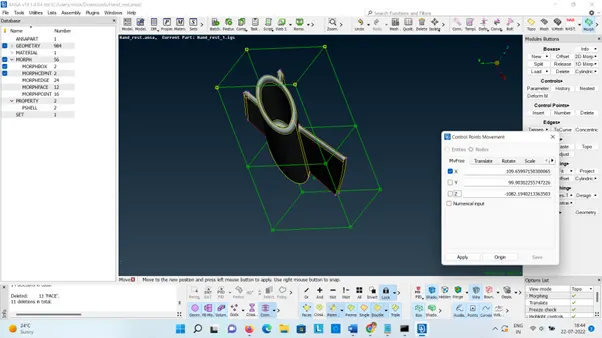
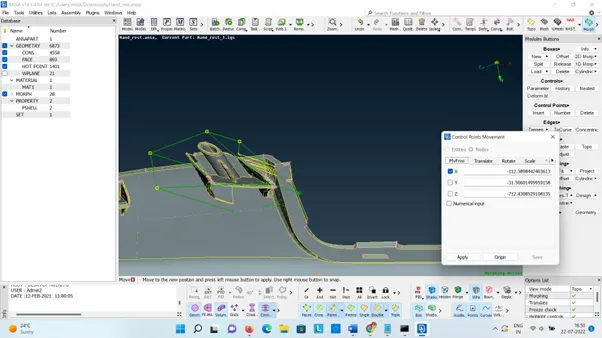
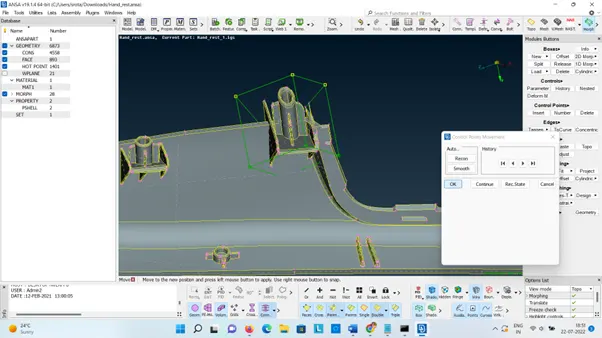
2. Increasing the heights of the dog houses and ribs
LEARNING OUTCOMES:
Learned how to perform Morphing operation on a given model to achieve the required change in shape.
Gained understanding on how to make the adjustments.
Google Drive Link:
https://drive.google.com/file/d/1QlvrBZIKXCxKtAMZBuK2DM9HbRdXvQep/view?usp=sharing
https://drive.google.com/file/d/1jWAyCahxpNseidDbhPgC3NIJJG8vX74c/view?usp=sharing