Week - 8 - Morphing
MODEL 1 :
1) open the given model in ANSA
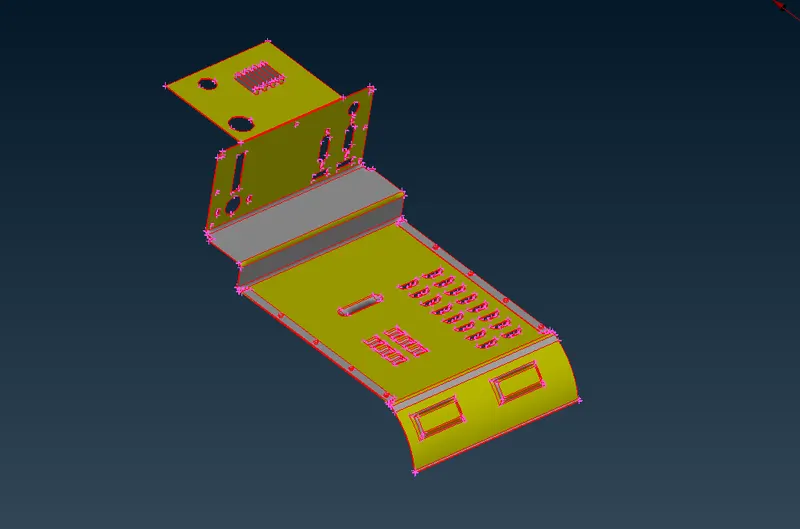
using the topo function to adjust the cones automaticaly
2)Geometry cleanup
using geometry function to identify the triple cone and crack in the model
and fix the error automaticaly , the not fixed errors are fix manual
TOOLS>CKECKS>GEOMETRY
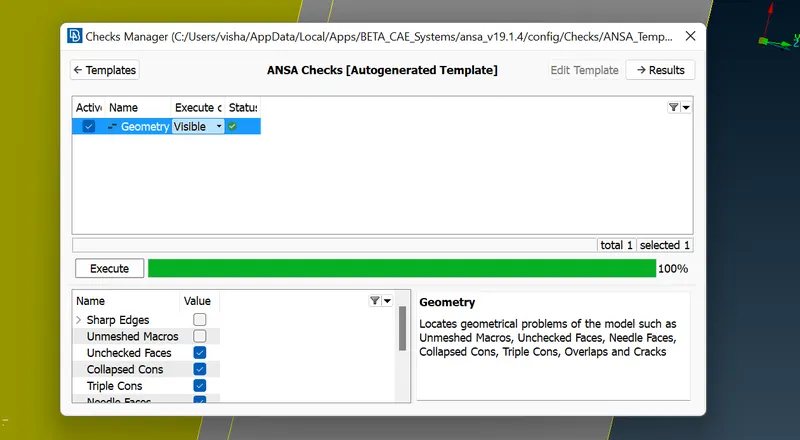
3) Morphing
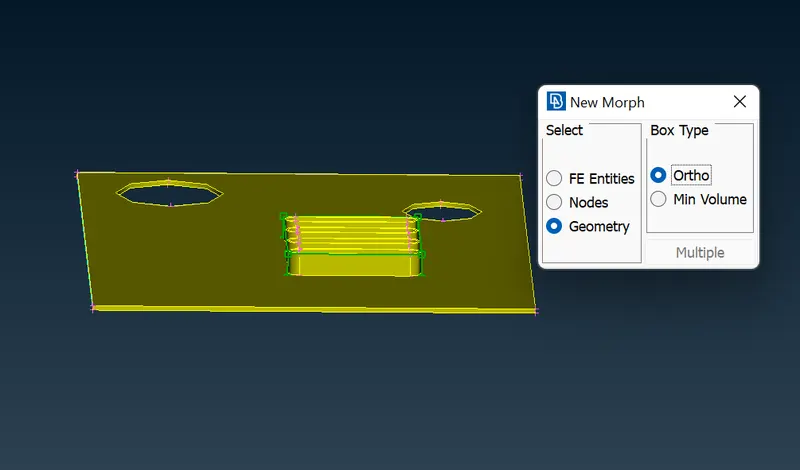
create the morph boxs at the selected grometry area
BOXES>NEW>ORTHO >GEOMETRY
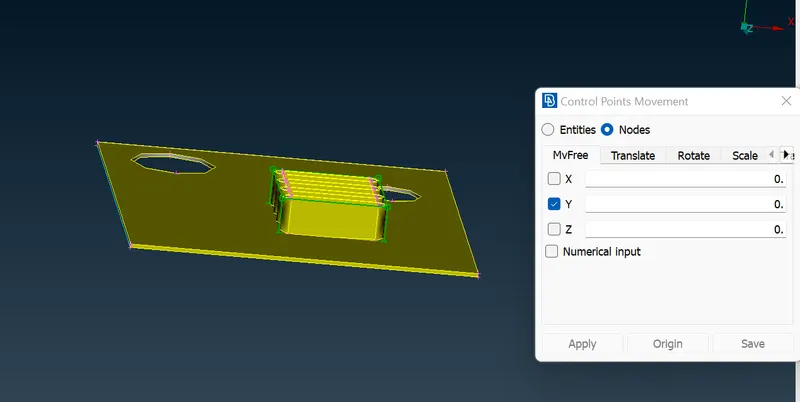
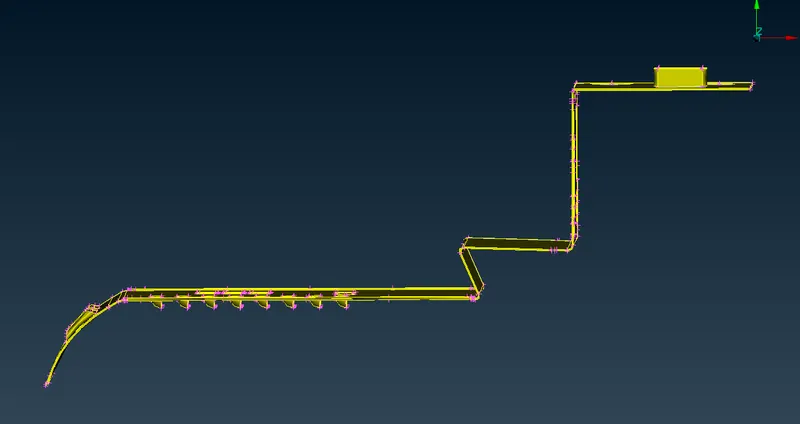
the geometry morphed by moving the control points by using move option
BOX MORPHING > MOVE
The morph box is split into smaller section for fine morphing
BOXES > SPLIT
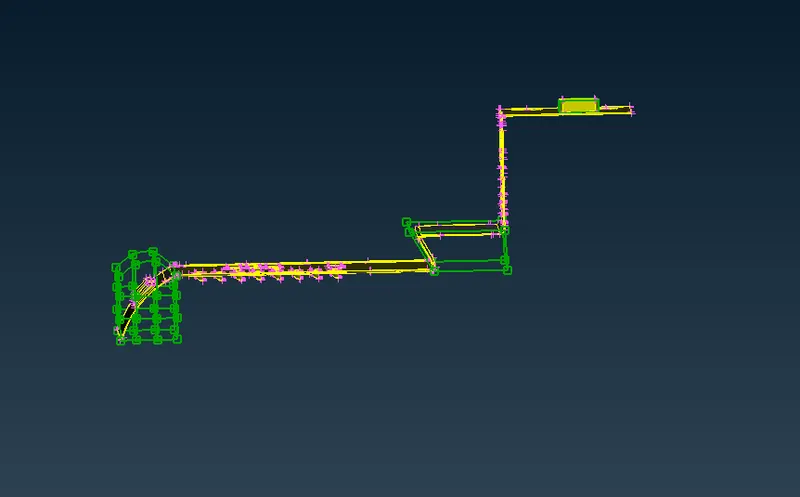
after making all changes in model the morph box can delete
BOXES > DELETE
MODEL 2 :
1) open the given model in ANSA
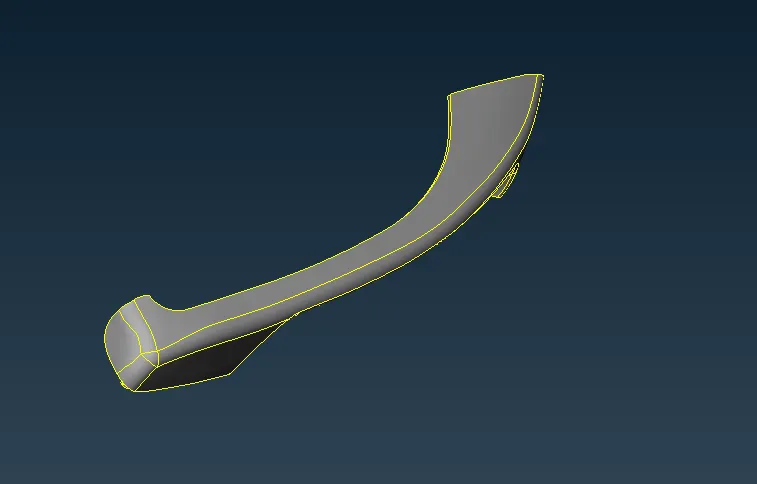
using the topo function to adjust the cones automaticaly
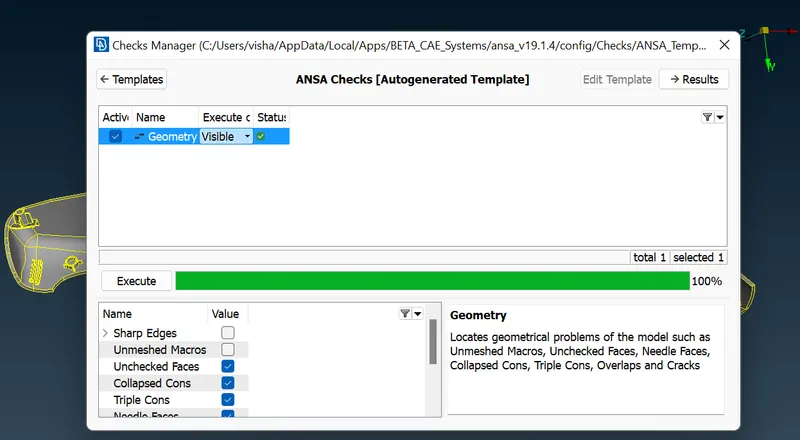
2)Geometry cleanup
using geometry function to identify the triple cone and crack in the model
and fix the error automaticaly , the not fixed errors are fix manual
TOOLS>CKECKS>GEOMETRY
3) Morphing
create the morph boxs at the selected grometry area
BOXES>NEW>MINI VOLUME >GEOMETRY
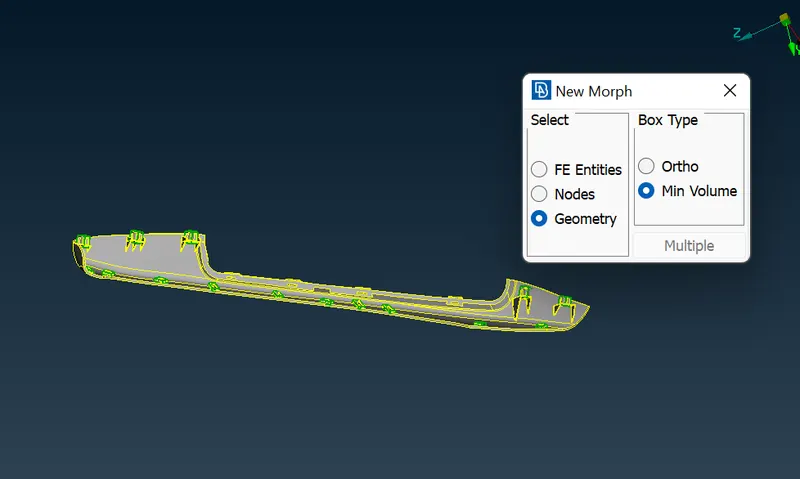
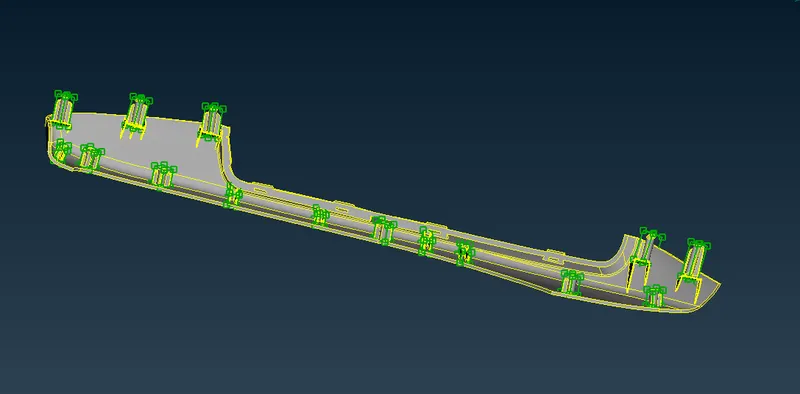
the geometry morphed by moving the control points by using move option
BOX MORPHING > MOVE
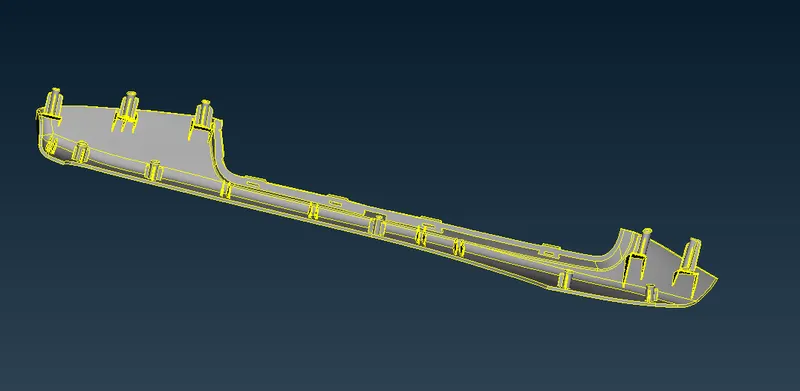
after making all changes in model the morph box can delete
BOXES > DELETE
conclusion:
Morphing operation can carried out in the given models to make the necessary changes in the shape of thee model
GOOGLE DRIVE LINK:
https://drive.google.com/file/d/1wpO4pyLMPyxdIFPUEBWqp0sA0PaAlXO6/view?usp=sharing