Week 8-Challenge
AIM:
To create the tetra meshing in three different models with the given quality parameters including minimum length, maximum length and tet-collapse also use the best meshing method to get the best mesh out of it. The different methods to generate a tetra mesh are:
- 2-D to 3-D conversion by using the tetra mesh panel
- Quick tetra method from the utility panel, and
- Volume tetra mesh method.
Procedure:
- Import the first hypermesh model from the file location and analyse the model carefully.
- Clean the geometry wherever there are small gaps in between the surfaces.
- Delete the solid from the geometry by selecting the Delete->solid->Delete entity.

- For the first model of housing, the meshing can be done using the first or second method.For the first method, perform a 2D mesh using automesh option with element type as trias.
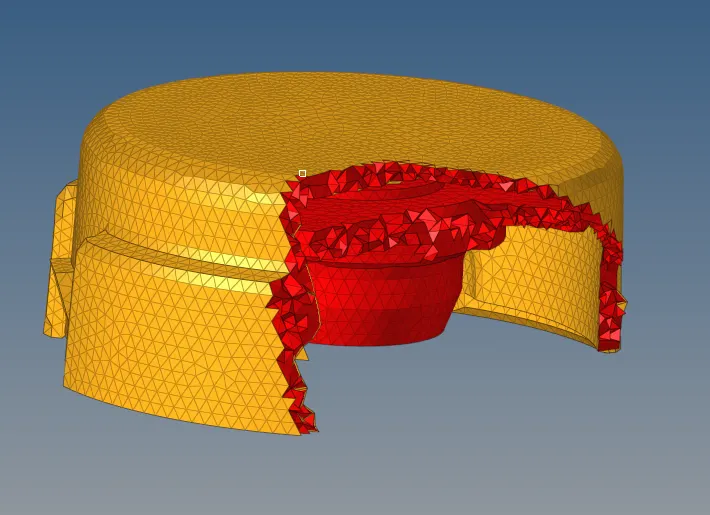
- Remove all the minimum and maximum length errors formed by splitting the trias and combining it. The quads formed in the geometry after splitting up can be found using the "By config" tool in the element colour mode tab.
- Now the model has to be tetra meshed using 3D->Tetra mesh option by selecting the displayed elements under the Fixed trias/quads to tetra mesh.

- Once it is complete mask few elements to check whether it is formed or not.
- After that check for tet-collapse error in the check elements tab and fix it either by remeshing the geometry using the Tetra remesh option in the Tetramesh panel.Before that, check whether fill voids,fix midnodes ans smoothing option is checked on in the tetra mesh parameters.

- Remesh the geometry by selecting the elements and click mesh and even if there are more elements to be rectified, then fix the errors manually using the translate option or replacing the points tool.

- The second method is the Quick tetra method.
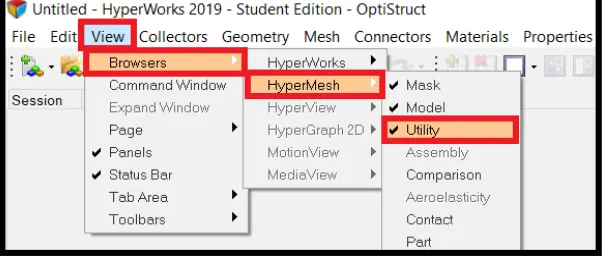
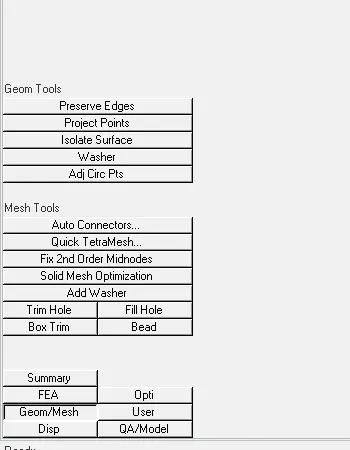
- Same as like the first, delete the solid from the geometry. Click on View->Browsers ->Hypermesh-> Utility option. A new tab will be opened and click on Geom/mesh option.Under that click on Quick tetra mesh where a new tab will be opened which is the Qick Tetra tab.
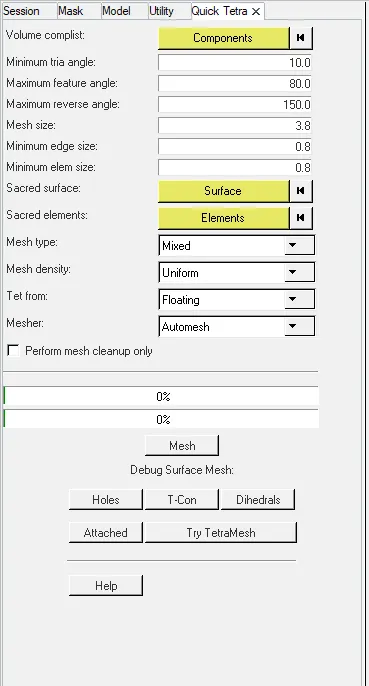
- In that select the component which has to be meshed, specify the element size and element type as trias only and mesh it. It will automatically generate the tetra mesh in one shot.
- Same as the above method,mask a few elements to check the tetra mesh has formed or not and check for the tet-collapse error and remove it by remeshing or by fixing manually.
- The third method is the volume tetra mesh method, where a solid geometry can be directly tetra meshed using the volume tetra mesh panel. Go to 3D-> Tetramesh ->Volume tetramesh ->select the solid-> Mesh it. Before meshing, tick the checkboxes of Use curvature, Use Proximity, and cleanup elements.
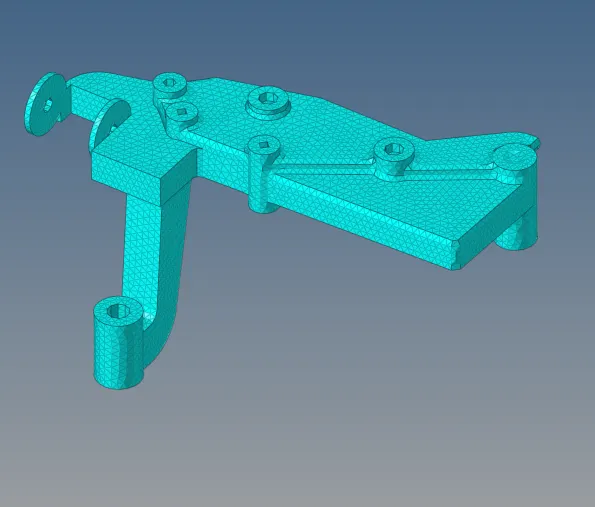

- In this method the number of nodes formed will be higher as compared to the other two methods.

- Since the hyperworks student version accepts only one lakh nodes, after which the file will not be saved.It can be checked by going to Tool->Count->FE Entities->Select the Geometry and the total number of nodes formed will be dispalyed there.
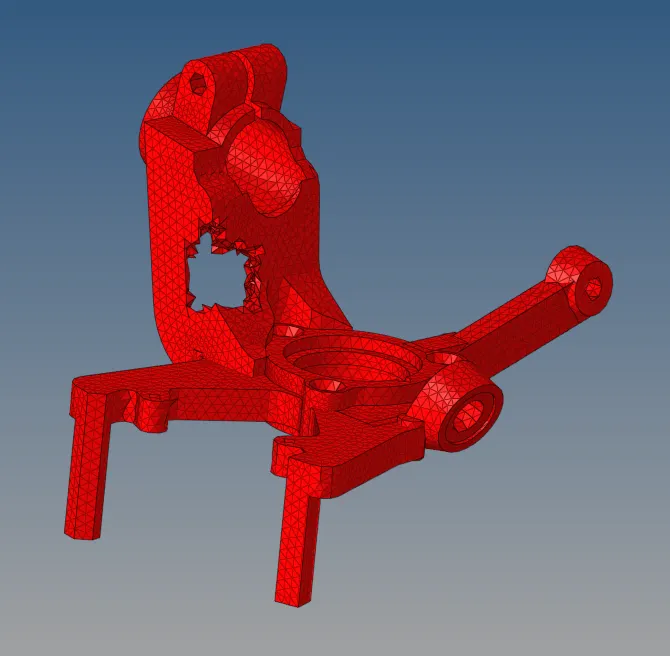
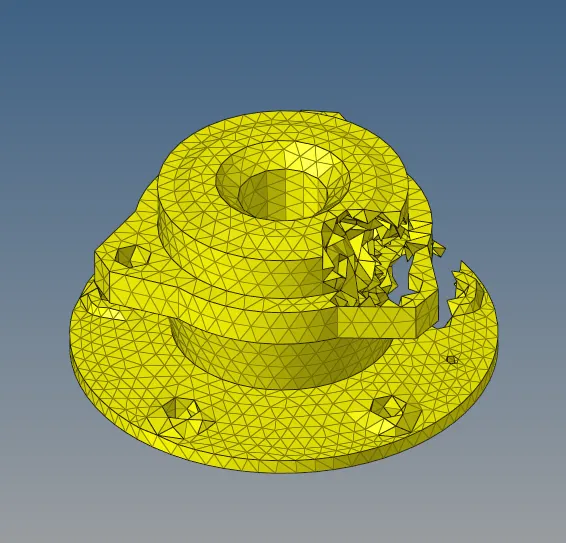
- Check for the quality errors in the geometry and if it is not fixed completely then remesh ethe model using the tetraremesh panel by ticking the checkboxes in the parameters.
TET-COLLAPSE:
It is one of the quality parameters which will be checked while a tetra mesh is performed.It can be calculated by measuring the distance of a node from the opposite face, likewise four nodes will be there and distance of each four has to be calculated and divide each values with the square root area of each opposite face.The minimum of one value out of four is then divided with 1.24
Some of the methods to clear tet-collapse error are:
- Using the translate tool inorder to increase the height, and
- Using the tetra remesh panel, to remesh the failed elements.
CONCLUSION:
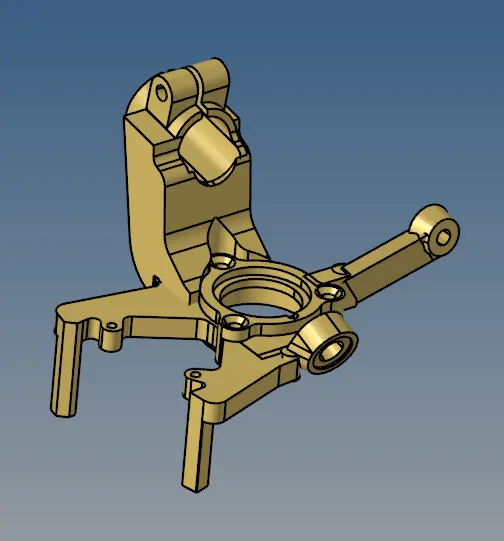
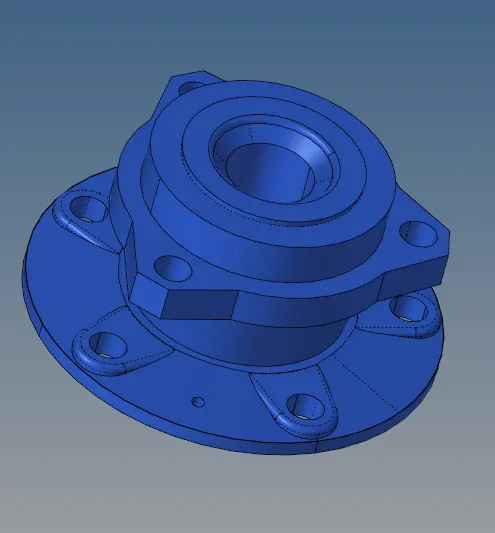
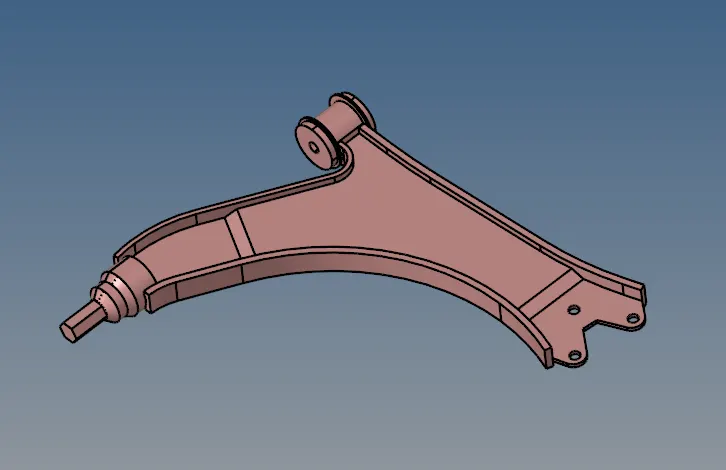
The three given models of housing, crankcasing and the chassis assembly has been tetrameshed with the best suitable method for each components.The first two models can be tetrameshed using the 2D to 3D conversion or by using the Quicktetra method.
The last chassis assembly model is meshed using the volume tatra mesh which will be the best way to mesh this geometry.