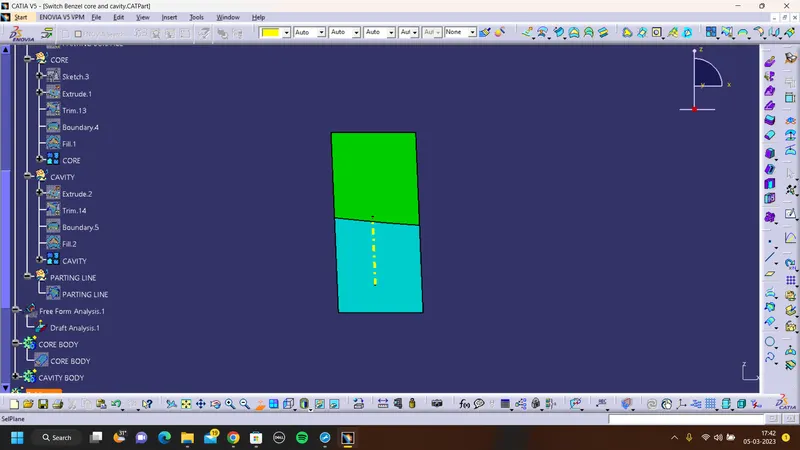
Week 8 - Challenge 6 - Core & Cavity Design
AIM:
To Create the Core and cavity blocks for the switch bezel designed in the earlier challenge.
Before design core and cavitydraft analysis of solid switch benzil
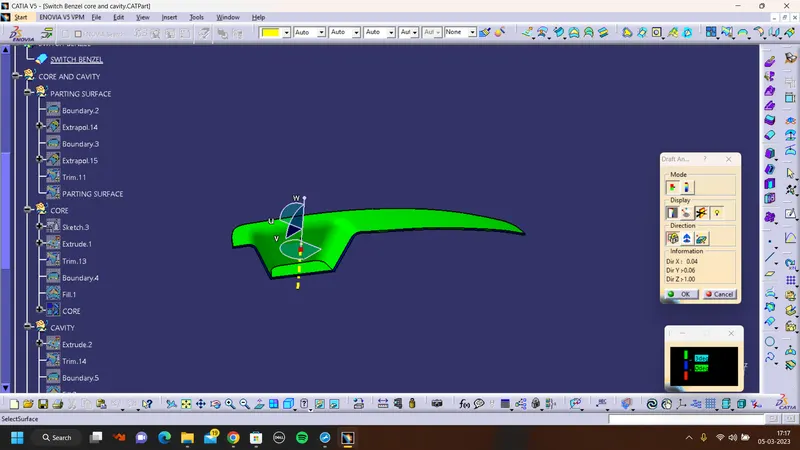
Core Design:
- Extrapolated class A surface
- Trimming the class C surface with extrapolated class A surface
- After that trim A&C with B surface
- Sketch a rectangular and extrude with core side
- Trim the Extrude with core and using the boundary fill the surface as a closed
- Make the closed surface as a closed solid body with tool close surface.
CORE SURFACE:
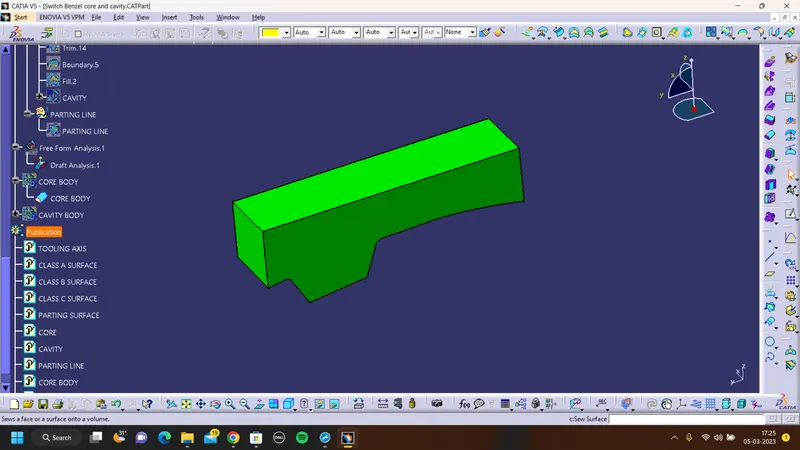
CORE SOLID BODY:
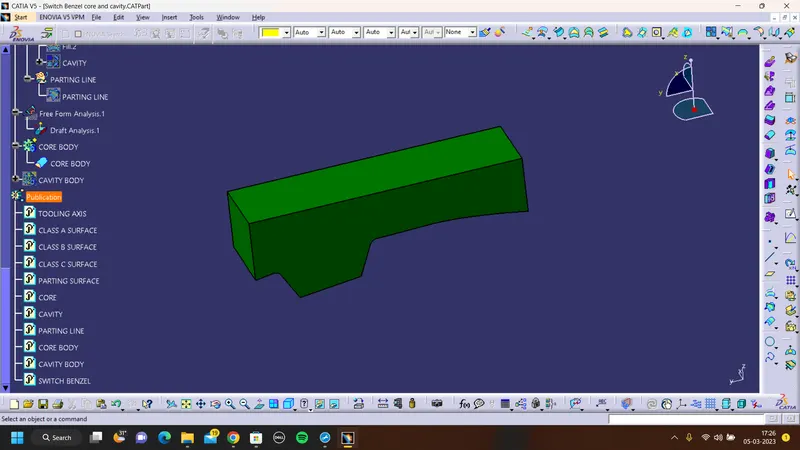
CAVITY DESIGN:
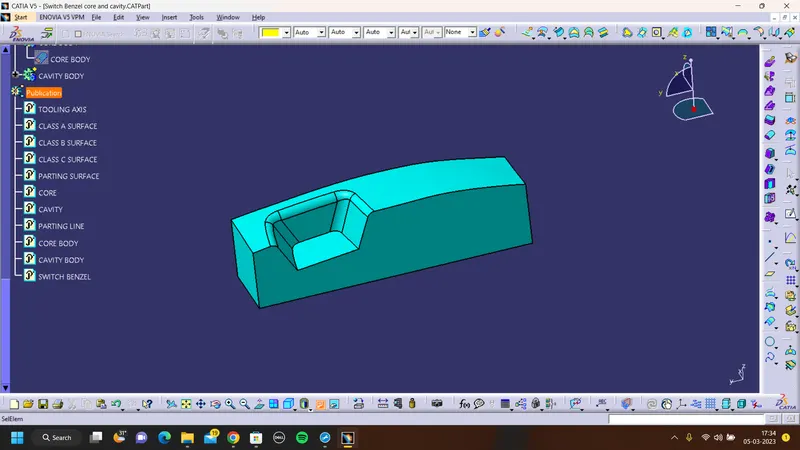
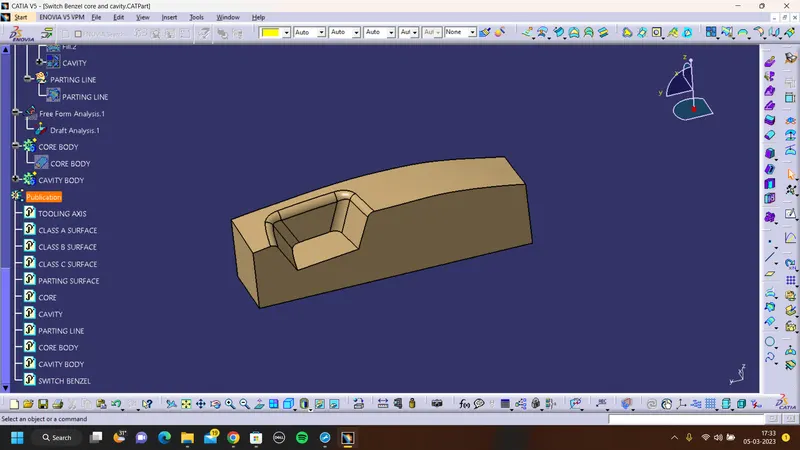
- To create cavity block use rectangular extrude and B surface gets trim on upper side of the extrude.
- using the boundary command make the boundary on the lower side of the cavity
- To make surface close fill command to close the surface
- And to make surface to be solid using close zurface to make the srface to be solid.
CAVITY SURFACE:
CAVITY SOLID BODY:
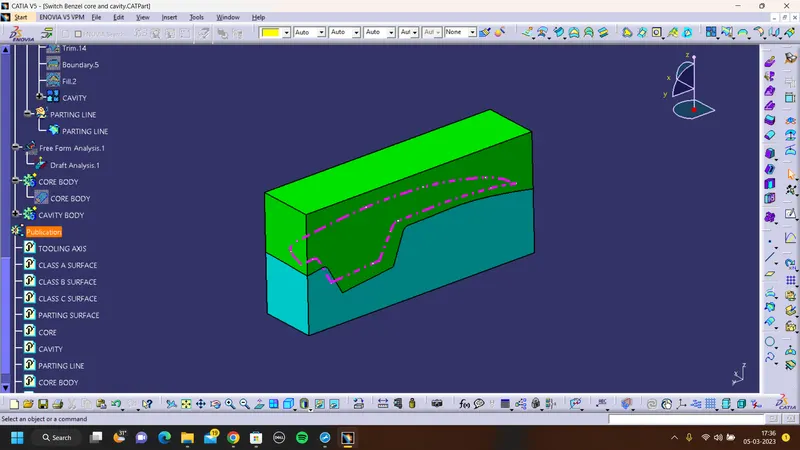
PARTING LINE:
To create a parting line an intersection of class b surface and class c surface
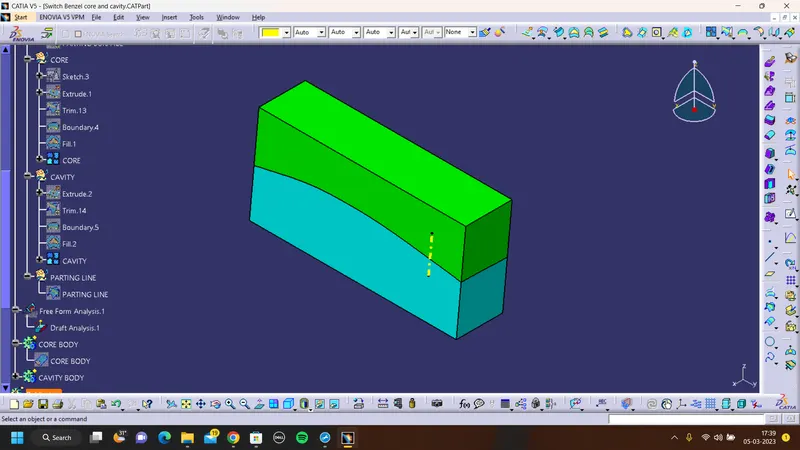
ISOMENTRIC VIEW:
TOP VIEW:
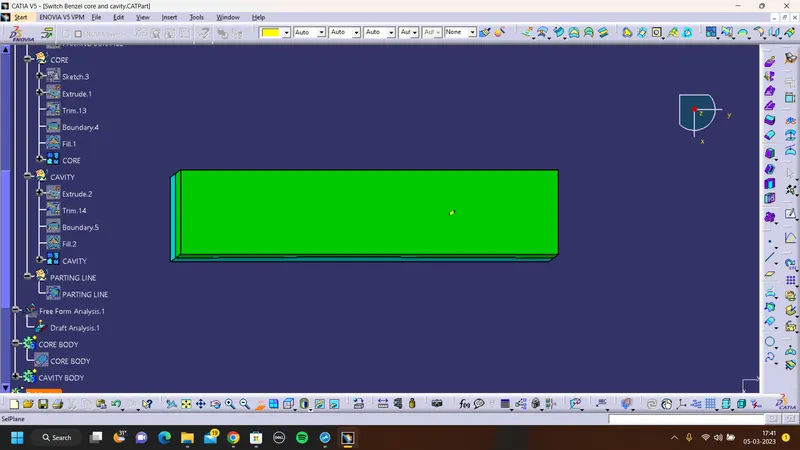
FRONT VIEW:
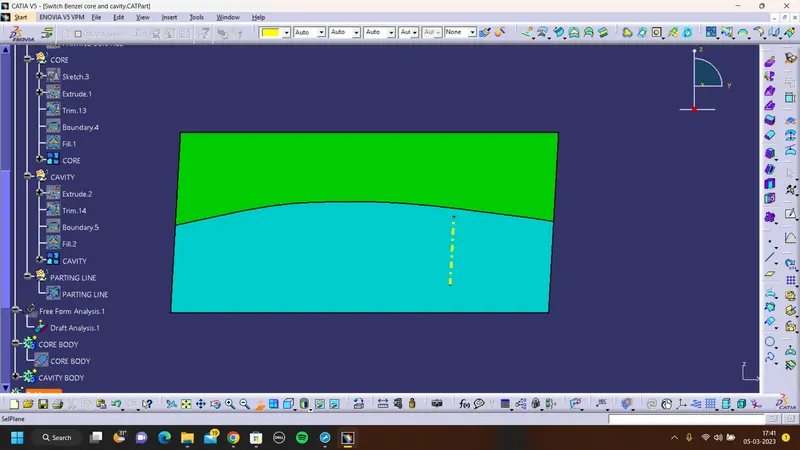
SIDE VIEW: