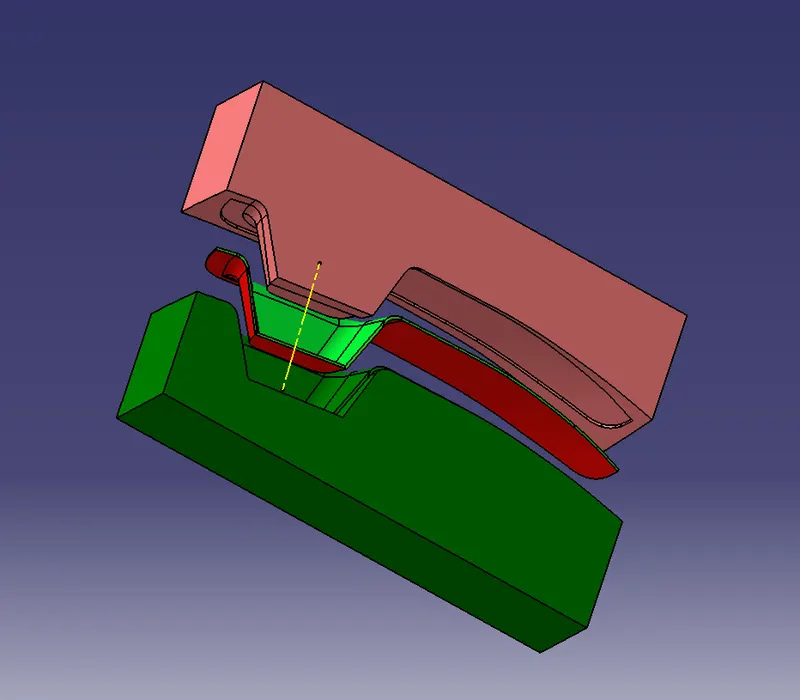
Week 8 - Challenge 5 - Core & Cavity Design
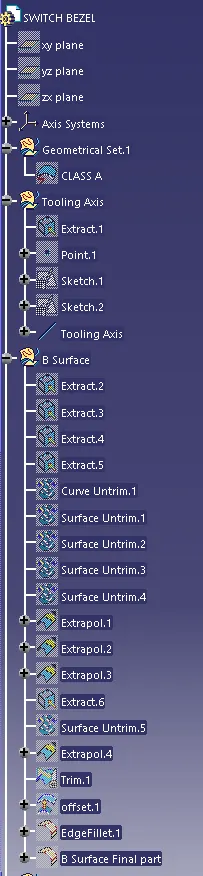
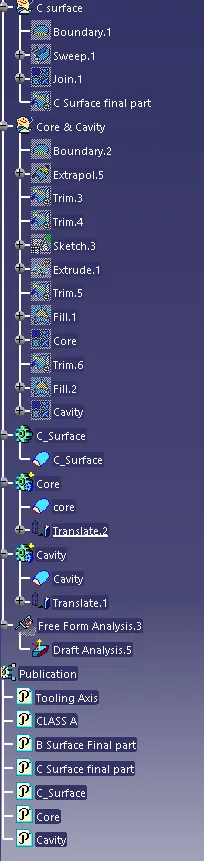
In this challenge, we have to create Core & Cavity for the component for 1st we need a closed Surface/C_Surface of the part
to create core and cavity I have taken switch bezel designed from the earlier challenge and make some modification to create Core and Cavity
following steps are
STEP:-1 I extrapolate the A_Surface
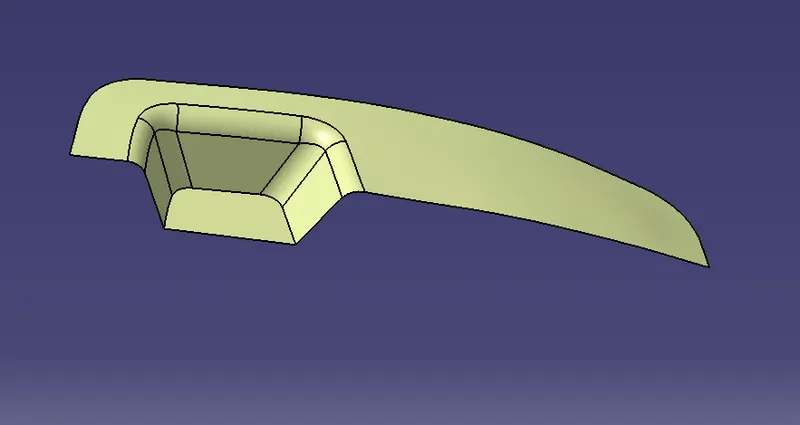
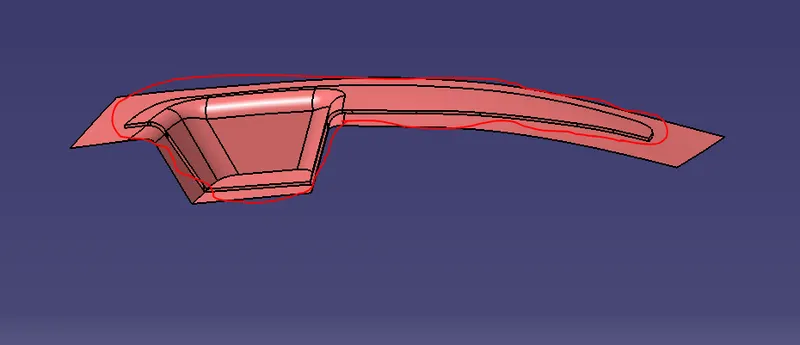
STEP:-2 then I unhide the B&C_Surface and trim the each other (Trim-1:- Extrapol with C_Surface Trim-2:- Trim1 with B_Surface) because we want a part in Surface as you saw in the image
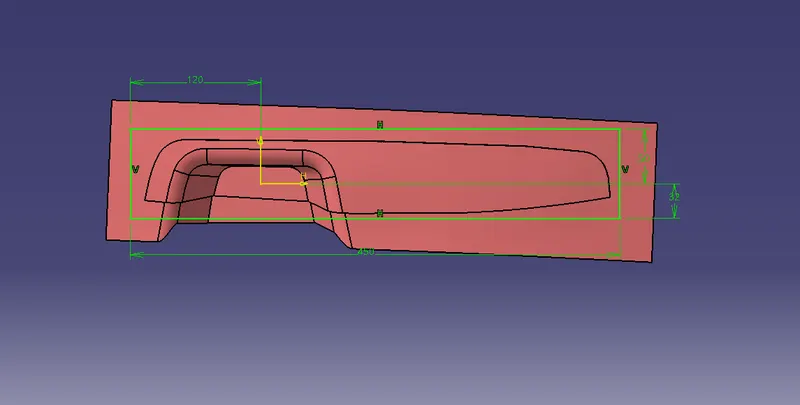
STEP:-3 now I will take a rectangle block by using the positioned sketch to create core and cavity blocks and Extrude it
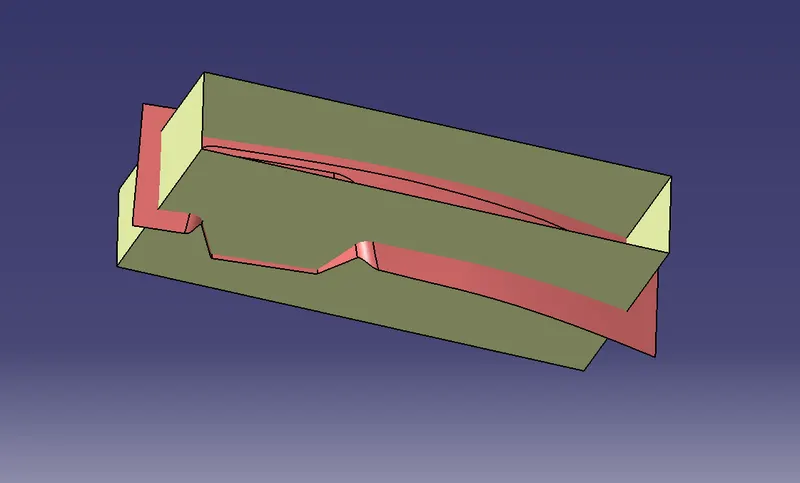
STEP:-4 Trim one by one 1st trim upper part to create core
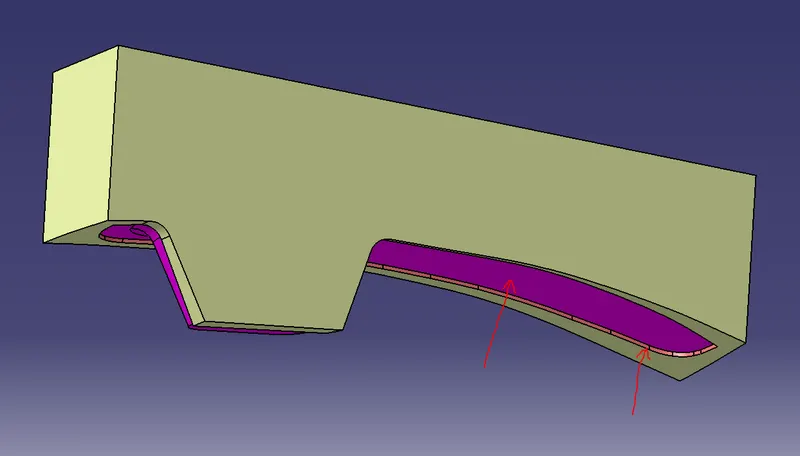
2nd trim lower part to create Cavity
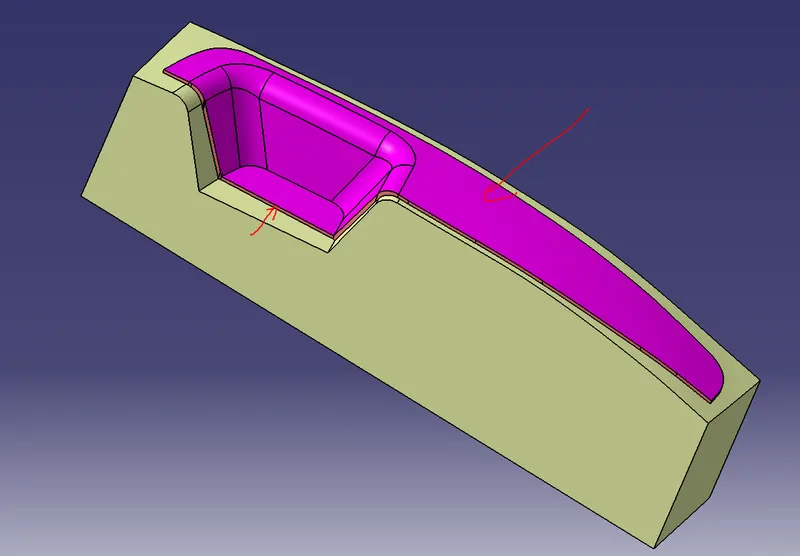
As you saw in both image the pink colour is the component which we need and make sure that while trimming the element we want to trim in such a way the plastic mount filed in core & Cavity.
STEP:-5 as you saw in the blow image that's the final Core and Cavity