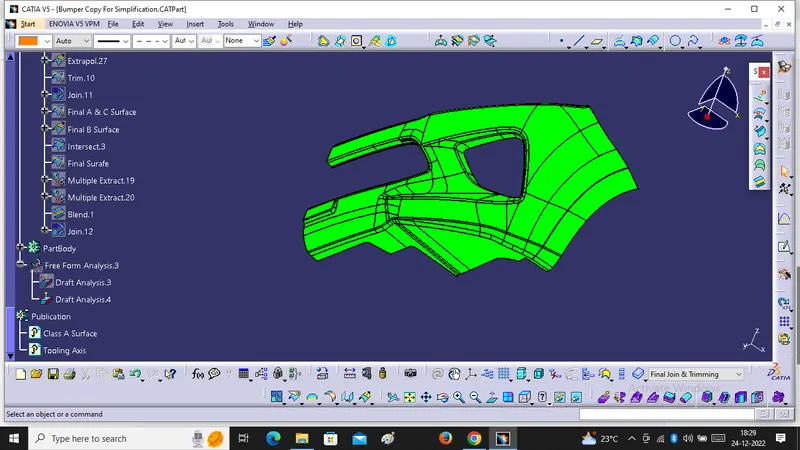
Week 8 - Challenge 4 - Bumper
Objective:- To Create B & C Surface from the given Class A Surface and after that we will join them together and create a Close Surface . For that We have to use Offset, Multi Extract, Extrapolation, Trim, Join & Swip Commands.
Step1.
Tooling Axis
We have to Create Tooling Axis For Given Classs A Surface. For that We will Extract One face , Create One point and line Normal to it .
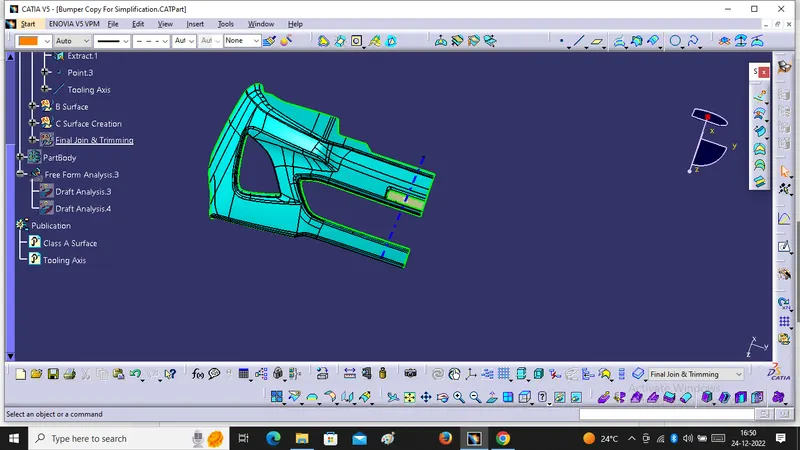
2. After Creation Of Tooling Axis We have to Use Draft Analysis For given Class A with Tooling Axis.
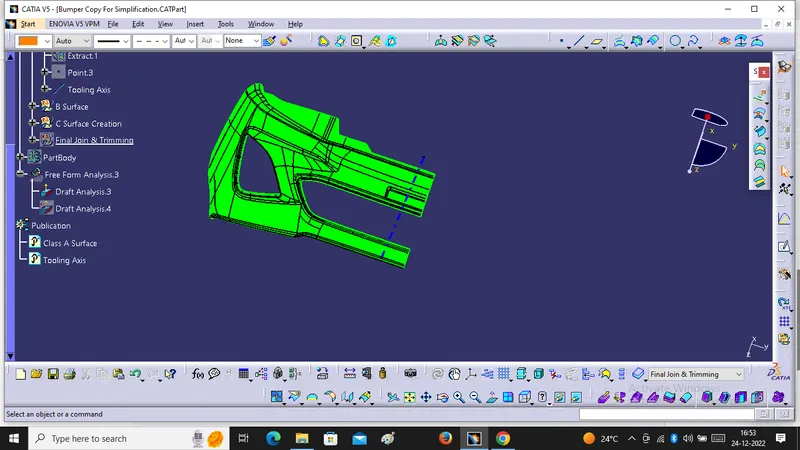
For B Surface Creation
We have to Offset the given class A Surface for 3mm ,after that we will get the same Surface but Some patches area available On it. So, We Will Work On this area.
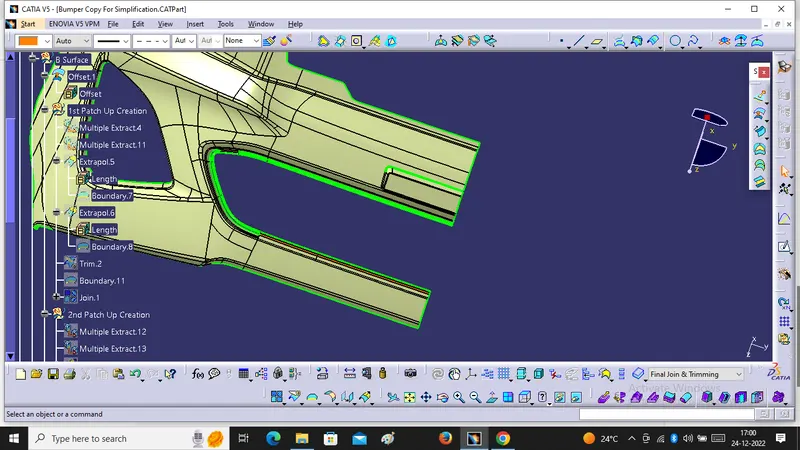
Repairing Work for 1st Patch up Area :-
For that we have to use Multiple Extract, Extrapolation, Trim, Boundary & Join.
1. Multiple Extract 1 & Multiple Extract 2.
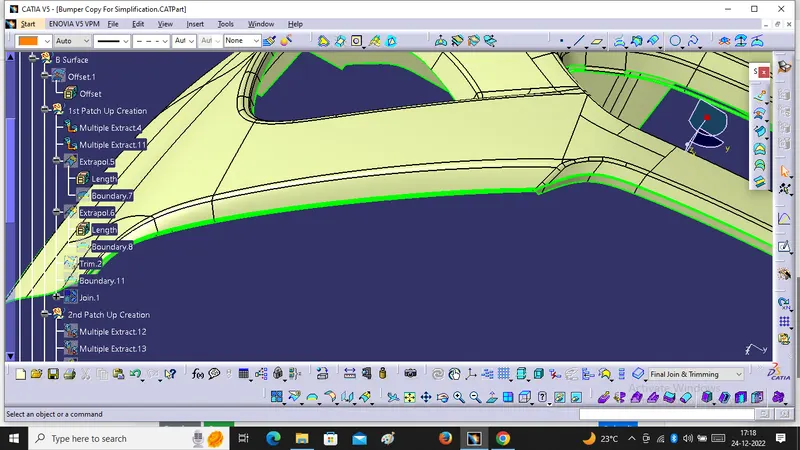
2. Extrapolation of Multiple Extract 1 & Multiple Extract 2.
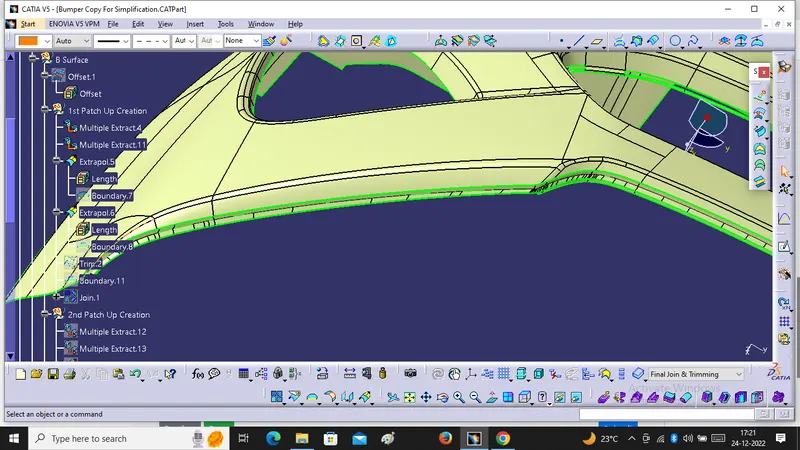
After that we will Trim the Extrapolated Part and Join it . After that we will remove the 1st patch up area and get the Smooth Surface.
Repairing Work for 2nd Patch Up Area :-
We have to use Multiple Extract , Extrapolation & Trim.
We have to use Multiple Extract With Complementary Mode & Remove the Patch Up Area
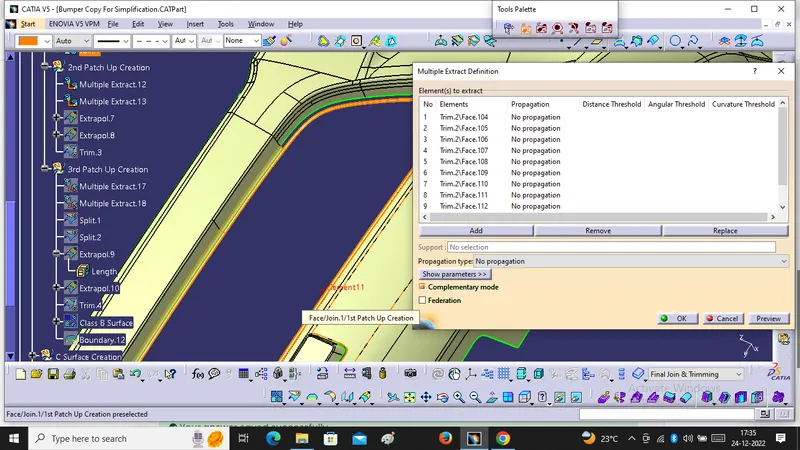
After that we will use Extrapolation & Trim it.
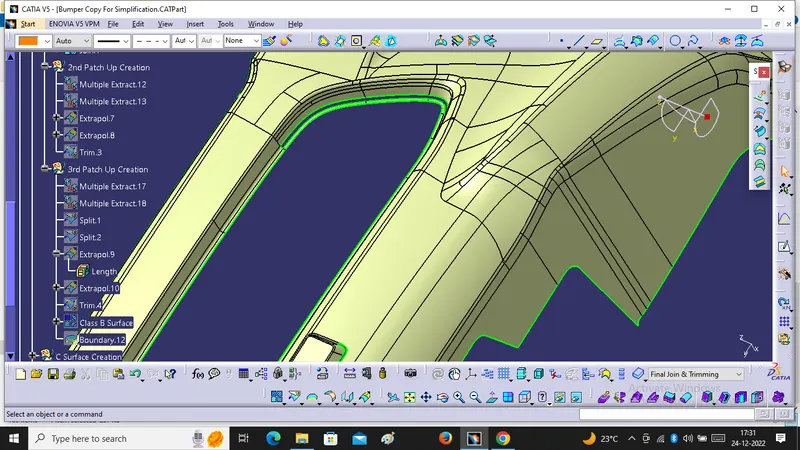
Repairing Work for 3rd Patch Up Area :-
For this Area we will use Multiple Extracrt, Extrapolation, split, Trim & boundary. After taht we Will get Final B Surface.
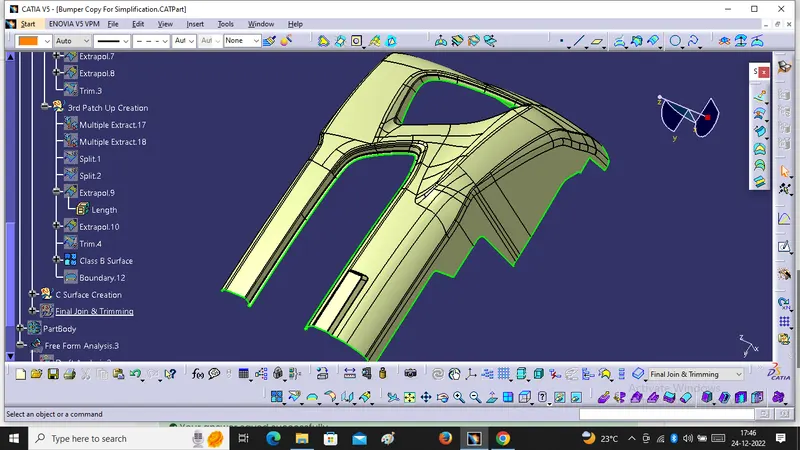
C Surface Creation :-
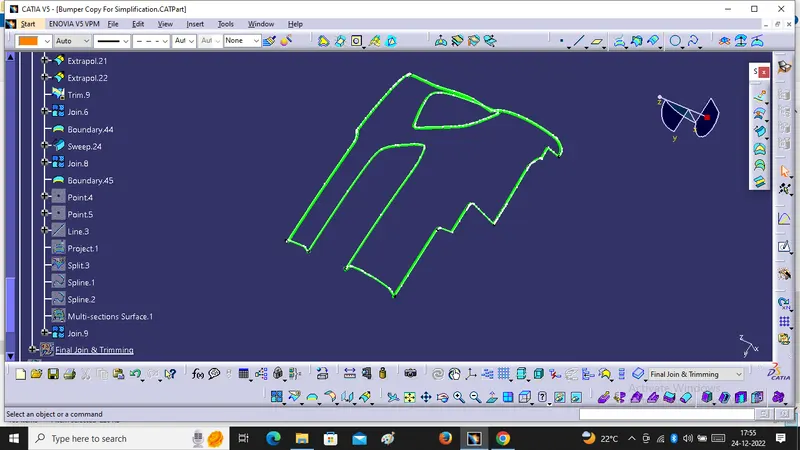
For C Surface We will Use Boundary, Sweep, Extrapolation, Join , Trim, Multi Section, line, Spline & Projection.
We will Use 3 Degree or 93 degree for Sweep with Reference Surface.
A & C Surface Joining :-
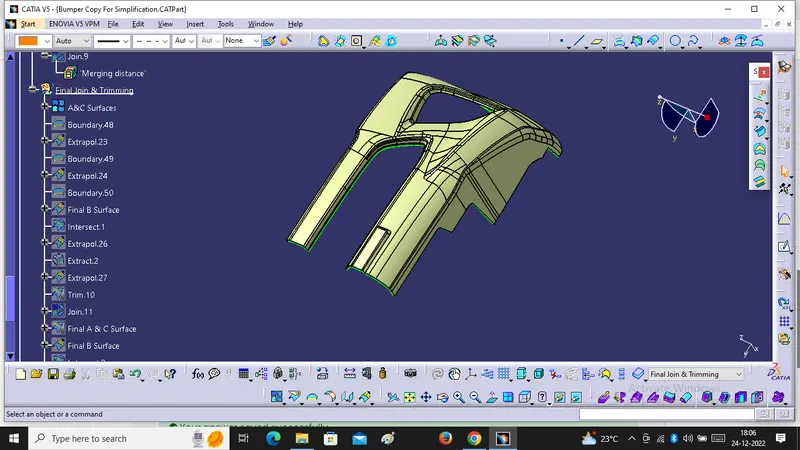
After Creation Of C Surface We have to Join with given Class A Surface. with Merging distance of 0.003mm.
Final Surface Creation :-
For that We will Use Extrapolation and Trim. We will Extrapolate B Surface and checking that A & C Surface Intersect With It. If they Will intersect Each Other then Trim Will happen and We will get Final Surface. For Final Surface Creation We Will Using Join, Trim, Intersection, Blend, Trim .
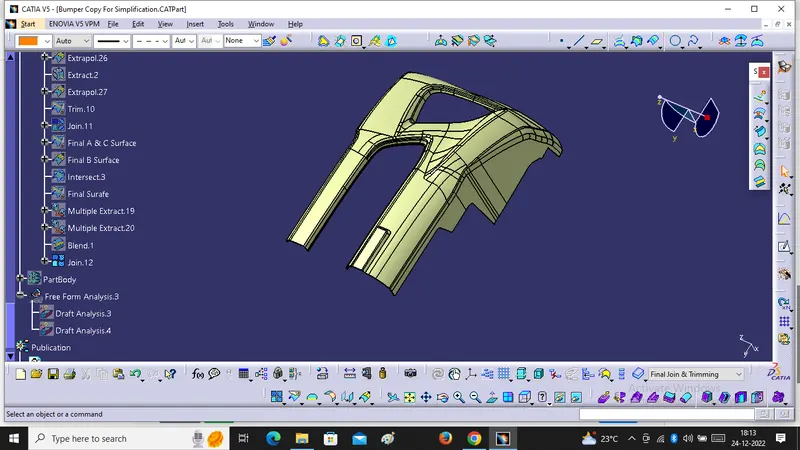
Close Surface :-
For Close Surface We Will Go into the Part Design Workbench And Select the Final Join and Make it Close Surface.
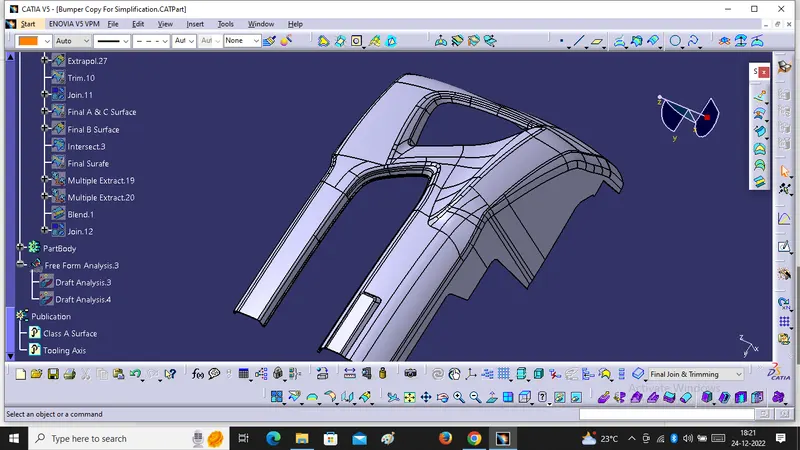
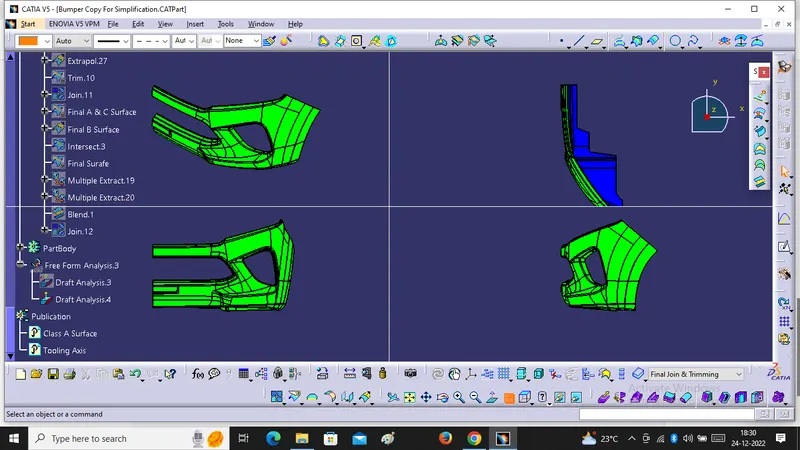
Close Surface at Different orientaion Images:-
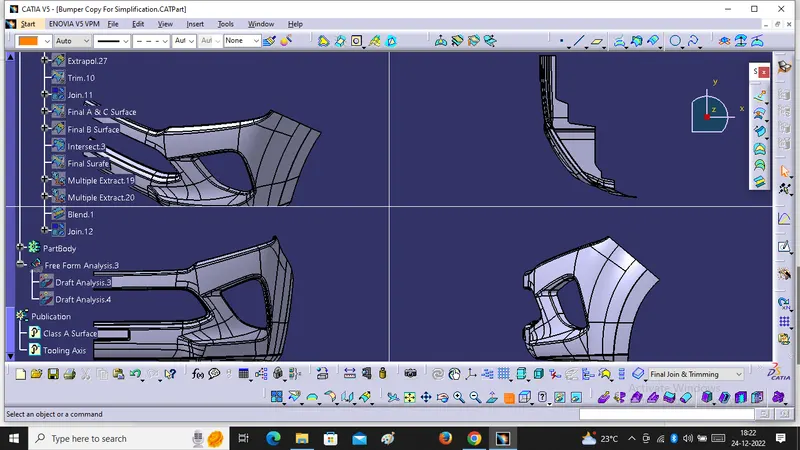
After that We Will Draft Analysis For Close Surface at 3 Degree .