Week 8 - Challenge 3 - Coin Holder Design
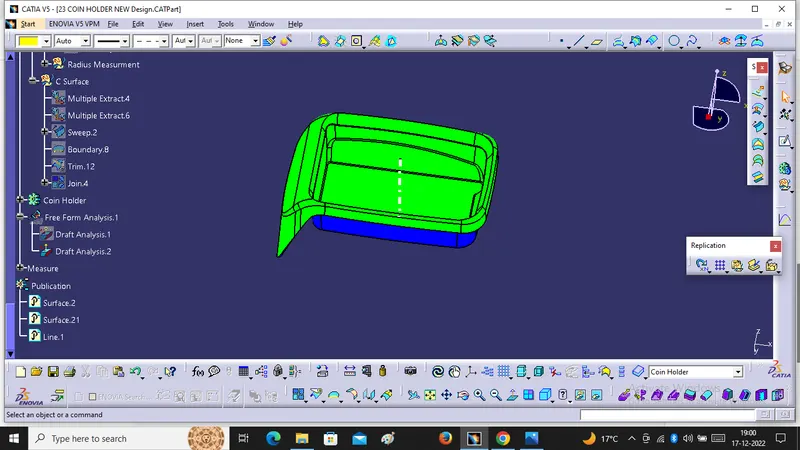
Objective:- We Will create the Center Hole Coin Holder to given Class A Surface and We Will also perform Draft analysis on this model.
For that we Will follow Some steps On this model.
1. We will Create Tooling Axis :- First of all we will extract the base, create a point, and insert the axis system at the point created after that We will draw a line perpendicular to the base Passing through the point. This will be the Tooling axis for the given model.
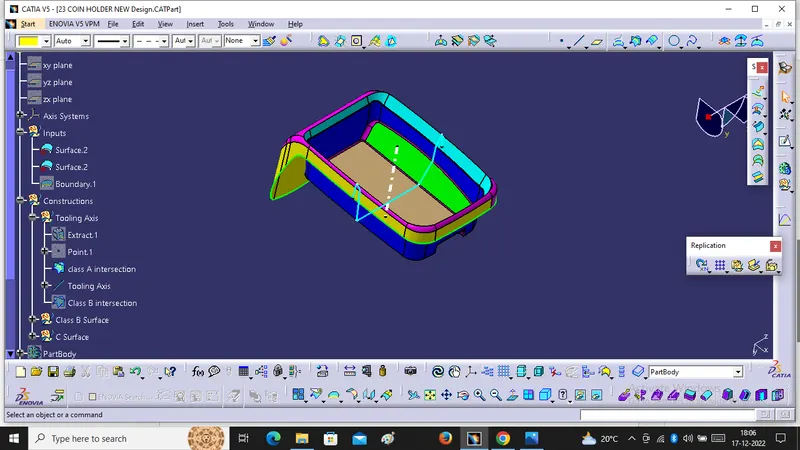
2. Now we will Draft analysis for this model
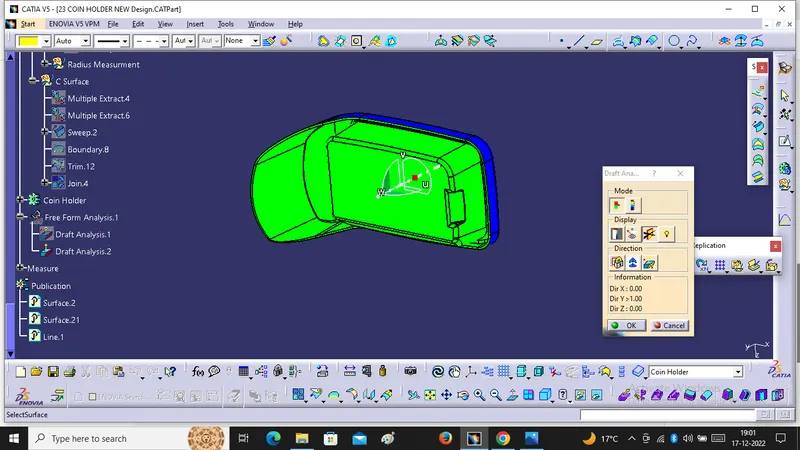
. For draft analysis we have to follow Some steps, click on the Compass icon, drag it to the tooling axis and align it with the tooling axis. After that We have to click in option of customize view parameter mode, select the material option and then we will click on the surface.
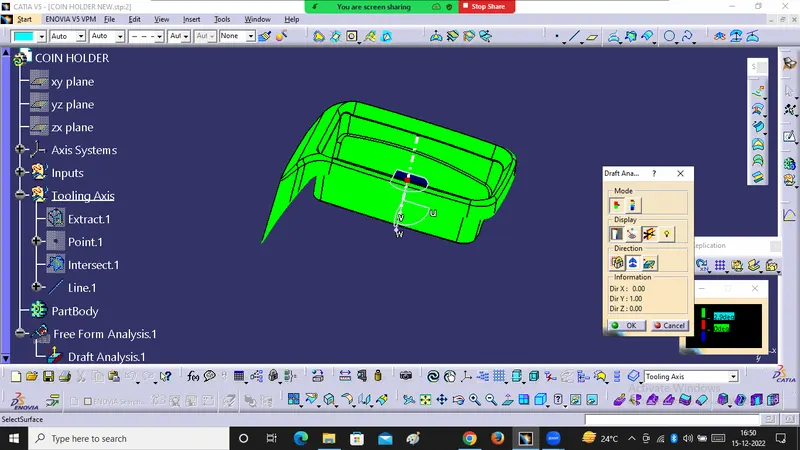
. Now we will check the degree of the surface for that we will go to the features draft analysis toolbar and click analysis under the running point option after that we will move the mouse cursor on the surface it gonna shows how much degree is their for that specific point. So if the degrees are ok then it will be ready for design.
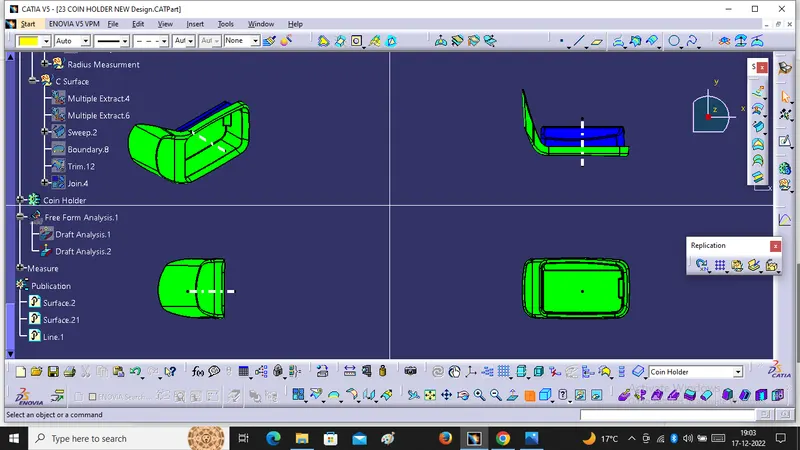
Different View of the Class A with Draft Analysis ( Isometric, Front, Side and Top View)
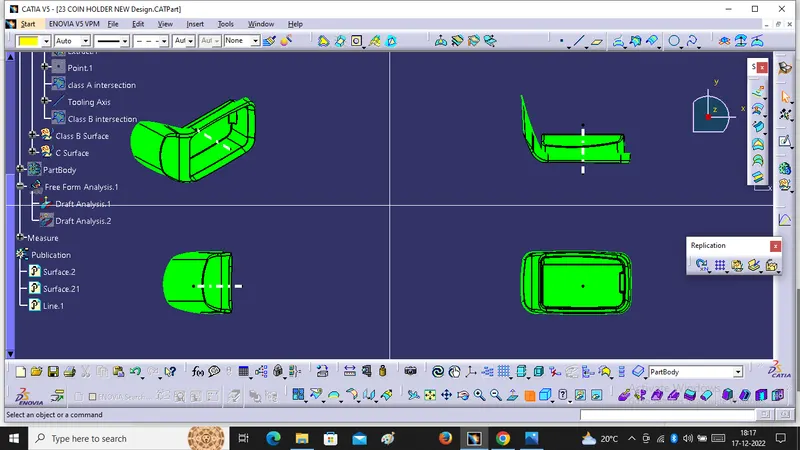
3. After that We will Create B-Surface -:
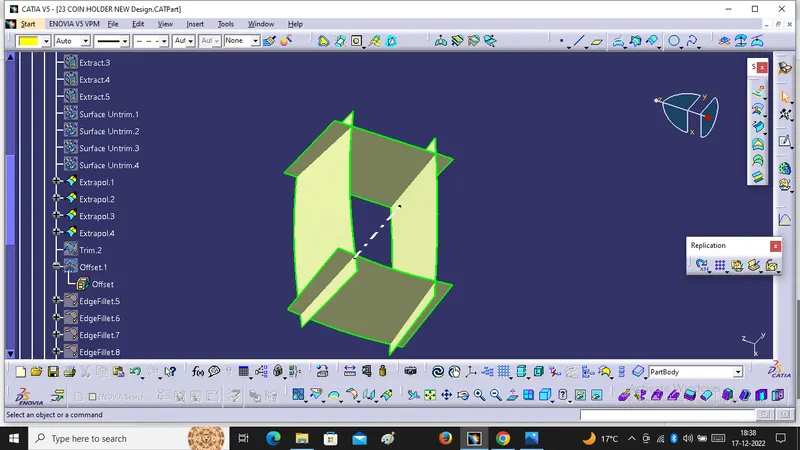
For create B-surface We have to follow Some Steps like extract, Untrim, extrapolate trim and offset(2.5mm) and this Images are given below.
(A) Side Wall
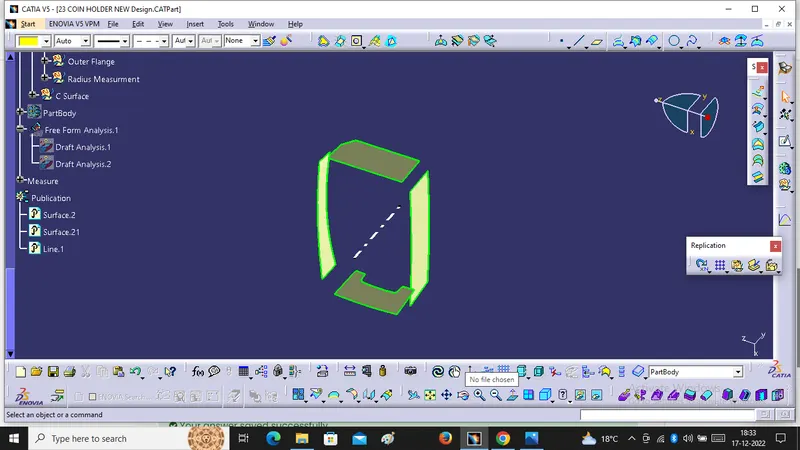
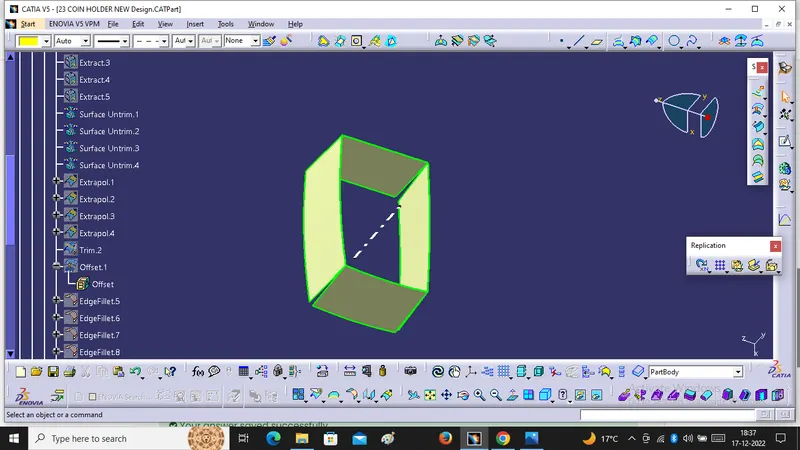
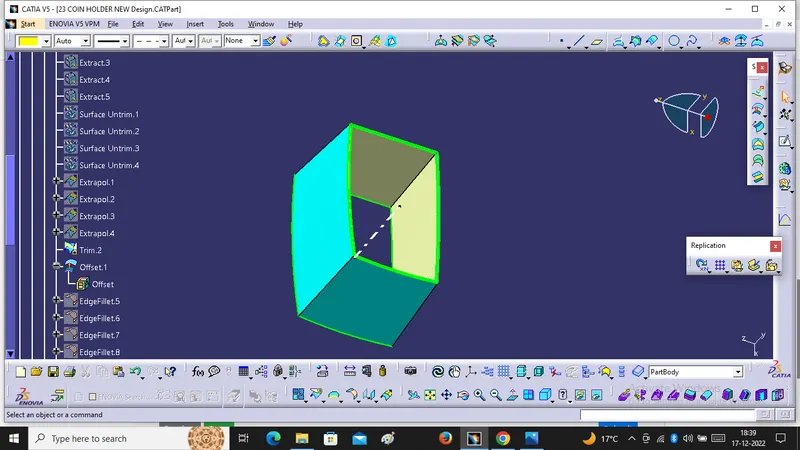
(B) Base
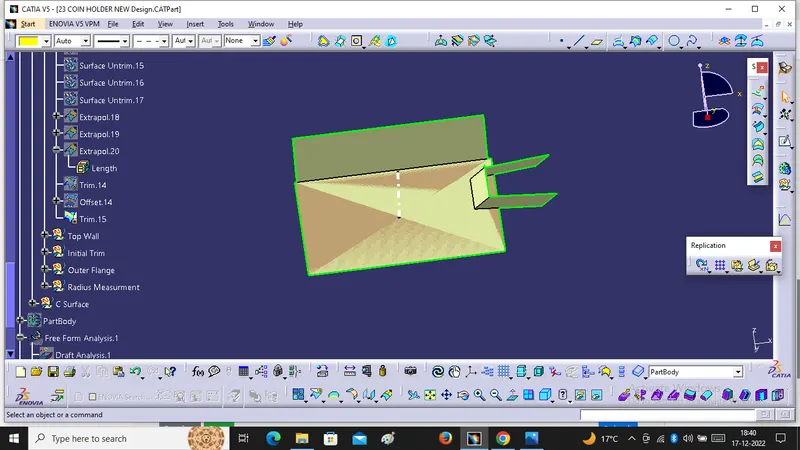
(C) Top Wall
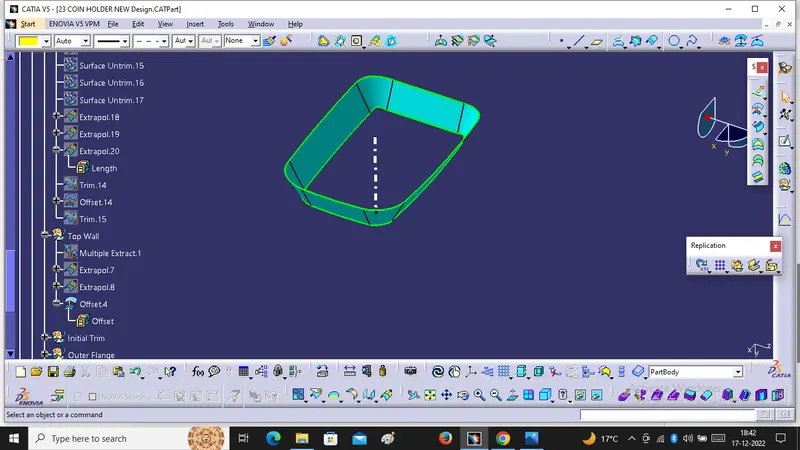
(D) Outer Flange
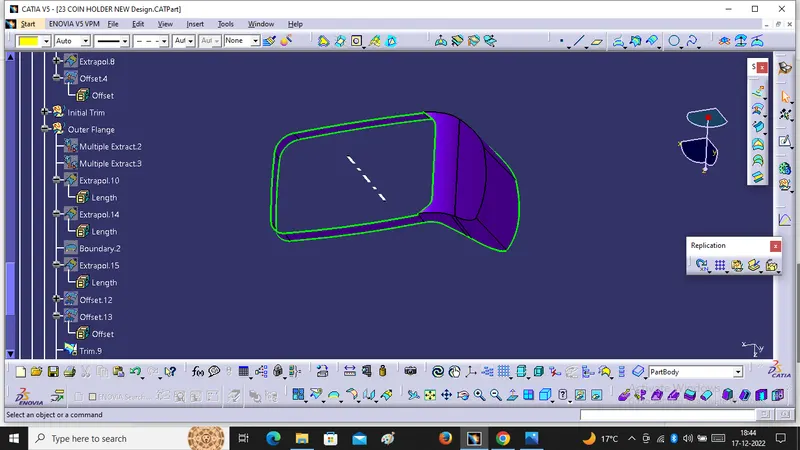
After Triming we Will get final B Surface .
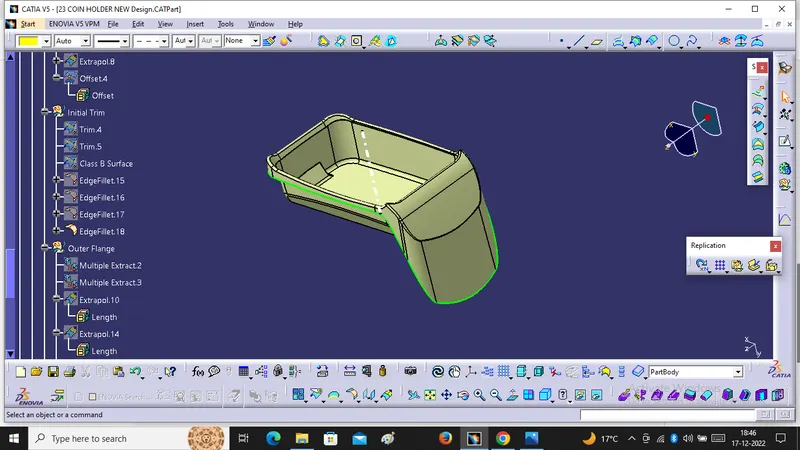
4. We will create C- Surface
For Create C-surface, We have to choose Sweep command with reference to surface.
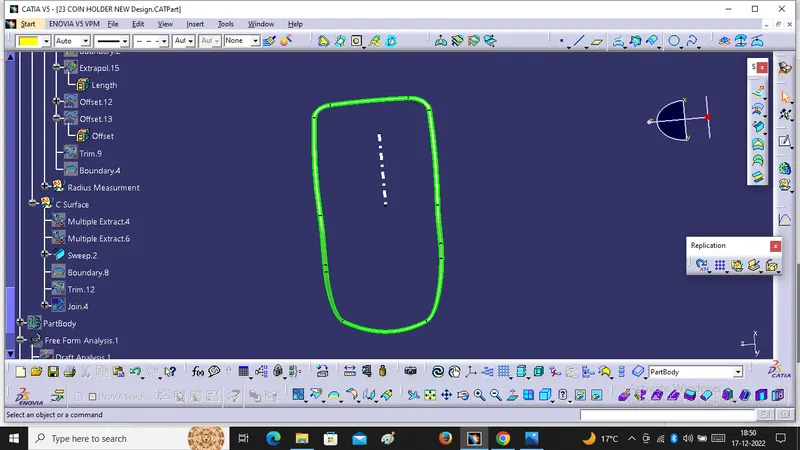
5. Now we will create close surface model for that we will join the class A surface with class B surface using class C Surface will give final model.
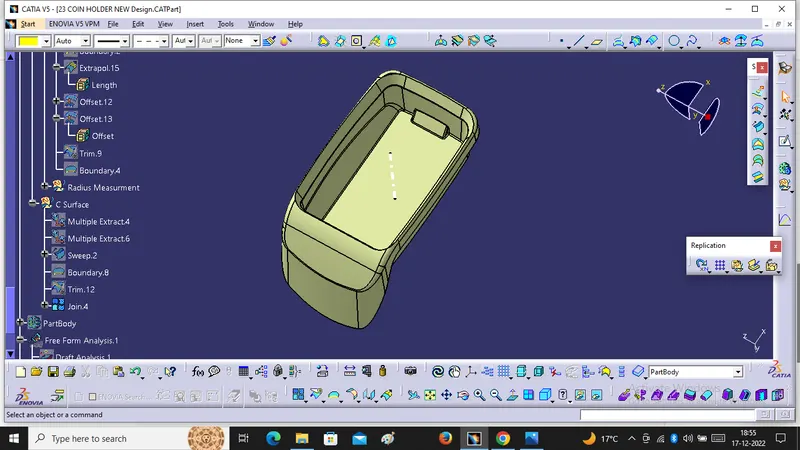
6. We will create Solid body for that we have to move to the part workbench as well as defined the part body and click the close Surface option.
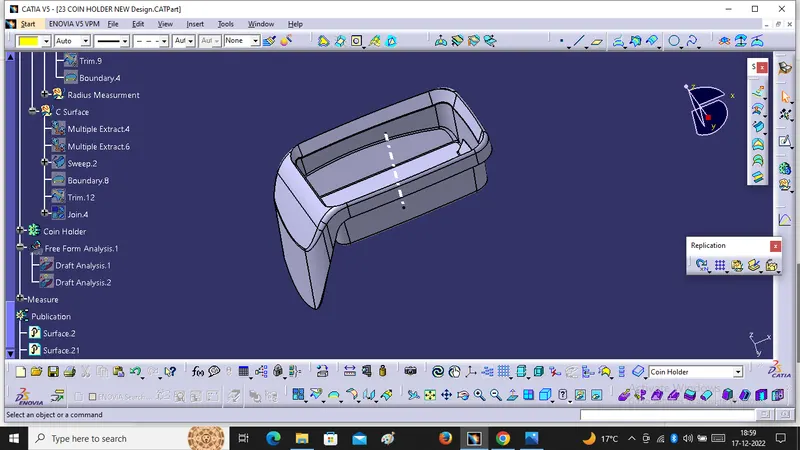
After that we will do draft analysis for close Surface -: