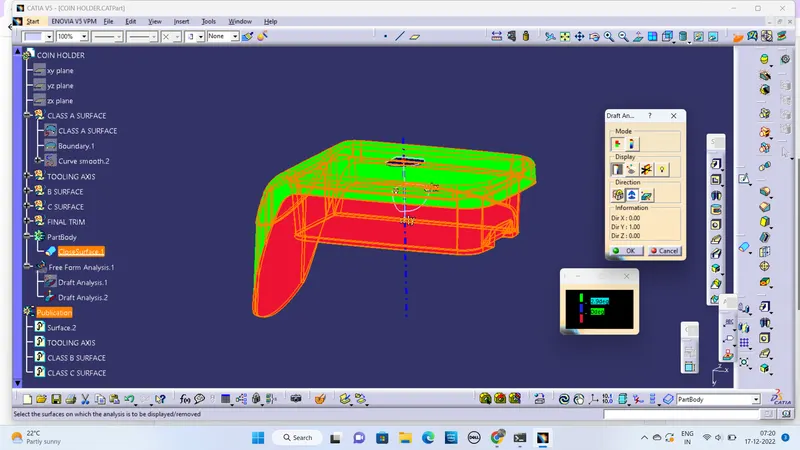
Week 8 - Challenge 3 - Coin Holder Design
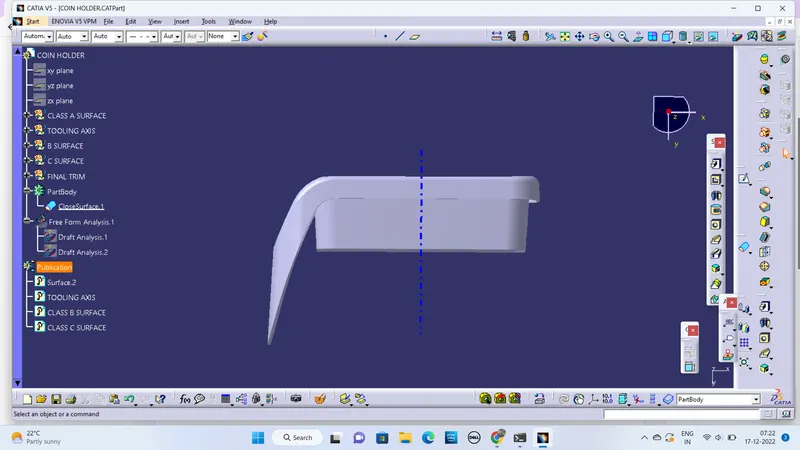
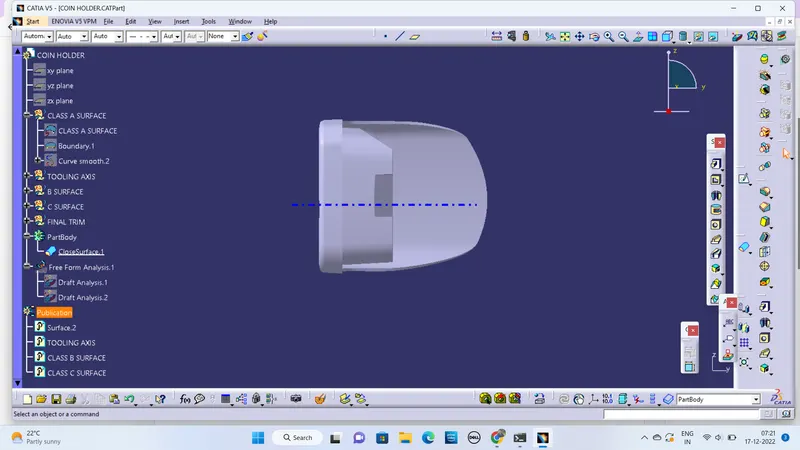
TOOLING AXIS:-
- Extract the surface from the base of class A .
- Create a point from an extracted surface for tooling axis.
- Useing Line tool to make an line on that point along class A surface.
DRAFT ANALYSIS:-
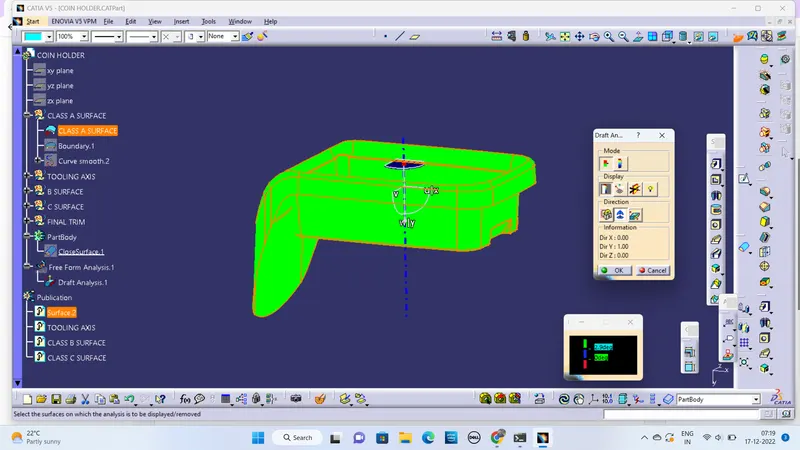
- Draft analysis for class A surface is done by using Tooling axis
- Unhide the Class A surface from publication other surfaces should be hidden.
- Before that change the surface into material mode to analysis.
- Select draft analysis tool from analysis.
- Draft analysis dialog box will appear click the flag on direction
- Hold and drag the flag place on the tooling axis.
- click the surface and it will be analysis by given color and axis
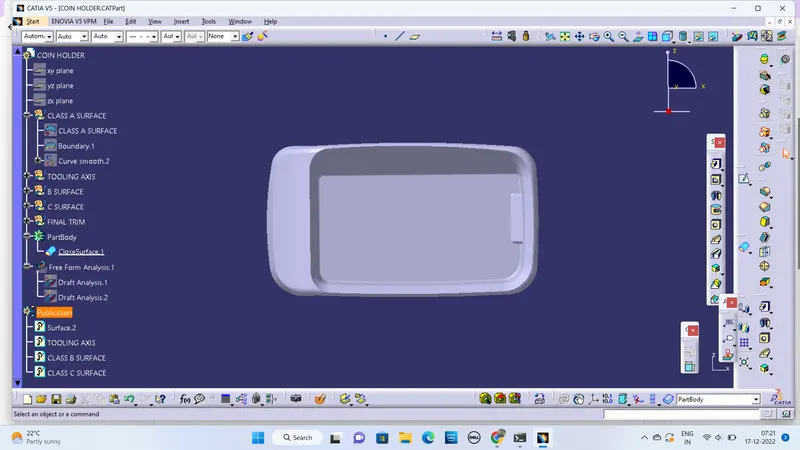
- Now unhide the final component and hide class A surface
- Same way to analysis the final component as Class A surface.
- click draft analyis and click flag
- place the flag on tooling axis and it will be analysis.