Week 8 - Challenge 2 - Base Bracket Design
REPORT ON DRAFT ANALYSIS AND TOOLING AXIS
- Draft Analysis had been created solved by following the steps which done by the mentor in the video.
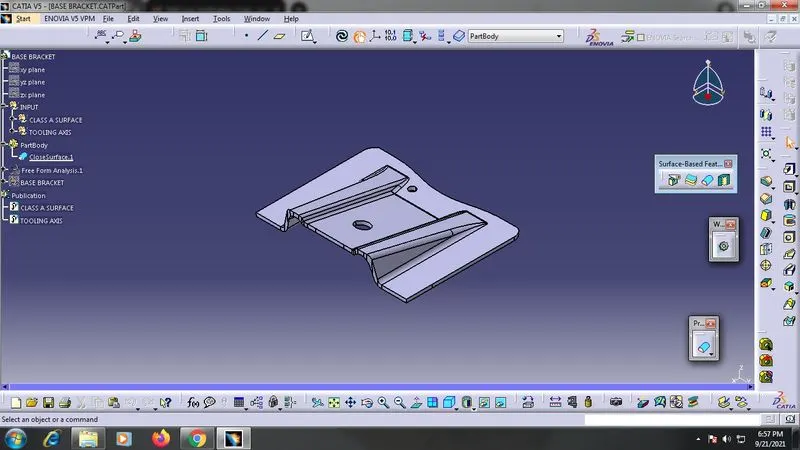
- Initially boundaries get checked whether the boundaries of surfaces are closed or not if it is not closed then join the boundaries of the surfaces using join or boundary opyions.
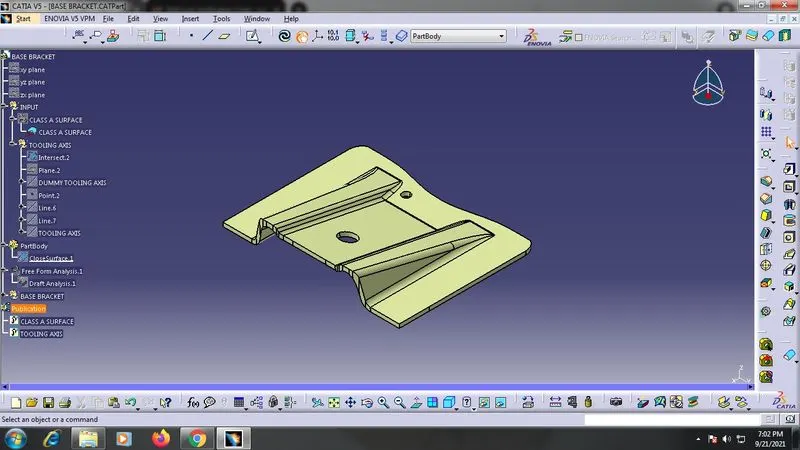
- After the checking of boundaries draw a dummy tooling axix line along Z-direction which is the pulling direction.
- After the dummy tooling axis we need to create the main tooling axis using the follwing steps.
- First intersect the surfaces and create a point and lines along the vertices.
- With the help of the intersecting lines create a new tooling axis line by bisecting the intersecting lines.
- Now the new main tooling axis line gets created.
- After the creation of tooling axis line we need to perform Draft Analysis operation.
- Click the draft analysis feature from toolbar and select the compass in it.
- Drag the compass by clicking the red point in it then move towards the surface we created.
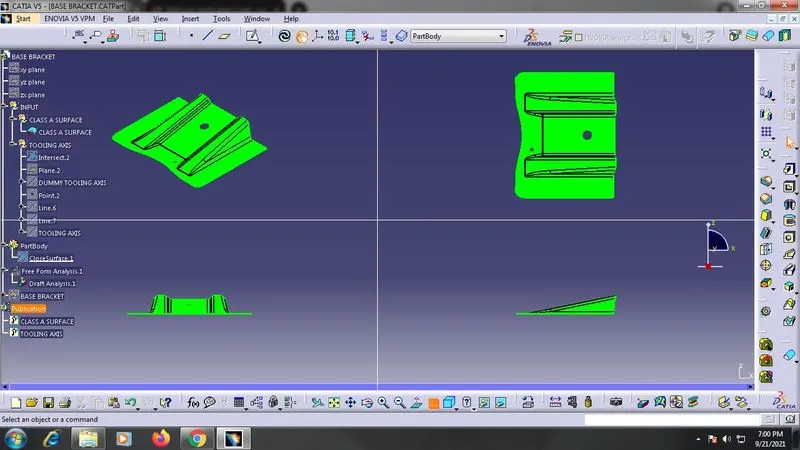
- And then check the draft analysis and ensure that the degree given is 3 then click on surface at any point and click ok.
- If the surface turns to green colur then the surface is permitted for the draft that it limits under the guidelines.
- If the surface is in blue colour then select the Inverse compass direction.