Week 8 - Challenge 2 - Base Bracket Design
Report on Base Bracket Design and Draft Analysis
Tooling Axis:
Tooling axis of the product tells us the direction of movement where the part is being produced effectively.
There are Some advantages, if we follow the effective tooling axis like
The side cores and other things can be reduced.
Tooling axis has to be produced by considering some criteria’s like
- Direction of movement
- Bosses and other references have to be considered.
Creating Tooling axis by using Catia V5:
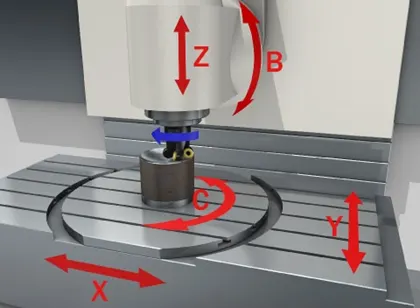
The above image shows different direction where the tooling axis possible to produce.
Tooling axis is not restricted to particular direction. It can be produced in that direction where the product can be produced easily.
Bisecting method:
There are several ways to create tooling axis, one of the methods is Bisection method, where the line is created by bisecting the other lines and the point.
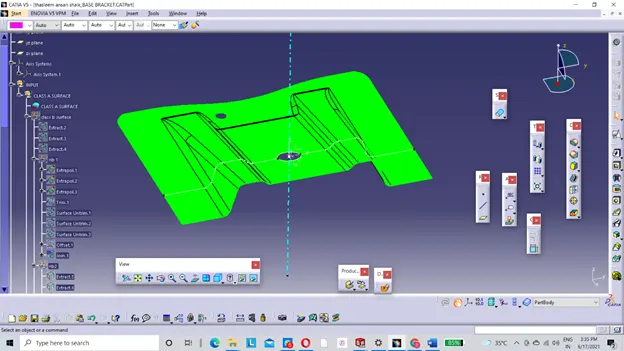
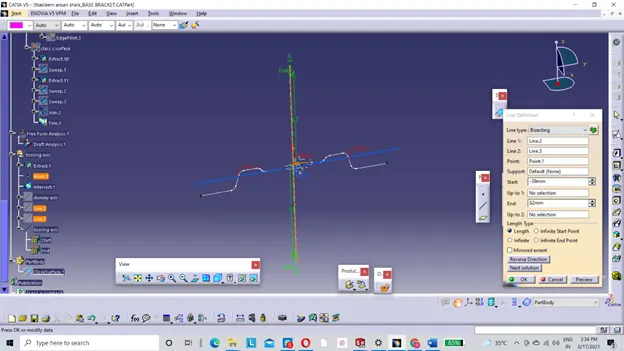
In the above picture the tooling axis is created by using bisecting method.
Step1:
The intersection between the plane and the class-A surface, were created by simply using intersection tool
Step 2:
The lines are drawn by taking the intersection lines are references. Just make sure to select the two points as a line type.
Step 3:
The two lines were drawn by simply selecting the two points.
Step 4:
Tooling axis is created by using the line tool, just make sure that to select the bisection option as a line type.
Step 5:
Bisecting lines are drawn by simply selecting the lines which are drawn above and the middle point.
Draft angle: Usually draft angle is provided on the part, as well as the core and cavity, in order to reduce the wear and tear of the product while ejecting from the mould.
Draft analysis is northing but the analyzing the draft angle provided on the part as well as the core and cavity of the injection mould by the Engineer
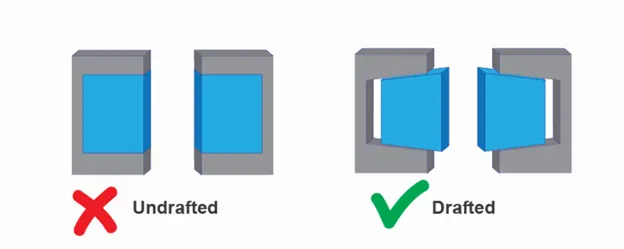
Draft angle allows ejector to simple push, to pop out the part from the mould
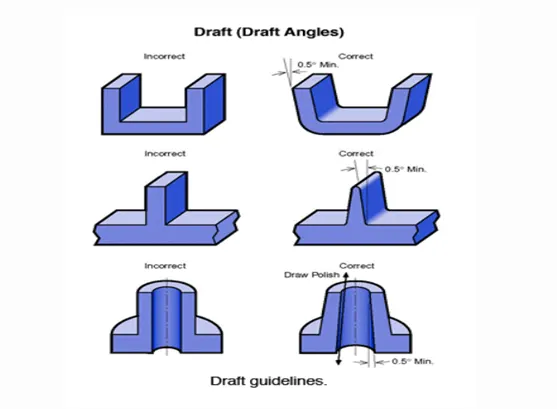
There are certain standards should be followed to provide the draft angle on the parts, core and cavity.
- Usually, the nominal draft angle 3deg is provided on the part
- Providing the nominal draft angle is easy and very economical.
Draft angle is depending on the material which is being used to prepare the product.
Ex: Textured parts required the more draft angle than the usual
Draft Angle Of 1 To 2 Deg:
There is thumb rule that the part with depth of 2 inches requires a draft angle of 1-2 deg for easy removal of the part.
Steps to Analyze the Draft:
Step 1:
To Analyze the draft angle first we need to turn on the draft analysis tool feature.
To turn on the draft analysis tool feature need to follow:
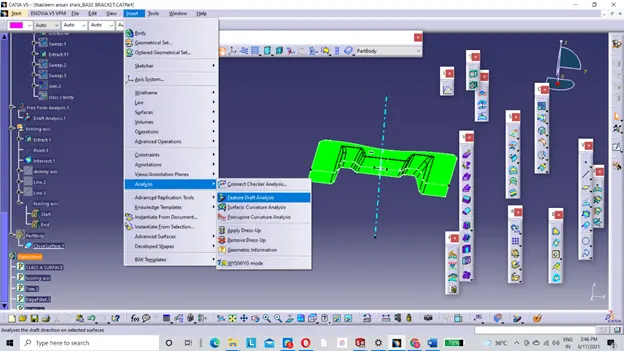
the above picture shown the way to turn the feature draft analysis.
If the draft analysis shown the error like wrong draw mode:
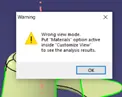
Needs to select the new material type which is there at the bottom with the question mark.
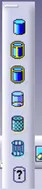
After selecting the new material, a pop up as shown with several options, in those options needs to turn on the material type, and click ok.
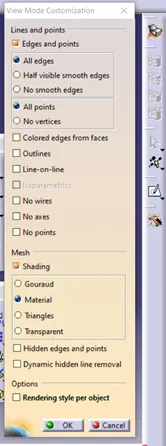
After that, click the same feature draft analysis option which is available in insert.
Step 2:
Check the draft angle of the faces by clicking the options available on the tool bar.
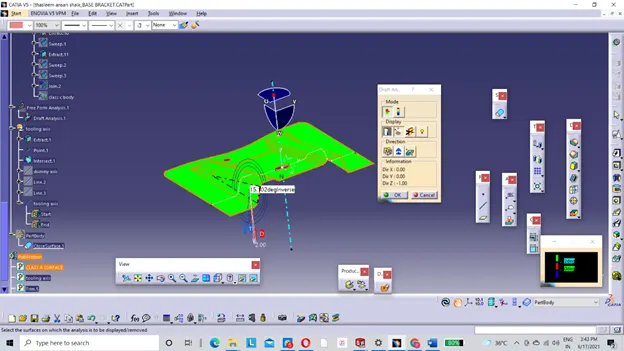
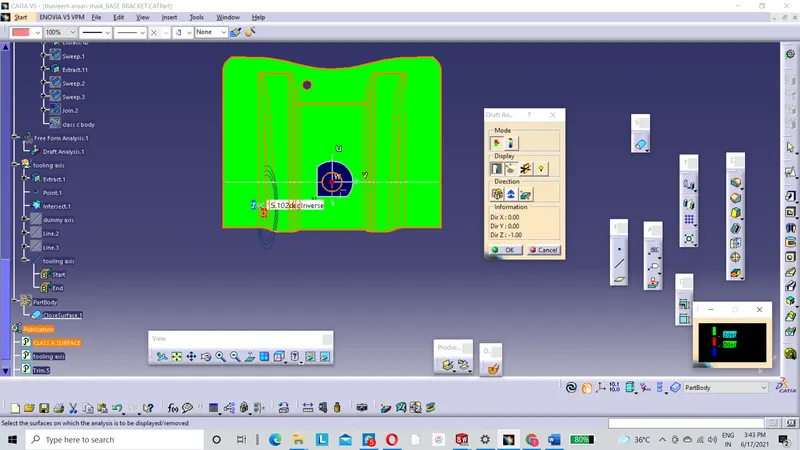
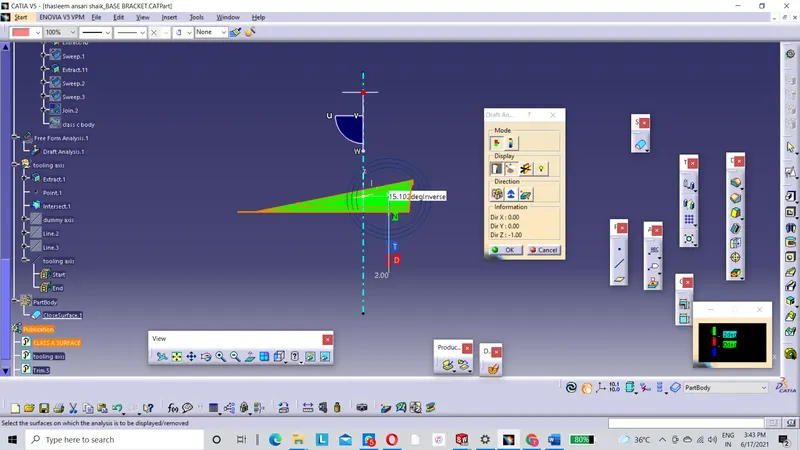
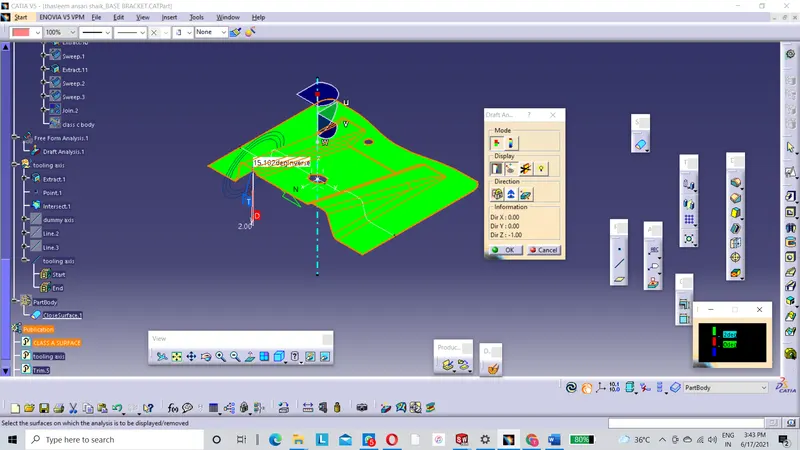
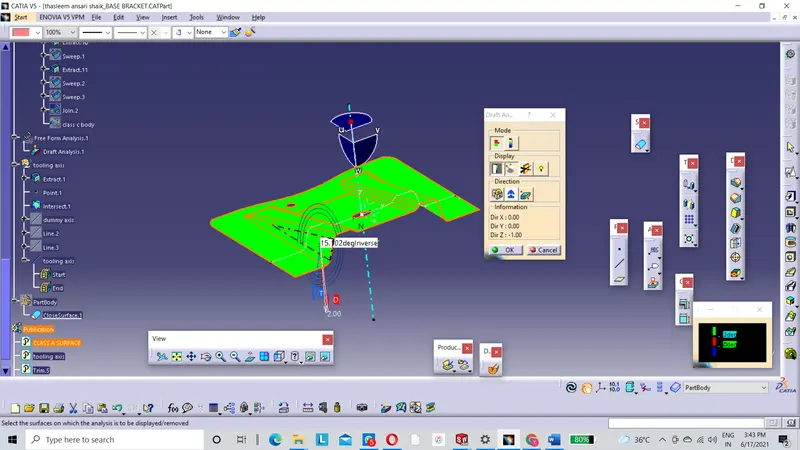
The popup below the draft analysis tool bar shows the range of the draft angle of the face with the different colors.
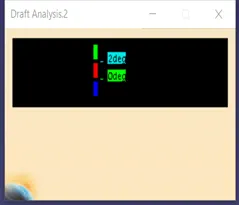
From the above tool bar convey that the draft angle of the fan cover is above 2 deg so it shows in the green color.
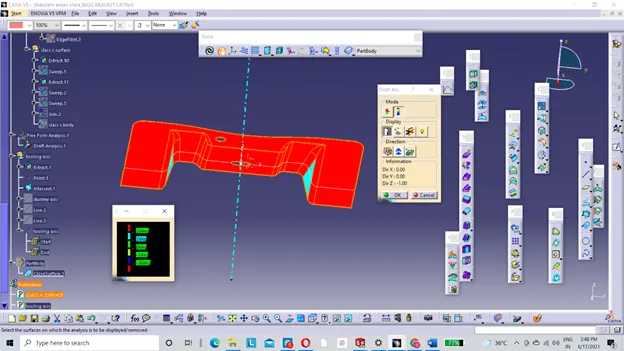
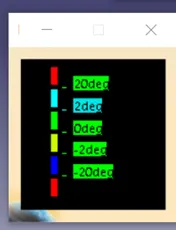
The above tool bar it shows the range of the draft angle of the Class-A surface.
If Draft angle of the face is above 20 deg it shows the face color in red. If the draft angle is in between the 2-20deg it shows in sky blue color.
From these options we can analyze the draft angle of the part surface.