Tetra meshing in Hypermesh
Objective: To mesh the given components for 3D tetramesh with given quality.
Procedure:
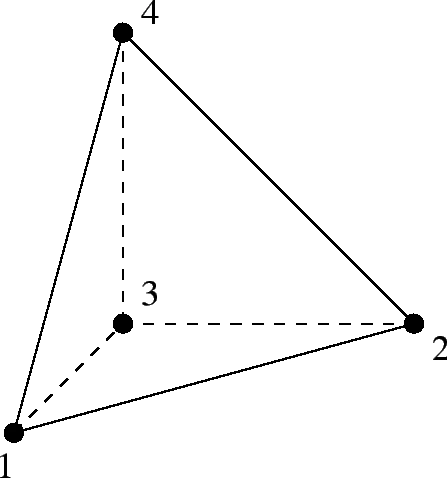
A 3D tetra element is made of four tria faces and four nodes as shown below.
The main quality to be checked for a tetra element is its height. A tetra has four nodes and hence four heights from each node and its opposite face. The ratio of height and square root of the base area is taken into consideration for checking the failure criteria. This ratio is called as tet-collapse. The minimum of the four ratios is compared with the given tet-collapse value.
There are three ways we can proceed for creating tetra mesh.
1. Create 2D mesh on the surface and use tetra mesh option for creating 3D elements using the 2D elements.
2. Create a 3D tetra mesh using Quick Tetra mesh option using Utility tab.
3. Volume tetra mesh option under 3D deck.
We will discuss all the three using different components.
Housing Model:
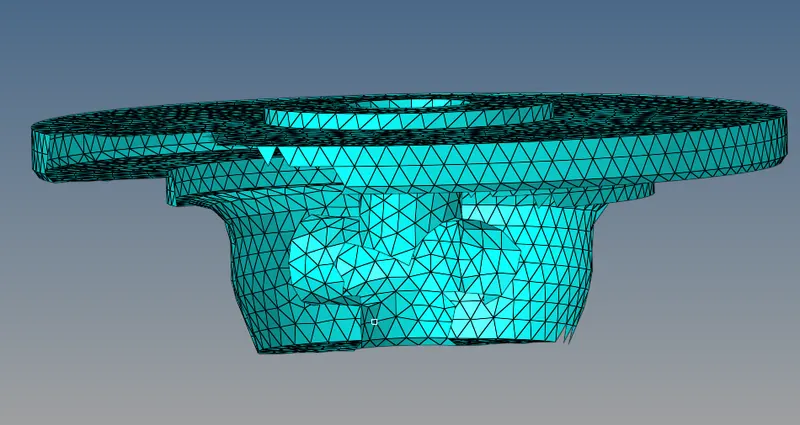
This model has two components as shown in the images below.
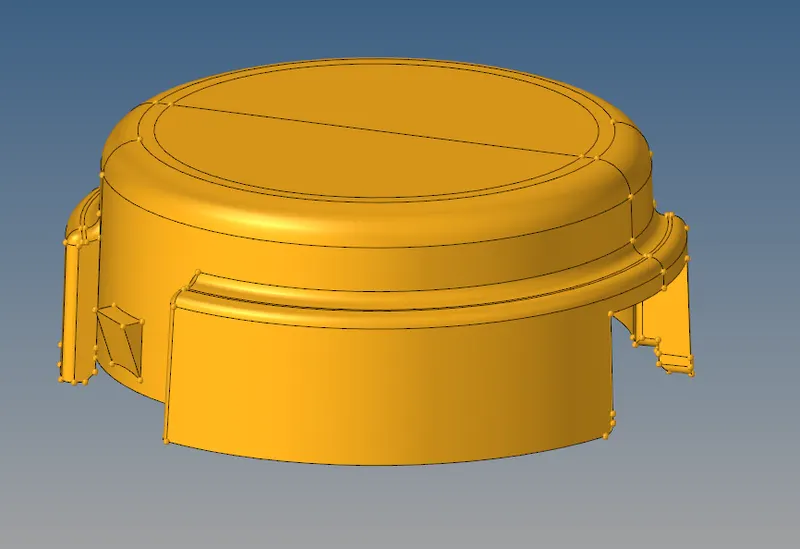
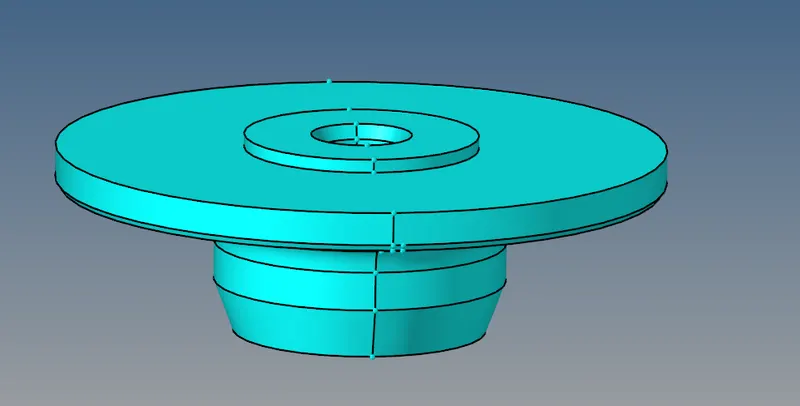
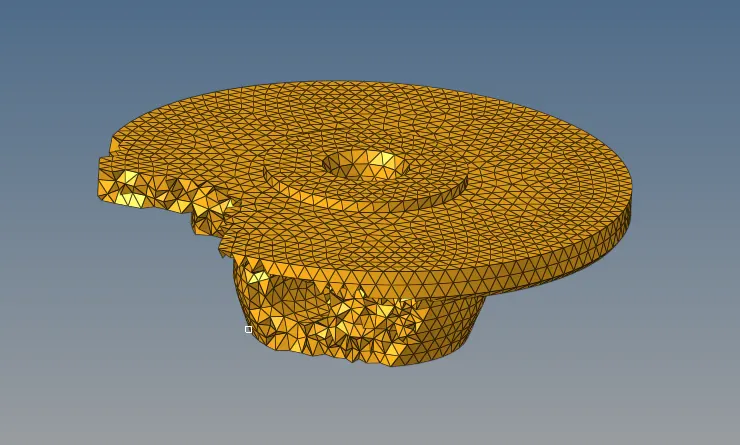
Using the first method of creating 2D and then 3D, this inner component is meshed.
Using 2D>Automesh, 2D mesh consisting of tria elements is created.
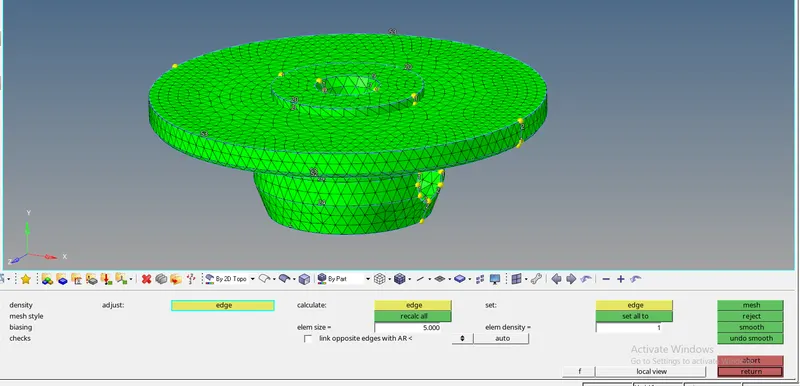
This is a 2D surface mesh shown in the below image.
In order to create a 3D tetra mesh we use 3D>tetramesh>Tetra mesh, using elements.
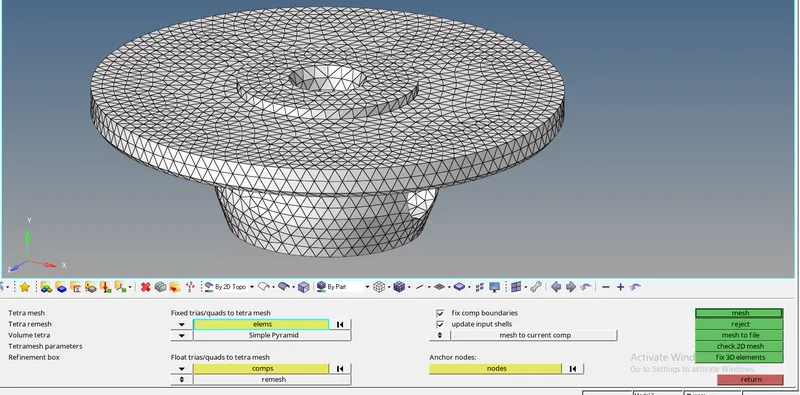
The obtained mesh is shown in the image below.
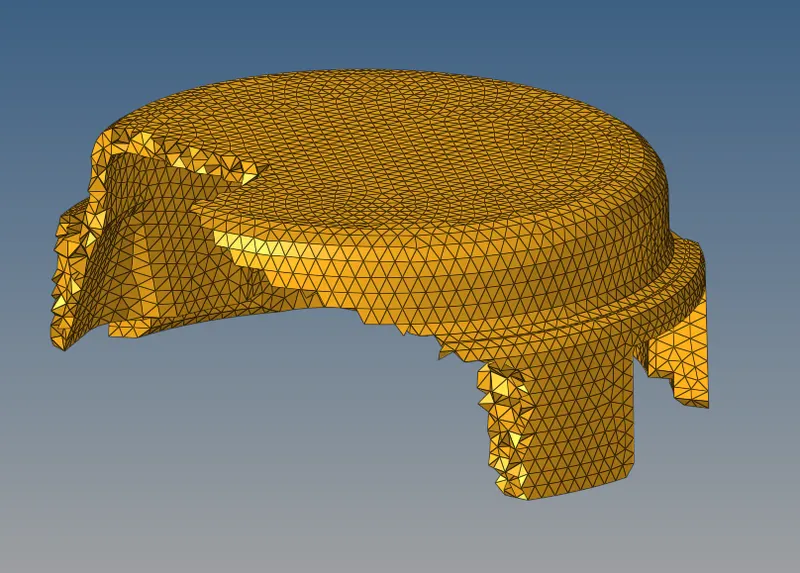
The outer component is meshed with volume tetra method.
Here, there is no need to create a 2D mesh. Selection of the solid components or the enclosed surface is required and tetra mesh is generated after specifying the parameters like element length and cleanup tools.
3D>tetramesh>Volume tetra
Model 2:
This model consists of a single component shown below. These are some fillets and surface features which are hard to capture in the given element size. Hence we can use the 2D to 3D approach by cleaning the geometry and defeaturing some areas.
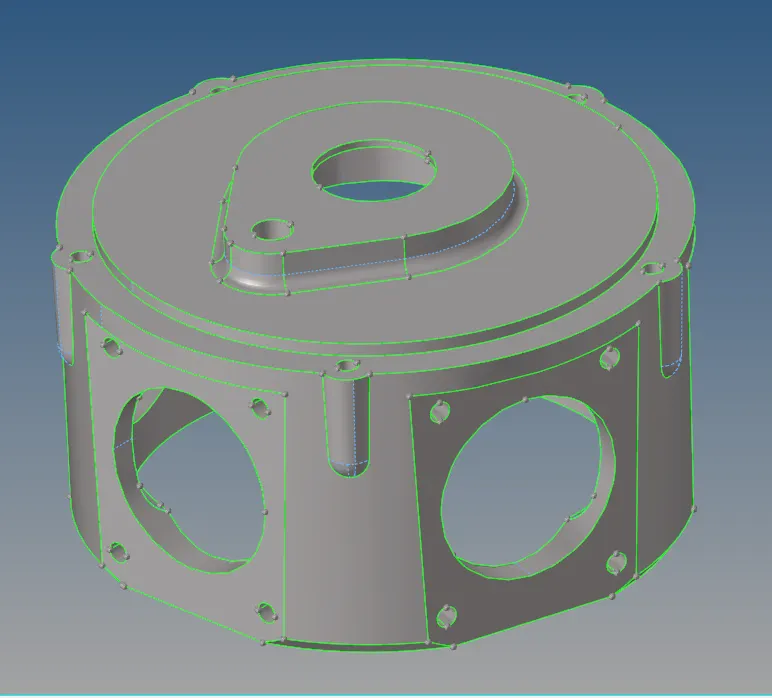
The below image shows the 2D mesh.
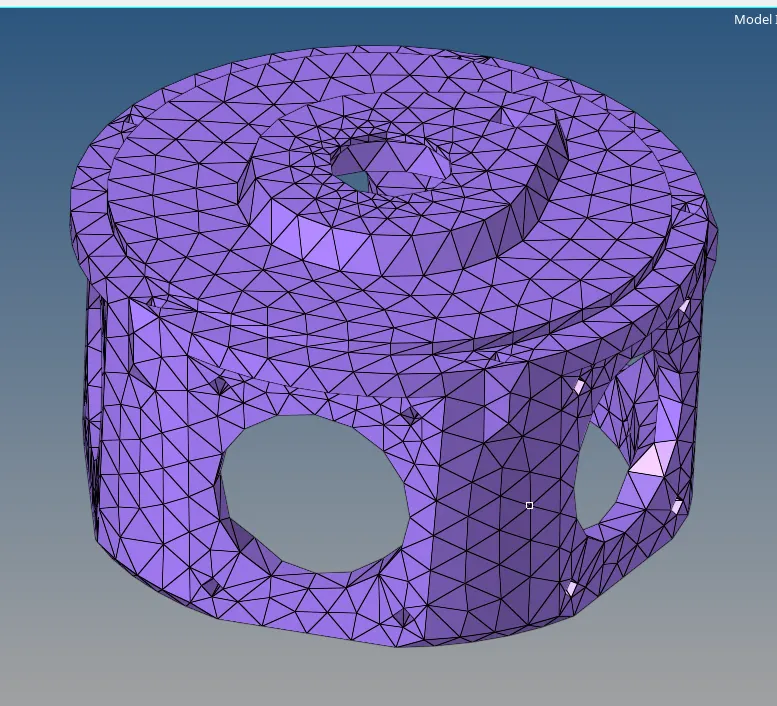
By using the Tetra mesh option we can mesh for 3D tetra elements.
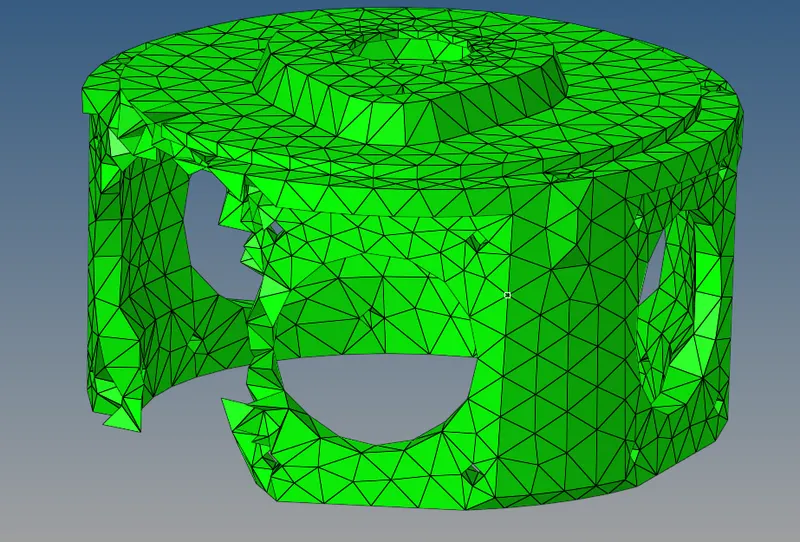
For the generated tetra mesh we have 0 elements failing for tet-collapase for 0.15.
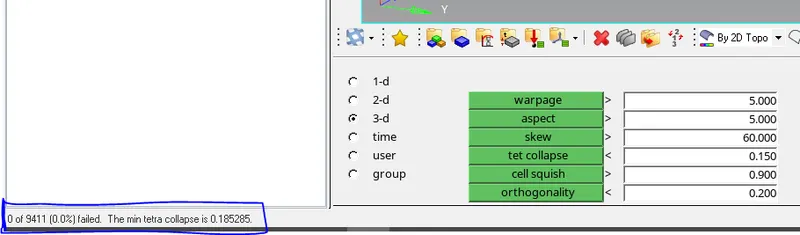
The minimum tetra collapse is 0.185.
Model 3:
Model 3 has 4 suspension and wheel components. A wheel hub, kuckle joint, lower control arm and a part of chassis frame to which the control arm is connected.
According to the geometry and the given element size, the geometr needs to be cleaned manually first.
As described before, the same procedure is followed to get tetra mesh in this model.
Below are the images of the components and their tetra mesh.
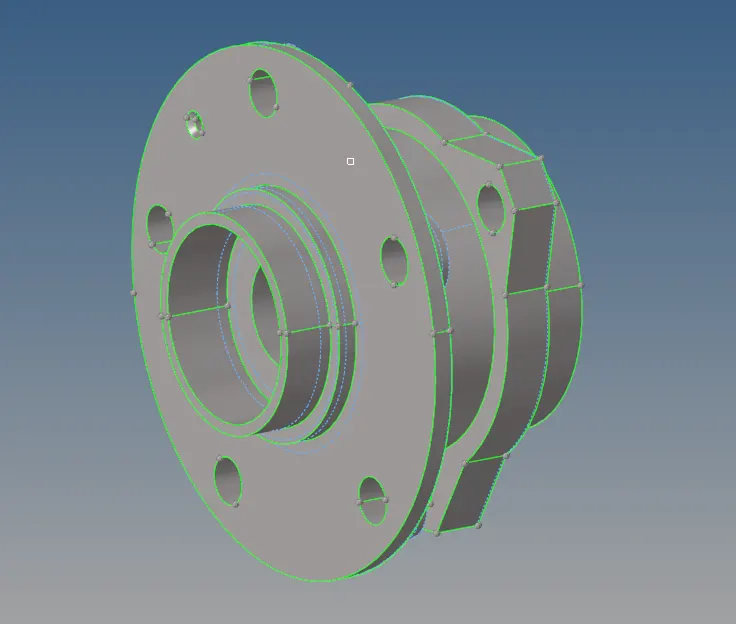
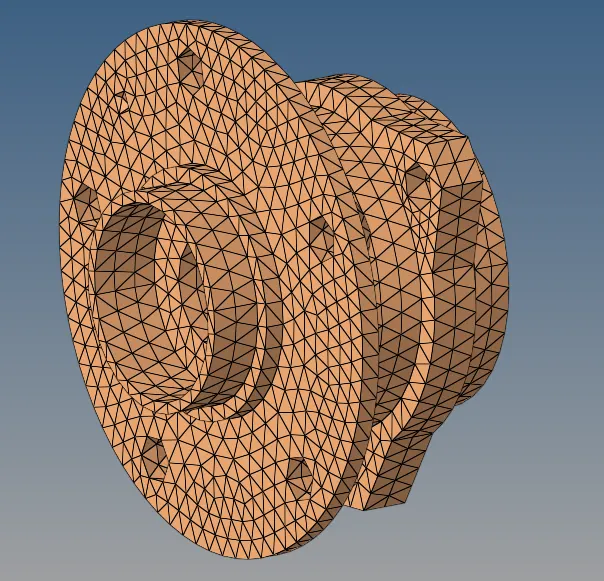
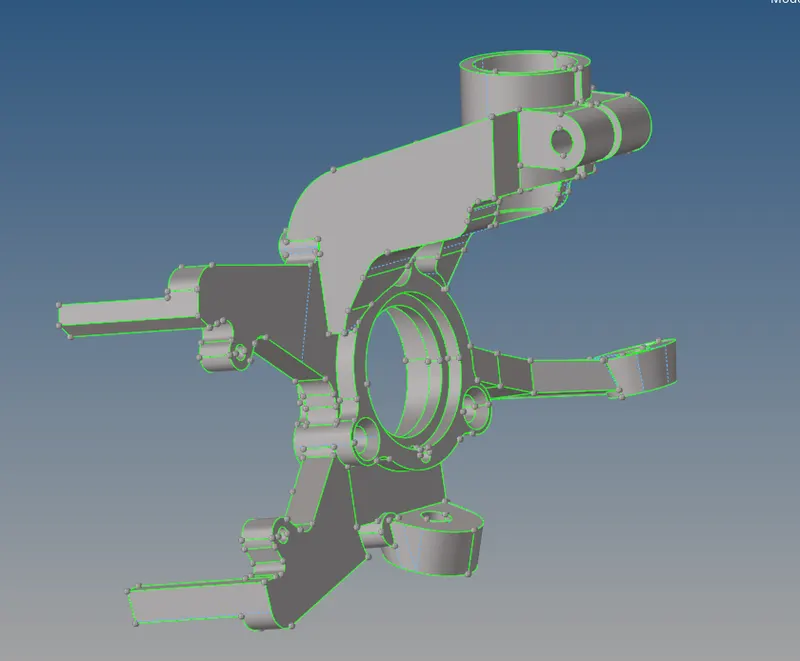
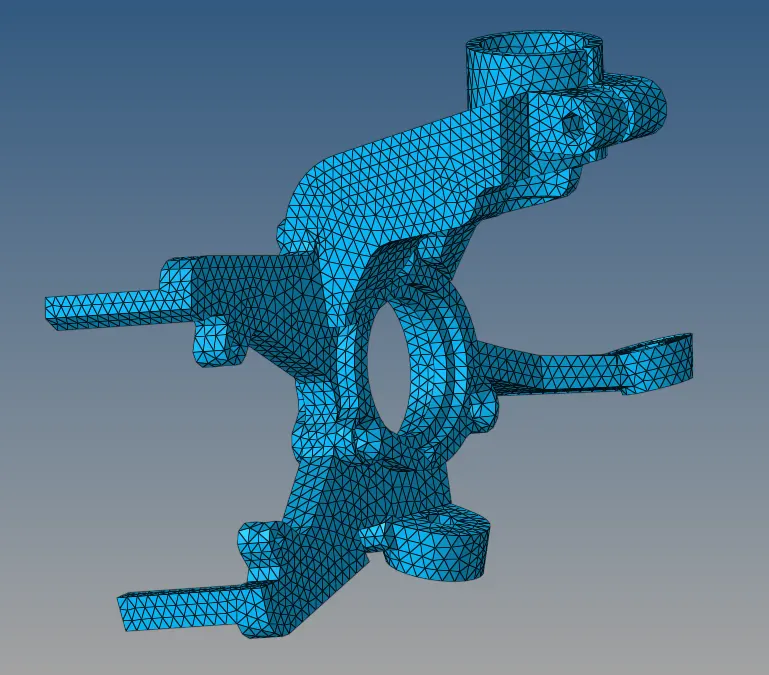
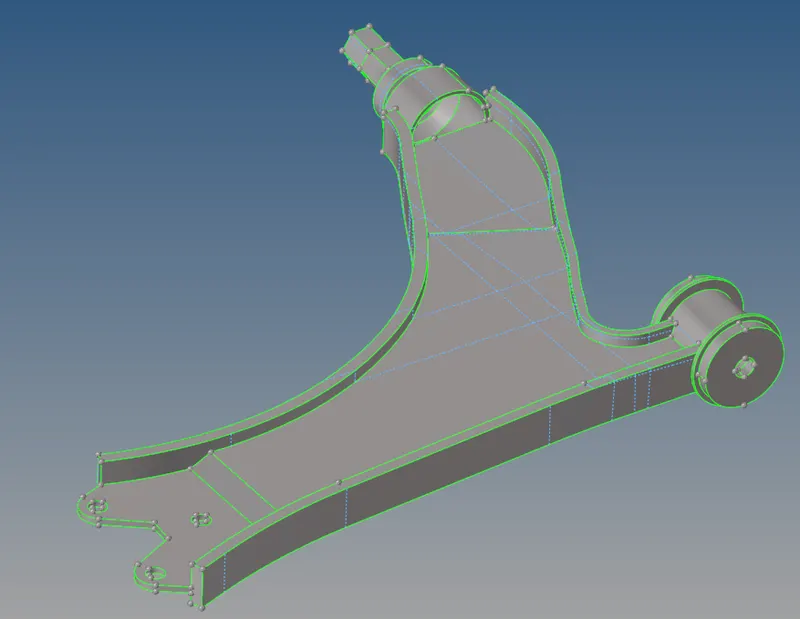
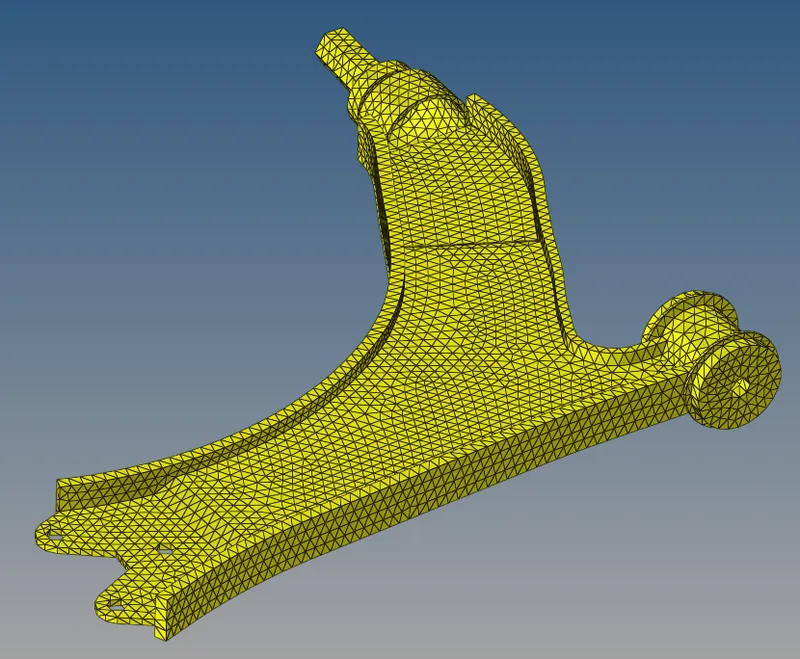
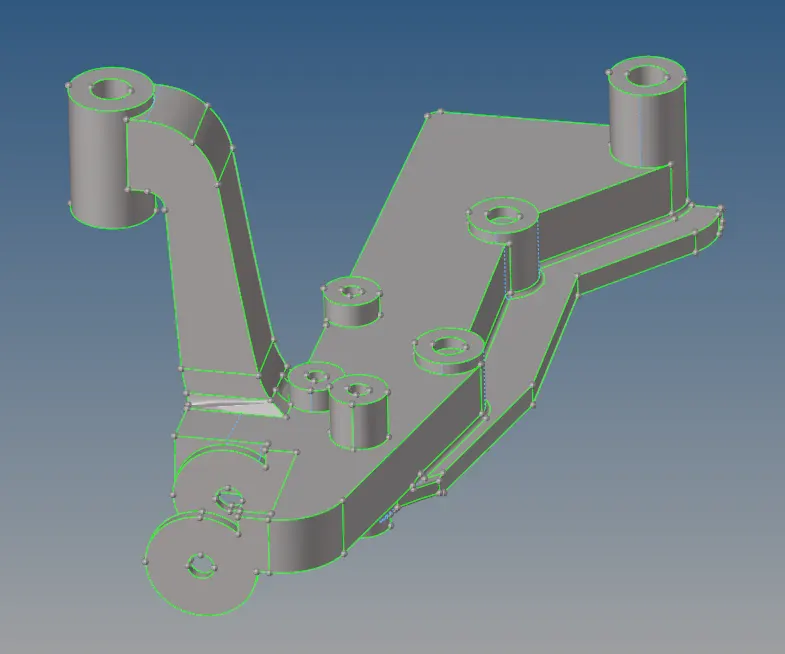
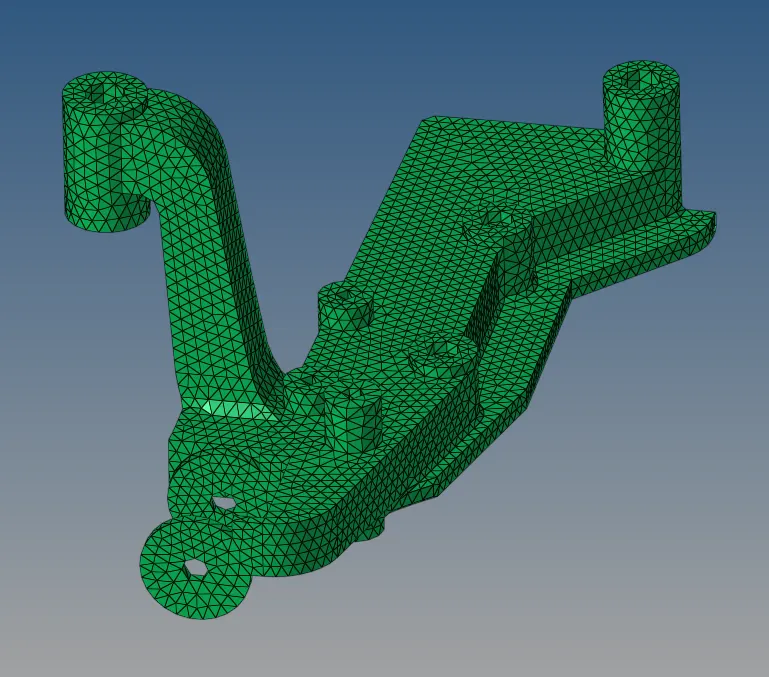
The overall tetra mesh and the tetra collapse is shown in the below image.
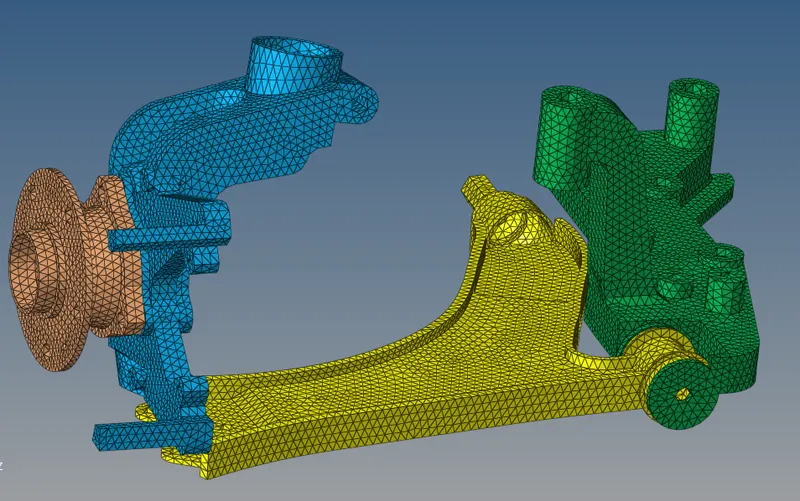
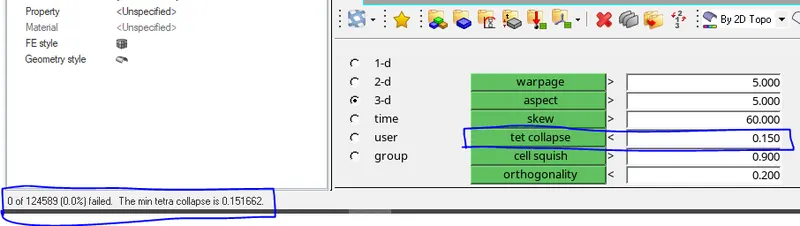
The total elements are 124,589 elements. Out of these no element has failed for tet-collapse.
The minimum tet-collapse is 0.151.
Conclusion: Tetra meshing in Hypermesh with different methods is studied here. The failure criteria for tetra elements is studied and understood what tetra collapse is. The methods to eliminate tetra collapse is also studied.