Week 8-Challenge
OBJECTIVE: For the given models, create 3D tetramesh.
STEP1: Import the geometries in hypermesh. The surfaces were cleaned to make sure that mesh does not fail for the given criteria. Unnecessary edges were toggled to hidden and fillets less than the min. mesh size were defeatured.
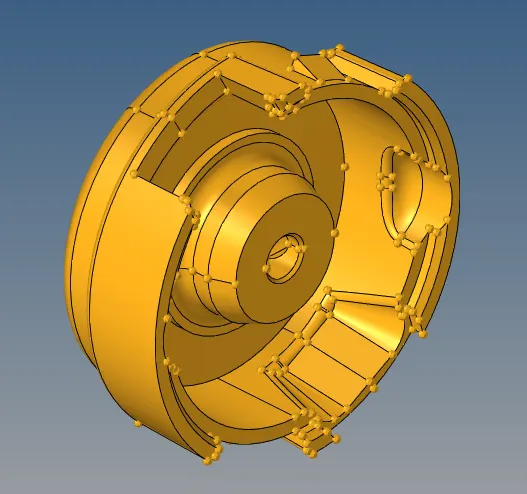
housing_2_tetra_FINAL:
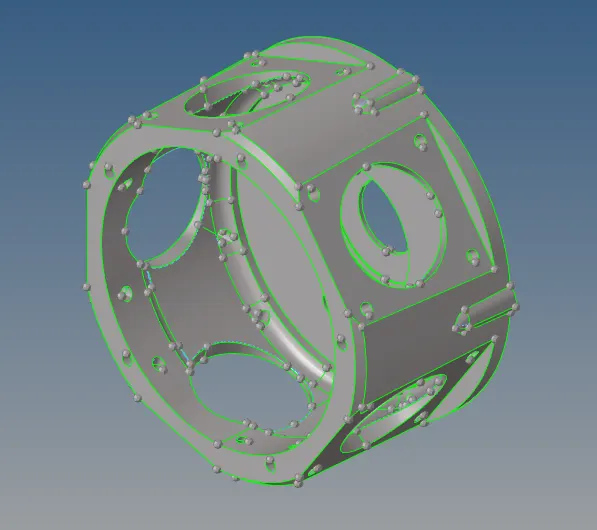
TETMESH_PM_FINAL:
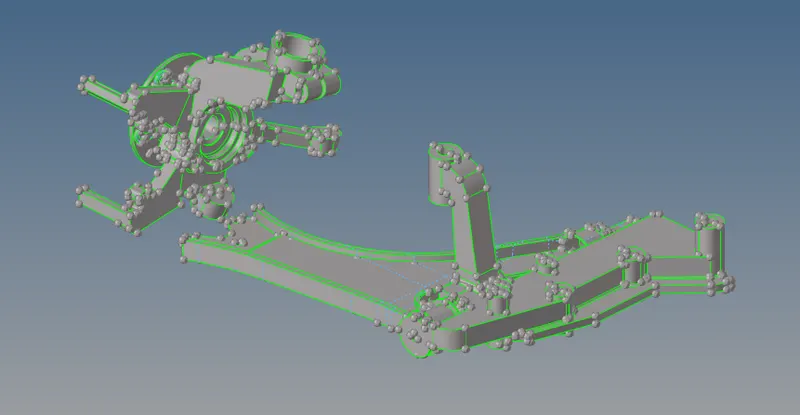
challenge8_hub_2D_FINAL:
ASSEMBLY:
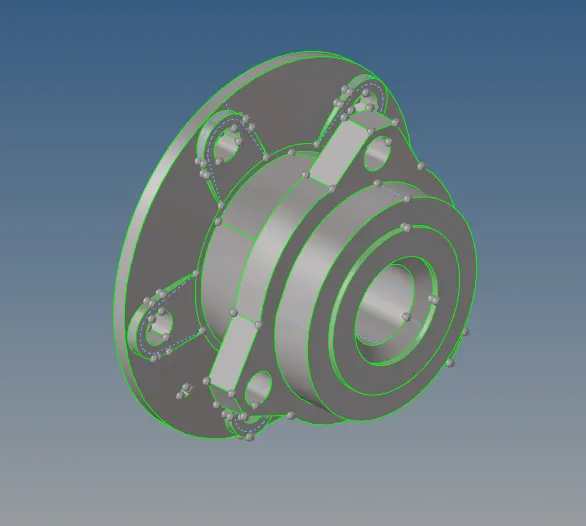
INDIVIDUAL COMPONENTS:
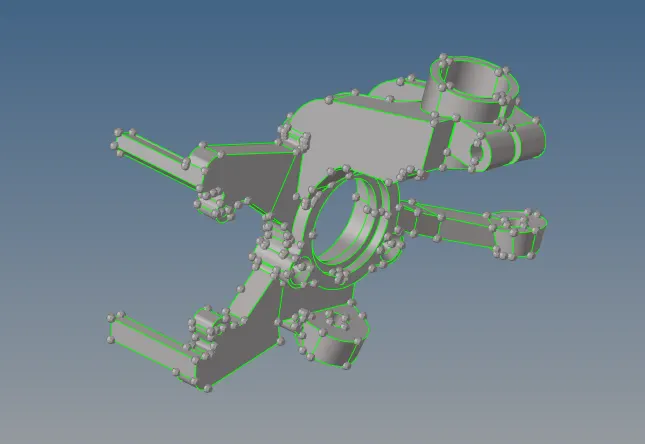
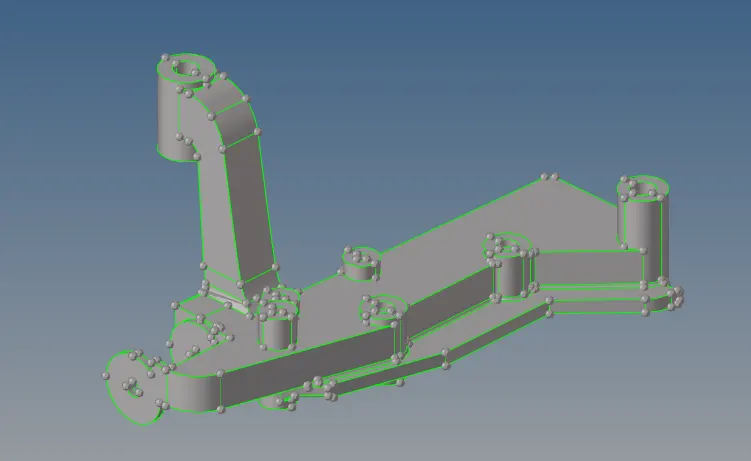
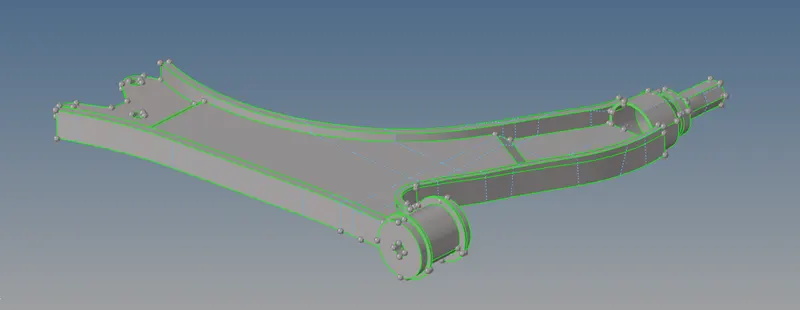
STEP2: The surfaces were meshed with element size of 5mm for housing_2_tetra_FINAL and with size of 6mm for other components.
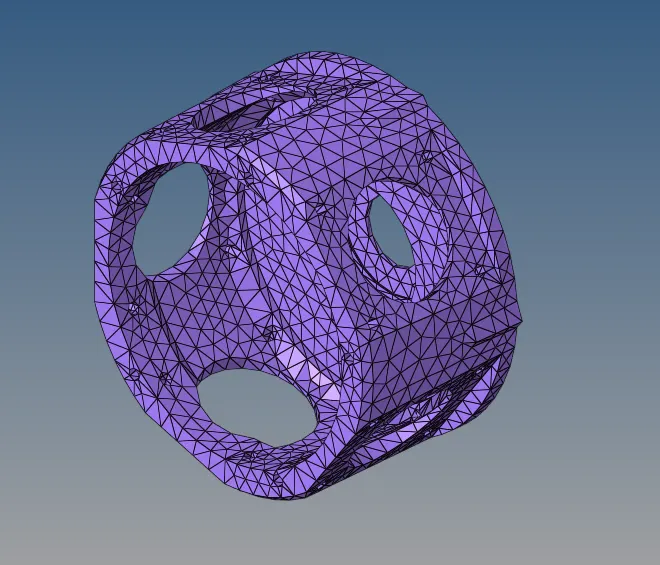
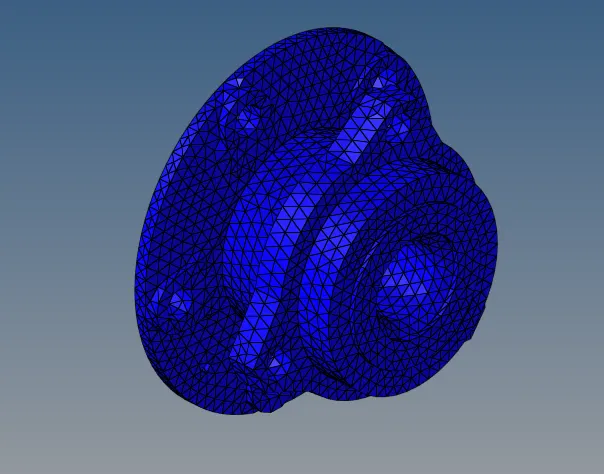
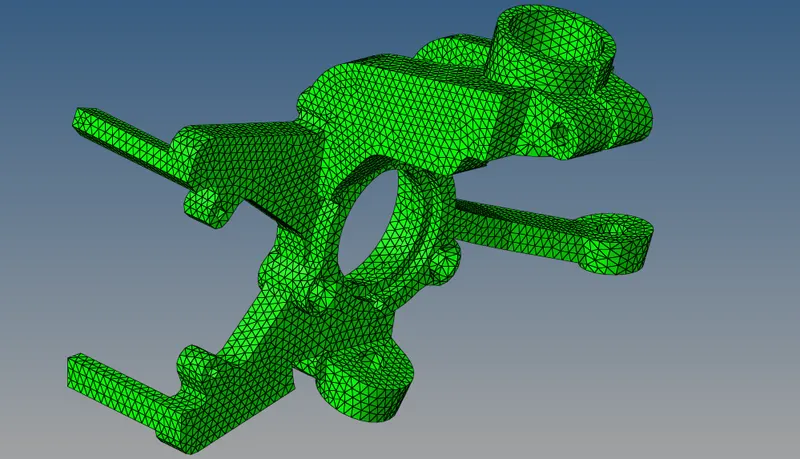
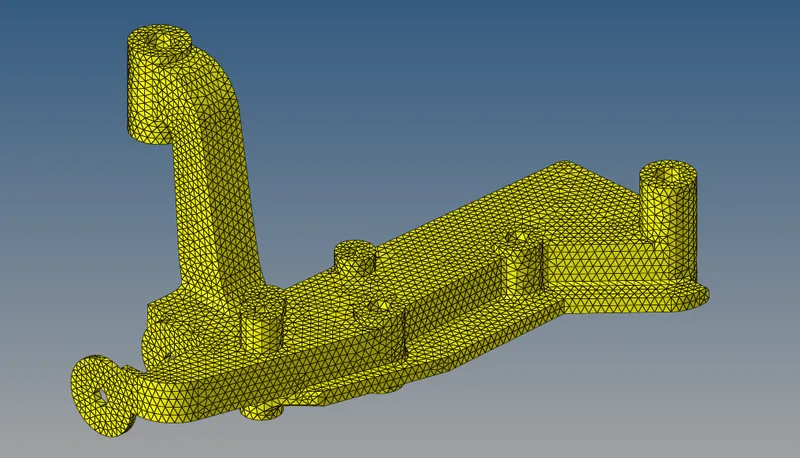
2D mesh looks like:
housing_2_tetra_FINAL:
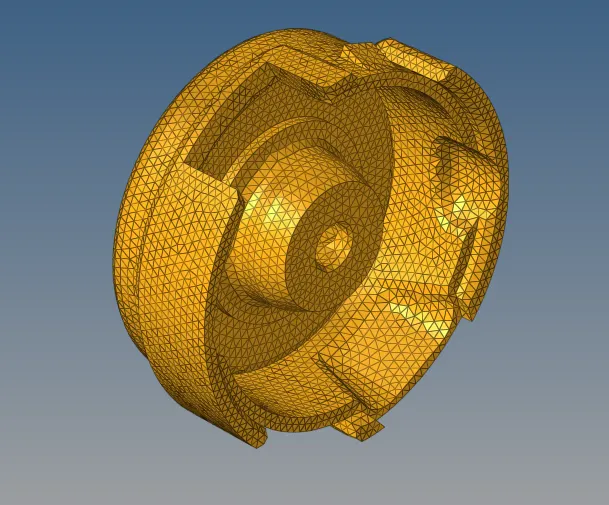
TETMESH_PM_FINAL:
ASSEMBLY OF challenge8_hub_2D_FINAL:
COMPONENTS MESH:
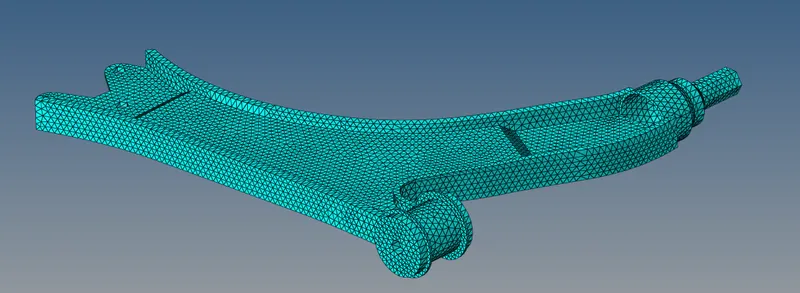
For the housing_2_tetra_FINAL model, the min size and max size criteria should be cleared. Hence, the elements were checked for the element size and failed elements were rectified. The max size failed elements were optimized by splitting them and min size failed elements were optimized by replacing the nodes without disturbing the mesh.
STEP4: Now we need to check the 2D mesh for connectivity, duplicate elements, equivalence and for free edges. For that goto tools>check elems and check if there are any duplicate elements or connectivity errors occuring or not. For equivalence and free edges, goto tools>edges>elems. First check for equivalence with preview equivalence and also check for free edges using fnd edges. If there are free edges elements,they should be highlighted and for that we need to delete the elements on that particular surface and mesh that surface again. For 3D mesh, go to 3D>tetramesh panel and at Tetra mesh, select the 2D tria elements and click mesh. The 3D mesh will be generated. To check if 3D mesh is generated or not, mask few elements and the mesh should look like this:
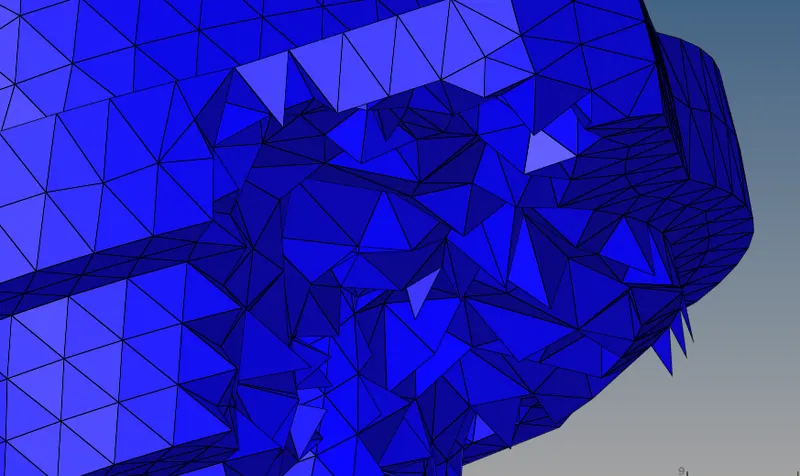
STEP5: For the housing_2_tetra_FINAL 3D mesh, we need to check the 3D elements for tetra collapse of 0.15. For that goto tools>check elems>3d>tet collapse. If the are elements failing for tetra collapse, there are 2 methods to optimize them.
method1: Tetra element is basically made up of 4 nodes, 3 of them forming the base triangle and 4th one acting as vertex. Tetra collapse is optimized by checking the distance between each of the 3 base nodes and vertex node. Whichever is at the least distance from the vertex node, the distance is increased considerably so that the tetra collapse error is optimized.
method2: This method is easy. First we need to goto 3D>tetramesh>Tetramesh parameters and set the tet collapse value to 0.15(which was required for this challenge). After that at the same panel goto Tetra remesh, select the elements and remesh them. This will either optimize all the elements for tetra collapse error or significantly reduce the no. of failed elements to single digit. From there we can manually optimize the failde elements using method1.