Week 8 - Challenge 1 - Base Bracket Design
 REPORT: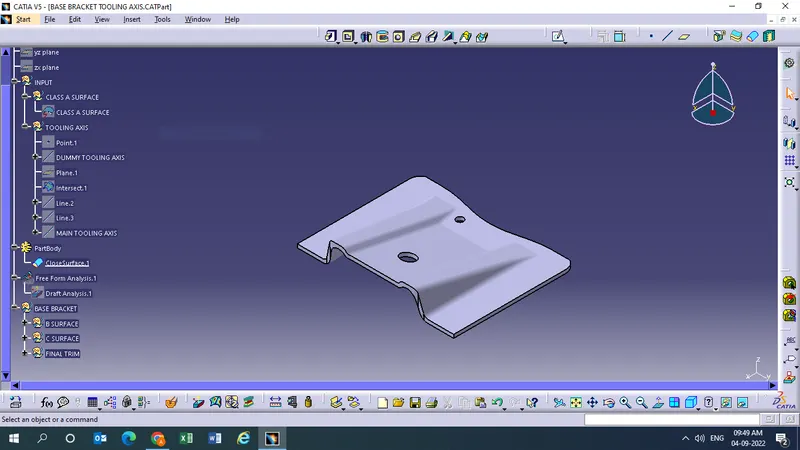
For creation of Tooling Axis:
- while selecting the tooling axis first check in which direction it can be suitable to solve the surface and the slot and accordingly go for it.
- then check the surface parallel to direction you are going to select.
- then create a dummy tooling axis to identify the x,y,z direction.
- then select the point and a plane and intersect in the direction you have gone for.
- then define the line parallel to the direction and extend it.
- once you extend the line create the bisecting line.
- the bisecting line created is the main tooling axis.
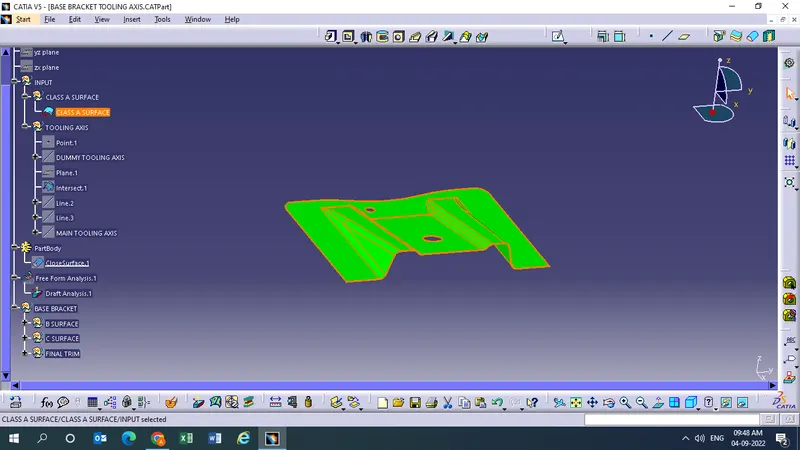
For creation of Draft Analysis:
- first change the material mode.
- select the drag analysis and select compass symbol drag it to the main tooling axis and ok.
- then pick on the surface and if it turns green you can see the draft angle is 3 degree and you flip it it turns to blue.
- than press ok and hide the draft analysis.