Week 8-3D Tetra Meshing Challenge
WEEK 8 Volume Meshing
Aim:-
Model the given components by proper clean up & perform volume meshing as per criteria.
Procedure that has followed during this challenge.
1. import the model & check whether it is solid . if it is solid we need to delete solids components & extract the surface of the model.
2. after deleting solids we need to inspect whether any free edges are present in the model if we find any free edges we need to clear that kind of error initially before meshing.
3. lode the quality criteria & parameter file setting & mesh type as TRIA.
4. now meshing role need to perform surface by surface by clearing the quality simultaneously while performing the 2D mesh on the surface of the component.
5. after completing of 2D meshing we need to convert those 2D elements into 3d elements .
the below-shown captures will represent the procedure that followed.
Model 1.
TetraMesh Generation Method: 2D to 3D Conversion
Elements sizes: Min- 2 Units, Target- 5 Units, Max- 7 Units
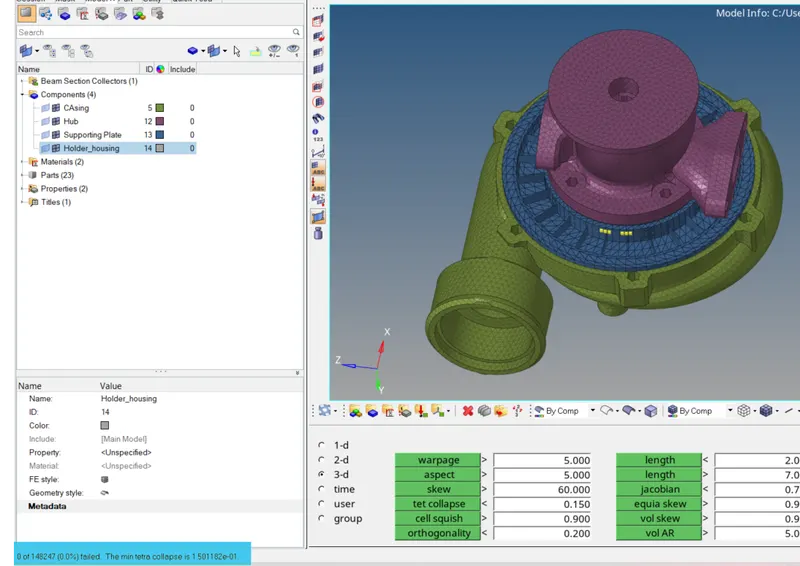
Tet collapse: 0.15
I started with half of the component and tried to make it easier, but while performing 3D, more failures will appear. After considering the entire component, I began meshing in 2D, surface by surface, using the quality criteria shown above.
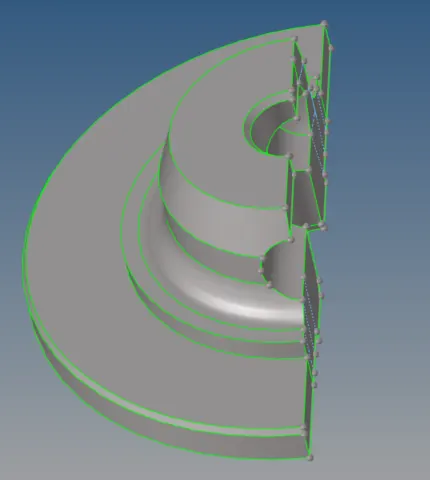
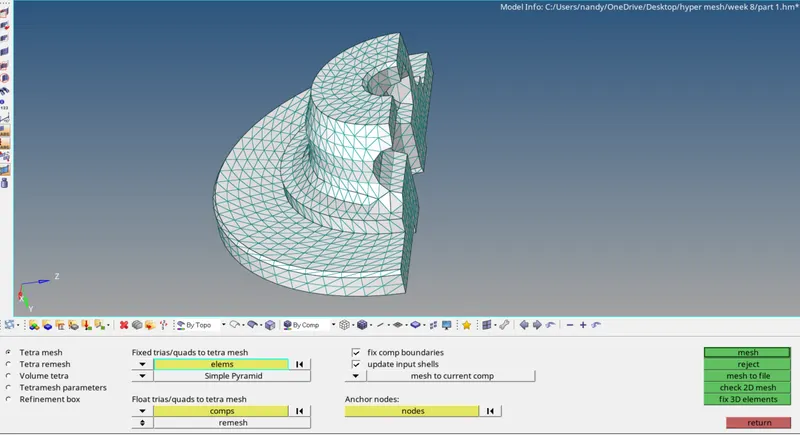
2d mesh. or f12- surface -mesh
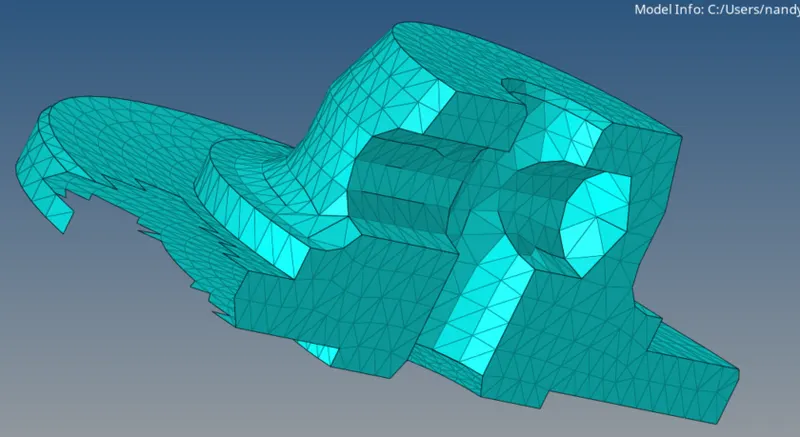
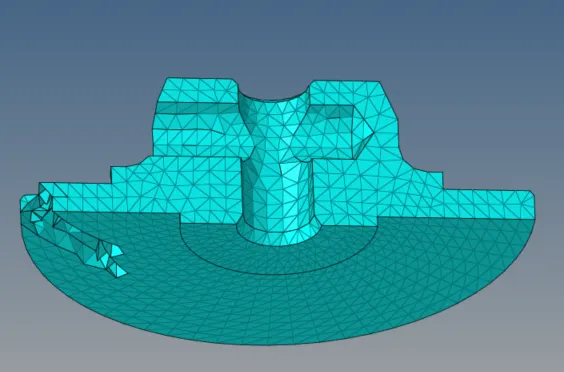
for tetra-3D-tetra mesh-select solid or elements-mesh.
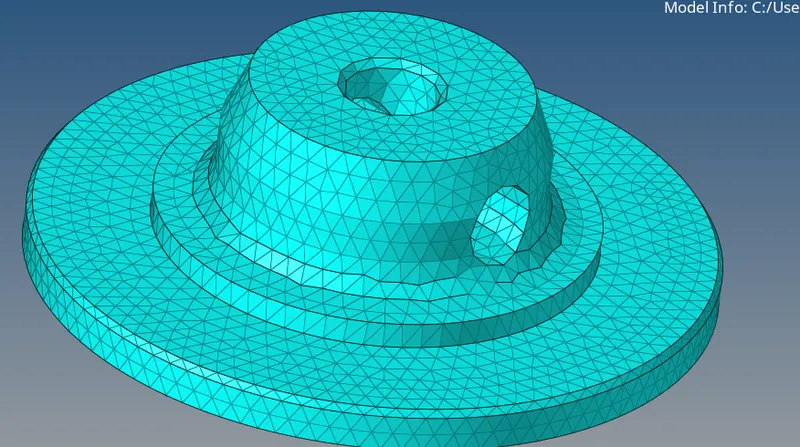
Model 1 part 2
surface
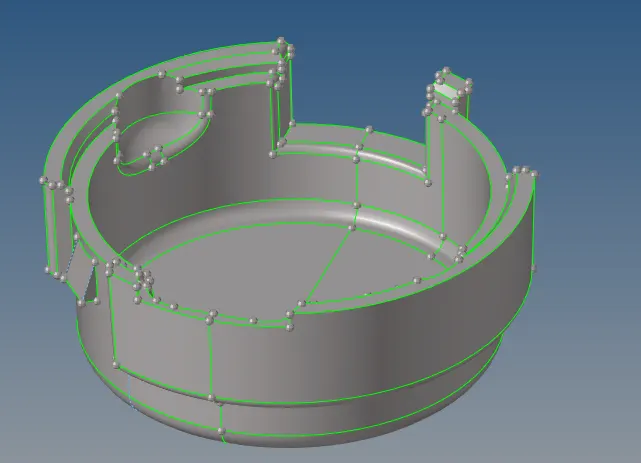
2d mesh
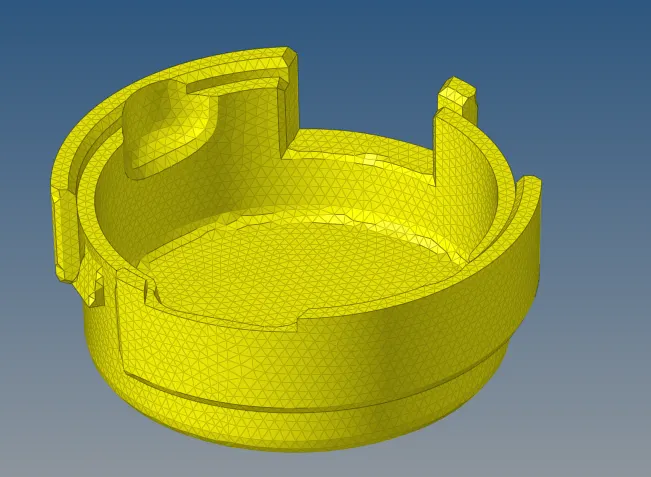
volume mesh tetre
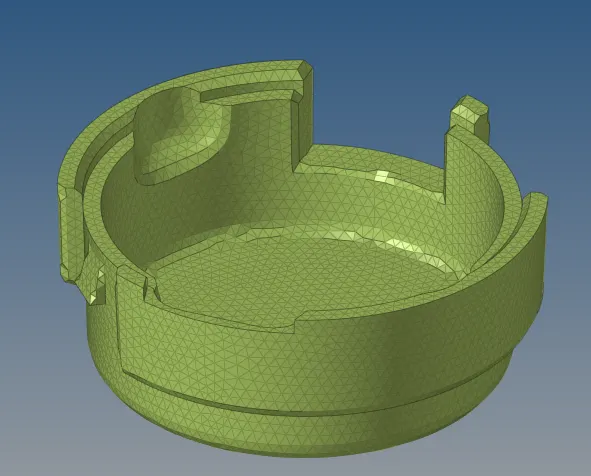
Model 2
TetraMesh Generation Method: Quick Tetra Mesh/ Volume Tetra Mesh
Target Element size: 3 Units.
Tet Collapse: 0.15
for this different procedure followed quick tetra mesh
view-browsers-hypermesh -utility-Geom/mesh-quick tetra mesh-geometry-select comp-proceed-mesh size-mesh.
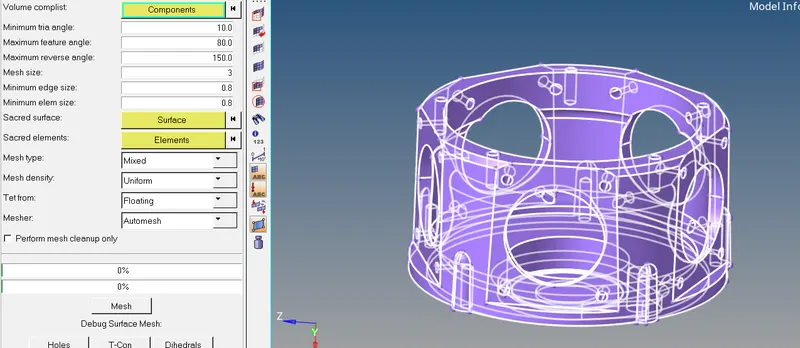
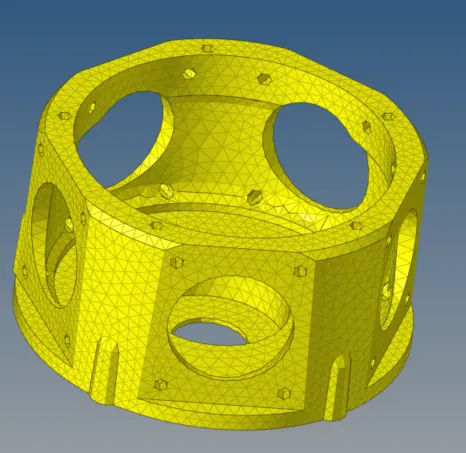
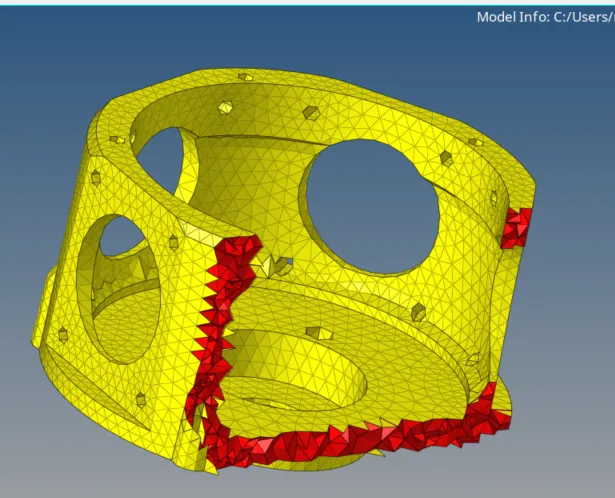
3d mesh of the model 2 component
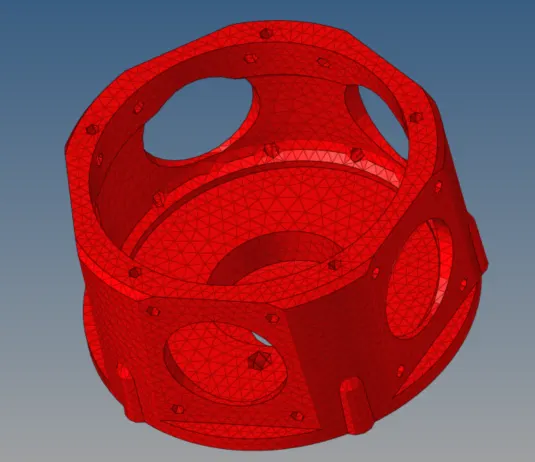
Model 3
Turbocharger
TetraMesh Generation Method: Quick Tetra Mesh/ Volume Tetra Mesh
Target Element size: 4 Units.
Tet Collapse: 0.15
For model 2 whatever procedure follows the same procedure folwed here.
view-browsers-hypermesh -utility-Geom/mesh-quick tetra mesh-geometry-select comp-proceed-mesh size-mesh.
part 1.
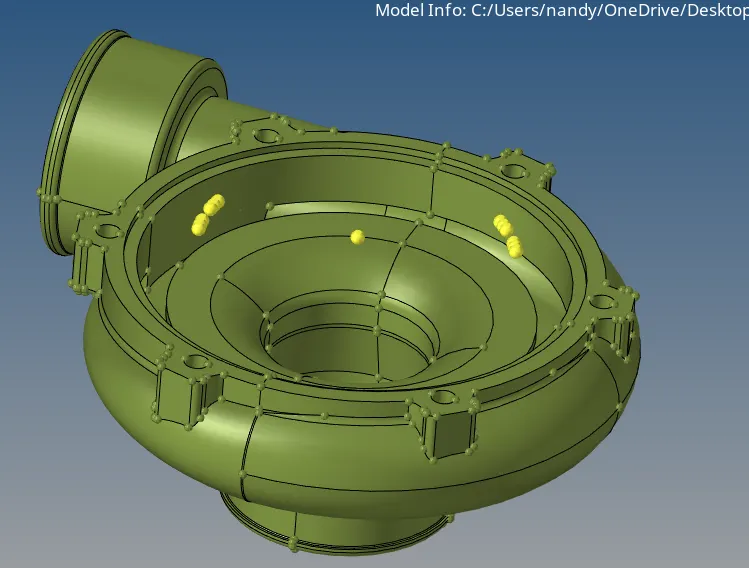
part 2.
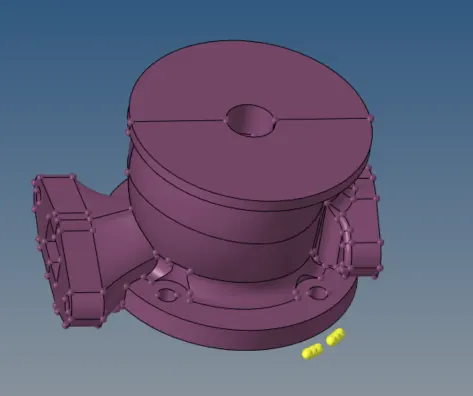
part 3.
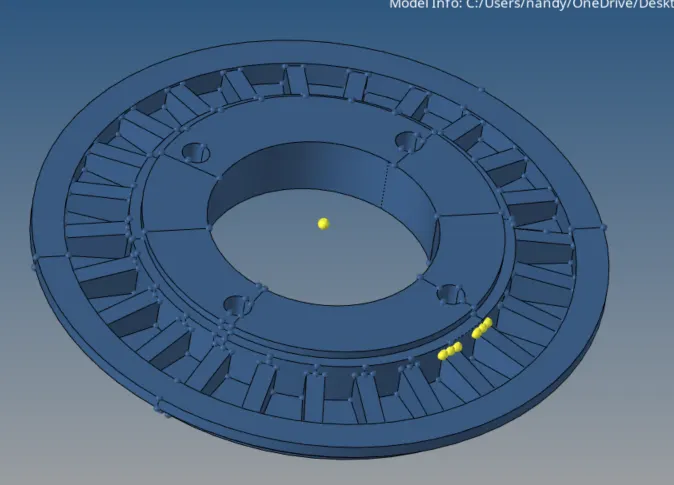
part 4.
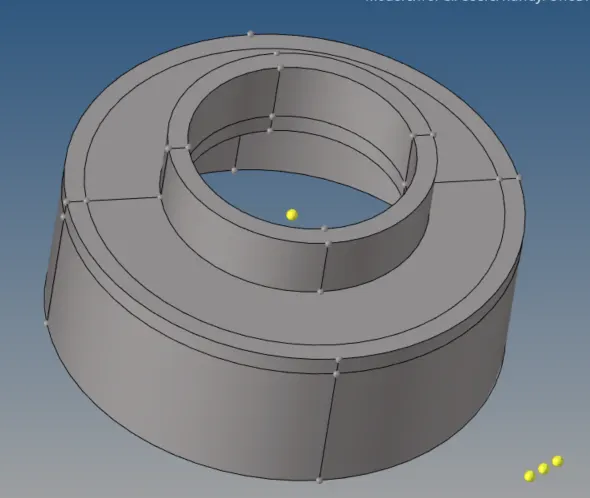
combine surface view.
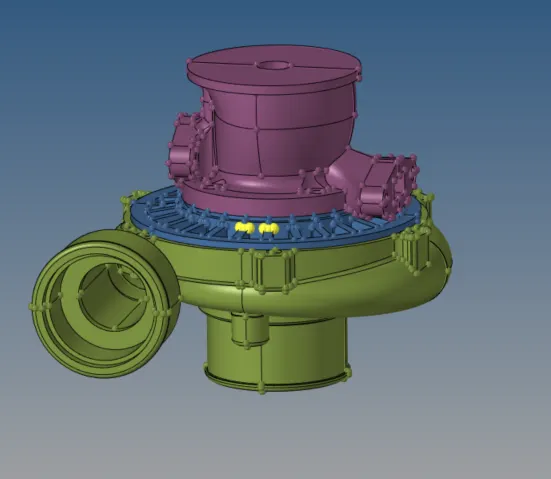
after performing quick tetra mesh final volume mesh is represented below.
combine view.
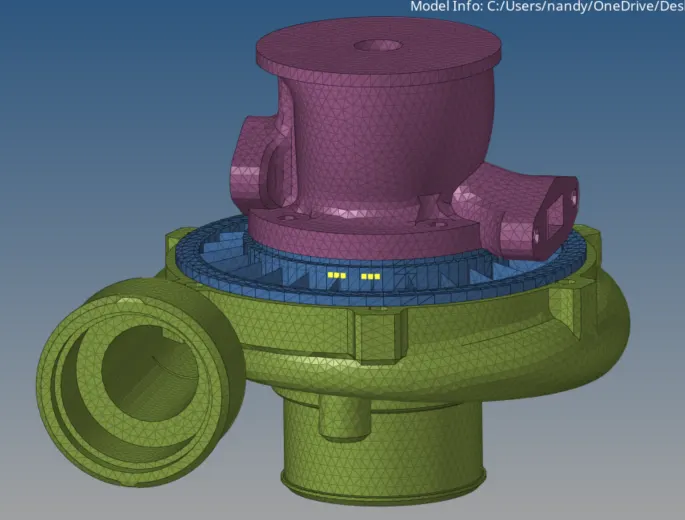
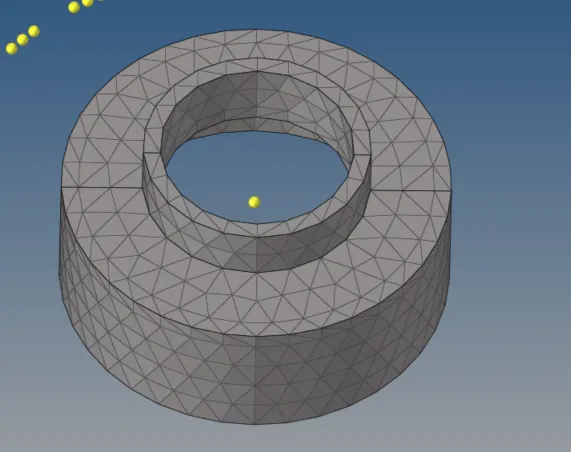
Part 1 volume mesh
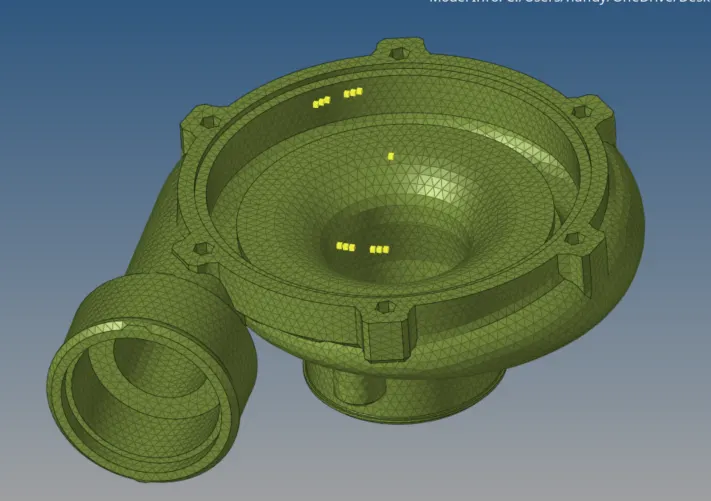
Part 12volume mesh
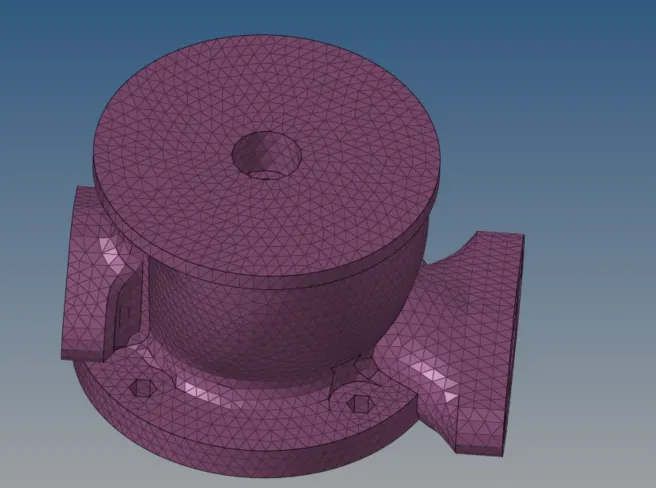
Part 3 volume mesh
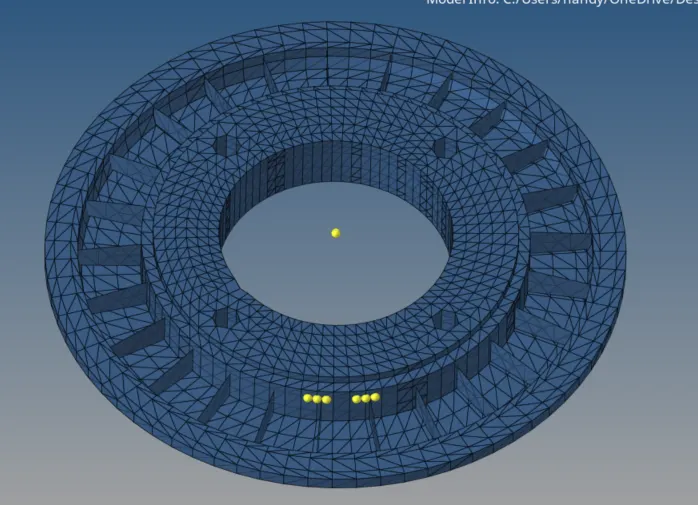
Part 4 volume mesh
The final check-up for tet collapse is 0 highlighted in the below capture in sky blue color.
Conclusion:-
Hence the model is cleared quality & performed volume mesh as per the quality criteria assigned.