Week 8-3D Tetra Meshing Challenge
Aim: Mesh the given model with tetra mesh in Hypermesh software.
Introduction: Tetra mesh is a 3D element, which is adapted to arbitrary geometries with high accuracy. The accuracy level of tetrahedral mesh is much higher as compare to other meshing element.
There are three method to create the tetra mesh
- By generation of 2D element on surface then create 3D tetra mesh.
- By utility method
- By direct volume tetra mesh option by selecting surface/ solid component.
Process:
Model_1:
Given quality parameter
- Input the model
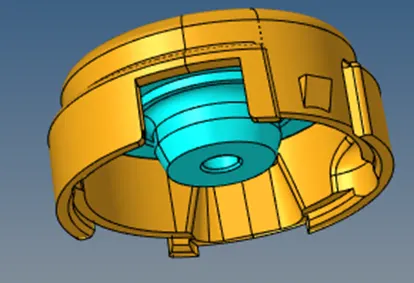
- Solve the model_1-01 by first method
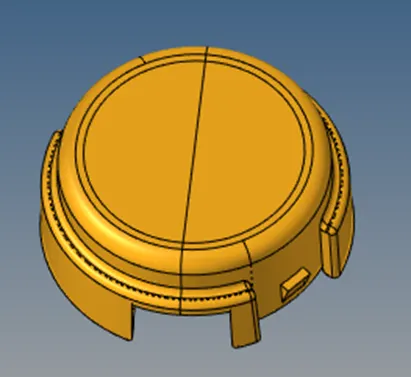
- Delete the solid, now work on surface and create 2D tria element by (2D < automesh < surfs < mesh.,
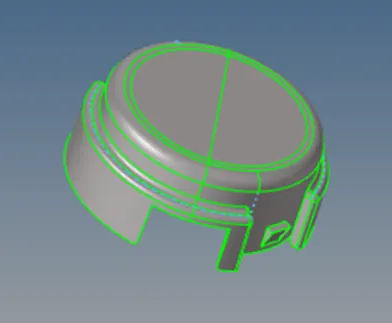
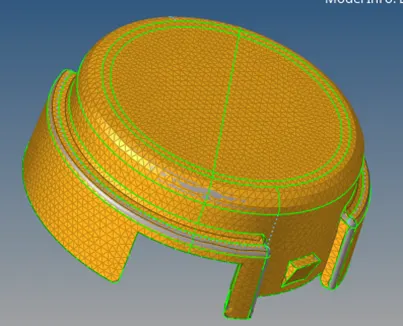
- Now convert the 2D to 3D tetra hedral element by 3D < Tetra mesh < elemns (select all 2D tria elements) < mesh.
- Check these mesh created or not by using mask some elements.
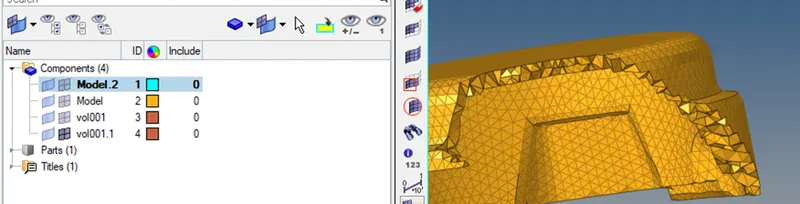
- Check the element quality of Tet collapse by Tool < checks elems < 3D < Tet collapse.
- The model have 96 value of Tet collapse, now I solve this model by remeshing the elements by 3D < Tetramesh < elemens < Remeshable < remesh.
- Now by again checking Now this time ,There was only 2 elements that can be solve by translate node by translate option (shift F4).
- Solve the model 1-02 by same process.
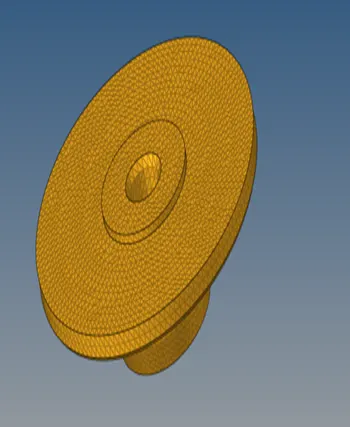
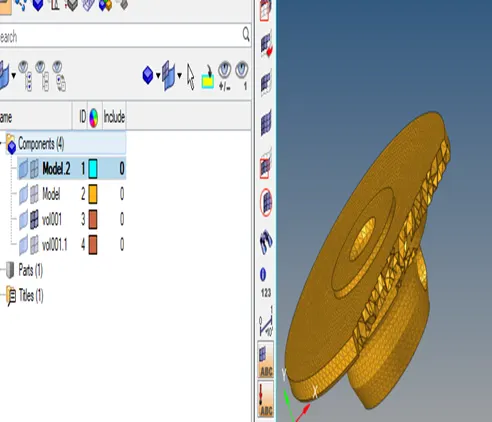
Model 2:
1.Input the model
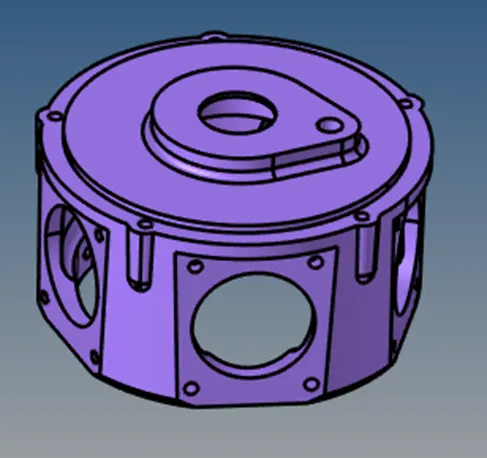
- The given quality perameter Target Element size: 4 Units Tet Collapse: 0.15
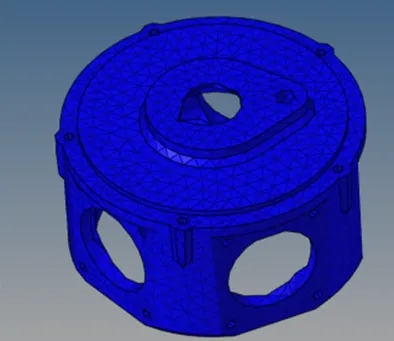
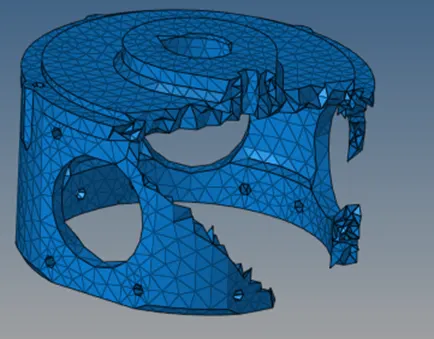
- Mesh the model by second method that is utility method.
- Choose the utility option by view (at top bar) < Browsers < HyperMesh < Utility.
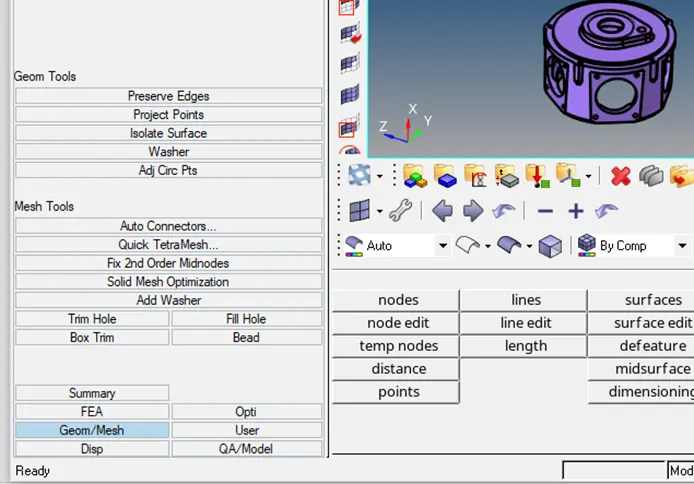
- Click Geom/Mesh < Quick tetra mesh
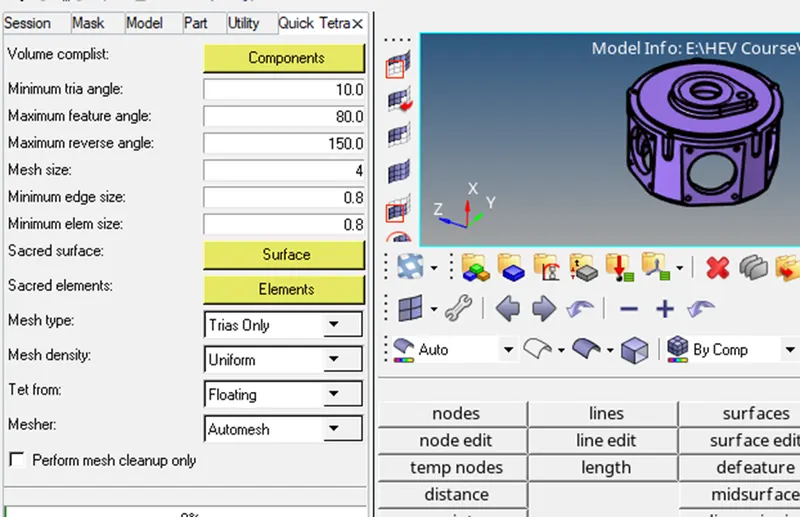
Select the mesh size , mesh type as trias then component
Model_3
- Input the model.
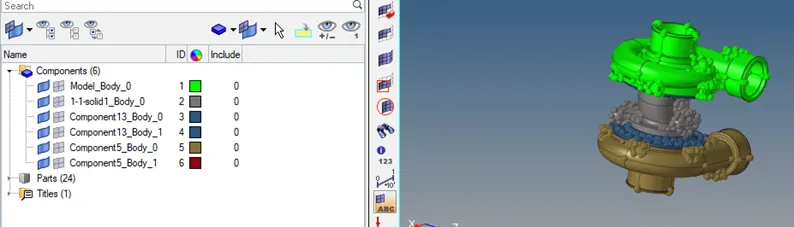
2.Divide the model with different model folder because due to more number of element generation ,the file saving error may be come.
- Mesh the componenet which name is Component 13_Body_0 with the help of 3rd method of mesh by volume tetra mesh selecting solid body by 3D < volume tetra mesh < solid < mesh.
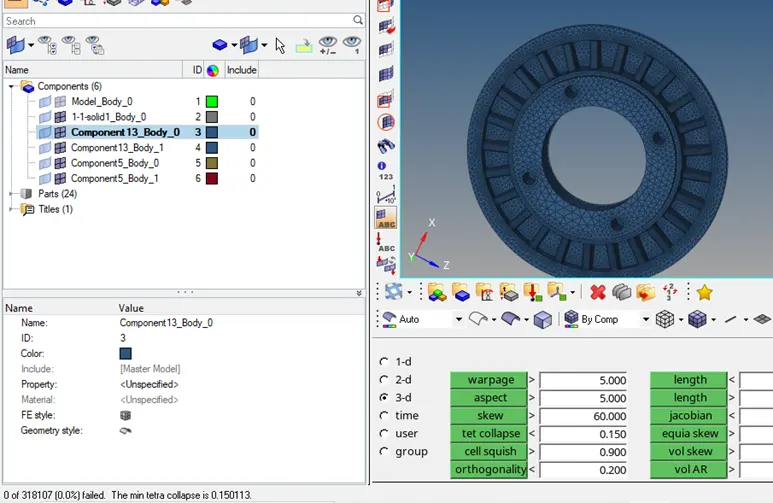
Check the tet collapse volume and solve it by remesh and manually translate the node.
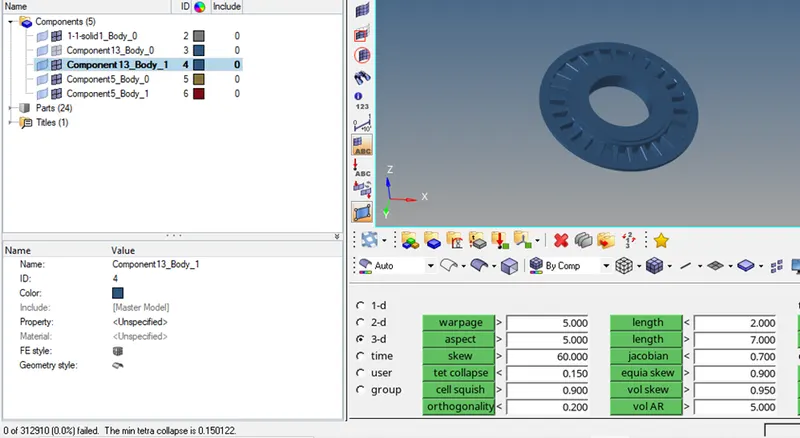
Same process of component 13_Body_1
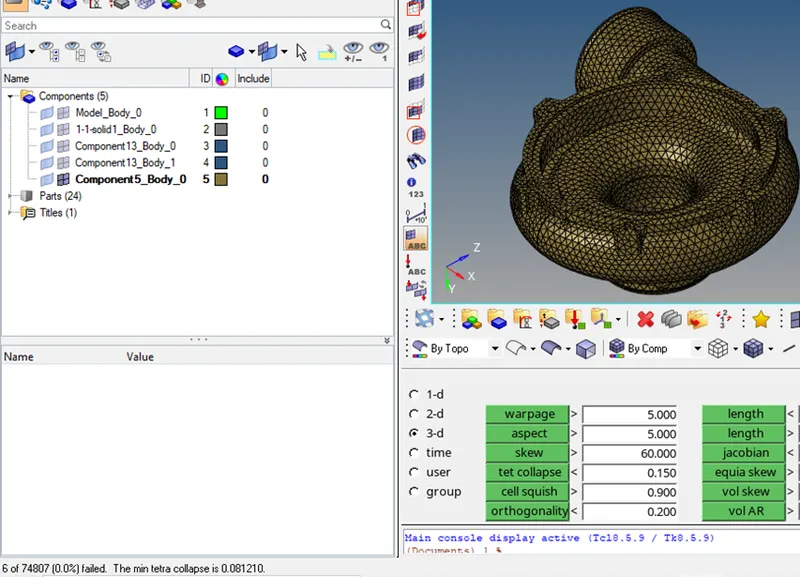
Model Component 5_Body_0 solved it buy 3rd method of meshing
Model 1-1 solid1_Body_0 solved it buy 3rd method of meshing
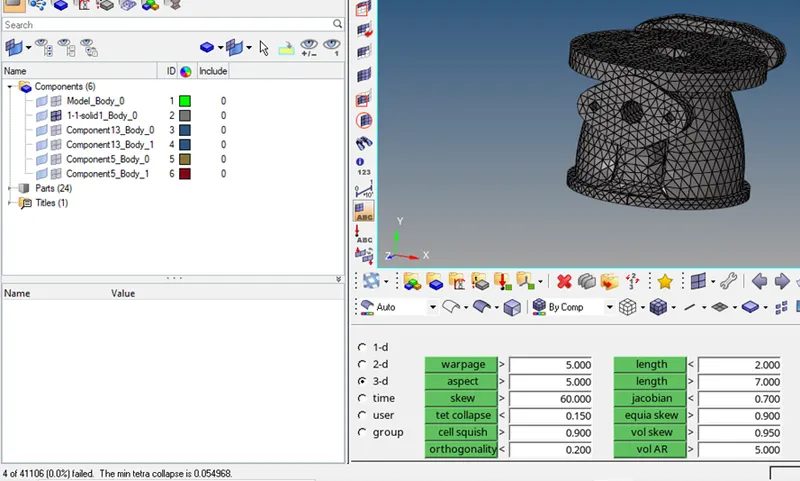
Model Model_Body_0 solved it buy 3rd method of meshing
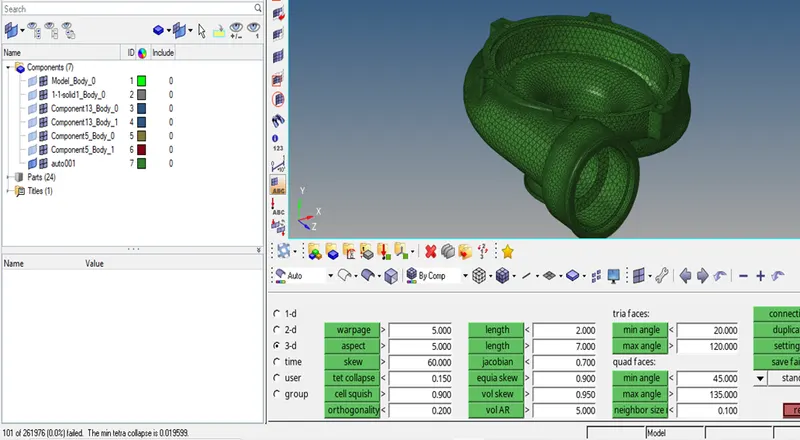
Here 101 elements failed under the quality criteria of tet collapse.
- Now I remesh the mesh and after that I solved the quality mesh value of some remaining element by translating node
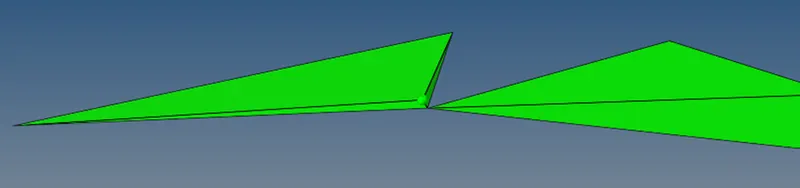
Here the one edge size is less so I increase it by translating node by (Shift F4) and put value 0.1mm.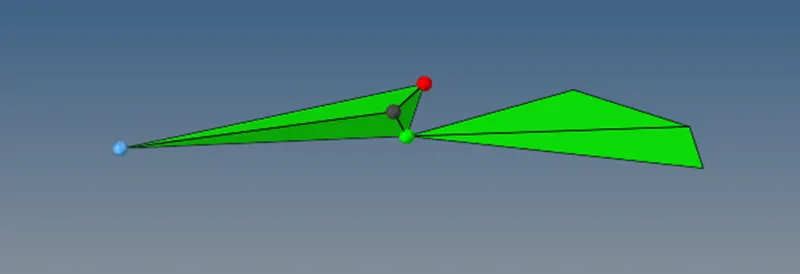
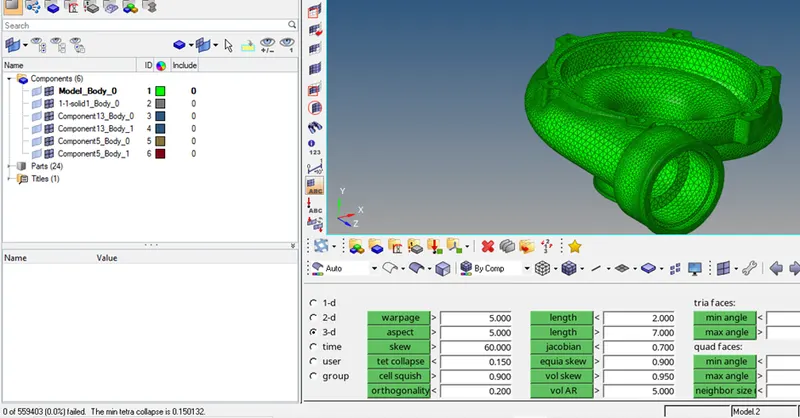
Now there is no failed element by Tet collapse.
Result and Discussion: In our all meshed component all component have 0 percent failed element by tet collapse quality criteria so at that point can be said that meshing is fine.