Week 8-3D Tetra Meshing Challenge
AIM:
To create a 3D meshing for the given 3 models by using the respective parameters.
Solution:
- Create Teramesh for Housing
- Import housing (2).stp file by using import geometry.
- Remove fillet less than 5 mm by using defeature command.
- Prepare geometry by using replace point, toggle edge, split surface etc from quick edit panel.
- Below image shows models after geometry cleanup.
- Completed 2D meshing by using following path:
2D > automesh > select surface > element size=5 > element type = trias > mesh.
- After completion mesh checked quality of 2D mesh.
- Parameter used for element check: Elements sizes: Min- 2mm, Target- 5mm,Max- 7mm.
- Remesh the elements those failed in above element check parameter.
- Used 3D mesh panel after checking of 2D mesh quality.
- Completed 3D meshing by using following path:
3D > tetramesh > select all 2D tria element > mesh
- Checked tet collapse = .15 for 3D element.
- Those elements failed in tet collapse are remesh or increase distance between nodes to achieve tet collapse 0.15.
RESULT:
- Below image of model after completion of Tetramesh.
2)Create Teramesh for Model2 (TETMESH_PM.hm)
- Open TETMESH_PM.hm in hypermesh.
- Remove fillet less than 5 mm by using defeature command.
- Toggle highlighted free edges by using toggle edge command.
- Prepare geometry by using replace point, toggle edge, split surface etc from quick edit panel.
- Supress hole having diameter less than 5 mm.
- Below image shows models after geometry cleanup
- Completed 2D meshing by using following path:
2D > automesh > select surface > element size=6 > element type = trias > mesh.
- After completion mesh checked quality of 2D mesh.
- Parameter used for element check: Elements sizes: Min- 2mm, Target- 6mm,Max- 10mm.
- Remesh the elements those failed in above element check parameter.
- Used 3D mesh panel after checking of 2D mesh quality.
- Completed 3D meshing by using following path:
3D > tetramesh > select all 2D tria element > mesh
- Checked tet collapse = .15 for 3D element.
- Those elements failed in tet collapse are remesh or increase distance between nodes to achieve tet collapse 0.15.
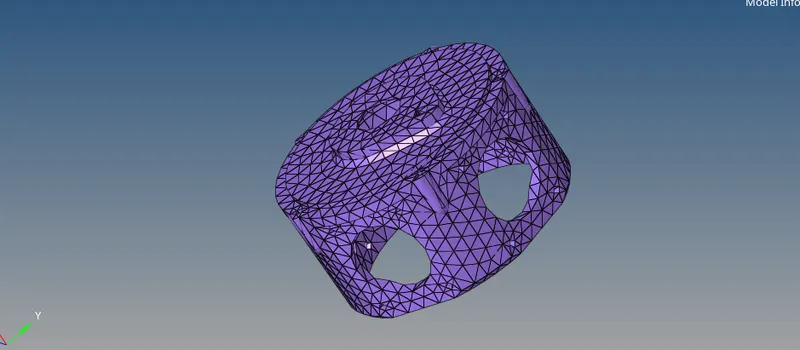
RESULT:
- Below image is model after completion of Tetramesh.
3) Create Teramesh for Model4 (Chassis_assy.hm)
- Open Chassis_assy.hm in hypermesh.
- Given chassis is symmetric, therefore I have divide chassis into left part and right part
- Geomtric cleaning did on only left side of part.
- Remove fillet less than 5 mm by using defeature command.
- Toggle free edges by using toggle edge command.
- Prepare geometry by using replace point, toggle edge, split surface etc from quick edit panel.
- Supress hole having diameter less than 5 mm.
- Below image shows models after geometry cleanup.
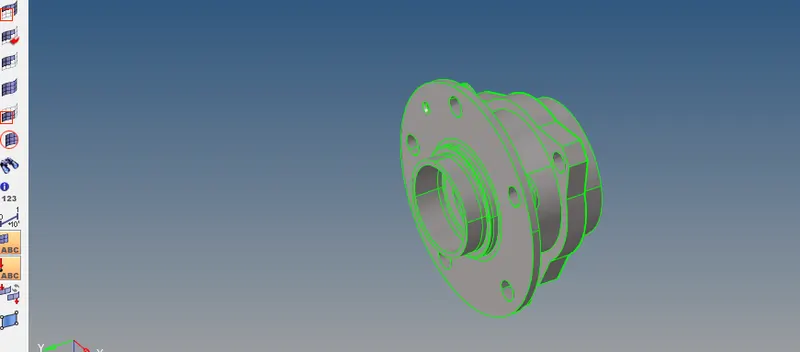
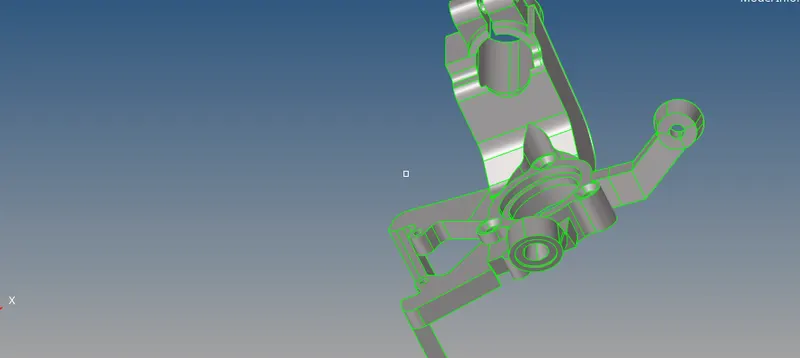
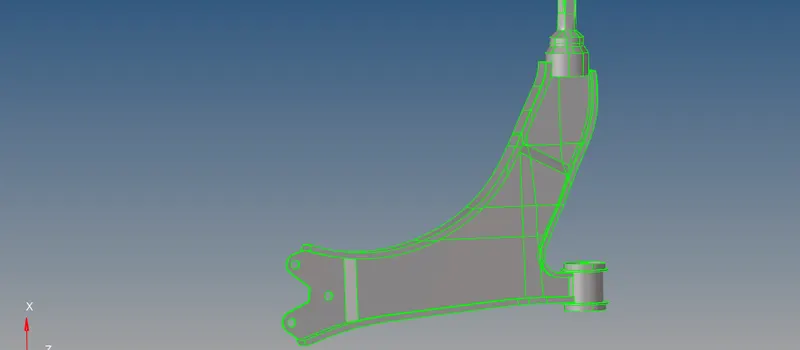
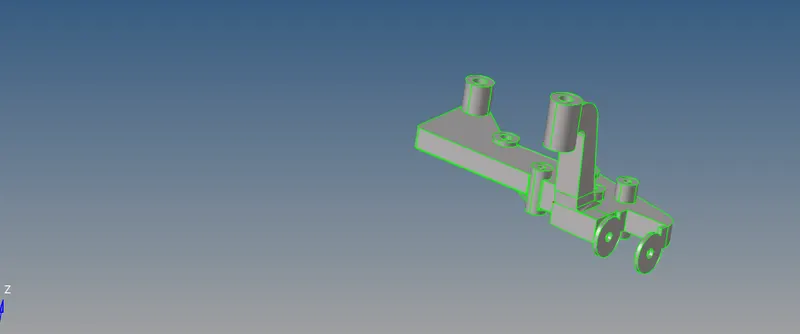
- Final left side of assembly after geometry cleanup.
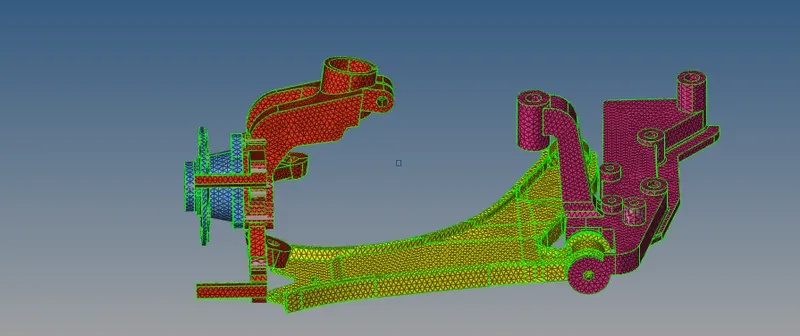
-Completed 2D meshing by using following path:
2D > automesh > select surface > element size=6 > element type = trias > mesh.
- After completion mesh checked quality of 2D mesh.
- Parameter used for element check: Elements sizes: Min- 2mm, Target- 6mm,Max- 10mm.
- Remesh the elements those failed in above element check parameter.
- Used 3D mesh panel after checking of 2D mesh quality.
- Completed 3D meshing by using following path:
3D > tetramesh > select all 2D tria element > mesh
- Checked tet collapse = .15 for 3D element.
- Those elements failed in tet collapse are remesh or increase distance between nodes to achieve tet collapse 0.15.