Week 8-3D Tetra Meshing Challenge
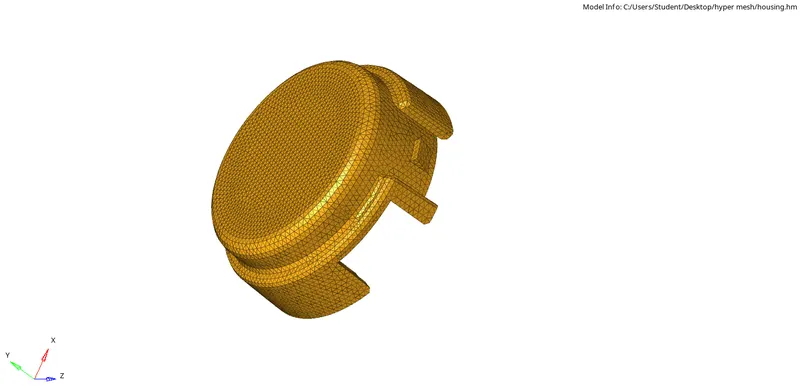
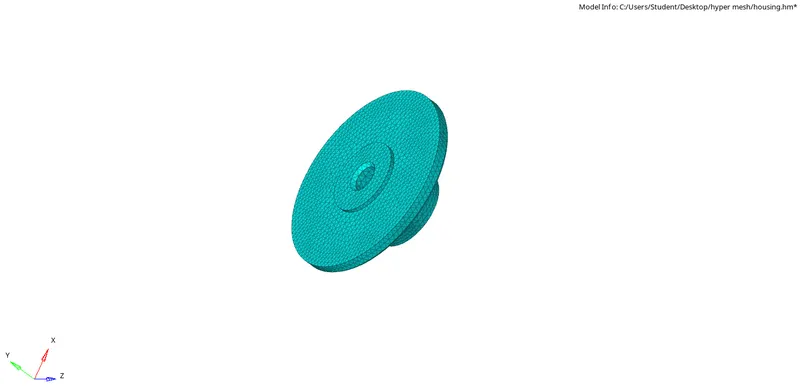
Model-1:-
3D Meshing:-
Elements sizes:min-2mm,Target-5mm,max-7mm
Tet collapse-0.15
Procedure:-
- 2D auto mesh to create tria element with given elements size.
- 2D quality index to optimize the failing elements
- 3D tetra mesh to create 3D tetra mesh , Tet collapse fails clear the tetra remesh.
- Create the tetra elements using the 3D option after the tetra parameter and mesh the components
- check the tet collapse in check element remesh the components
Model-2:-
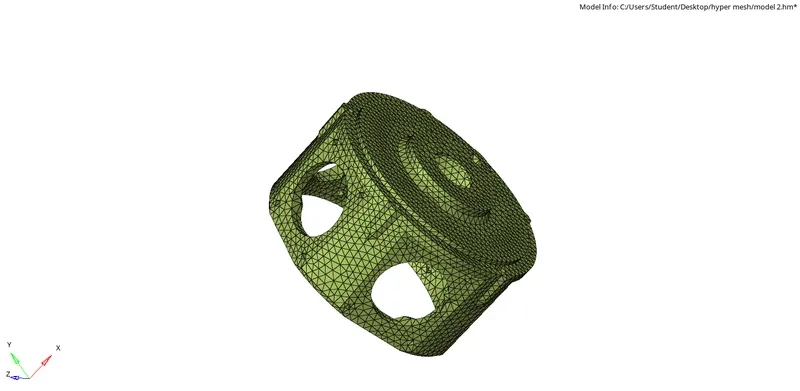
- Given the criteria of the components of element size and tet collapse in criteria file mesh the component by 3D panel go to tetra mesh >volume tetra>select the component >click the mesh.
- Tet collapse value given is 0.15
- 3D tetra mesh will be created then check the failure element go to check element, check the how many elements are a failure.
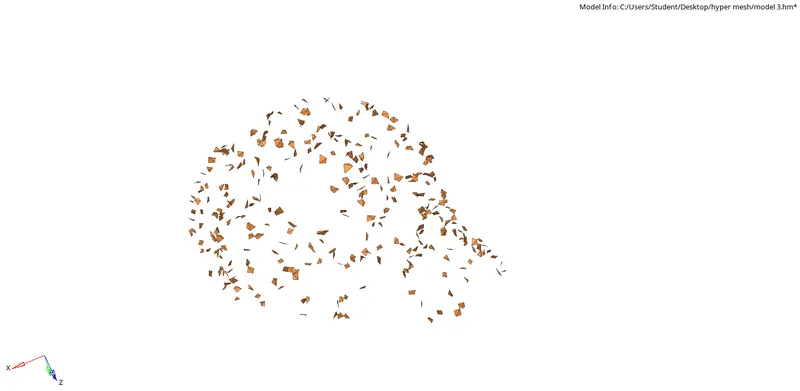
- tetra remesh used in tet collapse failure clear the option,tet collapse error in given below.
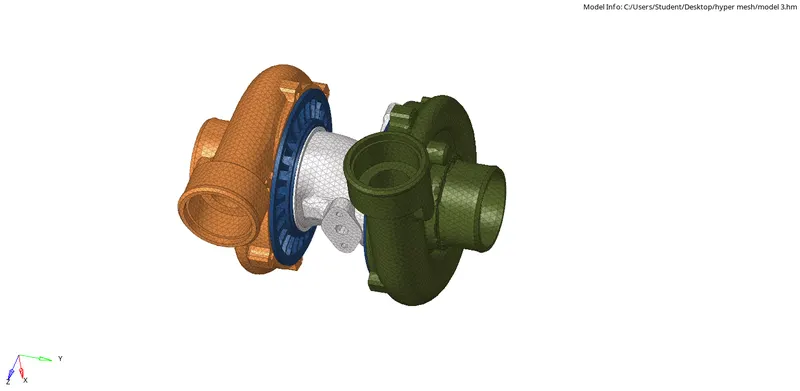
Model-3:-
- In this model generate the mesh method Quick tetra method.
- The Tet collapse value given is 0.15.
- following steps (view>browser>hypermesh>utility> select the Geom/mesh>quick tetra mesh)
- Then select the component give the element size is 4mm and mesh type
- Tet collapse failure clear using tetra remesh.
Conclusion:-
- Tetrameshing was performed using different methods and quality criteria was maintained.