Week 8-3D Tetra Meshing Challenge
MODEL-1
3D Meshing:
Elements sizes: Min- 2mm, Target- 5mm, Max- 7mm
Tet collapse: 0.15
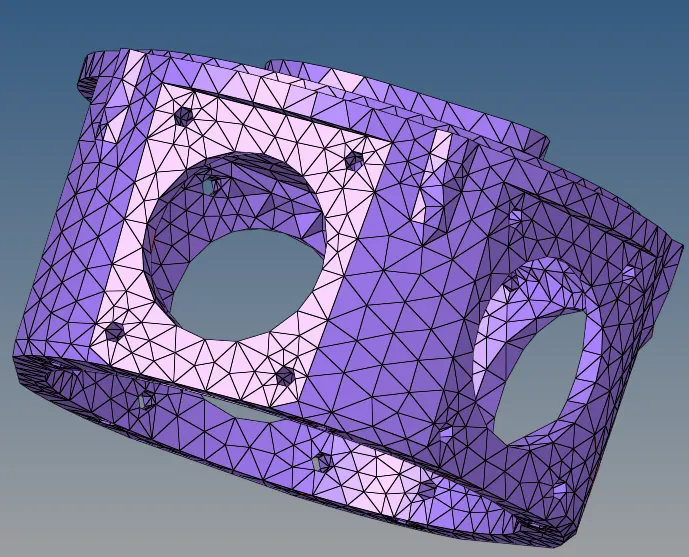
1. Create Teramesh for Housing
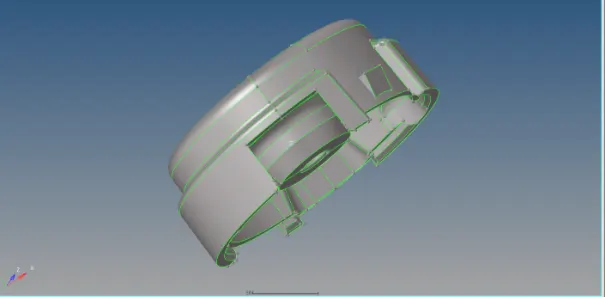
PROCEDURE-
2D Automesh to create tria elemets with the given elements size.
2D Quality index to optimize the failing elements.
3D tetramesh to create 3D tetra elements, tetra remesh
create the tetra elements using 3D option after the tetra parameters and mesh the components.
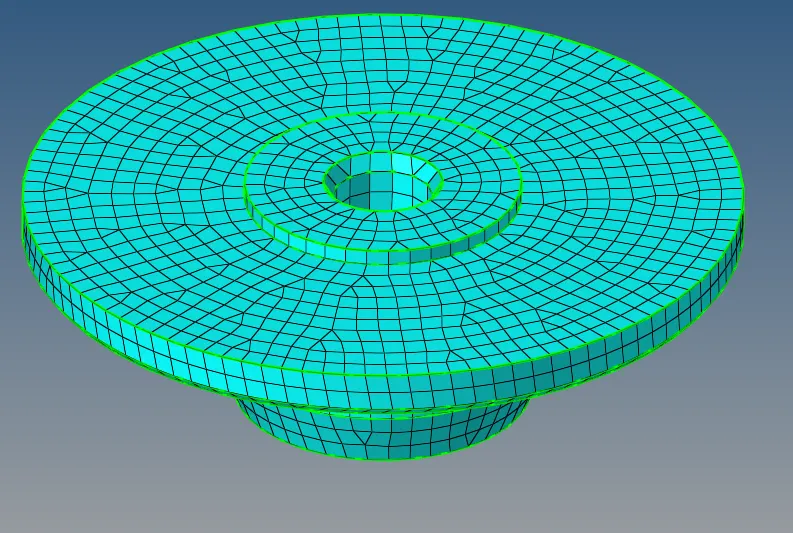
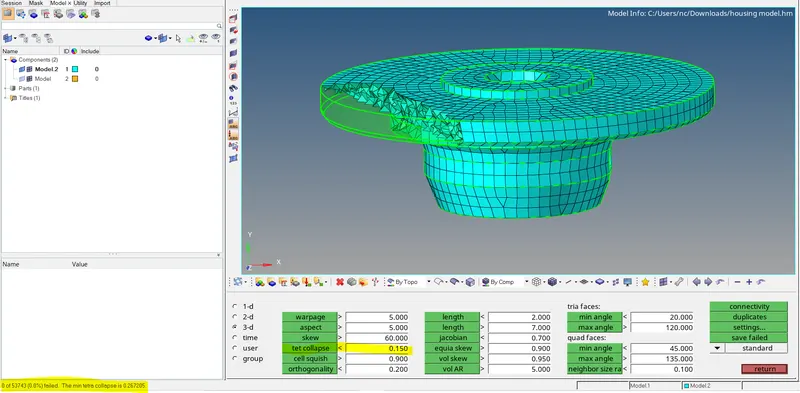
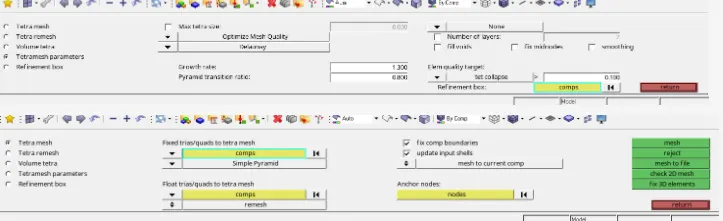
Check for the tetra collaps in check elements remesh the components if tetra collaps value is above zero.
same procedure follow of the part 2 of housing to as to clean up the geometry and meshing with 2D tria elements and then converting them into 3D tetra elements and check for tet collaps to be zero.
creating 3D tetra meshing using 2D trias elements for the housing components.
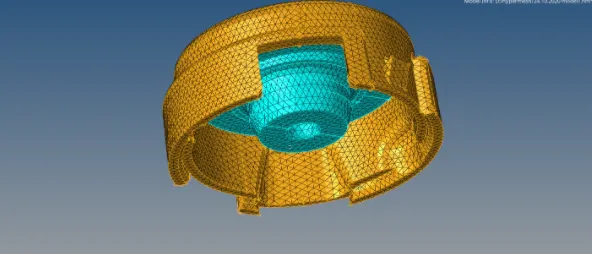
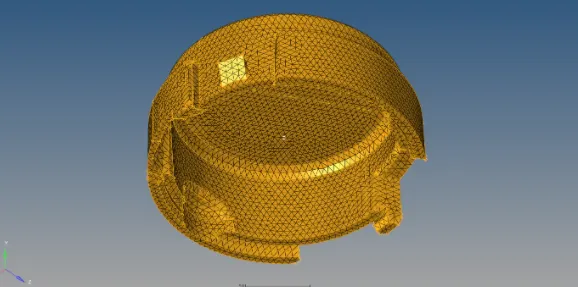
MODEL-2
3D Meshing:
Elements sizes: Min- 2mm, Target- 5mm, Max- 7mm
Tet collapse: 0.15
- First import the geometry
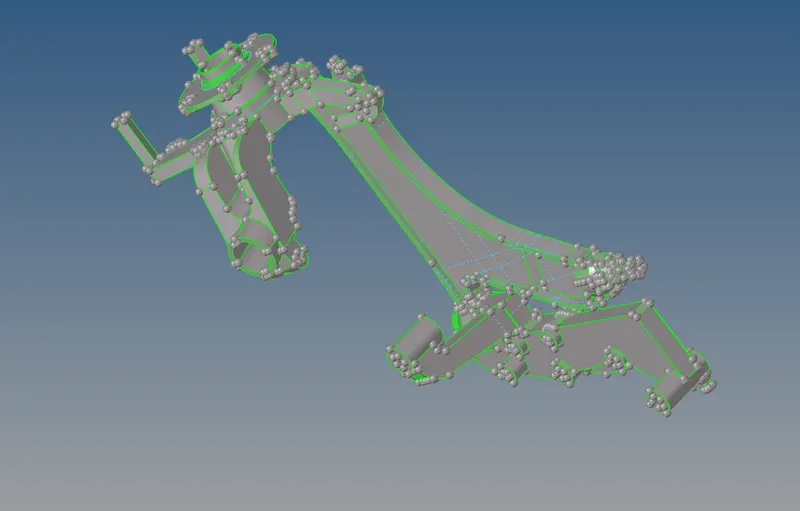
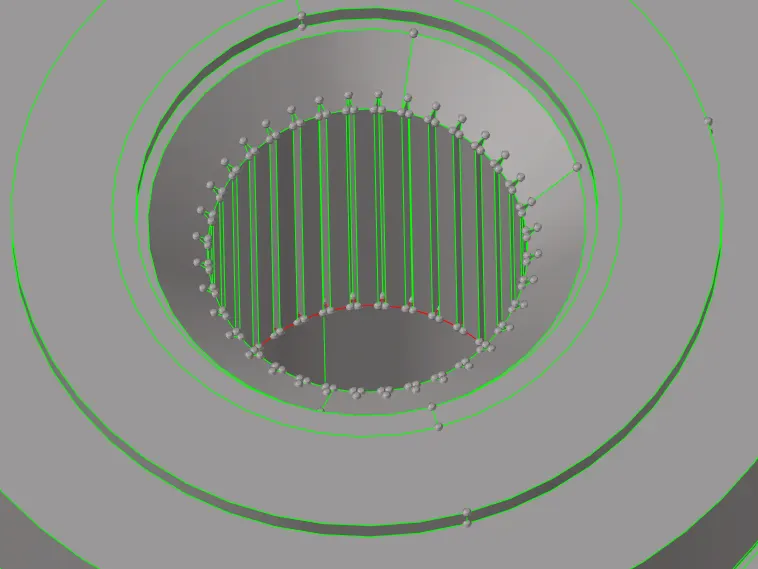
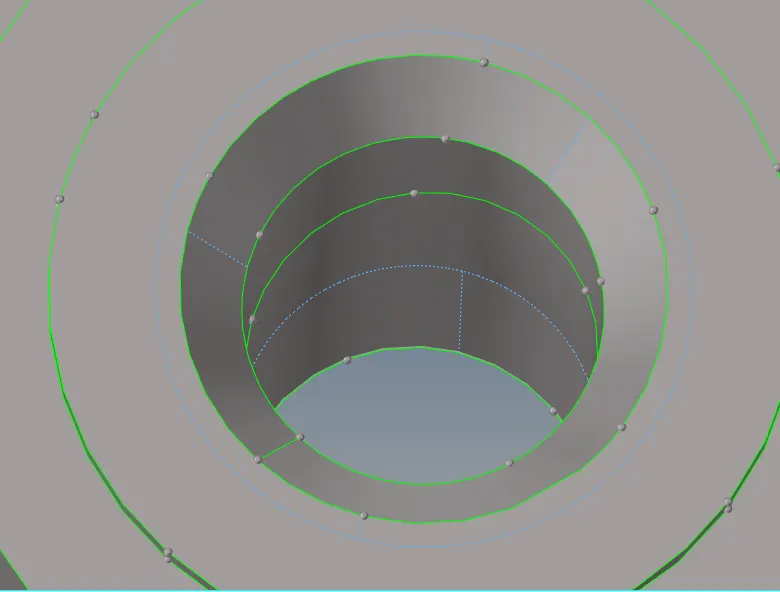
3D> Tetra mesh>tetra mesh parameters to assign then value of tet collaps
volume tetra mesh to mesh the components.
- Assign the values of tet collaps and elements size in tetramesh parameters. No need for geometry cleanup.
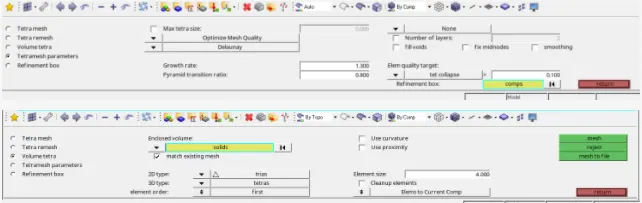
- Mesh the components with the volume mesh by selecting the surface or solid of the component.
- Remash the components if the tet collaps value is above zero
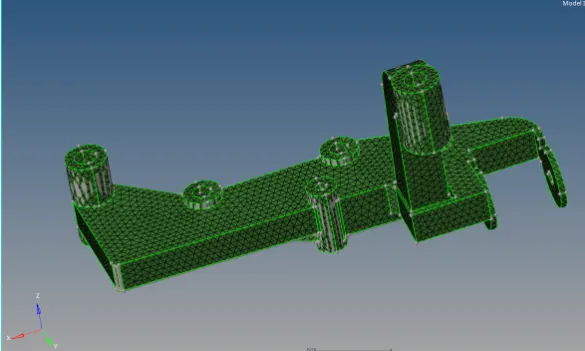
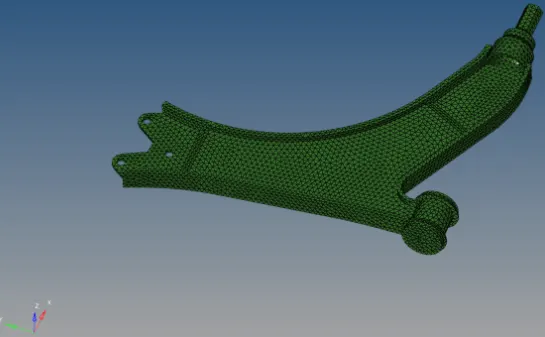
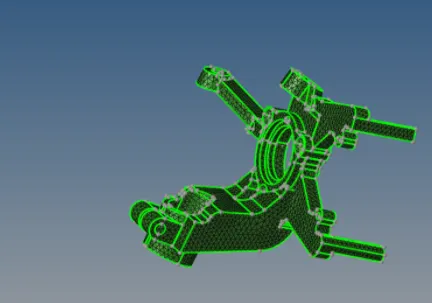
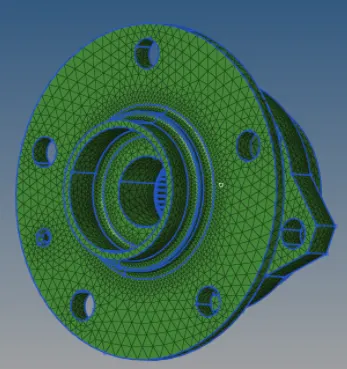
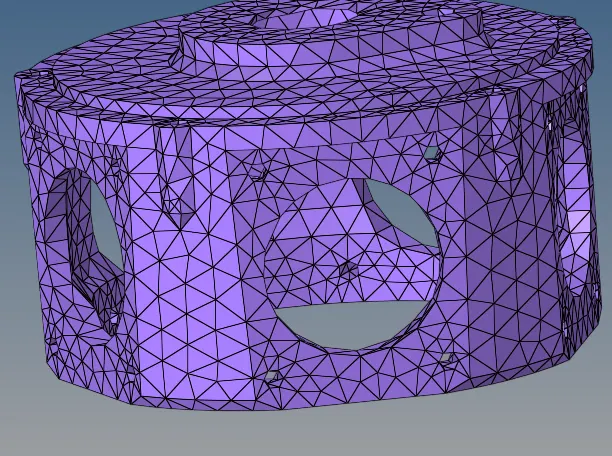
Model-3 :- To mash the crank housing component with 3D tetra elements using quick mesh.
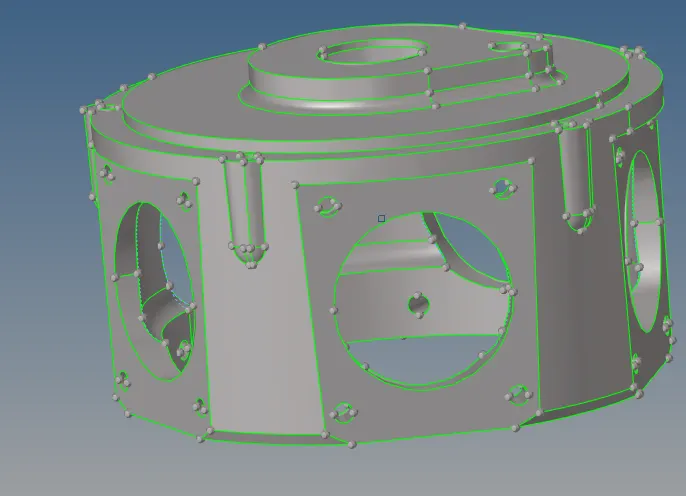
PROCEDURE:-
Hypermesh>Utility to mesh the component.
Tetramesh>tetra remesh to remesh the 3D tetra elements.
- Give the criteria of the components of elements size and tet collaps in criteria file mesh the components by View>Hypermesh>Utility.geom/Mesh>Quick tetra mesh no geometry cleanup is needed.
- Select the component and give the mesh size and mesh type and mesh the component.
- Remesh the component if tet collaps value is above zero.
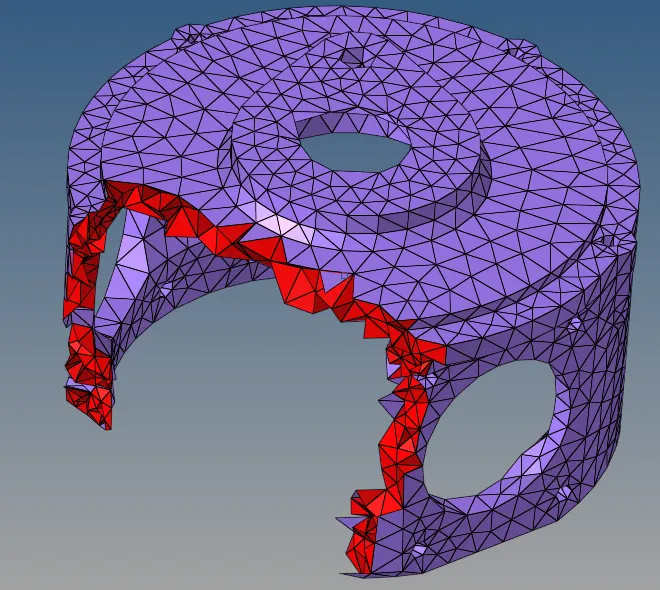

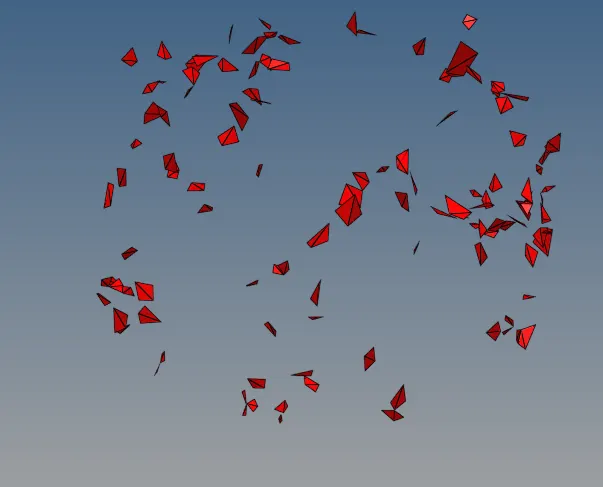
FAILED ELEMENTS-