Week 8
Aim: Performing Morphing On the provided CAD of Floor panel
Introduction:
Morphing is an technique which is used by an Engineer in ANSA when Model is having a slight change in shape or features such as Thickness , Sharp corner , etc without recreating MESH on it. Just by using different morphing techniques we can create our desired shape wihout need to recreating mesh on it.
ANSA encompasses a full – fledged Morphing menu which is completely integrated with ANSA’s interface and doesn’t require any additional module installations or licenses. The functions of the Morphing menu can be used to efficiently re-shape both FE and/or Geometry based models
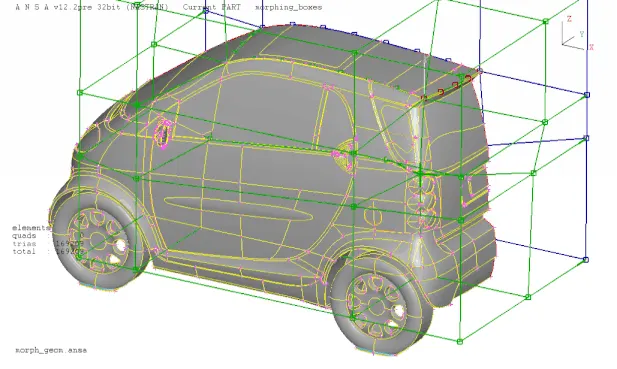
Domain (Box) Morphing
Domain or Box Morphing is preformed via boxes that are created around a particular part or assembly that the user intends to morph. The movement of the Morphing boxes control points defines the morphing operations on the entities inside the Morph box. This type of Morphing can be applied to both FE and Geometry based models.
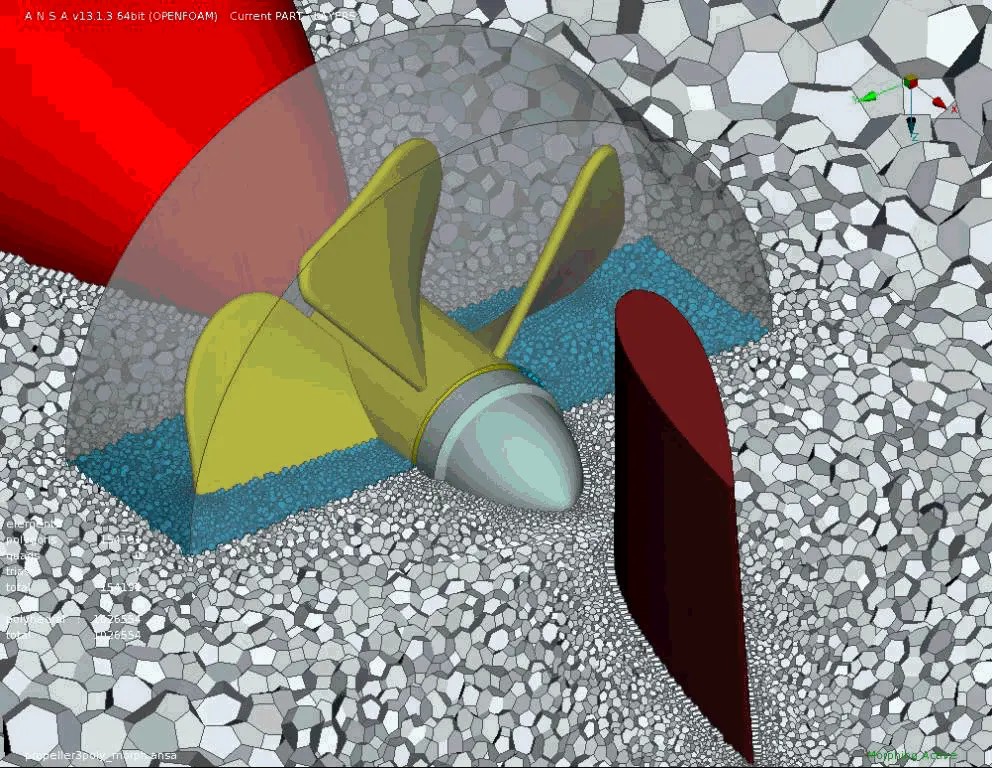
Direct Morphing
ANSA’s Direct morphing features gives the user the ability to efficiently modify a part locally without having to create Morphing boxes. This method is extremely useful in creating local modifications on single parts. Creation of depressions, surface fitting certain FE part features to new target geometry, moving selected features along the contour of a surface and also the ability to freeze (rigid) elements during the morphing process are some of the direct morphing abilities.
Parametric Morphing
The desired morphing actions can be saved as parameters which can be accessed in batch mode. Users can enforce desired shape changes by changing numerical input value for the appropriate parameter. This method of morphing is highly utilized for coupling of the morphing operations to an external optimizer. The scripting capability can be used in conjunction with ANSA’s parametric morphing functionality to deliver faster DOE models.
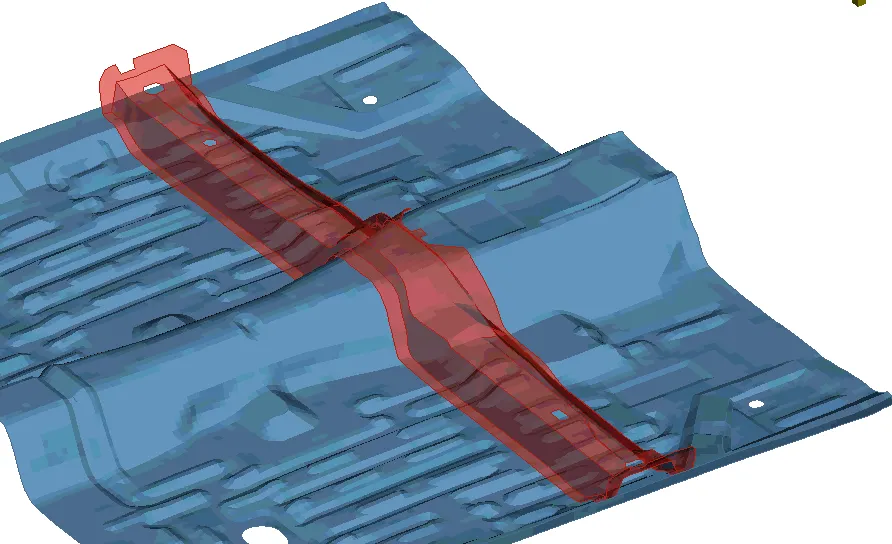
Geometry Morphing
ANSA brings to the CAE world its ‘one – of – a kind’ tool for CAD geometry morphing. This pioneering concept allows the user to utilize the inventory of all the familiar FE morphing functions to perform equivalent operations in a CAD environment on geometric entities.
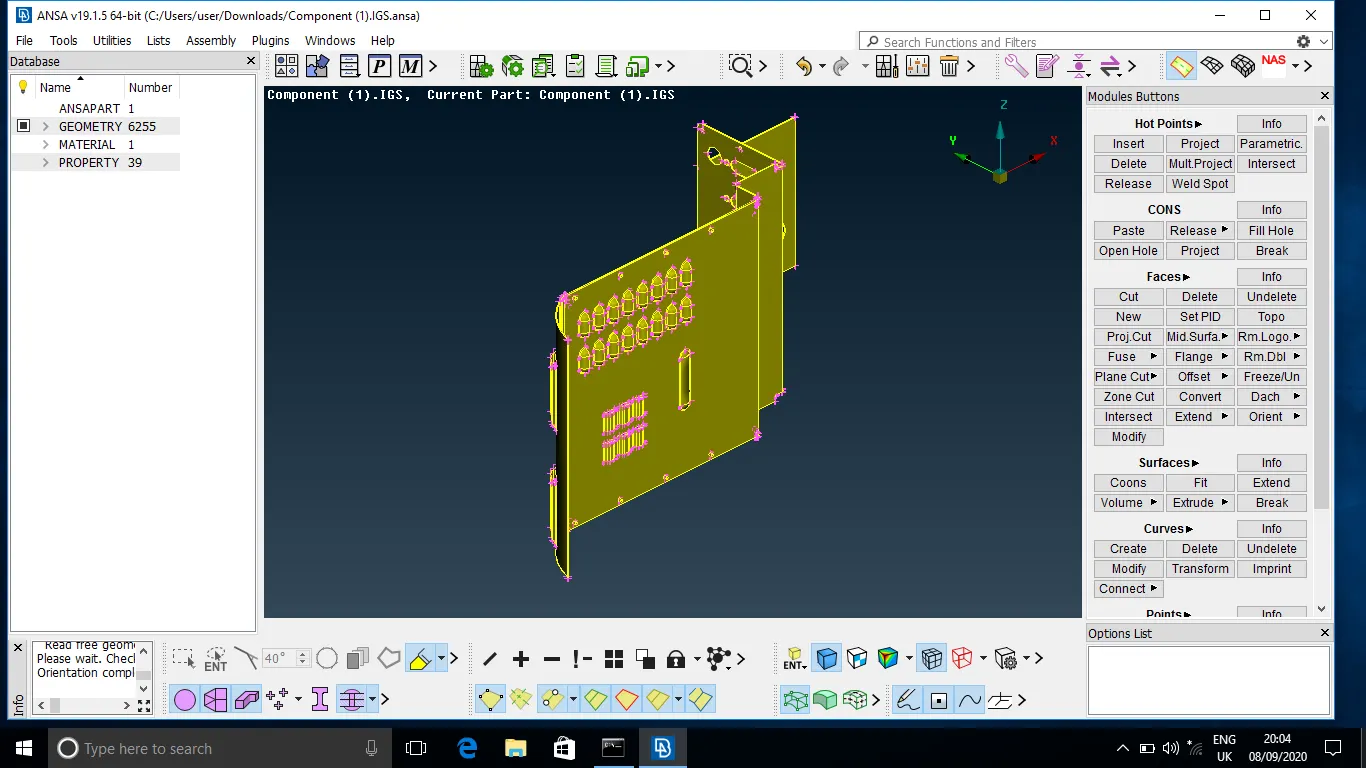
Imported CAD model of Floor panel:
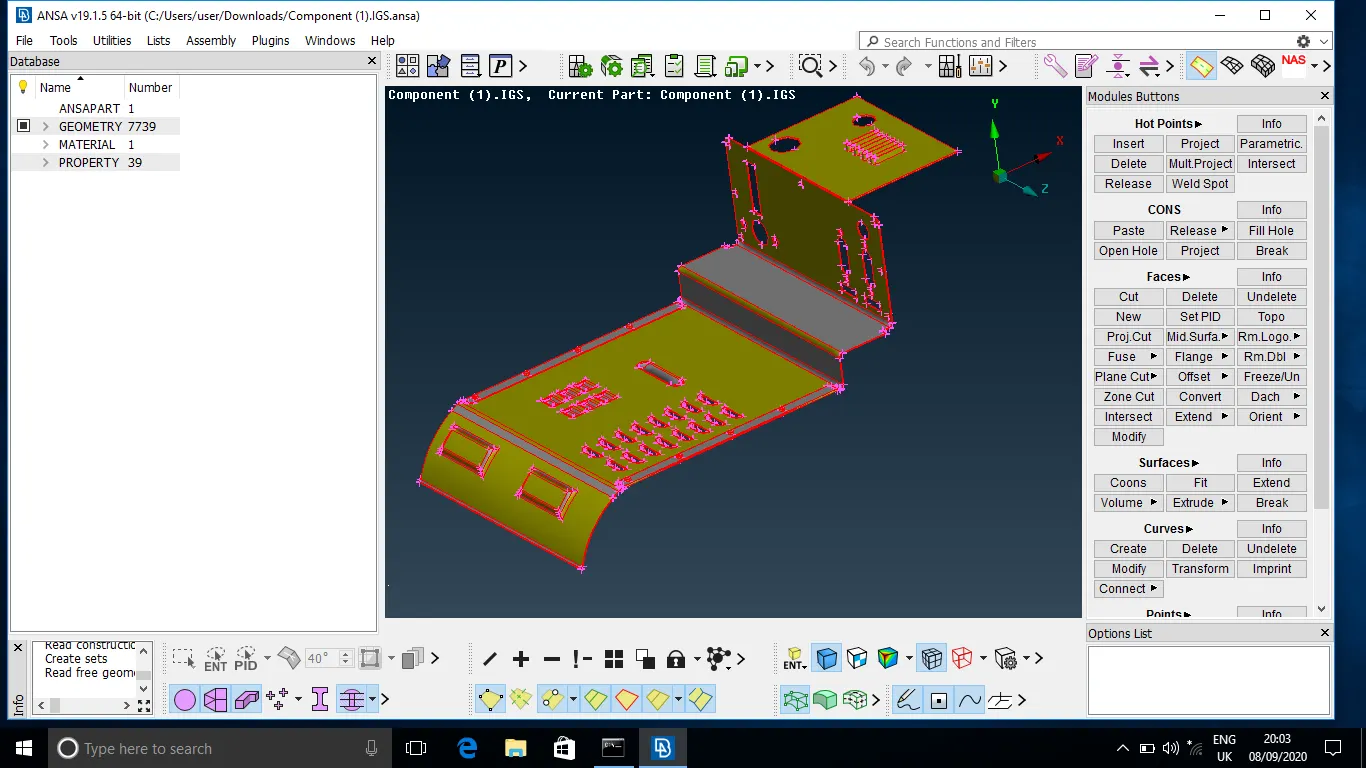
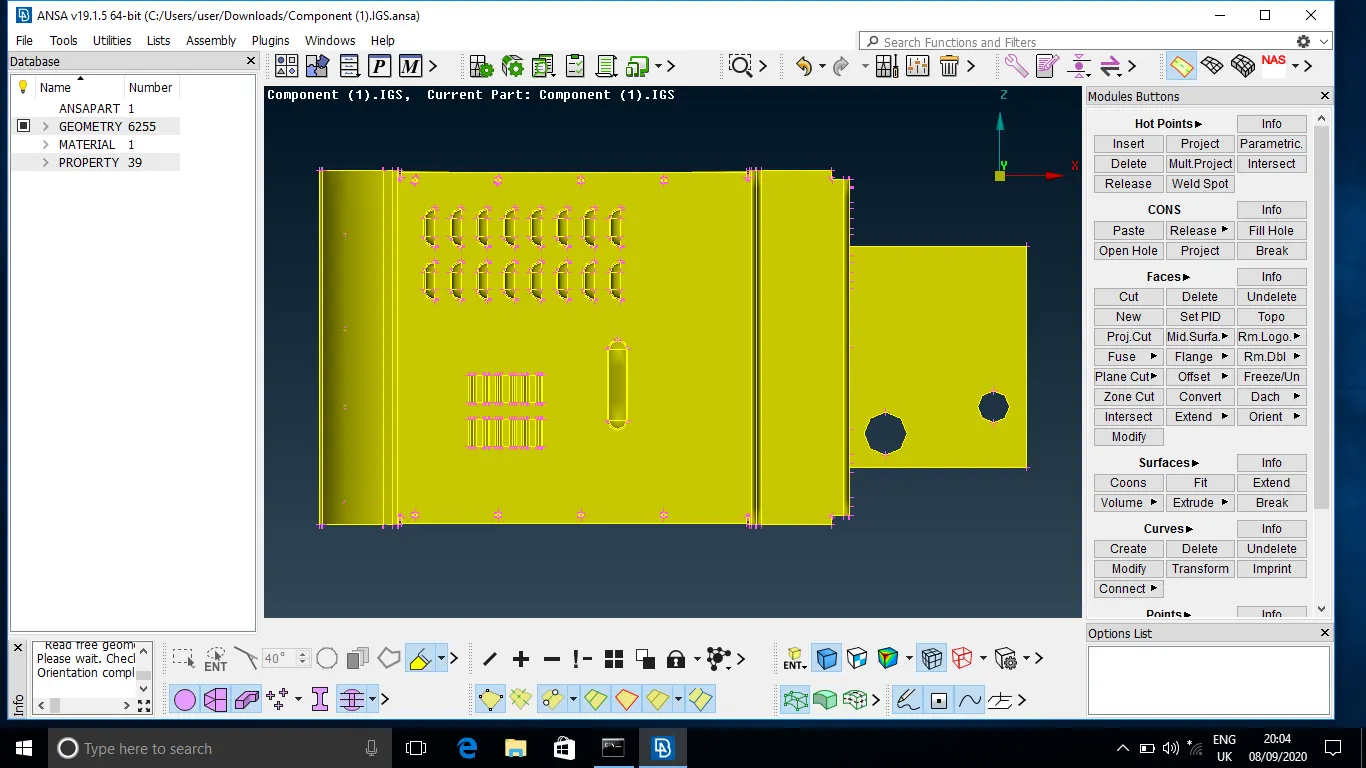
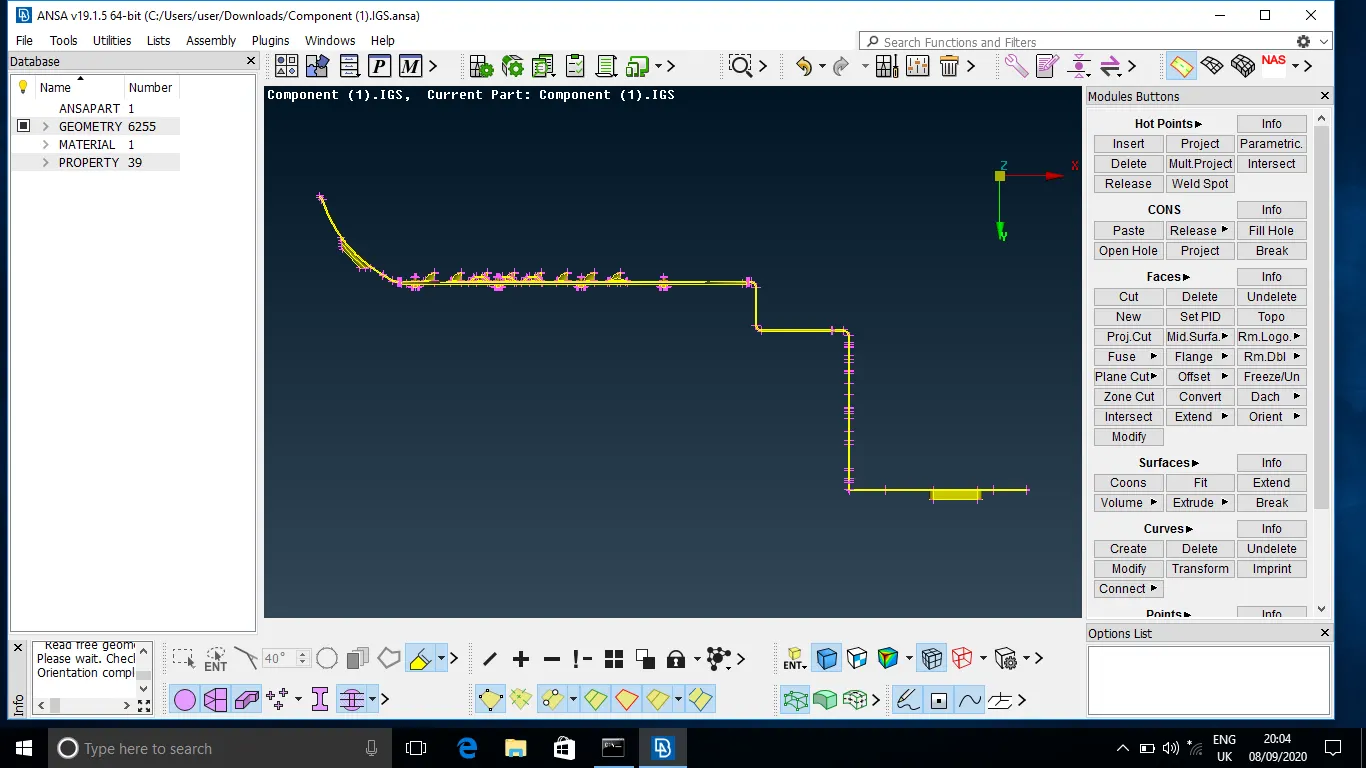
Image of Imported CAD of Floor panel
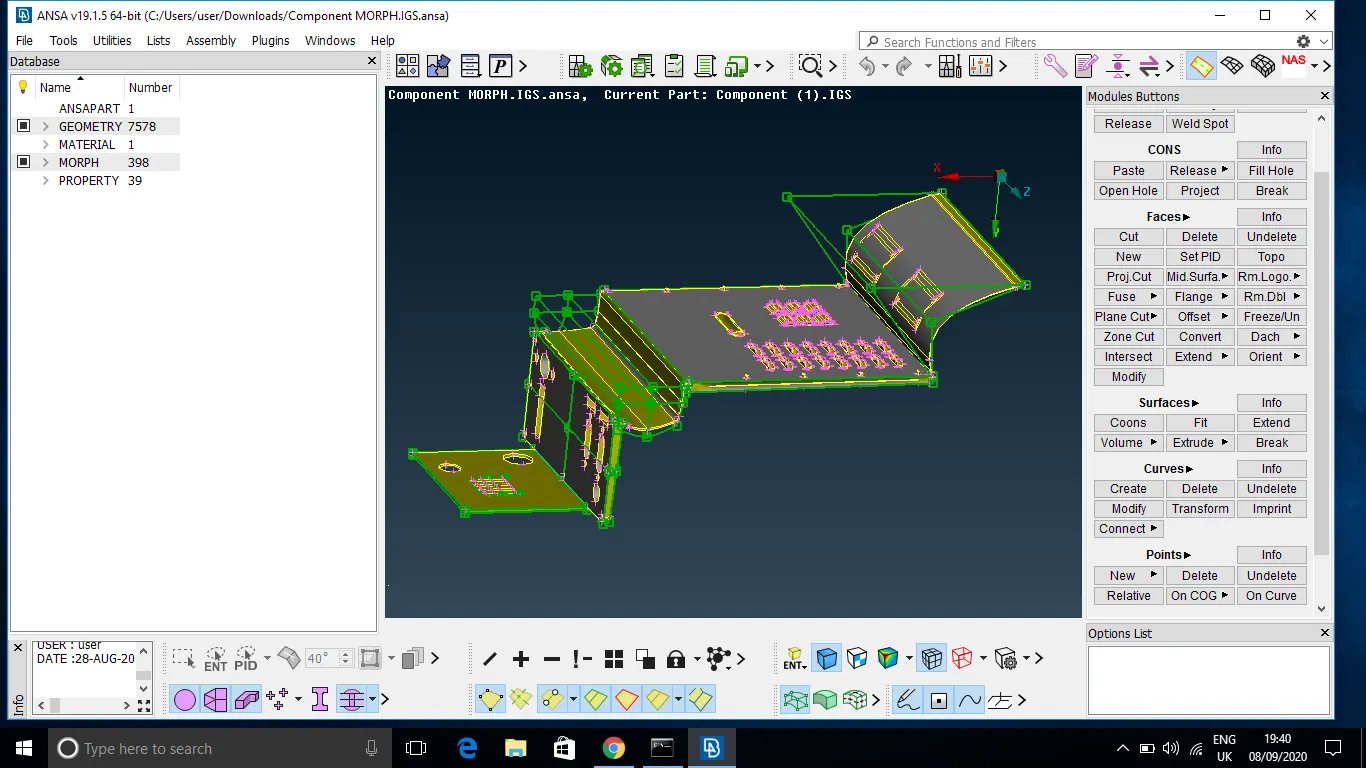
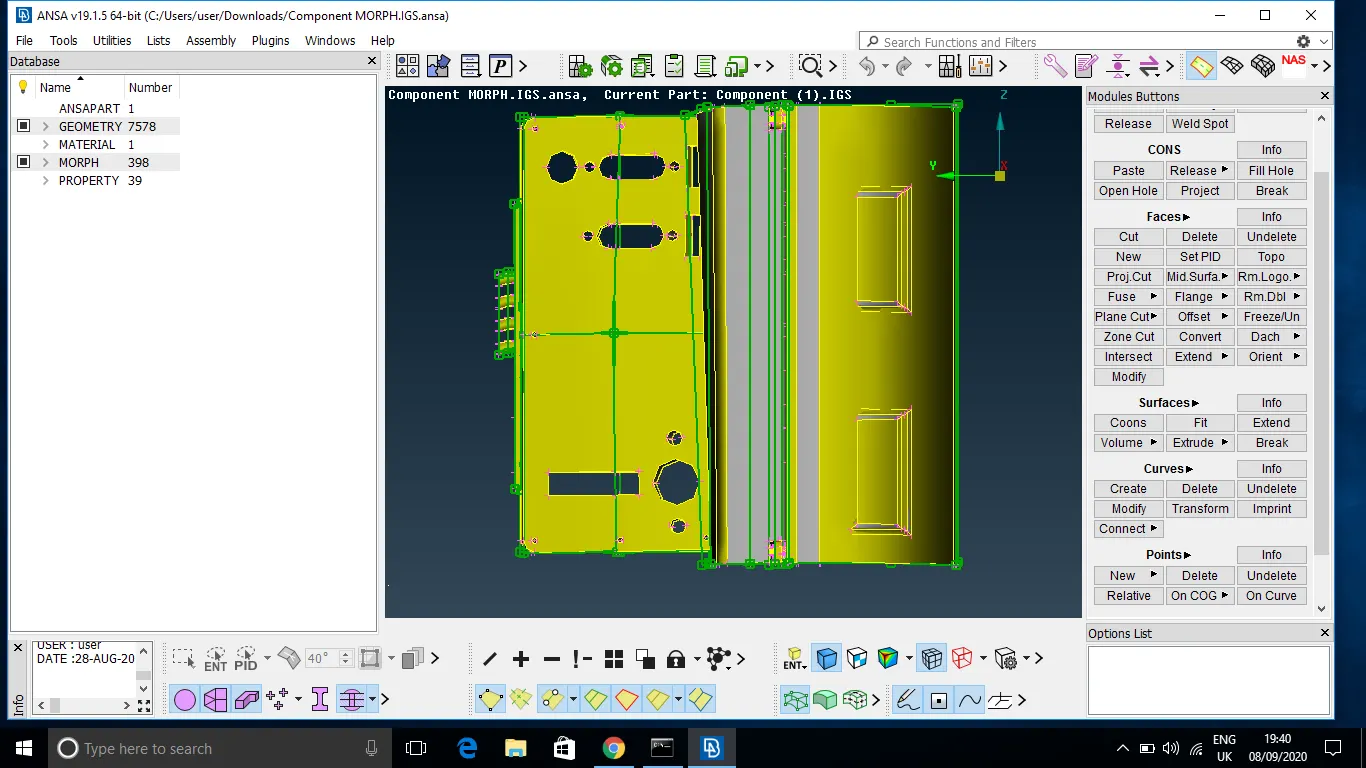
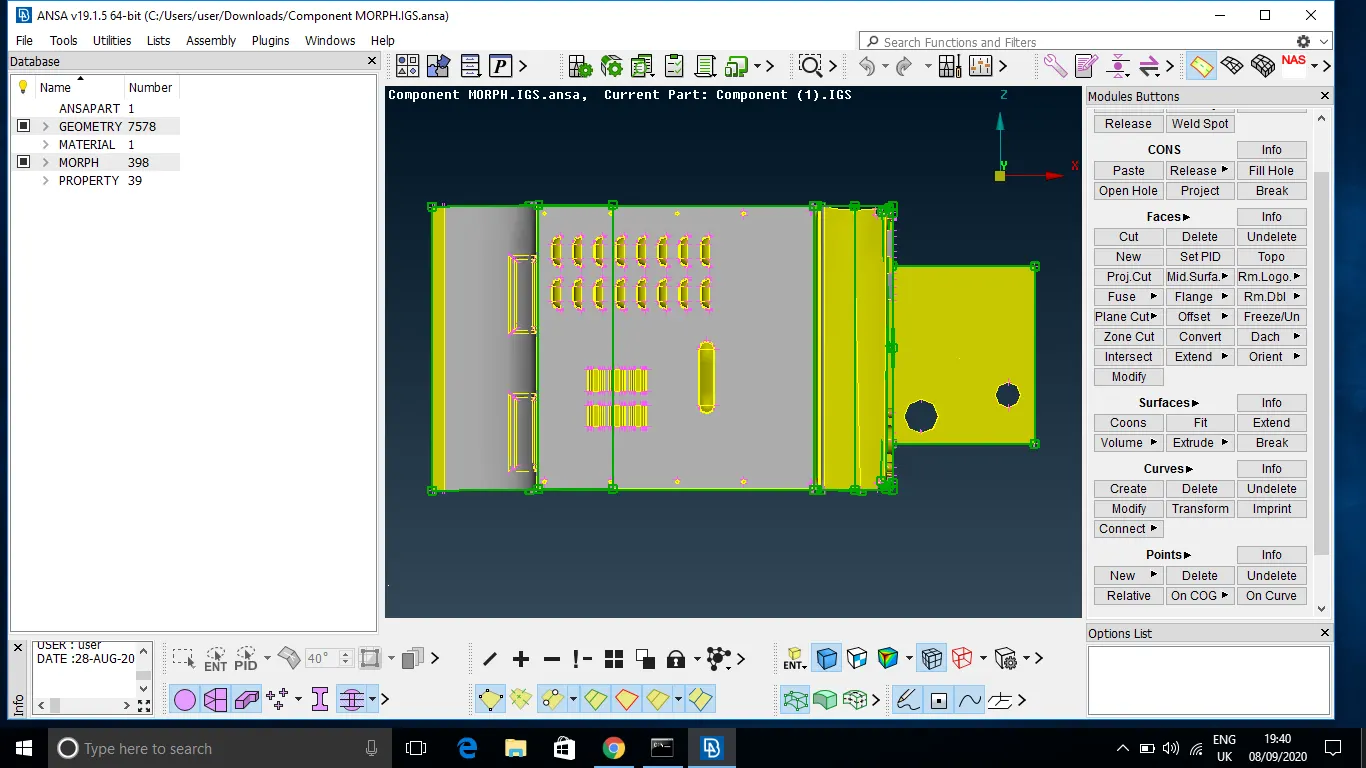
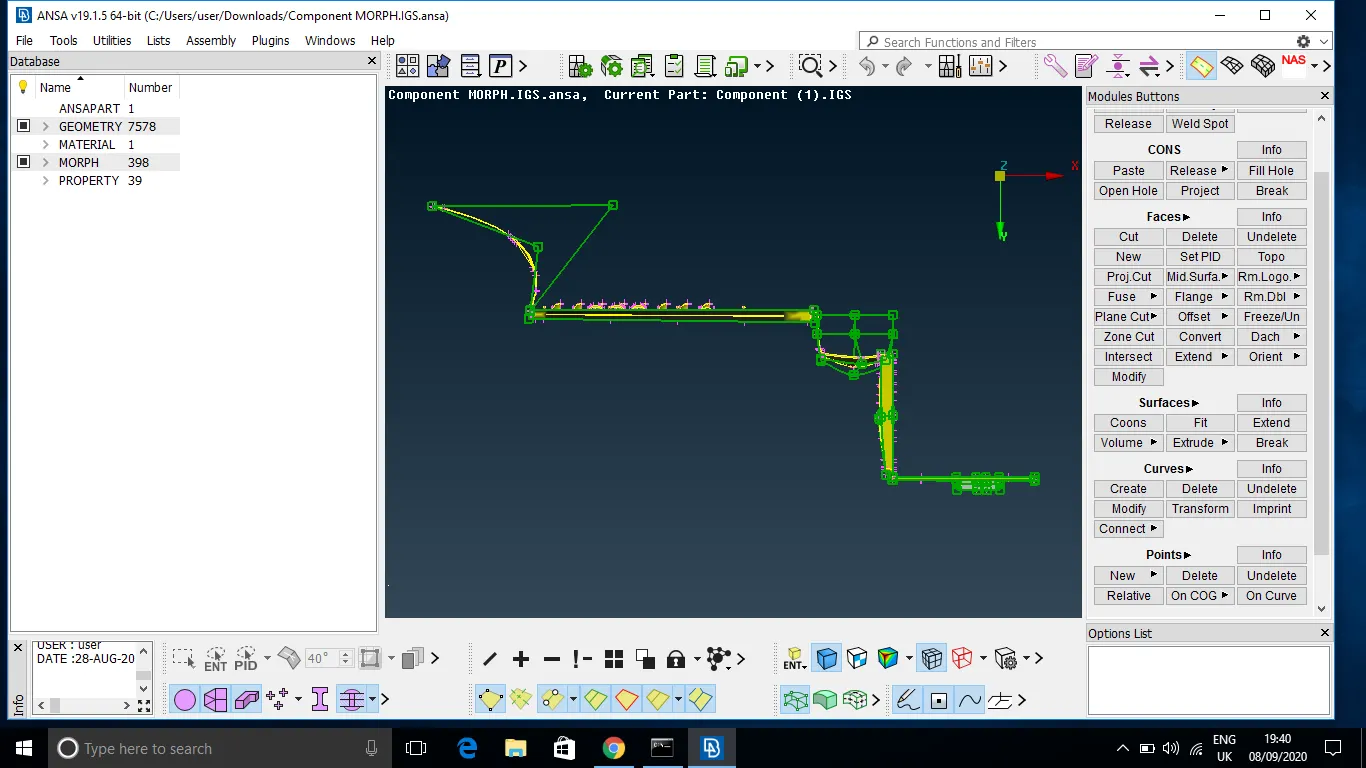
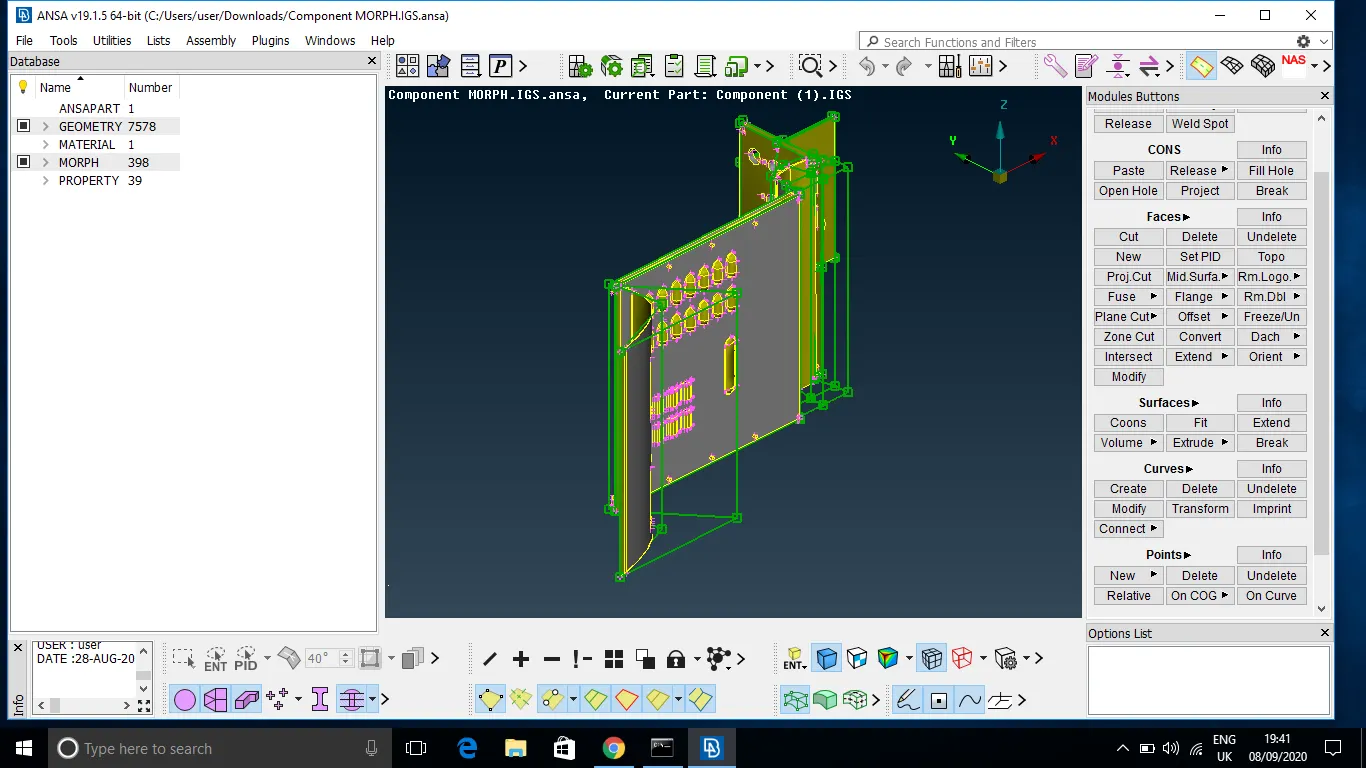
Image of Morphing performed on CAD of Floor panel
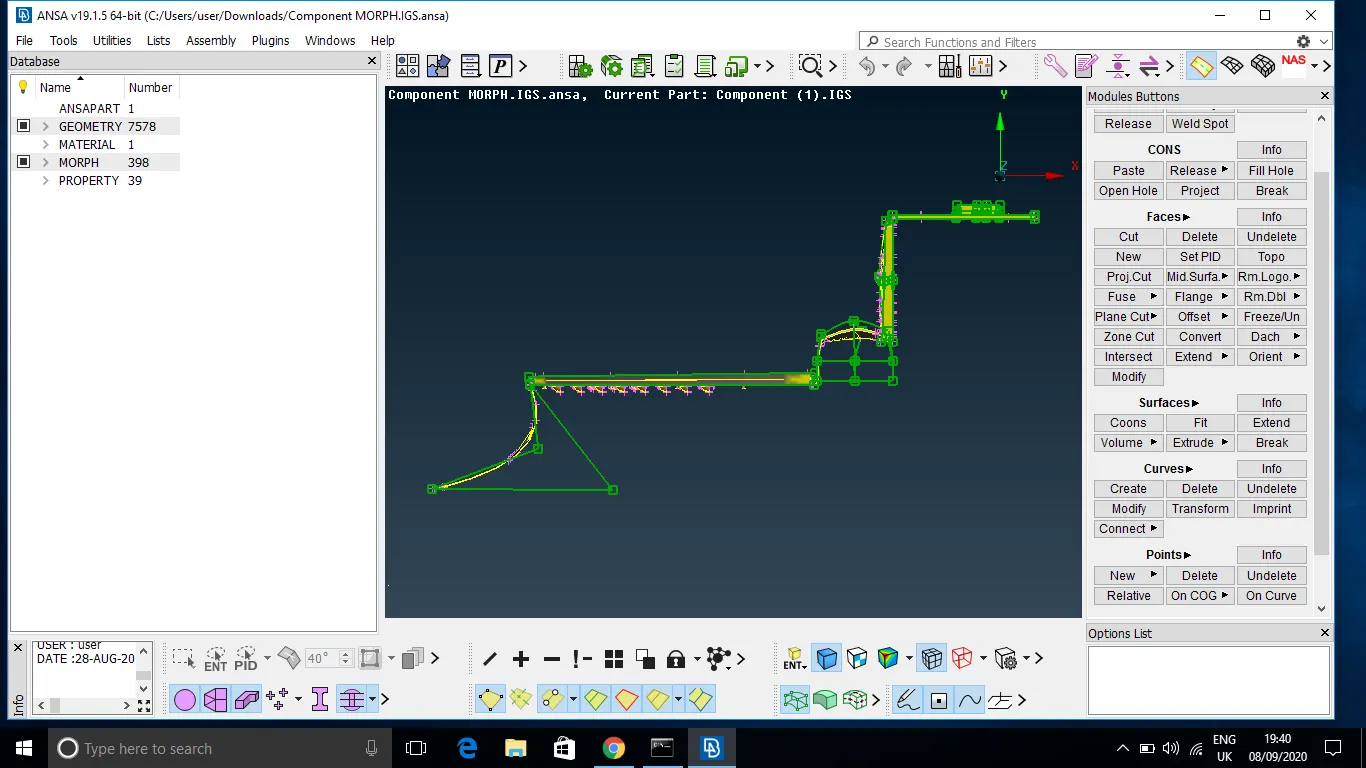
In My case , I have used Direct Box morphing by creating Box around model and using Move in Morphing DECK to get desired result. Also used Split command to Split Morph box according to requirement.
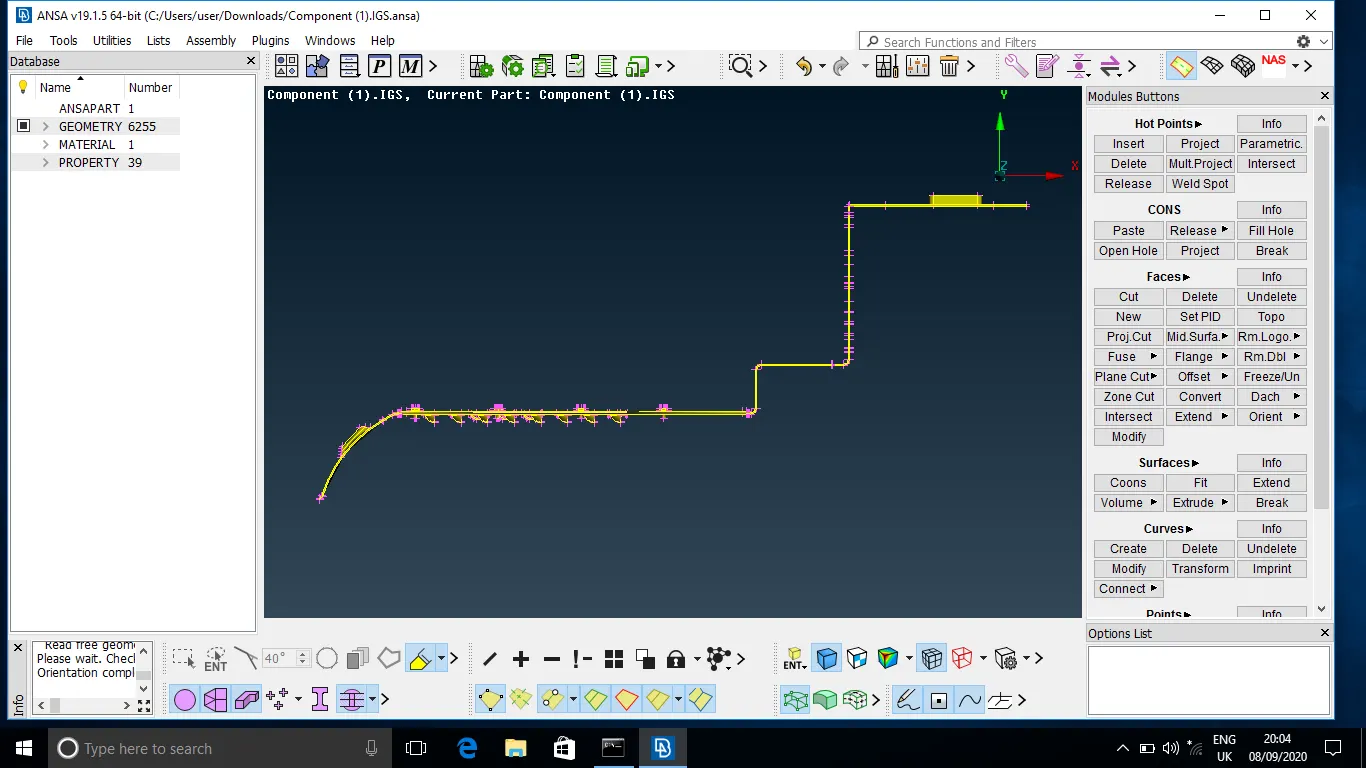
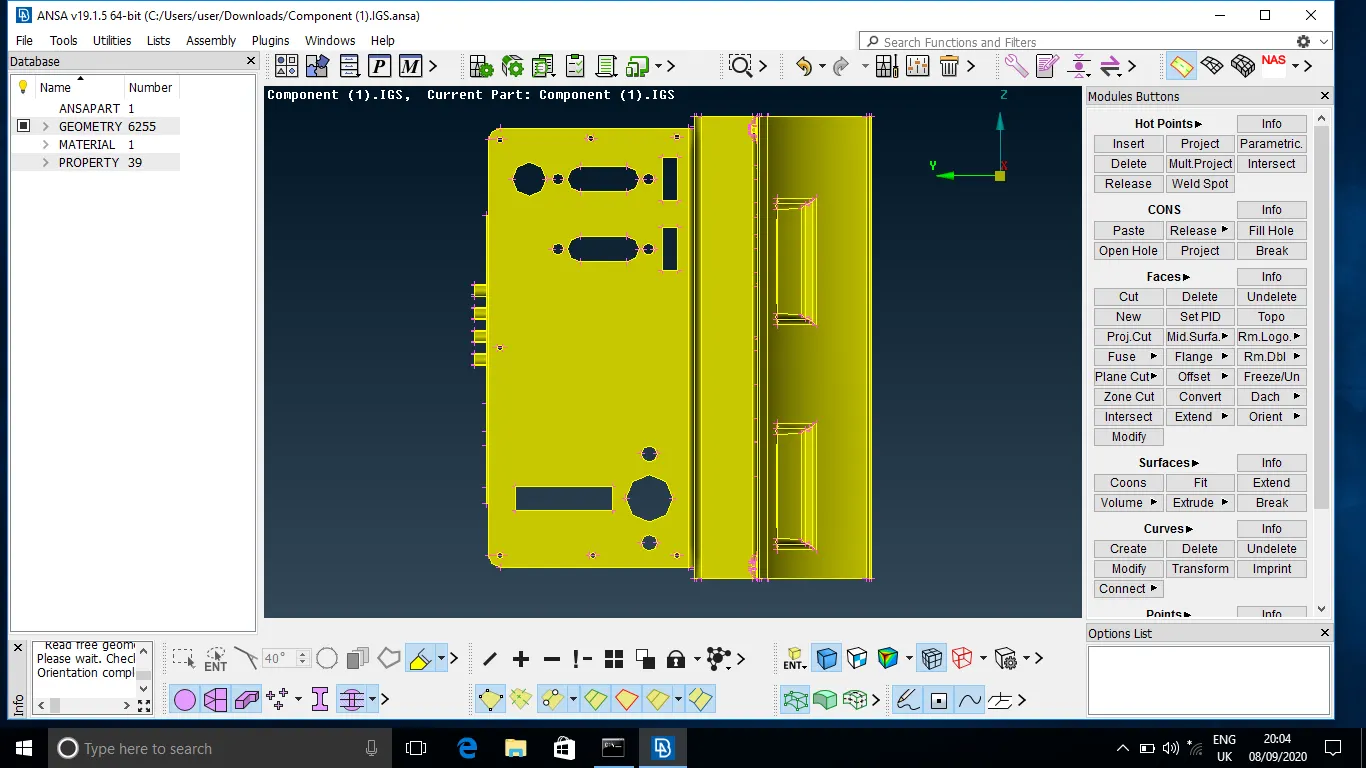
Below are images of Actual view of model With Morphing and Without Morphing performed on it:
Learning Outcomes:
- Got knowledge to use Morphing techniques on Model
- Morphing is widely use in Automotive industry when there is a conversion of Hatchback model to Same Sedan model by addition of Boot space. Few examples are Honda Brio a Hatchback to Honda Amaze a Sedan , Mahindra TUV 300 to Mahindra TUV 300 PLUS , etc
- Morphing can be used when there is an change in features such as sharp corners , thickness etc without recreation of mesh on it
Conclusion:
Successfully Performed Morphing on Floor panel