Week 8
Aim
To practice the concept of morphing on the given model.
Procedure
Step -1 Study of the model:
- The model was sheet metal component.
- It had many features such as holes, slots and depressions.
- The thickness of the sheet was 1 mm.
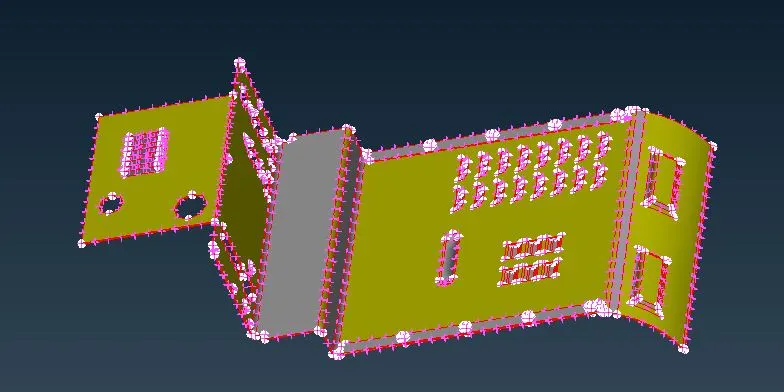
Step -2: Standard geometry cleanup.
- The model had very little issues.
- Most of it was fixed automatically using the FIX option from the geometry checks manager.
- The rest of triple cons were removed manually.
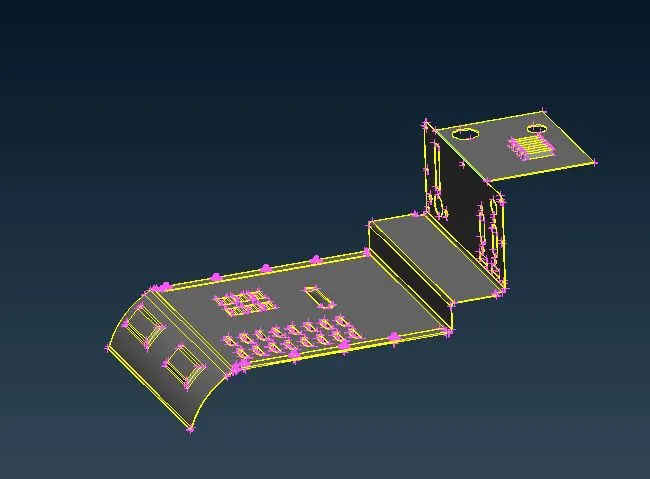
Step-3: Establishing an Morphing box
- Morphing box is created as needed using 'NEW' from box tab.
- The box is split into smaller boxes as needed using spliit.
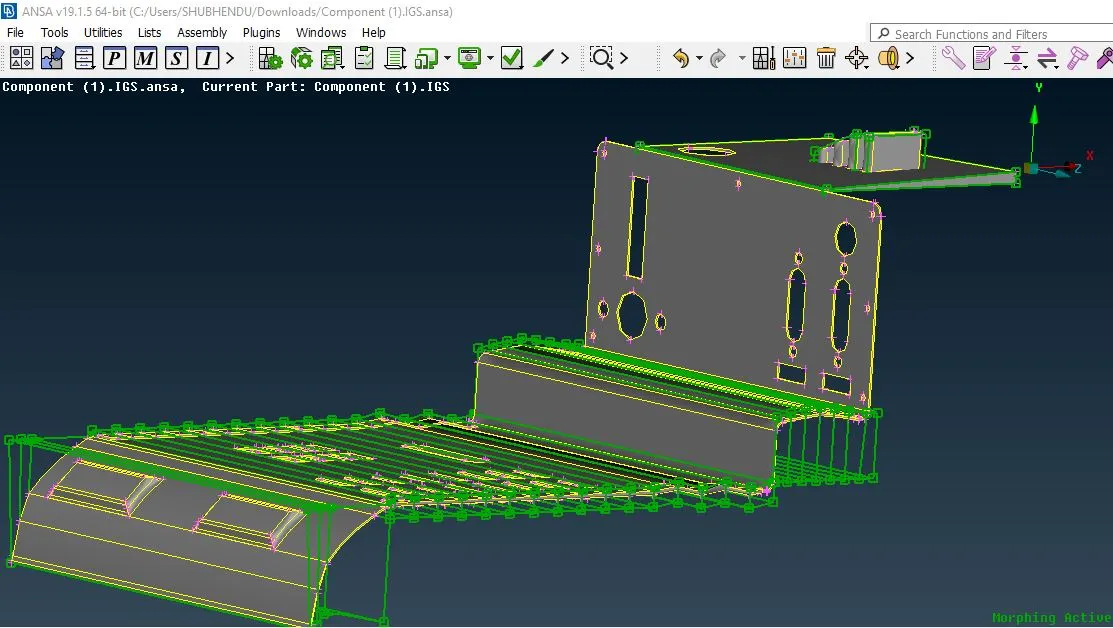
Step-4: Morphing
- The morphing is done n areas by moving nodes freely my using MOVE tab.
- Morphing is used to change the geometry slightly.
conclusion
Morphing is a concept used to chane the geometry as needed by the user. it gives a non paramteric approachfo shaping the geometry.