Week 7 Challenge - Assembly Workbench
Week 7 Challenge - Assembly Workbench
In this week’s assignment, you will have to create 2 assemblies according to the content covered in the course videos. You will be provided with 2D diagrams of the components and you will have to first create the individual part files and then create a complete assembly of those part files in the assembly workbench. After creating the assembly make use of the drafting tools to create a 2D drawing similar to the one given in the assignment folder.
The diagrams for the assignment are provided in the link mentioned below. Assume all the unmarked dimensions as you see fit.
Submit the files in the .CATPart and .CATProduct so that the support engineers can see the steps you used to create the model. Also, submit a report explaining the procedure you followed while working on this assignment.
- So in this challenge i am created the two assemblies. With the aaplication of given drawings first i create
sketchs of sperated parts then make them a solid part in part design and aslo used boolean operation for removal or adding body parts to exact desgn.
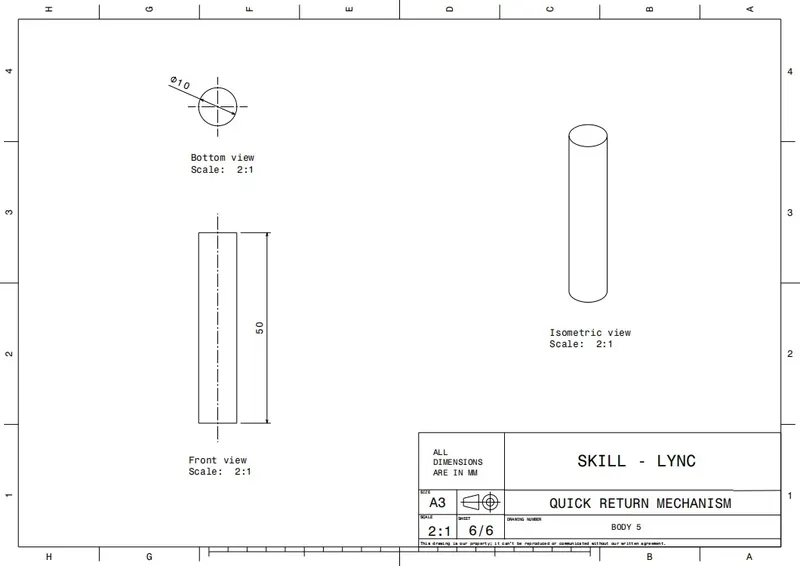
Here, are the some images of given drawing.
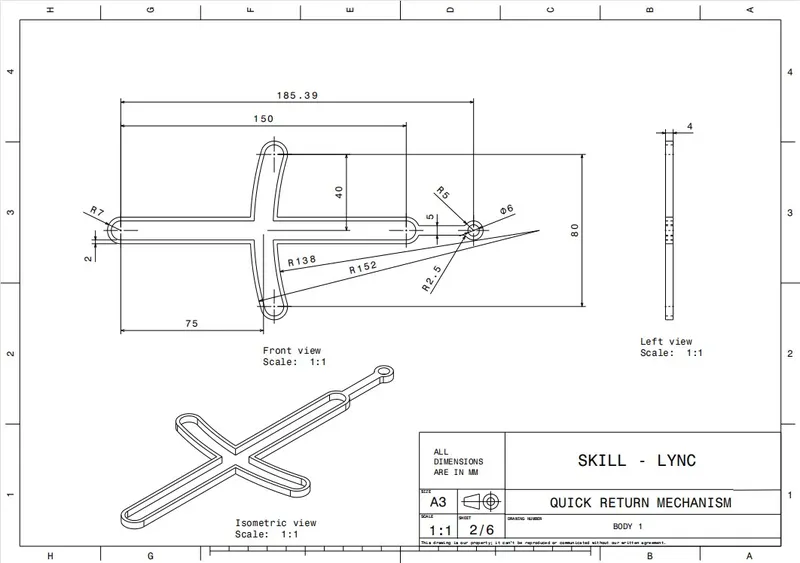
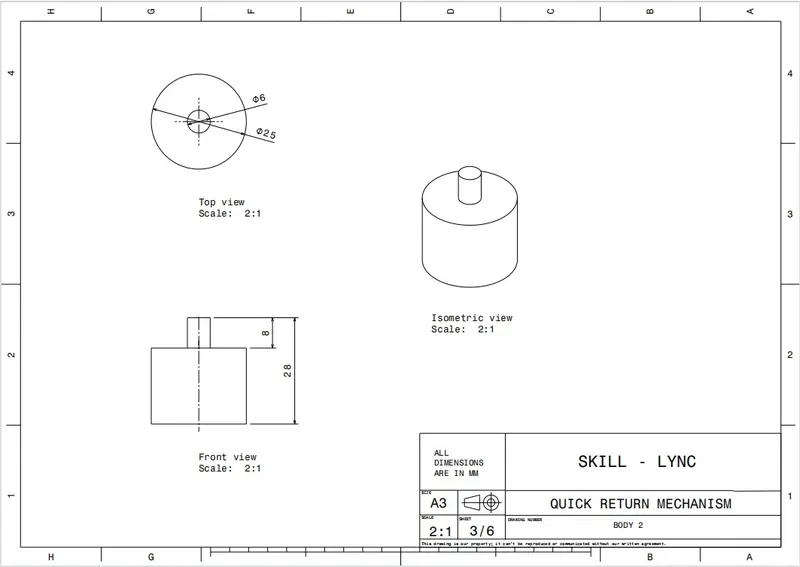
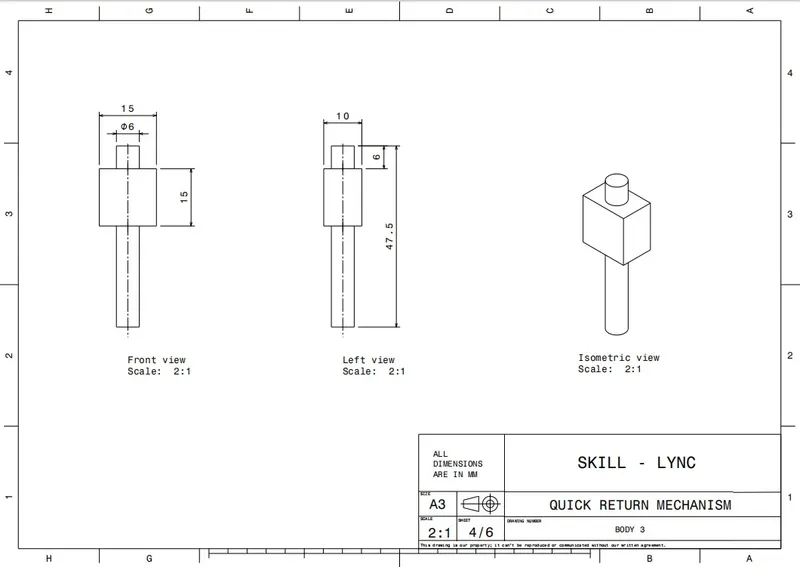
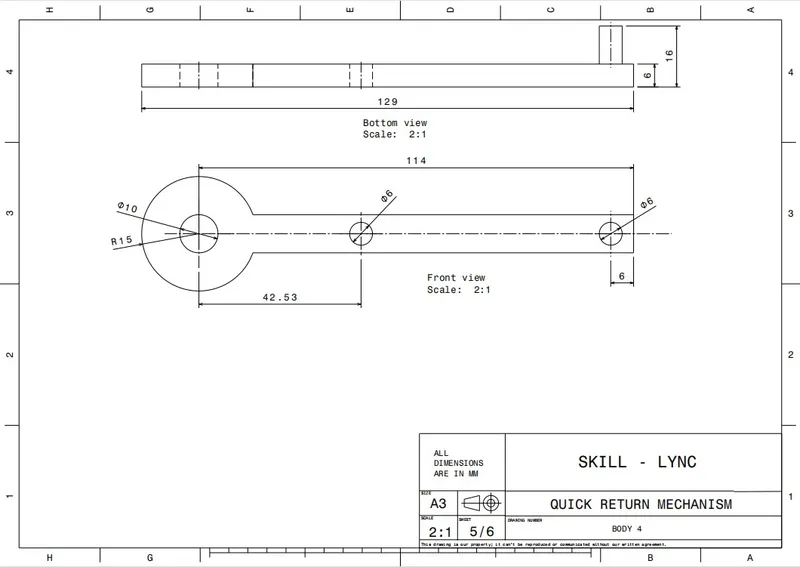
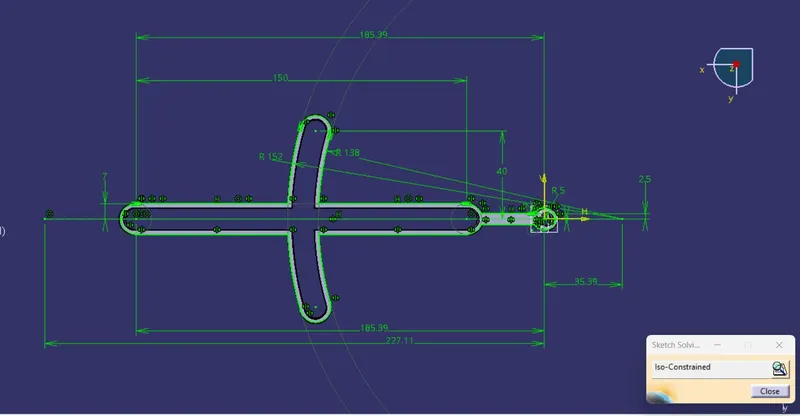
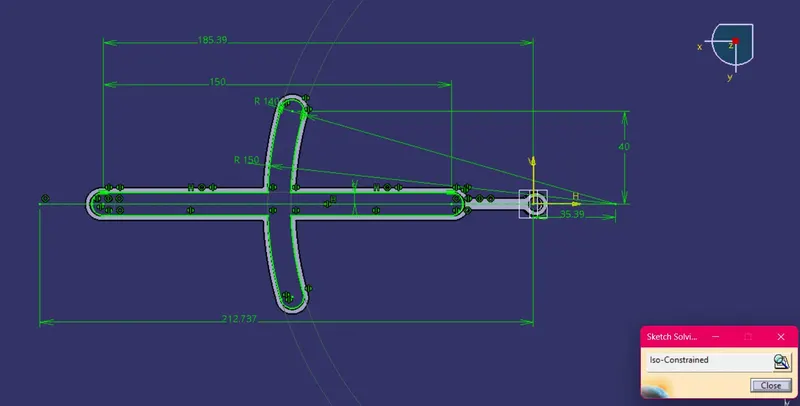
And here are the some images of constrain sketchs and solid part models.
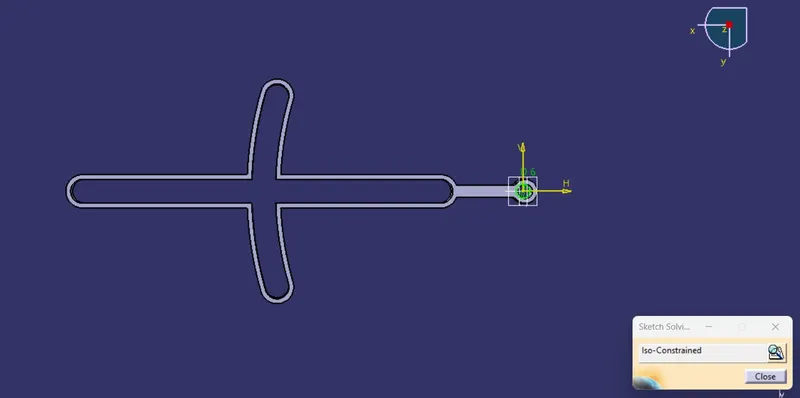
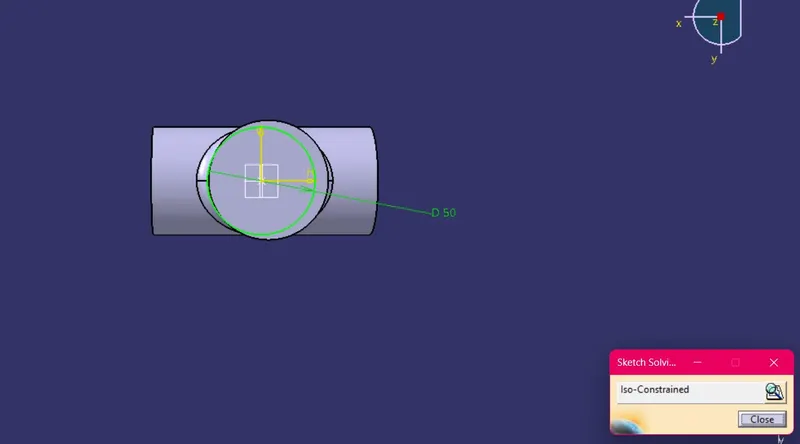
Solid part Models.
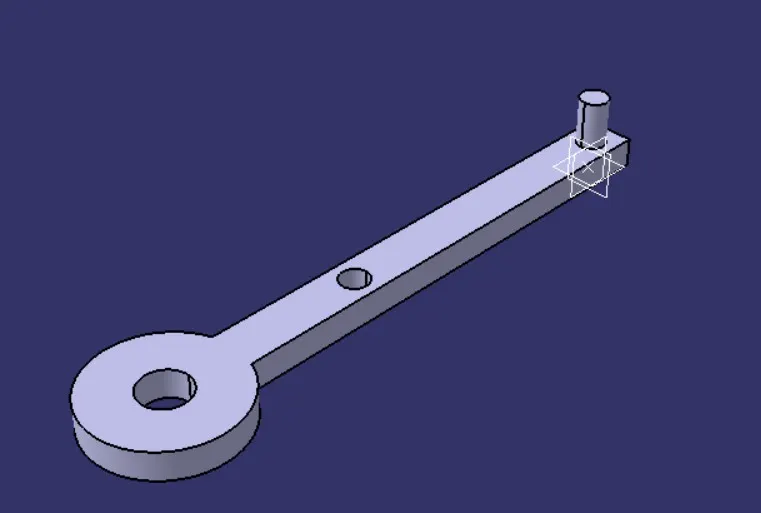
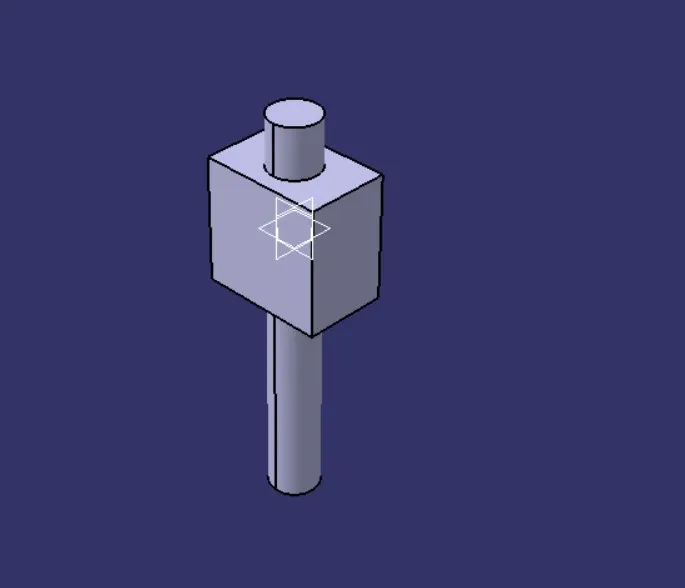
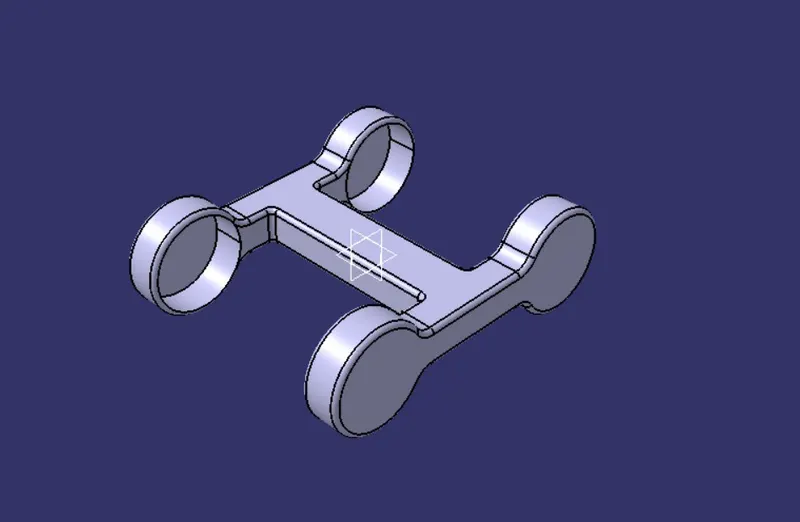
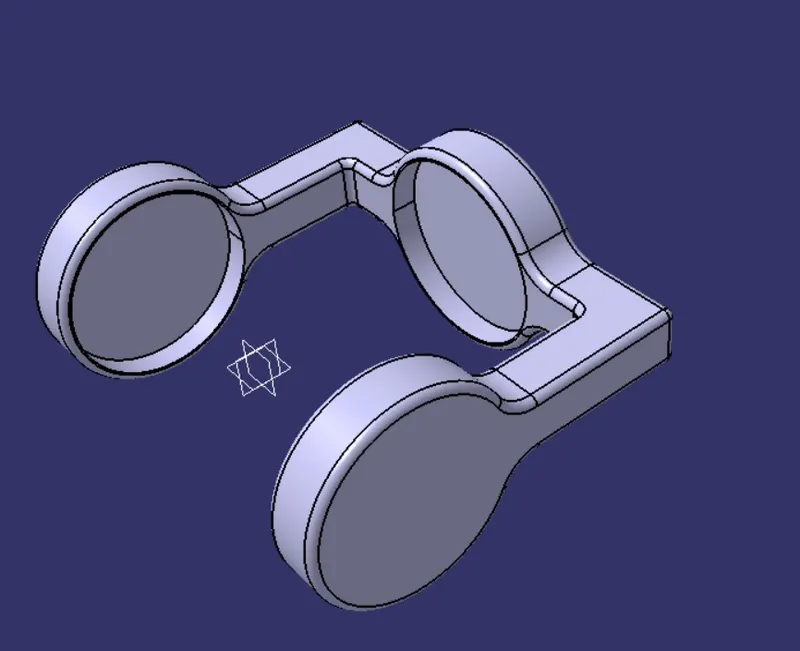
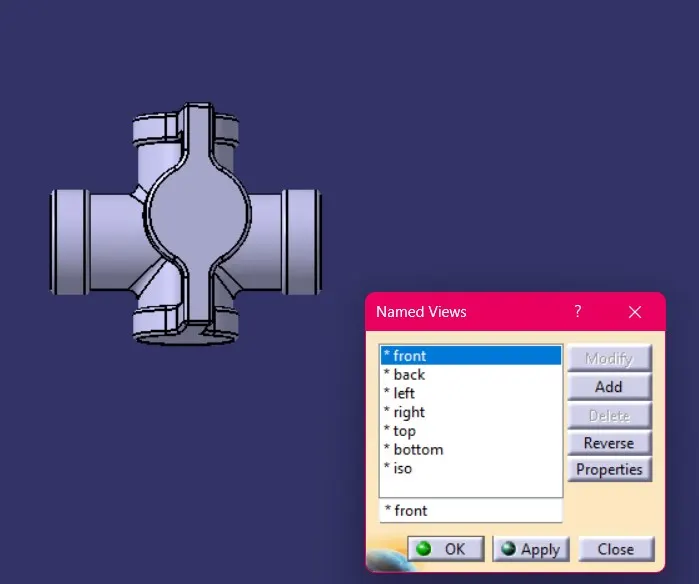
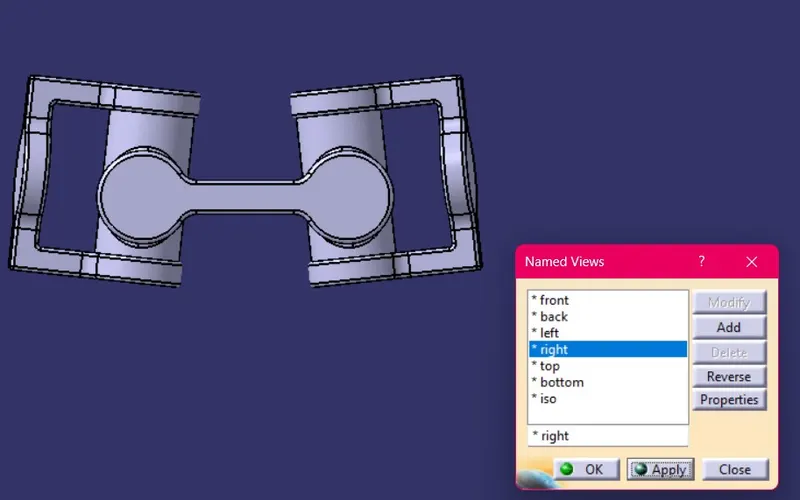
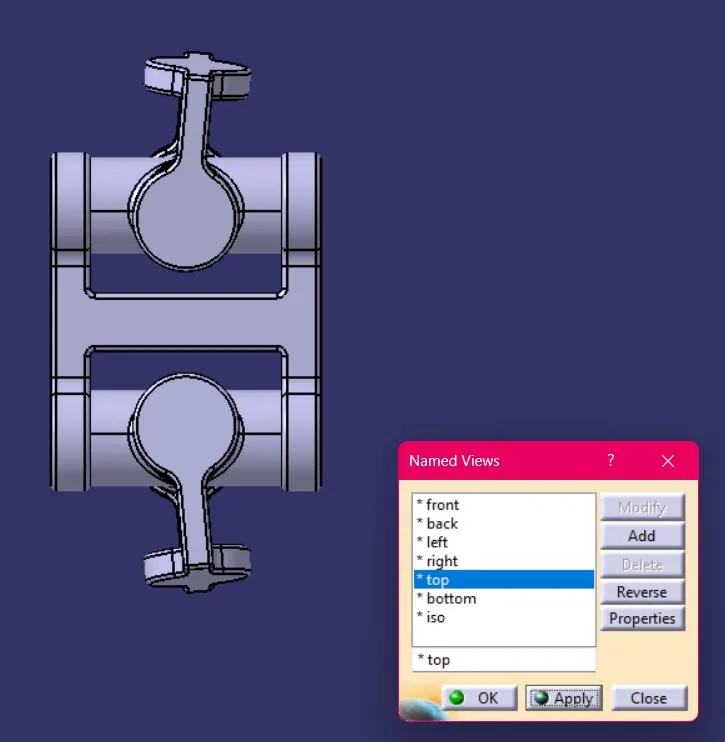
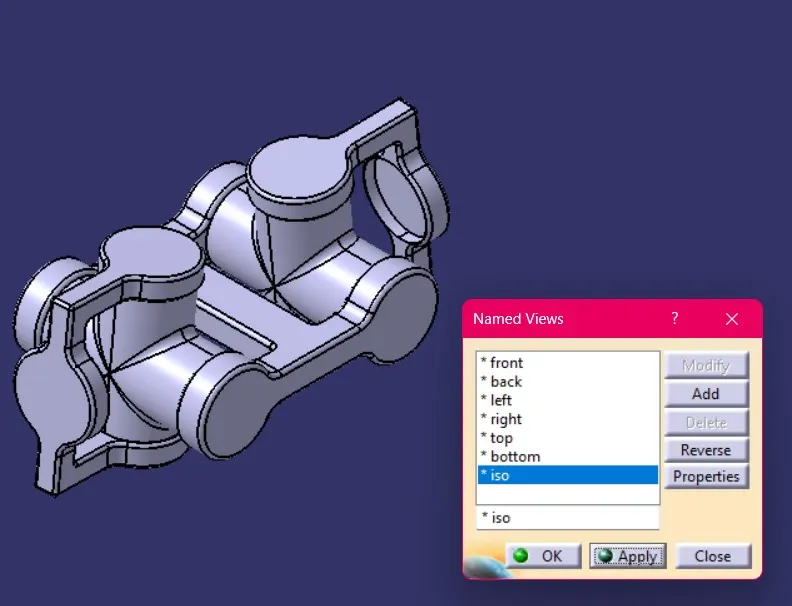
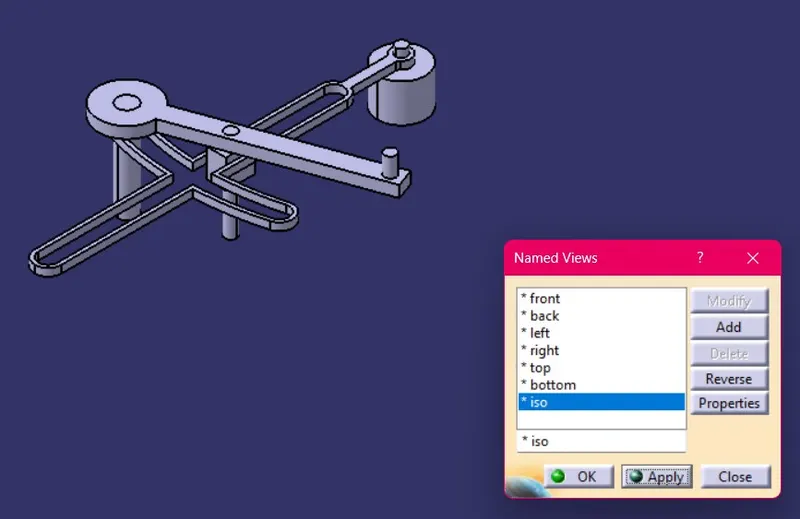
Below are the images of assembly models in various orientation.
- Quick Return Mechanism Assembly Model in various view.
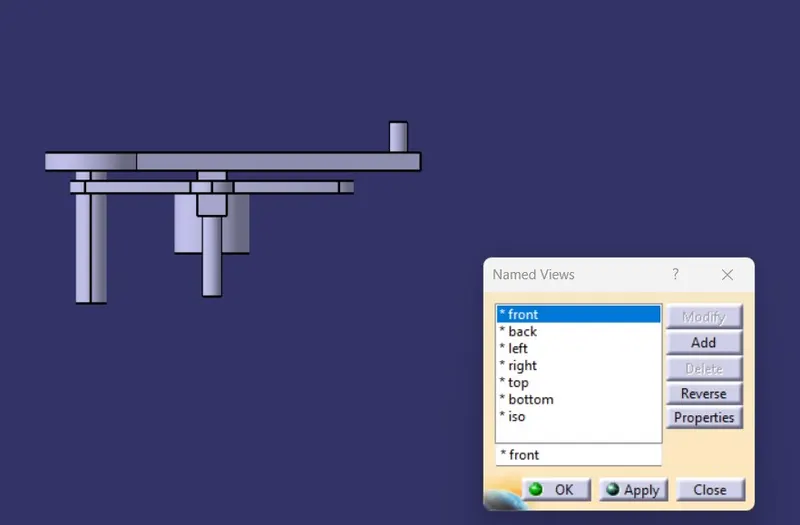
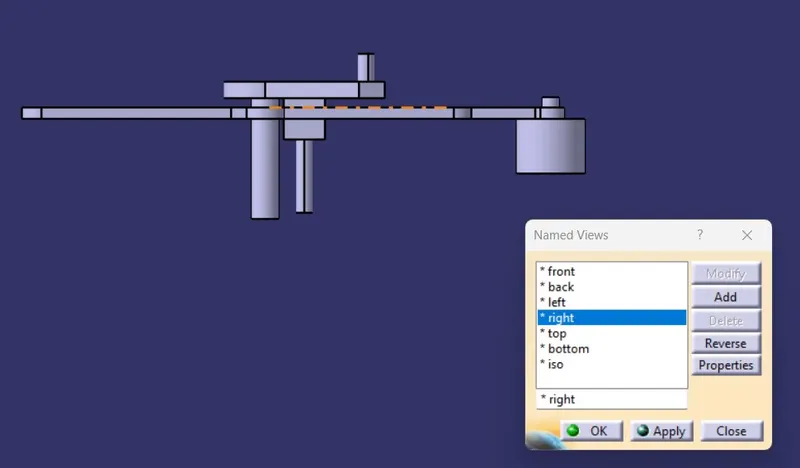
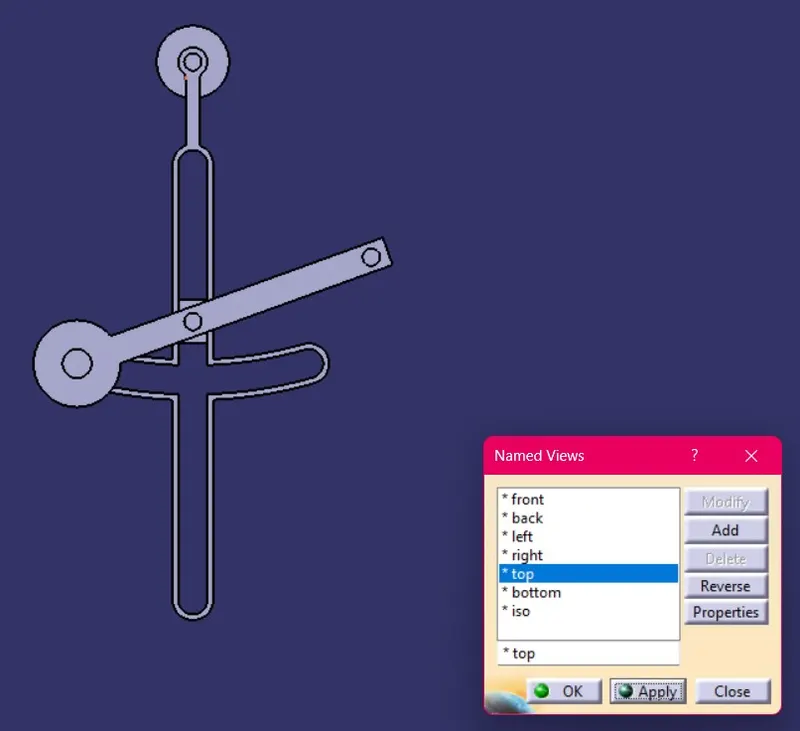
- CV Joint Assembly Model in various view.