Week 7 Challenge - Assembly Workbench
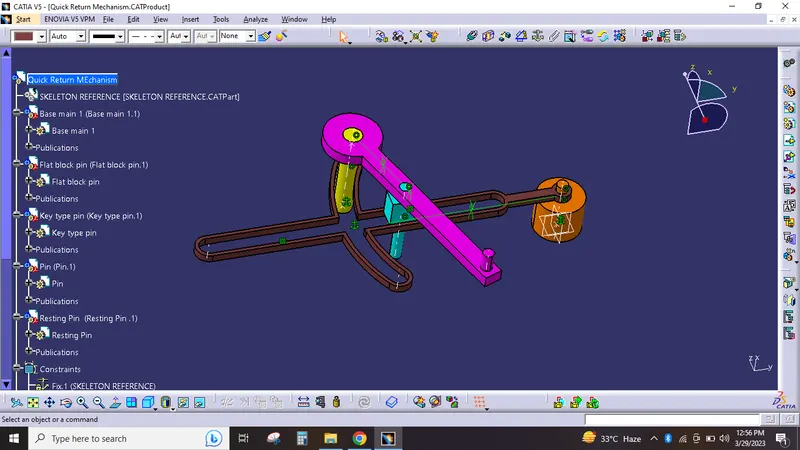
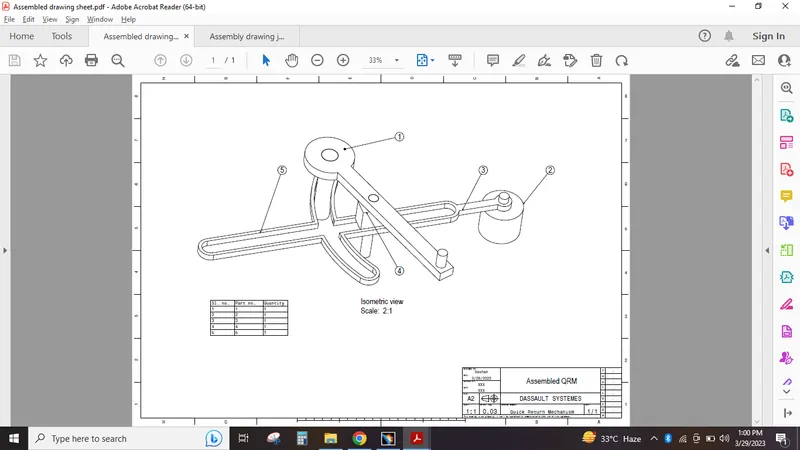
Quick Return Mechanism model assembly,
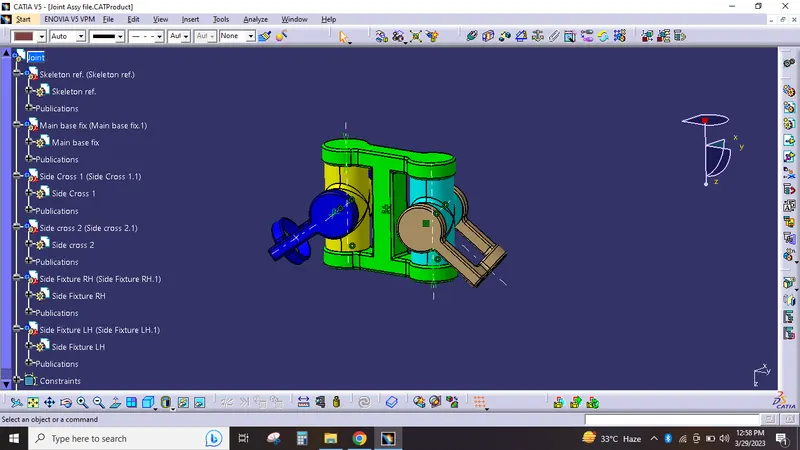
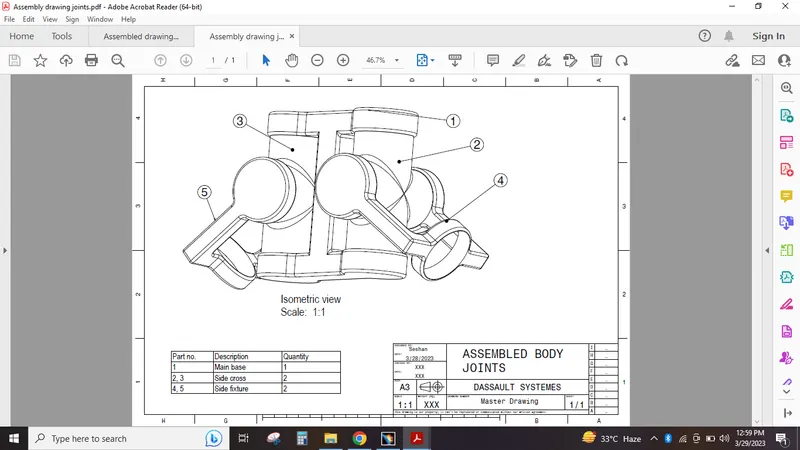
Joints model assembly,
Steps for assembly workbench,
- I have designed the seperate part models as per the question dimensions.
- then i have started the assembly work bench and have opened the required assembly part in catia v5.
- Gathered the parts in the assemble WB using the insert exiting component option.
- All parts has got organised in a same point, used the manipulation option to move the parts to certain distances for sufficient visibility of hole part.
- Used the insert part option for inserting the skeleton reference and have published the planes and point in the skeleton reference.
- I have provided the required axises in each part for the constraints purpose using the axis command.
- Changed the name of part points and axises as reference point and reference axis as per requirements.
- After that i have used the publication option to publish the ref. points and ref. axises.
- Used the constraints command to assemble the parts together i have used coincidence, offset and contact constraints.
- Finally used the save management option to save the whole assemble file.
- i have attached all part files and assemble files as a single zip file.