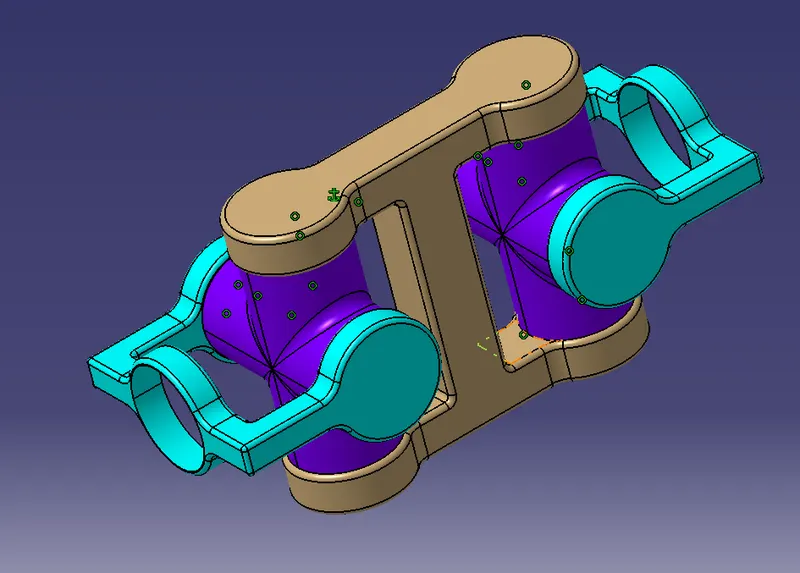
Week 7 Challenge - Assembly Workbench
QUESTION:
create the individual part files and then create a complete assembly of those part files in the assembly workbench. After creating the assembly make use of the drafting tools to create a 2D drawing similar to the one given in the assignment folder.
QUICK REURN MECHANISM:
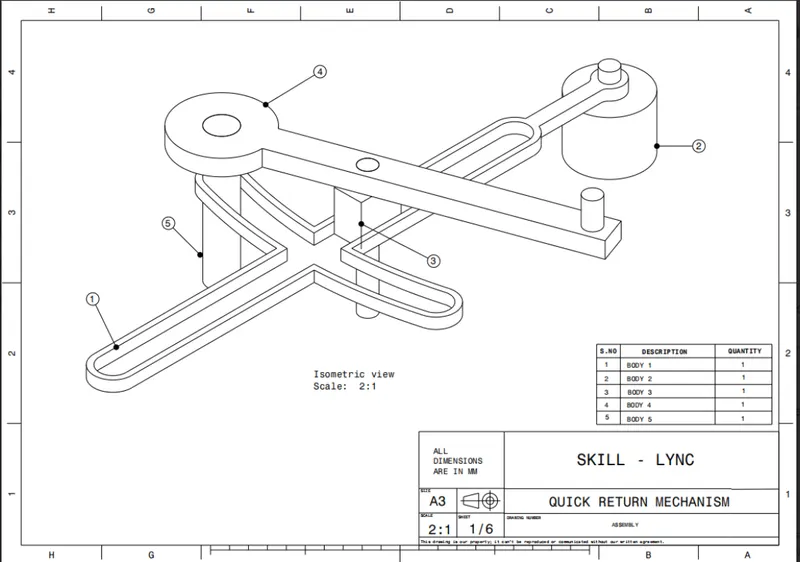
2-D DIAGRAM OF QUICK TRIM:
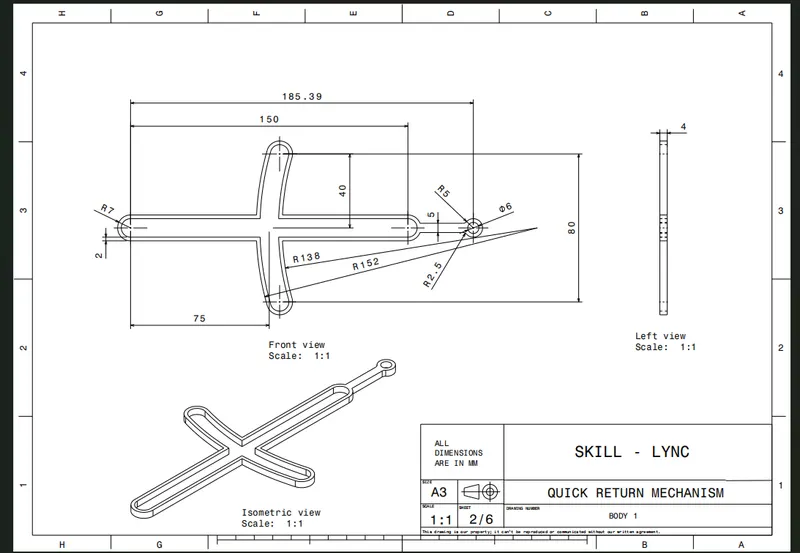
3-D DIAGRAM:
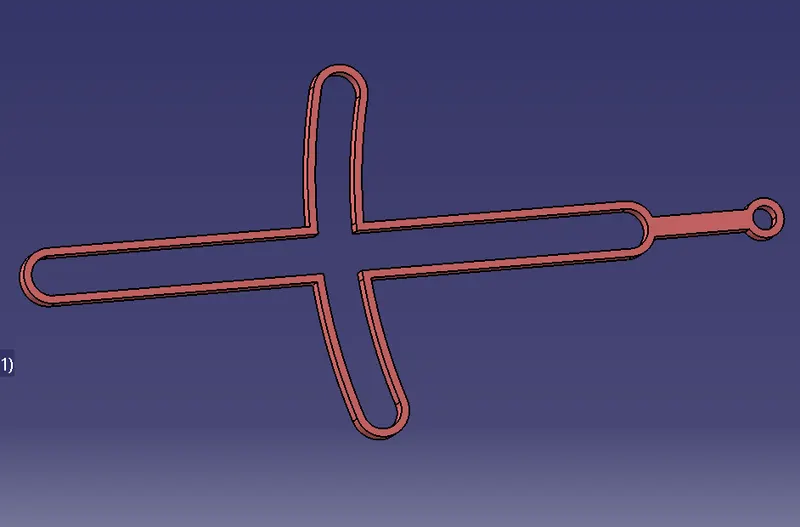
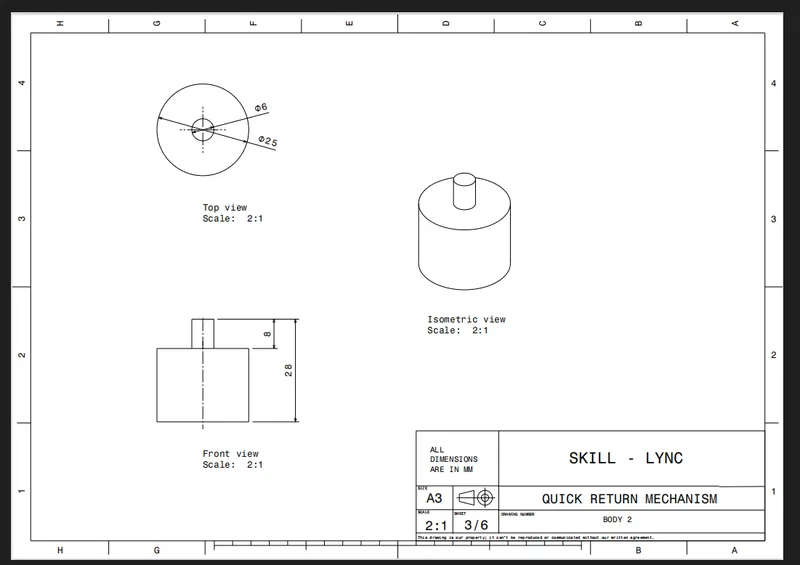
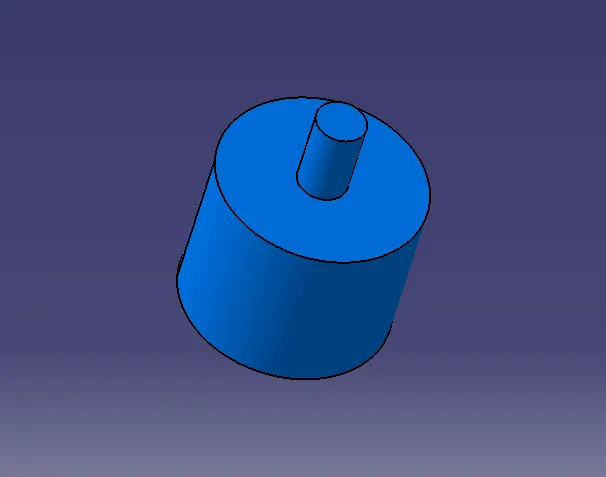
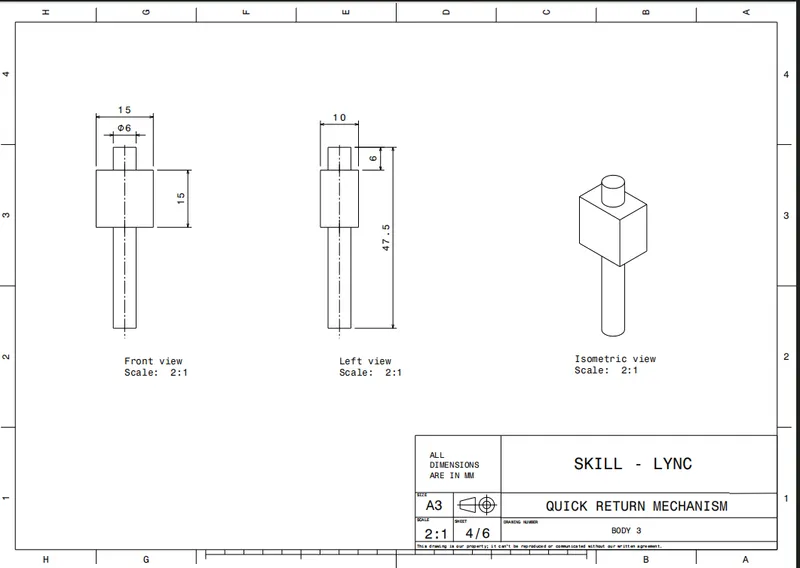
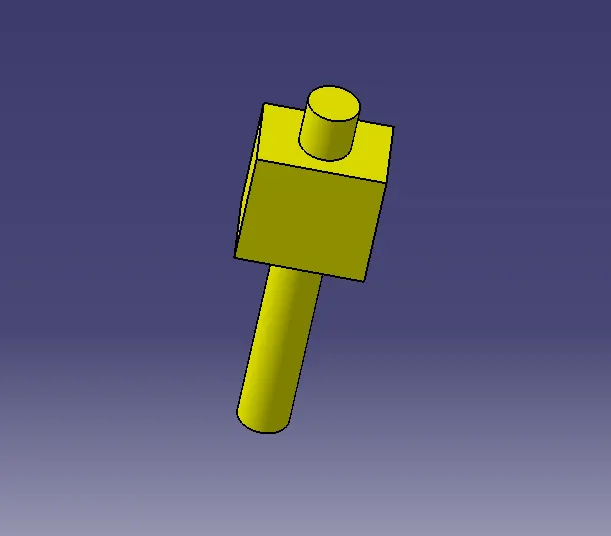
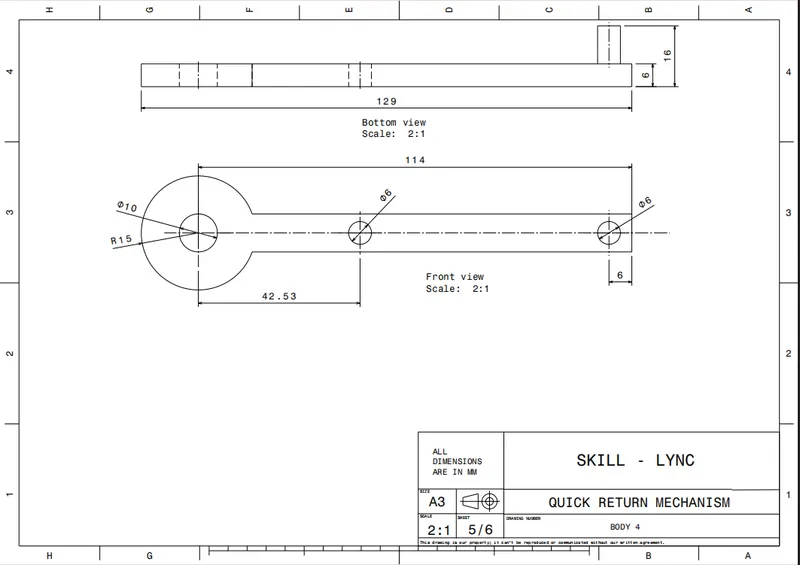
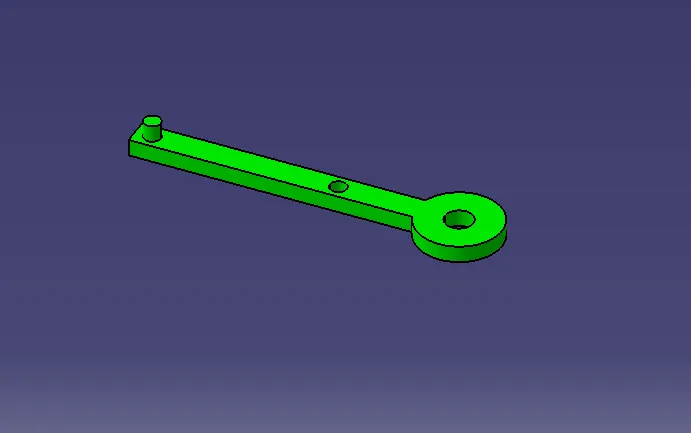
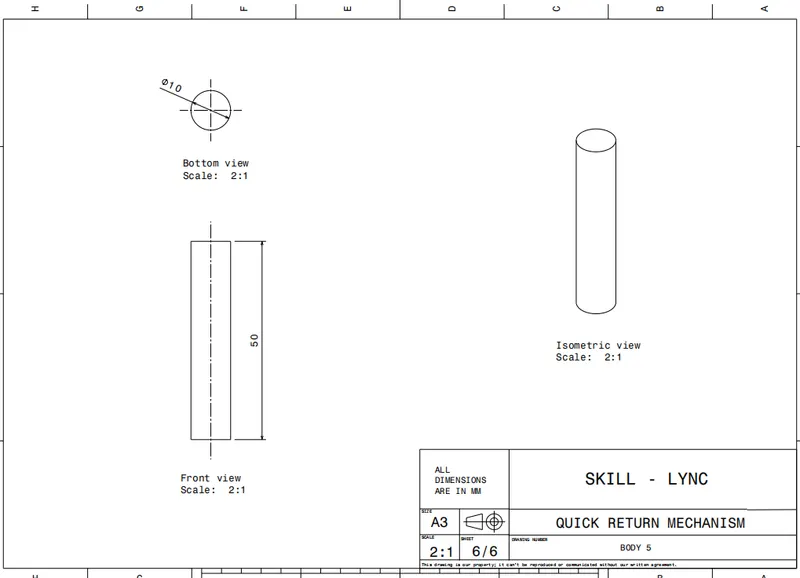
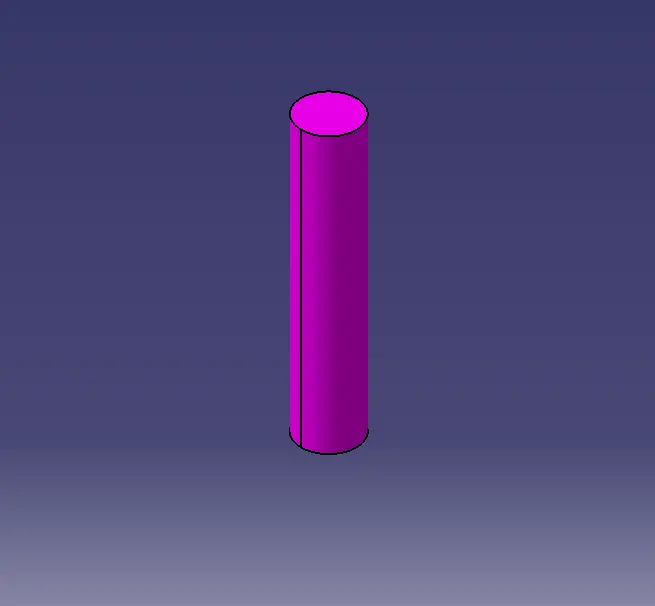
After creating all the required 3D diagrams we need to assemble all the sub parts into single handed quick trims.
some of the constraints which are required in the assembly of the quick trim are
- Coincidence constraints
- contact constraints
- Offset Constraints
- Fix Component
Manipulation tool bar which is used to move the componenet transitionally and rotationally in X,Y and Z Directions.
Before the assembly we should add the existing component through the command as shown below by holding the product symbol in the tree structure:
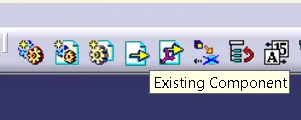
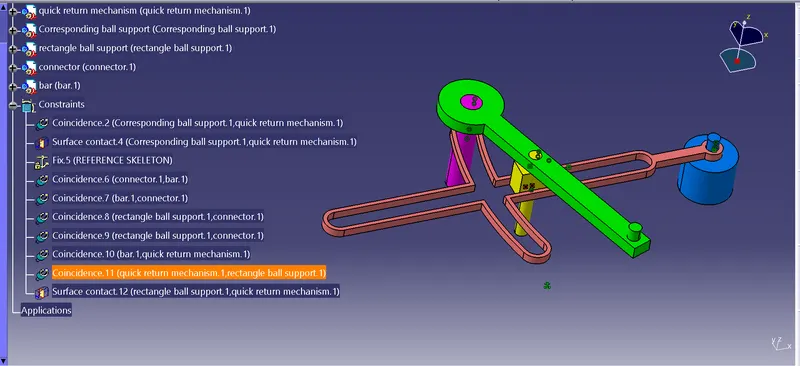
After adding all the sub parts in one single assembly the constraints are used to put in the right position.
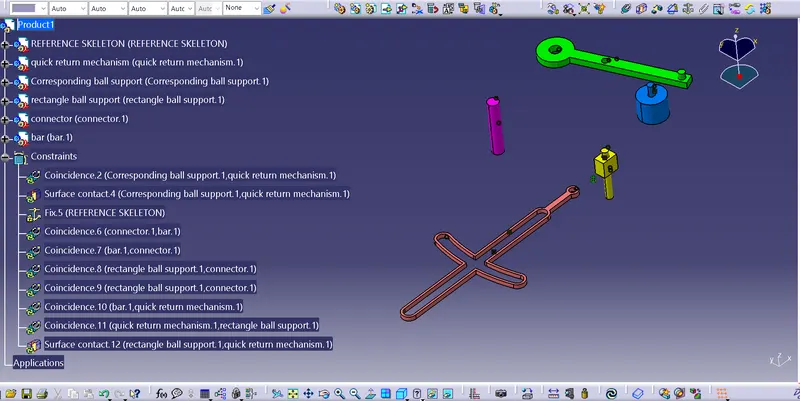
by using the coincidence command:
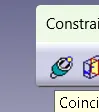
by usign the reference axis of the part we can assemble it by using the above command:
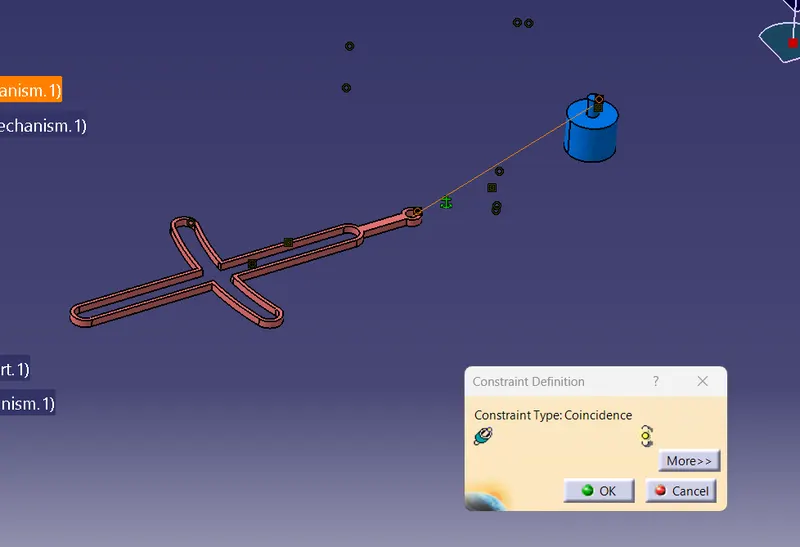
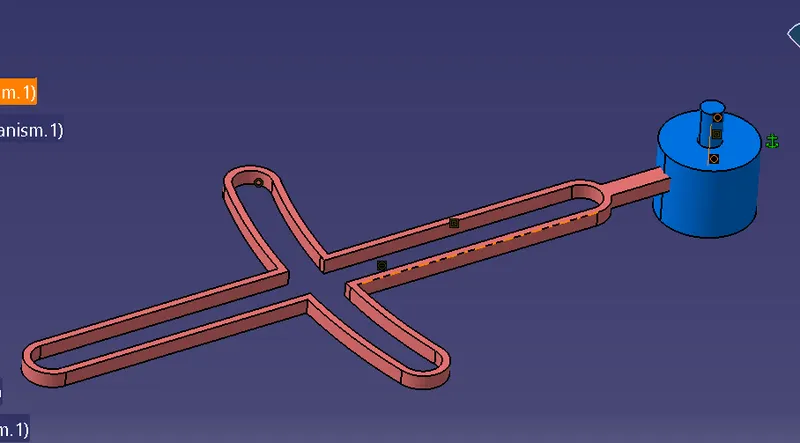
by using the contact constraints the bottom part of the bush and the bottom of the rectangular bar will be placed properly:
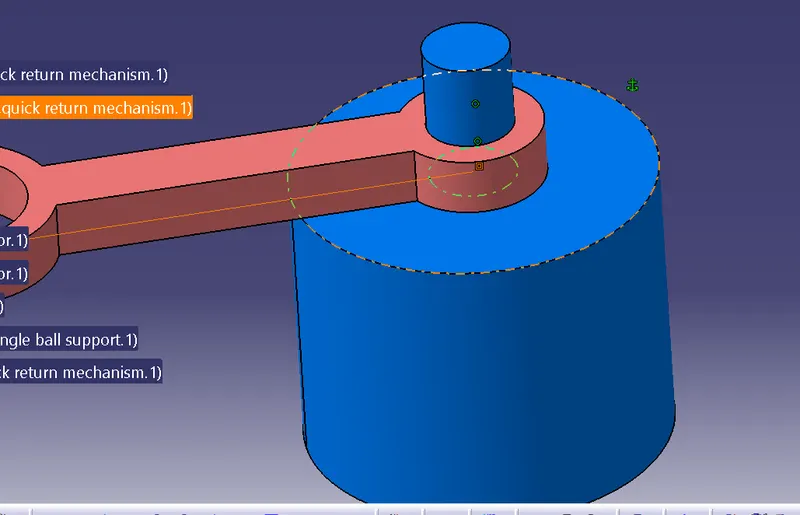
By using center axis of bar and the push rotator coincidence is given:
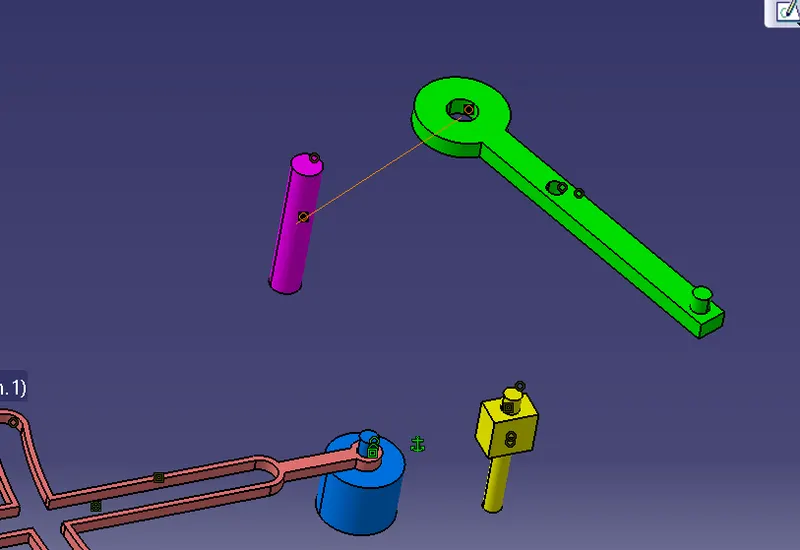
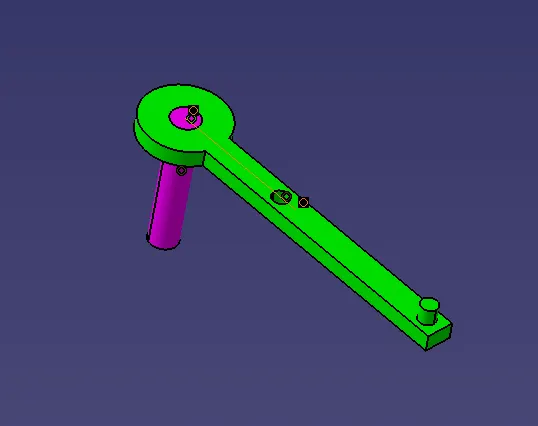
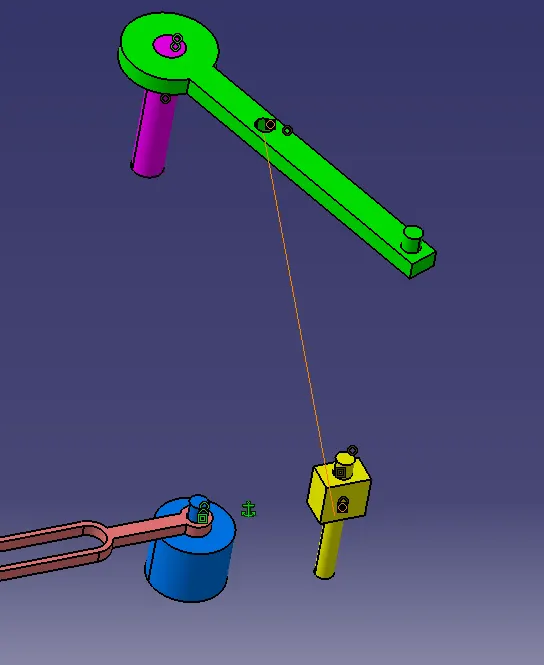
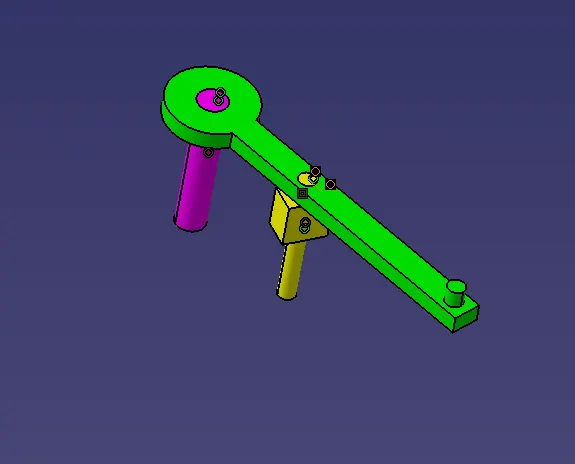
Final assmbly:
2. CV Joint:
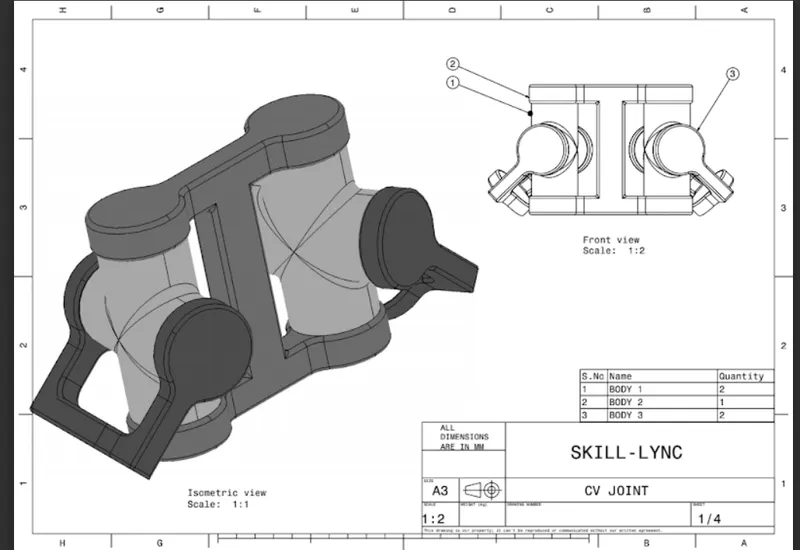
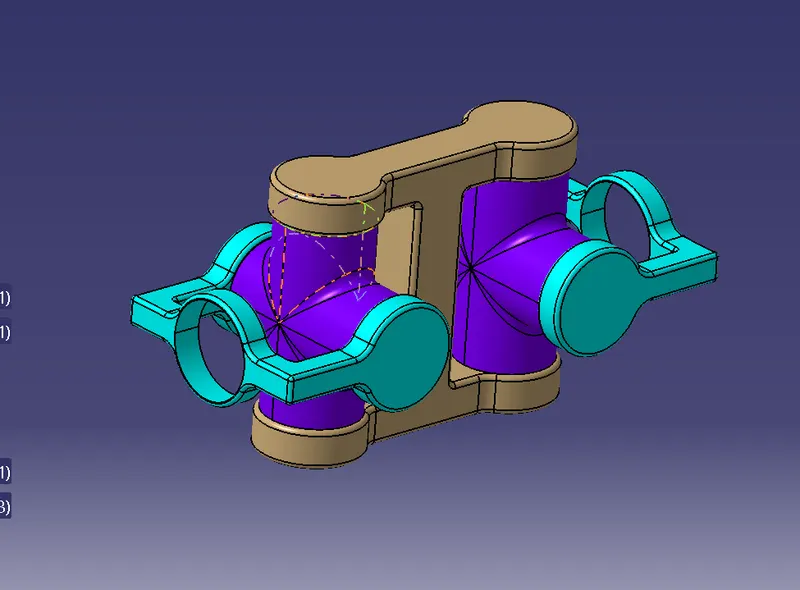
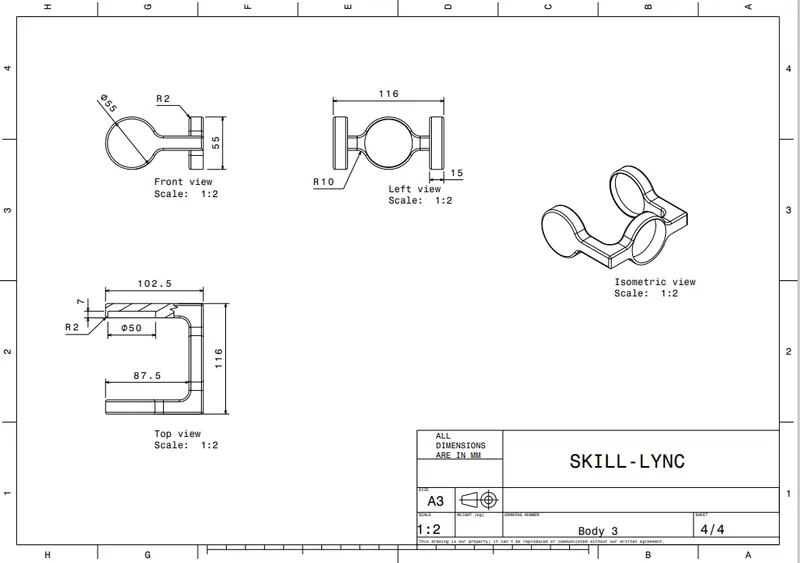
2-D DRAWINGS:
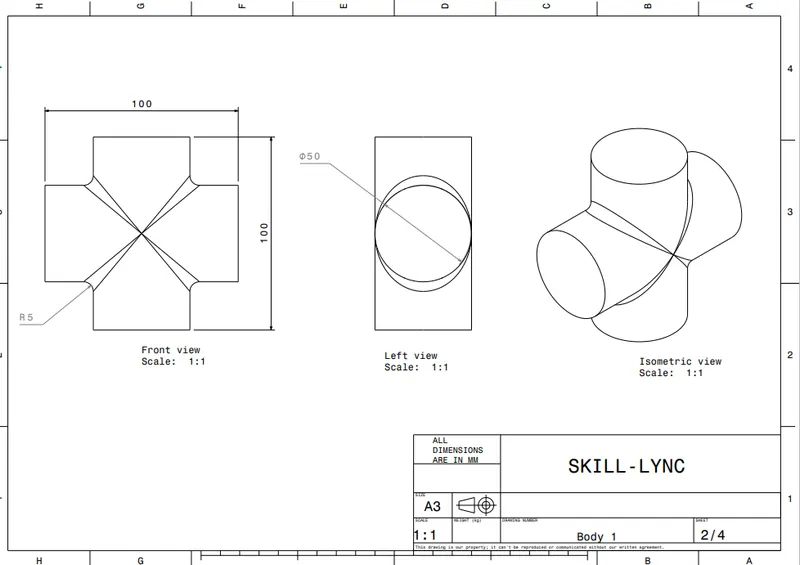
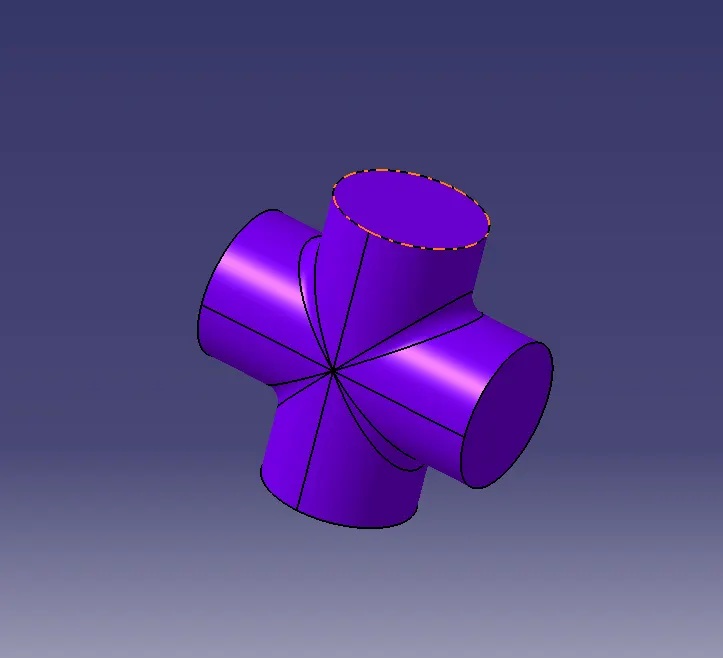
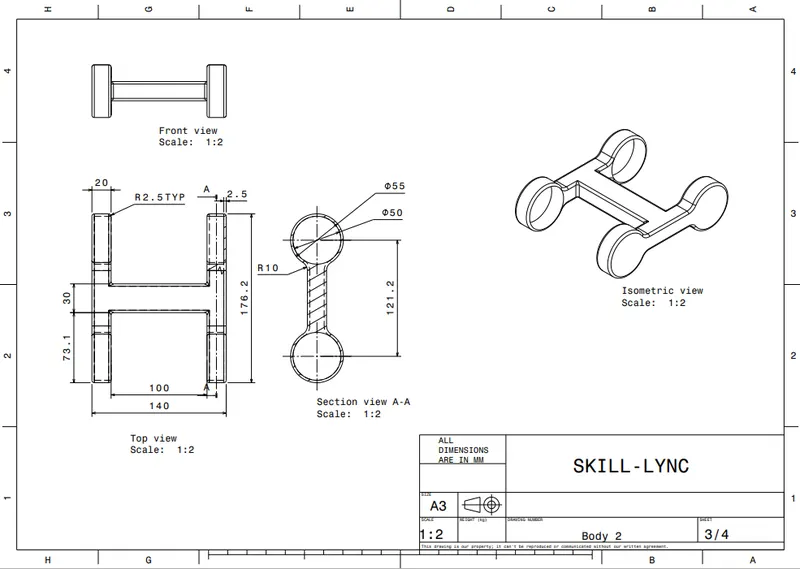
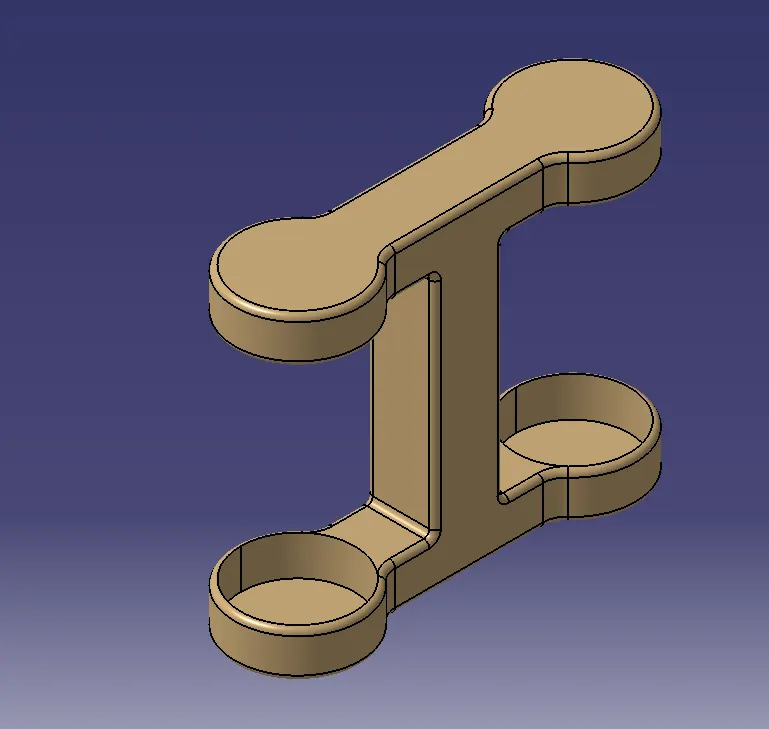
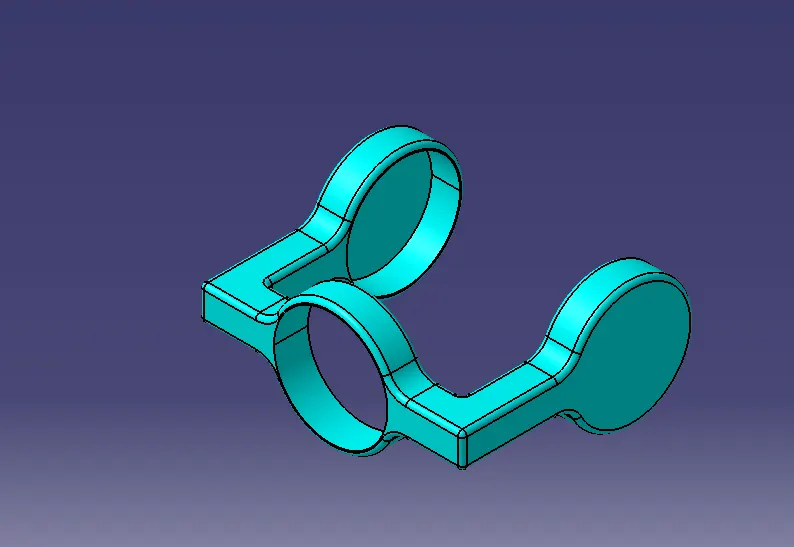
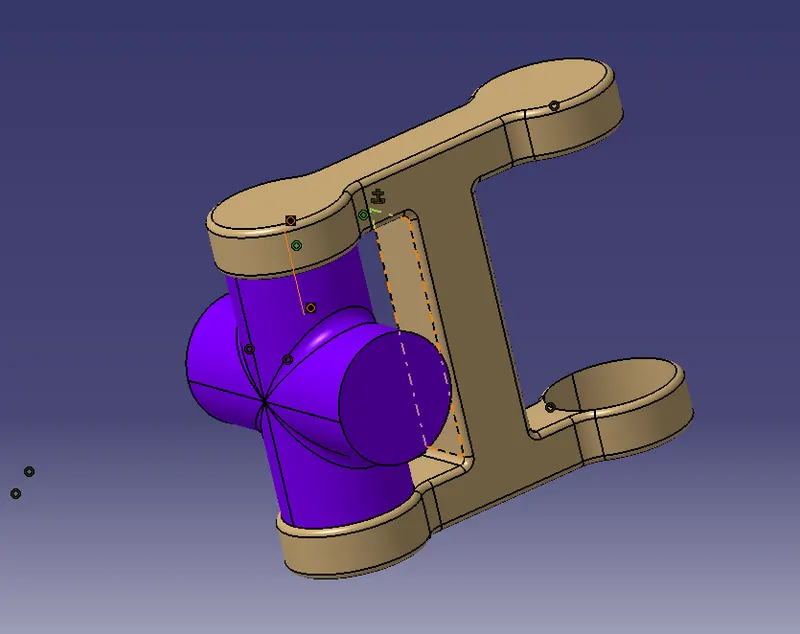
Before assembly:
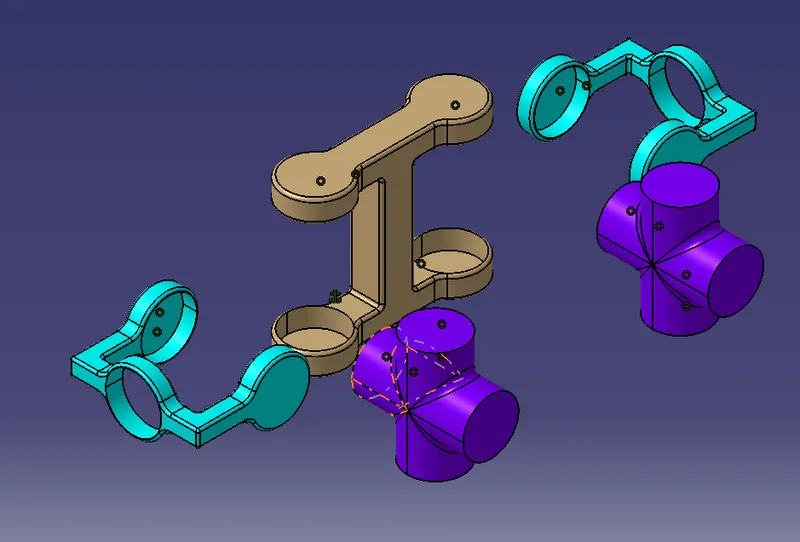
by using the coincidence command surafce of both upper of 4 way pipe and upper bottom side the
final assembly: