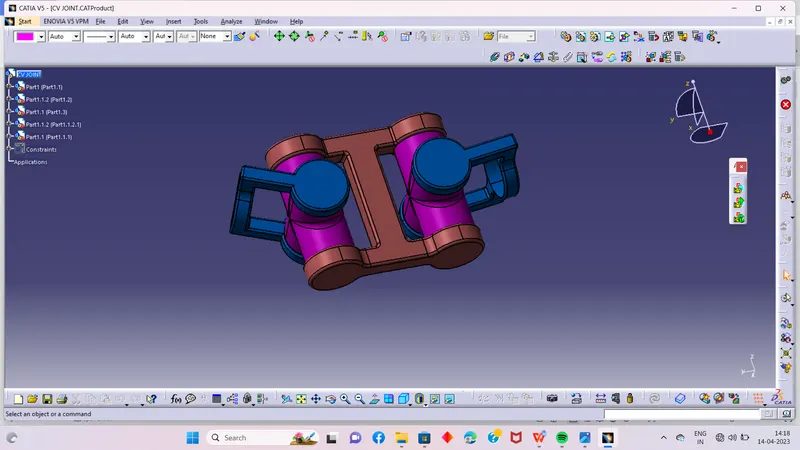
Week 7 Challenge - Assembly Workbench
ASSEMBLY CHALLENGE
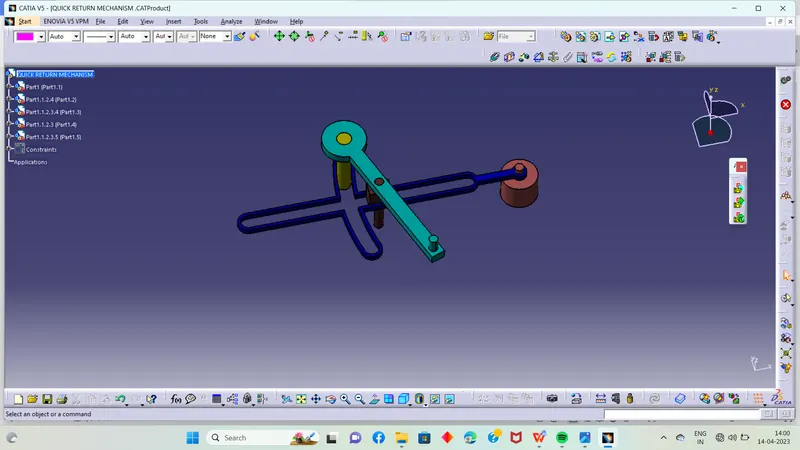
QUICK RETURN MECHANISM :-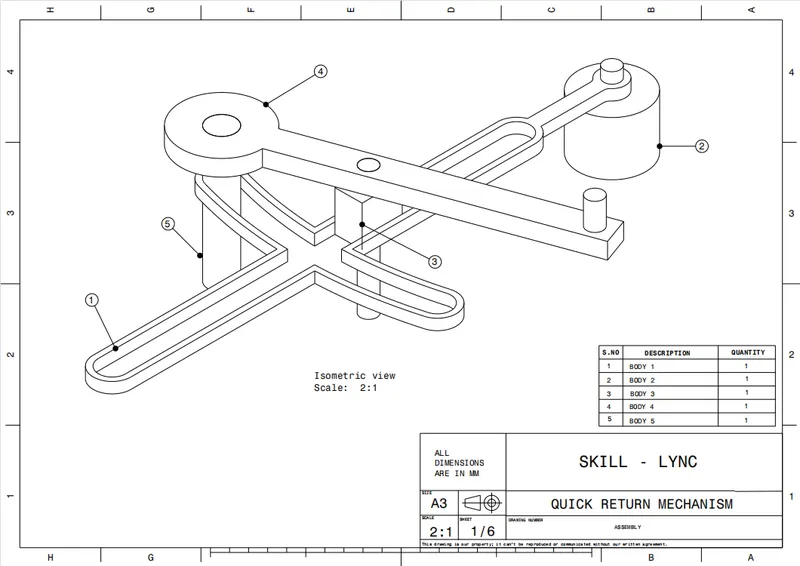
PART 1:-
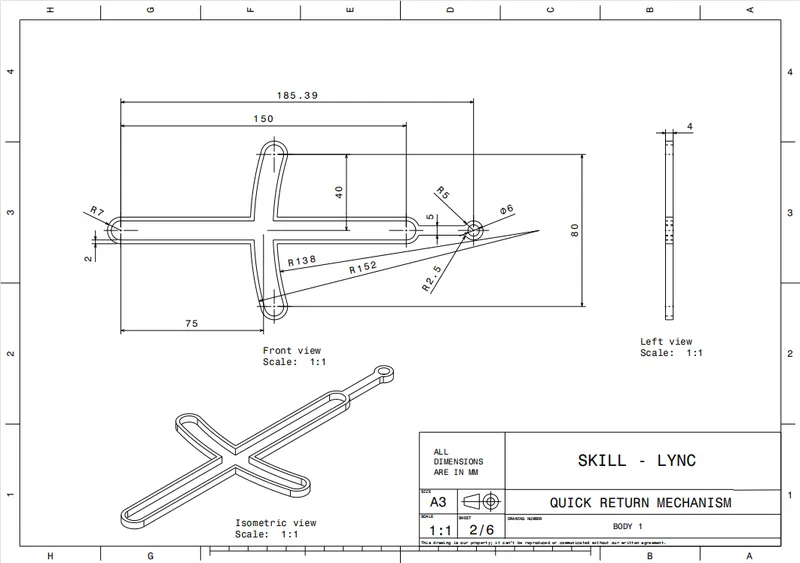
As per the mastersection do the sketch like shown below
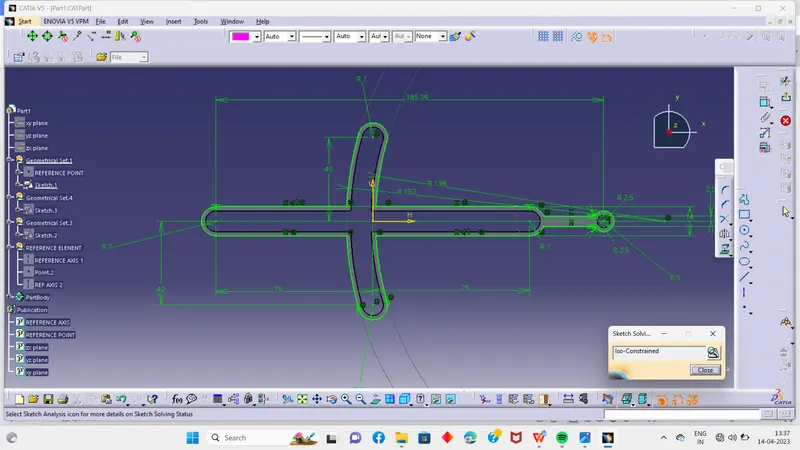
And for the cutout do another sketch
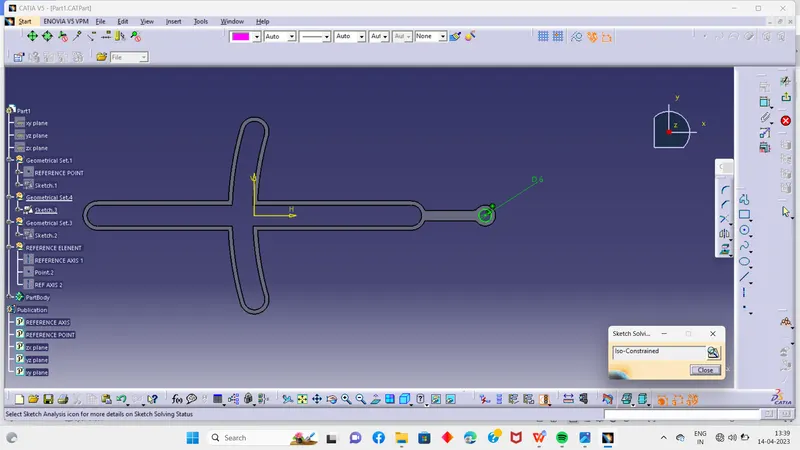
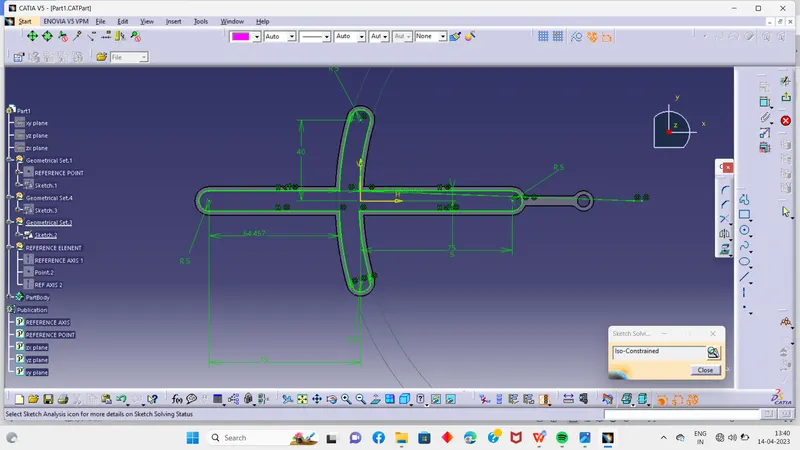
Now pad it and remove from the final body so the final body is ready
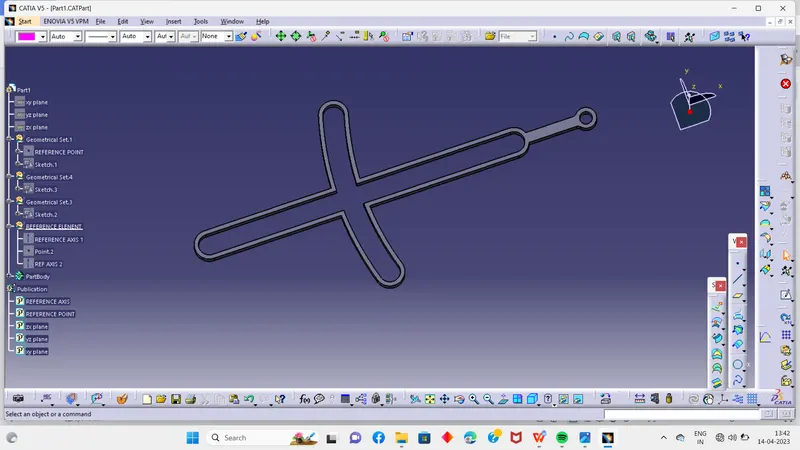
PART 2 :-
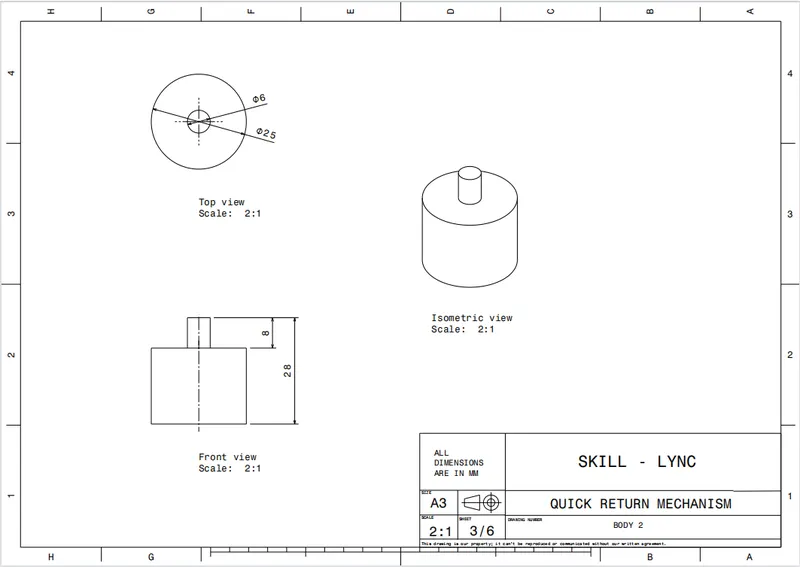
According to the mastersection do the sketch
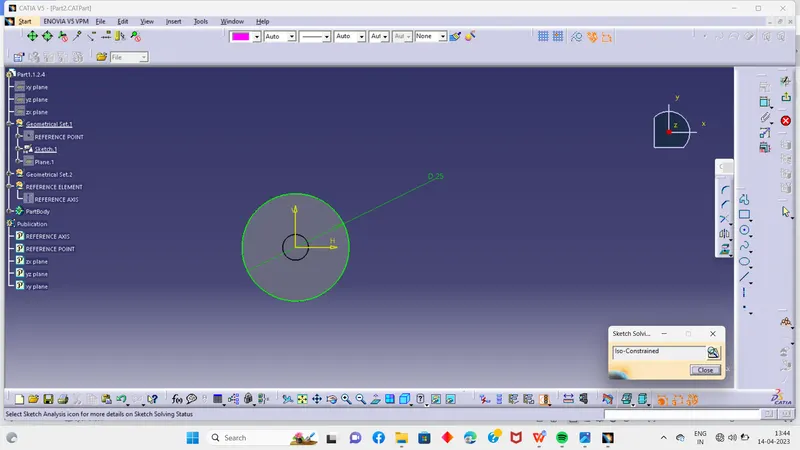
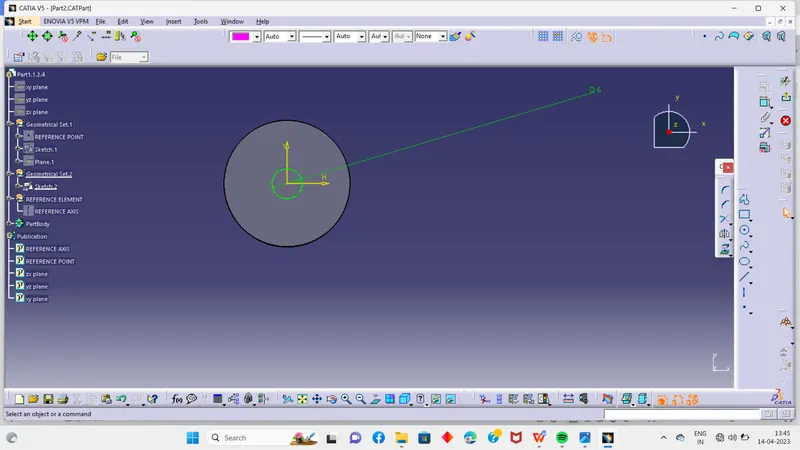
Then pad it and and to the main component so the final part is ready
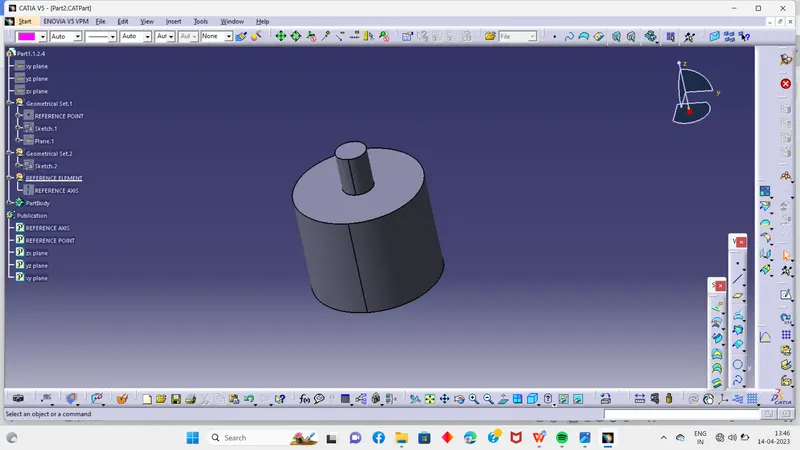
PART 3 :-
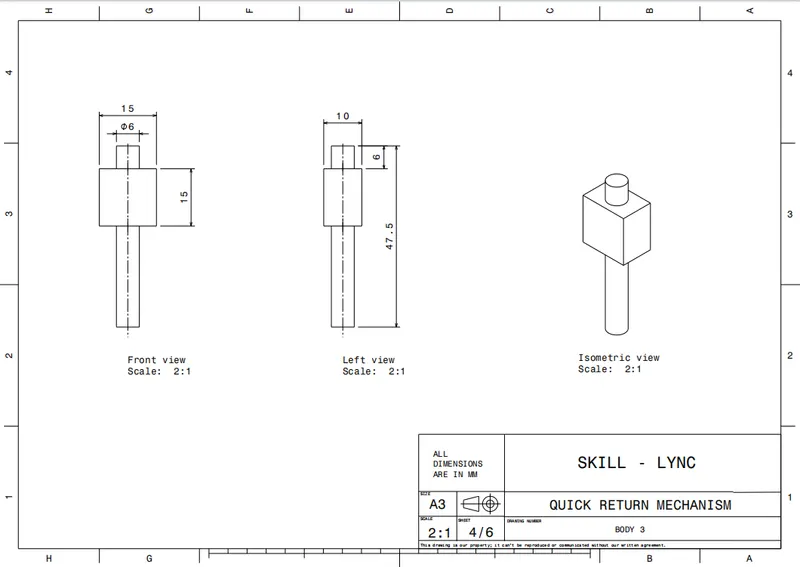
Follow the same process dram the sketch with the help of the master section like shown below
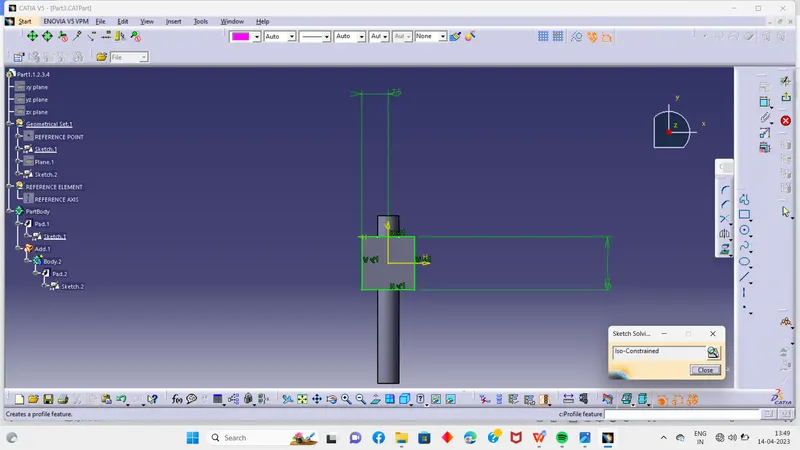
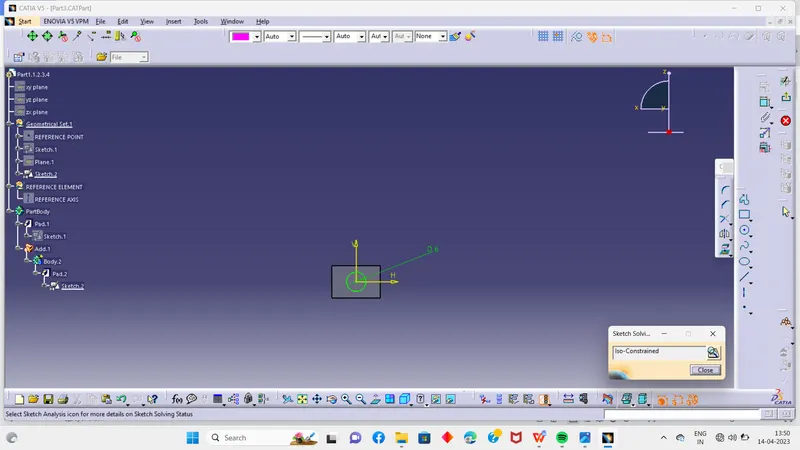
Then pad it and add it to the main body
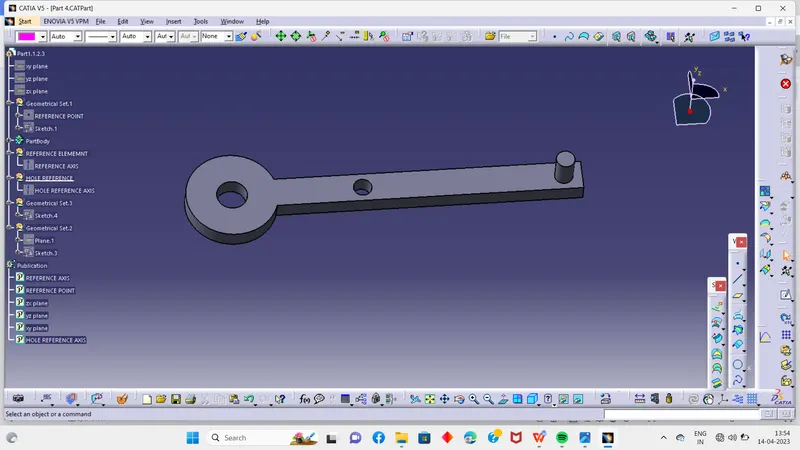
PART 4 :-
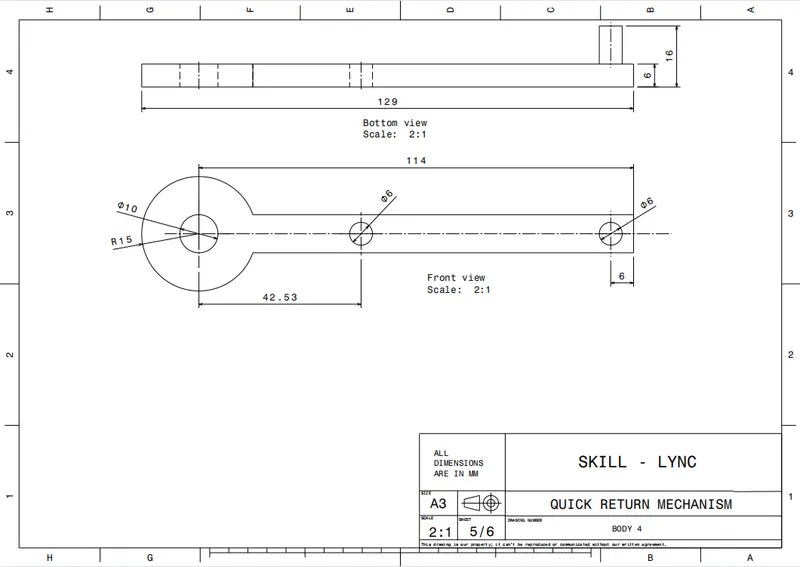
Do sketch according to the mastersection like shown below
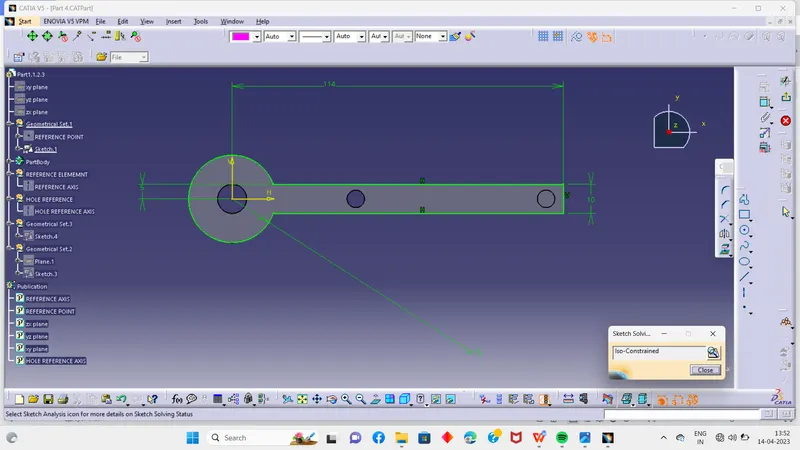
And do the pad and pocket to get the final part like shown
PART 5 :-
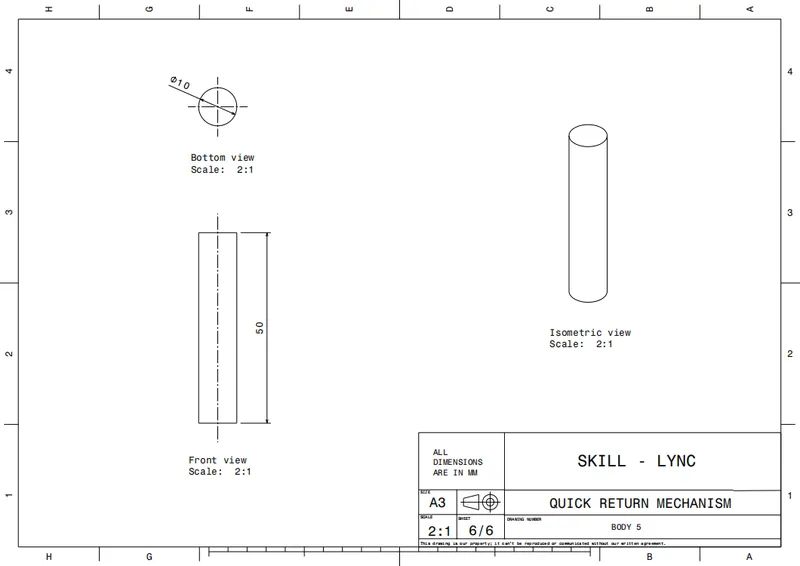
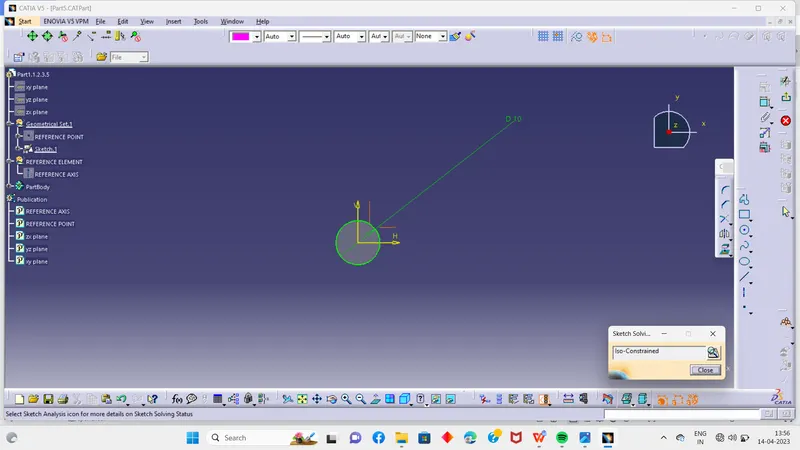
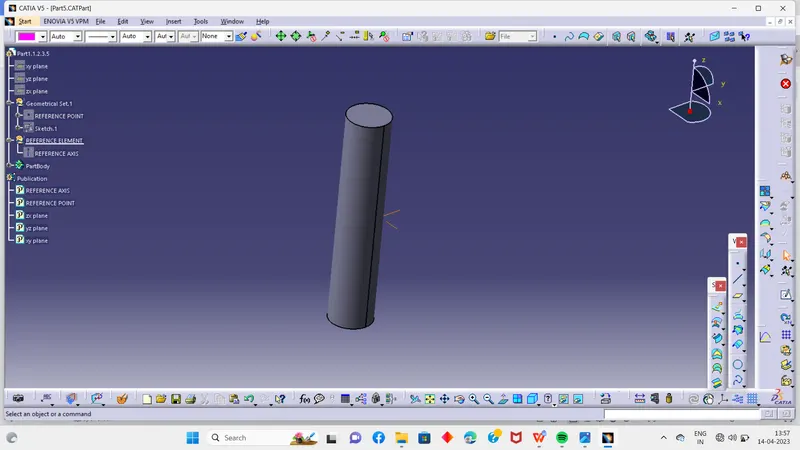
Do the sketch according to the mastersection and then pad it
After creating all 5 parts then its time to assemble them
So to do the assembly go to the assembly wprkbench in catia and all 5 components
And then assemble this like shownin the mastersection using different ypes of constrains
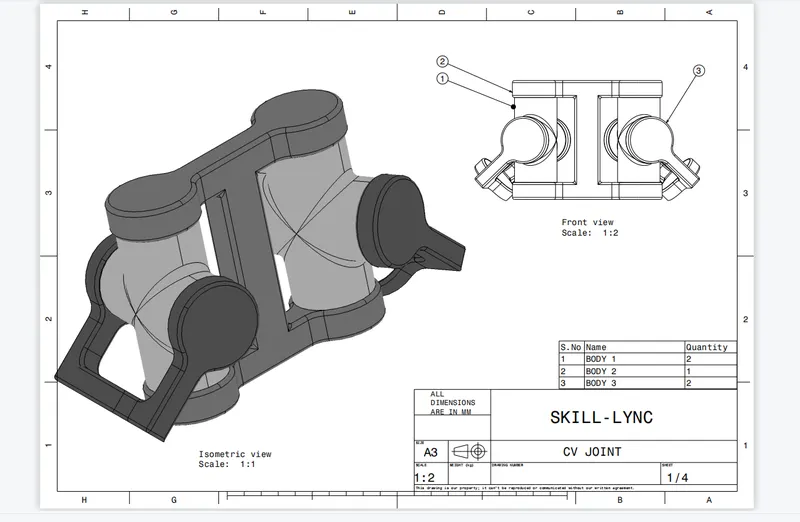
CV JOINT ASSEMBLY :-
PART 1 :-
According to the mastersection do the sketch
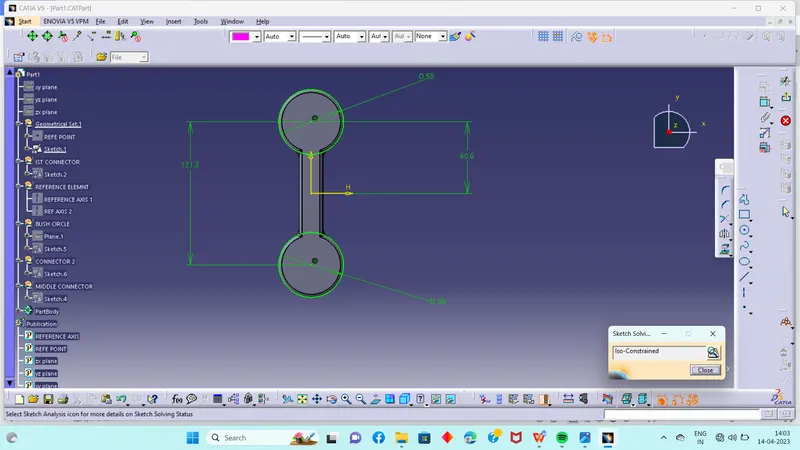
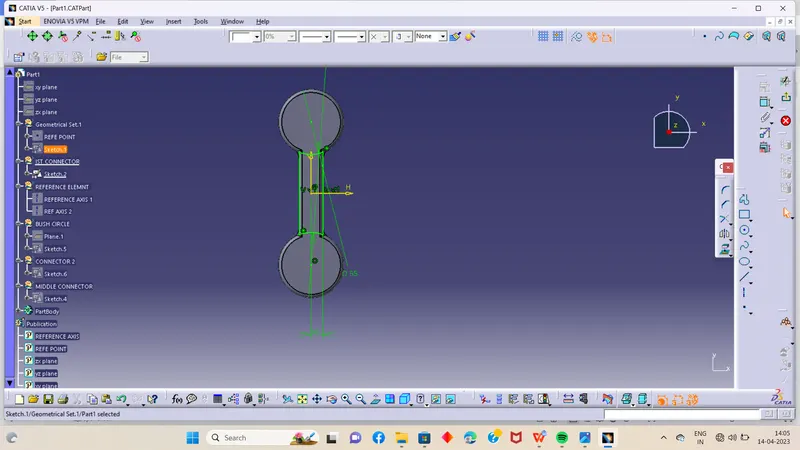
The pad it and add it to the main body
Do the same process for the other side and then do the cutouts using shell command like shown in pic below
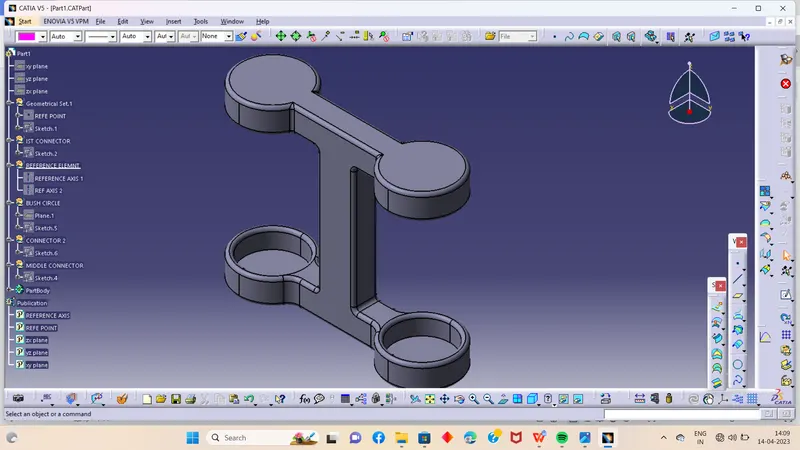
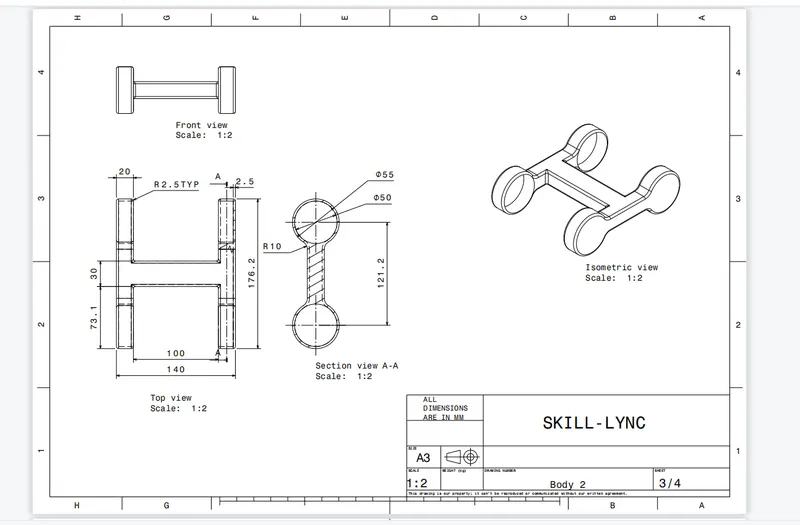
PART 2 :-
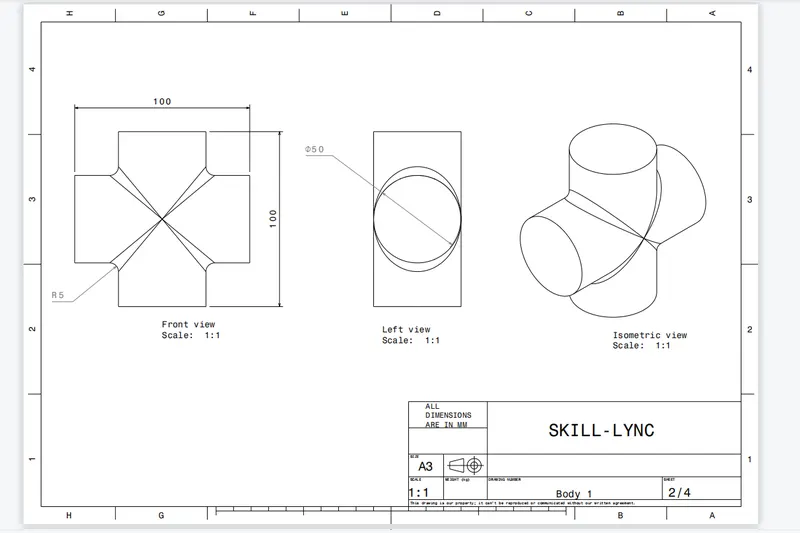
Do the sketch acoording to the mastersection
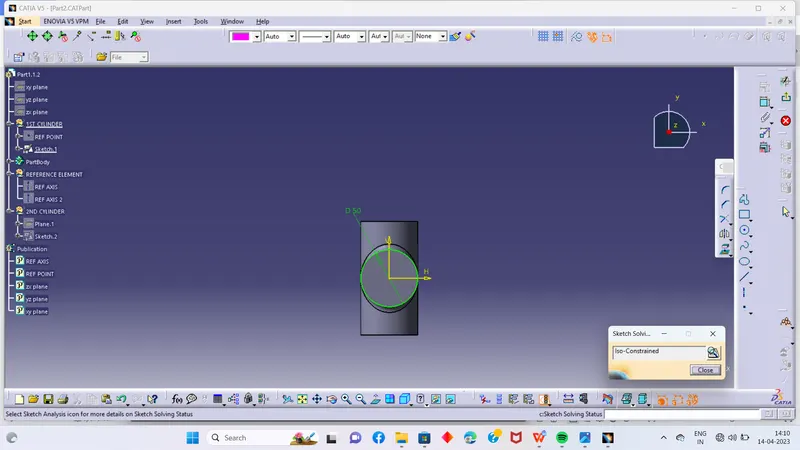
Pad it and add it so final body is ready
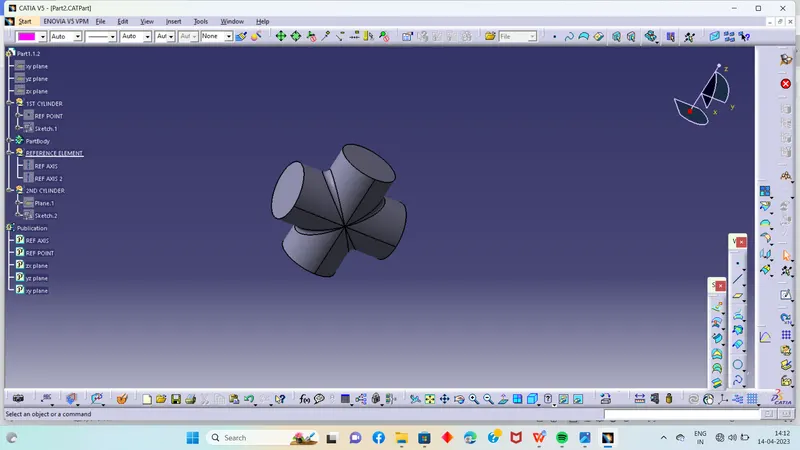
PART 3:-
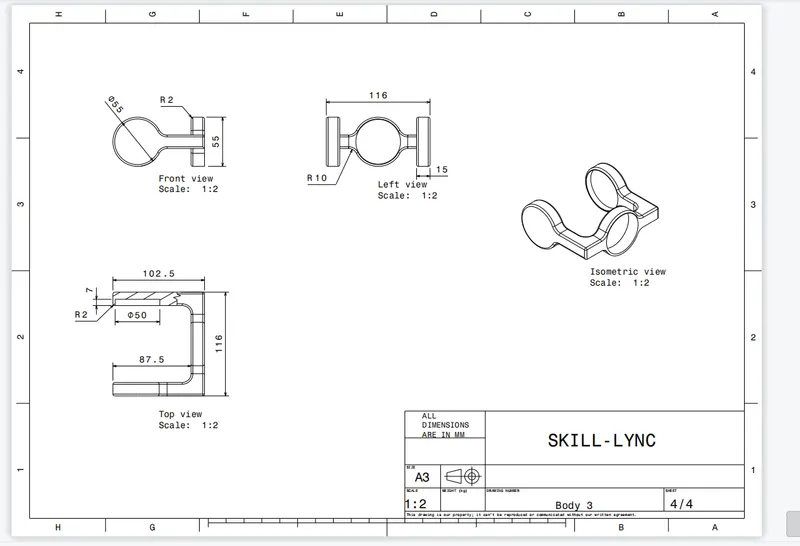
Do sketch accordingly to the mastersection
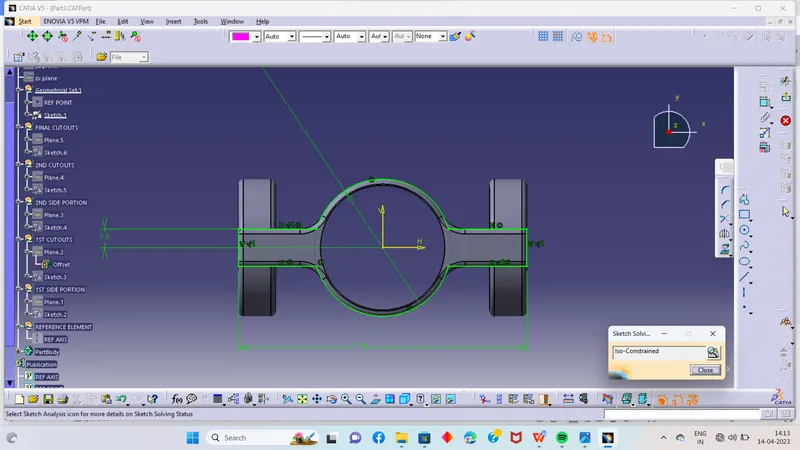
Then pad it and for the cutout create a sketch and pad it and then remove it from the ist body
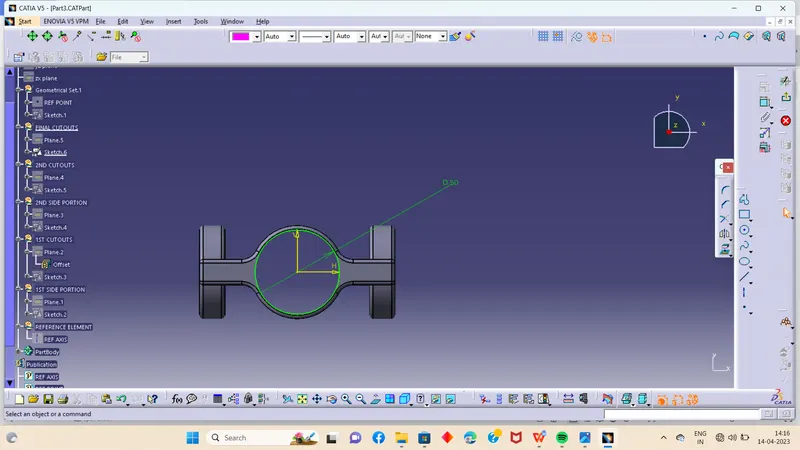
And for the side portion cutout you can use shell command
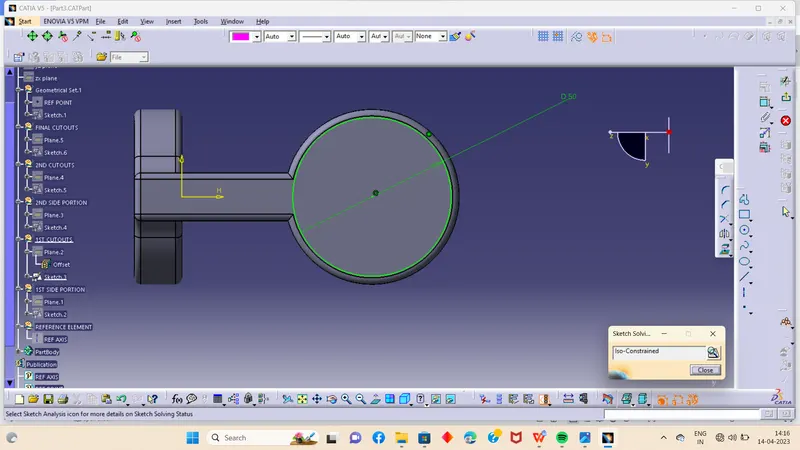
And then the final product is ready
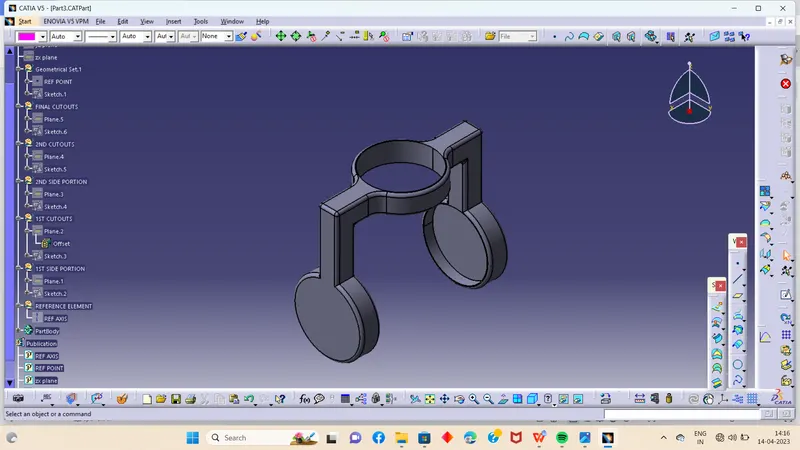
Then assemble it in the assembly workbenh using differetn types of constrains
Like shown in the mastersection