Week 7 Challenge
Steps followed for Creating the Mold:-
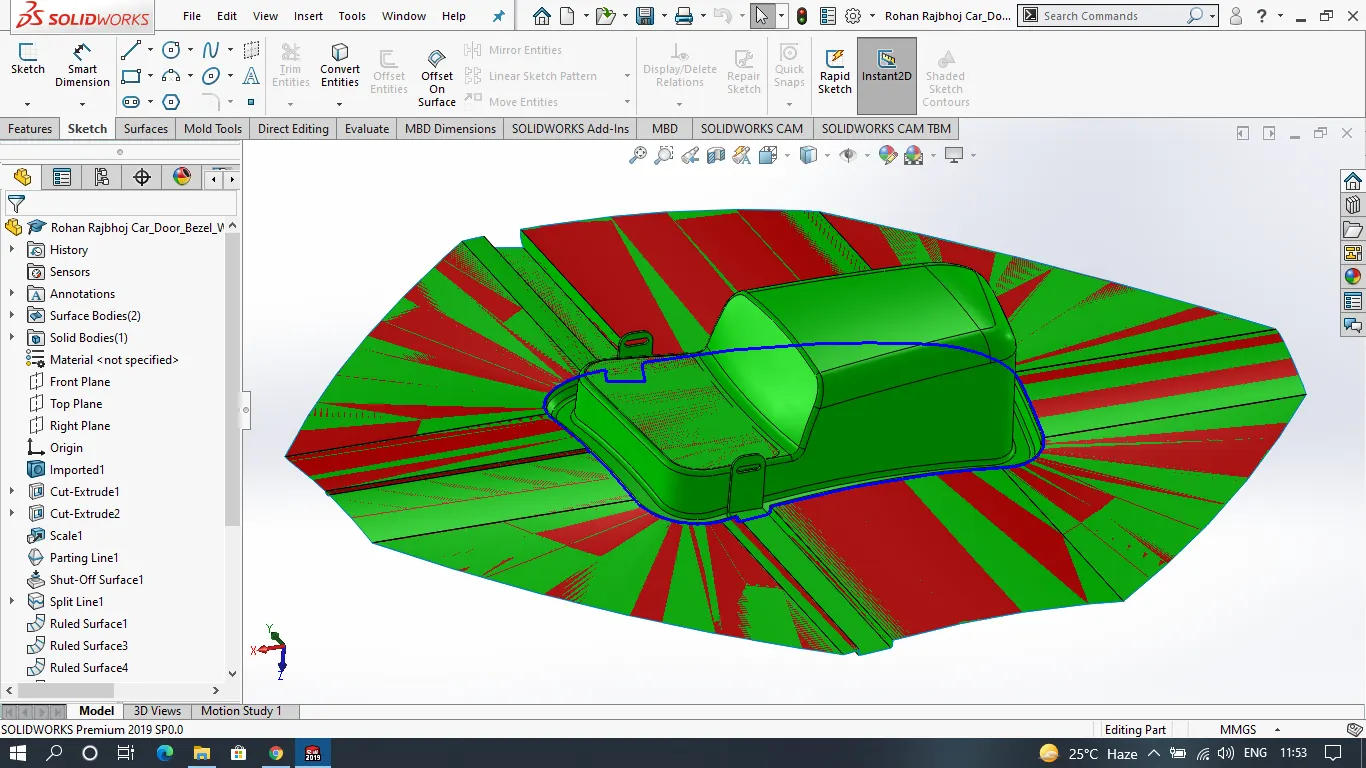
Draft Analysis
Scale
Parting Line
Shut-off Surface
Split Line Created
Parting Surface using split line, Ruled surface & Lofted surface
Core and Cavity Surfaces
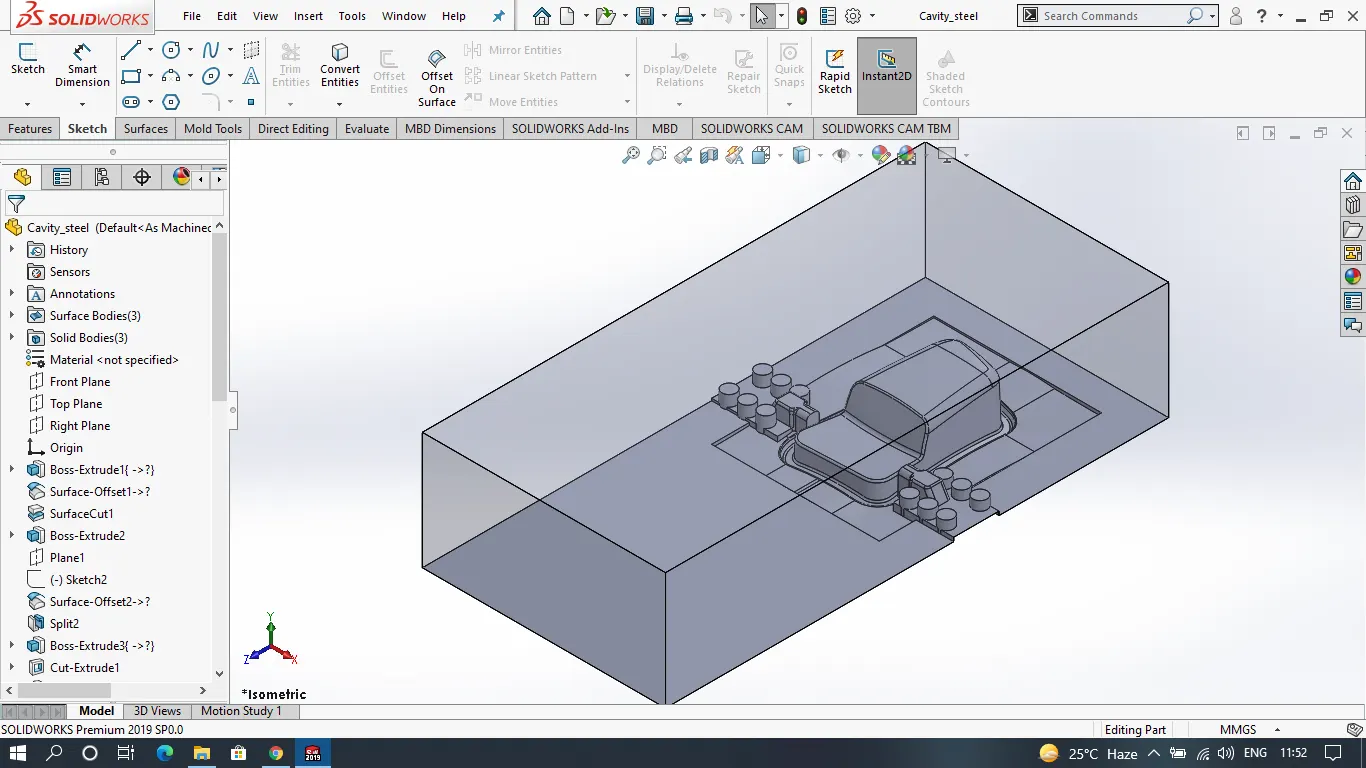
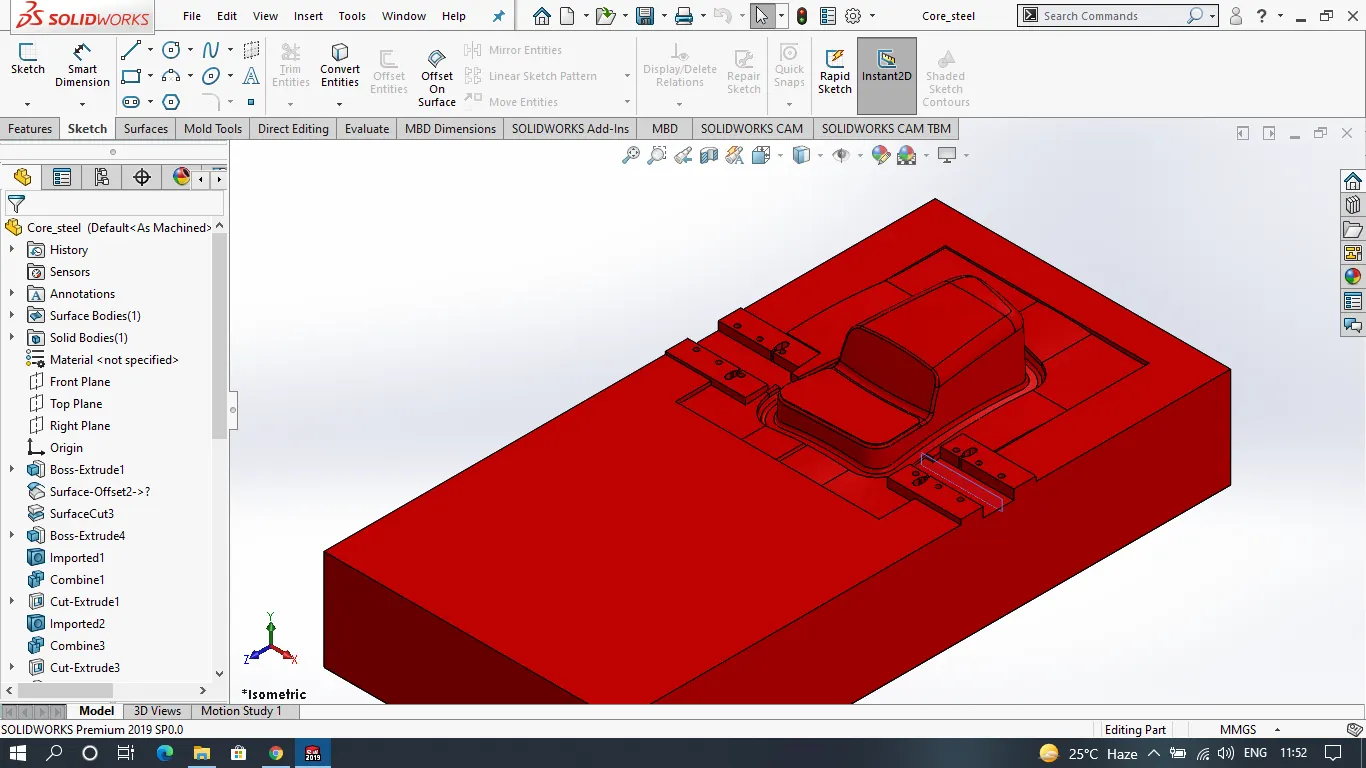
Core and Cavity Blocks
Steps Followed after creating Core and Cavity Blocks:-
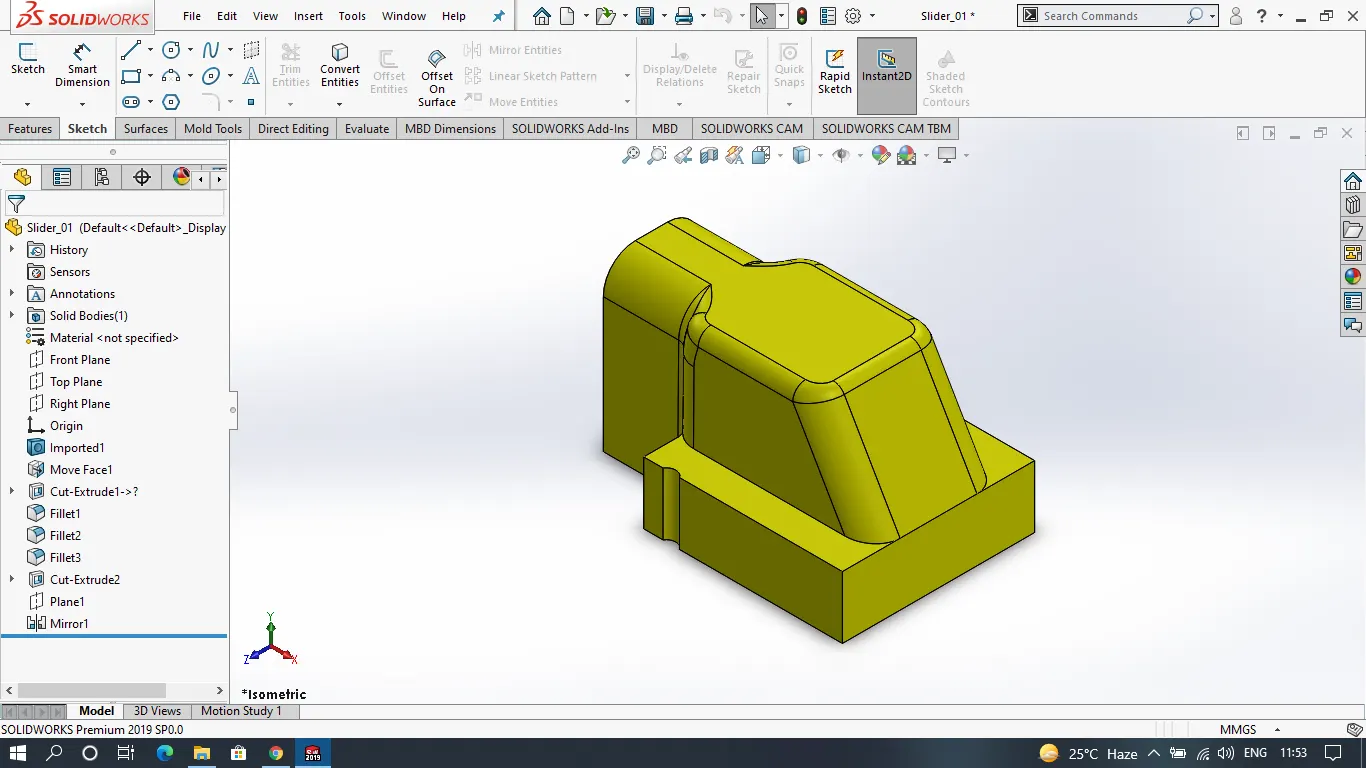
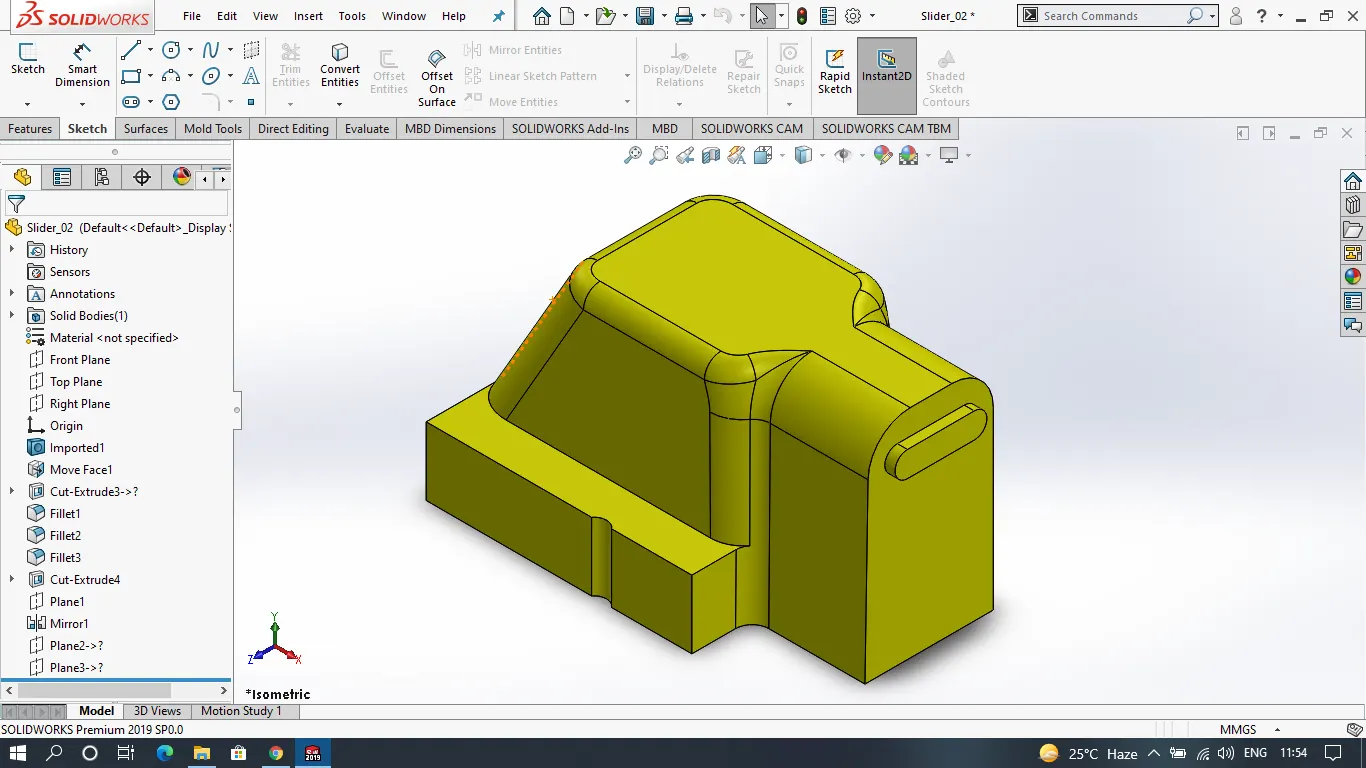
As the contents of the component are undercut at both sides we cannot build a direct core and cavity. In this case, we have to build Sliders for these undercuts.
Create Slider profile
Then Create an Actual Slider Block
Edit Cavity Block to match with the slider block
Save Slider as a separate part file
Edit Core Block to match with the slider block
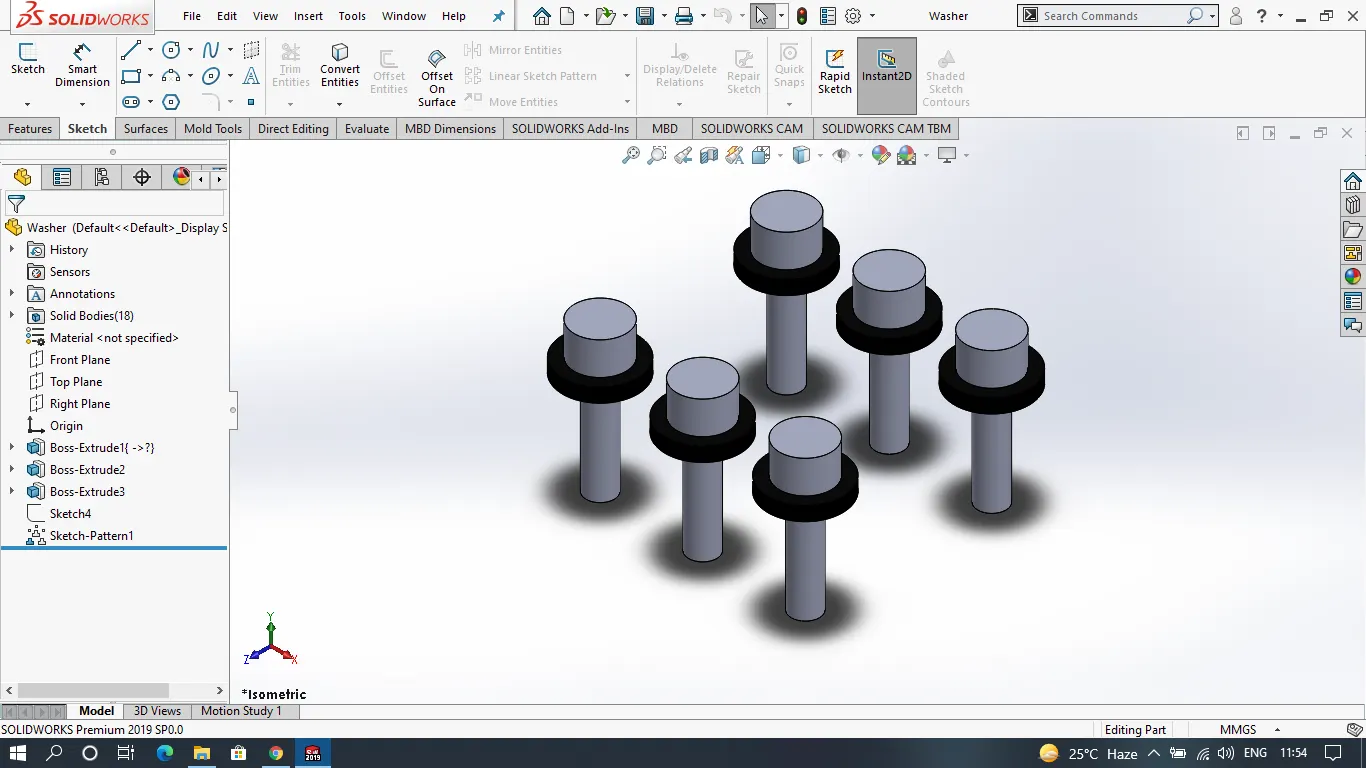
Creating Bolts And Washers
Editing Core and Cavity Blocks for washers and bolts
Creating Locking Mechanism Cut
ASSEMBLY
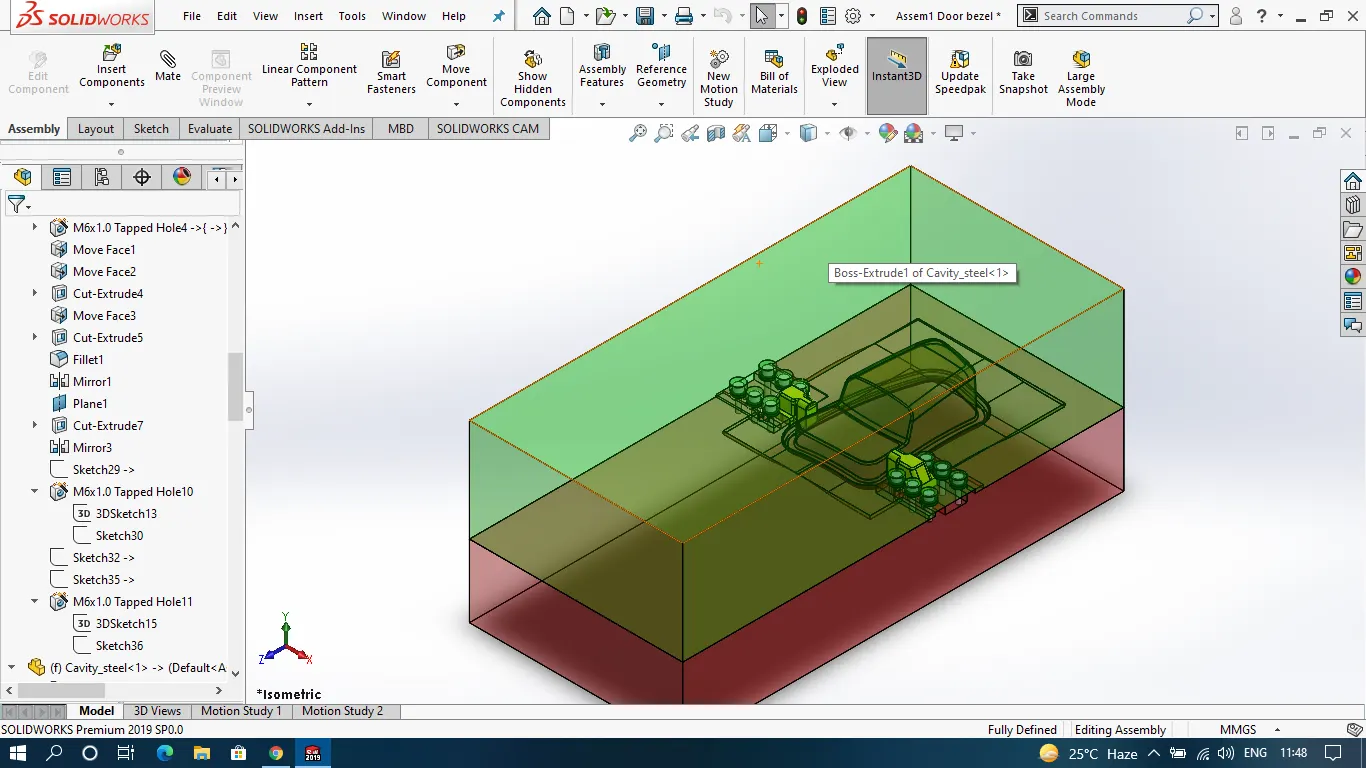
CAVITY
Core
Core Cavity Surface
Slider_1
Slider 2
Washer