Week 6-Meshing of Hood Challenge
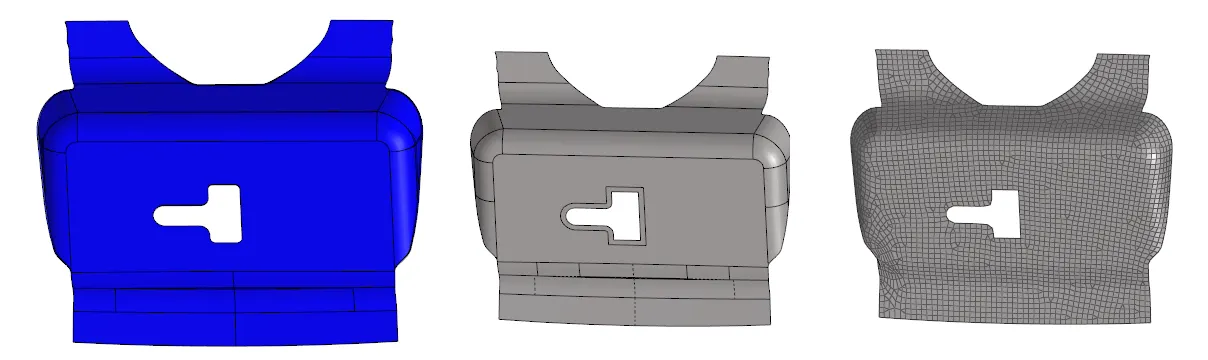
Objective - To extract mid-surface and generate mesh on Hood using Hyper mesh.
Methodology
- Importing geometry and cleanup.
- Extracting Mid-surface and assigning properties.
- Meshing the surface within the given quality criteria.
Procedure
- Geometry import, go to file >> Import >> select the file >> Import.
- Cleanup the Model by Autocleanup.
- Mid-surface, Geometry >> Mid-surface >> select any extraction option >> select the surface >> extract.
- Assign properties like thickness, material, etc. need to be assigned to the mid-surface. To assign the properties, select the model in the database.
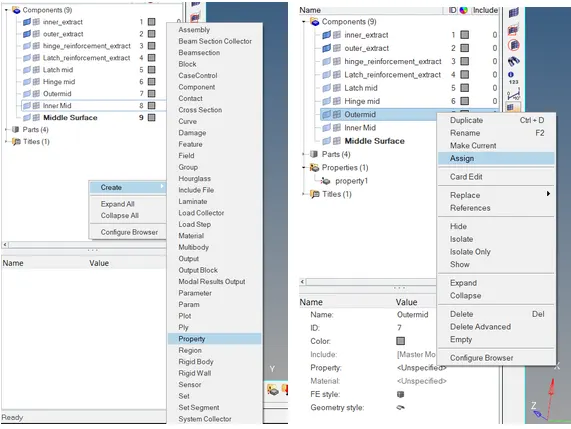
- Mesh Generation, 2D >> auto mesh >> select the surface >> mesh
- Any elements are failing for quality then the cleanup tools option which is present in the quality index can be used.
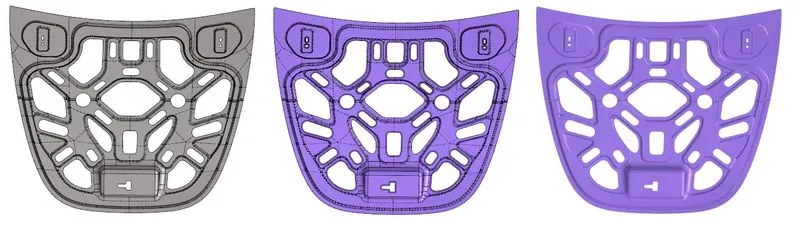
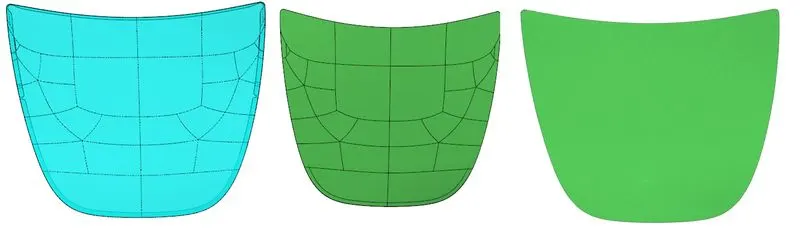
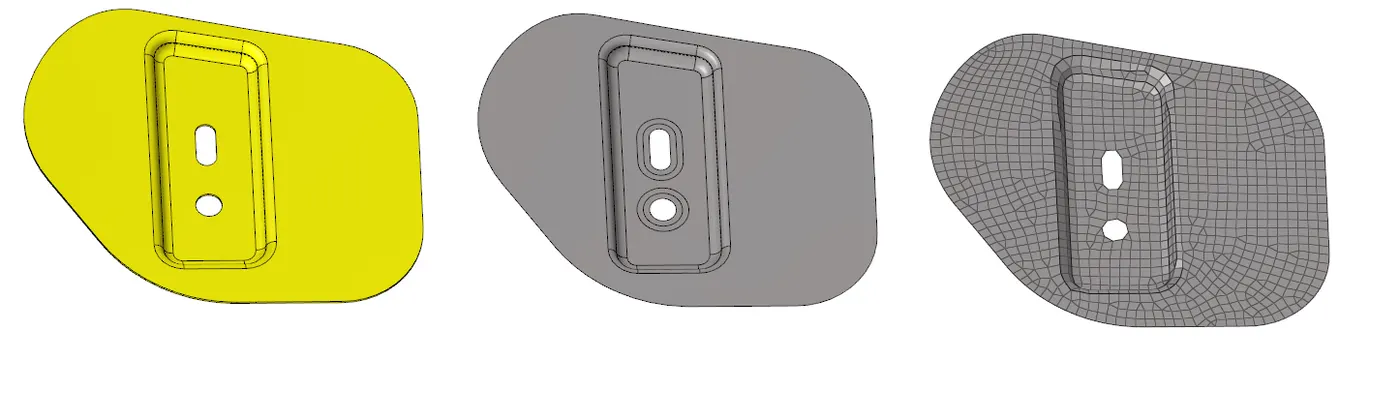
Comment - Tutor forget the teach the hemming process in this tutorial