Week 6-Meshing of Hood Challenge
Objective:-
- Clean the geometric error from the hood.
- Extracting the mid surface of hood model.
- mesh the model with meshing algorithm command and assigning the give quality criteria to it.
Delete the solid:-
- After importing,we change the geometry color mode to by TOPO,we find that the model consist of solid,which is not required for our further process.
- so we delete the solid from the model which also benefits in less time consumption for computing in hypermesh.
- after deleting the solid create amid surface individually.
- We extract the mid surface using auto mid surface option.
- first step create a mid surface for inner extract for that, right click on the inner extract part in the part list and selecting to make current and invisible all the other components.
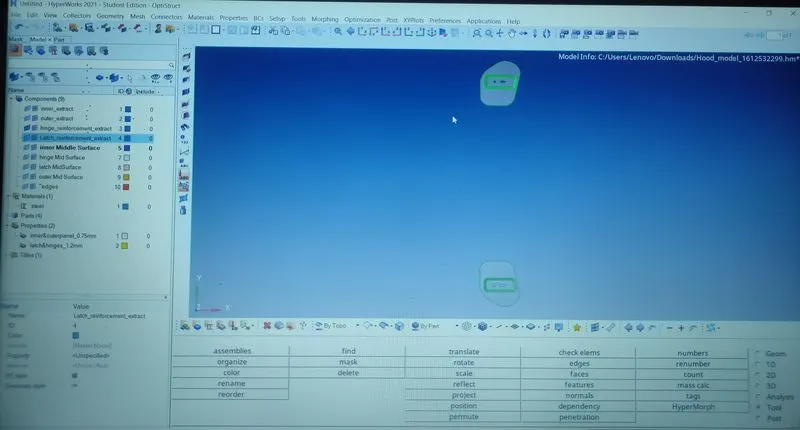
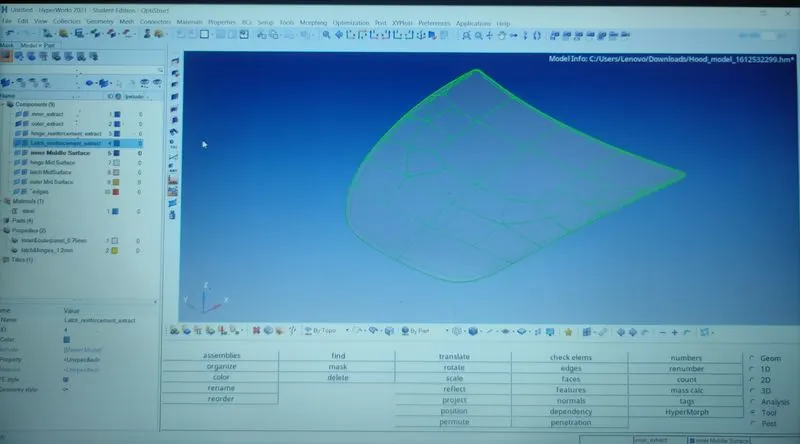
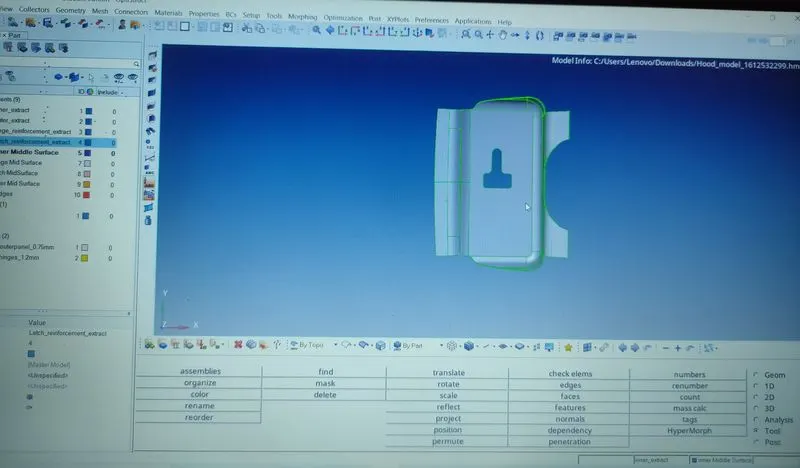
- After extracting the mid surface for all the component for hood we need to rearrange/toggle the construction lines so that we get good mesh flow.
- Some of the region in the face of inner panel, outer panel,latchand hinge will be distorted exp. misaligned lines,unchecked faces,damaged face, non-washer face,etc.
- We also create a washer split at the holes,so can obtain a proper mesh flow.
- Distorted region will be removed by following the process (Geometry>Quick edit>Toggle lines)to hide the lines to avoid mesh error and process (Geometry>Quickedit>Washer split).
- Before meshing we need to set up given Quality mesh and also about meshing parameter for every particular hoood model parts.
- meshing process is done, the element size 5 and mesh type mixed in auto mesh option.
- Now after meshing there are so many back to back trias and Quad elements that will formed so,we need to optimized the quality of the element.
- To optimize the element we can use the rebuilt option remesh the element of the particular.
- this will remove all the element failure from mesh the mesh,as it is necessary to have proper mesh for analyasis.
- As meshing is applied irregular elements will forms in some region of latch and hinge like triangular elements,rotating quadrilateral elements
- To achieve that (2D>edit element>split)command applied to convert triangular and quadrilateral element into smaller into small one.
- command to pull triangular elements backward in order to present element as minimum a possible in face of every part of hood model.
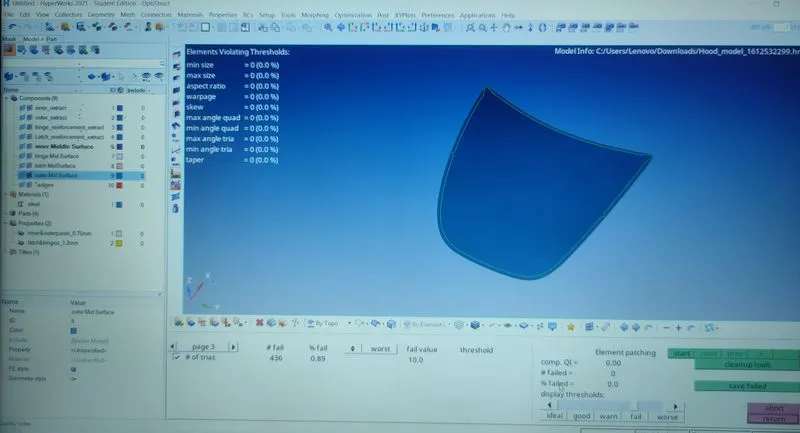
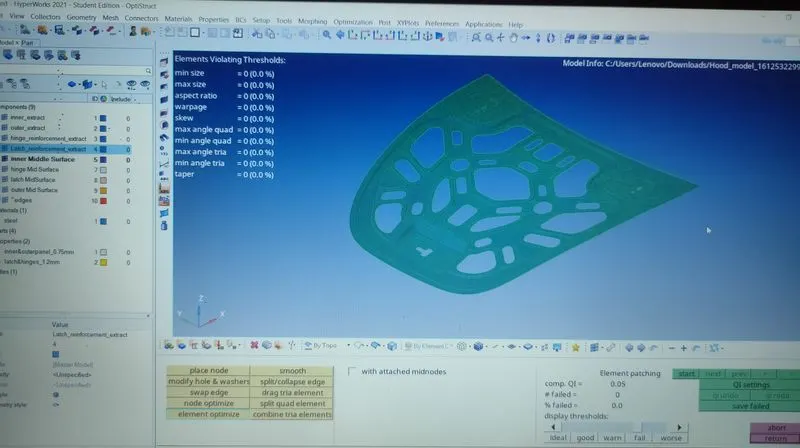
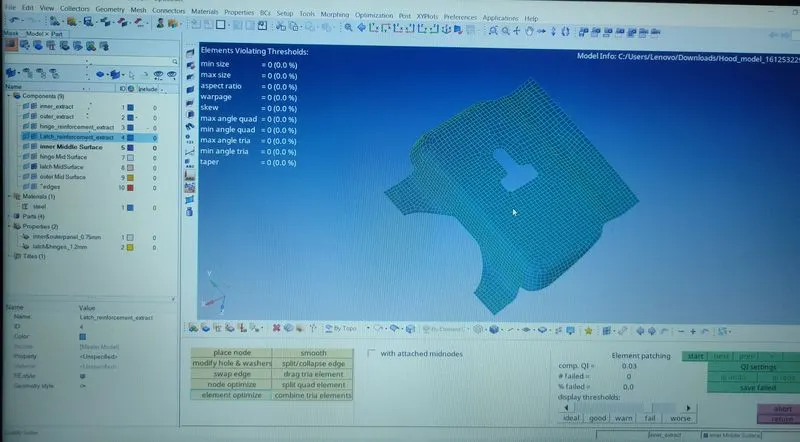
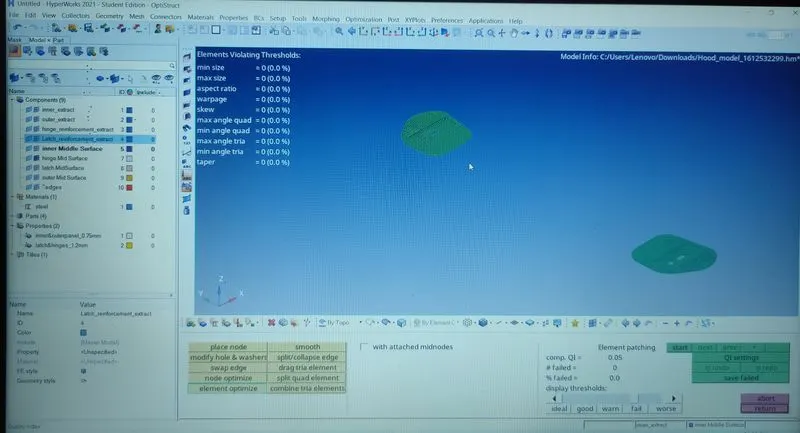
- All mentioned quality criteria,mesh the component has followed and mesh is applied.
Conclusion:-
- mid surface extraction and meshing of hood was successfully performed.