Week 6 - Creating connection for Rear door
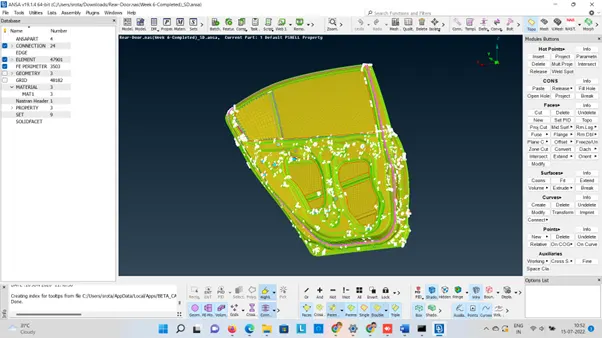
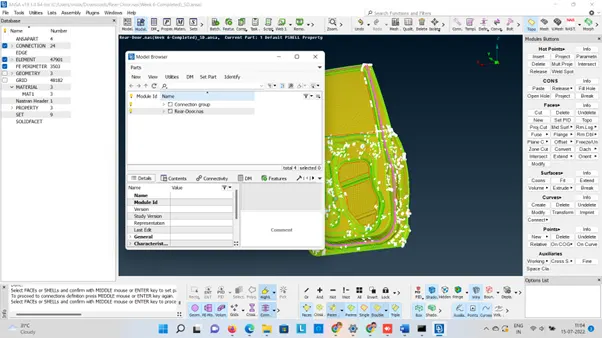
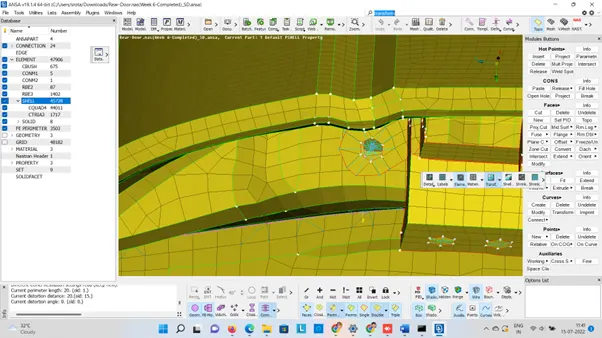
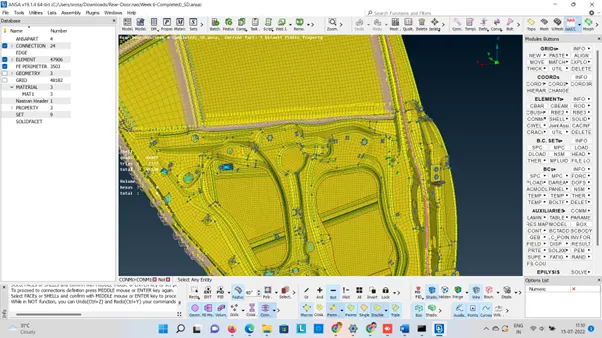
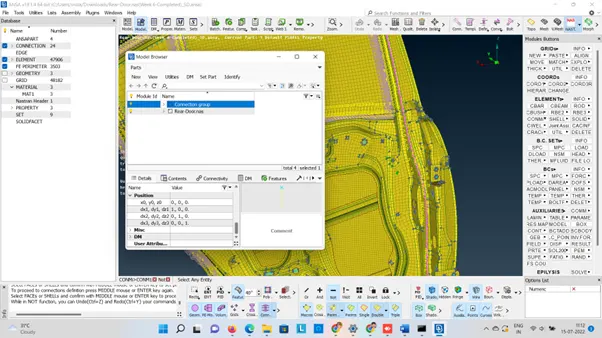
Need to create a connection of the rear door FE Model and the different types of connection techniques along with different ID elements.
Need to create different type of connector such as
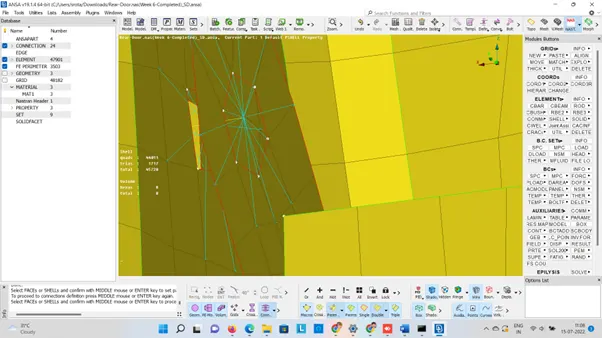
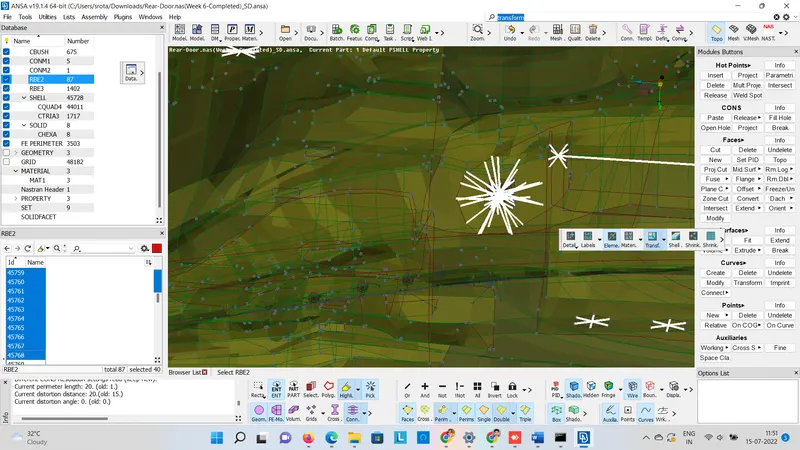
Two Nodes RBE2 (To presents nuts & Bolts)
Cluster RBE2(To presents rigig body)
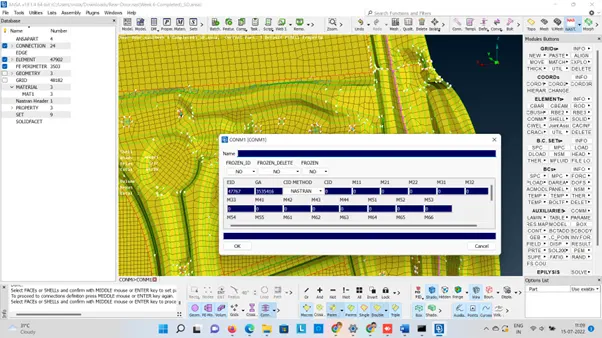
RBE2-CBUSH-RBE2
RBE2-HEXA-RBE2
Nut-Bolt connection
Seam weld representation
Create different operations
Connection Manager Operations
Assigning Mass
Procedure:
Step1
File> Input>NASTRAN>Open
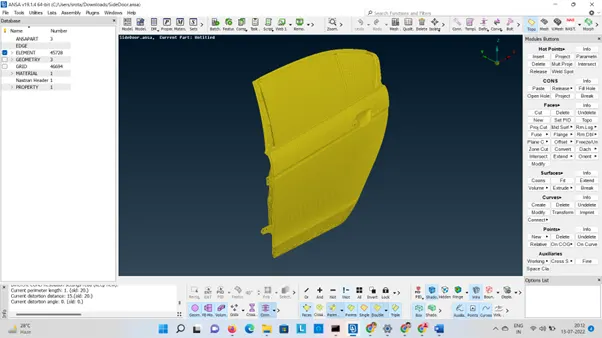
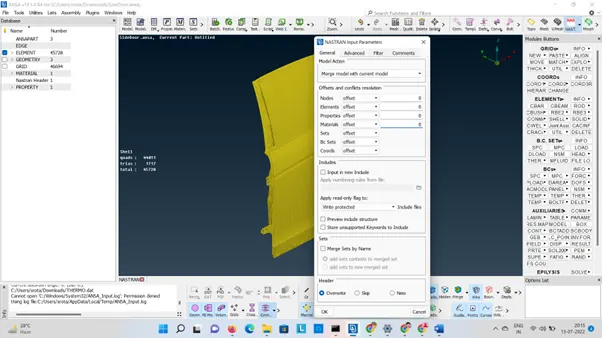
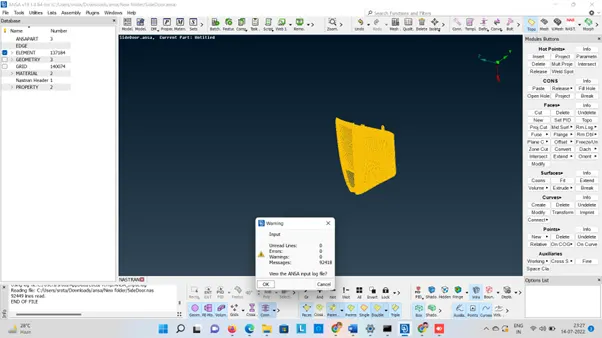
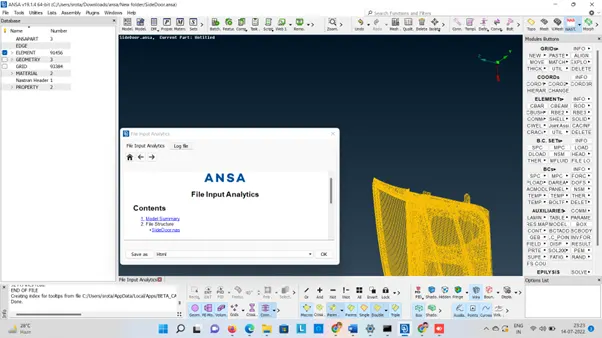
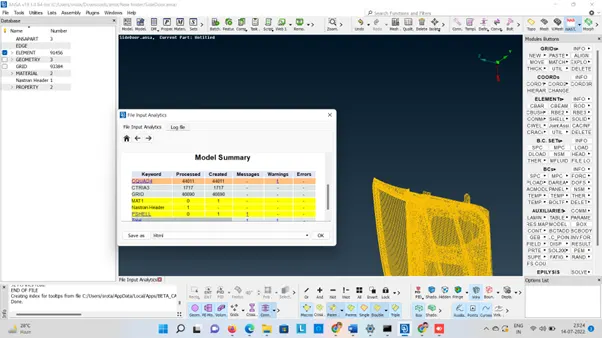
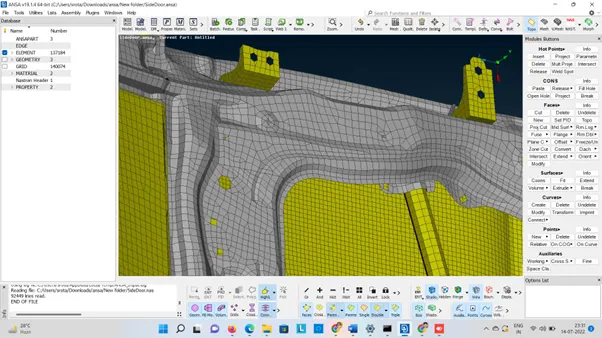
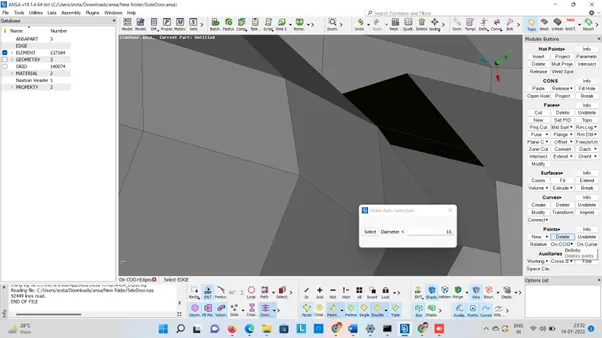
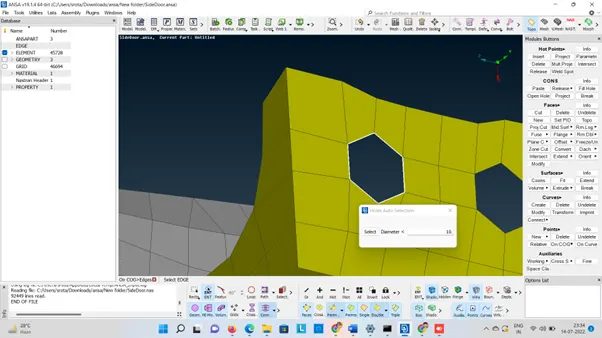
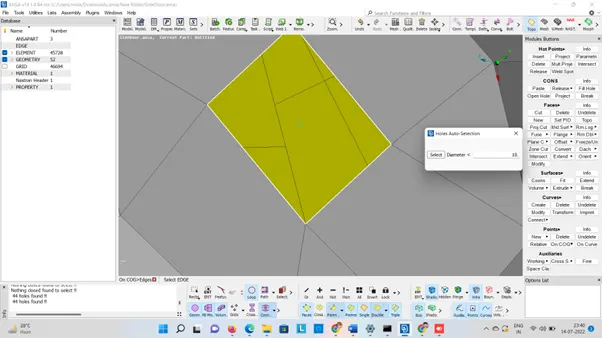
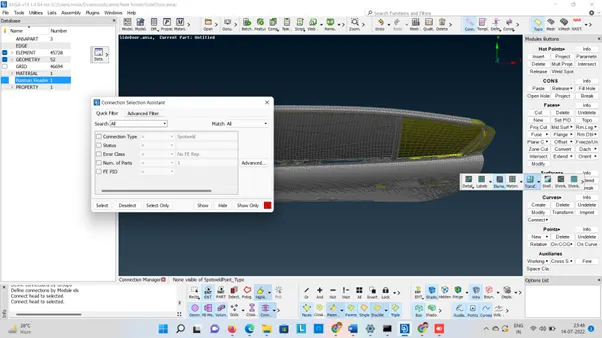
By Clicking Function Key+F1 assign Pi & P2
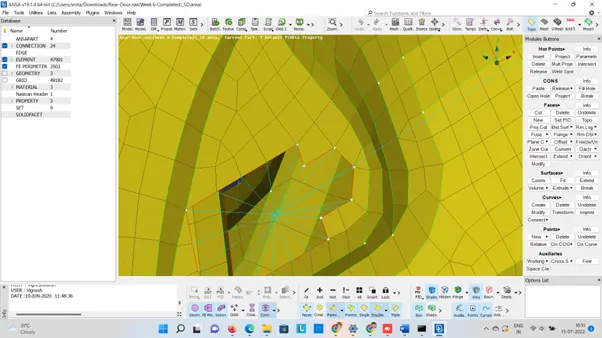
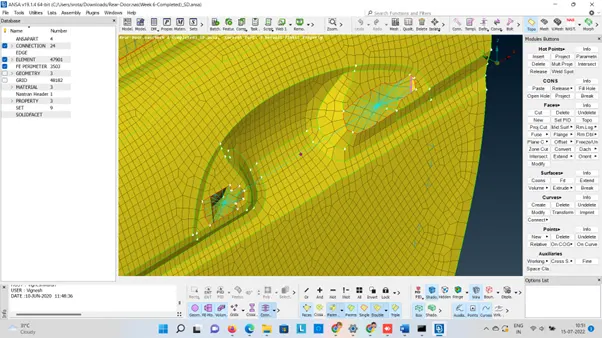
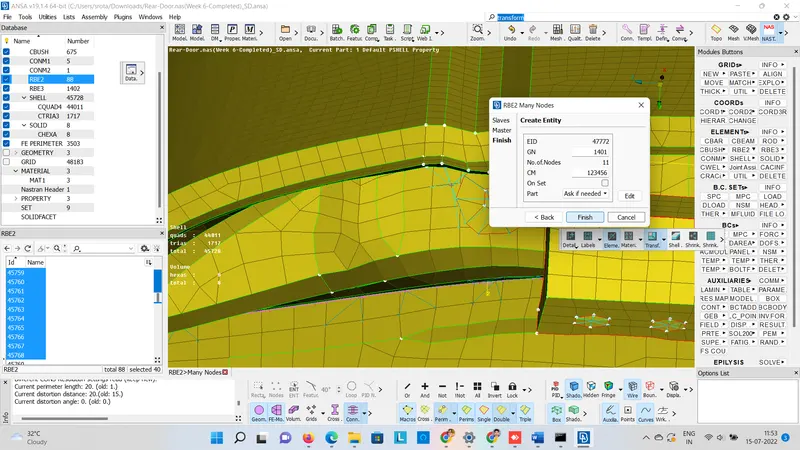
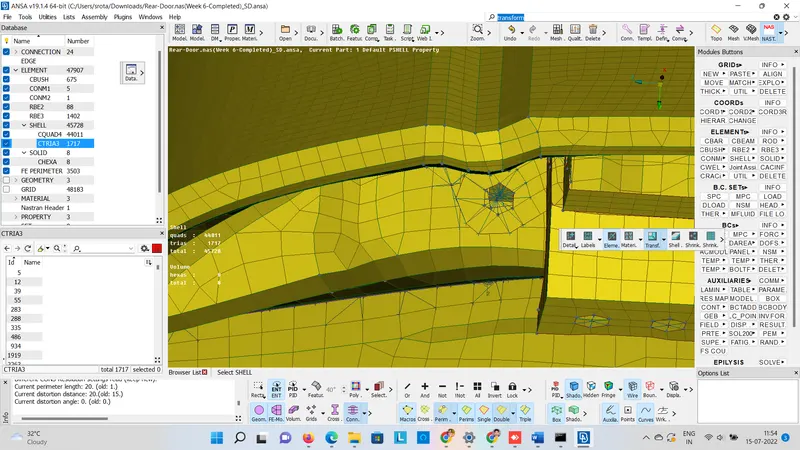
Learning Outcomes:
1. Create different types of connections
2.To create RBE2 connection.
3. To create rigid connections Cluster RBE2
4.To create Nut Bolt Representation
5. To assign Con Mass.
6. To create seam weld presentation
Google Drive Link:
https://drive.google.com/file/d/1cKKzbKI3ljRMpoirQ8jfJCgTWvYPRXbn/view?usp=sharing