Week 6 - Creating connection for Rear door
Week 6 - Creating connections on rear door
Aim:
To create and apply different PID’s and deploy FE connections to the given rear door FE model.
Procedure:
The given FE model of rear door was imported modal.
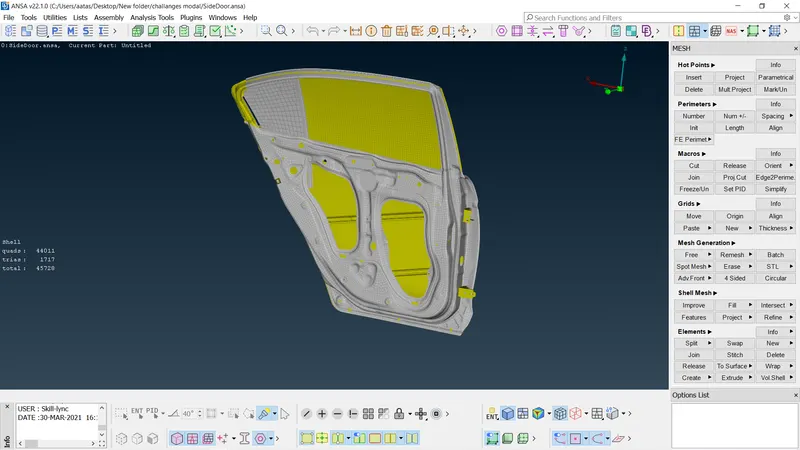
- The model was evaluated for necessary connections.
- To make rigid connections at the holes, RBE2 many node option was used under Nastran deck.
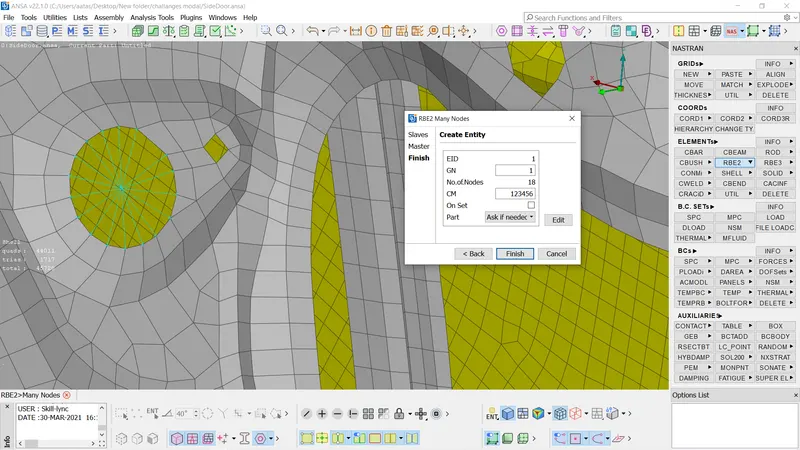
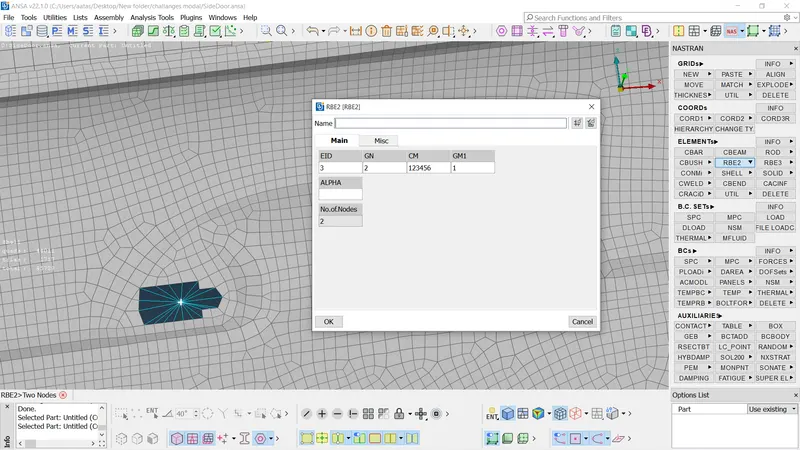
- To create connections at the hinges the rotational movement along z axis was not constrained.
- The weight of handle is input in tonnes using option CONM1 >> CONM2 >> nodes.
- To create RBE3-cbush-RBE3 the edge of the glass is selected and converted to curve.
- The curve is converted into spot lines.
- The details of the connections are entered in the connections manager and the connection is realized.
- The cbush generated is having local coordinates, in order to align it with global coordinate the CID value is changed to 0 in the property card of cbush.
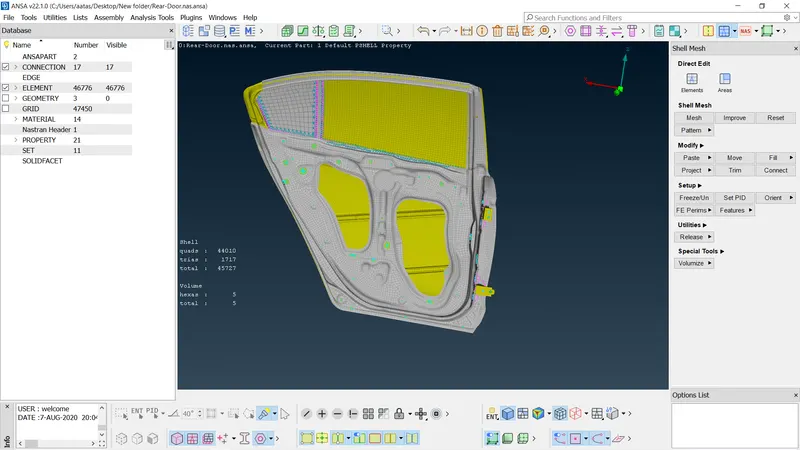
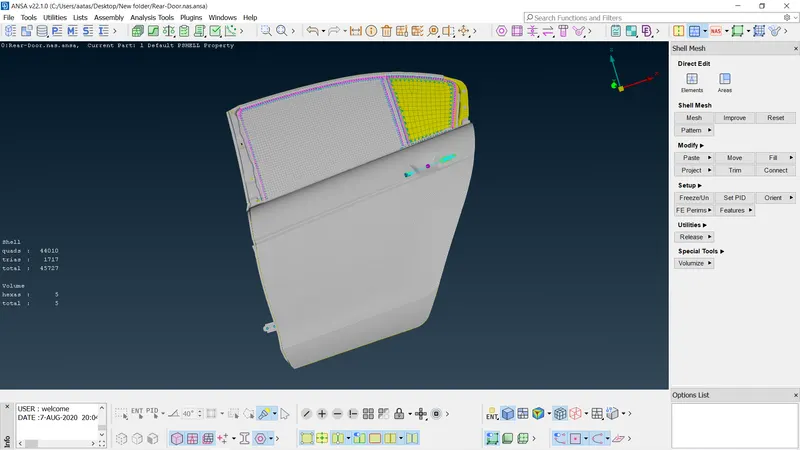
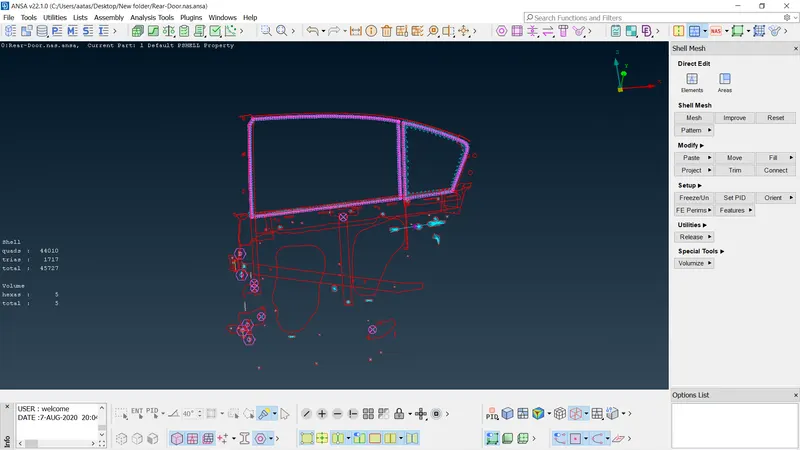
- The given FE model with necessary connections.
Learning outcome:
- Introduction to connection manager and convert option in assembly module.
- Different connection options available in ANSA, such as Two Nodes RBE2, RBE3-CBUSH-RBE3, Nut and Bolt representation and Seam weld data representation.
- Generating connections to the automotive rear door part, and seating parts.
Conclusion:
- Different connections have been generated on the given rear door part to represent the real door connection to the vehicle body, the orientation of CBUSH elements are aligned to the global coordinate system.