Week 6 - Creating connection for Rear door
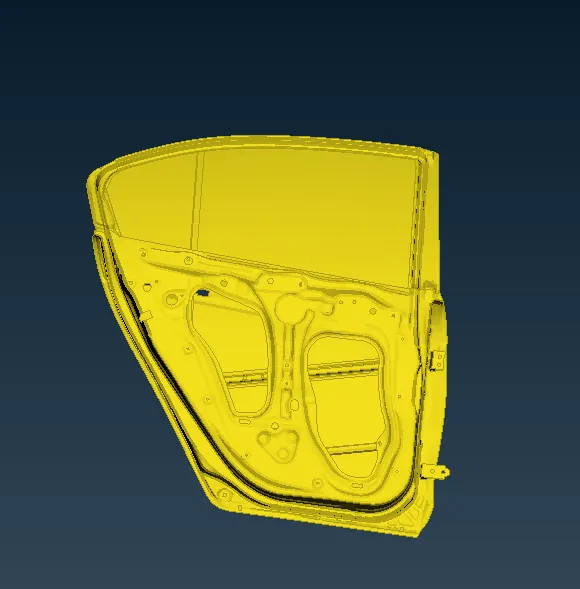
1) inset the given rear door fiel into ANSA
file>open>browse
2)Set PID
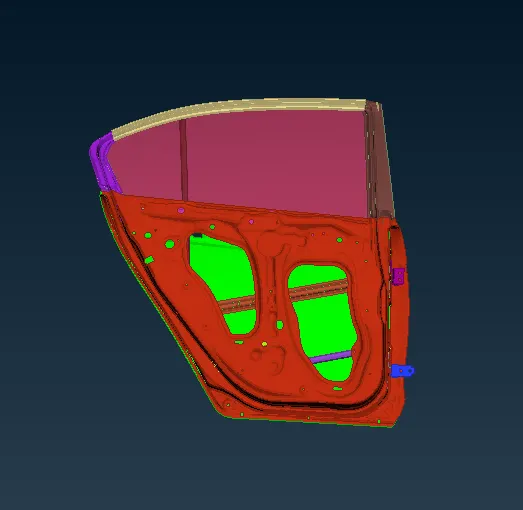
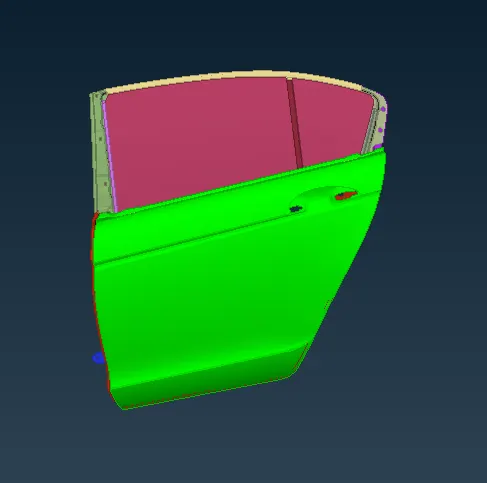
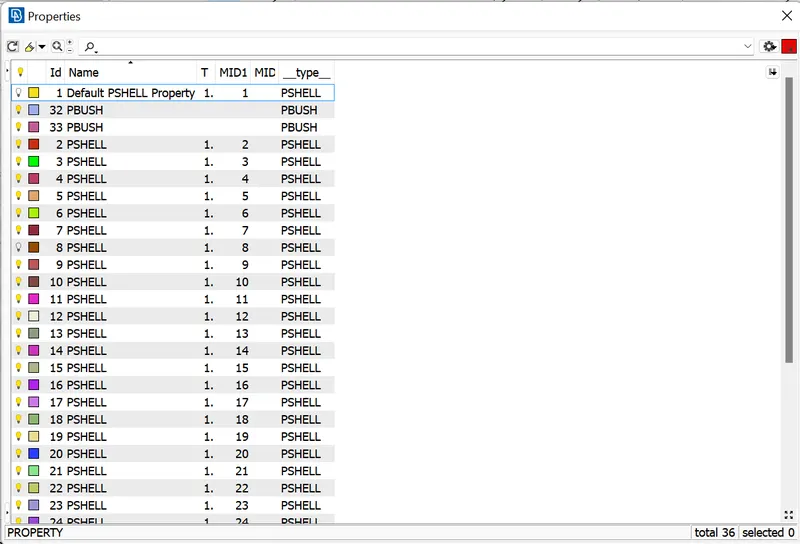
creating seperate PID for full door parts
click , set PID >chose face/shell >select part
then middle click to open the p_card and right to open new p_card for the assing the property t that part
3)creating connections
A)RBE2 conection:
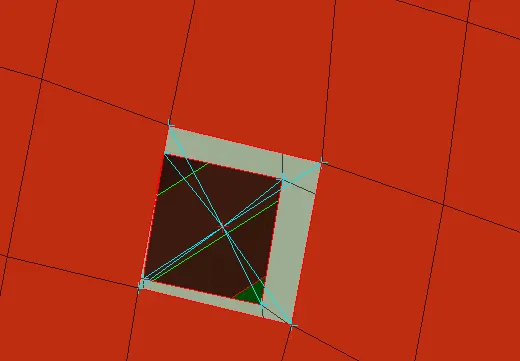
a) many node RBE2
NAST>ELEMENTS >RBE2>MANY NODES
select the needed nodes for making conection
b)two node RBE2
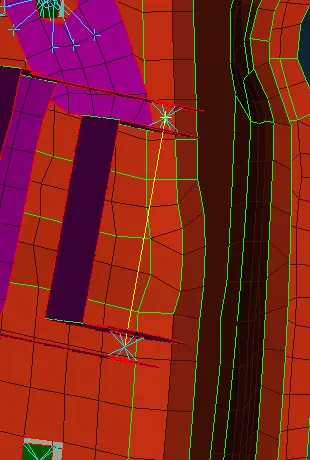
NAST>ELEMENTS >RBE2>TWO NODES
it is used for connecting the two RBE2
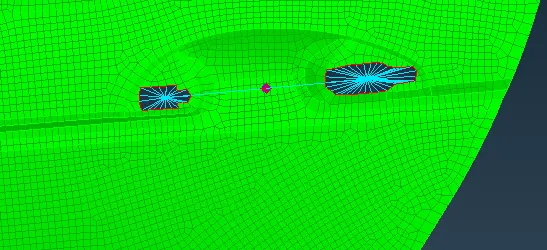
handle connection is a RBE2 element that can be using with
CONMI>CONM2>NODES
select the nodes and in order to give the mass representation of handle in tonnes
B)bolt connection
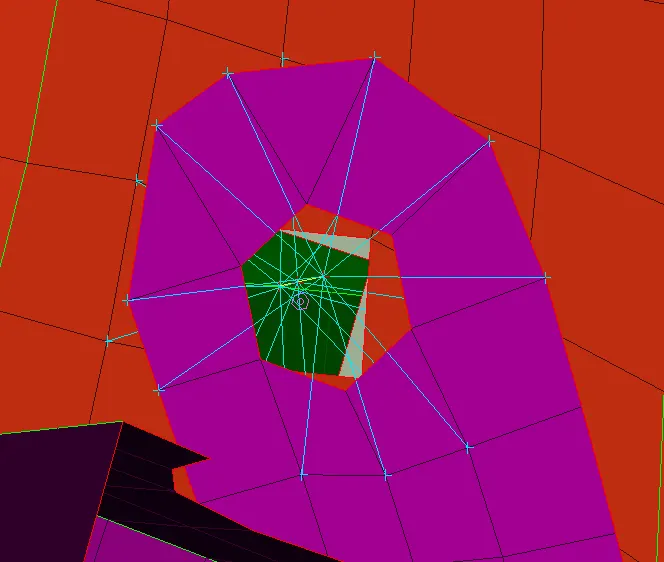
when first a 3D point on CoG
TOPO> POINTS>on COG
THEN convert the point into bolts points
making the connection of the by using connection manager
selecting the p1 p2 p3 and making the connection of bolts in fe rep. settings
C) RBE3-HEXA-RBE3 connection
when first a 3D point on CoG
TOPO> POINTS>on COG
convert the 3d point into spotweld point
making the connection of the by using connection manager
selecting the p1 p2 and making the connection of RBE3-HEXA-RBE3 in fe rep. settings
then creating the PSHELL for this connection
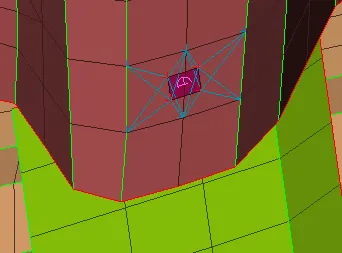
D) SEAM WELD connection
creat the line by using feat2curve
the line is convert to curve to seam weld
making the connection of the by using connection manager
selecting the p1 p2 and making the connection of OVERLAP-SHELL in fe rep. settings
then creating the PSHELL for this connection
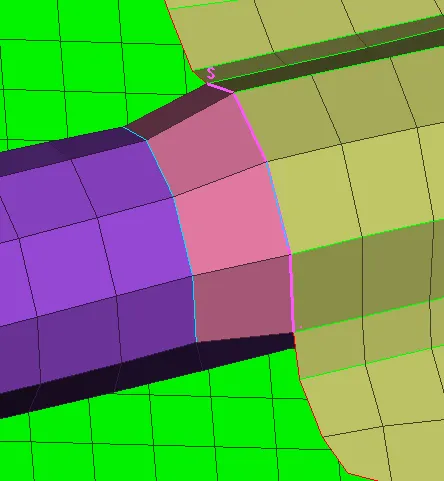
E)RBE3-CBUSH-RBE3 connection
creat the line by using feat2curve
then the bottom line is offset at a distance of 10
the line is convert to curve to spotweld weld
selecting the p1 p2 and making the connection ofRBE3-CBUSH-RBE3 in fe rep. settings
then creating the PSHELL for this connection
making all side of line seperatly
then changing the all CBUSH into global axis , for creat orient and CID for all cbushes
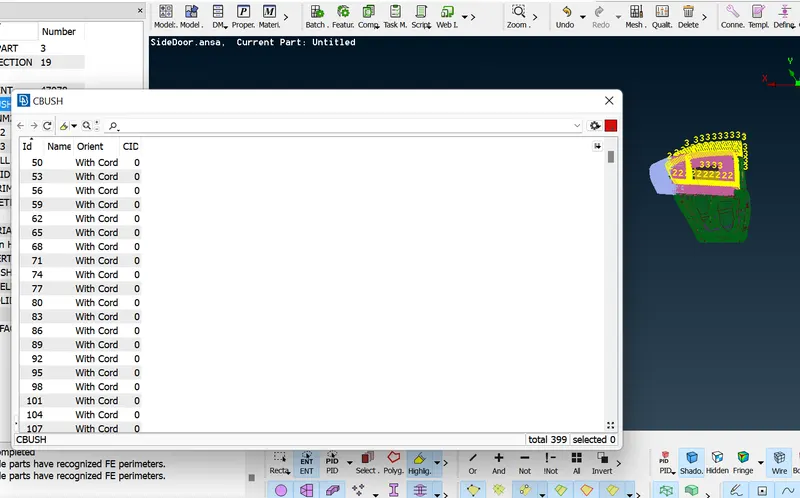
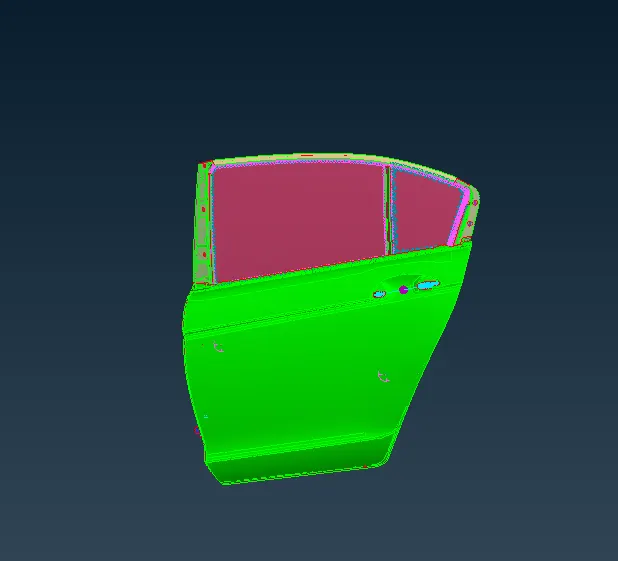
the full connections :
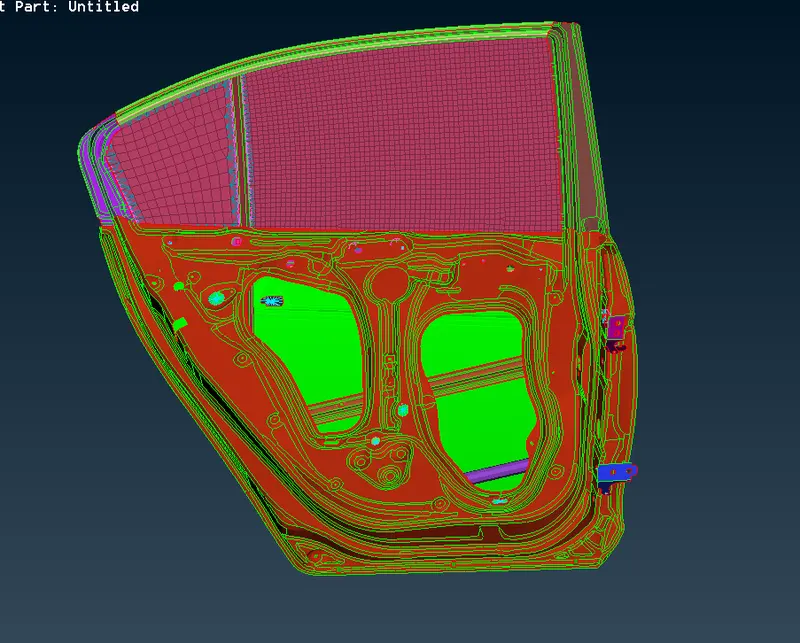
cunclusion;
different connection have been generated on the given rear door part to represent the real door connection to the vehicle body
the orientation of cbush elements are aligned to the gloal coordinate system
Google drive link:
https://drive.google.com/file/d/18VxgD2p20iF8sNd6baUp98K2qQ9mGmPy/view?usp=sharing