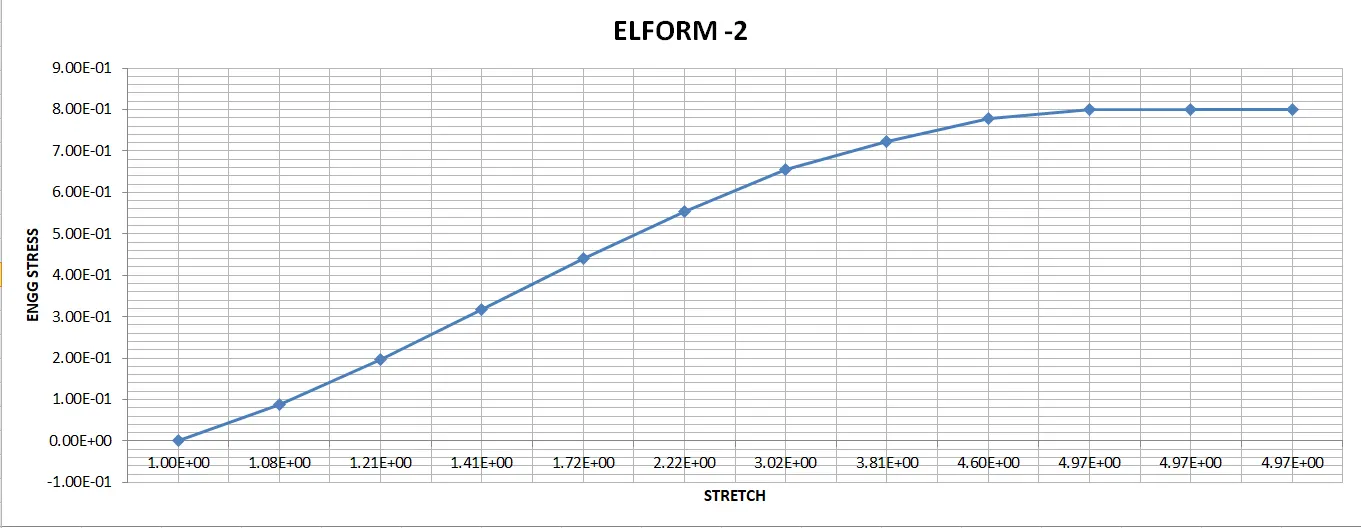
Week-6 Calculate the Stretch Ratio by comparing the ELFORM (-2,-1,1,2) with Ogden_Material Model.
AIM : Calculate the Stretch ratio by comparing the ELFORM (-2, -1, 1, 2) with Ogden material model.
OBJECTIVE :
- Model a cube of 10mm*10mm*10mm.
- Import the material card in the LS-PrePost material libarary.
- Assign the required keyword cards to the model to run the tensile test.
- Run the test in the LS manager.
- Save the POST result STRESS/STRAIN data.
- Plot the ENGG STRESS and STRETCH data values.
PROCEDURE :
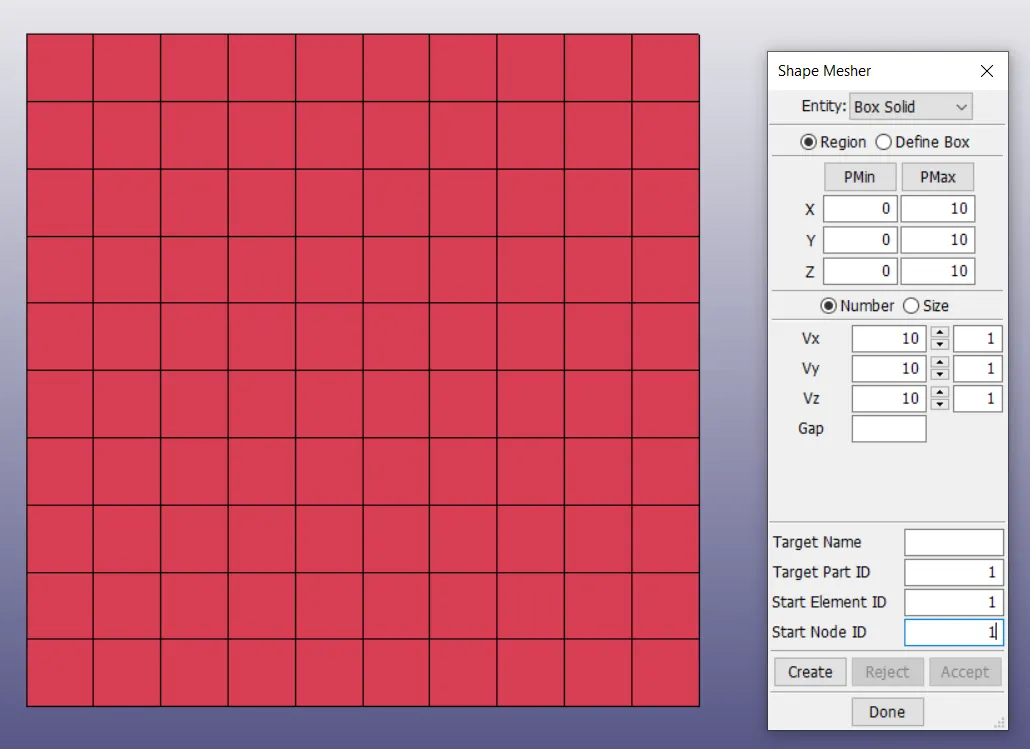
- First we have to model a solid cube of 10mm*10mm*10mm, to model that we are here using MESH> Shape Mesher.
- In this we are here selecting Box Solid entity so that the Cube contain structure of solid box, the values of 10mm in X,Y and Z direction is assigned as the Dimension of the cube.
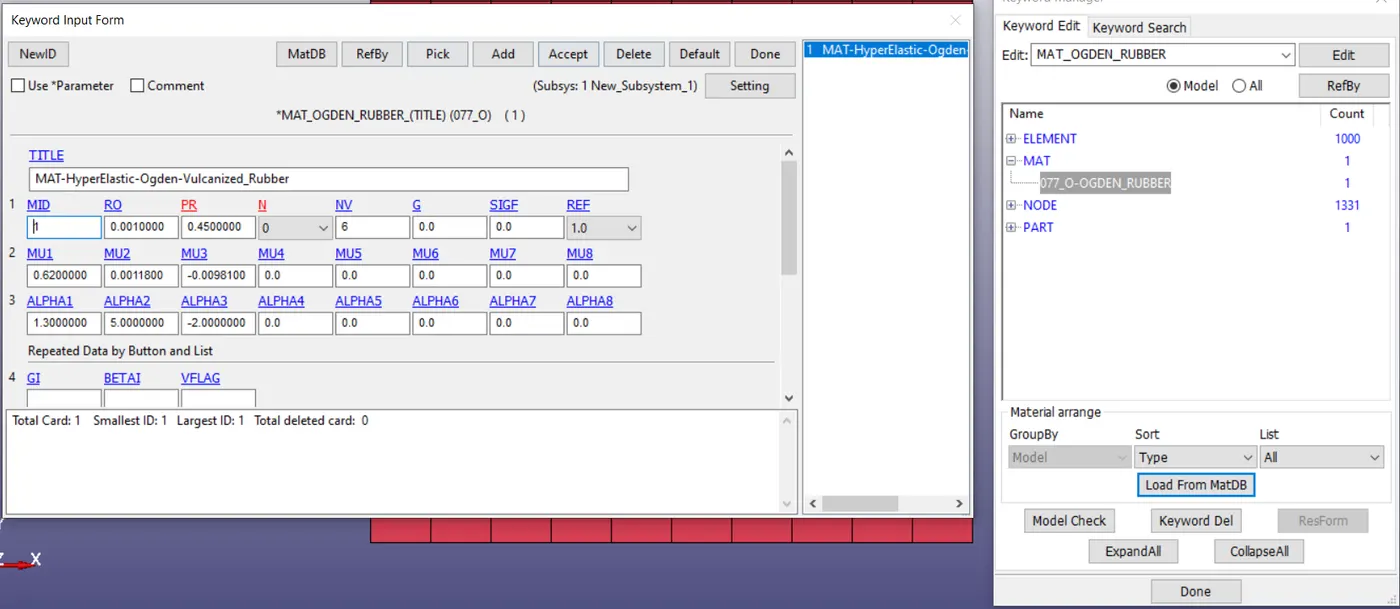
- The given material card is imported in the keyword libarary, MAT_OGDEN_RUBBER material card is used to assign the model with Hyperelastic properties.
- This is used to define the non-linear stress/strain behaviour of the complex materials, elastic deformation of these materials are extermely high.
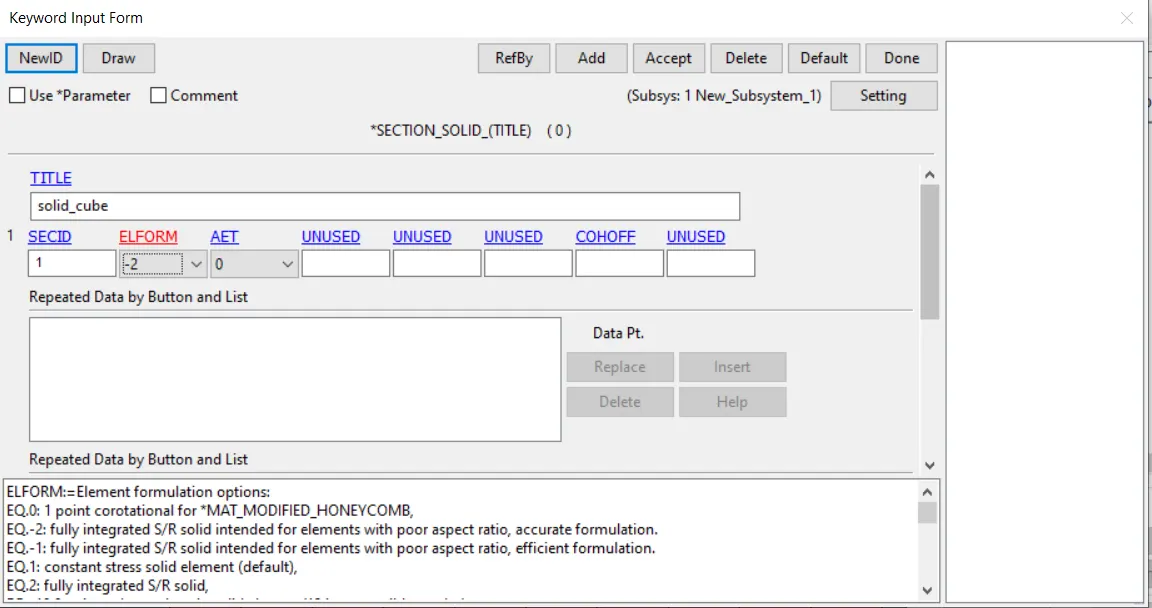
- The Section card of SOLID is used for the model to demonstrate the SOLID properties of the elements in the model.these cards are assigned by using different ELFORM'S to check the best result output for the Tensile test of model.
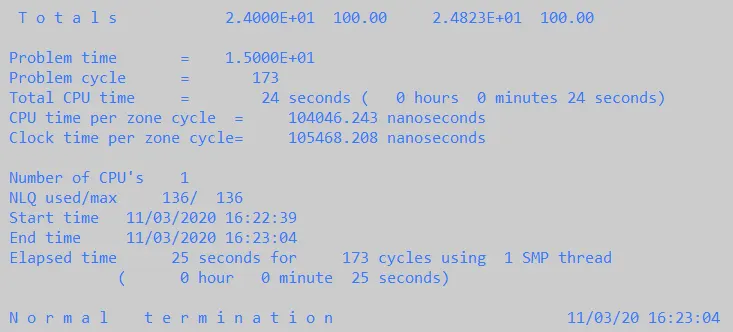
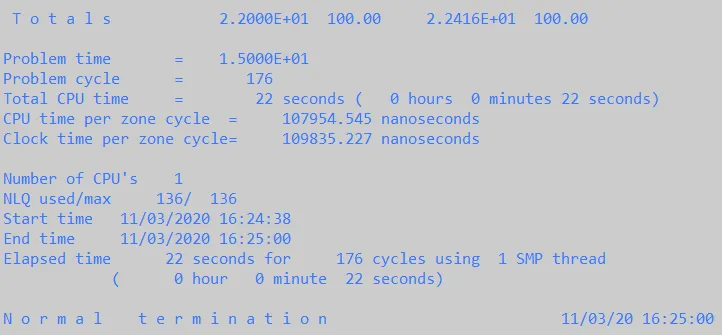
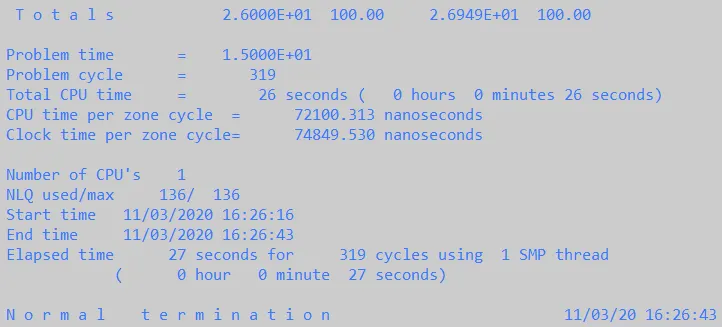
- Multiple tensile test are run with Different elform assigned individualy.
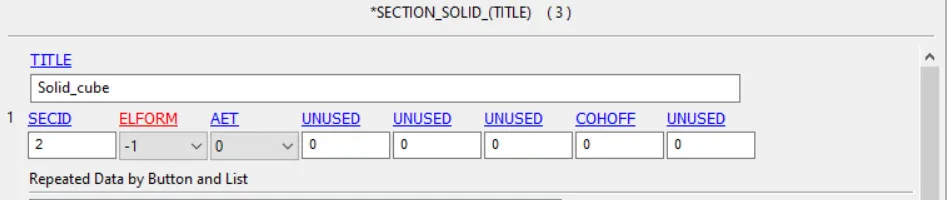
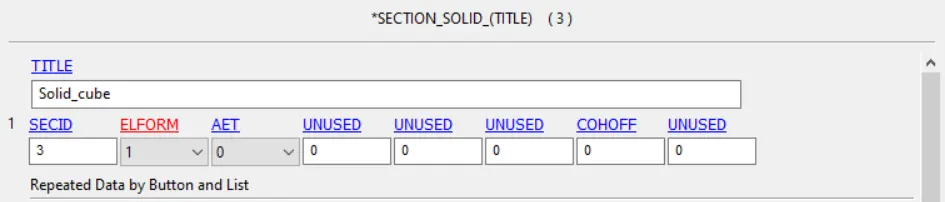
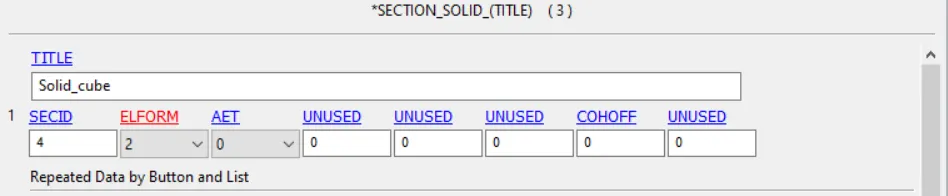
- To run the tensile test we have to act the force, here we are giving the Displacement as a force.
- To assign the displacement with respect to time in model, here we are defining the displacement curve with displacement values with respect to time.
- There are Boundary conditions applied to the model in such a way that it undergo natural deformation when subjected to the load acting or here in this case displacement acts.
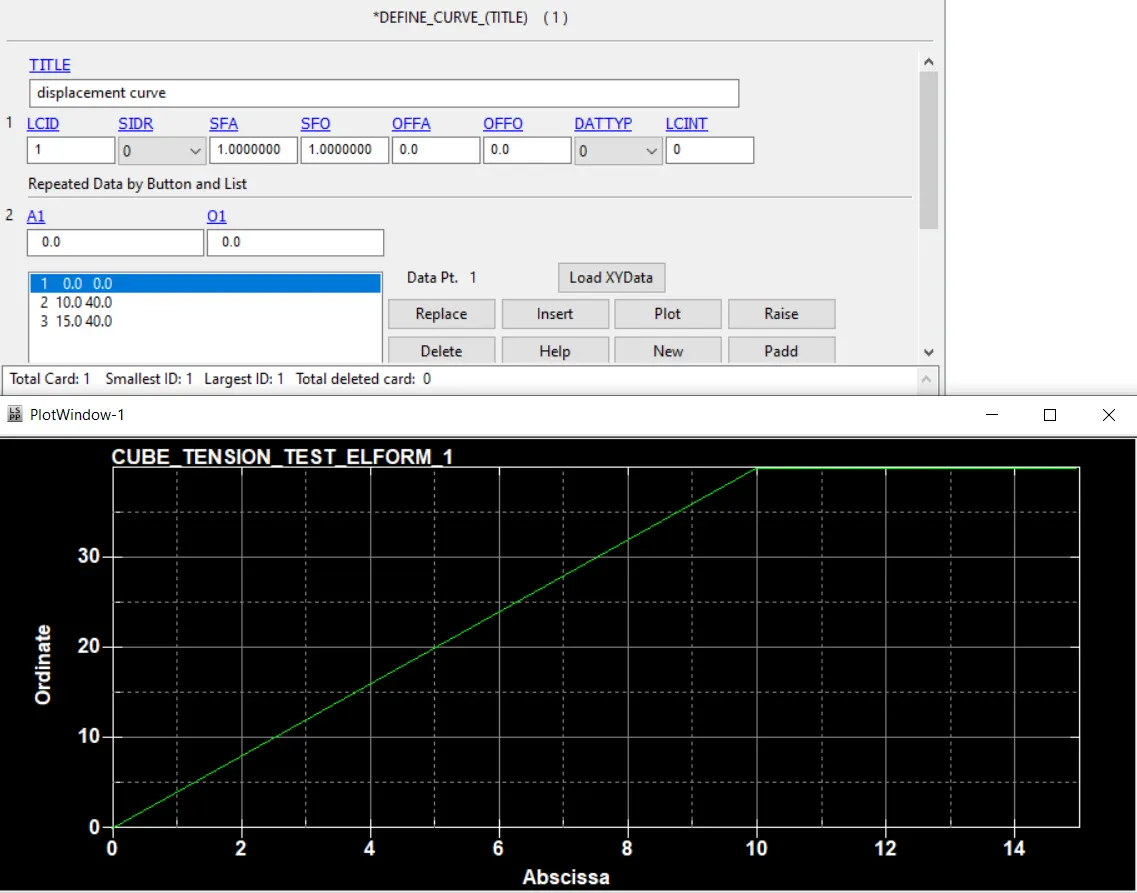
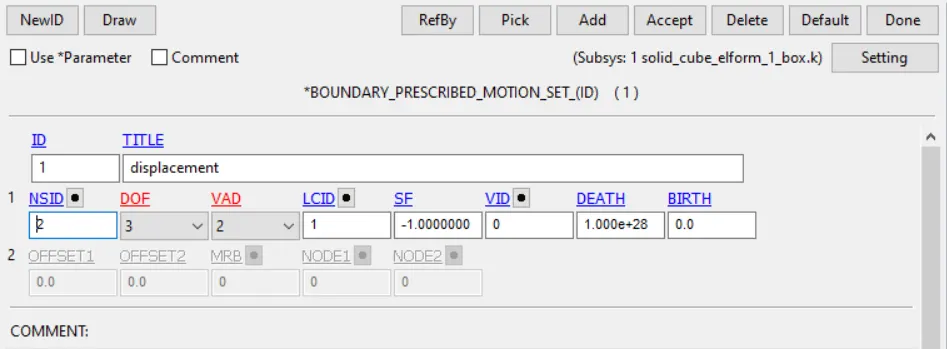
- In these Tensile Test we are finding the tensile behaviour of the model, it is mainly done in very slow manner. so, basically it is a long duration problem.
- these kind of problem is solve using the Implicit solver to get more accurate results, where accuracy is more important than the time and computational expense.
- The main cards used to run the Implicit solver are : 1) Control Implicit General (2) Control Implicit Auto.
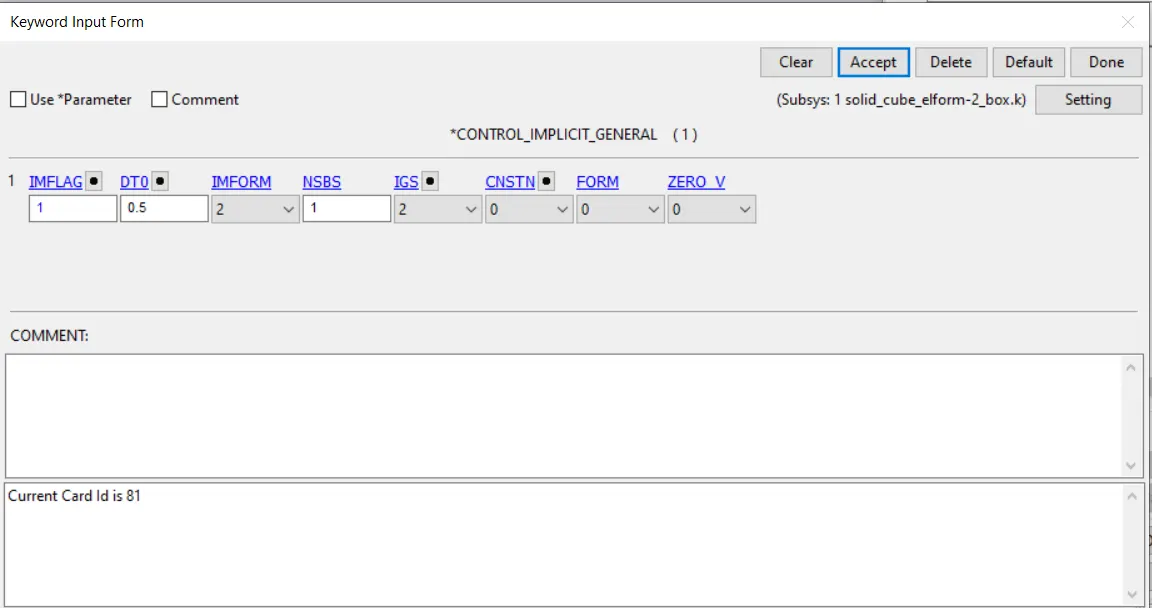
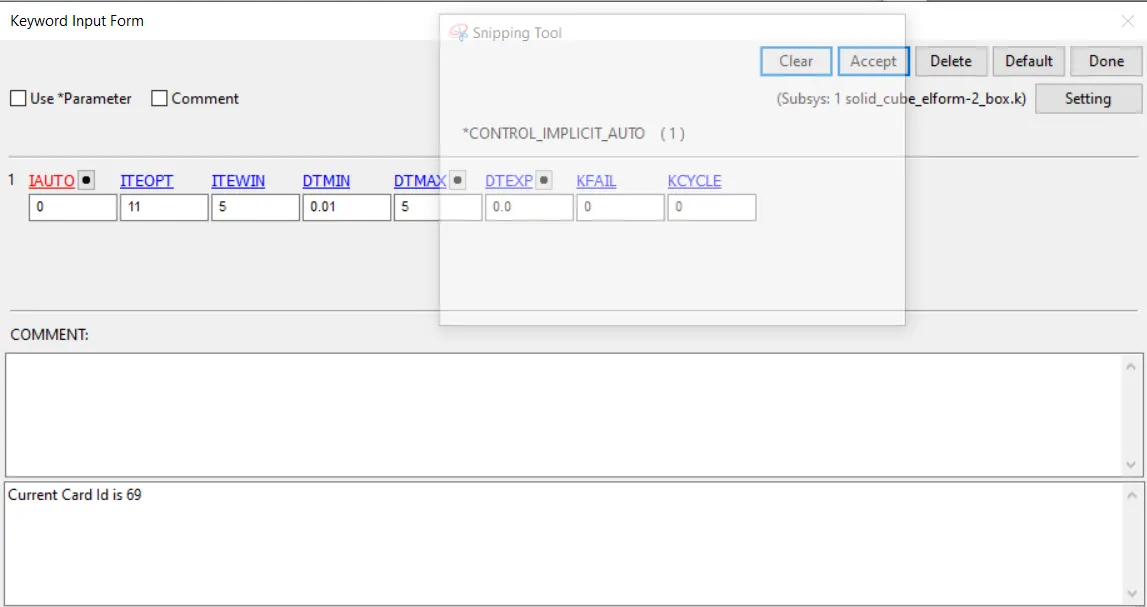
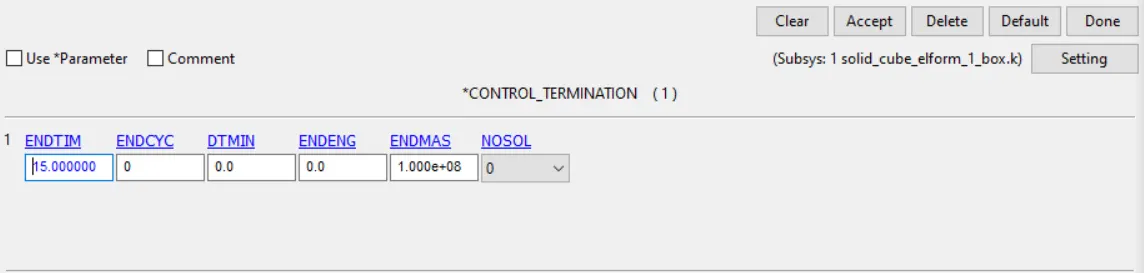
- Control Termination card is used as compulsary to provide the time set to run the test.
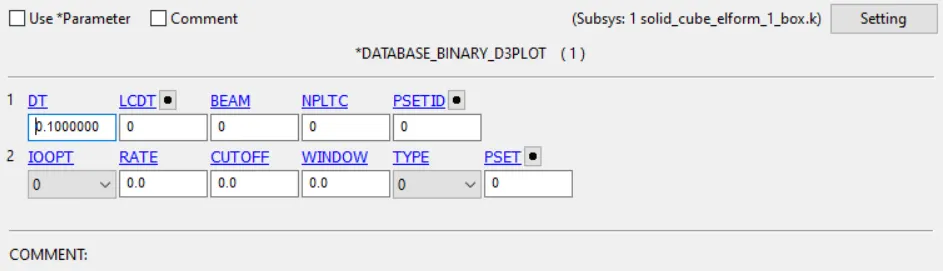
- DataBase Binary D3 Plot card is used to write the solving result data in particular interval of time through out the test run.
RESULTS :
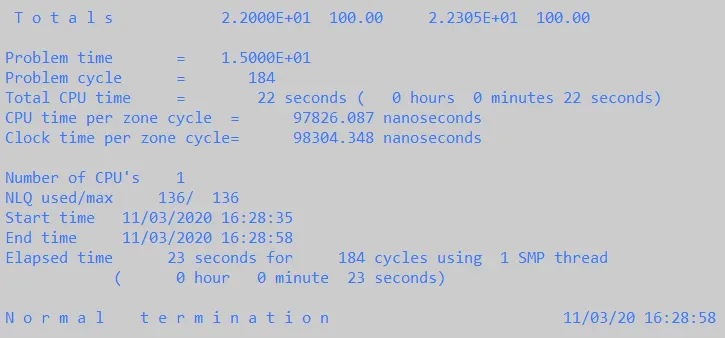
The Solid Cube is modeld and run the Tensile test. Demo animation of test is shared through the link.
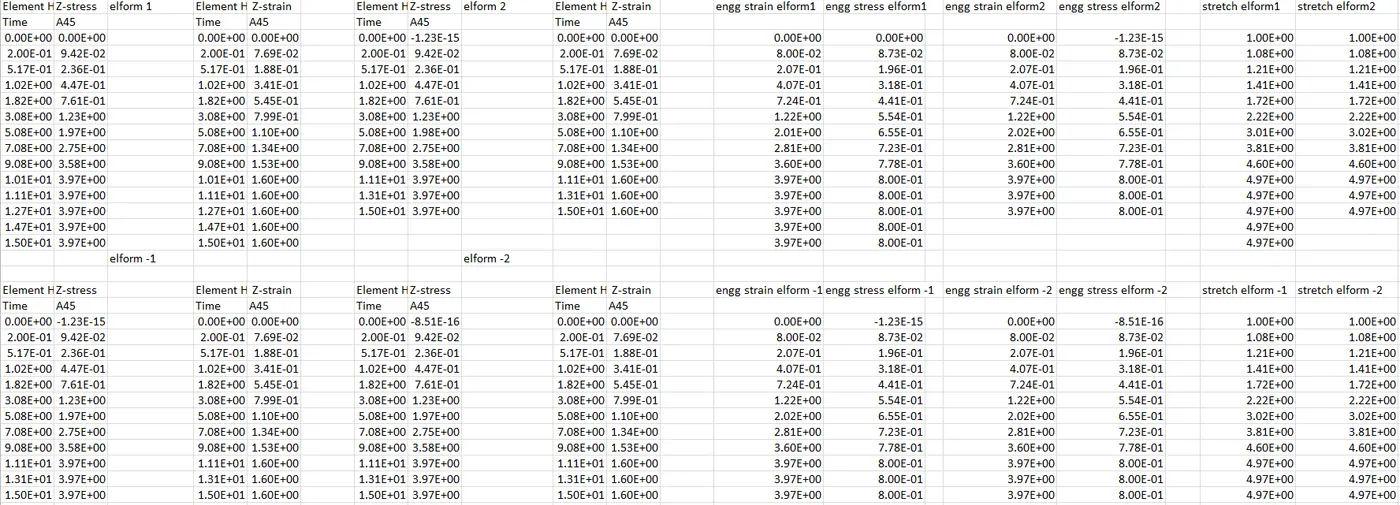
the Output Post Processing data of Stress/Strain are stored in the Excel sheet.
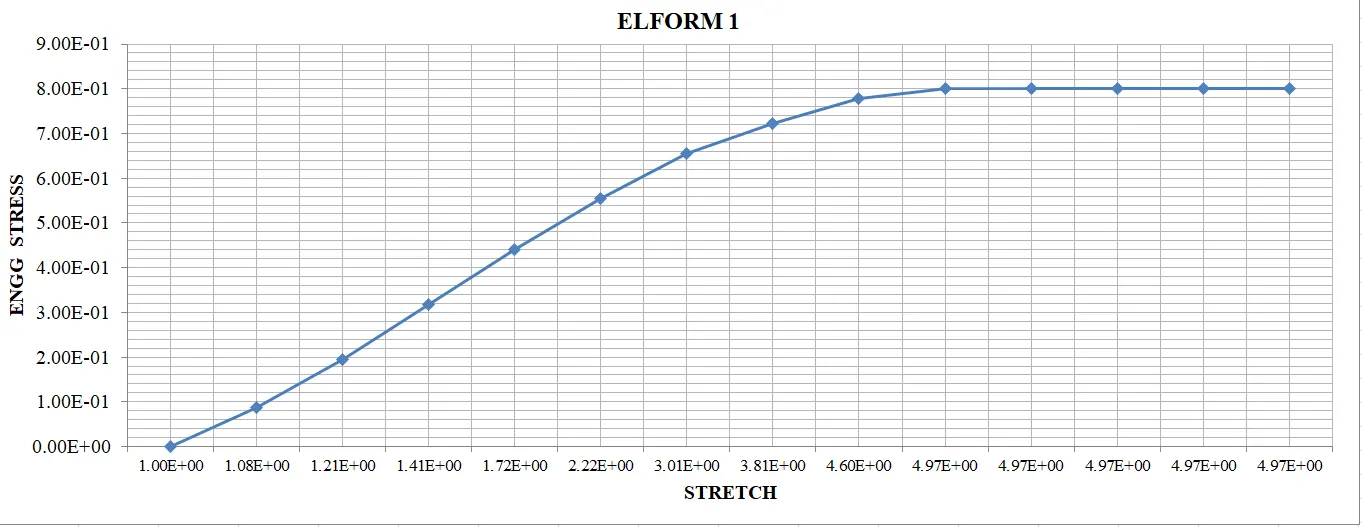
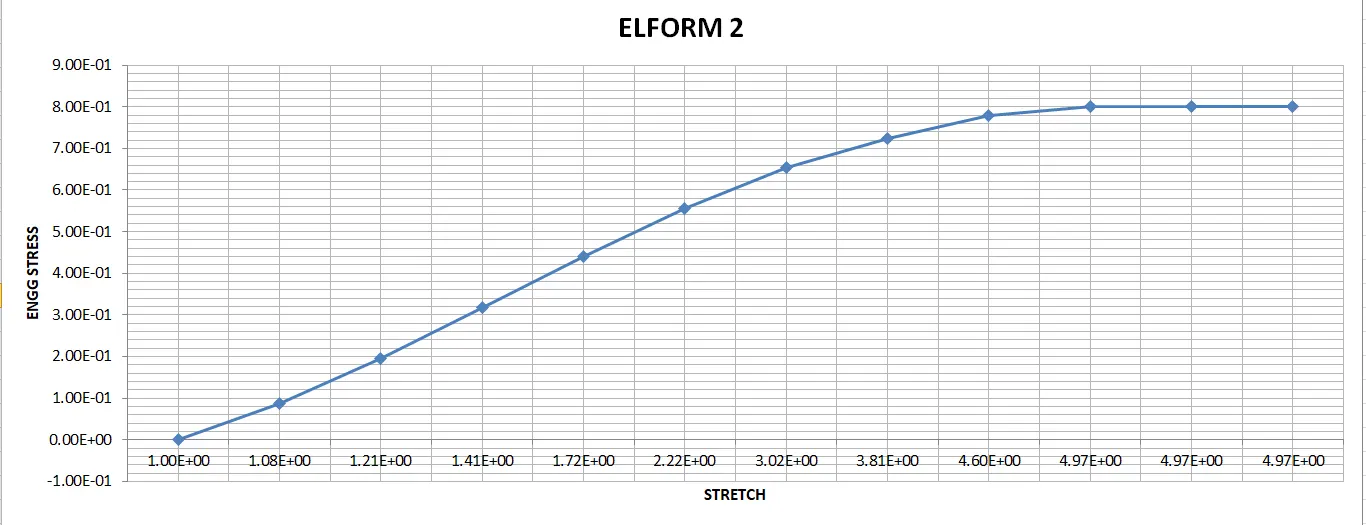
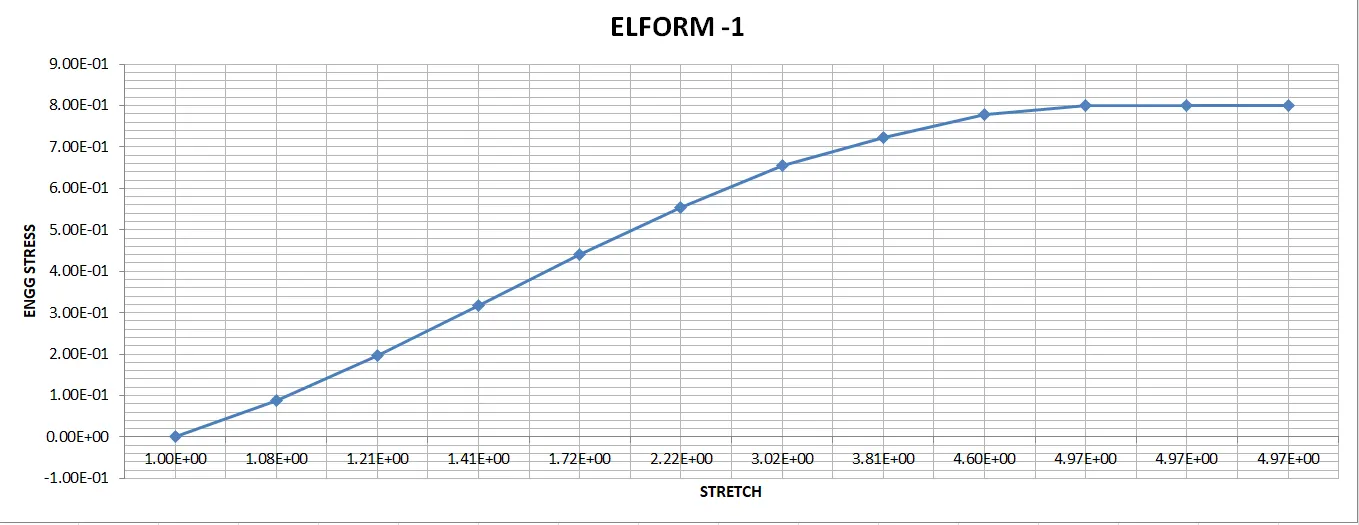
the Excel sheet contains the Plot of True Stress/ Strain data and Engineering Stress with Stretch data.
the formula's used to calculate these Engg stress/ strain and stretch data are:
`bb"Engg Strain" = e^(bb"true strain") - 1`
`bb"Engg Stress" = bb"true stres" / e^(bb"true strain")`
STRETCH = 1 + Engg Strain.
The following Excel sheet and the keyword file is shared through the link given below for the further refernce and the plot are shared as an image data in the below.
https://1drv.ms/u/s!AnGsOah9scM2gQWSN7BCpoRBUJIb?e=QD88jv