Connect different parts of Automotive Rear door by using suitable connectors
Connect different parts of Automotive Rear door by using suitable connectors
Objective
- Importing NASTRAN Deck file to ANSA environment.
- Setting up the PID according to requirements.
- Making manual connections like RBE2, RBE3.
- Creating automatic connections and realizing the connections.
Procedure
- Click on ANSA icon. It will ask you to choose the working directory and layout to work.
- You can use the performance mode for graphical issue.
- Type (-performance_mode3) to get good results in below window.
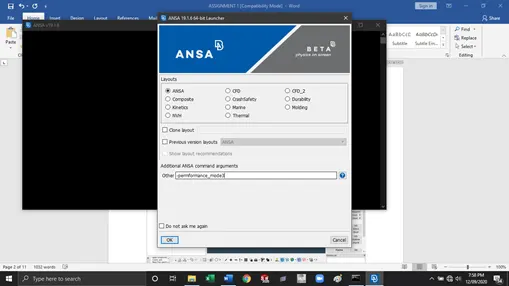
- Select ANSA and hit OK.
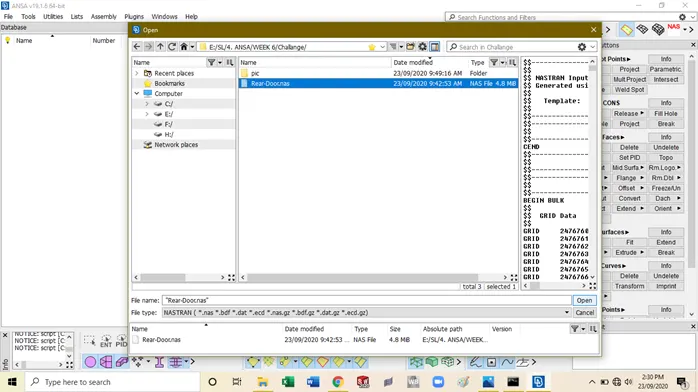
- Click on Import from NASTRAN deck.
- Go to Import file-à select the NASTRAN deck and hit Import.
- It will appears as a shaded view in Entity mode. On left side it will shows the database.
- Database include some important tabs like properties and material.
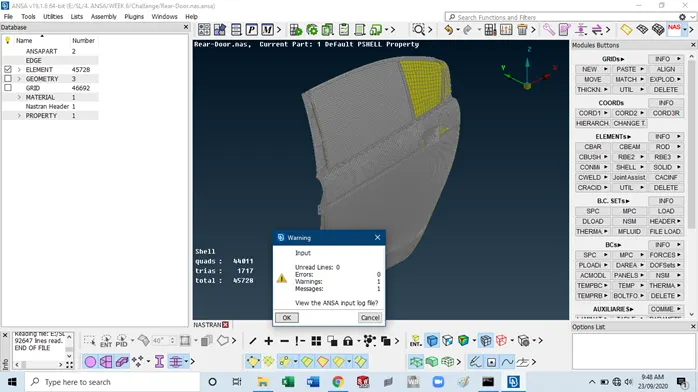
- When you fine all the areas you will get the exact idea about how the surface looks. As shown below.
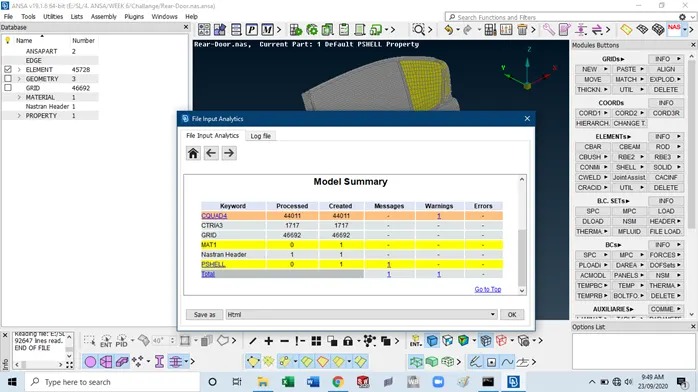
- Now we have to look at the model summary given.
- Here if needed we have to set the PID according to the section.
Identify the connections required
- We have to make sure which type of connection we have to deploy as per given CAD data.
- Sometimes the connection data is provided.
- There are different types of connections are possible in any assembly, such as spot weld, seam weld,
Bolt connections etc
Creating a RBE2 Connection
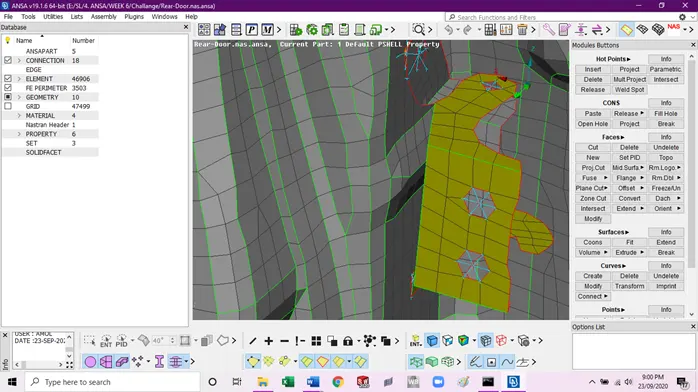
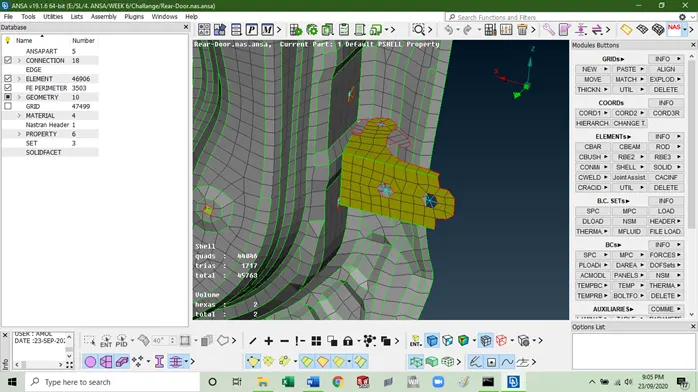
- In RBE 2 two different method included namely Many nodes and Two Nodes. Choose the suitable conditions according to the requirement.
- Selection of node is have different methods such as feature angle selection, loop selection, path selection etc.
- Apart from node we can select the elements for choosing different nodes.
- Select the required node and hit the middle mouse button to accept.
Creating a RBE2 Cluster Connection
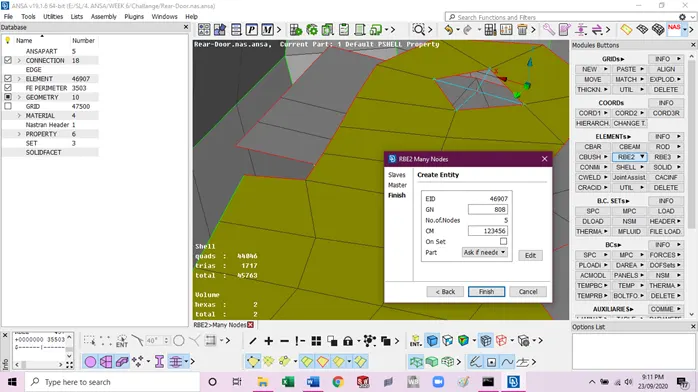
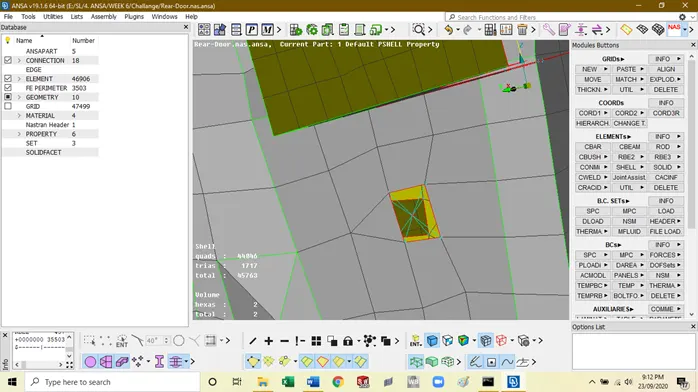
- The RBE 2 cluster is mainly created using two different parts together.
- The nodes from two different parts are joined together to form a rigid connection.
- The RBE2 consist of the two types of nodes namely slave node and master node.
- The master node gets created at the COG of all the nodes.
- The DOF can be restricted during the entity creation.
Creating a Bolt Connection automatically
- The bolt connection can be created manually or automatically.
- In manual method we have to create the two different RBE2 link (as representation of bolt and nut) and join it by another RBE2 (Bolt Stem).
- In automatic method we have to only specify a center point and the ANSA will create the bolt itself.
- For creating a point, we have to create a 3D point in topo mode.
- This point is converted to bolt directly using the connection manager.
- We have to realize the bolt by providing the details regarding the joining point, search distance, and type of bolt required.
- Here in automatic bolt realization the each RBE2 work as a separated connection and the bolt stem generation is also automatic. This will save the time during connections.
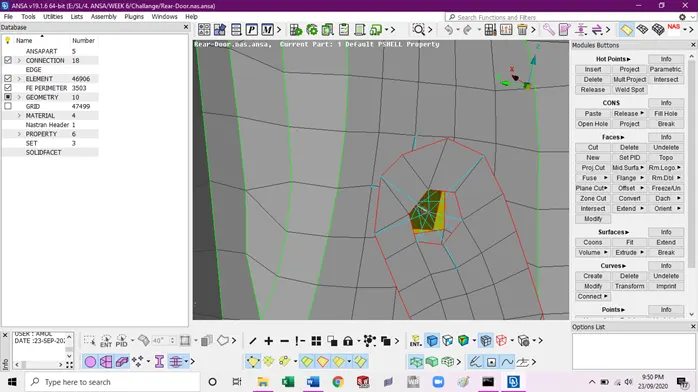
Creating a Bush Connection
- Here the bush is required to create between the window glass and other parts such as inner and outer extract of the door.
- The bush connection will represent the weather strip also known as beeds.
- These connections have the stiffness coefficient.
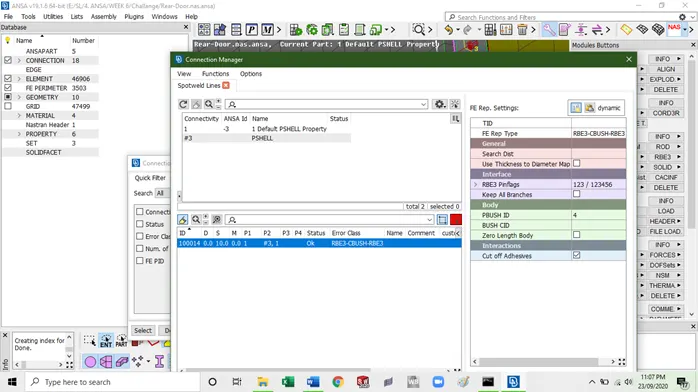
- The bush connection require the separate PID to choose between two different parts.
- The search distance will be provided accordingly.
- The Type of joint is RBE3CBUSH should be selected when asked in connection manager.
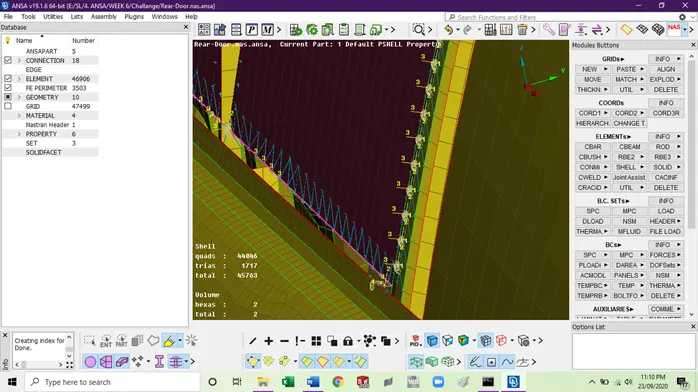
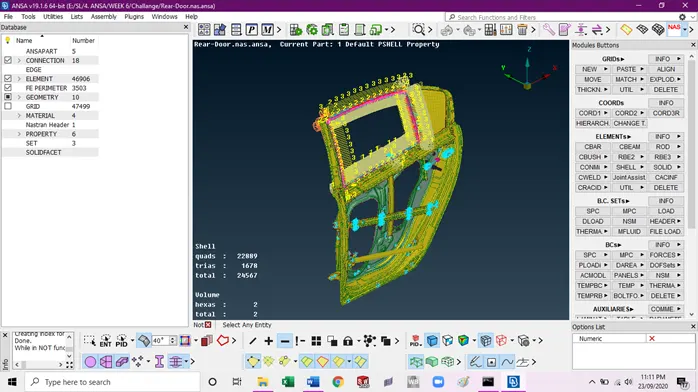
All parts having different connection together
Conclusion:
- Connectors are required to connect to different components, as in actual work environment.
- If we want to delete the connector we should delete it with its FE files or it may create some issue.
- There are various types of connectors are available according to conditions given in CAD model.
- Connectors should be chosen wisely to get good results.
- Connector during creation can spoil the mesh flow, so we have to pay attention to the mesh flow after connector creation.