Week- 5 - Solid meshing
Objective:
For the given Rear view mirror component, check for the geometrical errors and mesh the Surfaces with the given 2D element Quality criterias given below.
|
1 |
Target/Average length |
1 |
|
2 |
Minimum Length |
0.5 |
|
3 |
Maximum Length |
2 |
Use tetra elements to mesh the Volumes defined in the model and check for the below quality after Volume meshing.
|
1 |
Tet collapse |
0.2 |
ANSA file:
https://drive.google.com/file/d/1N5hIOI1DLR-BqdLTT7LRB-Nlc2ASklOL/view?usp=sharing
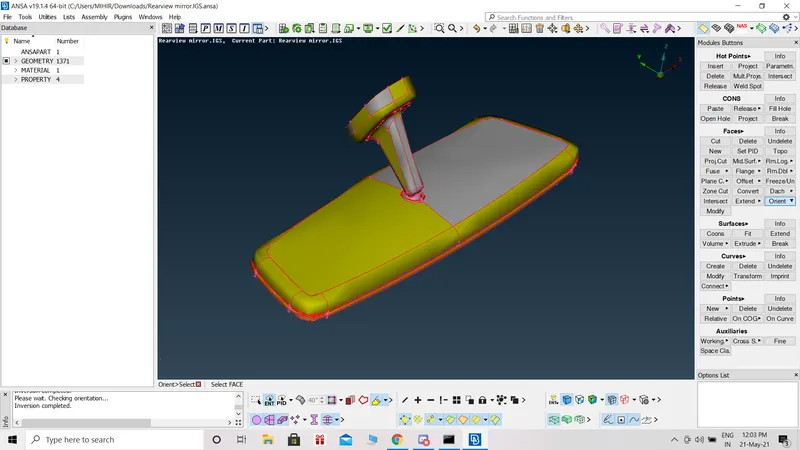
Given Model:
Procedure:
Geometrical clean-up:
- Open each PID separately. In tool section, we go for checks geometry to checking the geometrical errors. After execute, select all and click on 'fix' option which automatically fixes the issues.
- To increase the cons resolution, go to Topo module, select the Perimeters > Length then click the entire model using window selection (it basically defines the element length on selected perimeter segments). After that we see dialog box which has the value of length as 20 by default, change the value to 1 and click ok.
- Again check geometry to checking the geometrical errors.
Shell Meshing:
- In Utilities, go to Mesh Parameters and give the target length, minimum target length and maximum target length 1mm, 0.5mm, 2mm respectively.
- Open Quality criteria and give the minimum and maximum length values.
- We used proper defeaturing in many cases.
- In curved surface area (inner face of hole, inner and outer curved surface) we used ortho tria mesh.
- For plane area surface, we used tria mesh.
- We did the same process for all PID separetely.
Volume Meshing:
Now, we need to generate unstructured mesh throughout the trias and we will generate volume in middle of it.
- Volume > Define > Manual and then select the entire model and then do right click then it will create a new pSOLID.
- Volume> List then right click on that and do Remesh.
- Unstructured Mesh > Tetra Rapid
- Open Quality criteria and give the collapse value = 0.2
What is Tetra Raipd ?
The Tetra Rapid algorithm meshes the Volume with Tetra Elements.
The parameters used during the automatic generation of volume elements are defined:
- The Maximum growth rate, which is the approximate growth factor of volume element size from layer to layer while the generation moves towards the interior of the Volume.
- Maximum Element Length. Specify the maximum allowable length of the tetra elements to be generated. Useful when specifying a growth rate factor while keep the length of the elements below a certain value.
- Quality Criterion and Threshold Value. The user can select the quality criterion definition with respect to which the generated tetra elements will be optimized, and specify a threshold value to guide the optimization process. Furthermore, this function gives the option of identifying possible problematic regions of already defined volumes, prior to volume meshing.
Mesh Results:
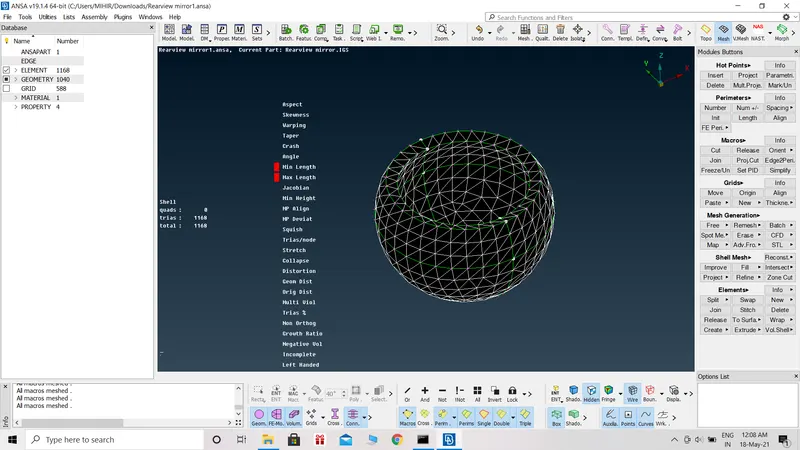
2D meshing- part1
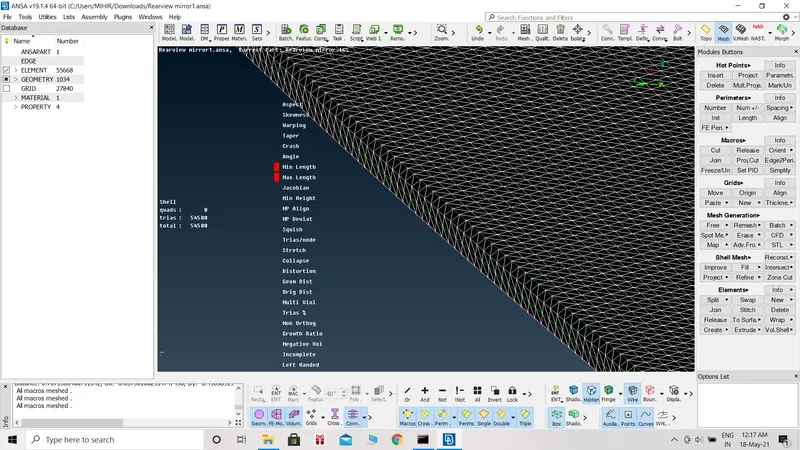
2D meshing- part2
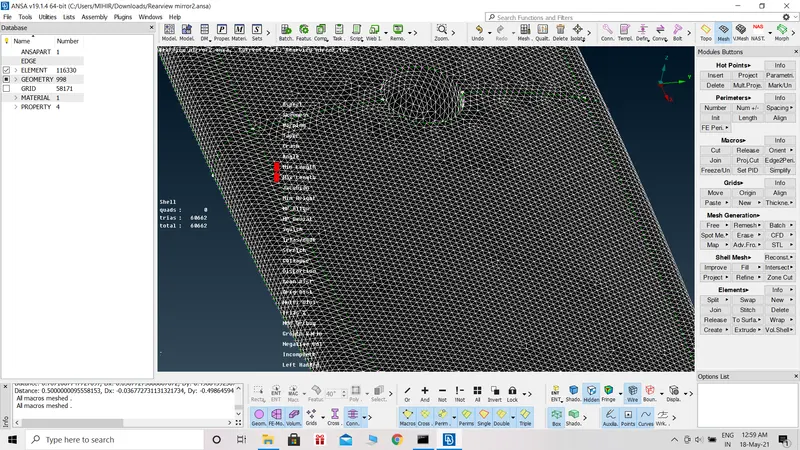
2D meshing- part3
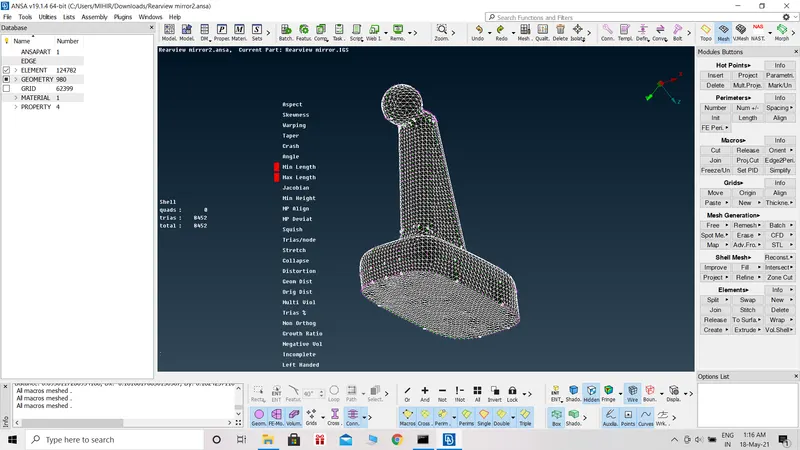
2D meshing- part4
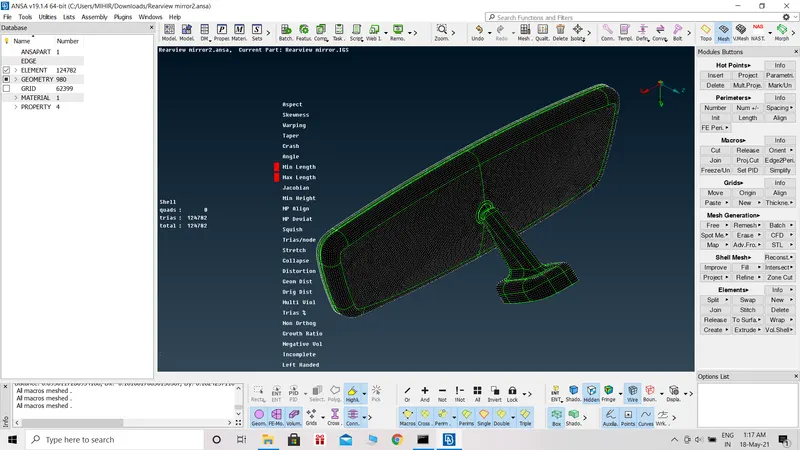
final 2D mesh
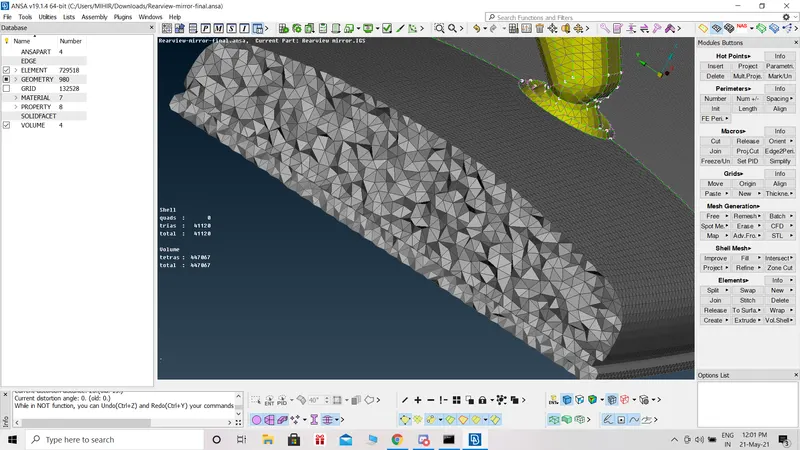
3D mesh showing
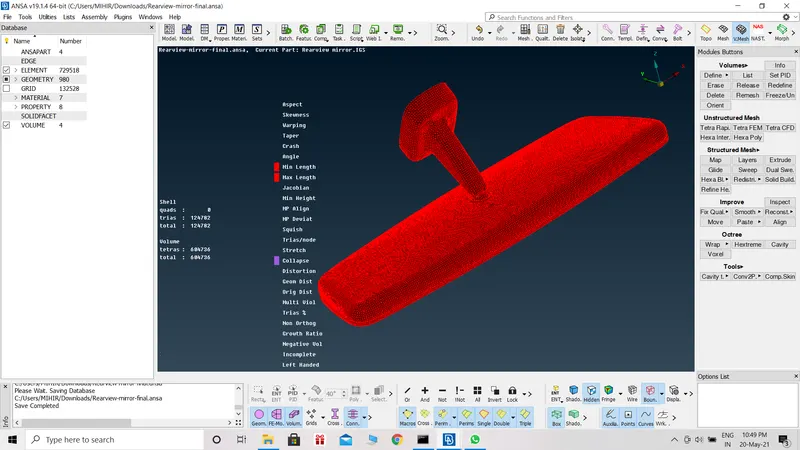
final 3D mesh
Learning Outcomes:
Learnt about 3D meshing
Conclusion:
Meshing is done successfully and no elements are falling under given quality criteria.