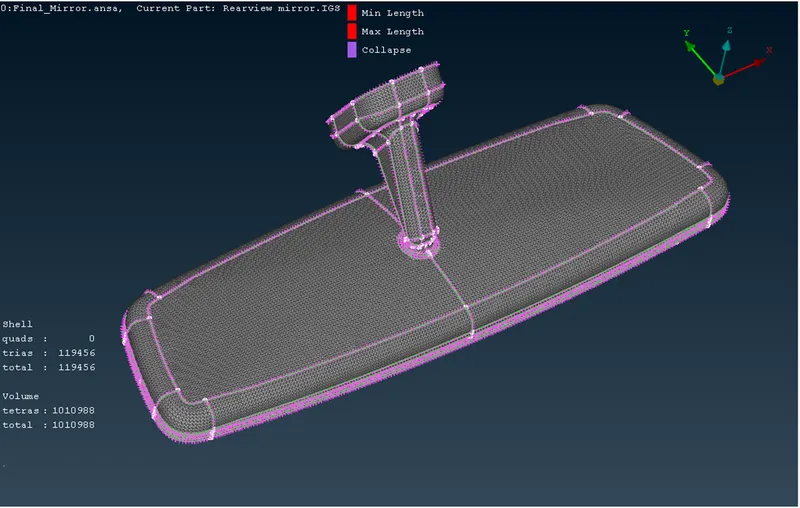
Week- 5 - Solid meshing
AIM: Perform solid tetra mesh for a rear view mirror component.
OBJECTIVE:
- Clean-up the rear view mirror geometry and create a solid mesh.
- After creating solid mesh check the quality criteria of minimum length, maximum length and tet collapse.
- Objective of volume mesh and unstructured mesh.
PROCEDURE:
- Firstly we need to open .igs file of REAR VIEW MIRROR model (Rearview mirror.igs)
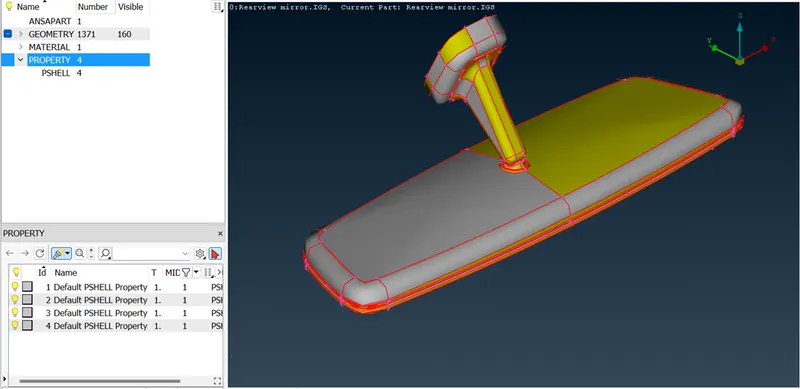
- Then we need to check all the parent geometry. And repair the geometry with the help of TOPO command.
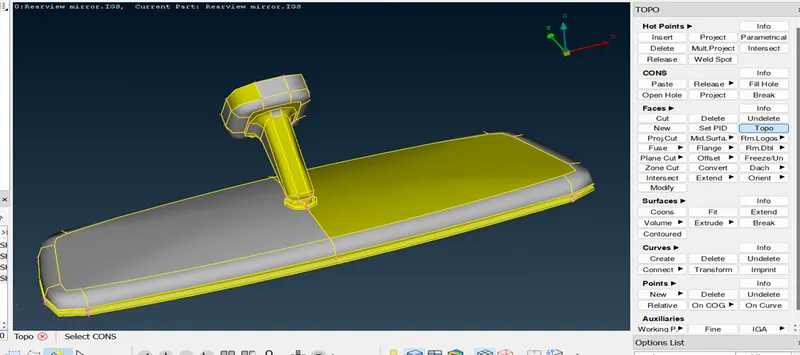
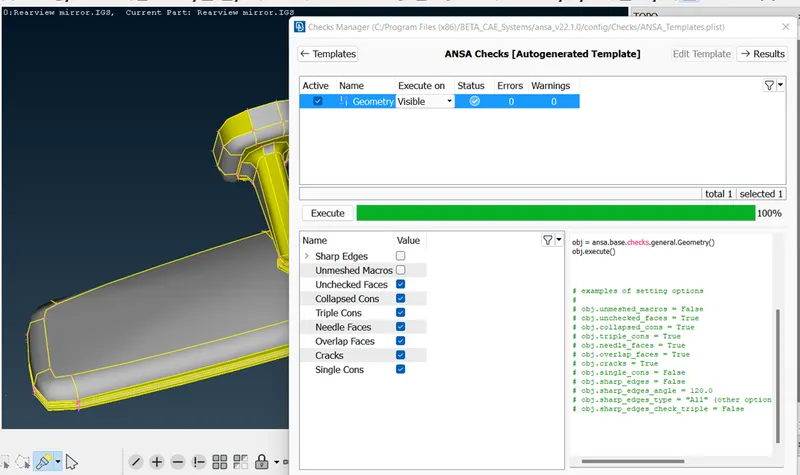
- After this we need to check the geometry.
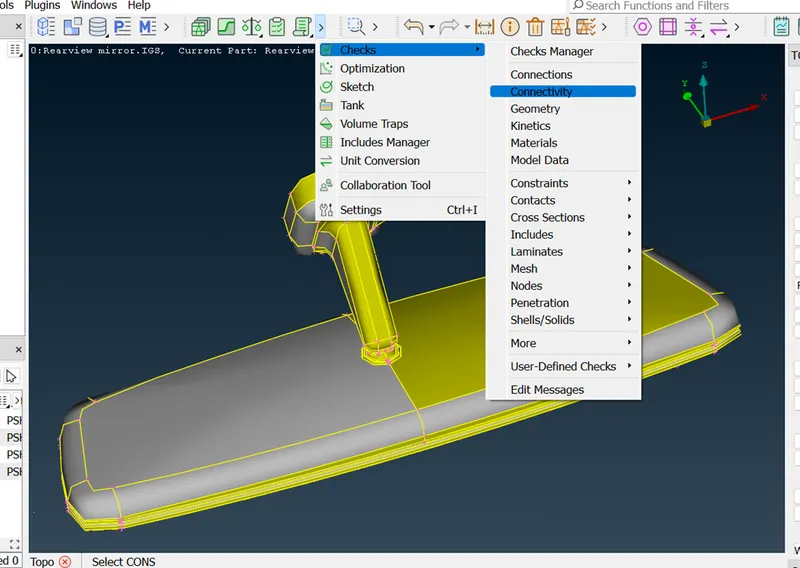
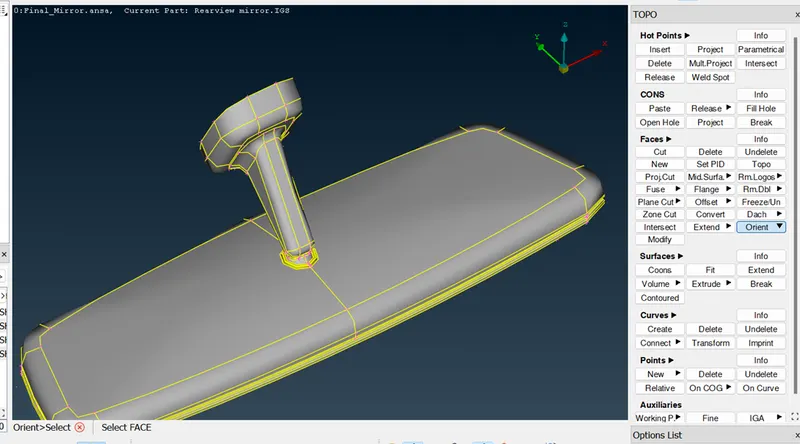
- Then we need to fix the orientation.
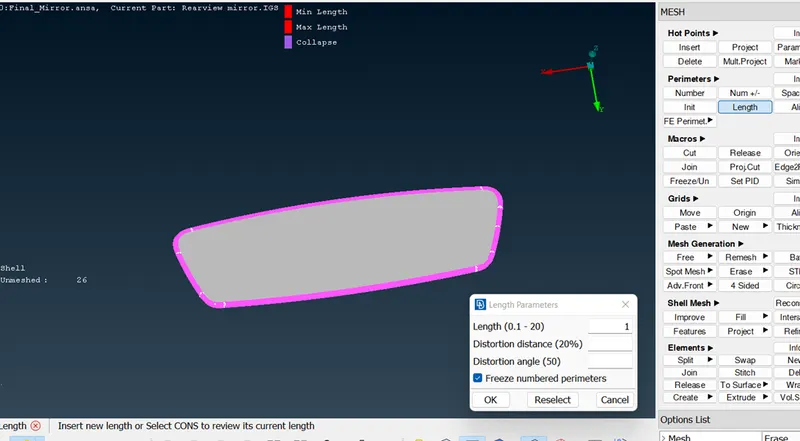
- Now we need to change the perimeter length and macros length to 1.
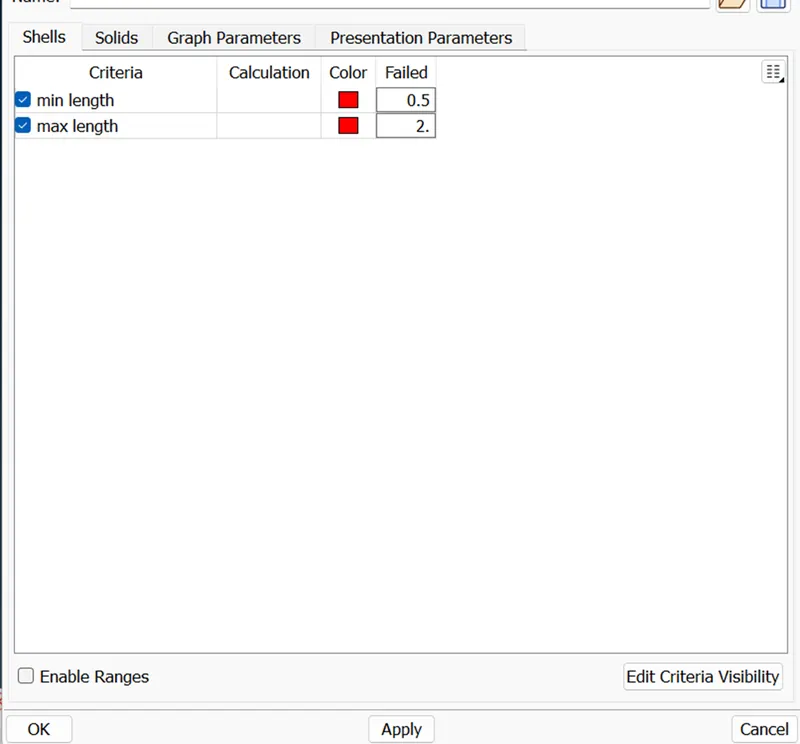
- After this we need to set a quality criteria according to the requirement.
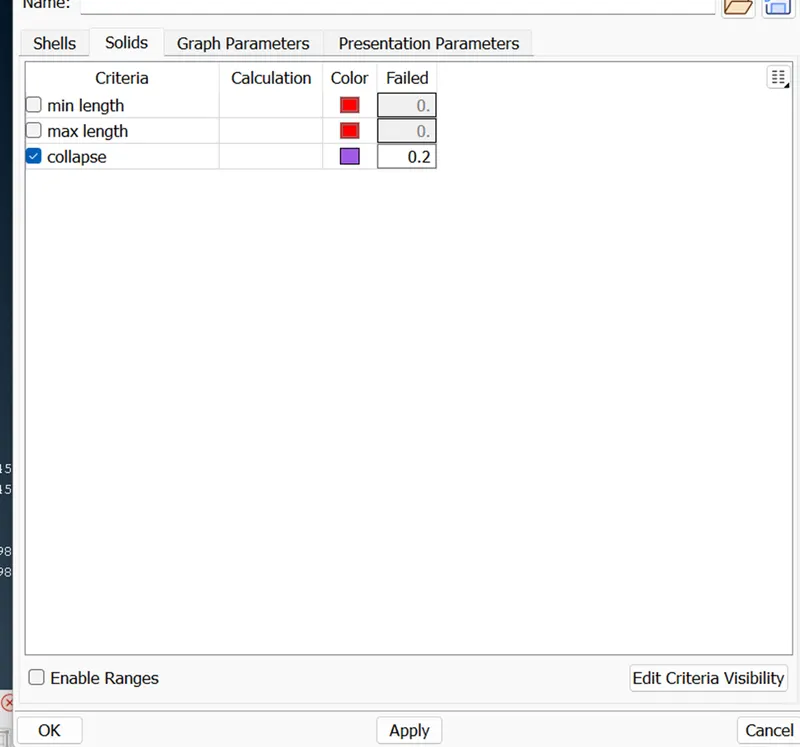
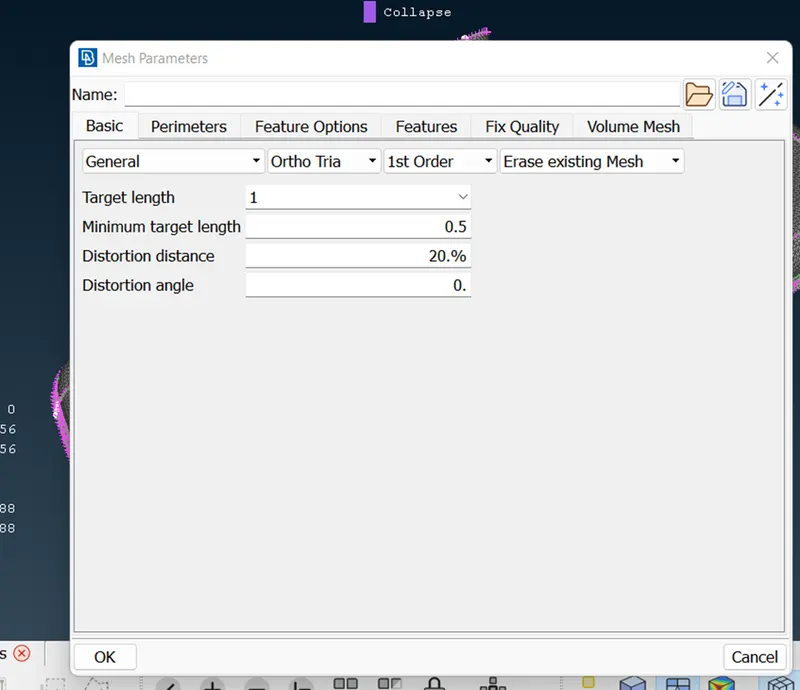
- After this we need to create a surface mesh.
Classic mesh > Mesh Generation > Spot mesh > select element type (Ortho, Tria) > select surface > click middle mouse button.
NOTE: if there is flat surface then we can use Tria element type otherwise we have to go with Ortho element type.
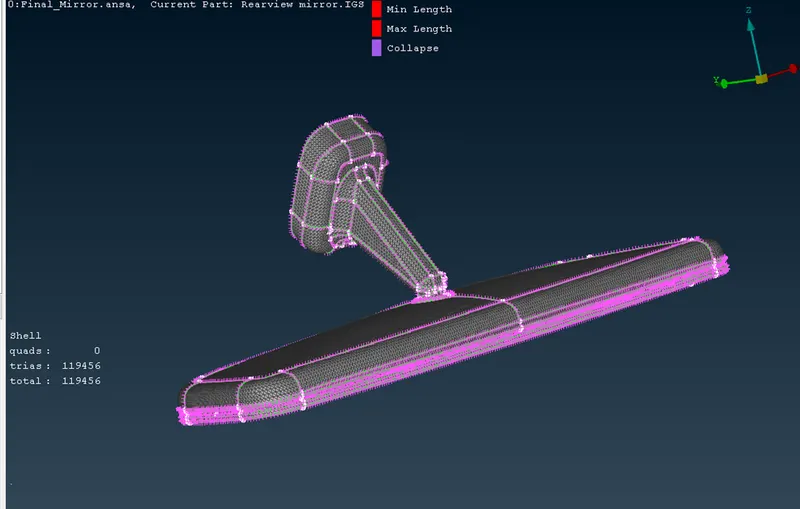
- After creating surface mesh. Now we need to define a volumes for each component.
Volume mesh > Define > select the component > middle mouse button.
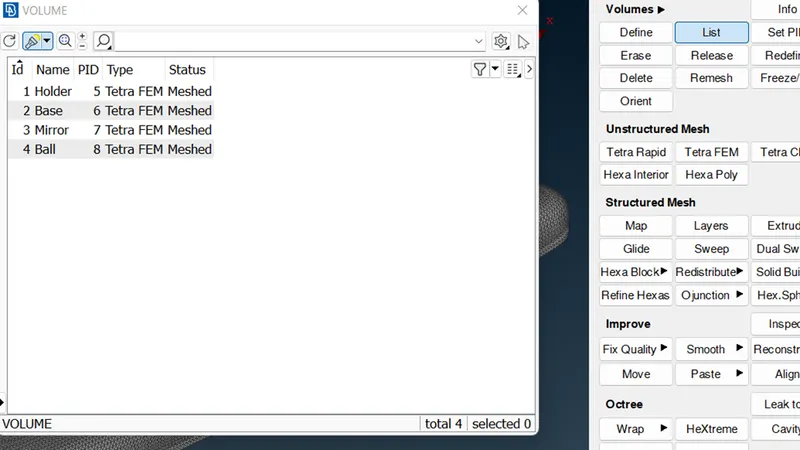
- As we can see that volume is created then we can create Tetra FEM mesh by selecting the component.
Volume mesh > Unstructured mesh > Tetra FEM > Select volume.
After this check the quality for tetra collapse.